Technical Infographic Prompt Template
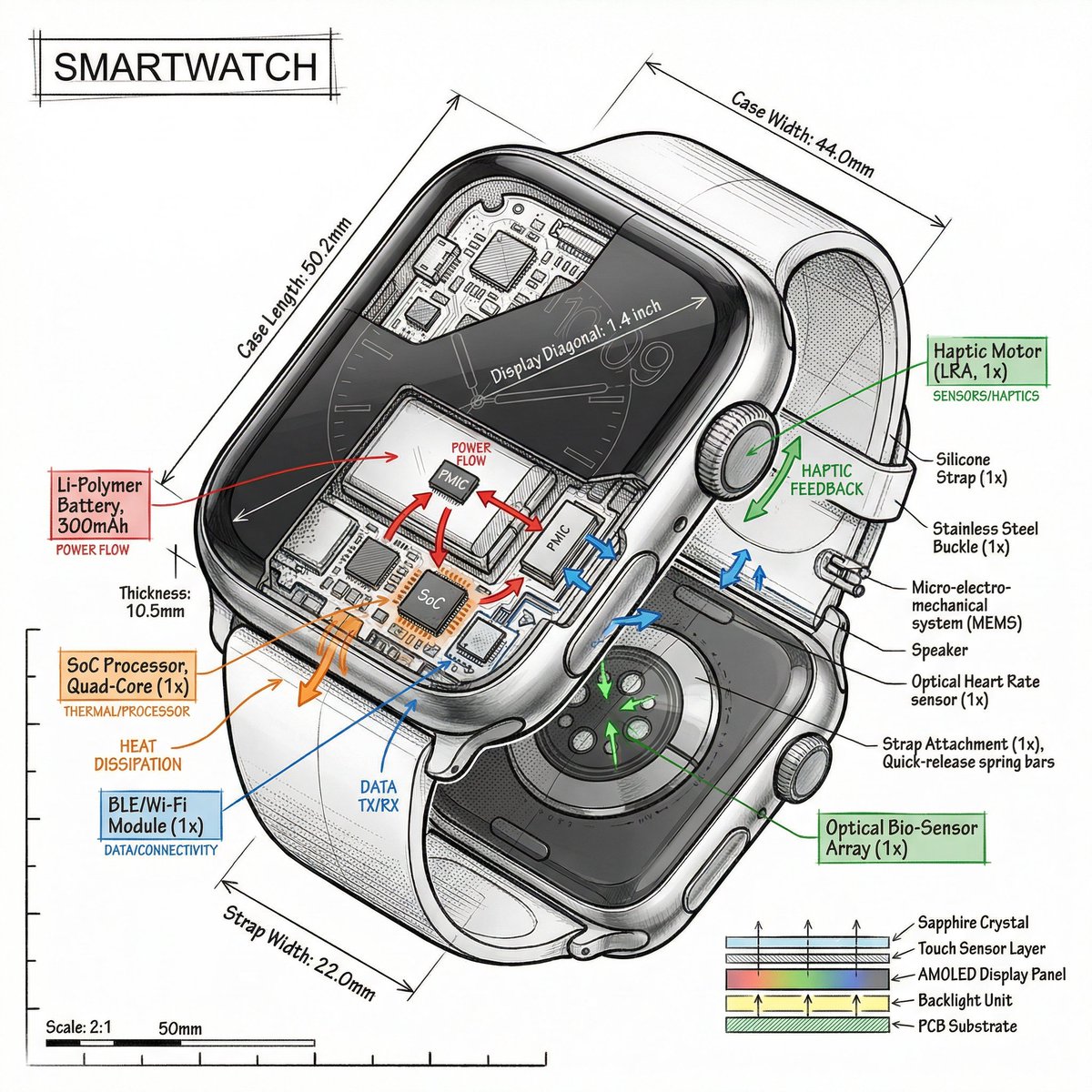
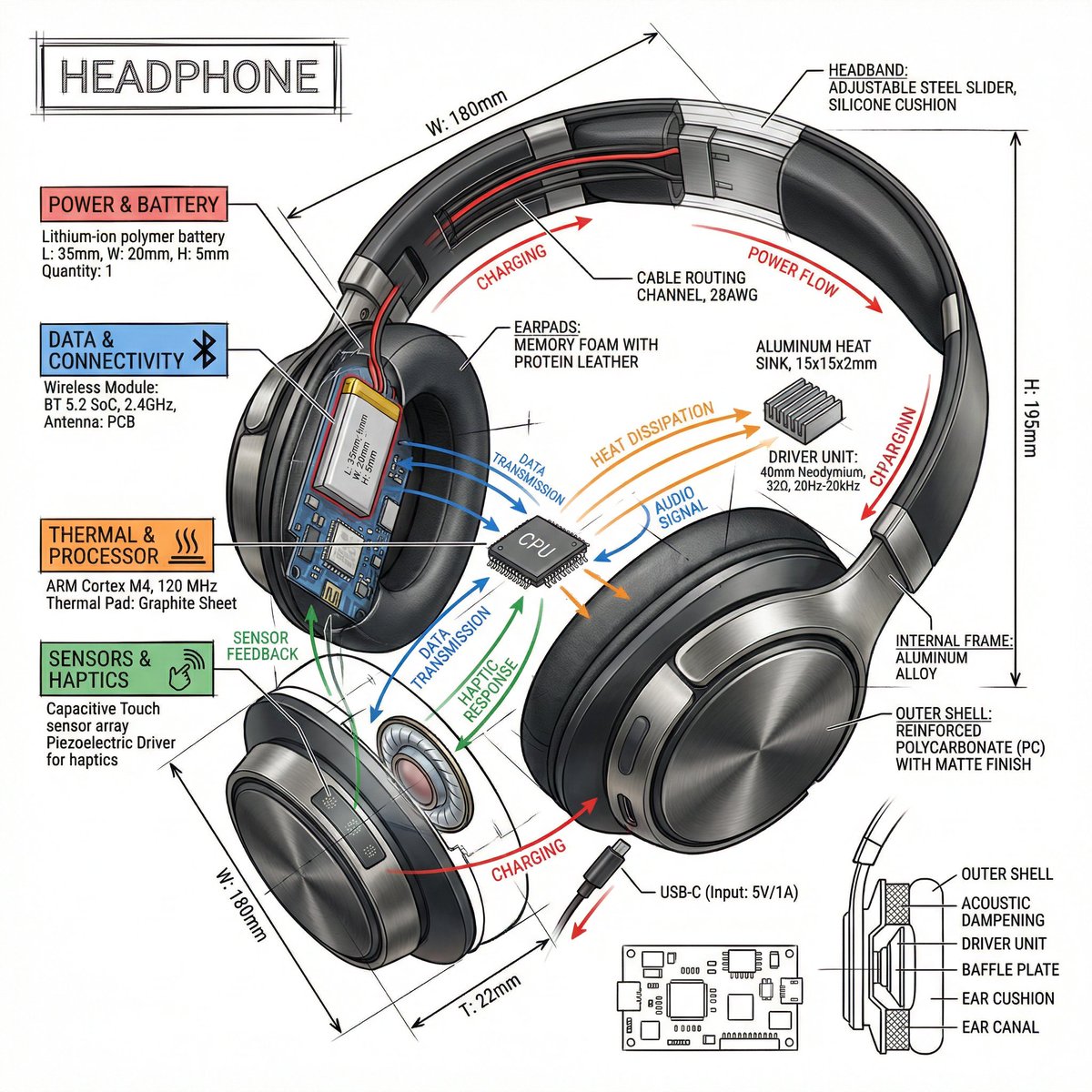
Technical Infographic Prompt Template

Eingabeaufforderung

Create a technical infographic of OBJECT with a 45-degree isometric 3D perspective showing the device slightly tilted to reveal depth and dimension. Combine a realistic photoreal render with black ink technical annotations on pure white background. Include: Key component labels with color-coded callout boxes Internal component visibility through transparent/cutaway sections Measurements, dimensions, and precise scale markers Material callouts and quantities Color-coded arrows for function/flow: RED (power/battery), BLUE (data/connectivity), ORANGE (thermal/processor), GREEN (sensors/haptics) Simple schematics or cross-sectional diagrams where relevant Place “OBJECT” title in a hand-drawn technical box (top-left corner). Style: Black linework (technical pen/architectural), sketched but precise. Object remains clearly visible. Educational museum-exhibit vibe. Clean composition, balanced negative space. Perspective: Isometric 3D angle—tilted to show depth, dimension, and internal architecture dramatically. Like a professional product teardown or engineering manual. Colors: ~10-15% accent density. Black dominant. White background. Output: 1080×1080, ultra-crisp, social-feed optimized.

Läuft auf 21 Modellen

  • Flux
  • Flux 2
  • Flux Kontext
  • GPT-4o Image
  • GPT Image
  • GPT Image 2
  • GPT Image 2.5
  • GPT Image 2.6
  • Grok Imagine
  • Ideogram V3
  • Imagen 4
  • Kling
  • +9 mehr

Was dieser Prompt erzeugt

Seedream 5 prompt: Hot dress Nicht angegeben v2
Nano Banana prompt: Match the same pose from the 1st image Nicht angegeben nano-banana-2.1
Seedream 5 prompt: Modern minimalist mobile app icon logo design for ... Nicht angegeben seedream-5-pro
FLUX prompt: Enchanted Victorian villages Nicht angegeben flux-2-pro
Hunyuan  prompt: субстанция Nicht angegeben hunyuan-3
ChatGPT Image prompt: A single cohesive Instagram Feed Portrait (4:5) so... Nicht angegeben v1

Führen Sie diese Eingabeaufforderung mit der API aus

Die folgende Anforderung sendet diese Eingabeaufforderung mit den ausgefüllten Standardwerten an das erste Modell, auf dem sie ausgeführt wird. Tauschen Sie den Modellnamen gegen ein anderes oben aufgeführtes Modell aus.

Prompt API-Dokumente
/api/v1/nano_banana/text_to_image
curl -X POST https://runapi.ai/api/v1/nano_banana/text_to_image \
  -H "Authorization: Bearer $RUNAPI_API_KEY" \
  -H "Content-Type: application/json" \
  --data-binary @- <<'JSON'
{
  "model": "nano-banana-pro",
  "prompt": "Create a technical infographic of OBJECT with a 45-degree isometric 3D perspective showing the device slightly tilted to reveal depth and dimension.\nCombine a realistic photoreal render with black ink technical annotations on pure white background. Include:\nKey component labels with color-coded callout boxes\nInternal component visibility through transparent/cutaway sections\nMeasurements, dimensions, and precise scale markers\nMaterial callouts and quantities\nColor-coded arrows for function/flow: RED (power/battery), BLUE (data/connectivity), ORANGE (thermal/processor), GREEN (sensors/haptics)\nSimple schematics or cross-sectional diagrams where relevant\n\nPlace “OBJECT” title in a hand-drawn technical box (top-left corner).\nStyle: Black linework (technical pen/architectural), sketched but precise. Object remains clearly visible. Educational museum-exhibit vibe. Clean composition, balanced negative space.\nPerspective: Isometric 3D angle—tilted to show depth, dimension, and internal architecture dramatically. Like a professional product teardown or engineering manual.\nColors: ~10-15% accent density. Black dominant. White background.\nOutput: 1080×1080, ultra-crisp, social-feed optimized."
}
JSON

Probier‘s mal mit einer Anfrage