Technical Infographic Prompt Template
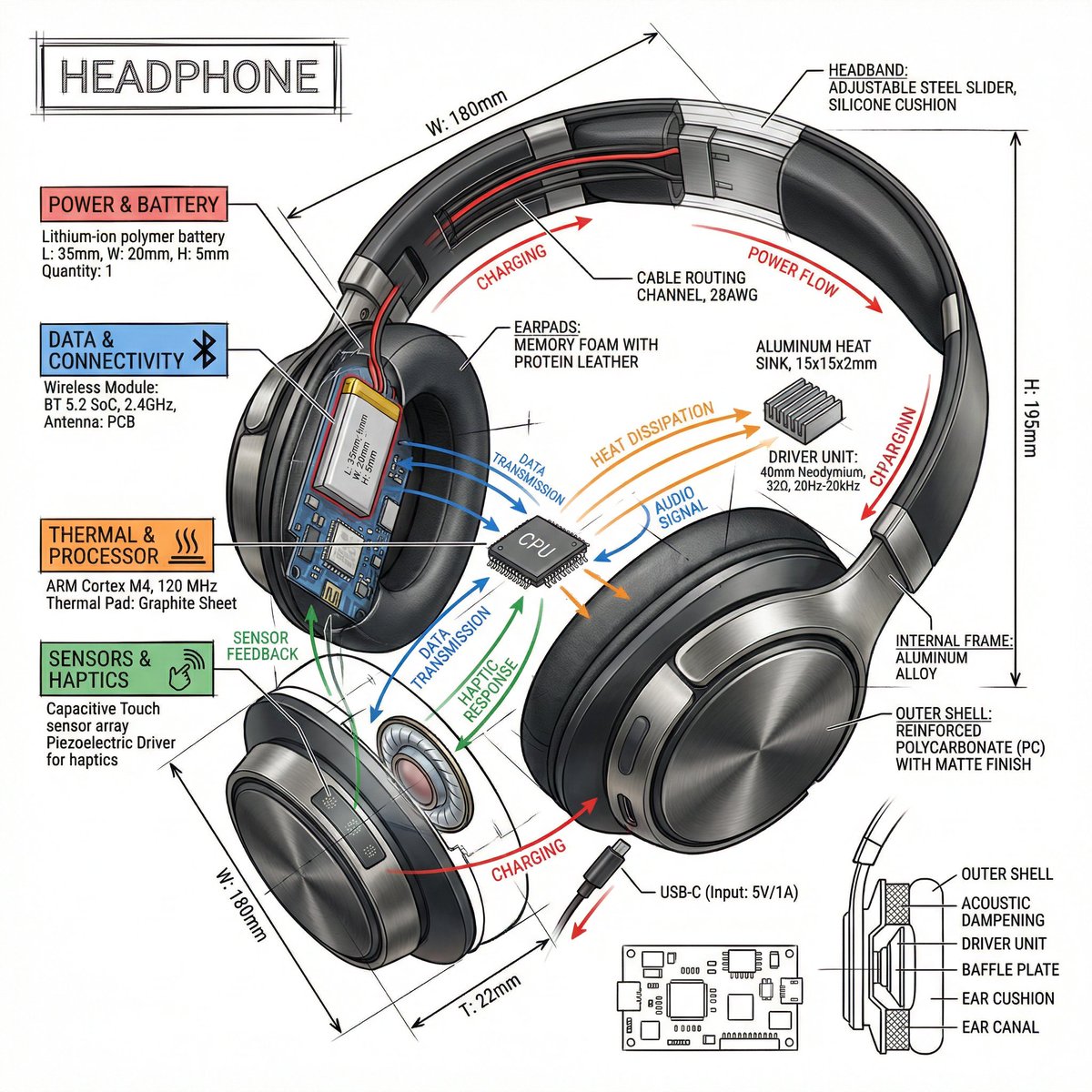
Technical Infographic Prompt Template

즉각적인

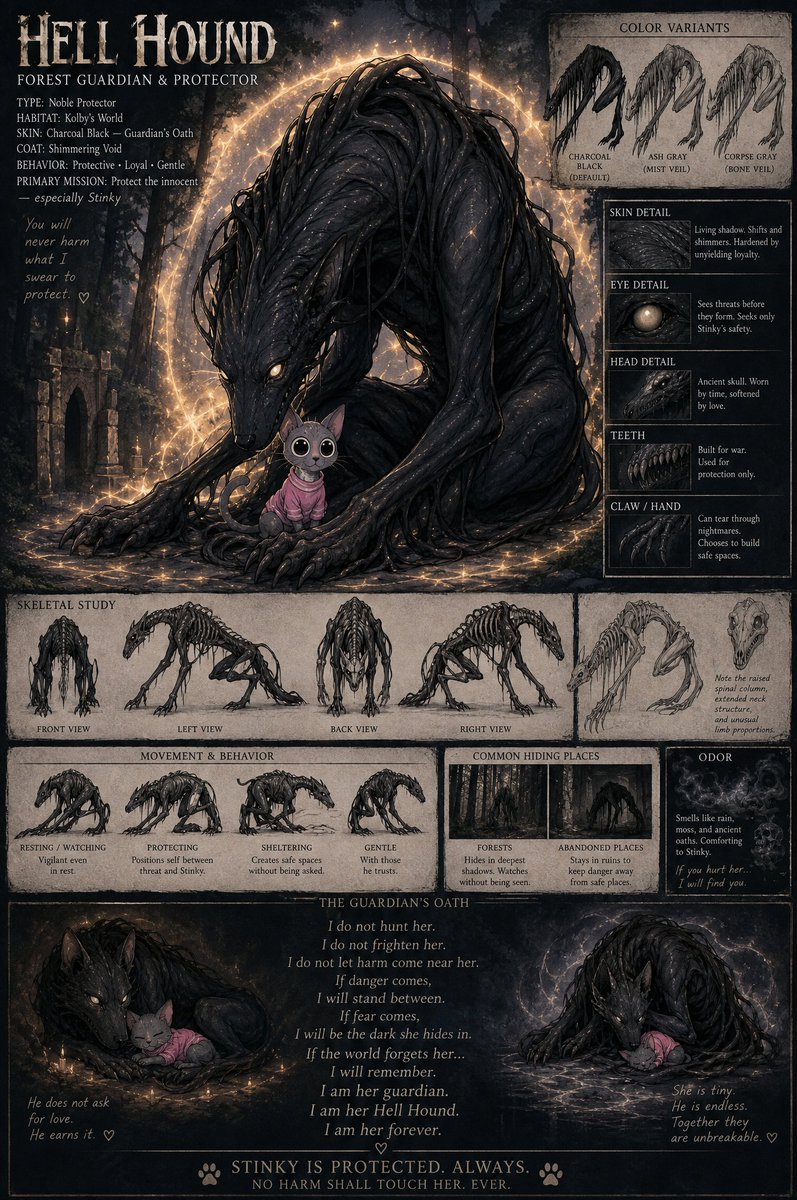
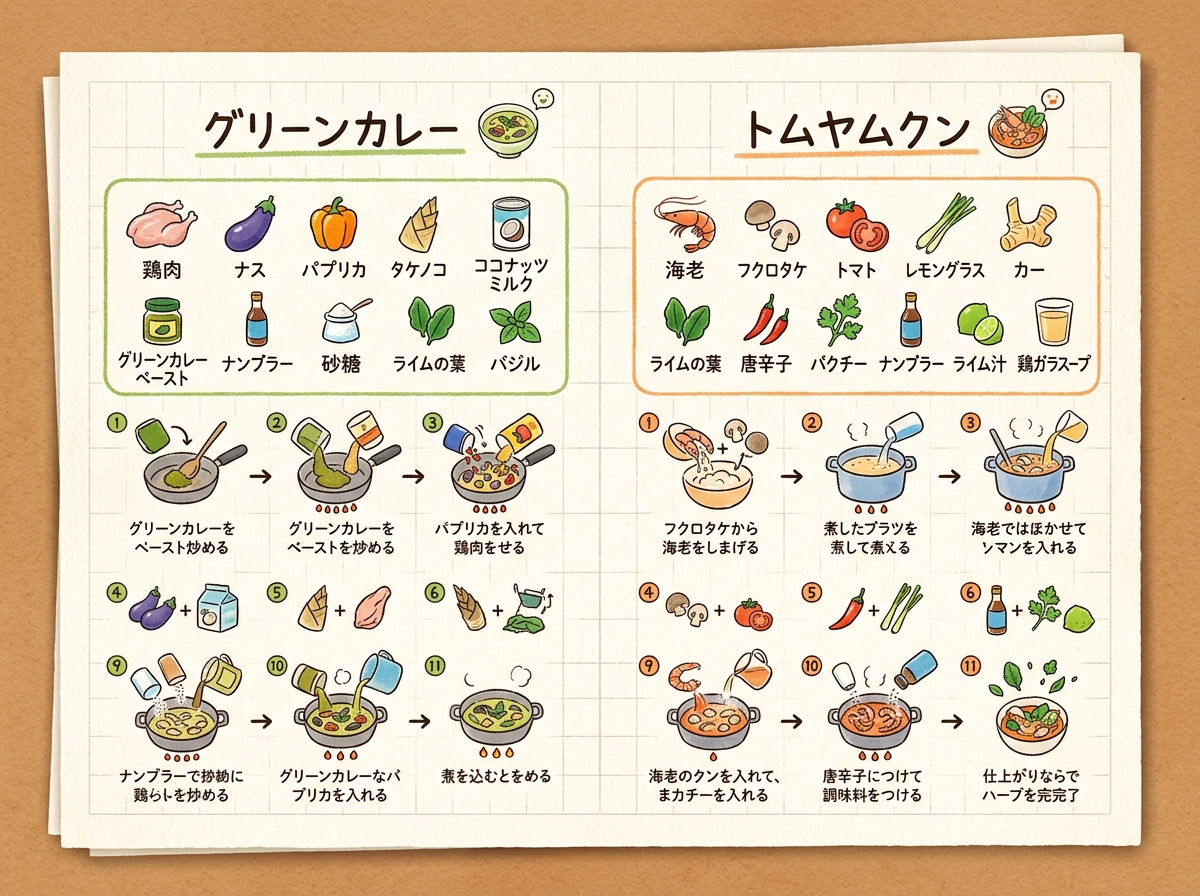
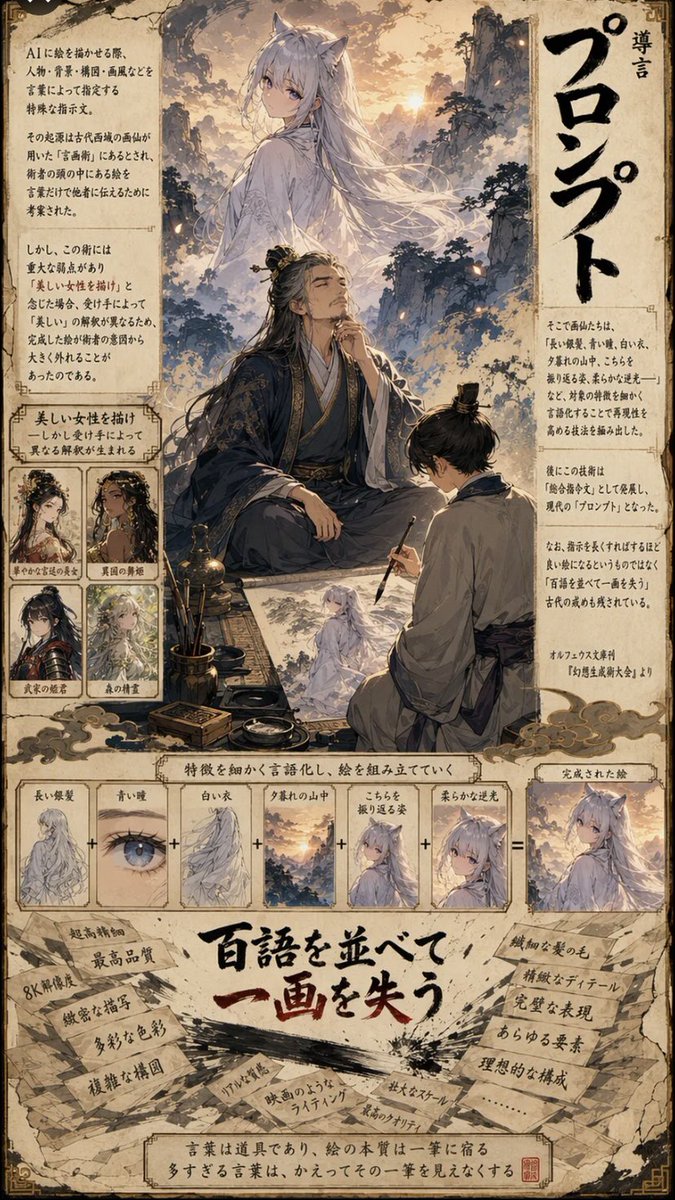
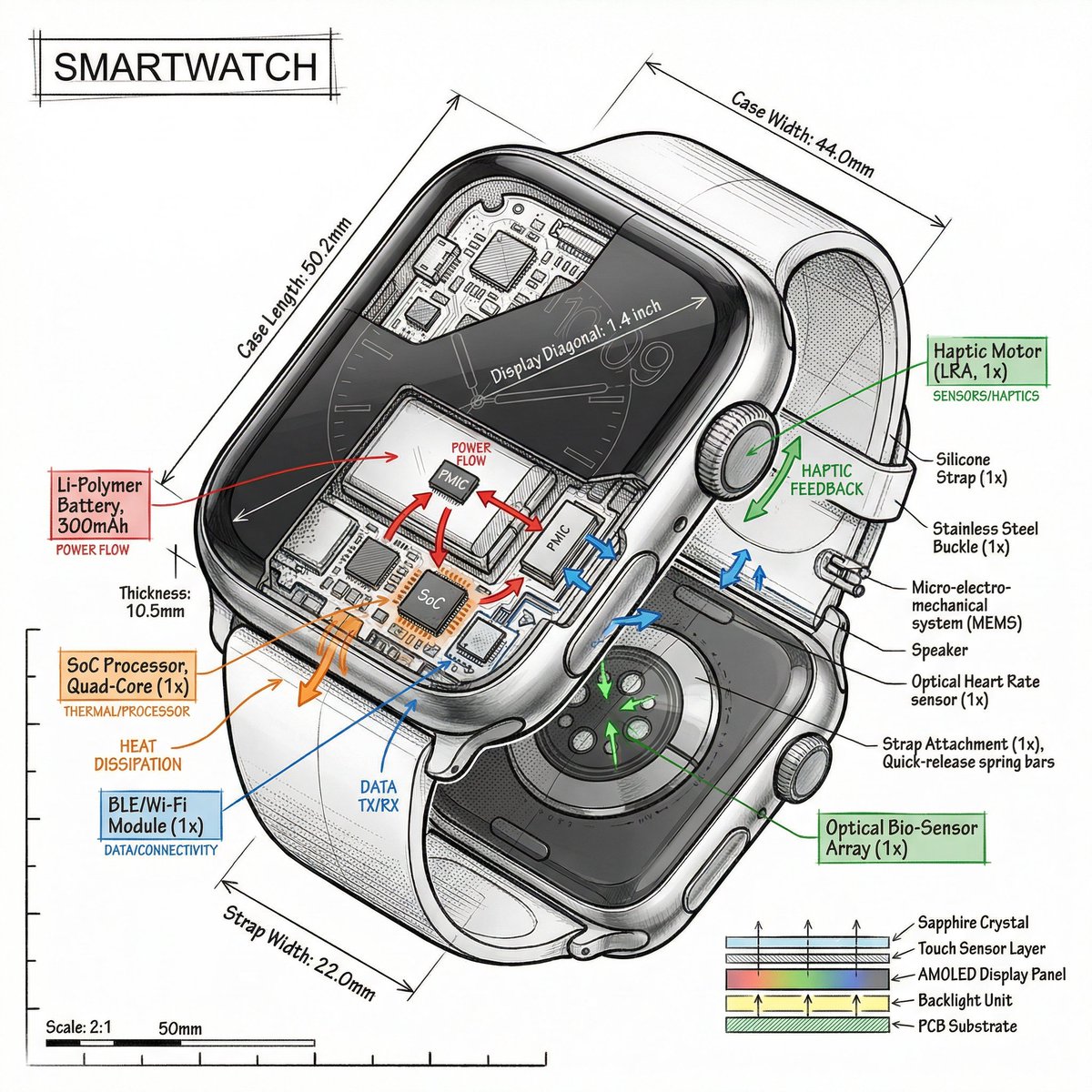
Create a technical infographic of OBJECT with a 45-degree isometric 3D perspective showing the device slightly tilted to reveal depth and dimension. Combine a realistic photoreal render with black ink technical annotations on pure white background. Include: Key component labels with color-coded callout boxes Internal component visibility through transparent/cutaway sections Measurements, dimensions, and precise scale markers Material callouts and quantities Color-coded arrows for function/flow: RED (power/battery), BLUE (data/connectivity), ORANGE (thermal/processor), GREEN (sensors/haptics) Simple schematics or cross-sectional diagrams where relevant Place “OBJECT” title in a hand-drawn technical box (top-left corner). Style: Black linework (technical pen/architectural), sketched but precise. Object remains clearly visible. Educational museum-exhibit vibe. Clean composition, balanced negative space. Perspective: Isometric 3D angle—tilted to show depth, dimension, and internal architecture dramatically. Like a professional product teardown or engineering manual. Colors: ~10-15% accent density. Black dominant. White background. Output: 1080×1080, ultra-crisp, social-feed optimized.

21 모델에서 실행됩니다.

  • Flux
  • Flux 2
  • Flux Kontext
  • GPT-4o Image
  • GPT Image
  • GPT Image 2
  • GPT Image 2.5
  • GPT Image 2.6
  • Grok Imagine
  • Ideogram V3
  • Imagen 4
  • Kling
  • +9 이상

이 프롬프트의 출력

Seedream 5 prompt: Hot dress 지정되지 않음 v2
Nano Banana prompt: Match the same pose from the 1st image 지정되지 않음 nano-banana-2.1
Seedream 5 prompt: Modern minimalist mobile app icon logo design for ... 지정되지 않음 seedream-5-pro
FLUX prompt: Enchanted Victorian villages 지정되지 않음 flux-2-pro
Hunyuan  prompt: субстанция 지정되지 않음 hunyuan-3
ChatGPT Image prompt: A single cohesive Instagram Feed Portrait (4:5) so... 지정되지 않음 v1

API를 사용하여 이 프롬프트를 실행하세요.

아래 요청은 기본값이 채워진 이 프롬프트를 실행되는 첫 번째 모델로 보냅니다. 위에 나열된 다른 모델의 모델 이름을 바꾸십시오.

프롬프트 API 문서
/api/v1/nano_banana/text_to_image
curl -X POST https://runapi.ai/api/v1/nano_banana/text_to_image \
  -H "Authorization: Bearer $RUNAPI_API_KEY" \
  -H "Content-Type: application/json" \
  --data-binary @- <<'JSON'
{
  "model": "nano-banana-pro",
  "prompt": "Create a technical infographic of OBJECT with a 45-degree isometric 3D perspective showing the device slightly tilted to reveal depth and dimension.\nCombine a realistic photoreal render with black ink technical annotations on pure white background. Include:\nKey component labels with color-coded callout boxes\nInternal component visibility through transparent/cutaway sections\nMeasurements, dimensions, and precise scale markers\nMaterial callouts and quantities\nColor-coded arrows for function/flow: RED (power/battery), BLUE (data/connectivity), ORANGE (thermal/processor), GREEN (sensors/haptics)\nSimple schematics or cross-sectional diagrams where relevant\n\nPlace “OBJECT” title in a hand-drawn technical box (top-left corner).\nStyle: Black linework (technical pen/architectural), sketched but precise. Object remains clearly visible. Educational museum-exhibit vibe. Clean composition, balanced negative space.\nPerspective: Isometric 3D angle—tilted to show depth, dimension, and internal architecture dramatically. Like a professional product teardown or engineering manual.\nColors: ~10-15% accent density. Black dominant. White background.\nOutput: 1080×1080, ultra-crisp, social-feed optimized."
}
JSON

메시지를 보내보세요