Tokyo Expressway Fashion Editorial
Tokyo Expressway Fashion Editorial

Eingabeaufforderung

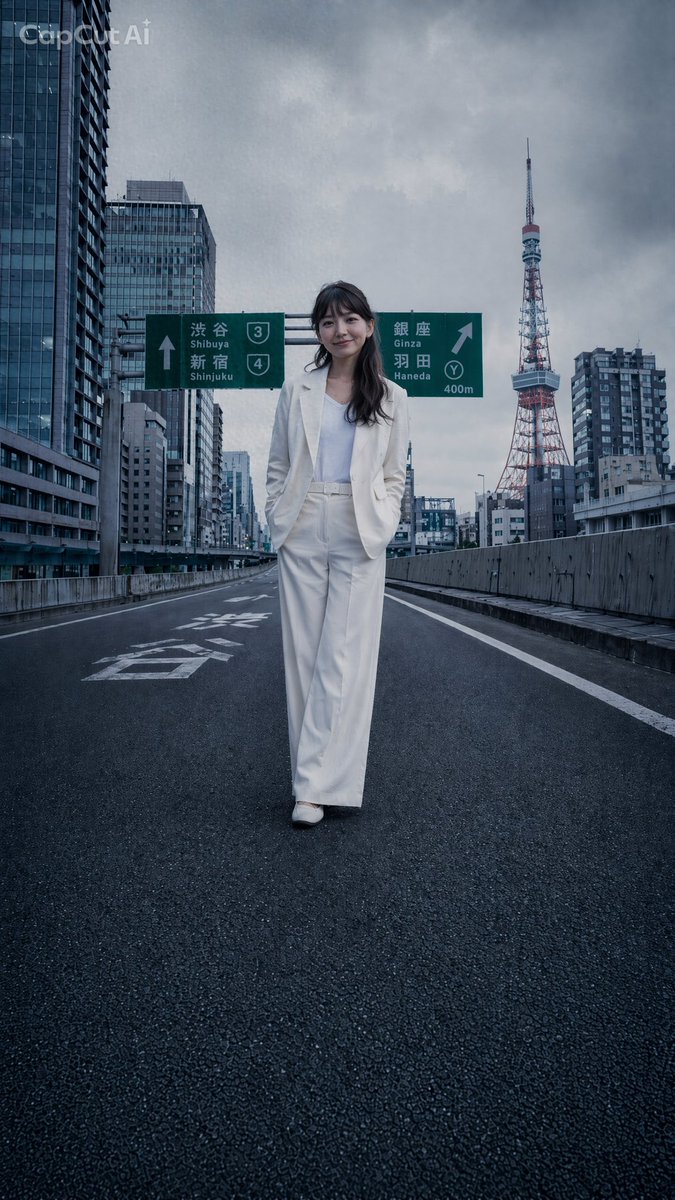
Create a cinematic photorealistic editorial fashion image of a stylish young woman walking alone down the center of an empty elevated Tokyo expressway, as if the entire Shuto Expressway has been closed for a private shoot. She wears a crisp all-white tailored pantsuit with a white top and white shoes, hands in trouser pockets, confident relaxed posture, full-body centered composition, long dark wavy hair, face softly anonymized or blurred. The road surface is dark wet-looking asphalt with strong perspective lines, white lane markings, concrete guardrails on both sides, no cars and no pedestrians. In the background, show dense modern Tokyo high-rise buildings and Tokyo Tower on the right side under a dramatic cloudy gray sky. Include two green Japanese highway direction signs above and behind the subject: one pointing straight with “Shibuya” and “Shinjuku,” route shields 3 and 4; one pointing right with “Ginza,” “Haneda,” route shield Y, and “400m.” Use a cool blue-gray color grade, moody overcast lighting, wide-angle low street-level perspective, realistic lens depth, sharp architectural detail, high-fashion magazine atmosphere. Add a subtle semi-transparent CapCut AI watermark in the upper-left corner. Vertical 9:16 composition, ultra-realistic, no extra text beyond the signs and watermark.

Läuft auf 21 Modellen

  • Flux
  • Flux 2
  • Flux Kontext
  • GPT-4o Image
  • GPT Image
  • GPT Image 2
  • GPT Image 2.5
  • GPT Image 2.6
  • Grok Imagine
  • Ideogram V3
  • Imagen 4
  • Kling
  • +9 mehr

Was dieser Prompt erzeugt

Wireless Doorbell Camera Instructions Prompt Nicht angegeben gpt-image-2
Hunyuan  prompt: wine Nicht angegeben hunyuan-3
Hunyuan  prompt: can beer Nicht angegeben hunyuan-3
Hunyuan  prompt: ربات Nicht angegeben hunyuan-3
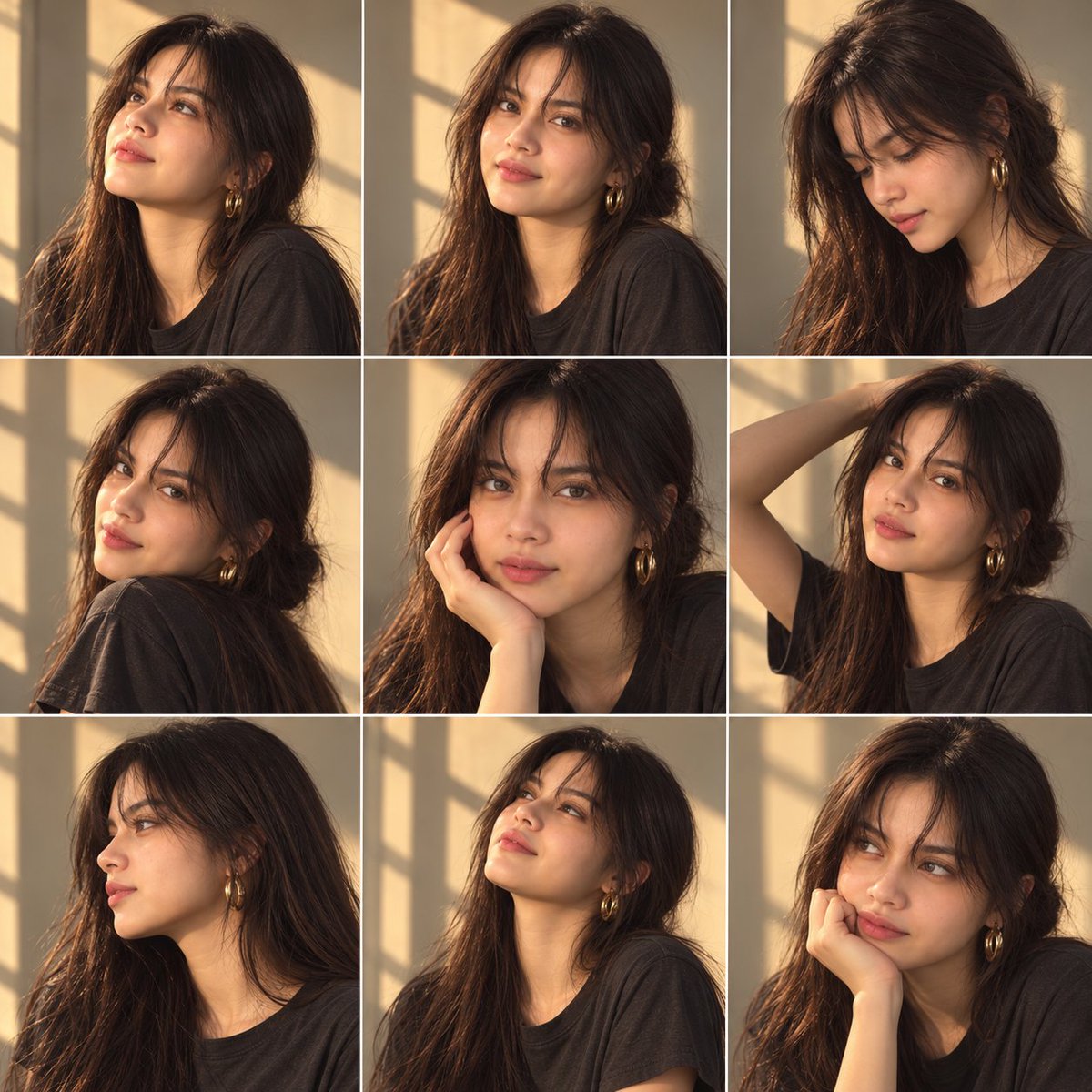
Hero prompt: recreate image 1 (close up indoor portrait of a wo... Nicht angegeben 1.0
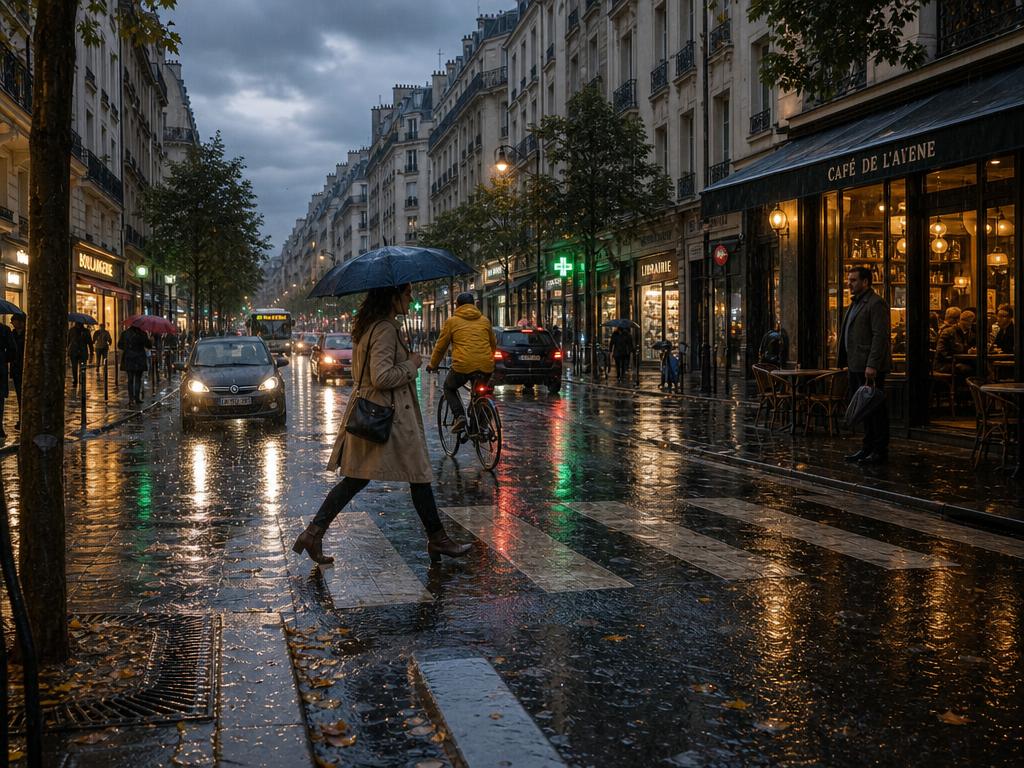
Rainy French Street at Night Nicht angegeben gpt-image-2

Führen Sie diese Eingabeaufforderung mit der API aus

Die folgende Anforderung sendet diese Eingabeaufforderung mit den ausgefüllten Standardwerten an das erste Modell, auf dem sie ausgeführt wird. Tauschen Sie den Modellnamen gegen ein anderes oben aufgeführtes Modell aus.

Prompt API-Dokumente
/api/v1/gpt_image_2/text_to_image
curl -X POST https://runapi.ai/api/v1/gpt_image_2/text_to_image \
  -H "Authorization: Bearer $RUNAPI_API_KEY" \
  -H "Content-Type: application/json" \
  --data-binary @- <<'JSON'
{
  "model": "gpt-image-2",
  "prompt": "Create a cinematic photorealistic editorial fashion image of a stylish young woman walking alone down the center of an empty elevated Tokyo expressway, as if the entire Shuto Expressway has been closed for a private shoot. She wears a crisp all-white tailored pantsuit with a white top and white shoes, hands in trouser pockets, confident relaxed posture, full-body centered composition, long dark wavy hair, face softly anonymized or blurred. The road surface is dark wet-looking asphalt with strong perspective lines, white lane markings, concrete guardrails on both sides, no cars and no pedestrians. In the background, show dense modern Tokyo high-rise buildings and Tokyo Tower on the right side under a dramatic cloudy gray sky. Include two green Japanese highway direction signs above and behind the subject: one pointing straight with “Shibuya” and “Shinjuku,” route shields 3 and 4; one pointing right with “Ginza,” “Haneda,” route shield Y, and “400m.” Use a cool blue-gray color grade, moody overcast lighting, wide-angle low street-level perspective, realistic lens depth, sharp architectural detail, high-fashion magazine atmosphere. Add a subtle semi-transparent CapCut AI watermark in the upper-left corner. Vertical 9:16 composition, ultra-realistic, no extra text beyond the signs and watermark."
}
JSON

Probier‘s mal mit einer Anfrage