Tokyo Expressway Fashion Editorial
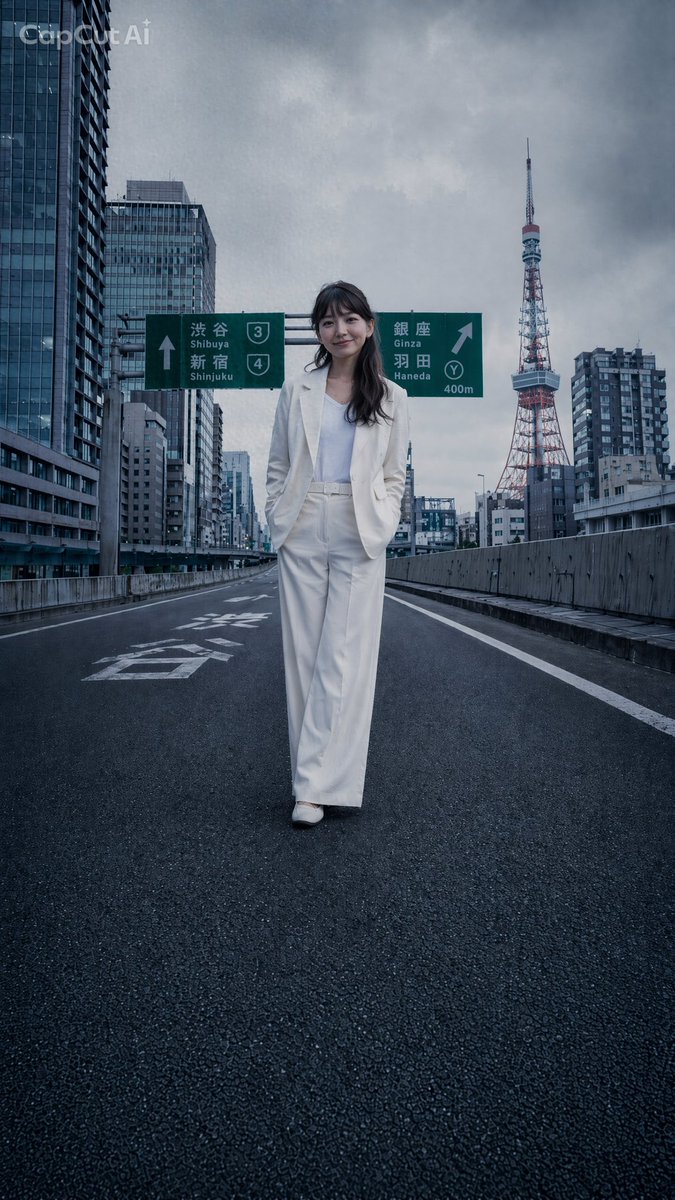
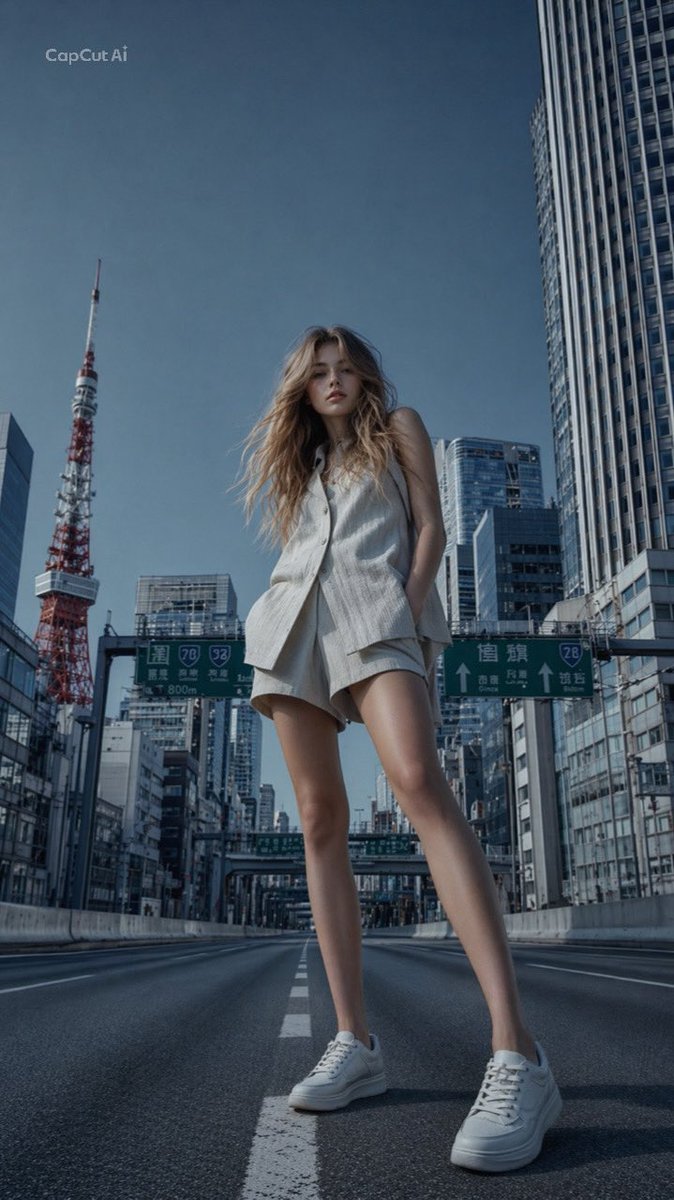
Tokyo Expressway Fashion Editorial

prompt

Create a cinematic photorealistic editorial fashion image of a stylish young woman walking alone down the center of an empty elevated Tokyo expressway, as if the entire Shuto Expressway has been closed for a private shoot. She wears a crisp all-white tailored pantsuit with a white top and white shoes, hands in trouser pockets, confident relaxed posture, full-body centered composition, long dark wavy hair, face softly anonymized or blurred. The road surface is dark wet-looking asphalt with strong perspective lines, white lane markings, concrete guardrails on both sides, no cars and no pedestrians. In the background, show dense modern Tokyo high-rise buildings and Tokyo Tower on the right side under a dramatic cloudy gray sky. Include two green Japanese highway direction signs above and behind the subject: one pointing straight with “Shibuya” and “Shinjuku,” route shields 3 and 4; one pointing right with “Ginza,” “Haneda,” route shield Y, and “400m.” Use a cool blue-gray color grade, moody overcast lighting, wide-angle low street-level perspective, realistic lens depth, sharp architectural detail, high-fashion magazine atmosphere. Add a subtle semi-transparent CapCut AI watermark in the upper-left corner. Vertical 9:16 composition, ultra-realistic, no extra text beyond the signs and watermark.

Funziona su 21 modelli

  • Flux
  • Flux 2
  • Flux Kontext
  • GPT-4o Image
  • GPT Image
  • GPT Image 2
  • GPT Image 2.5
  • GPT Image 2.6
  • Grok Imagine
  • Ideogram V3
  • Imagen 4
  • Kling
  • +9 Altri

Cosa produce questo prompt

Wireless Doorbell Camera Instructions Prompt Non specificato gpt-image-2
Hunyuan  prompt: wine Non specificato hunyuan-3
Hunyuan  prompt: can beer Non specificato hunyuan-3
Hunyuan  prompt: ربات Non specificato hunyuan-3
Hero prompt: recreate image 1 (close up indoor portrait of a wo... Non specificato 1.0
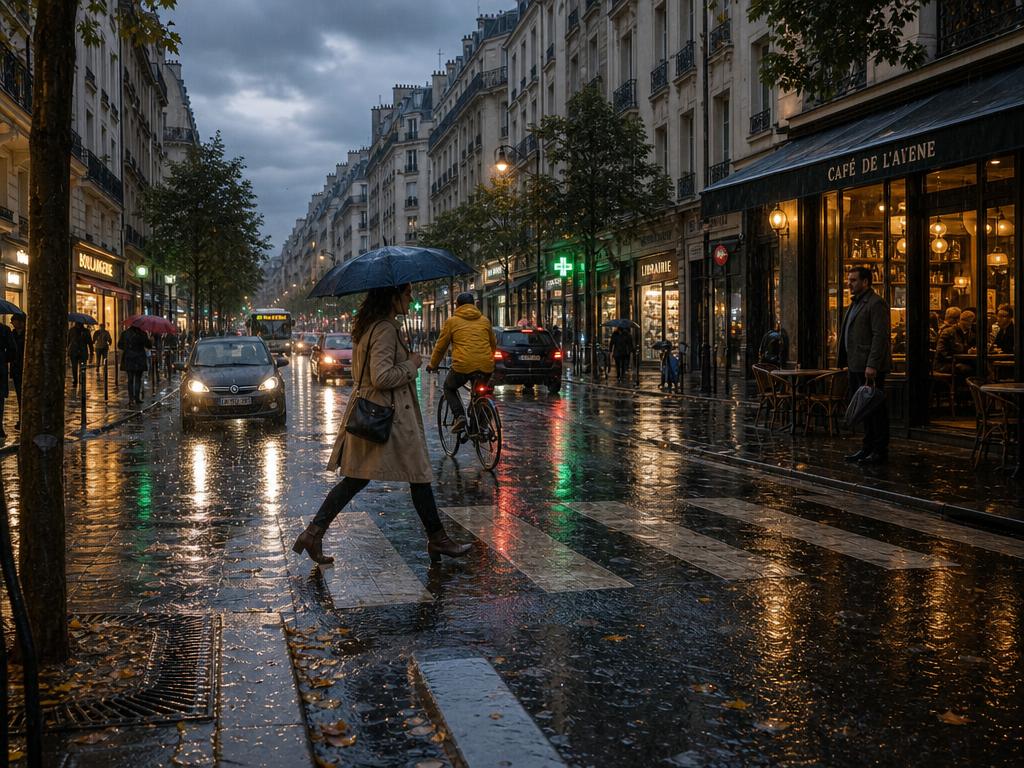
Rainy French Street at Night Non specificato gpt-image-2

Run questo prompt con il API

La richiesta seguente invia questo prompt, con i valori predefiniti compilati, al primo modello su cui viene eseguito. Scambia il nome del modello con qualsiasi altro modello elencato sopra.

Documentazione API prompt
/api/v1/gpt_image_2/text_to_image
curl -X POST https://runapi.ai/api/v1/gpt_image_2/text_to_image \
  -H "Authorization: Bearer $RUNAPI_API_KEY" \
  -H "Content-Type: application/json" \
  --data-binary @- <<'JSON'
{
  "model": "gpt-image-2",
  "prompt": "Create a cinematic photorealistic editorial fashion image of a stylish young woman walking alone down the center of an empty elevated Tokyo expressway, as if the entire Shuto Expressway has been closed for a private shoot. She wears a crisp all-white tailored pantsuit with a white top and white shoes, hands in trouser pockets, confident relaxed posture, full-body centered composition, long dark wavy hair, face softly anonymized or blurred. The road surface is dark wet-looking asphalt with strong perspective lines, white lane markings, concrete guardrails on both sides, no cars and no pedestrians. In the background, show dense modern Tokyo high-rise buildings and Tokyo Tower on the right side under a dramatic cloudy gray sky. Include two green Japanese highway direction signs above and behind the subject: one pointing straight with “Shibuya” and “Shinjuku,” route shields 3 and 4; one pointing right with “Ginza,” “Haneda,” route shield Y, and “400m.” Use a cool blue-gray color grade, moody overcast lighting, wide-angle low street-level perspective, realistic lens depth, sharp architectural detail, high-fashion magazine atmosphere. Add a subtle semi-transparent CapCut AI watermark in the upper-left corner. Vertical 9:16 composition, ultra-realistic, no extra text beyond the signs and watermark."
}
JSON

Prova a prompt