Castle Edit Markup Overlay
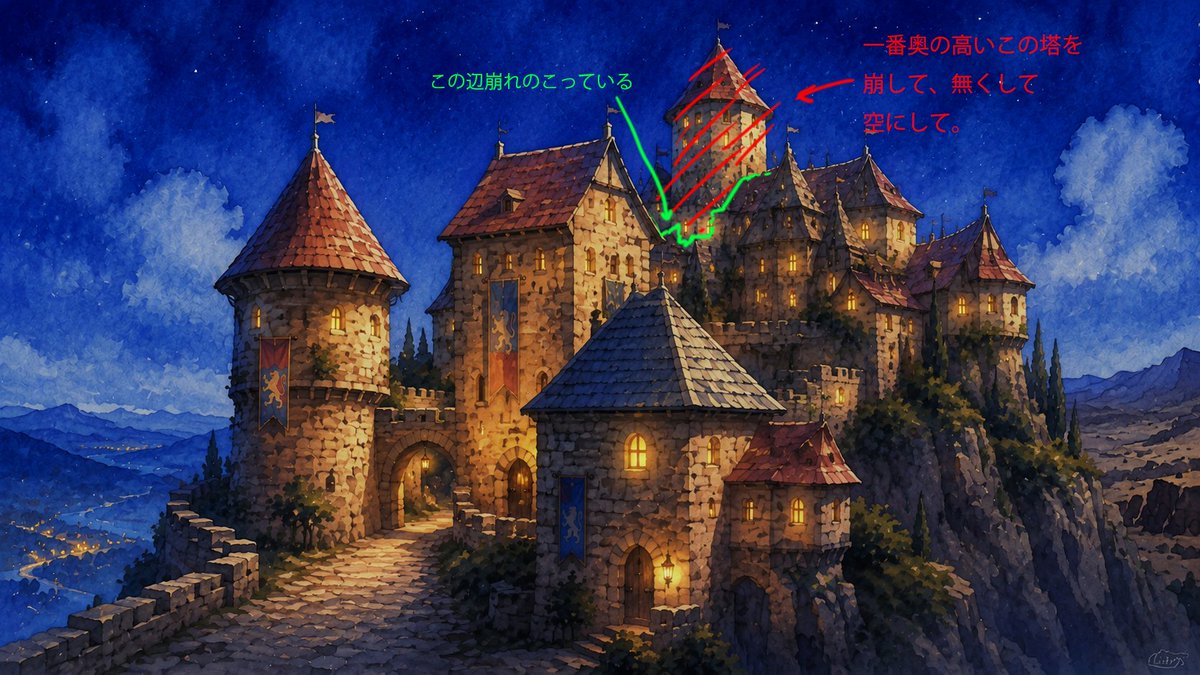
Castle Edit Markup Overlay

Eingabeaufforderung

Using REFERENCE_0 as the base image, keep the castle artwork unchanged and overlay rough handwritten edit notes directly on top of it, as if marking areas for an image-editing revision. Add exactly 2 annotation groups: 1. Red annotation group on the tall rear tower near the upper-right center: draw red diagonal hatching across the tower, add a red arrow pointing toward it, and add the handwritten Japanese note 一番奥の高いこの塔を崩して、無くして空にして。 in the upper-right sky area. 2. Green annotation group around the crumbling edge/remaining structure near the middle top: draw a green irregular outline around the broken area, add a green arrow pointing down to it, and add the handwritten Japanese note この辺崩れのこっている in the upper-middle sky area. Style constraints: the annotations should look like quick digital pen markup, not integrated into the painting; keep the original watercolor fantasy castle image otherwise intact with no actual architectural removal yet.

Läuft auf 21 Modellen

  • Flux
  • Flux 2
  • Flux Kontext
  • GPT-4o Image
  • GPT Image
  • GPT Image 2
  • GPT Image 2.5
  • GPT Image 2.6
  • Grok Imagine
  • Ideogram V3
  • Imagen 4
  • Kling
  • +9 mehr

Was dieser Prompt erzeugt

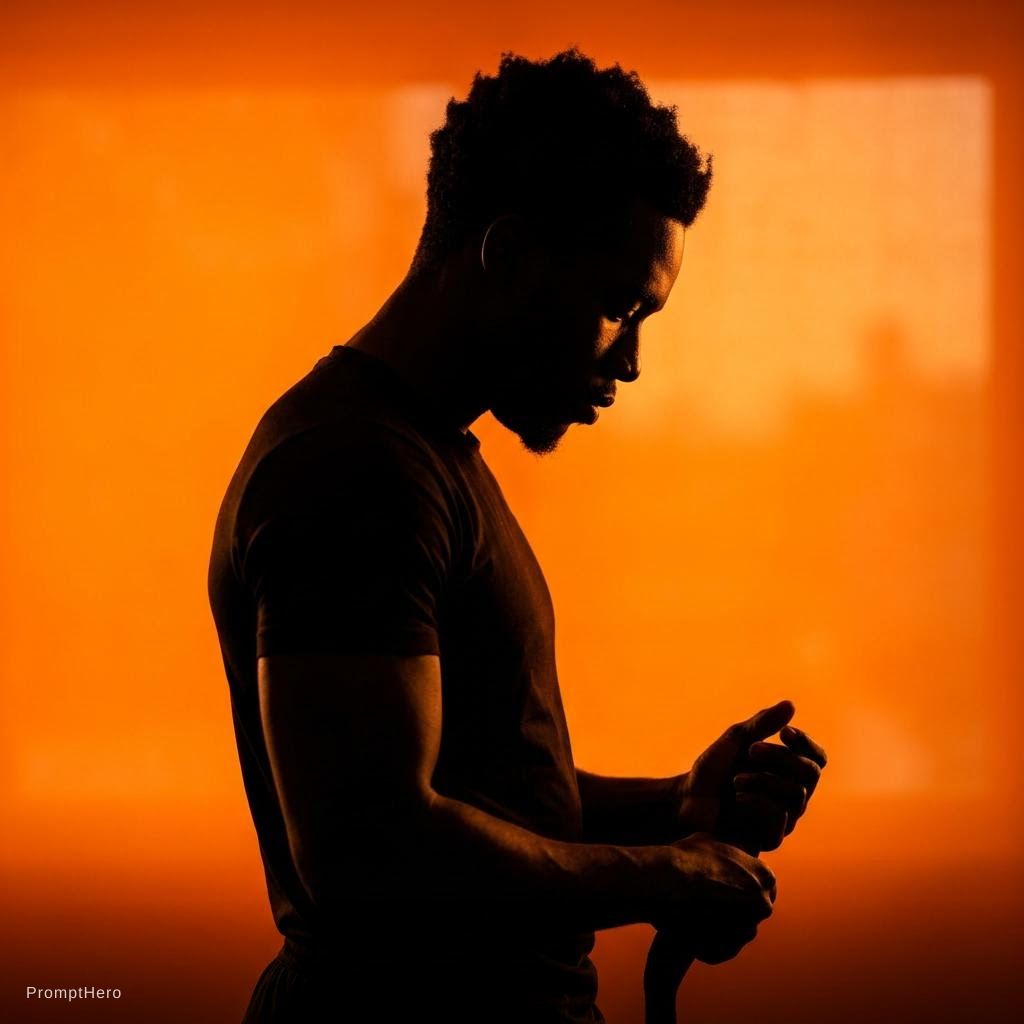
Hero prompt: photography, portrait of contrast, profile silhoue... Nicht angegeben 1.0
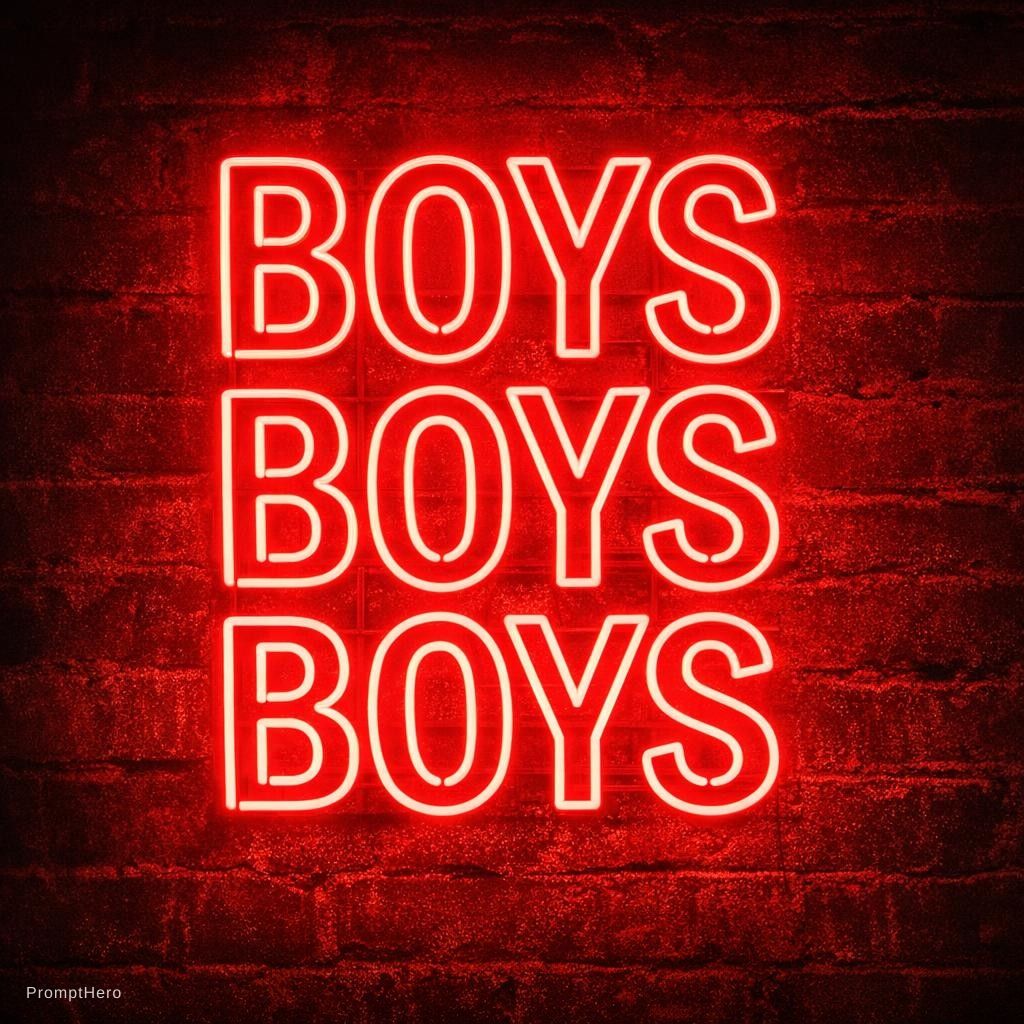
ChatGPT Image prompt: red neon sign that says 'BOYS BOYS BOYS' Nicht angegeben v1
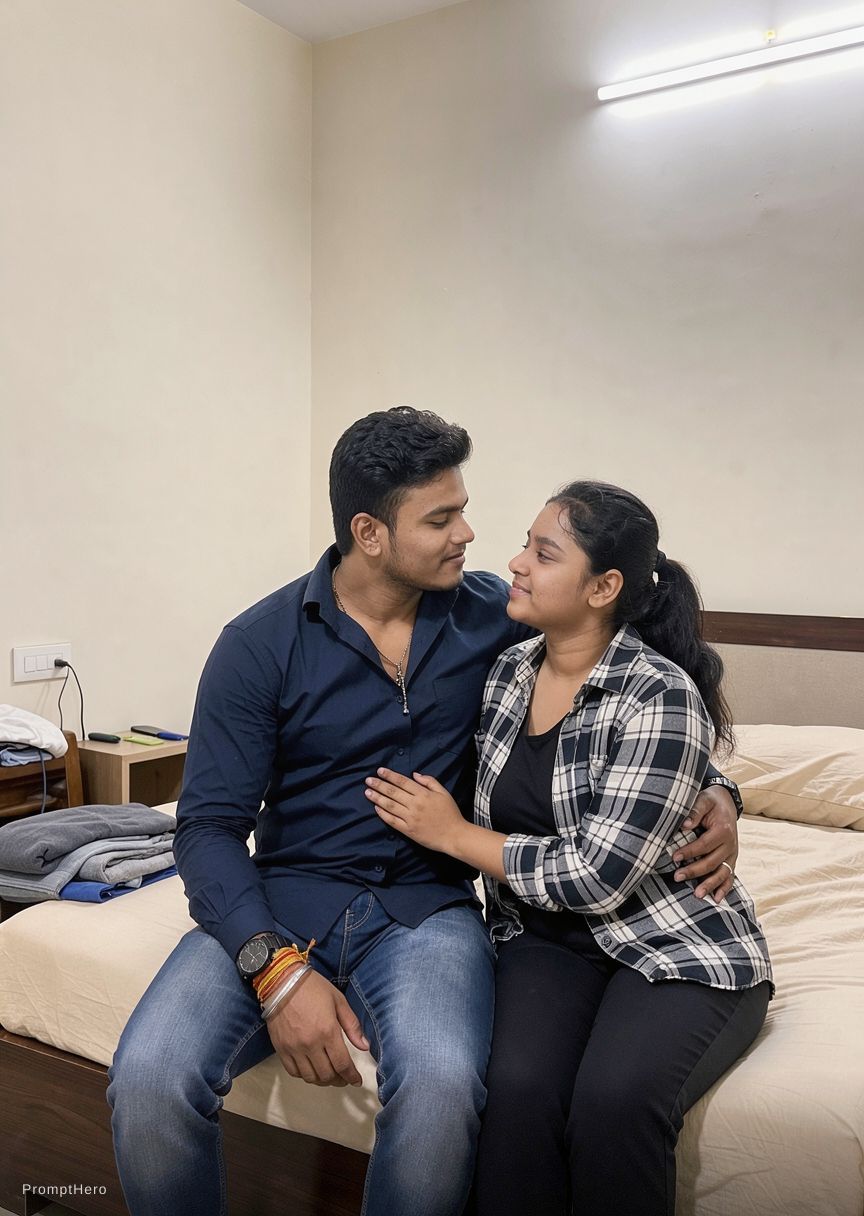
FLUX prompt: Romantic couple in love with each other in a priva Nicht angegeben flux-3
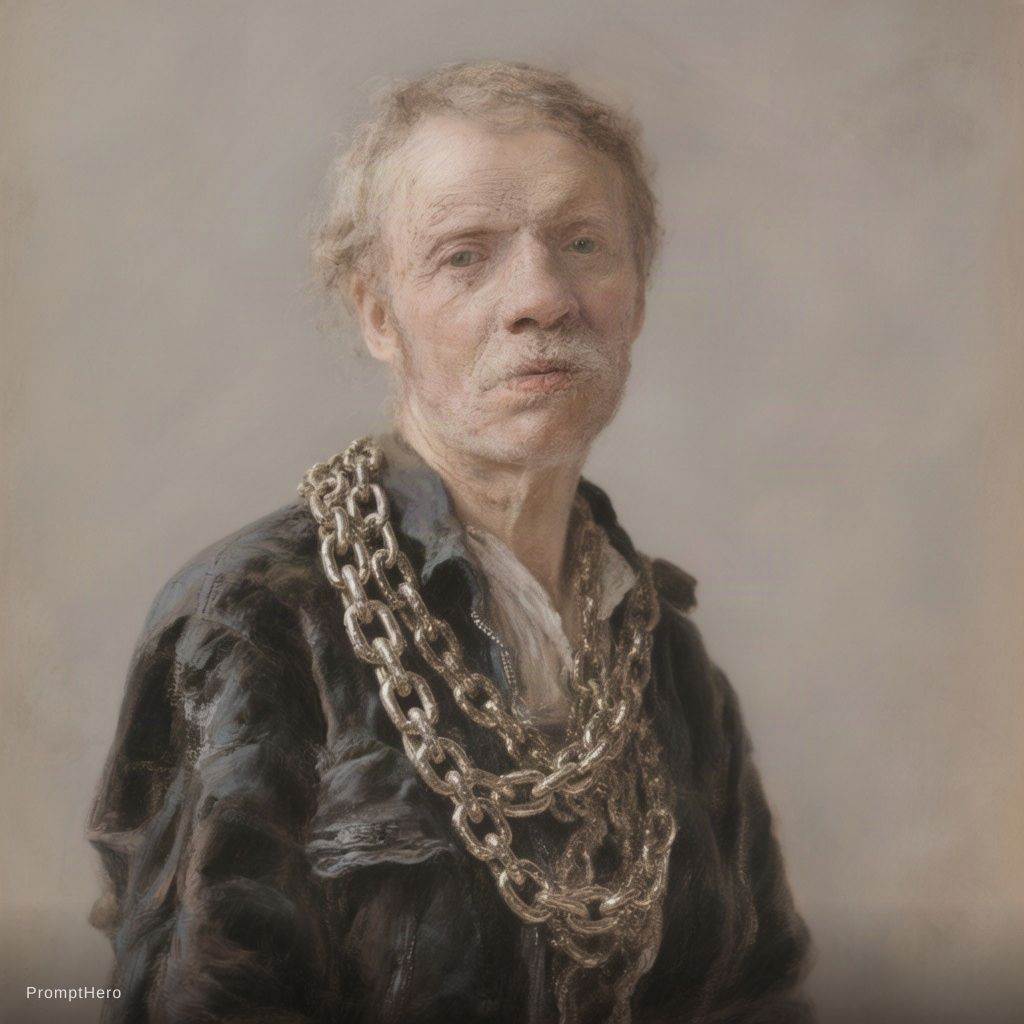
Hunyuan  prompt: chained Nicht angegeben hunyuan-3
Seedream 5 prompt: you can change the outfit if thats a better match ... Nicht angegeben seedream-5-pro
Hunyuan  prompt: این موجود با اون دستی که روی زمین گذاشته و کنار پا... Nicht angegeben hunyuan-3

Führen Sie diese Eingabeaufforderung mit der API aus

Die folgende Anforderung sendet diese Eingabeaufforderung mit den ausgefüllten Standardwerten an das erste Modell, auf dem sie ausgeführt wird. Tauschen Sie den Modellnamen gegen ein anderes oben aufgeführtes Modell aus.

Prompt API-Dokumente
/api/v1/gpt_image_2/text_to_image
curl -X POST https://runapi.ai/api/v1/gpt_image_2/text_to_image \
  -H "Authorization: Bearer $RUNAPI_API_KEY" \
  -H "Content-Type: application/json" \
  --data-binary @- <<'JSON'
{
  "model": "gpt-image-2",
  "prompt": "Using REFERENCE_0 as the base image, keep the castle artwork unchanged and overlay rough handwritten edit notes directly on top of it, as if marking areas for an image-editing revision.\n\nAdd exactly 2 annotation groups:\n1. Red annotation group on the tall rear tower near the upper-right center: draw red diagonal hatching across the tower, add a red arrow pointing toward it, and add the handwritten Japanese note 一番奥の高いこの塔を崩して、無くして空にして。 in the upper-right sky area.\n2. Green annotation group around the crumbling edge/remaining structure near the middle top: draw a green irregular outline around the broken area, add a green arrow pointing down to it, and add the handwritten Japanese note この辺崩れのこっている in the upper-middle sky area.\n\nStyle constraints: the annotations should look like quick digital pen markup, not integrated into the painting; keep the original watercolor fantasy castle image otherwise intact with no actual architectural removal yet."
}
JSON

Probier‘s mal mit einer Anfrage