Transparent Background Removal

Transparent Background Removal

Eingabeaufforderung

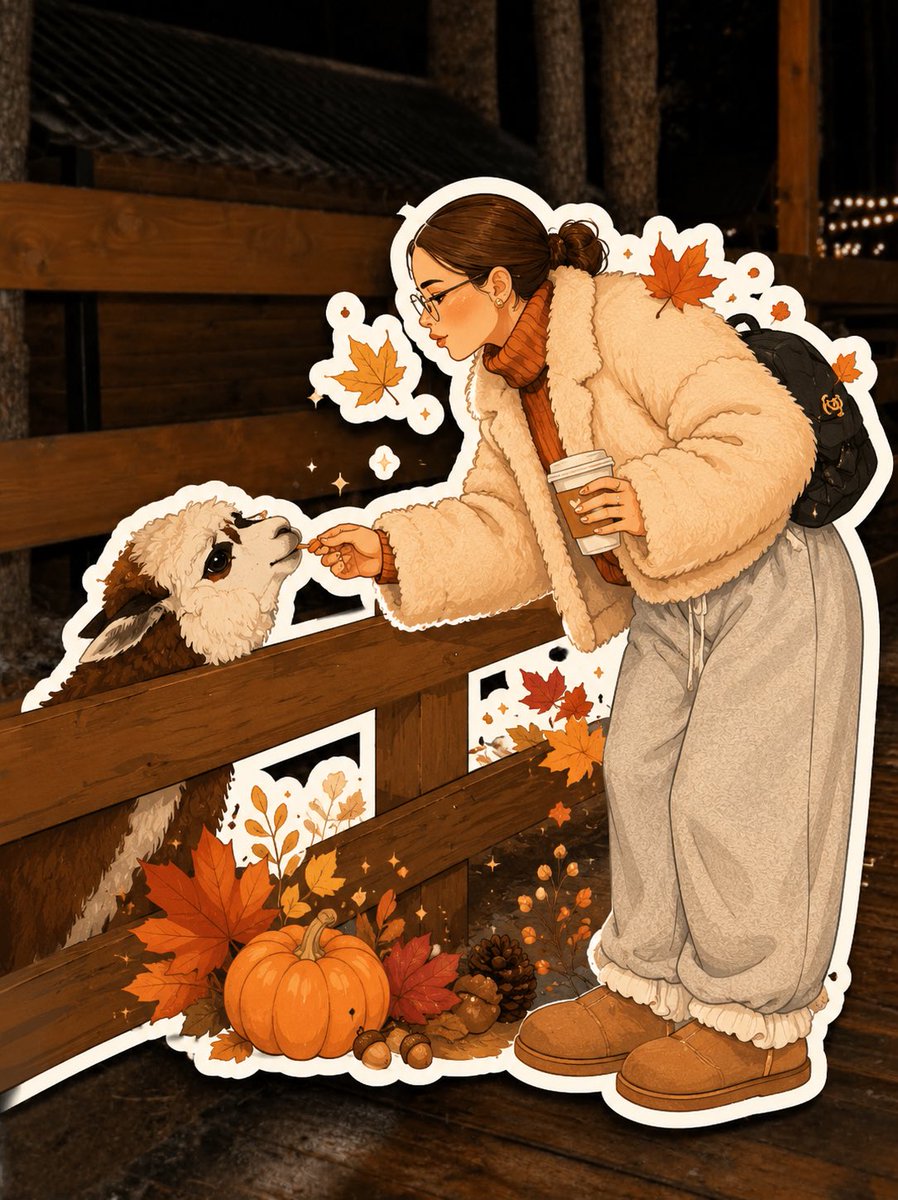
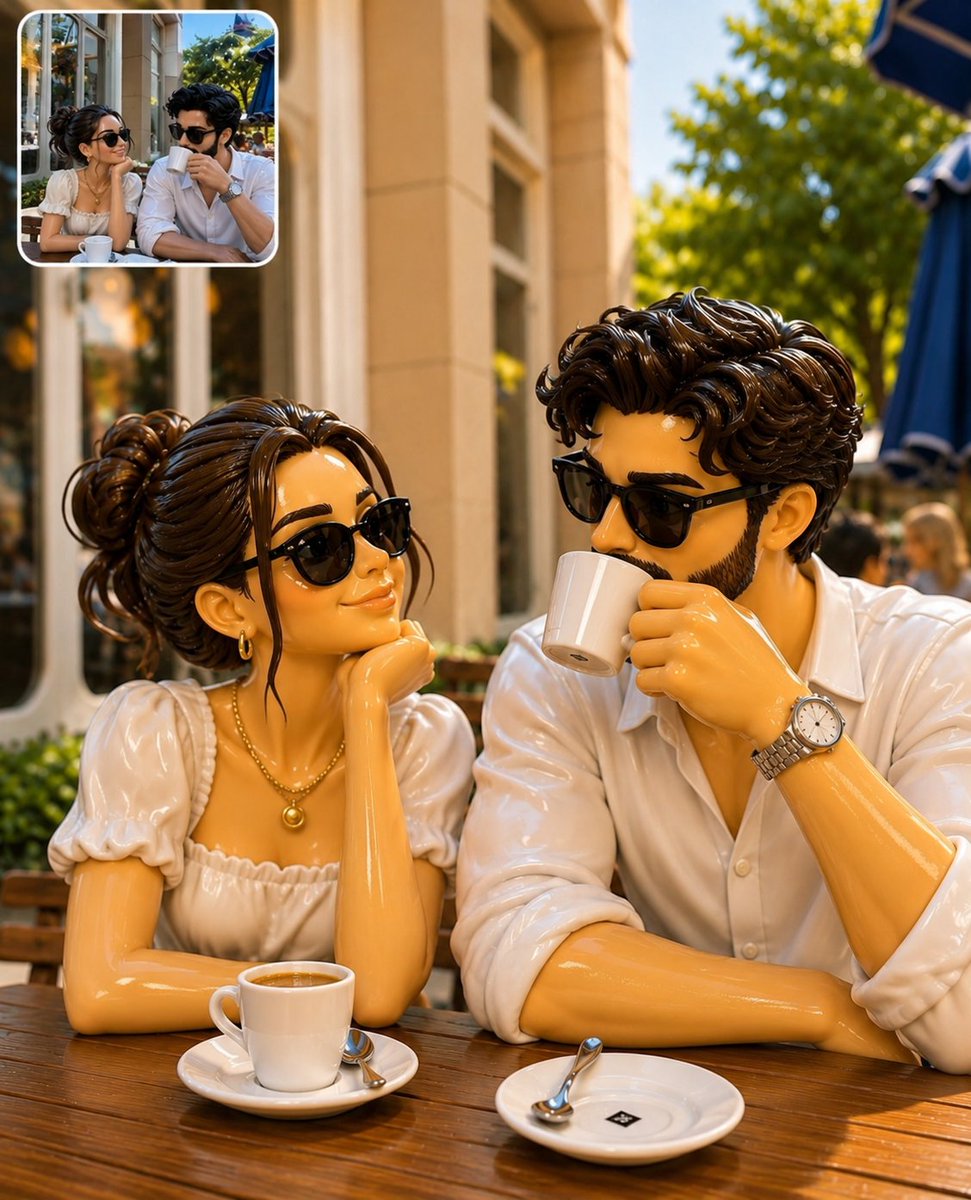
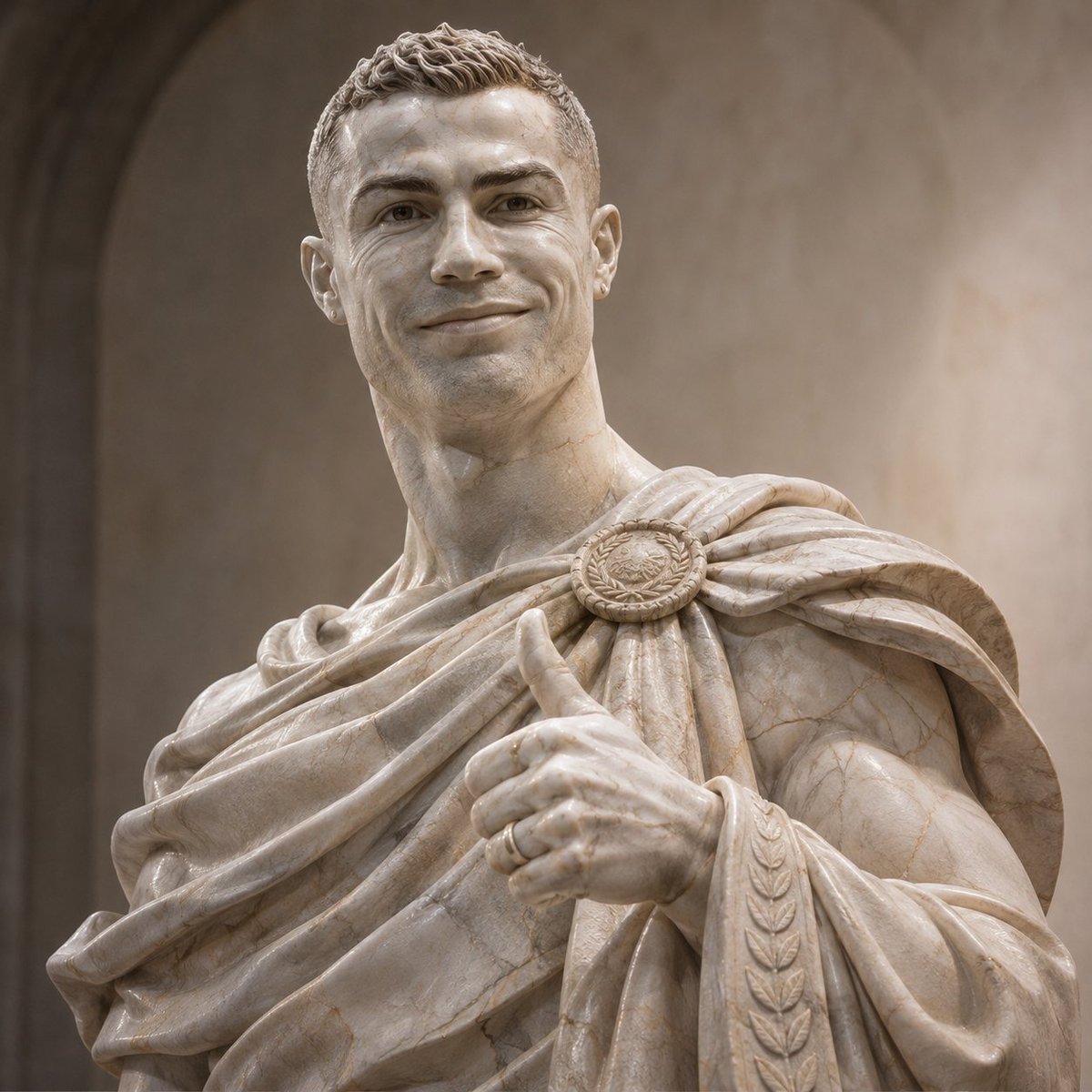
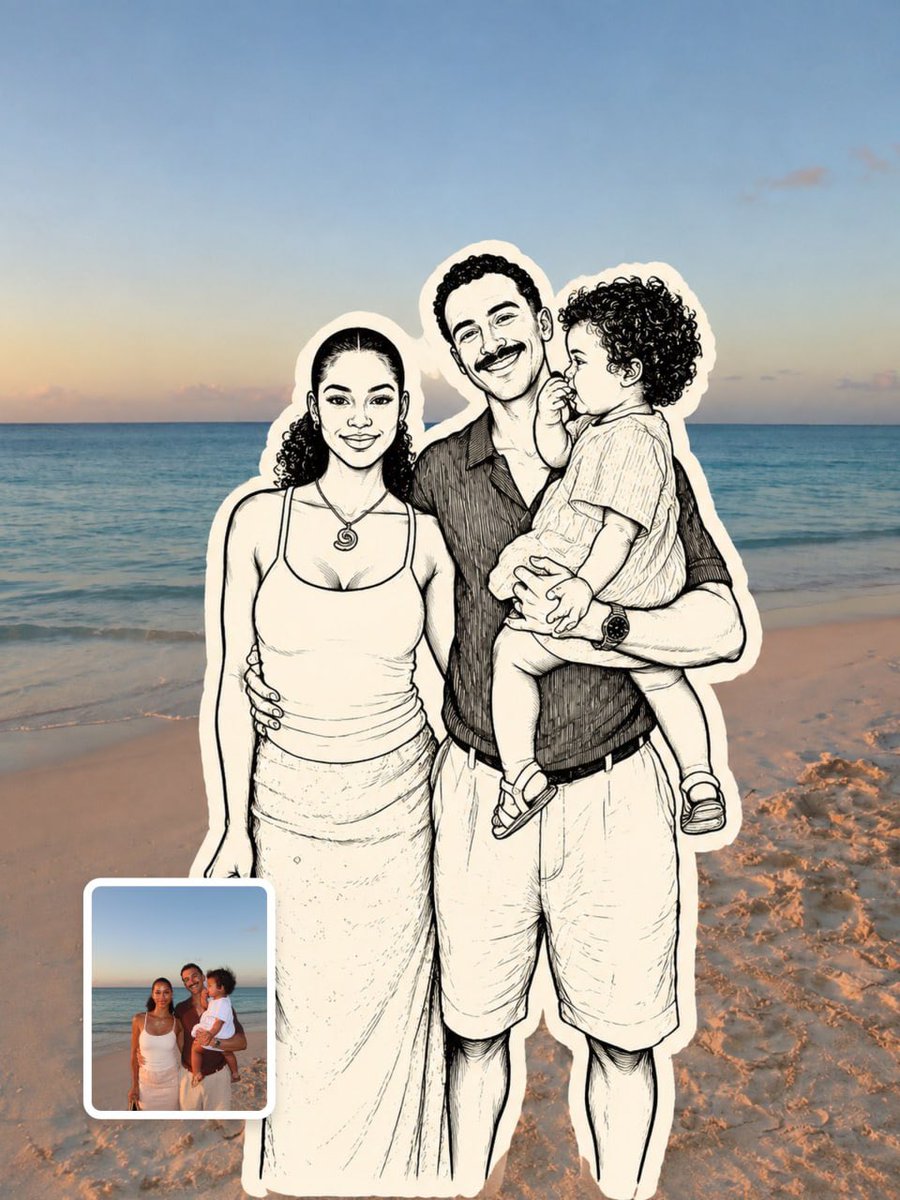
Remove the background from this image. Keep all foreground subjects unchanged and fully intact, with clean, smooth edges. Make the background transparent.

Läuft auf 20 Modellen

  • Flux
  • Flux 2
  • Flux Kontext
  • GPT-4o Image
  • GPT Image
  • GPT Image 2
  • GPT Image 2.5
  • GPT Image 2.6
  • Grok Imagine
  • Ideogram V3
  • Imagen 4
  • Kling
  • +8 mehr

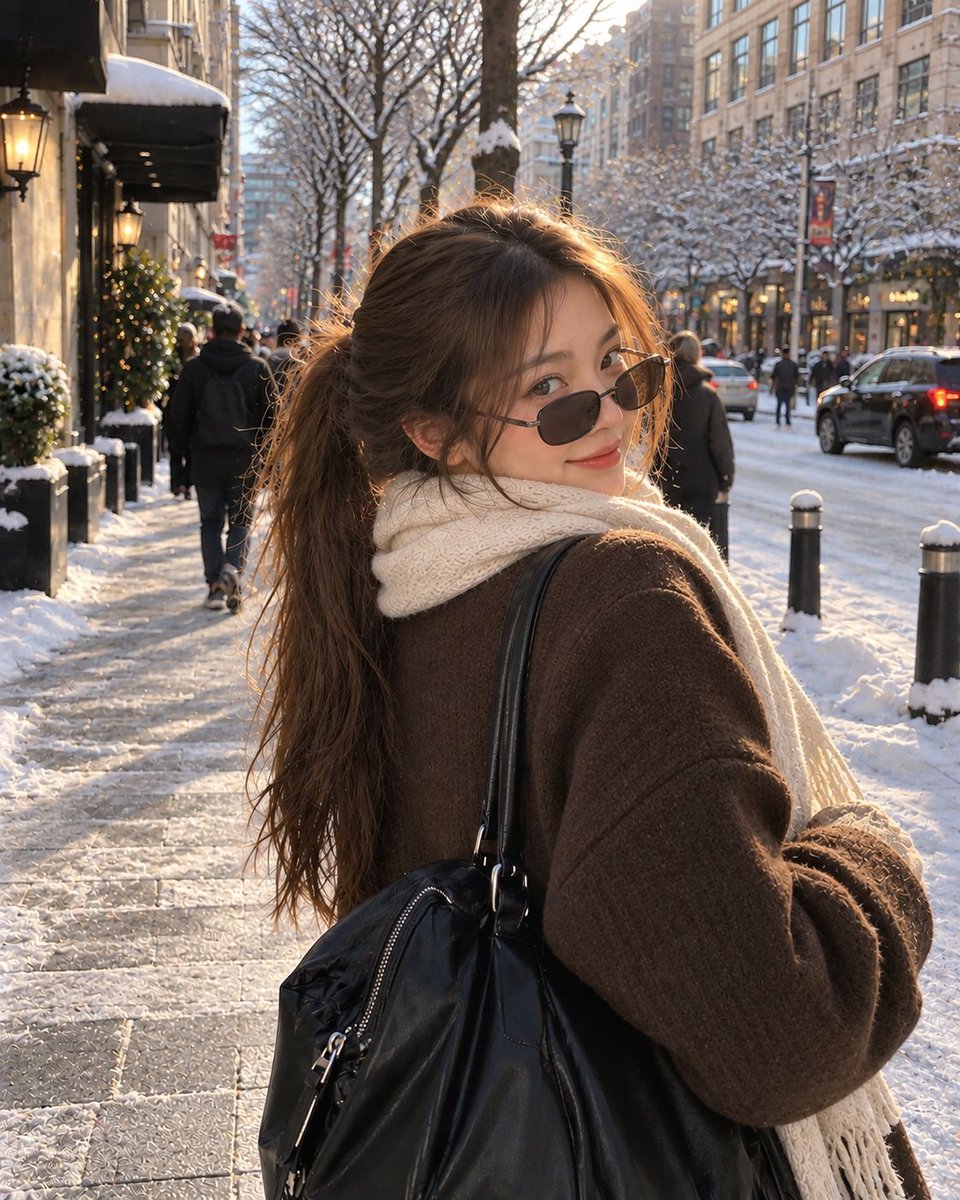
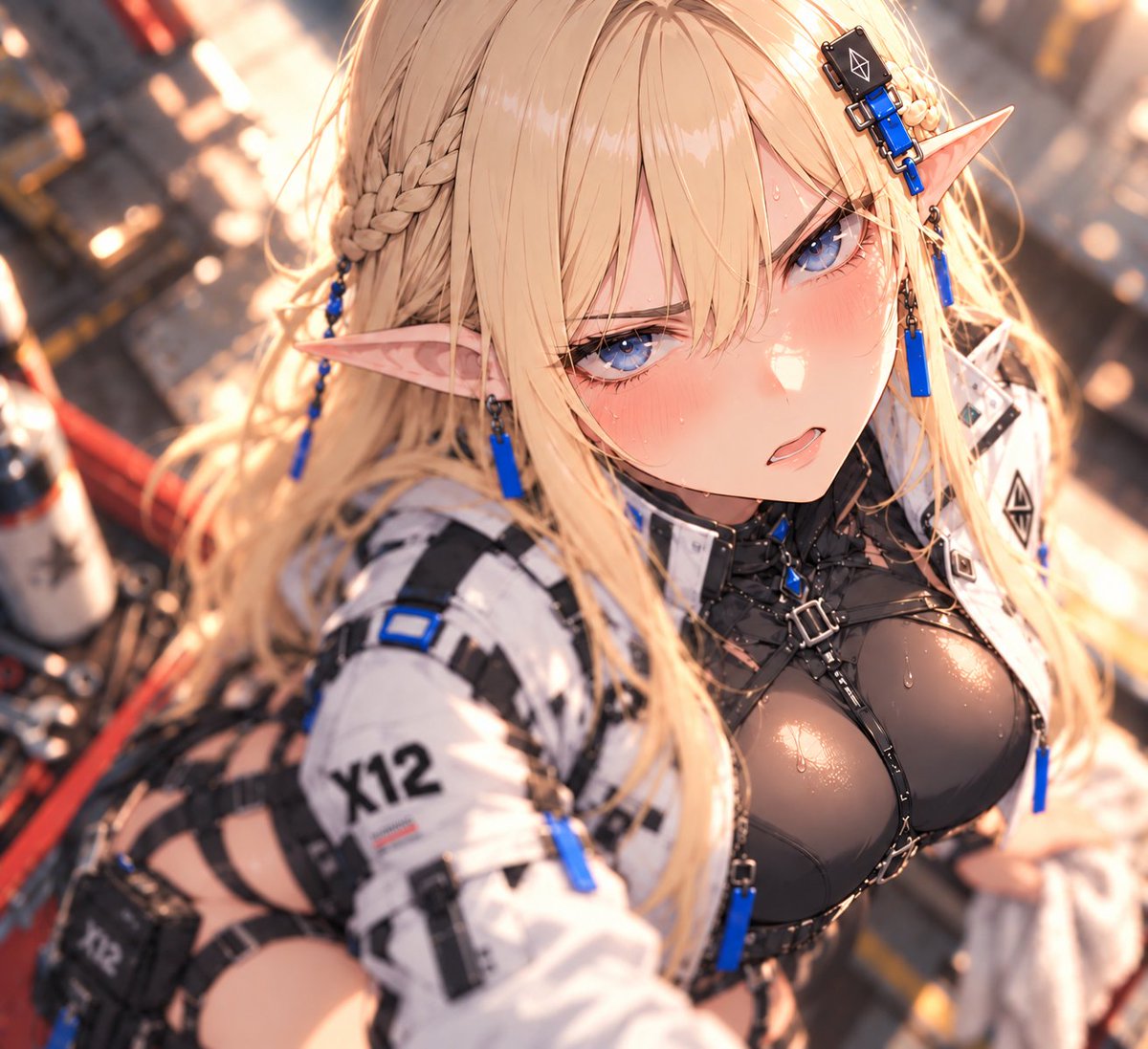
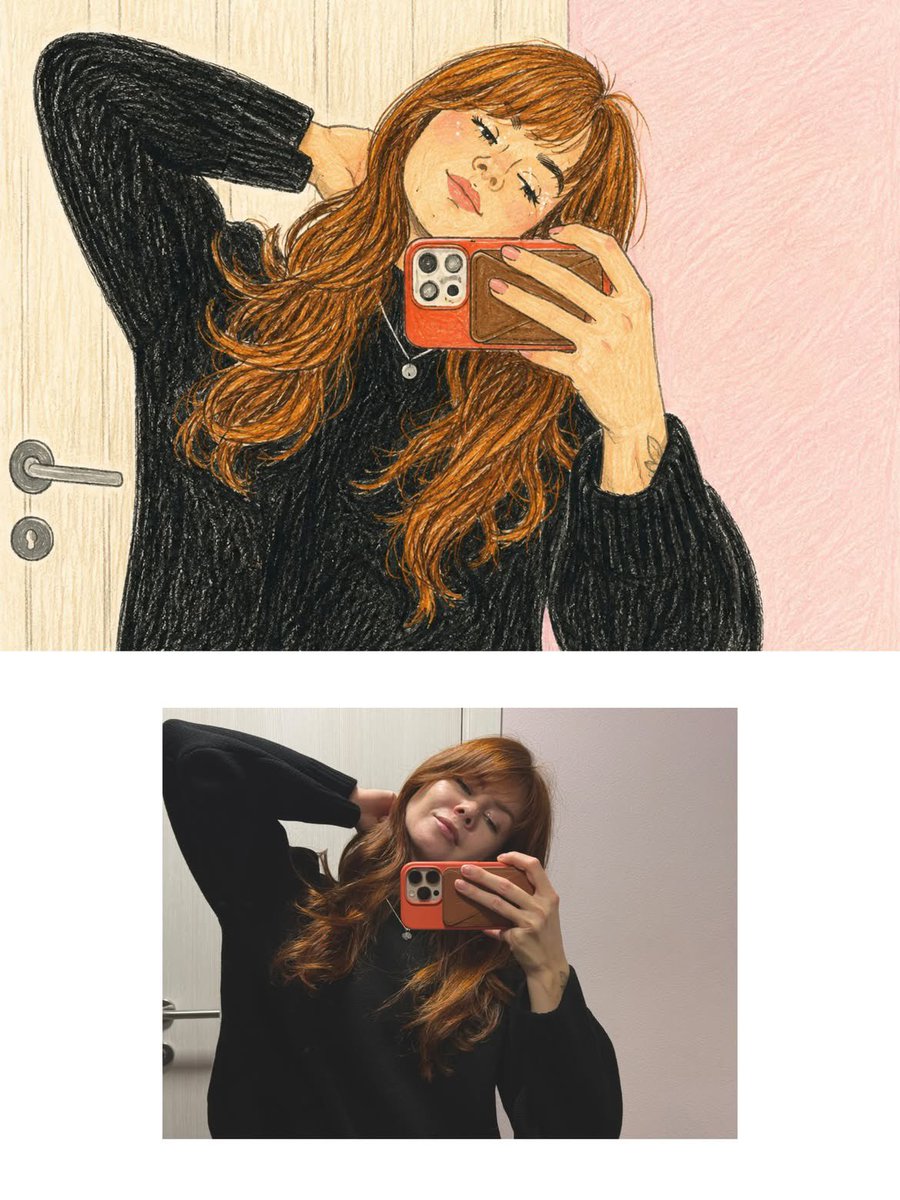
Was dieser Prompt erzeugt

Identity Replacement Template Prompt Nicht angegeben gpt-image-2
GPT Image 2 Prompt: Sunset Sea Window Portrait Nicht angegeben gpt-image-2
Street Selfie with Cat in Matching Cap Nicht angegeben gpt-image-2
Elderly Couple Dancing Pixar Style Nicht angegeben gpt-image-2
Sci-Fi Cyan Lighting Image Effect Nicht angegeben gpt-image-2
Realistic Street Portrait with GPT Image 2 Nicht angegeben gpt-image-2

Führen Sie diese Eingabeaufforderung mit der API aus

Die folgende Anforderung sendet diese Eingabeaufforderung mit den ausgefüllten Standardwerten an das erste Modell, auf dem sie ausgeführt wird. Tauschen Sie den Modellnamen gegen ein anderes oben aufgeführtes Modell aus.

Prompt API-Dokumente
/api/v1/gpt_image_2/text_to_image
curl -X POST https://runapi.ai/api/v1/gpt_image_2/text_to_image \
  -H "Authorization: Bearer $RUNAPI_API_KEY" \
  -H "Content-Type: application/json" \
  --data-binary @- <<'JSON'
{
  "model": "gpt-image-2",
  "prompt": "Remove the background from this image. Keep all foreground subjects unchanged and fully intact, with clean, smooth edges. Make the background transparent."
}
JSON

Probier‘s mal mit einer Anfrage