GPT Image 2 Autumn Sticker Art
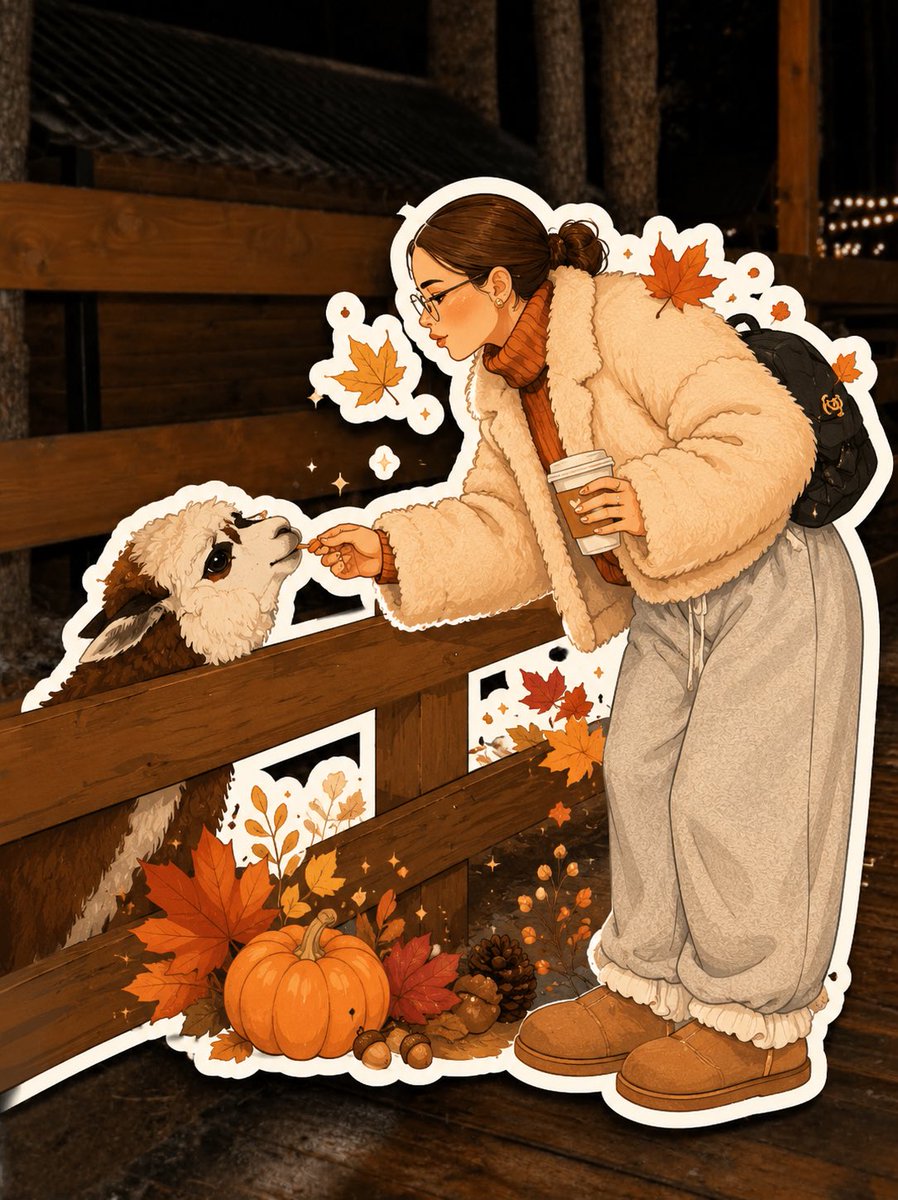
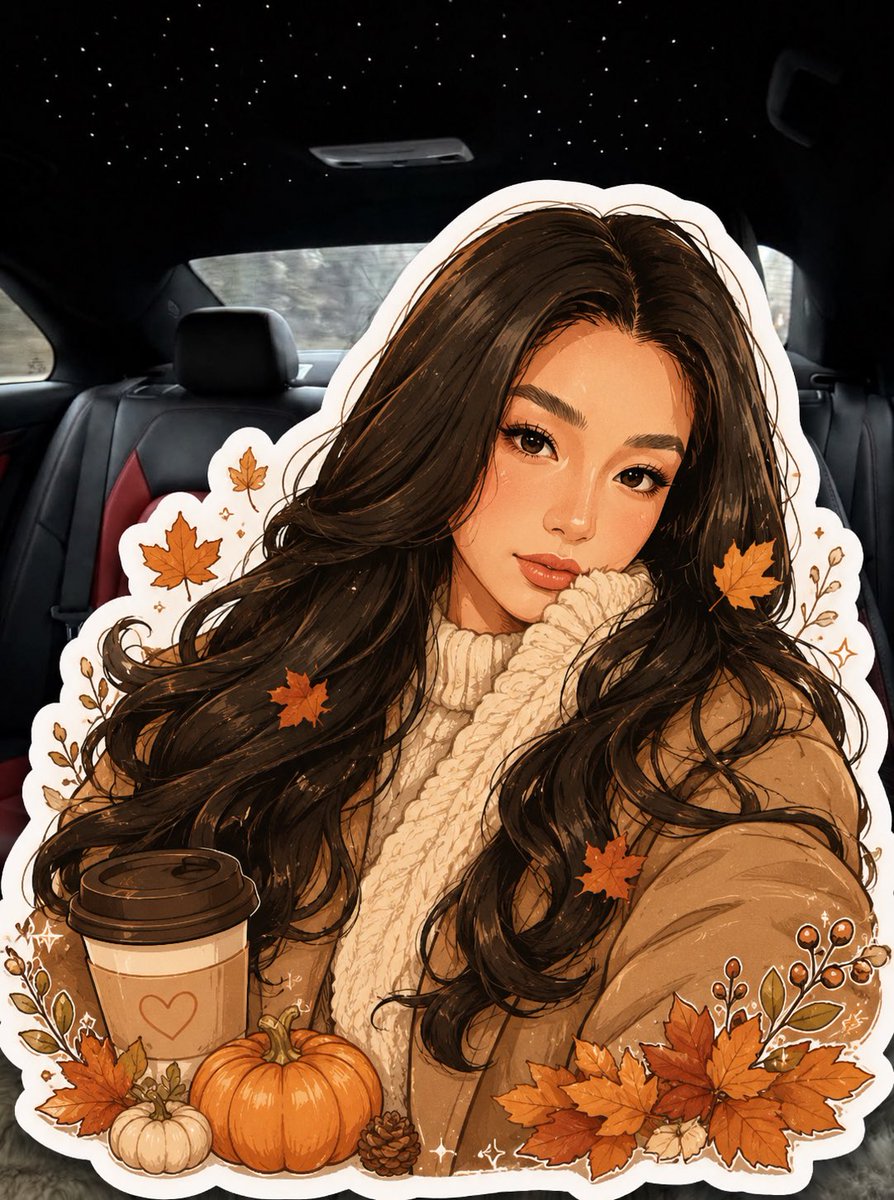
GPT Image 2 Autumn Sticker Art

Eingabeaufforderung

Transform the uploaded photo into a charming, hand-drawn AUTUMN ILLUSTRATED STICKER. Preserve the original subject: Accurately recreate the person, pet, or group, maintaining recognizable facial features, hairstyle, clothing, colors, pose, expression, and distinctive details. Illustration style: Completely redraw the subject as polished digital character art with soft hand-painted shading, clean organic outlines, expressive features, subtle textures, and warm autumn colors. Avoid photorealism and 3D rendering. Sticker effect: Add a thick, smooth white die-cut border around the entire illustrated subject, with a subtle shadow for a realistic sticker effect. Autumn aesthetic: Incorporate tasteful seasonal details such as orange leaves, tiny pumpkins, cozy clothing, berries, acorns, or warm sparkles. Use burnt orange, terracotta, caramel, cream, and warm brown. Background: Keep the original photographic background visible behind the sticker, gently softened if necessary. Final result: A cozy, personalized, collectible autumn sticker with a clear contrast between the fully illustrated subject and the real photographic background. Do not simply apply a filter or outline to the original photo.

Läuft auf 20 Modellen

  • Flux
  • Flux 2
  • Flux Kontext
  • GPT-4o Image
  • GPT Image
  • GPT Image 2
  • GPT Image 2.5
  • GPT Image 2.6
  • Grok Imagine
  • Ideogram V3
  • Imagen 4
  • Kling
  • +8 mehr

Was dieser Prompt erzeugt

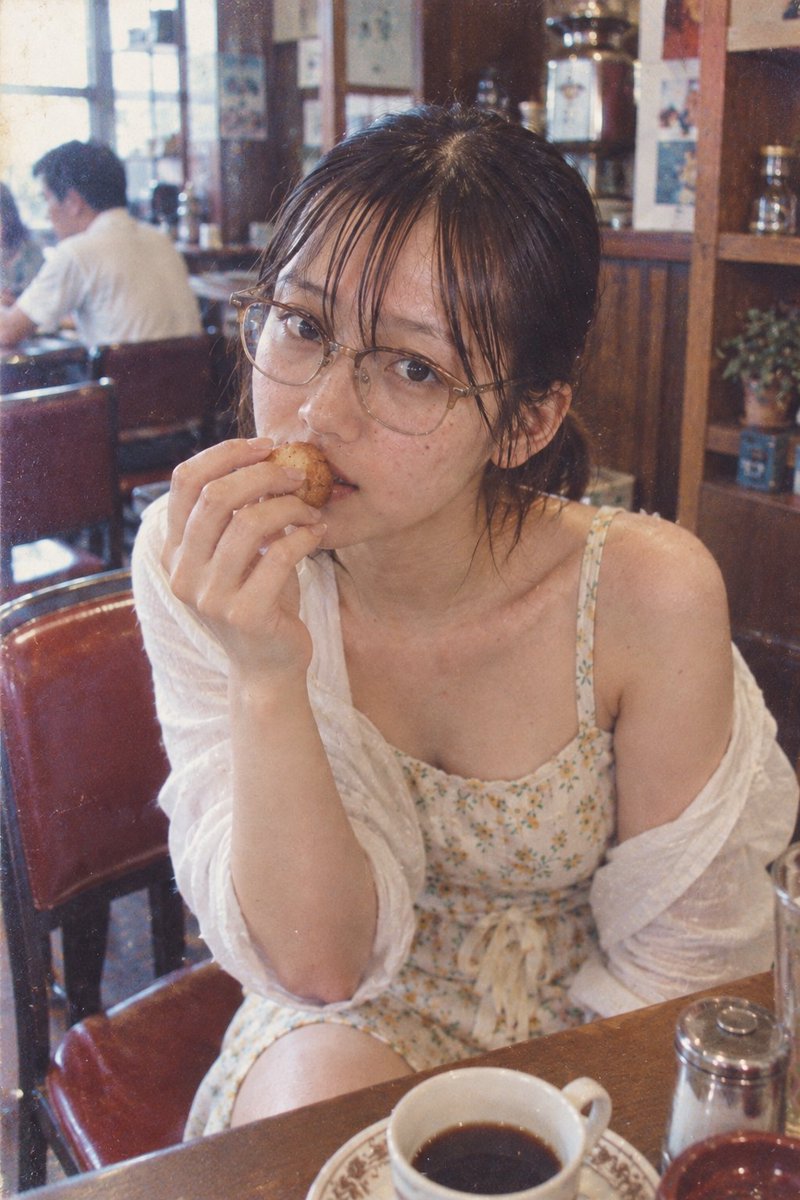
Retro Showa Cafe Portrait Nicht angegeben gpt-image-2
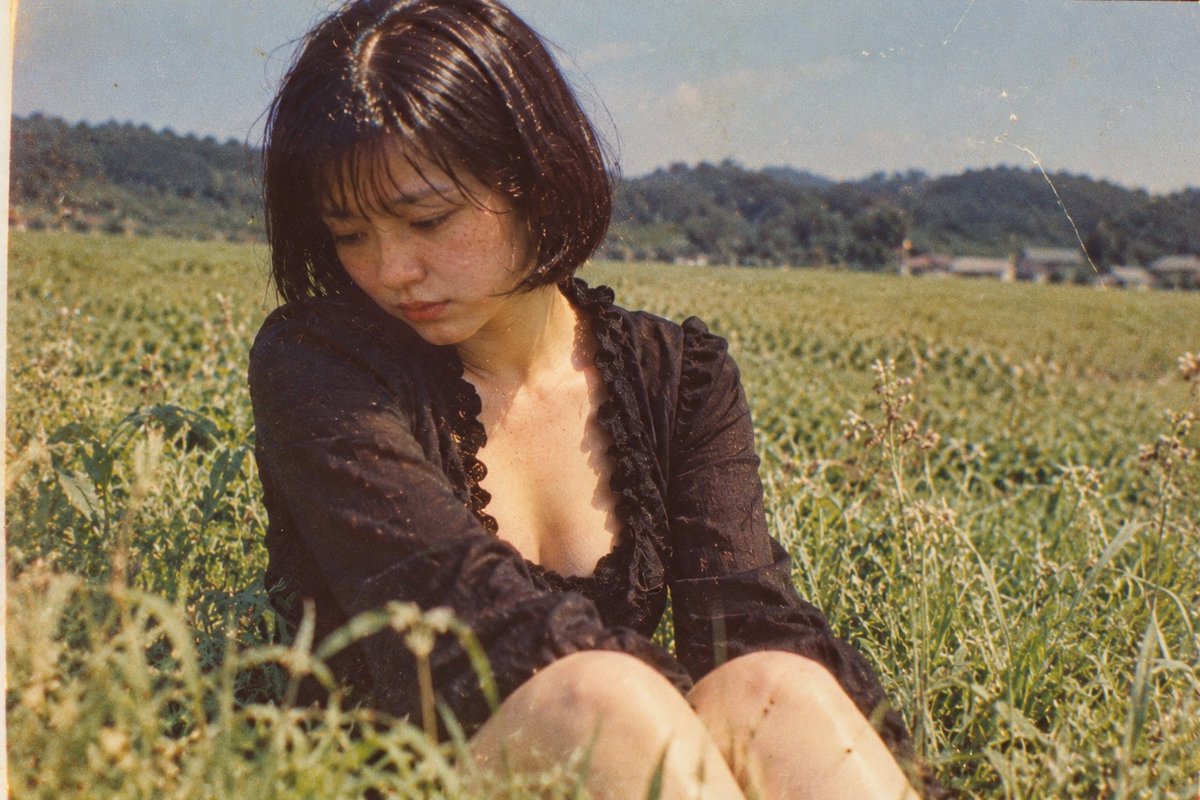
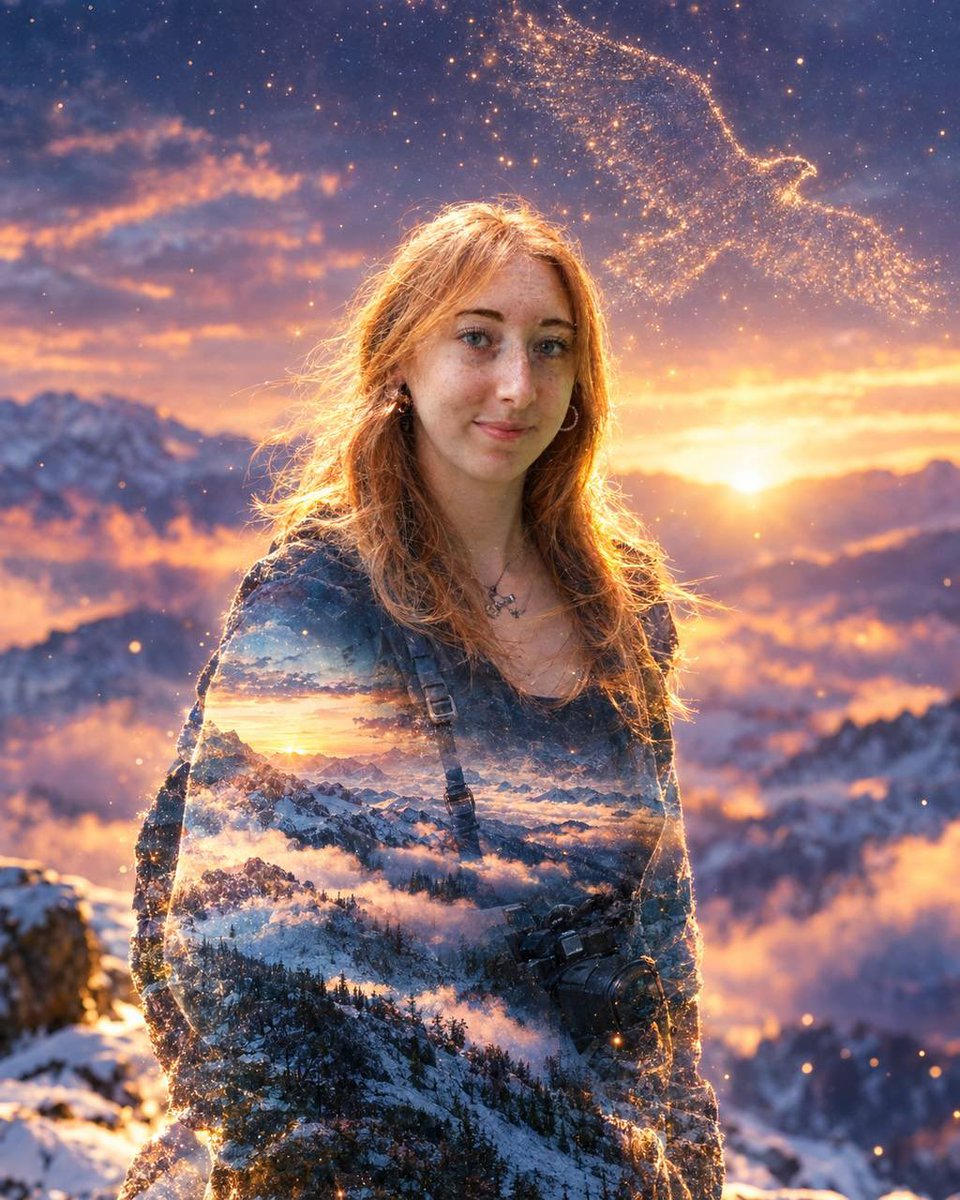
Vintage Photo of Woman in Field Nicht angegeben gpt-image-2
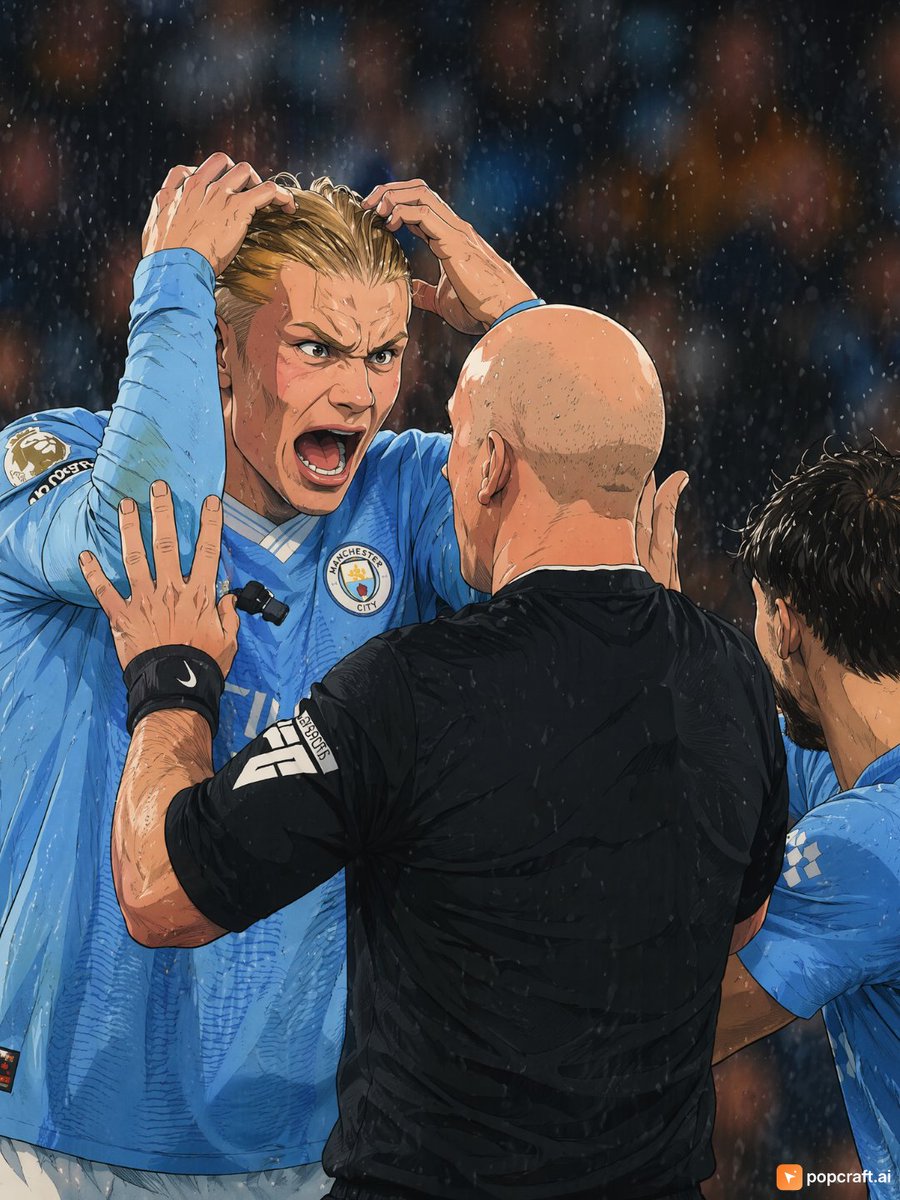
Haaland Anime Confrontation Nicht angegeben gpt-image-2
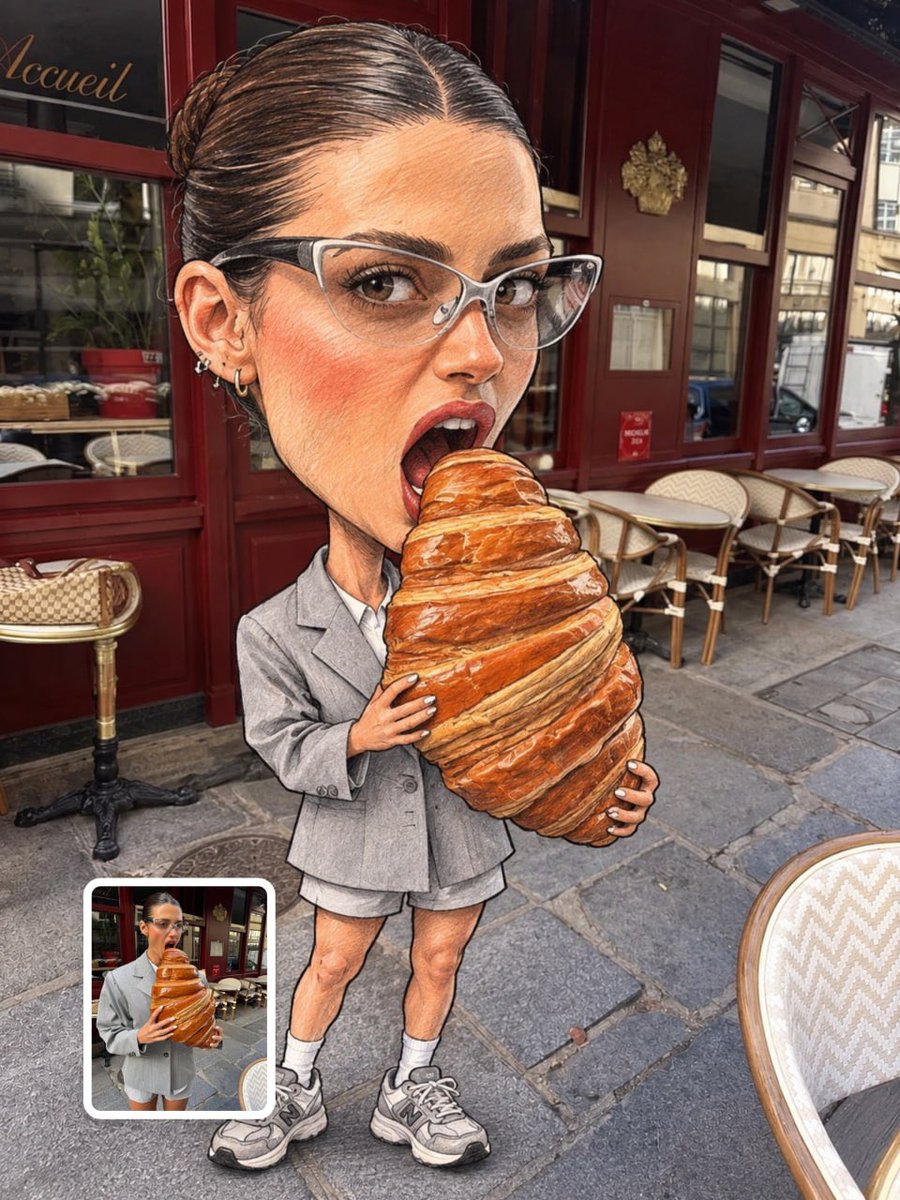
GPT Image 2 Notebook Pop-Out Illusion Nicht angegeben gpt-image-2
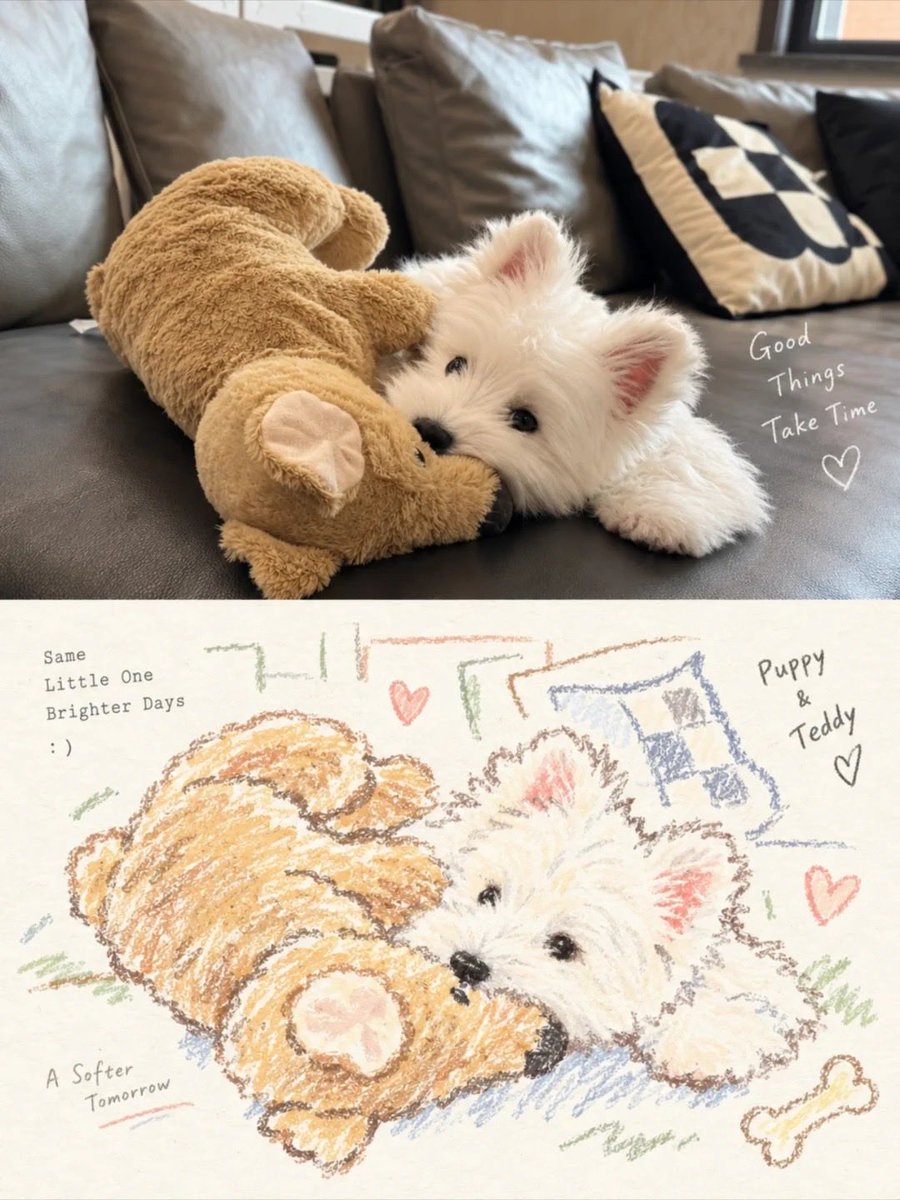
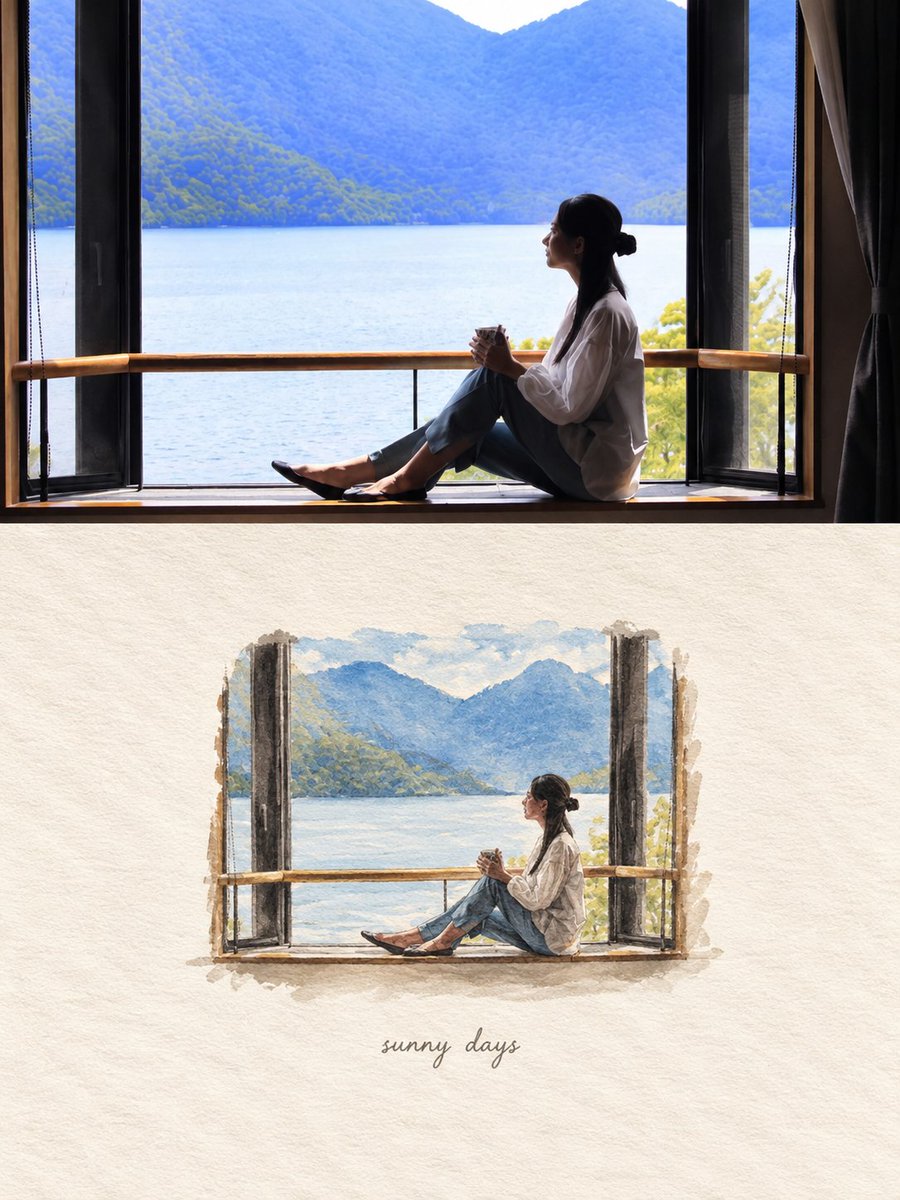
GPT Image 2 Pastel Crayon Illustration Nicht angegeben gpt-image-2
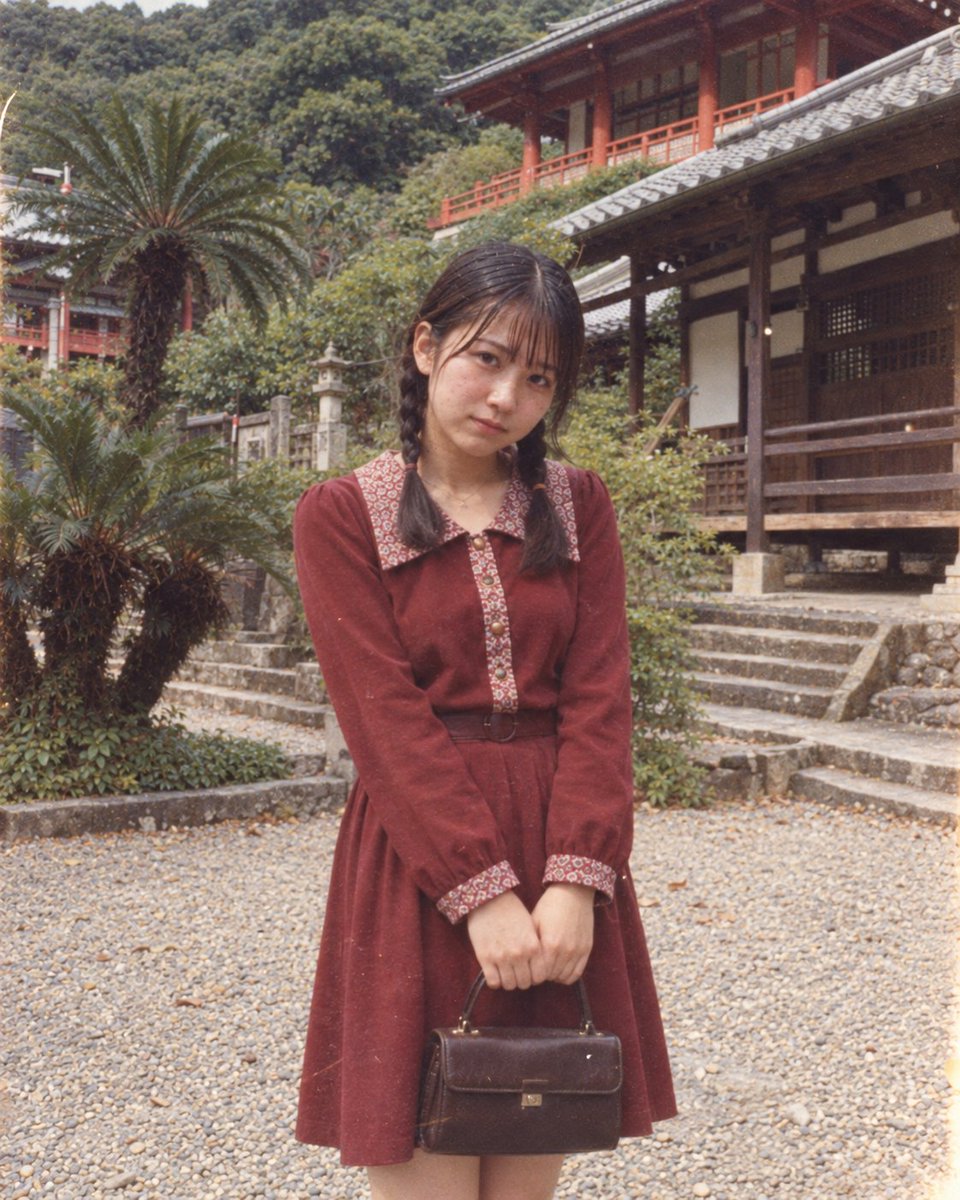
Vintage Photo: Woman at Japanese Temple Nicht angegeben gpt-image-2

Führen Sie diese Eingabeaufforderung mit der API aus

Die folgende Anforderung sendet diese Eingabeaufforderung mit den ausgefüllten Standardwerten an das erste Modell, auf dem sie ausgeführt wird. Tauschen Sie den Modellnamen gegen ein anderes oben aufgeführtes Modell aus.

Prompt API-Dokumente
/api/v1/gpt_image_2/text_to_image
curl -X POST https://runapi.ai/api/v1/gpt_image_2/text_to_image \
  -H "Authorization: Bearer $RUNAPI_API_KEY" \
  -H "Content-Type: application/json" \
  --data-binary @- <<'JSON'
{
  "model": "gpt-image-2",
  "prompt": "Transform the uploaded photo into a charming, hand-drawn AUTUMN ILLUSTRATED STICKER.\n\nPreserve the original subject: Accurately recreate the person, pet, or group, maintaining recognizable facial features, hairstyle, clothing, colors, pose, expression, and distinctive details.\n\nIllustration style: Completely redraw the subject as polished digital character art with soft hand-painted shading, clean organic outlines, expressive features, subtle textures, and warm autumn colors. Avoid photorealism and 3D rendering.\n\nSticker effect: Add a thick, smooth white die-cut border around the entire illustrated subject, with a subtle shadow for a realistic sticker effect.\n\nAutumn aesthetic: Incorporate tasteful seasonal details such as orange leaves, tiny pumpkins, cozy clothing, berries, acorns, or warm sparkles. Use burnt orange, terracotta, caramel, cream, and warm brown.\n\nBackground: Keep the original photographic background visible behind the sticker, gently softened if necessary.\n\nFinal result: A cozy, personalized, collectible autumn sticker with a clear contrast between the fully illustrated subject and the real photographic background. Do not simply apply a filter or outline to the original photo."
}
JSON

Probier‘s mal mit einer Anfrage