GPT Image 2 Portrait Lighting Reference
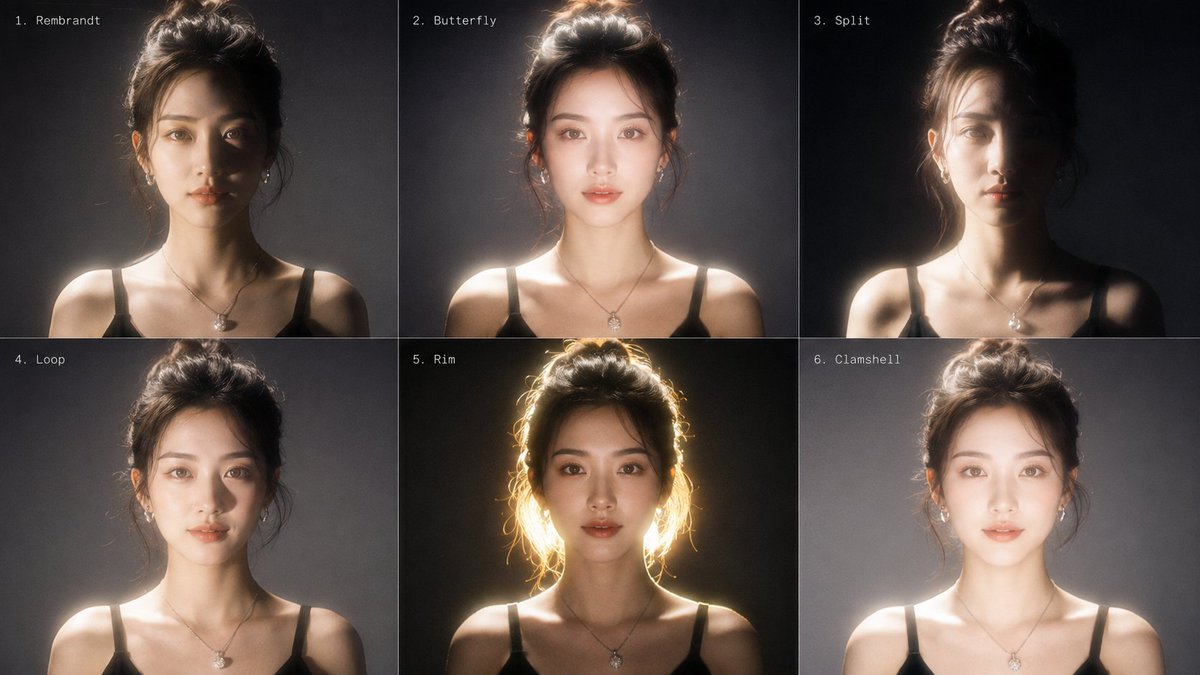
GPT Image 2 Portrait Lighting Reference

Eingabeaufforderung

Zone 1 (top-left): Rembrandt lighting, key 45° elevated camera left, fill -45° camera right 0.5x, dramatic triangle on shadow cheek Zone 2 (top-center): Butterfly lighting, key overhead slightly front, fill reflector under chin, butterfly nose shadow, beauty editorial Zone 3 (top-right): Split lighting, hard key 90° camera left, zero fill, half face in shadow, noir mystery Zone 4 (bottom-left): Loop lighting, key 30° elevated camera left, fill -30° camera right 0.3x, small nose loop shadow, natural commercial Zone 5 (bottom-center): Rim lighting dominant, hard backlight 170° camera right gold gel, hair glow, edge separation, heroic silhouette Zone 6 (bottom-right): Clamshell lighting, butterfly key overhead + large soft fill from below 45°, zero shadows, porcelain skin, high-end beauty

Läuft auf 21 Modellen

  • Flux
  • Flux 2
  • Flux Kontext
  • GPT-4o Image
  • GPT Image
  • GPT Image 2
  • GPT Image 2.5
  • GPT Image 2.6
  • Grok Imagine
  • Ideogram V3
  • Imagen 4
  • Kling
  • +9 mehr

Was dieser Prompt erzeugt

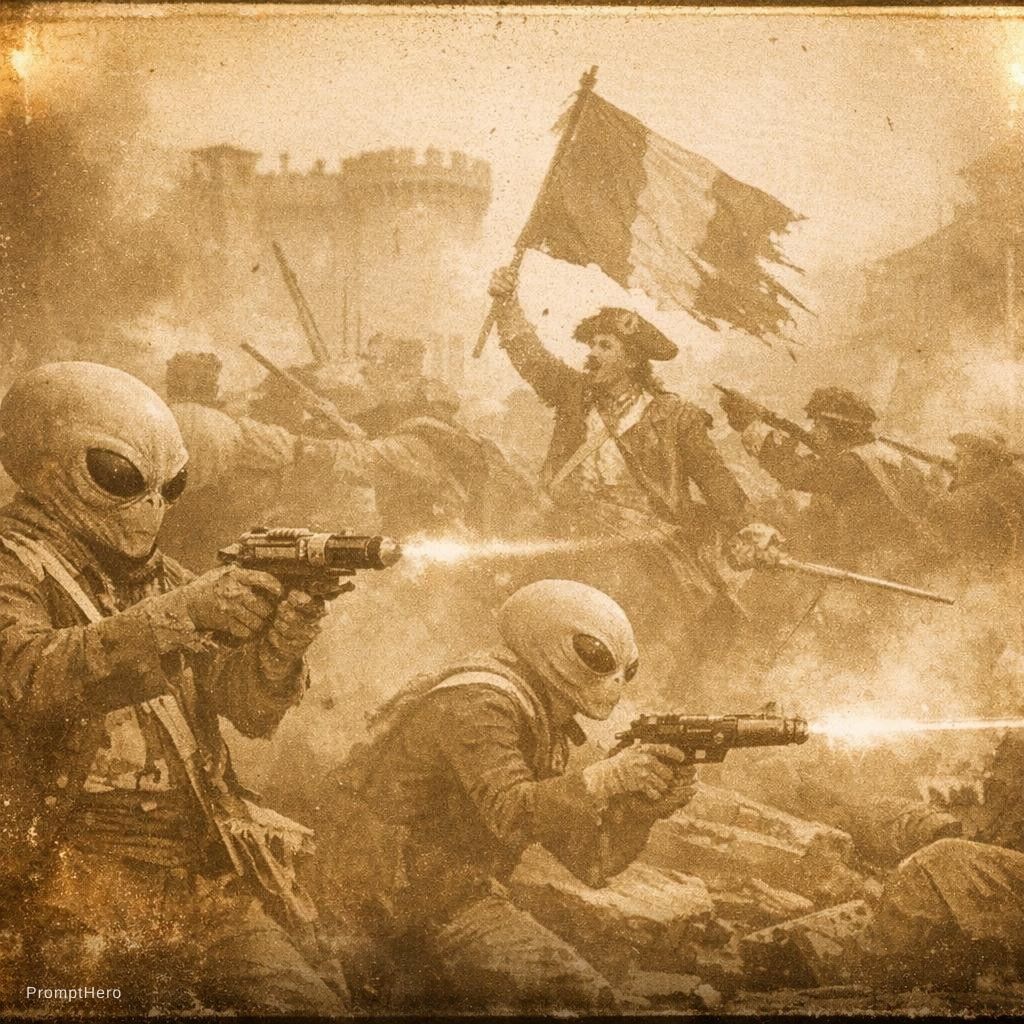
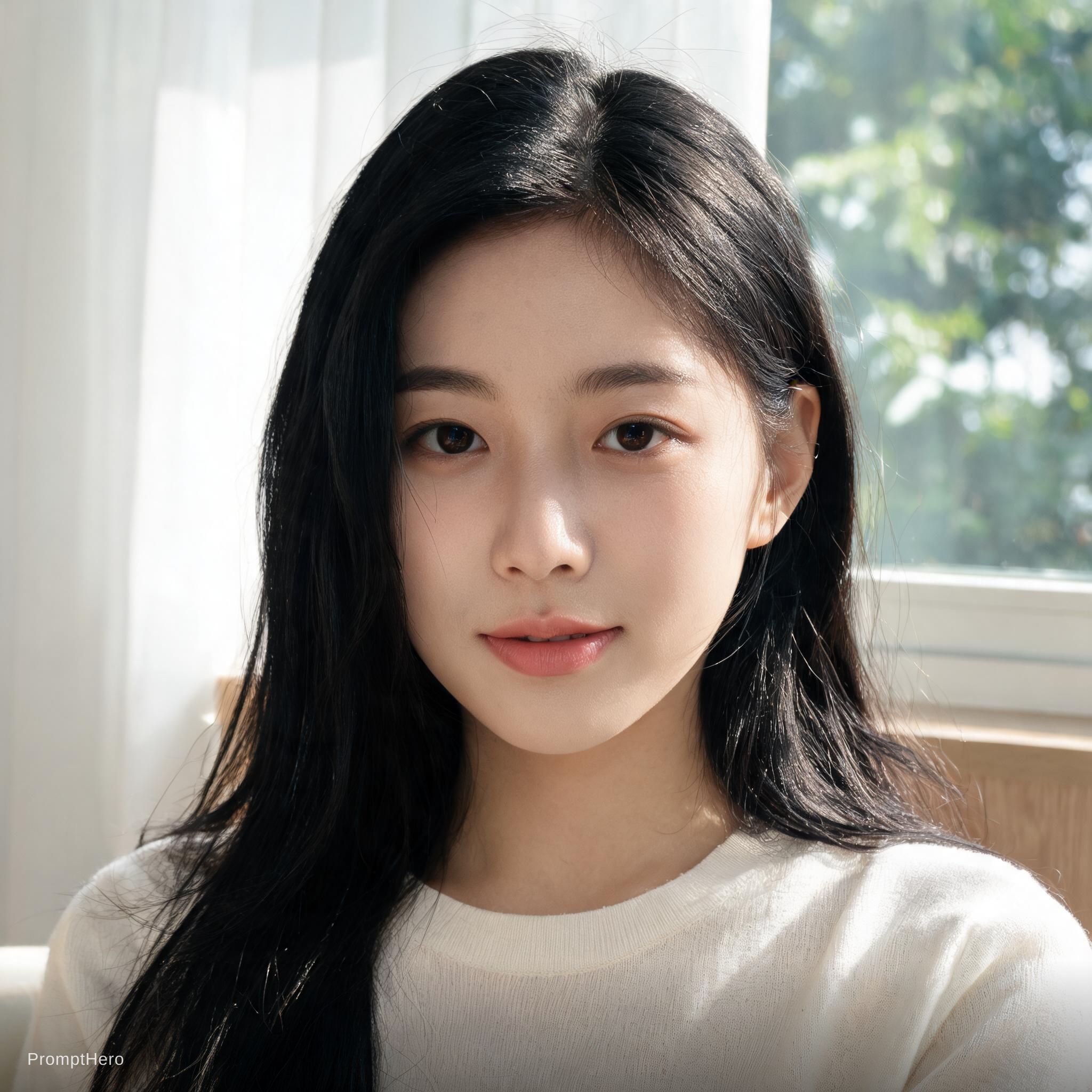
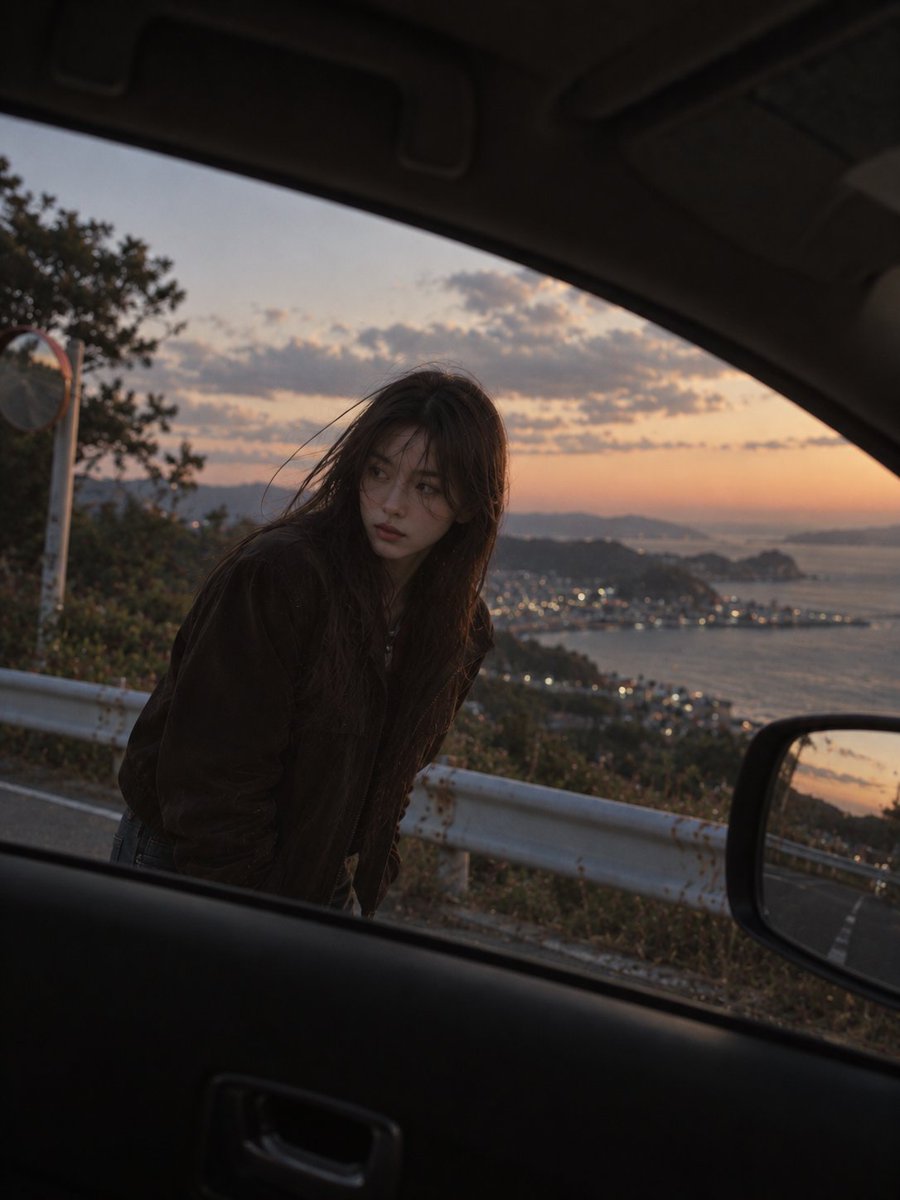
Hunyuan  prompt: feet Nicht angegeben hunyuan-3
Hunyuan  prompt: Bathroom Nicht angegeben hunyuan-3
Nano Banana prompt: She is wearing this outfit(white top ) given in im... Nicht angegeben nano-banana-2.1
Seedream 5 prompt: woman Nicht angegeben v2
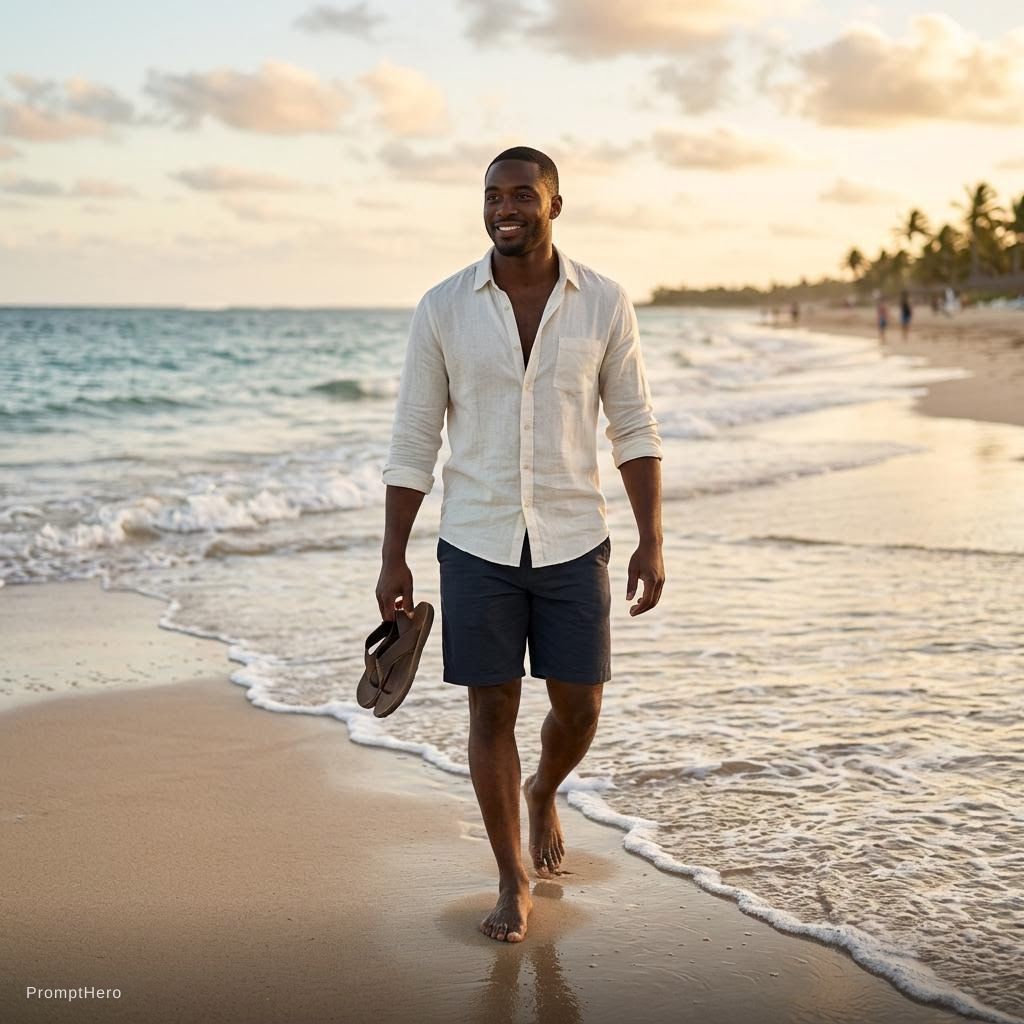
Hero prompt: مع رجل اسود على شاطى البحر Nicht angegeben 1.0
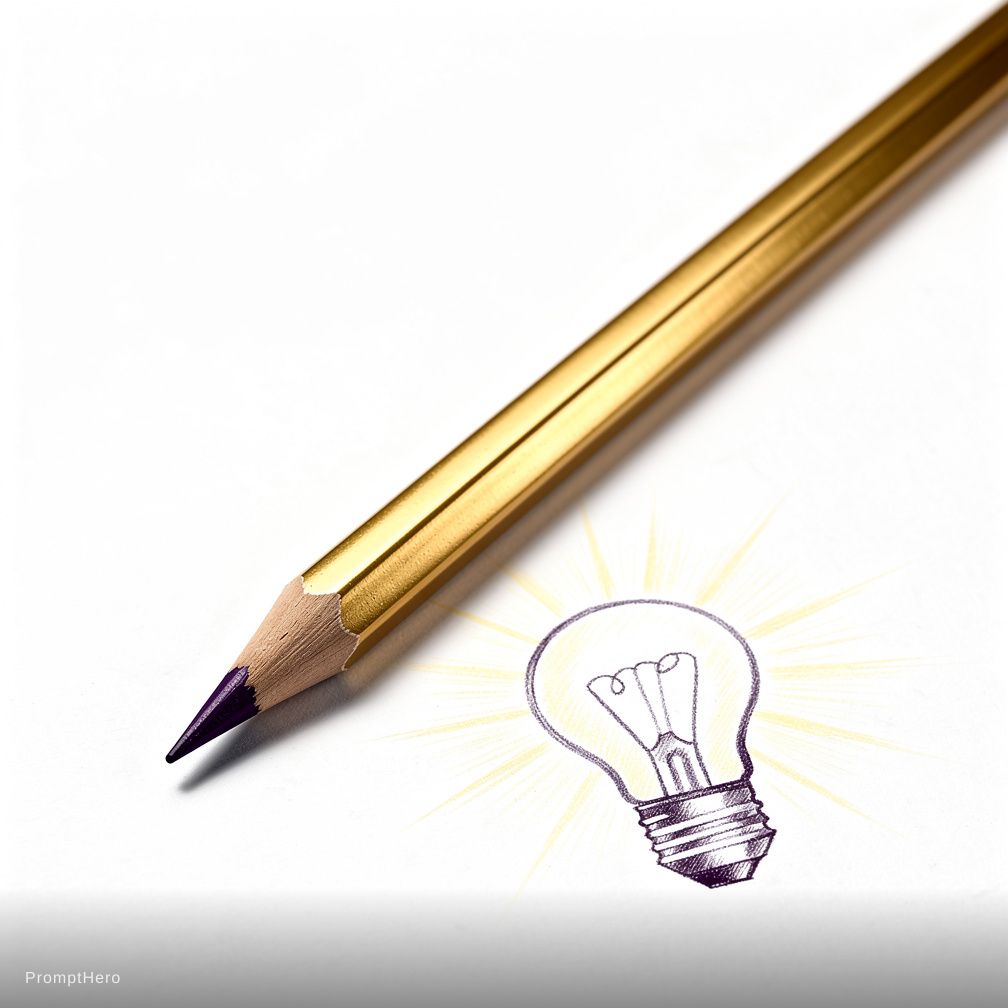
FLUX prompt: می‌خوام برام یک مداد طلایی ته بنفش تیره رو که داره... Nicht angegeben flux-2-pro

Führen Sie diese Eingabeaufforderung mit der API aus

Die folgende Anforderung sendet diese Eingabeaufforderung mit den ausgefüllten Standardwerten an das erste Modell, auf dem sie ausgeführt wird. Tauschen Sie den Modellnamen gegen ein anderes oben aufgeführtes Modell aus.

Prompt API-Dokumente
/api/v1/gpt_image_2/text_to_image
curl -X POST https://runapi.ai/api/v1/gpt_image_2/text_to_image \
  -H "Authorization: Bearer $RUNAPI_API_KEY" \
  -H "Content-Type: application/json" \
  --data-binary @- <<'JSON'
{
  "model": "gpt-image-2",
  "prompt": "Zone 1 (top-left): Rembrandt lighting, key 45° elevated camera left, fill -45° camera right 0.5x, dramatic triangle on shadow cheek Zone 2 (top-center): Butterfly lighting, key overhead slightly front, fill reflector under chin, butterfly nose shadow, beauty editorial Zone 3 (top-right): Split lighting, hard key 90° camera left, zero fill, half face in shadow, noir mystery Zone 4 (bottom-left): Loop lighting, key 30° elevated camera left, fill -30° camera right 0.3x, small nose loop shadow, natural commercial Zone 5 (bottom-center): Rim lighting dominant, hard backlight 170° camera right gold gel, hair glow, edge separation, heroic silhouette Zone 6 (bottom-right): Clamshell lighting, butterfly key overhead + large soft fill from below 45°, zero shadows, porcelain skin, high-end beauty"
}
JSON

Probier‘s mal mit einer Anfrage