GPT Image 2 Portrait Lighting Reference
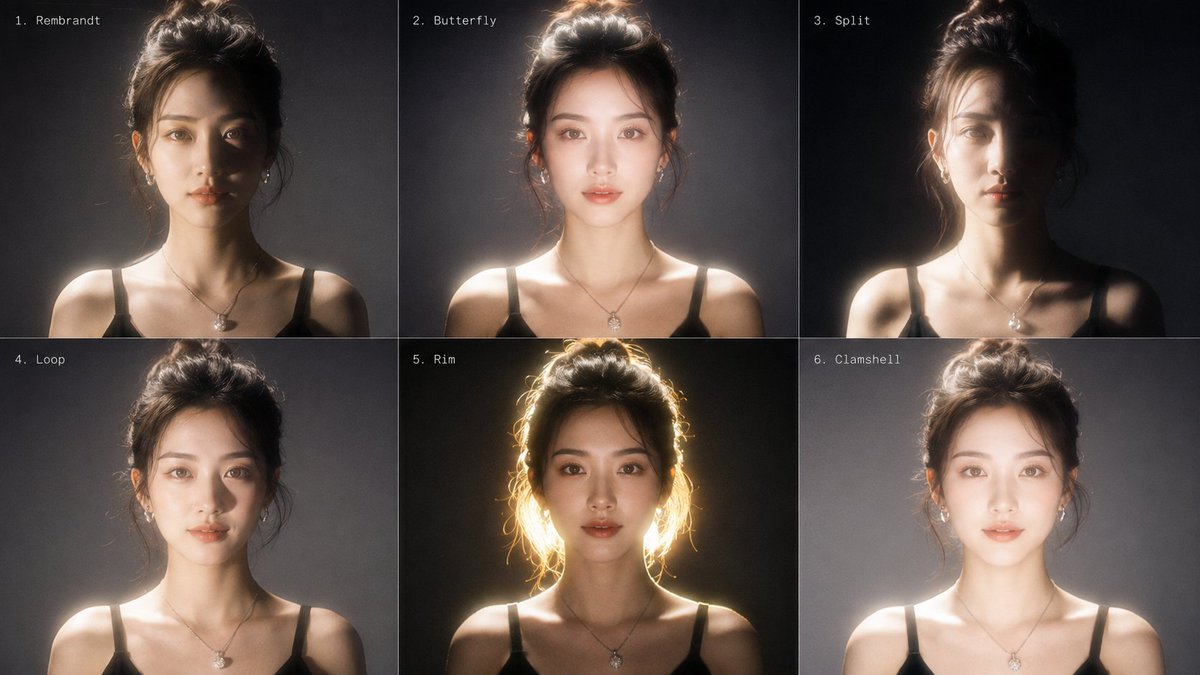
GPT Image 2 Portrait Lighting Reference

즉각적인

Zone 1 (top-left): Rembrandt lighting, key 45° elevated camera left, fill -45° camera right 0.5x, dramatic triangle on shadow cheek Zone 2 (top-center): Butterfly lighting, key overhead slightly front, fill reflector under chin, butterfly nose shadow, beauty editorial Zone 3 (top-right): Split lighting, hard key 90° camera left, zero fill, half face in shadow, noir mystery Zone 4 (bottom-left): Loop lighting, key 30° elevated camera left, fill -30° camera right 0.3x, small nose loop shadow, natural commercial Zone 5 (bottom-center): Rim lighting dominant, hard backlight 170° camera right gold gel, hair glow, edge separation, heroic silhouette Zone 6 (bottom-right): Clamshell lighting, butterfly key overhead + large soft fill from below 45°, zero shadows, porcelain skin, high-end beauty

21 모델에서 실행됩니다.

  • Flux
  • Flux 2
  • Flux Kontext
  • GPT-4o Image
  • GPT Image
  • GPT Image 2
  • GPT Image 2.5
  • GPT Image 2.6
  • Grok Imagine
  • Ideogram V3
  • Imagen 4
  • Kling
  • +9 이상

이 프롬프트의 출력

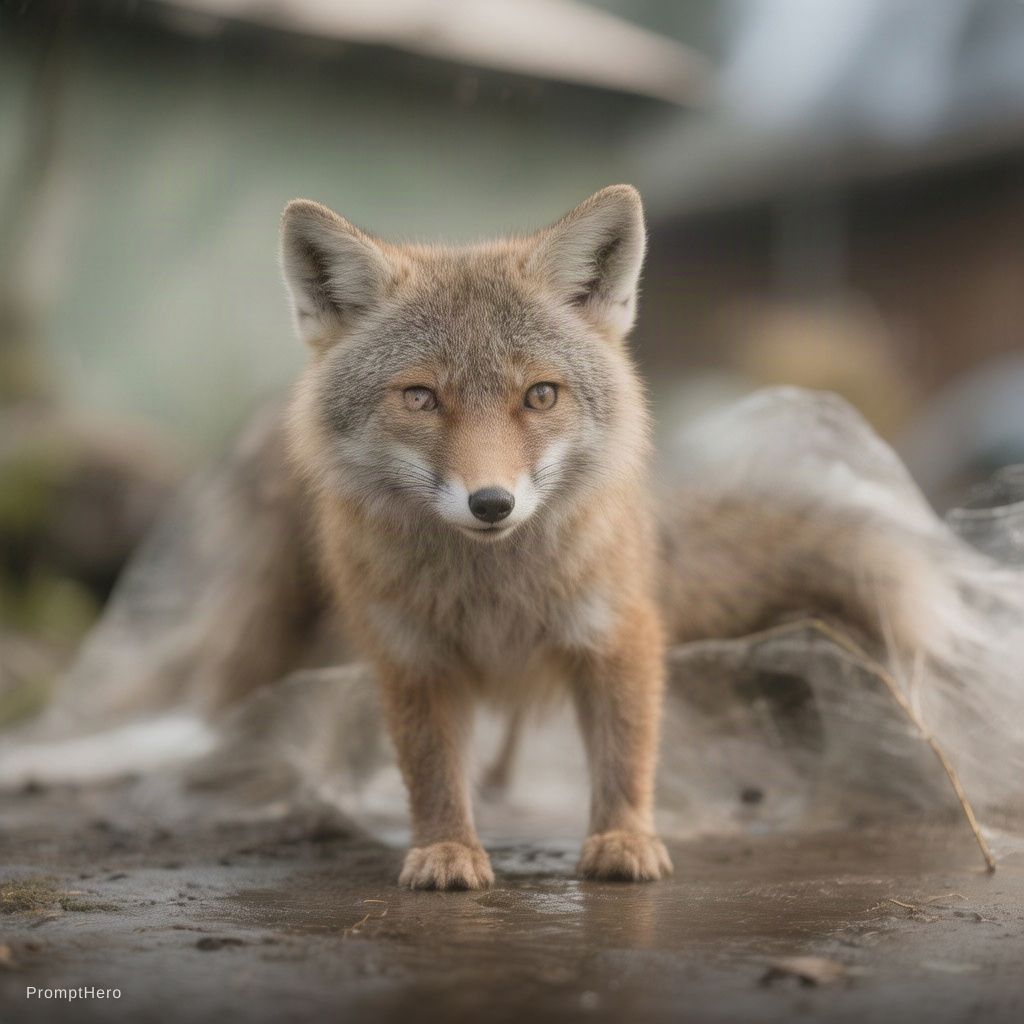
Hunyuan  prompt: feet 지정되지 않음 hunyuan-3
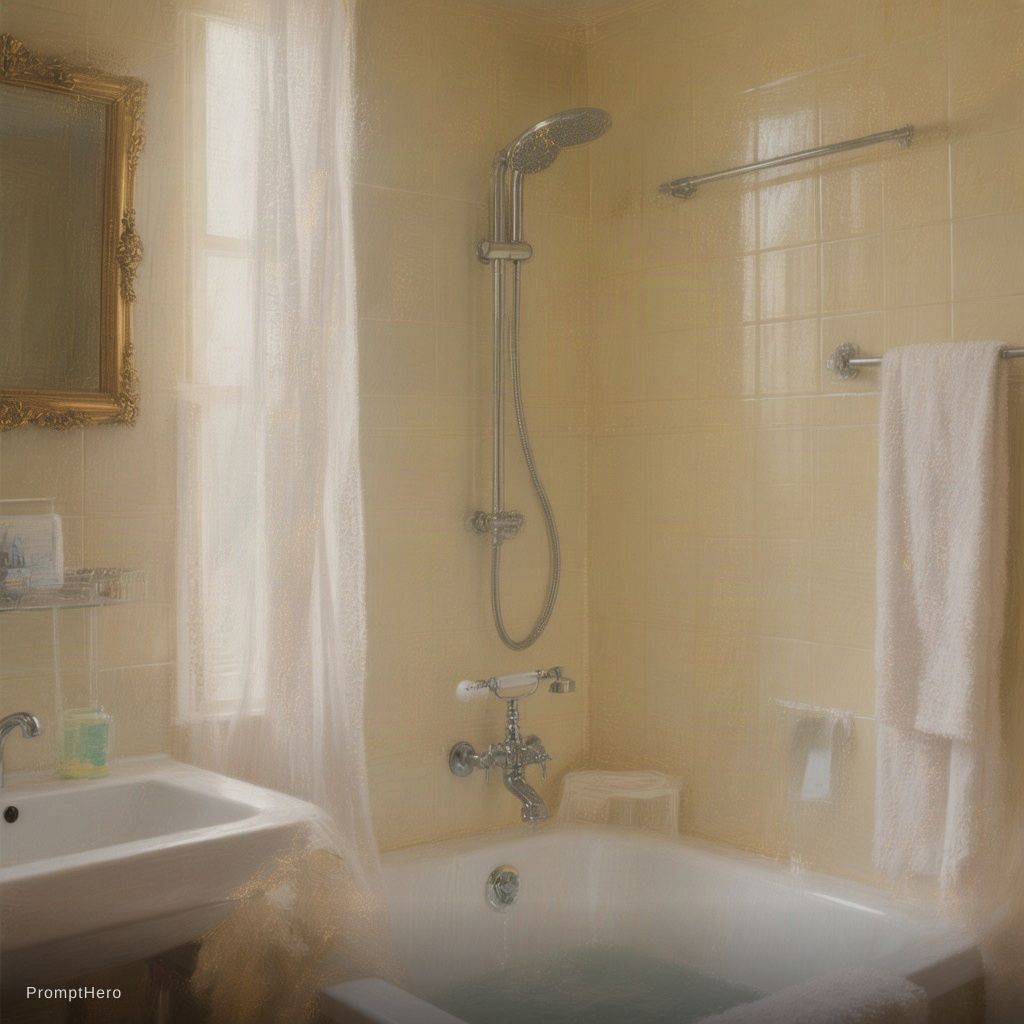
Hunyuan  prompt: Bathroom 지정되지 않음 hunyuan-3
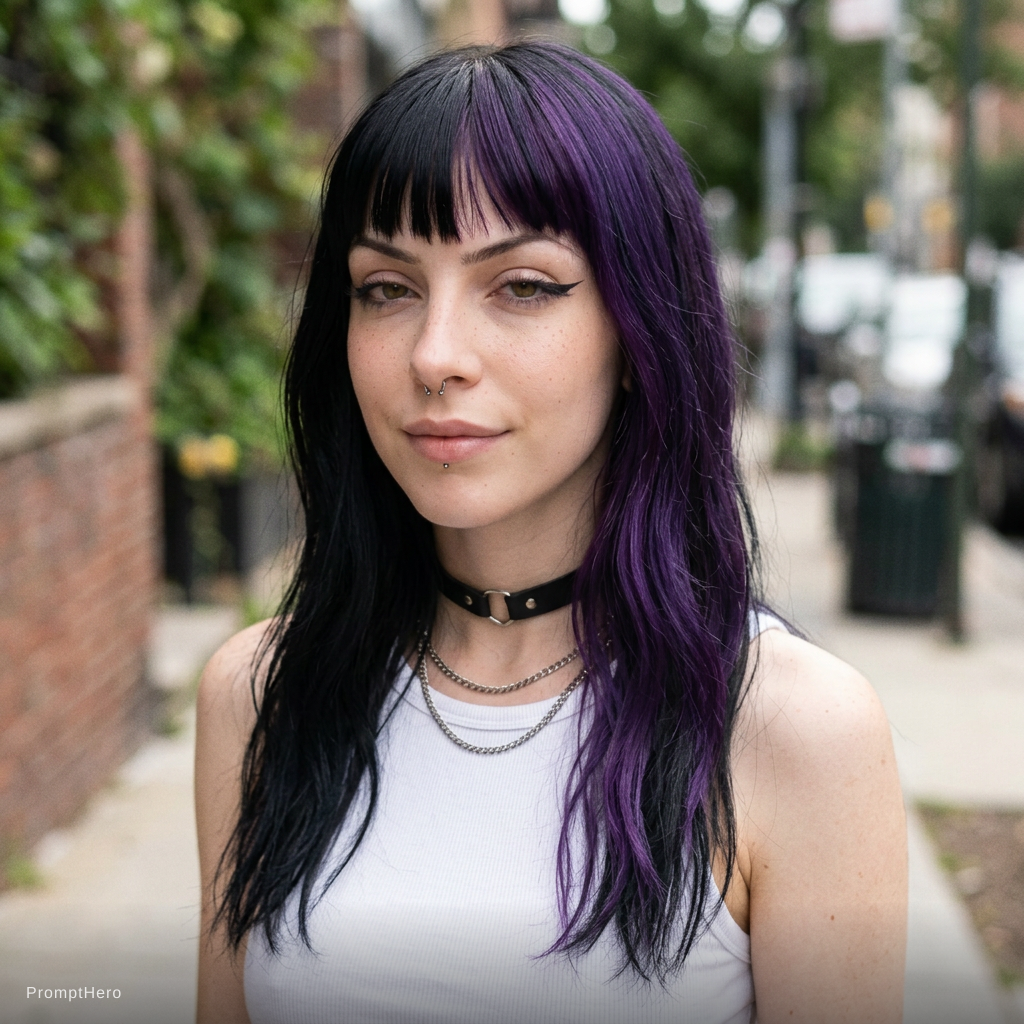
Nano Banana prompt: She is wearing this outfit(white top ) given in im... 지정되지 않음 nano-banana-2.1
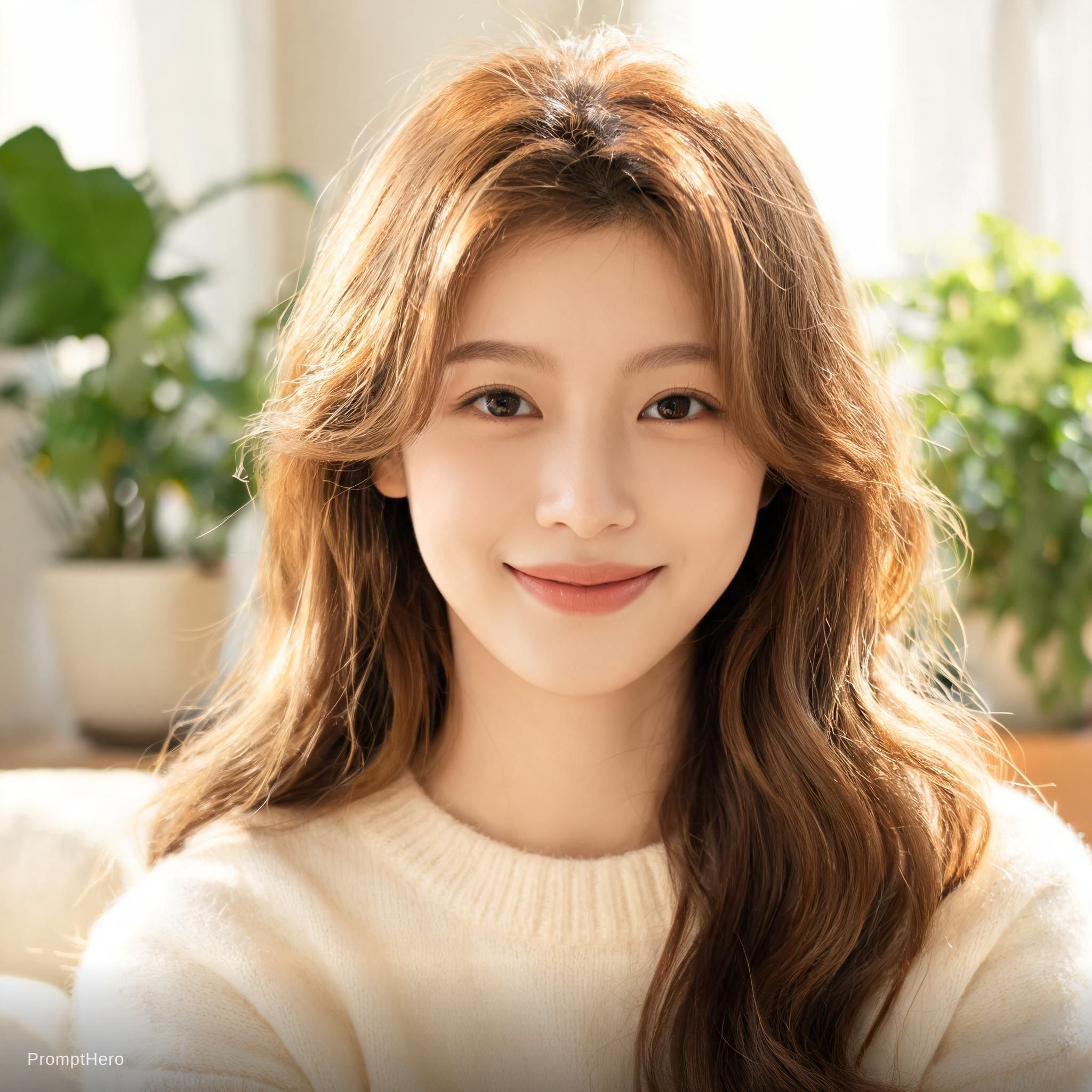
Seedream 5 prompt: woman 지정되지 않음 v2
Hero prompt: مع رجل اسود على شاطى البحر 지정되지 않음 1.0
FLUX prompt: می‌خوام برام یک مداد طلایی ته بنفش تیره رو که داره... 지정되지 않음 flux-2-pro

API를 사용하여 이 프롬프트를 실행하세요.

아래 요청은 기본값이 채워진 이 프롬프트를 실행되는 첫 번째 모델로 보냅니다. 위에 나열된 다른 모델의 모델 이름을 바꾸십시오.

프롬프트 API 문서
/api/v1/gpt_image_2/text_to_image
curl -X POST https://runapi.ai/api/v1/gpt_image_2/text_to_image \
  -H "Authorization: Bearer $RUNAPI_API_KEY" \
  -H "Content-Type: application/json" \
  --data-binary @- <<'JSON'
{
  "model": "gpt-image-2",
  "prompt": "Zone 1 (top-left): Rembrandt lighting, key 45° elevated camera left, fill -45° camera right 0.5x, dramatic triangle on shadow cheek Zone 2 (top-center): Butterfly lighting, key overhead slightly front, fill reflector under chin, butterfly nose shadow, beauty editorial Zone 3 (top-right): Split lighting, hard key 90° camera left, zero fill, half face in shadow, noir mystery Zone 4 (bottom-left): Loop lighting, key 30° elevated camera left, fill -30° camera right 0.3x, small nose loop shadow, natural commercial Zone 5 (bottom-center): Rim lighting dominant, hard backlight 170° camera right gold gel, hair glow, edge separation, heroic silhouette Zone 6 (bottom-right): Clamshell lighting, butterfly key overhead + large soft fill from below 45°, zero shadows, porcelain skin, high-end beauty"
}
JSON

메시지를 보내보세요