Businesswoman at Shibuya Station
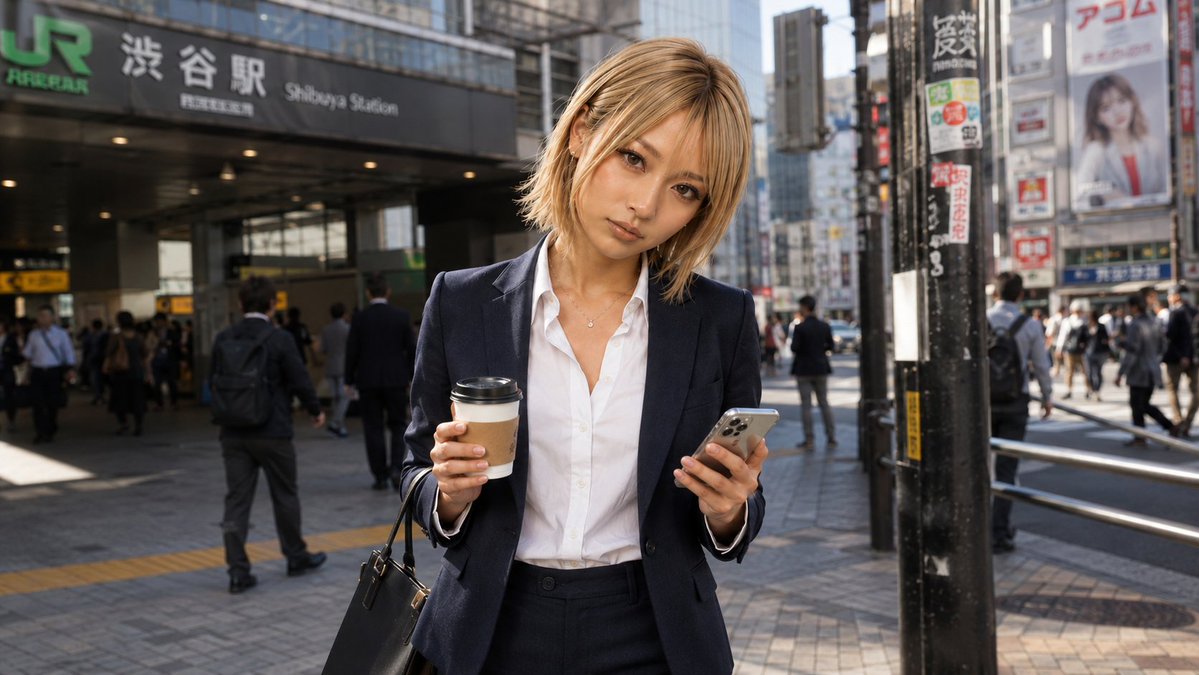

Businesswoman at Shibuya Station
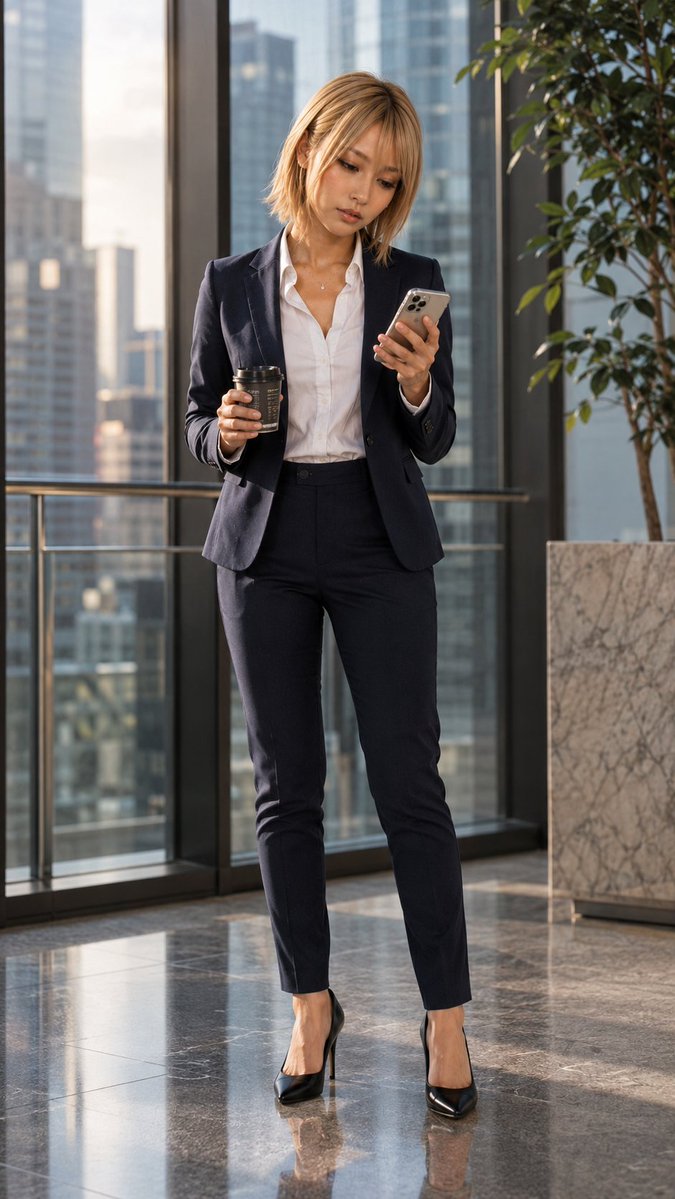
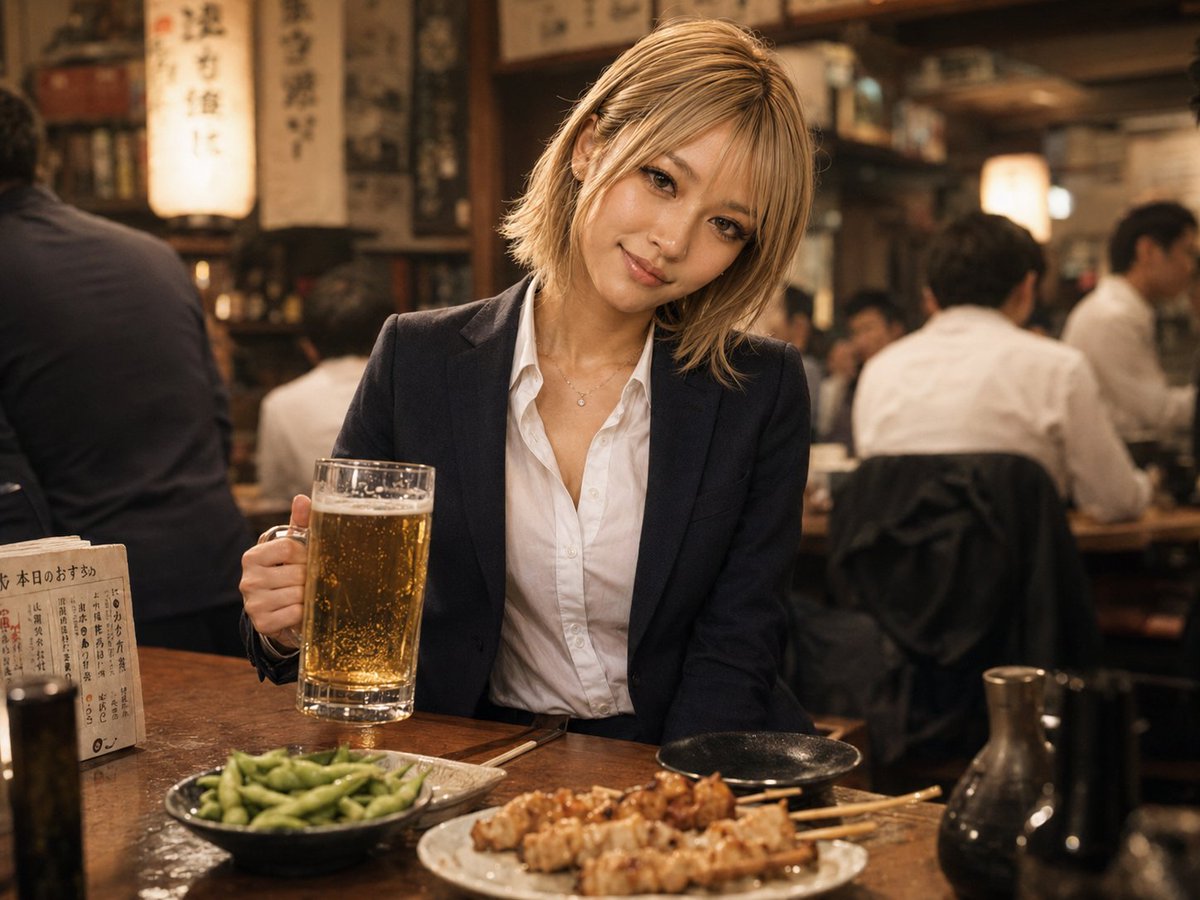

Eingabeaufforderung

Create a photorealistic street snapshot of a young blonde businesswoman standing in front of Shibuya Station in Tokyo on a busy weekday morning before work. She wears a navy business suit with a fitted blazer and trousers over a crisp white button-up shirt, a small necklace, and carries a black leather handbag on one arm. She holds a takeaway coffee cup in one hand and a silver smartphone in the other, as if checking messages during her commute. Her face is deliberately anonymized by a flat solid tan square censor block covering the entire facial area, while her shoulder-length blonde hair remains visible around it. The background shows the JR Shibuya Station entrance with readable signage including “JR”, “Shibuya Station”, and Japanese station text, plus urban buildings, signboards, railings, pavement, and many commuting pedestrians slightly out of focus. Use natural morning sunlight, realistic shadows, shallow depth of field, documentary photography style, 16:9 horizontal composition, eye-level perspective, crisp detail on the woman and softer busy city background. Keep the scene realistic and candid, with no illustration style, no extra text overlays, and no watermark.

Läuft auf 21 Modellen

  • Flux
  • Flux 2
  • Flux Kontext
  • GPT-4o Image
  • GPT Image
  • GPT Image 2
  • GPT Image 2.5
  • GPT Image 2.6
  • Grok Imagine
  • Ideogram V3
  • Imagen 4
  • Kling
  • +9 mehr

Was dieser Prompt erzeugt

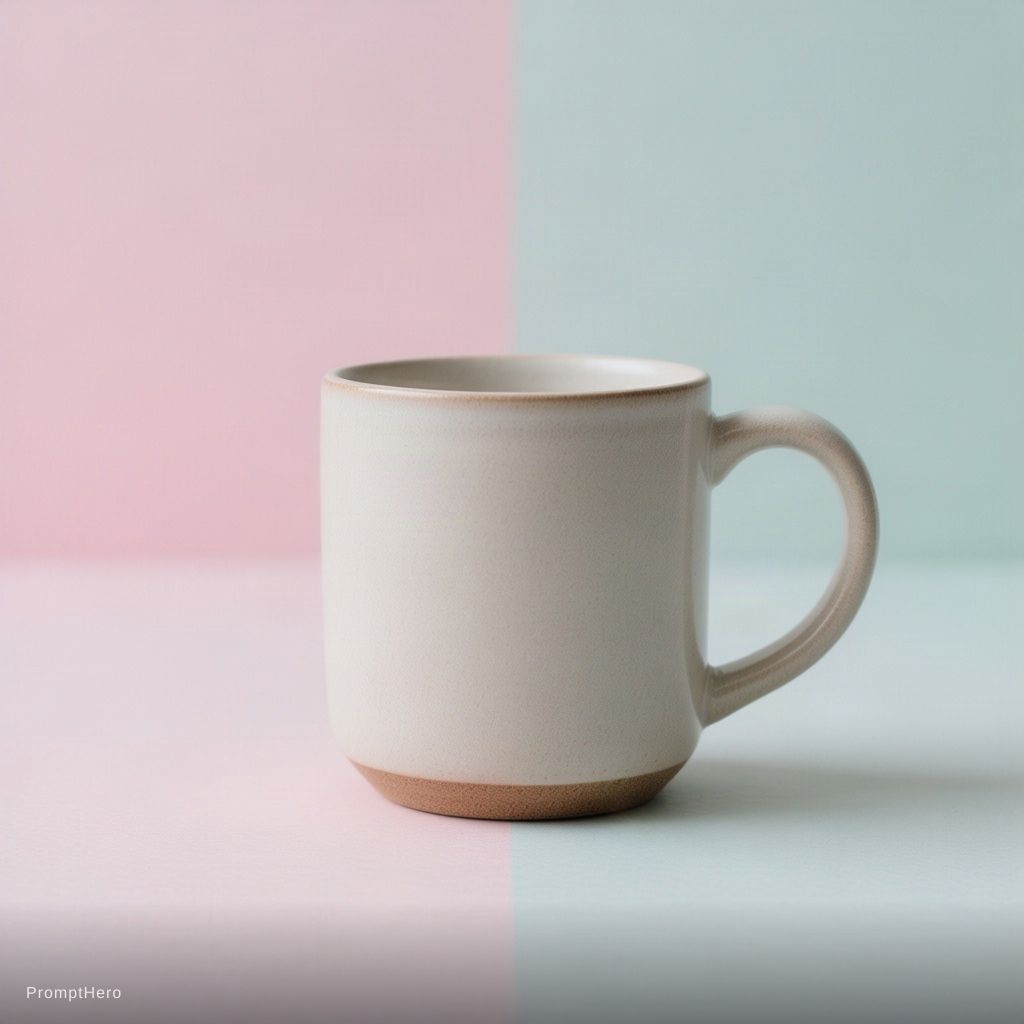
Hunyuan  prompt: Minimalist product photo of a ceramic mug on a pas... Nicht angegeben hunyuan-3
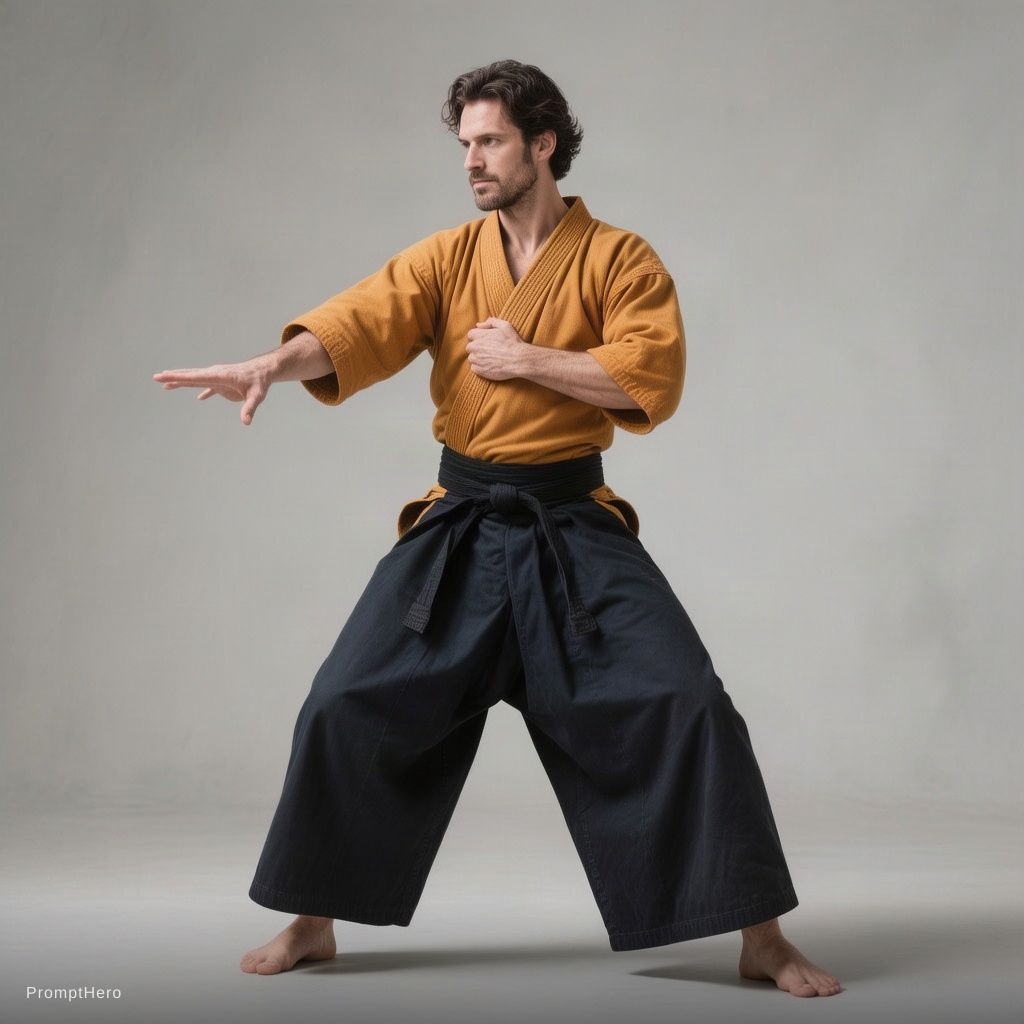
Hunyuan  prompt: Aikido Nicht angegeben hunyuan-3
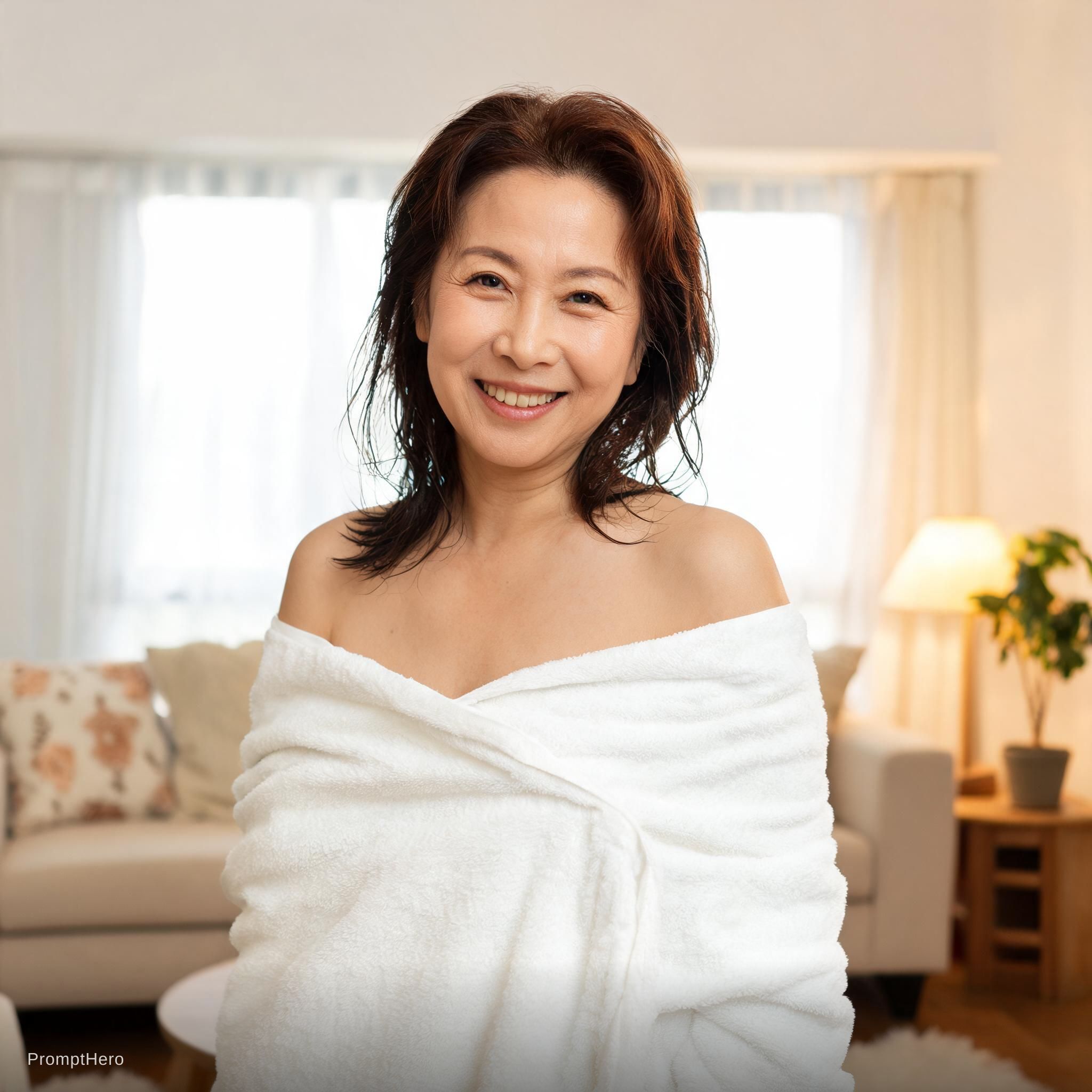
Seedream 5 prompt: f smiling middle aged woman in nice home wrapped i... Nicht angegeben v2
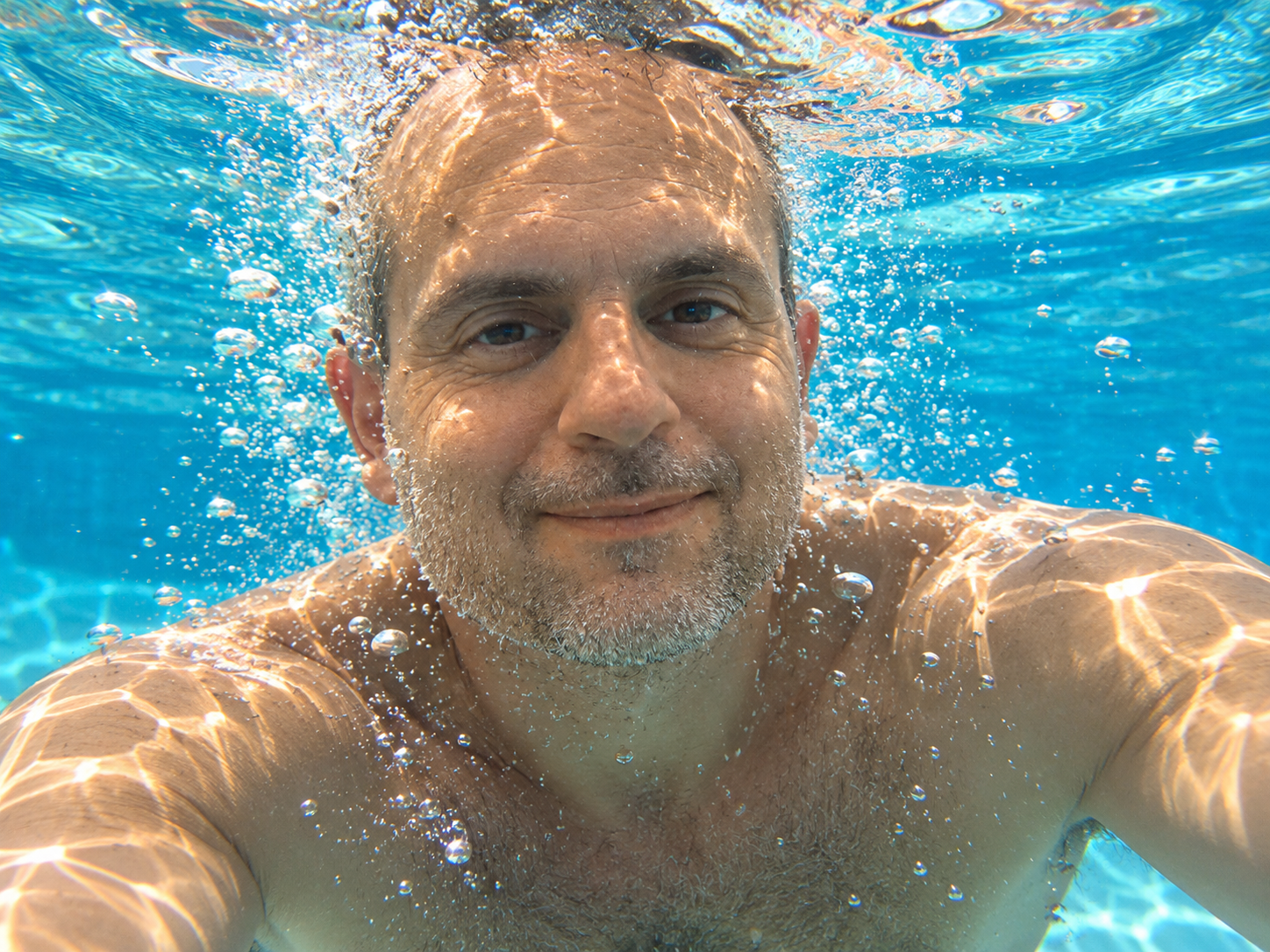
Create an extreme close-up underwater portrait, ca... Nicht angegeben Nicht angegeben
Using the face from the attached photograph, recre... Nicht angegeben Nicht angegeben
Using the face from the attached photo, recreate a... Nicht angegeben Nicht angegeben

Führen Sie diese Eingabeaufforderung mit der API aus

Die folgende Anforderung sendet diese Eingabeaufforderung mit den ausgefüllten Standardwerten an das erste Modell, auf dem sie ausgeführt wird. Tauschen Sie den Modellnamen gegen ein anderes oben aufgeführtes Modell aus.

Prompt API-Dokumente
/api/v1/gpt_image_2/text_to_image
curl -X POST https://runapi.ai/api/v1/gpt_image_2/text_to_image \
  -H "Authorization: Bearer $RUNAPI_API_KEY" \
  -H "Content-Type: application/json" \
  --data-binary @- <<'JSON'
{
  "model": "gpt-image-2",
  "prompt": "Create a photorealistic street snapshot of a young blonde businesswoman standing in front of Shibuya Station in Tokyo on a busy weekday morning before work. She wears a navy business suit with a fitted blazer and trousers over a crisp white button-up shirt, a small necklace, and carries a black leather handbag on one arm. She holds a takeaway coffee cup in one hand and a silver smartphone in the other, as if checking messages during her commute. Her face is deliberately anonymized by a flat solid tan square censor block covering the entire facial area, while her shoulder-length blonde hair remains visible around it. The background shows the JR Shibuya Station entrance with readable signage including “JR”, “Shibuya Station”, and Japanese station text, plus urban buildings, signboards, railings, pavement, and many commuting pedestrians slightly out of focus. Use natural morning sunlight, realistic shadows, shallow depth of field, documentary photography style, 16:9 horizontal composition, eye-level perspective, crisp detail on the woman and softer busy city background. Keep the scene realistic and candid, with no illustration style, no extra text overlays, and no watermark."
}
JSON

Probier‘s mal mit einer Anfrage