Businesswoman at Shibuya Station
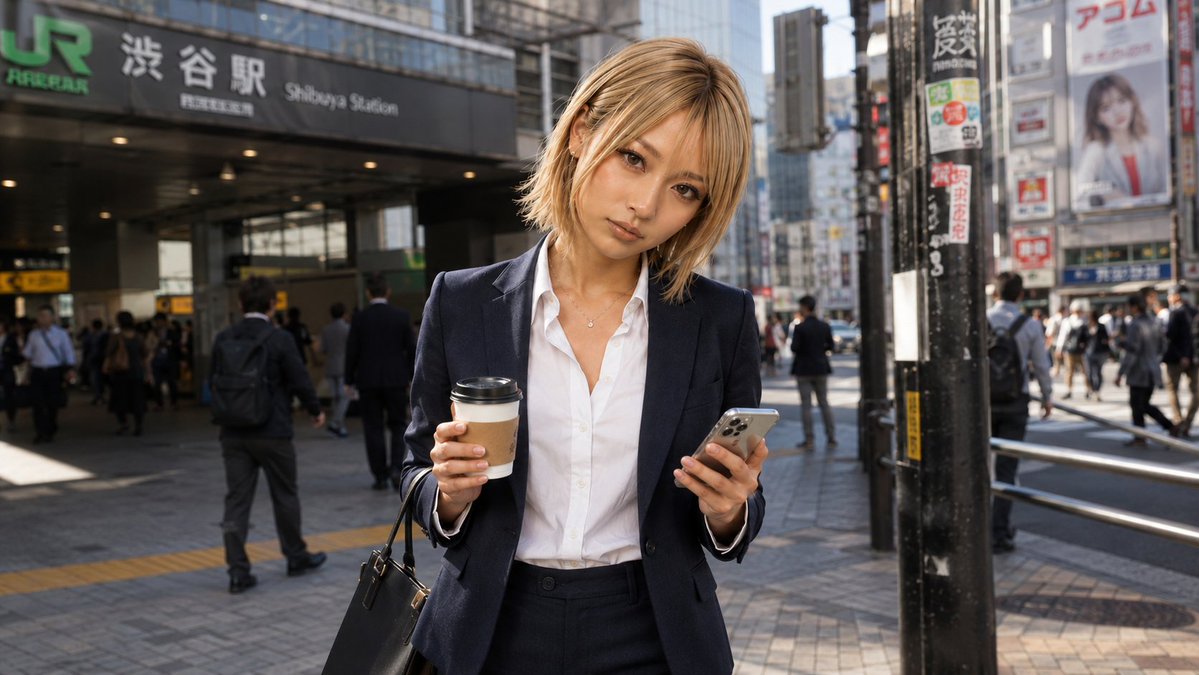

Businesswoman at Shibuya Station

즉각적인

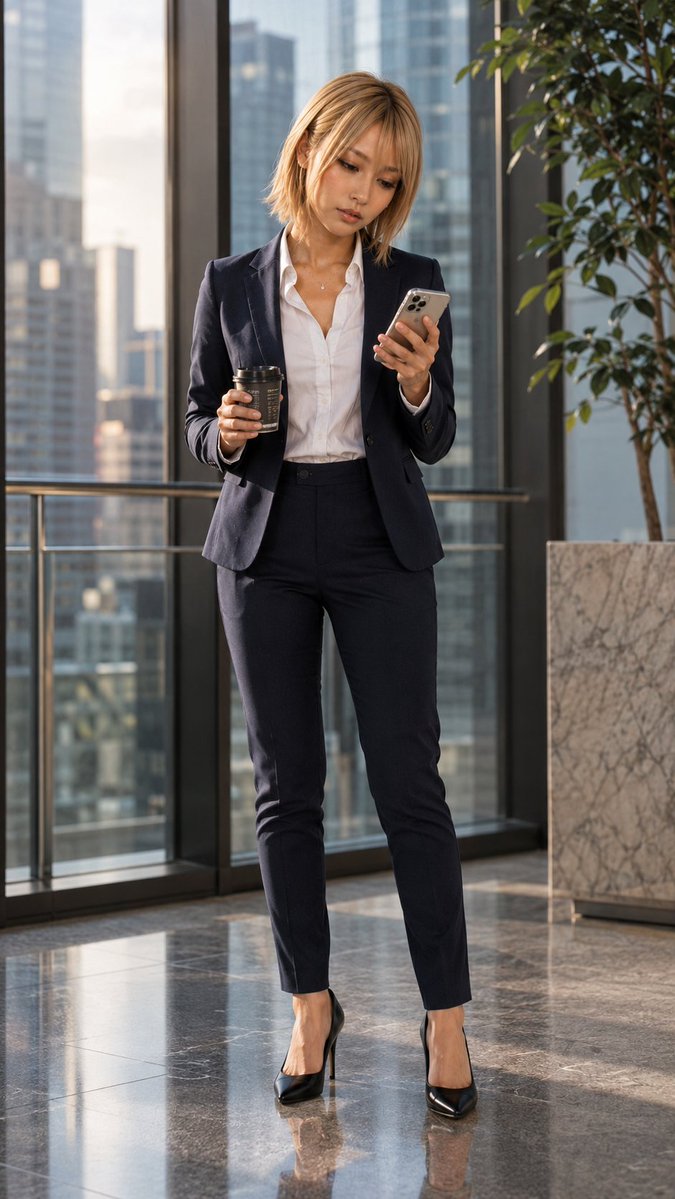
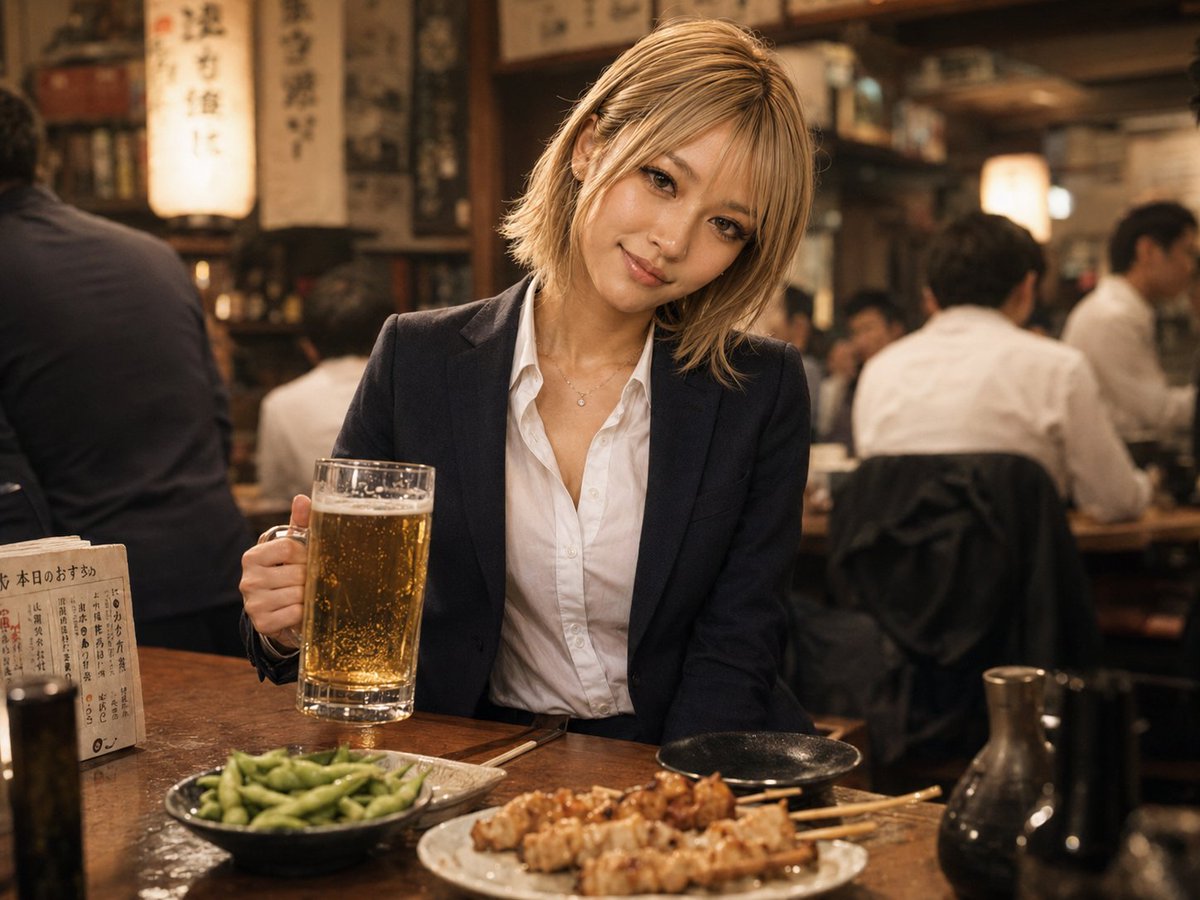
Create a photorealistic street snapshot of a young blonde businesswoman standing in front of Shibuya Station in Tokyo on a busy weekday morning before work. She wears a navy business suit with a fitted blazer and trousers over a crisp white button-up shirt, a small necklace, and carries a black leather handbag on one arm. She holds a takeaway coffee cup in one hand and a silver smartphone in the other, as if checking messages during her commute. Her face is deliberately anonymized by a flat solid tan square censor block covering the entire facial area, while her shoulder-length blonde hair remains visible around it. The background shows the JR Shibuya Station entrance with readable signage including “JR”, “Shibuya Station”, and Japanese station text, plus urban buildings, signboards, railings, pavement, and many commuting pedestrians slightly out of focus. Use natural morning sunlight, realistic shadows, shallow depth of field, documentary photography style, 16:9 horizontal composition, eye-level perspective, crisp detail on the woman and softer busy city background. Keep the scene realistic and candid, with no illustration style, no extra text overlays, and no watermark.

21 모델에서 실행됩니다.

  • Flux
  • Flux 2
  • Flux Kontext
  • GPT-4o Image
  • GPT Image
  • GPT Image 2
  • GPT Image 2.5
  • GPT Image 2.6
  • Grok Imagine
  • Ideogram V3
  • Imagen 4
  • Kling
  • +9 이상

이 프롬프트의 출력

Hunyuan  prompt: Minimalist product photo of a ceramic mug on a pas... 지정되지 않음 hunyuan-3
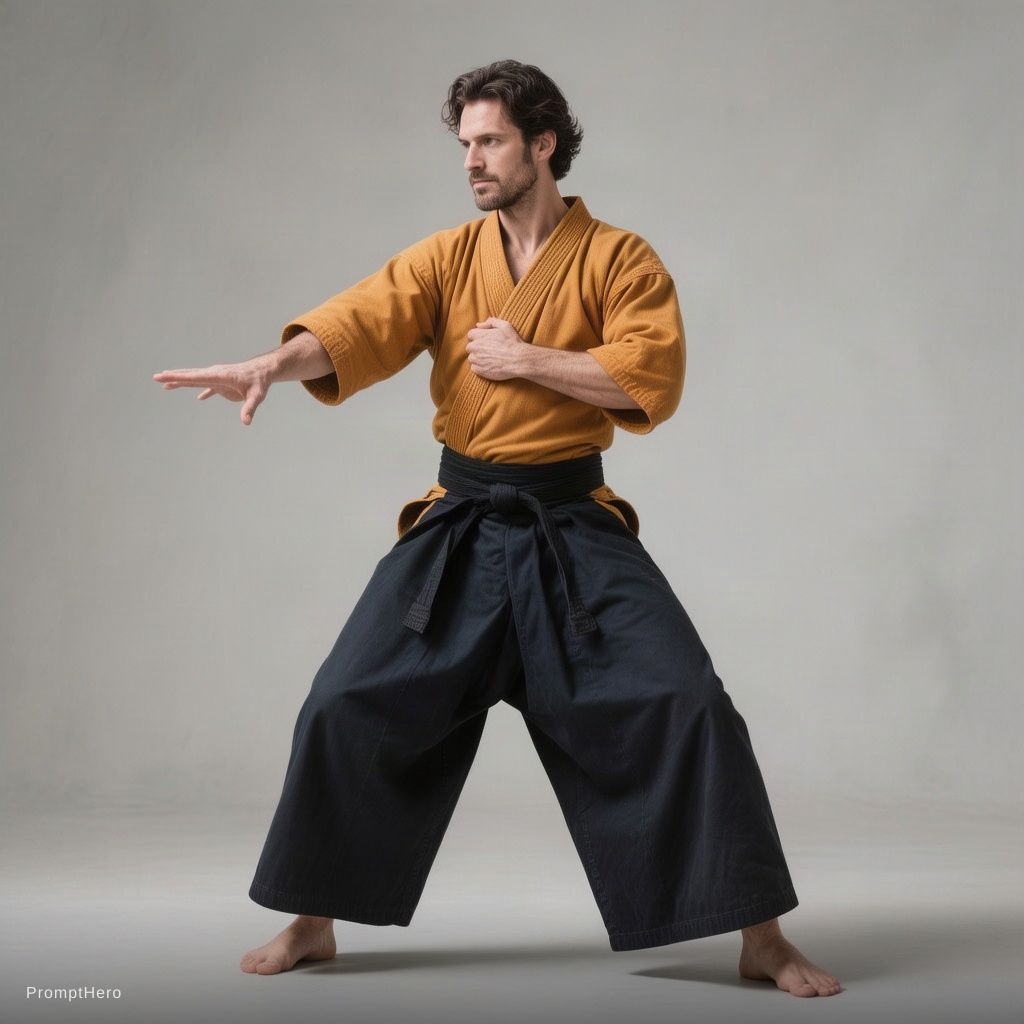
Hunyuan  prompt: Aikido 지정되지 않음 hunyuan-3
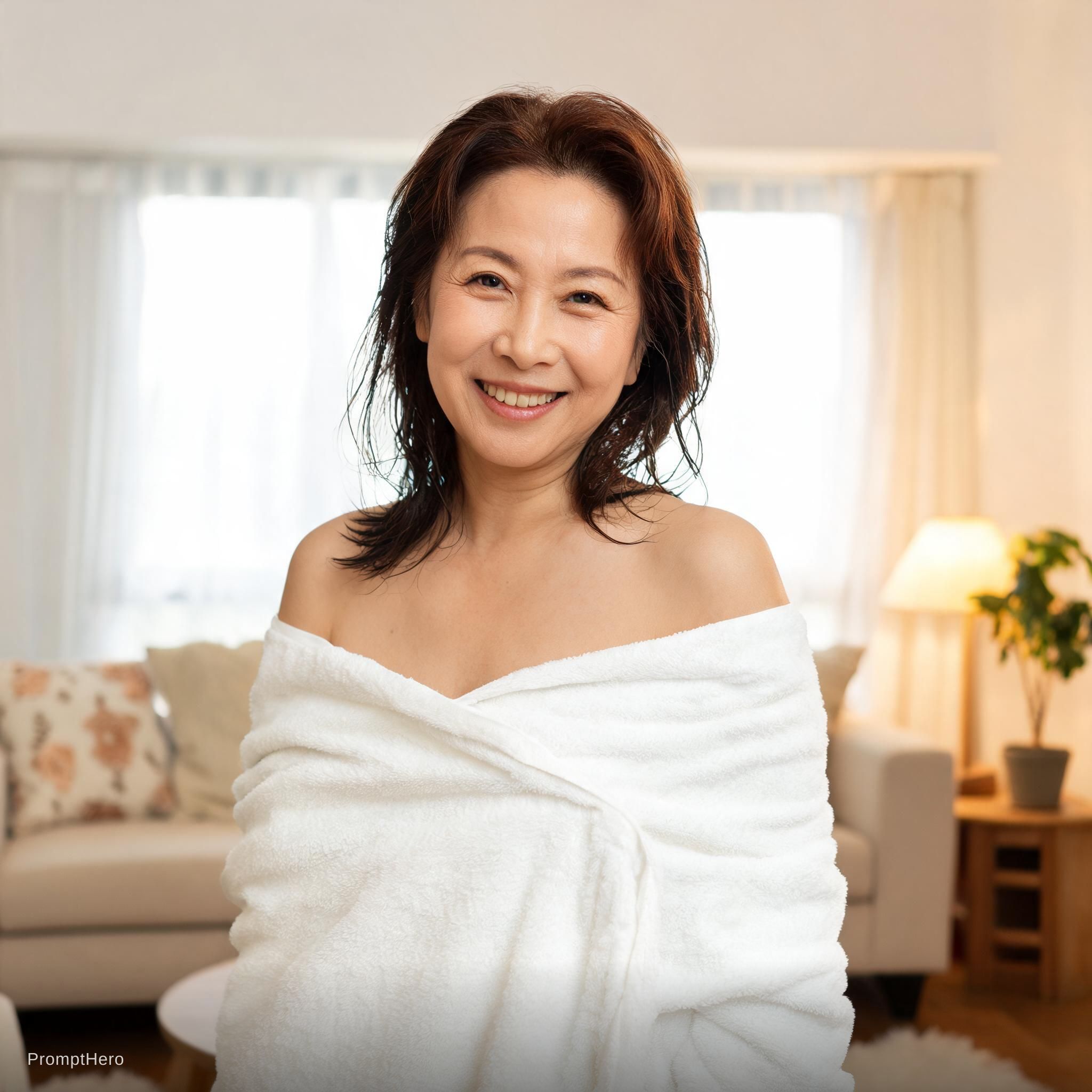
Seedream 5 prompt: f smiling middle aged woman in nice home wrapped i... 지정되지 않음 v2
Create an extreme close-up underwater portrait, ca... 지정되지 않음 지정되지 않음
Using the face from the attached photograph, recre... 지정되지 않음 지정되지 않음
Using the face from the attached photo, recreate a... 지정되지 않음 지정되지 않음

API를 사용하여 이 프롬프트를 실행하세요.

아래 요청은 기본값이 채워진 이 프롬프트를 실행되는 첫 번째 모델로 보냅니다. 위에 나열된 다른 모델의 모델 이름을 바꾸십시오.

프롬프트 API 문서
/api/v1/gpt_image_2/text_to_image
curl -X POST https://runapi.ai/api/v1/gpt_image_2/text_to_image \
  -H "Authorization: Bearer $RUNAPI_API_KEY" \
  -H "Content-Type: application/json" \
  --data-binary @- <<'JSON'
{
  "model": "gpt-image-2",
  "prompt": "Create a photorealistic street snapshot of a young blonde businesswoman standing in front of Shibuya Station in Tokyo on a busy weekday morning before work. She wears a navy business suit with a fitted blazer and trousers over a crisp white button-up shirt, a small necklace, and carries a black leather handbag on one arm. She holds a takeaway coffee cup in one hand and a silver smartphone in the other, as if checking messages during her commute. Her face is deliberately anonymized by a flat solid tan square censor block covering the entire facial area, while her shoulder-length blonde hair remains visible around it. The background shows the JR Shibuya Station entrance with readable signage including “JR”, “Shibuya Station”, and Japanese station text, plus urban buildings, signboards, railings, pavement, and many commuting pedestrians slightly out of focus. Use natural morning sunlight, realistic shadows, shallow depth of field, documentary photography style, 16:9 horizontal composition, eye-level perspective, crisp detail on the woman and softer busy city background. Keep the scene realistic and candid, with no illustration style, no extra text overlays, and no watermark."
}
JSON

메시지를 보내보세요