Japanese Egg Cooking Flowchart UI
Japanese Egg Cooking Flowchart UI

Eingabeaufforderung

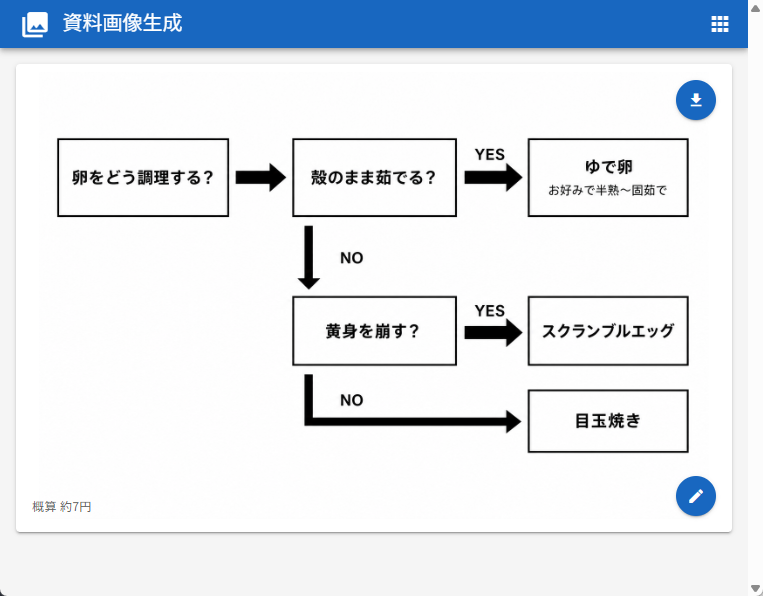
Goal: Create a clean web-app screenshot showing a generated document image: a simple Japanese decision flowchart for how to cook eggs. Canvas: 762×596 px desktop browser/app view. Light gray page background with a bright blue top app bar spanning the full width. The app bar contains a small white image icon at far left, the Japanese title 資料画像生成 in white, and a small white grid/menu icon at the far right. A subtle scrollbar is visible on the right edge. Main card layout: Center a large white rounded rectangle card with a faint drop shadow, about 718×468 px, starting below the blue header. Inside the card is a black-and-white flowchart on a white field, leaving generous margins. Add two floating circular blue action buttons on the right side of the card: one near the upper-right with a white download arrow icon, and one near the lower-right with a white pencil/edit icon. Flowchart elements: Use exactly 6 rectangular outlined boxes with white fill and black borders, connected by exactly 5 thick black arrows. All text is Japanese and bold black unless noted. 1. Left box: 「卵をどう調理する?」 2. Top middle box: 「殻のまま茹でる?」 3. Top right box: main text 「ゆで卵」 with smaller subtitle 「お好みで半熟〜固茹で」 4. Middle lower box: 「黄身を崩す?」 5. Middle right box: 「スクランブルエッグ」 6. Bottom right box: 「目玉焼き」 Flowchart connections and labels: A right-pointing arrow connects box 1 to box 2. From box 2, a right-pointing arrow labeled 「YES」 above it connects to box 3. From box 2, a downward arrow labeled 「NO」 to the right descends to box 4. From box 4, a right-pointing arrow labeled 「YES」 above it connects to box 5. From box 4, a thick path goes downward then right, labeled 「NO」 near the turn, ending with a right-pointing arrow into box 6. Footer text: At the lower-left inside the card, add small gray Japanese text 概算 約7円. Visual style: Minimal monochrome flowchart, clean sans-serif Japanese UI font, thick black arrows, crisp rectangular outlines, lots of white space, realistic screenshot-like UI rendering. Avoid extra boxes, extra icons, decorative colors inside the chart, watermarks, or additional explanatory text.

Läuft auf 21 Modellen

  • Flux
  • Flux 2
  • Flux Kontext
  • GPT-4o Image
  • GPT Image
  • GPT Image 2
  • GPT Image 2.5
  • GPT Image 2.6
  • Grok Imagine
  • Ideogram V3
  • Imagen 4
  • Kling
  • +9 mehr

Was dieser Prompt erzeugt

Seedream 5 prompt: Je veut une photo de moi prise par quelqu’un d’aut... Nicht angegeben v2
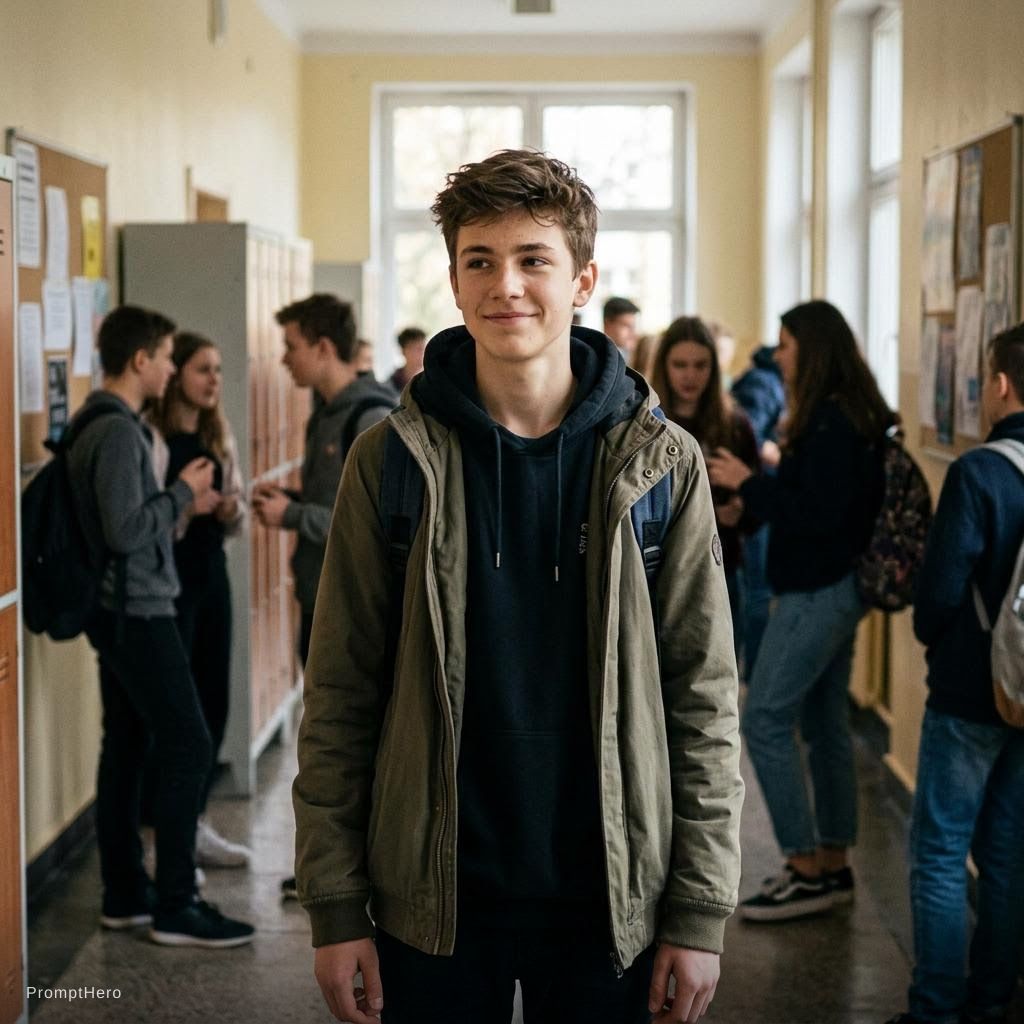
Hero prompt: es domāju par zēnu  no skolas. Nicht angegeben 1.0
Hunyuan  prompt: birthday Nicht angegeben hunyuan-3
Seedream 5 prompt: secretary Nicht angegeben v2
ChatGPT Image prompt: Made horror movie poster. Silent Night, Deadly Nig... Nicht angegeben v1
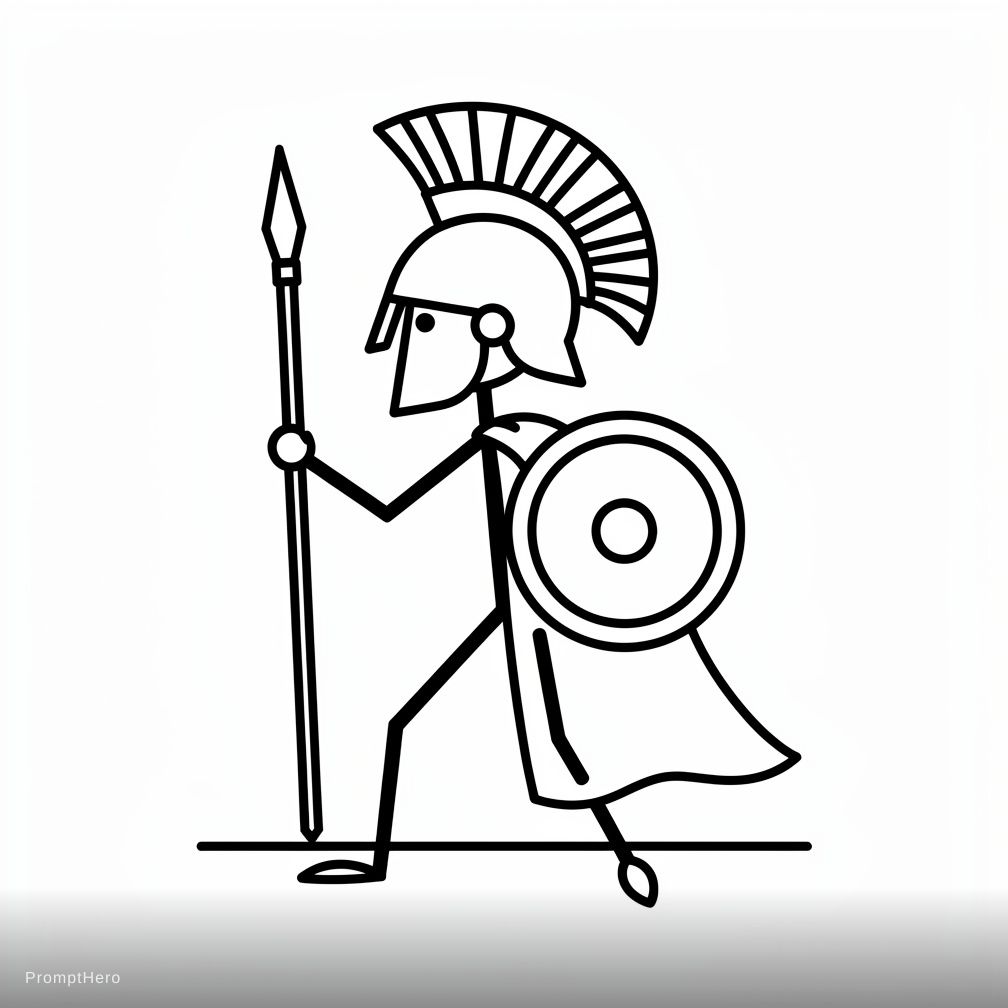
FLUX prompt: spartan stick man Nicht angegeben flux-2-pro

Führen Sie diese Eingabeaufforderung mit der API aus

Die folgende Anforderung sendet diese Eingabeaufforderung mit den ausgefüllten Standardwerten an das erste Modell, auf dem sie ausgeführt wird. Tauschen Sie den Modellnamen gegen ein anderes oben aufgeführtes Modell aus.

Prompt API-Dokumente
/api/v1/gpt_image_2/text_to_image
curl -X POST https://runapi.ai/api/v1/gpt_image_2/text_to_image \
  -H "Authorization: Bearer $RUNAPI_API_KEY" \
  -H "Content-Type: application/json" \
  --data-binary @- <<'JSON'
{
  "model": "gpt-image-2",
  "prompt": "Goal: Create a clean web-app screenshot showing a generated document image: a simple Japanese decision flowchart for how to cook eggs.\n\nCanvas: 762×596 px desktop browser/app view. Light gray page background with a bright blue top app bar spanning the full width. The app bar contains a small white image icon at far left, the Japanese title 資料画像生成 in white, and a small white grid/menu icon at the far right. A subtle scrollbar is visible on the right edge.\n\nMain card layout: Center a large white rounded rectangle card with a faint drop shadow, about 718×468 px, starting below the blue header. Inside the card is a black-and-white flowchart on a white field, leaving generous margins. Add two floating circular blue action buttons on the right side of the card: one near the upper-right with a white download arrow icon, and one near the lower-right with a white pencil/edit icon.\n\nFlowchart elements: Use exactly 6 rectangular outlined boxes with white fill and black borders, connected by exactly 5 thick black arrows. All text is Japanese and bold black unless noted.\n1. Left box: 「卵をどう調理する?」\n2. Top middle box: 「殻のまま茹でる?」\n3. Top right box: main text 「ゆで卵」 with smaller subtitle 「お好みで半熟〜固茹で」\n4. Middle lower box: 「黄身を崩す?」\n5. Middle right box: 「スクランブルエッグ」\n6. Bottom right box: 「目玉焼き」\n\nFlowchart connections and labels: A right-pointing arrow connects box 1 to box 2. From box 2, a right-pointing arrow labeled 「YES」 above it connects to box 3. From box 2, a downward arrow labeled 「NO」 to the right descends to box 4. From box 4, a right-pointing arrow labeled 「YES」 above it connects to box 5. From box 4, a thick path goes downward then right, labeled 「NO」 near the turn, ending with a right-pointing arrow into box 6.\n\nFooter text: At the lower-left inside the card, add small gray Japanese text 概算 約7円.\n\nVisual style: Minimal monochrome flowchart, clean sans-serif Japanese UI font, thick black arrows, crisp rectangular outlines, lots of white space, realistic screenshot-like UI rendering. Avoid extra boxes, extra icons, decorative colors inside the chart, watermarks, or additional explanatory text."
}
JSON

Probier‘s mal mit einer Anfrage