Japanese Prompt Tip Slide
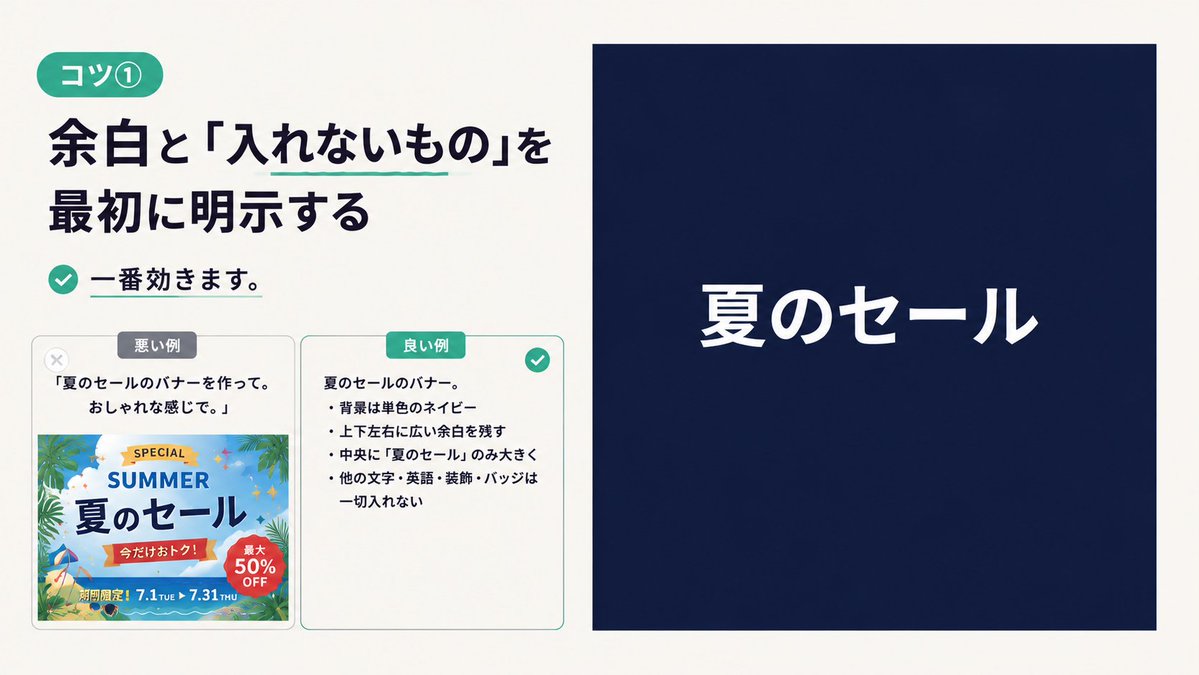
Japanese Prompt Tip Slide

Eingabeaufforderung

Goal: Create a clean Japanese instructional slide about prompt-writing tip コツ①, explaining that whitespace and excluded elements should be stated first. Canvas: 16:9 horizontal presentation slide, warm off-white background, generous margins, modern minimalist editorial layout. Use dark navy text and teal accents. Layout: Split the slide into two main columns. The left column takes about 48% width and contains the lesson text plus two comparison cards. The right column takes about 47% width and shows a large example banner: a solid navy rectangle with only one centered white headline. Left column details: At top left, place a rounded teal pill label reading コツ①. Below it, use a large bold Japanese headline in dark navy: 余白と「入れないもの」を最初に明示する. Add a thin teal underline only under the phrase 「入れないもの」. Under the headline, place a teal circular check icon followed by bold text: 「一番効きます。」 with a short teal underline beneath the sentence. Comparison section: Below the lesson text, place exactly 2 rounded rectangular cards side by side with light gray borders. Card 1 is the bad example, labeled with a small gray pill 「悪い例」 at the top and a pale gray X icon near the upper-left corner. It contains the quote 「夏のセールのバナーを作って。おしゃれな感じで。」 and below it a busy colorful summer-sale banner thumbnail with palm leaves, beach colors, decorative badges, English words, discount circles, dates, and many small ornaments; visible text includes “SPECIAL”, “SUMMER”, 「夏のセール」, 「今だけおトク!」, 「最大50% OFF」, and 「期間限定!7.1 TUE ▶ 7.31 THU」. Card 2 is the good example, labeled with a teal pill 「良い例」 at the top and a teal check icon at the upper-right corner. It contains a short bullet list in Japanese describing the constraints: 「夏のセールのバナー。」, 「背景は単色のネイビー」, 「上下左右に広い余白を残す」, 「中央に『夏のセール』のみ大きく」, 「他の文字・英語・装飾・バッジは一切入れない」. Right column example: Create one large solid dark navy rectangle with no border, no decoration, and wide empty space. Center a single white Japanese headline reading 夏のセール. The text should be large, bold, clean sans-serif, horizontally and vertically centered. Do not add any other text, icons, badges, images, patterns, gradients, or decorative elements inside this right banner. Visual style: Japanese tech/business education design, crisp typography, high contrast, precise spacing, subtle rounded corners, teal accent color, no watermark. Keep the composition close to a screenshot-like presentation slide.

Läuft auf 21 Modellen

  • Flux
  • Flux 2
  • Flux Kontext
  • GPT-4o Image
  • GPT Image
  • GPT Image 2
  • GPT Image 2.5
  • GPT Image 2.6
  • Grok Imagine
  • Ideogram V3
  • Imagen 4
  • Kling
  • +9 mehr

Was dieser Prompt erzeugt

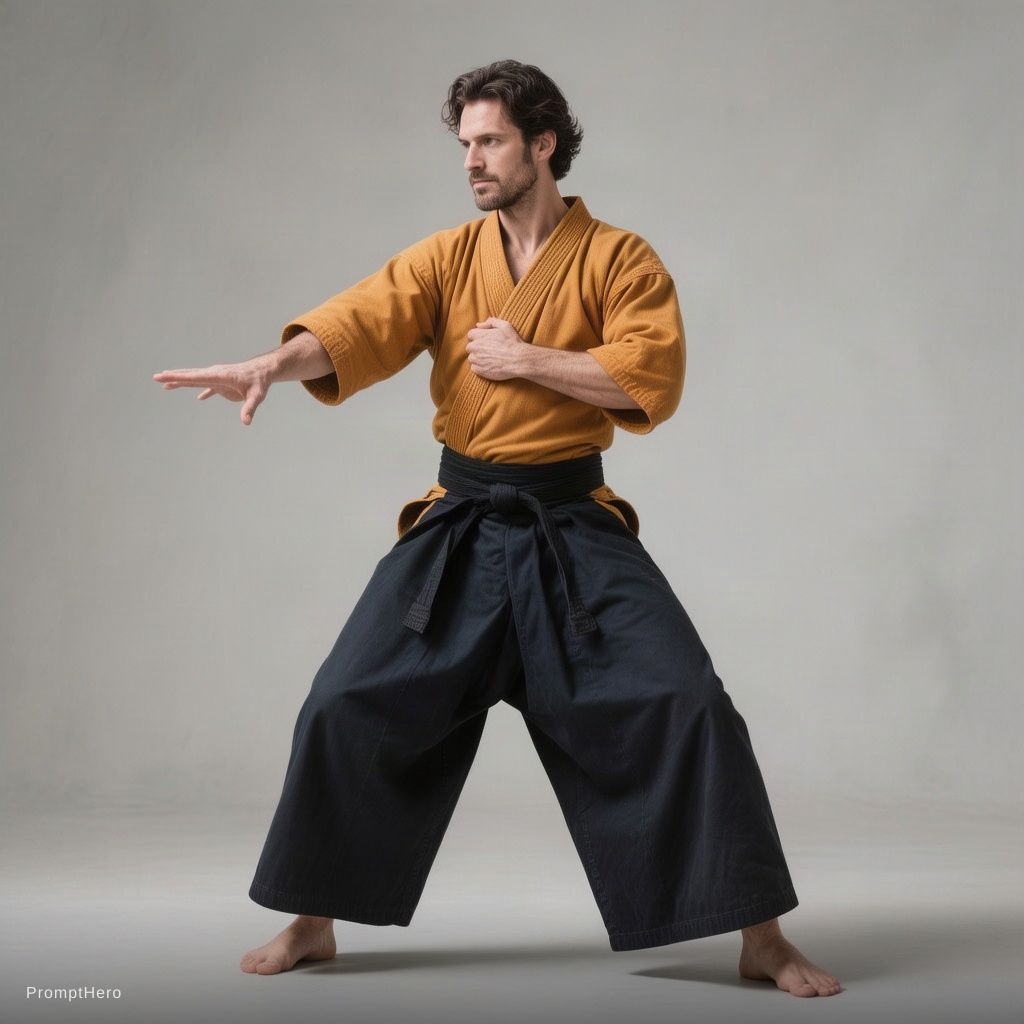
Hunyuan  prompt: Aikido Nicht angegeben hunyuan-3
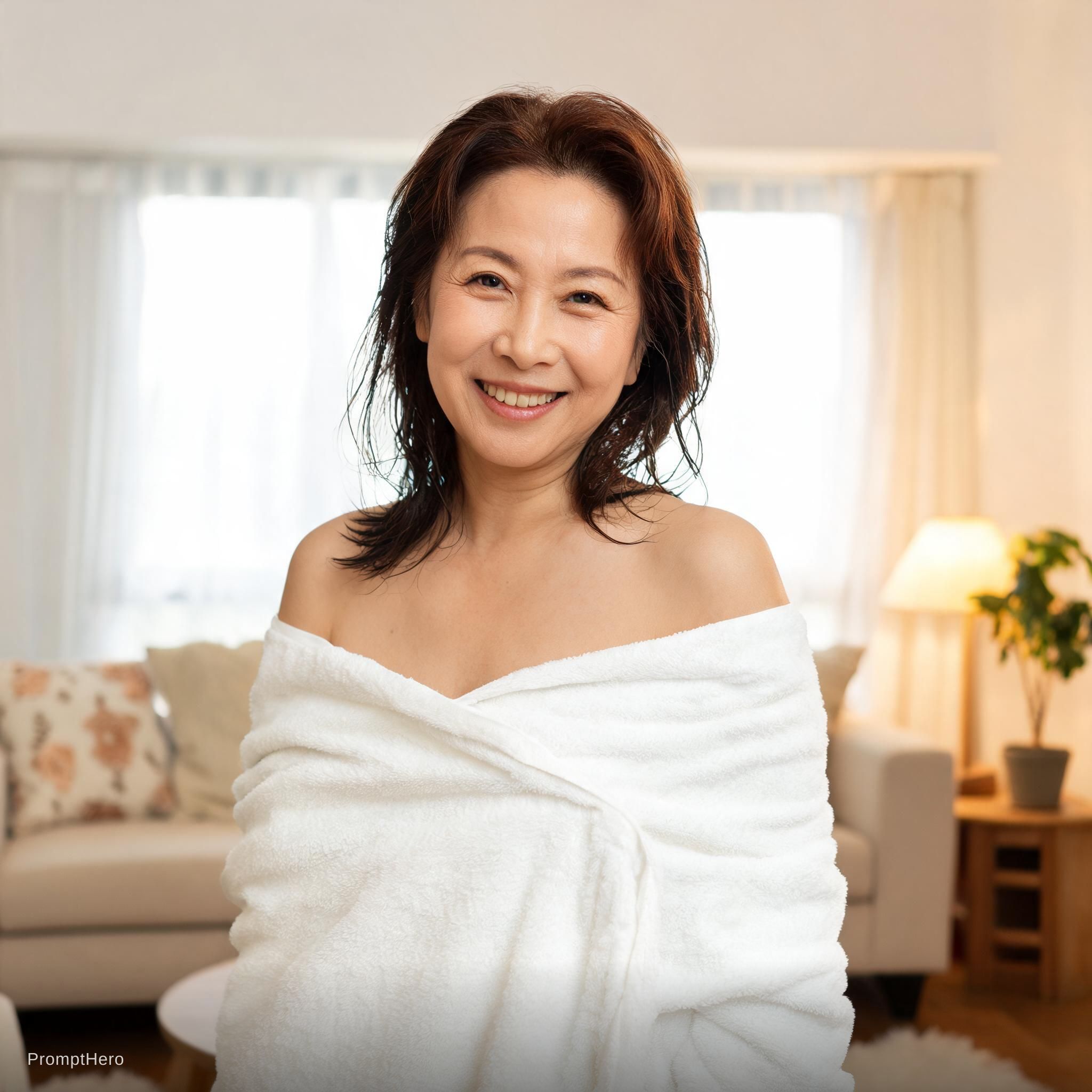
Seedream 5 prompt: f smiling middle aged woman in nice home wrapped i... Nicht angegeben v2
Create an extreme close-up underwater portrait, ca... Nicht angegeben Nicht angegeben
Using the face from the attached photograph, recre... Nicht angegeben Nicht angegeben
Using the face from the attached photo, recreate a... Nicht angegeben Nicht angegeben
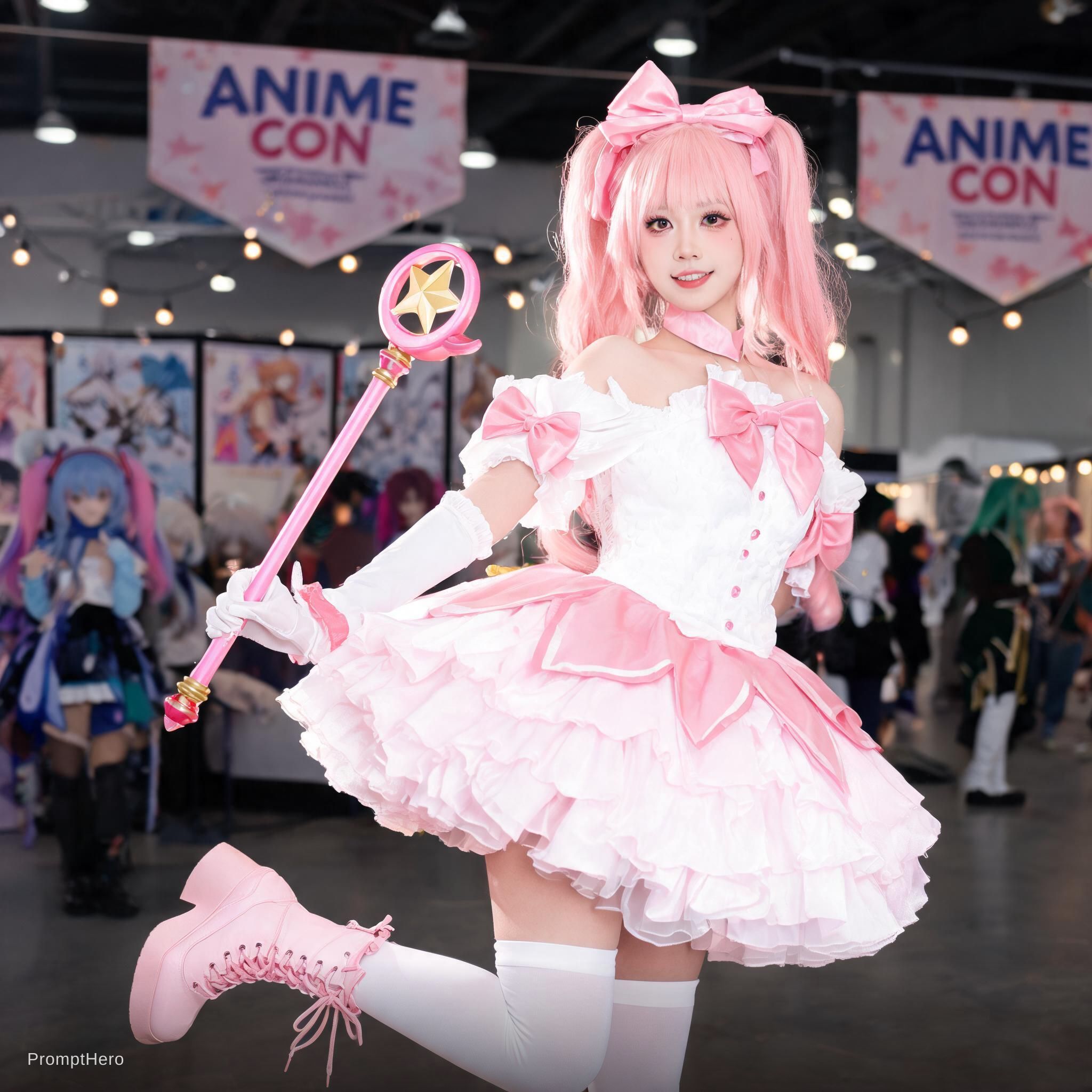
Seedream 5 prompt: cosplay Nicht angegeben v2

Führen Sie diese Eingabeaufforderung mit der API aus

Die folgende Anforderung sendet diese Eingabeaufforderung mit den ausgefüllten Standardwerten an das erste Modell, auf dem sie ausgeführt wird. Tauschen Sie den Modellnamen gegen ein anderes oben aufgeführtes Modell aus.

Prompt API-Dokumente
/api/v1/gpt_image_2/text_to_image
curl -X POST https://runapi.ai/api/v1/gpt_image_2/text_to_image \
  -H "Authorization: Bearer $RUNAPI_API_KEY" \
  -H "Content-Type: application/json" \
  --data-binary @- <<'JSON'
{
  "model": "gpt-image-2",
  "prompt": "Goal: Create a clean Japanese instructional slide about prompt-writing tip コツ①, explaining that whitespace and excluded elements should be stated first.\n\nCanvas: 16:9 horizontal presentation slide, warm off-white background, generous margins, modern minimalist editorial layout. Use dark navy text and teal accents.\n\nLayout: Split the slide into two main columns. The left column takes about 48% width and contains the lesson text plus two comparison cards. The right column takes about 47% width and shows a large example banner: a solid navy rectangle with only one centered white headline.\n\nLeft column details: At top left, place a rounded teal pill label reading コツ①. Below it, use a large bold Japanese headline in dark navy: 余白と「入れないもの」を最初に明示する. Add a thin teal underline only under the phrase 「入れないもの」. Under the headline, place a teal circular check icon followed by bold text: 「一番効きます。」 with a short teal underline beneath the sentence.\n\nComparison section: Below the lesson text, place exactly 2 rounded rectangular cards side by side with light gray borders. Card 1 is the bad example, labeled with a small gray pill 「悪い例」 at the top and a pale gray X icon near the upper-left corner. It contains the quote 「夏のセールのバナーを作って。おしゃれな感じで。」 and below it a busy colorful summer-sale banner thumbnail with palm leaves, beach colors, decorative badges, English words, discount circles, dates, and many small ornaments; visible text includes “SPECIAL”, “SUMMER”, 「夏のセール」, 「今だけおトク!」, 「最大50% OFF」, and 「期間限定!7.1 TUE ▶ 7.31 THU」. Card 2 is the good example, labeled with a teal pill 「良い例」 at the top and a teal check icon at the upper-right corner. It contains a short bullet list in Japanese describing the constraints: 「夏のセールのバナー。」, 「背景は単色のネイビー」, 「上下左右に広い余白を残す」, 「中央に『夏のセール』のみ大きく」, 「他の文字・英語・装飾・バッジは一切入れない」.\n\nRight column example: Create one large solid dark navy rectangle with no border, no decoration, and wide empty space. Center a single white Japanese headline reading 夏のセール. The text should be large, bold, clean sans-serif, horizontally and vertically centered. Do not add any other text, icons, badges, images, patterns, gradients, or decorative elements inside this right banner.\n\nVisual style: Japanese tech/business education design, crisp typography, high contrast, precise spacing, subtle rounded corners, teal accent color, no watermark. Keep the composition close to a screenshot-like presentation slide."
}
JSON

Probier‘s mal mit einer Anfrage