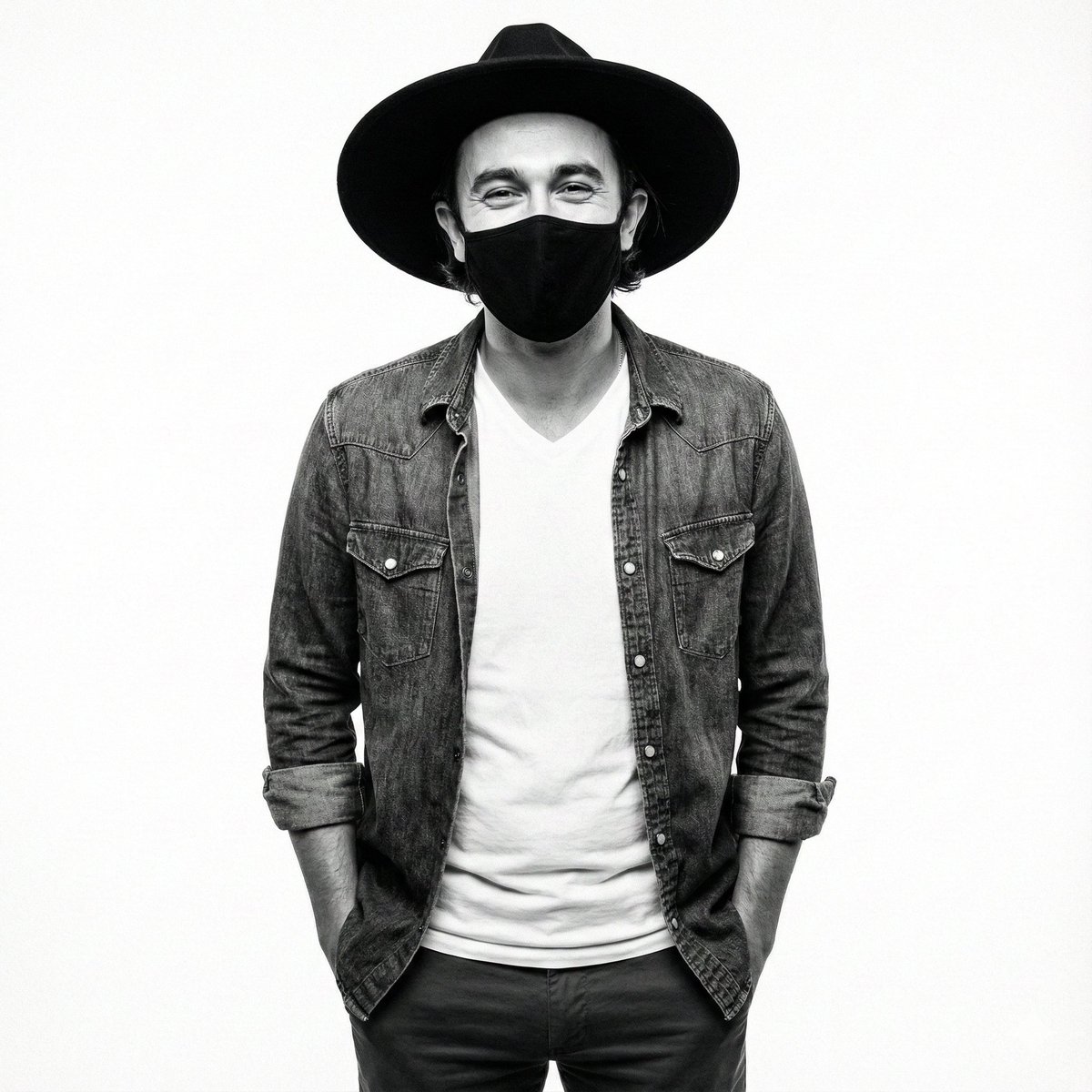
KI-Prompts für Porträt und Selfie
7,633 fordert zu Atelierporträts, Headshots, Spiegel-Selfies und Modeporträts auf. Jeder wird mit dem von ihm erzeugten Bild gezeigt. Kopieren Sie eine Eingabeaufforderung wie geschrieben oder führen Sie sie mit demselben API-Aufruf auf GPT Image, Nano Banana oder Seedream aus.
Läuft auf 36 bild-Modellen über einen API-Schlüssel
curl -G https://runapi.ai/api/v1/prompts \
  -d modality=image -d category=portrait-selfie \
-H "Authorization: Bearer $RUNAPI_API_KEY"Porträt und Selfie Prompt Beispiele
7,633 fordert auf Aktualisiert 20. November 2026
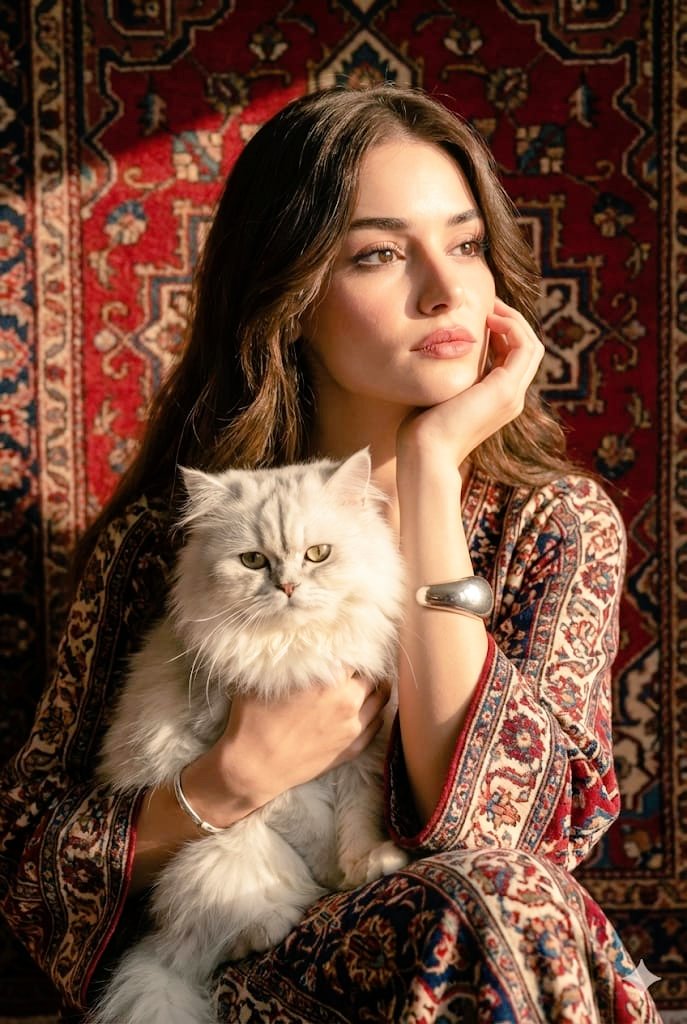
Persian Carpet Inspired Portrait Prompt
nano-banana-pro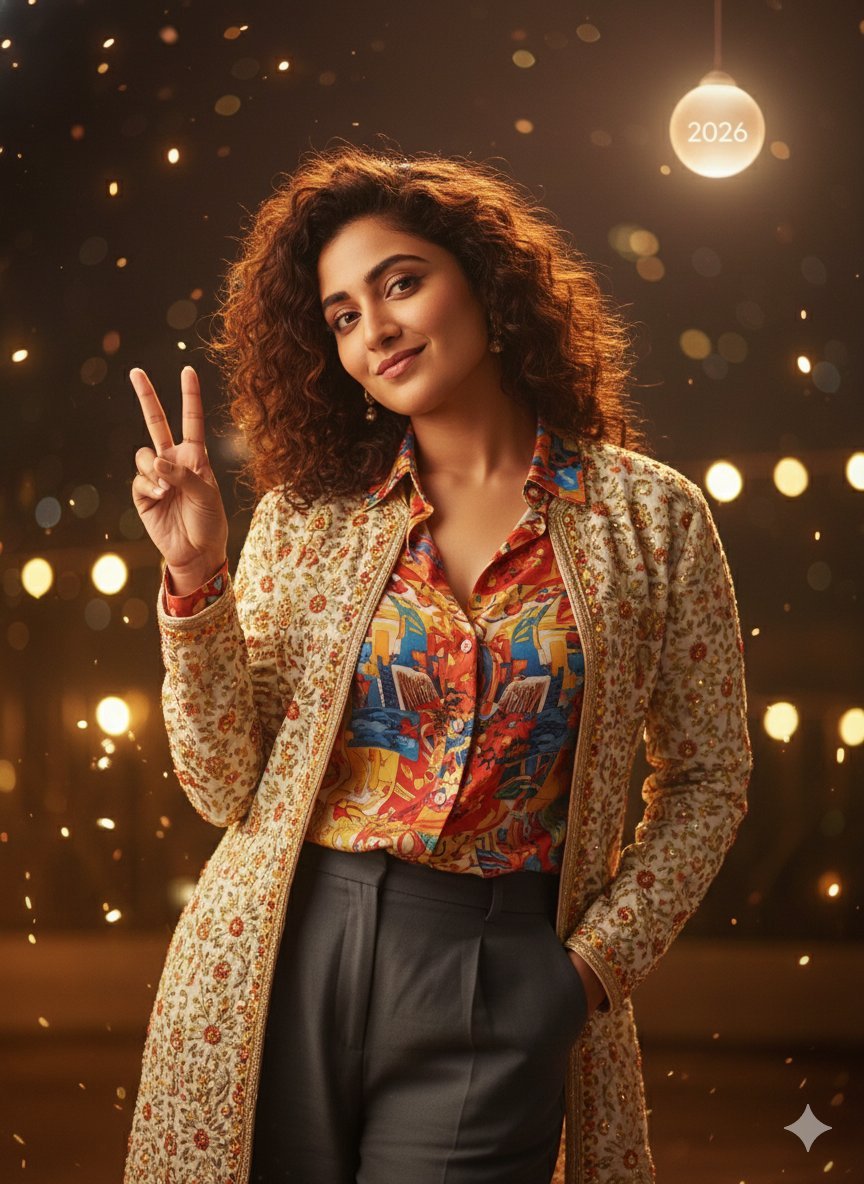
Desi Funny New Year 2026 Cinematic Portrait Prompt
nano-banana-proEarly 2000s Digital Camera Screen Photo Prompt
{ "aspect_ratio": "4:5", "style": "early-2000s compact digital camera aesthetic", "prompt": "A hyper-realistic close-up photo displayed on the screen of a compact Canon-style digital camera. The camera body is visible around the preview, showing textured plastic, physical buttons, dials, FUNC/SET wheel, DISP button, and an 'IMAGE STABILIZER' label on the body. On the camera screen: a young woman using the exact facial features from the provided reference photo, no changes to identity. She is indoors at night, captured with a harsh built-in flash. Long dark hair partially covering her face, lips slightly parted, candid expression. Background shows a dim, cluttered kitchen softly blurred. Strong flash contrast, cool muted tones, subtle digital noise, slight screen glow, authentic early-2000s digital camera look.", "camera_view": "close-up of camera back with live preview visible", "lighting": "harsh on-camera flash, cool tone, high contrast", "details": [ "realistic LCD glow", "slight screen grain", "soft blur in background", "natural skin texture", "no beauty retouching" ], "negative_prompt": "text inside photo preview, logos inside preview, watermark, timestamp, cartoon, illustration, painting, over-smooth skin, beauty filter, AI artifacts, distorted face, extra fingers, blurry subject", "quality": "ultra realistic, high detail, photographic", "render_style": "photorealistic, candid snapshot" }
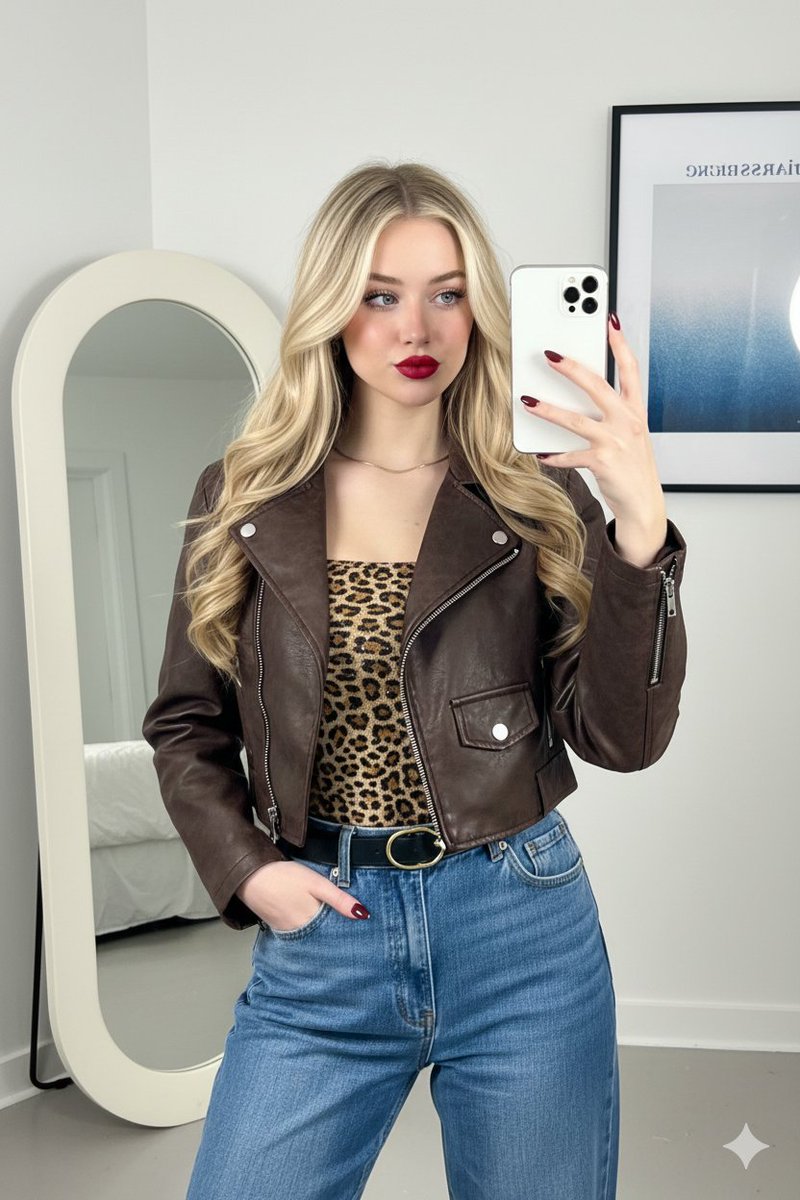
Mirror Selfie Fashion Prompt with Face Lock
nano-banana-pro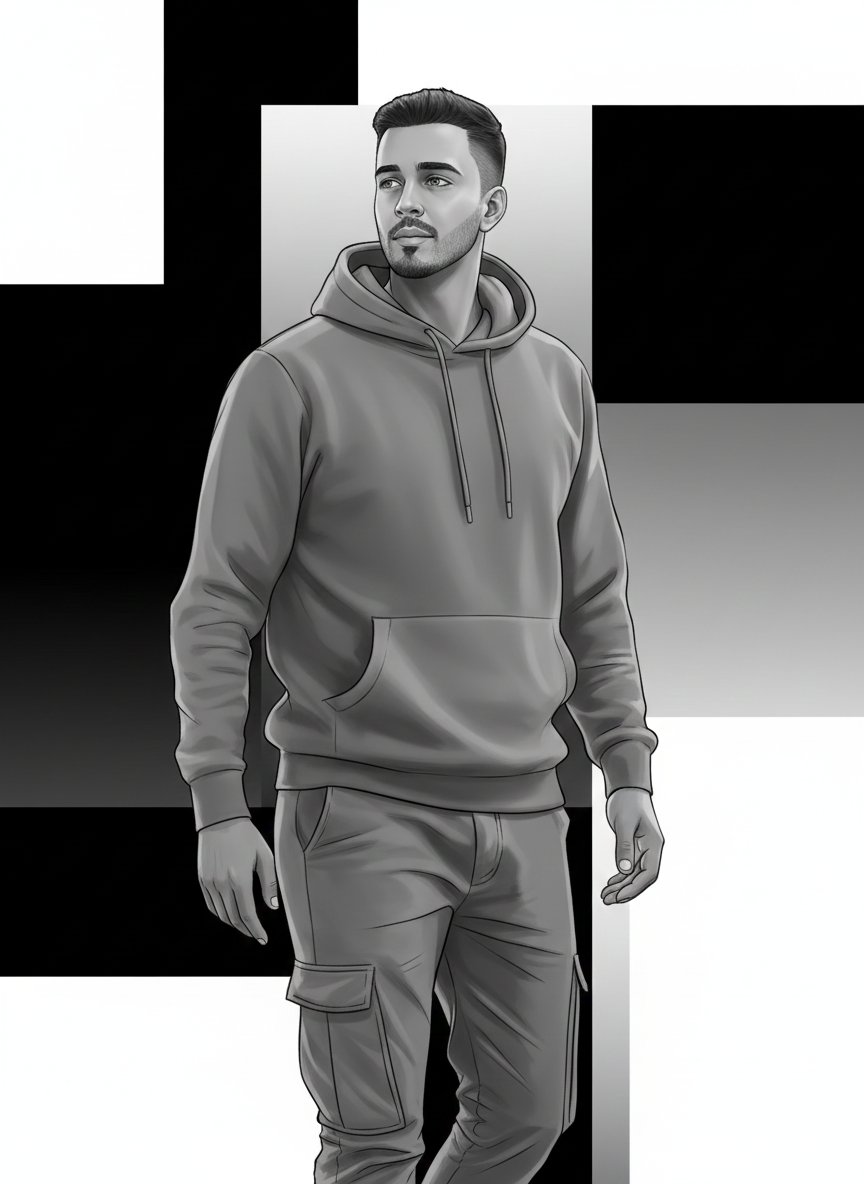
High-Fashion Monochrome Vector Illustration Prompt
nano-banana-pro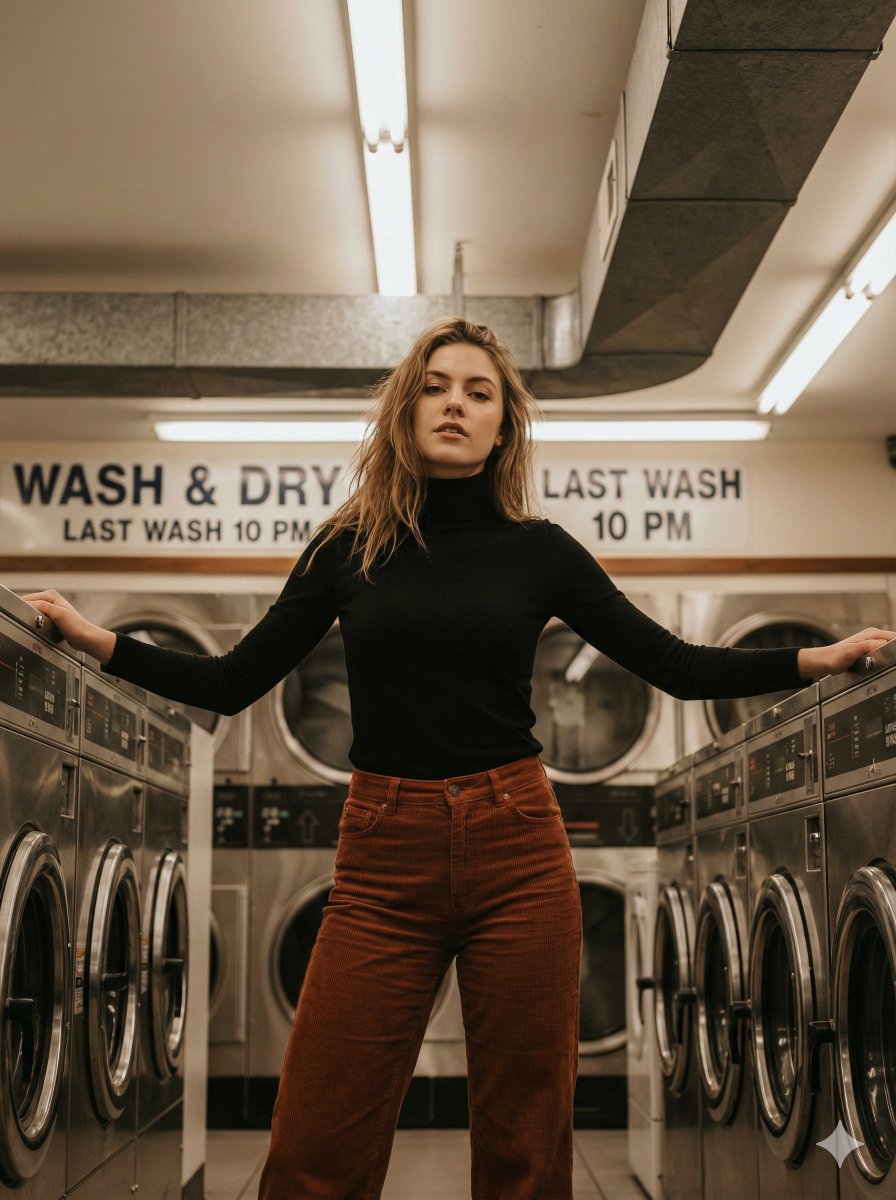
Editorial Laundromat Portrait Prompt
nano-banana-pro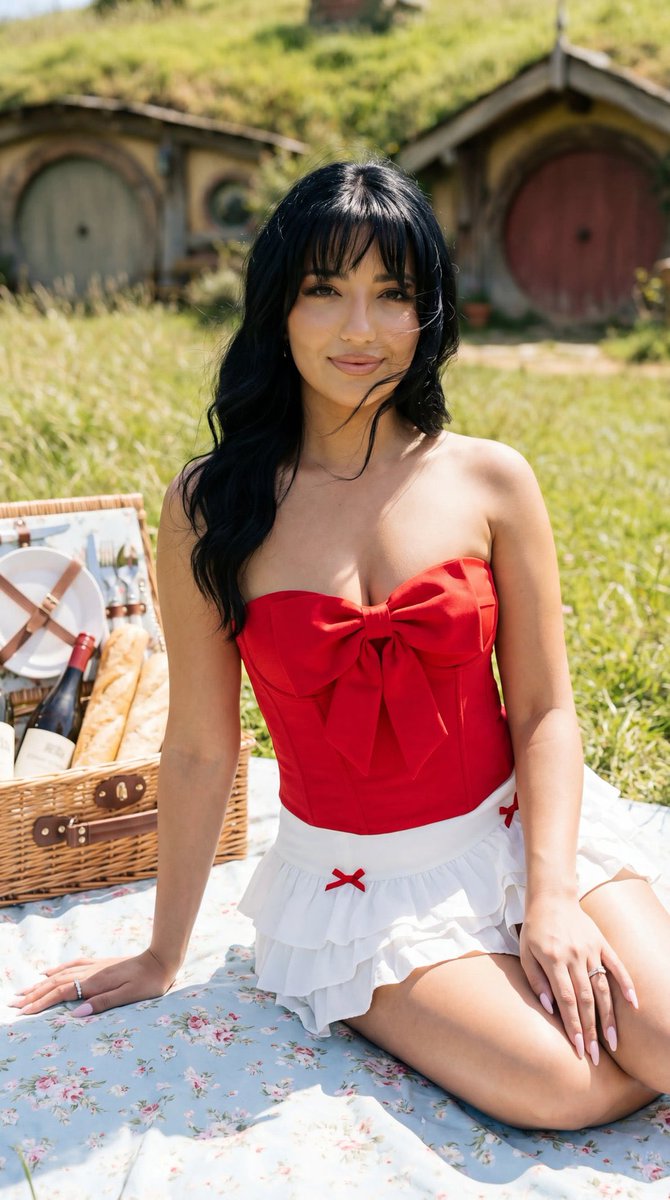
Photoreal Picnic Portrait near Hobbit Cottages
nano-banana-pro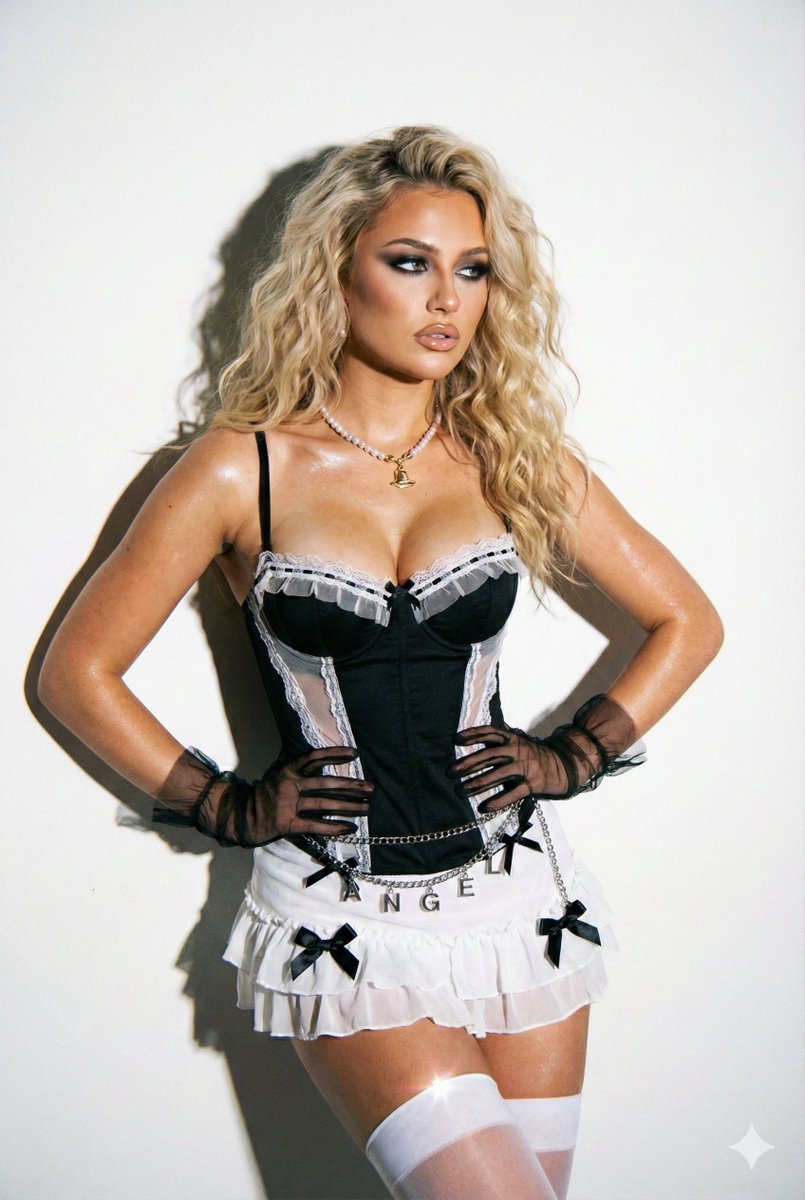
Ultra-Photorealistic Y2K Flash Portrait
nano-banana-pro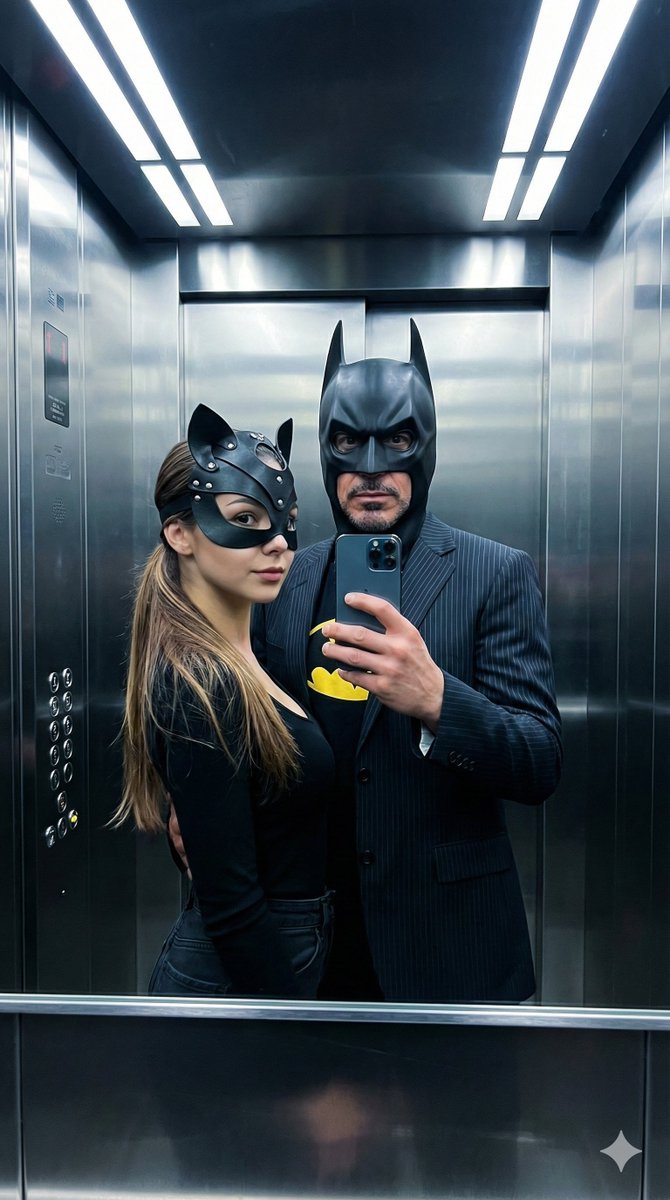
Cinematic Bat/Cat Couple Mirror Selfie with Identity Lock
nano-banana-pro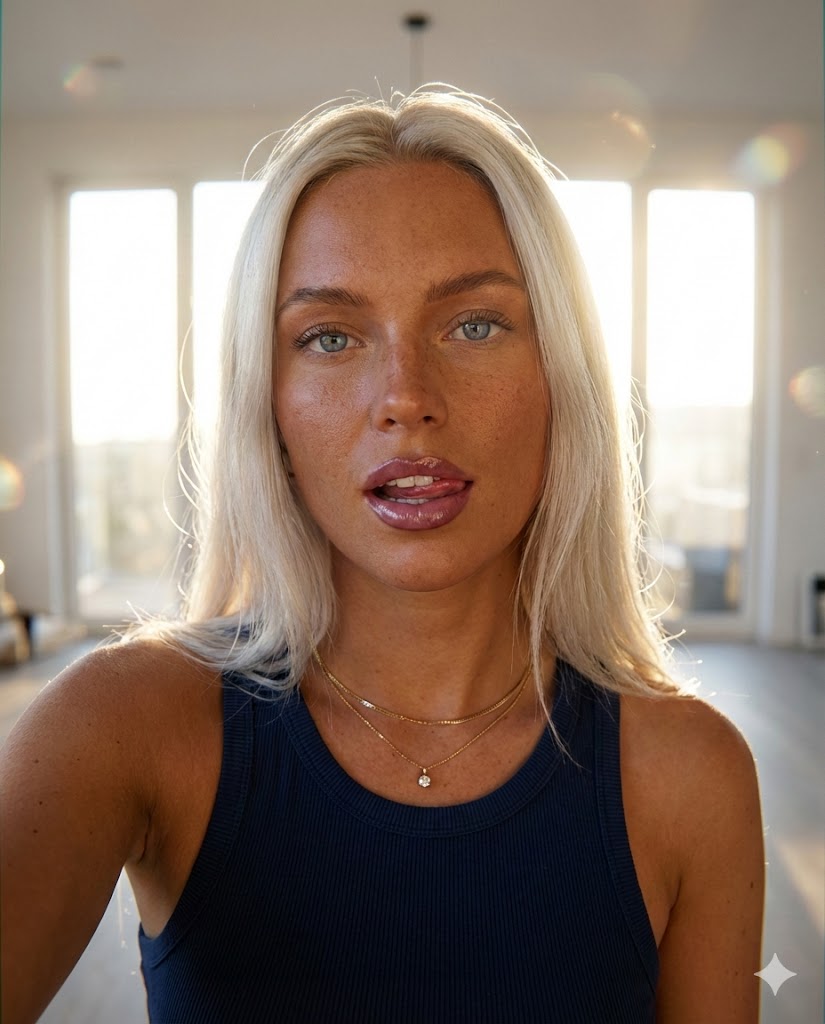
Sunkissed Glamour Tight Crop Selfie at Golden Hour
nano-banana-pro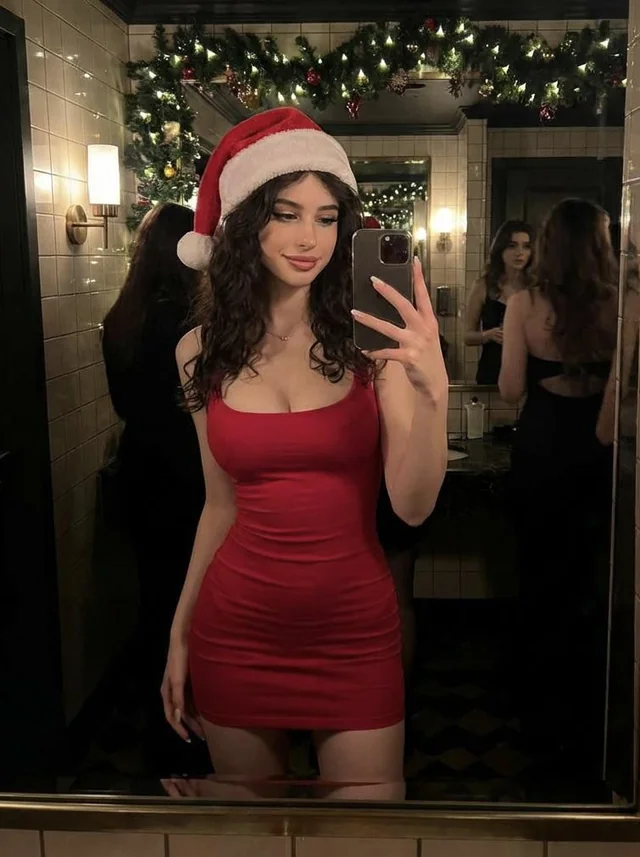
Christmas Selfie in a Decorated Bathroom Mirror
nano-banana-pro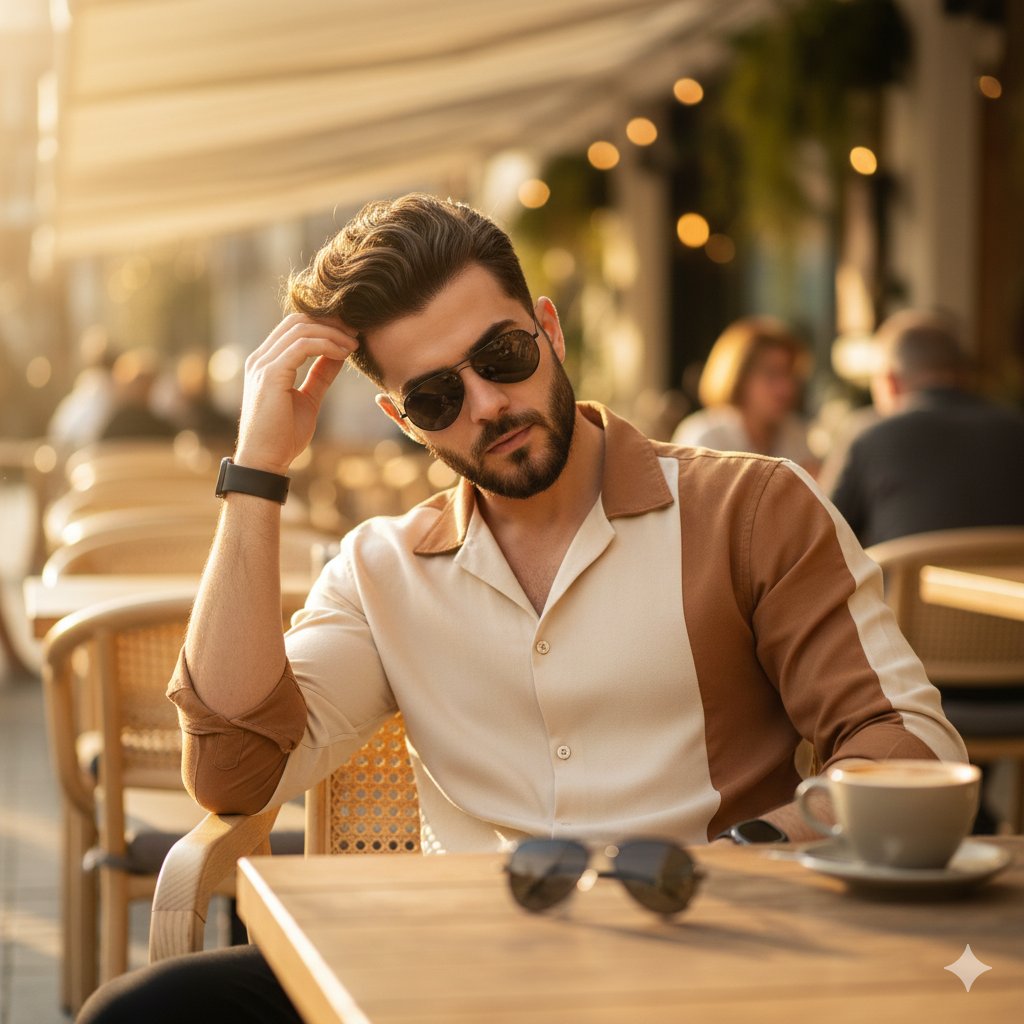
Ultra-Realistic 8K Lifestyle Portrait at Modern Café
nano-banana-pro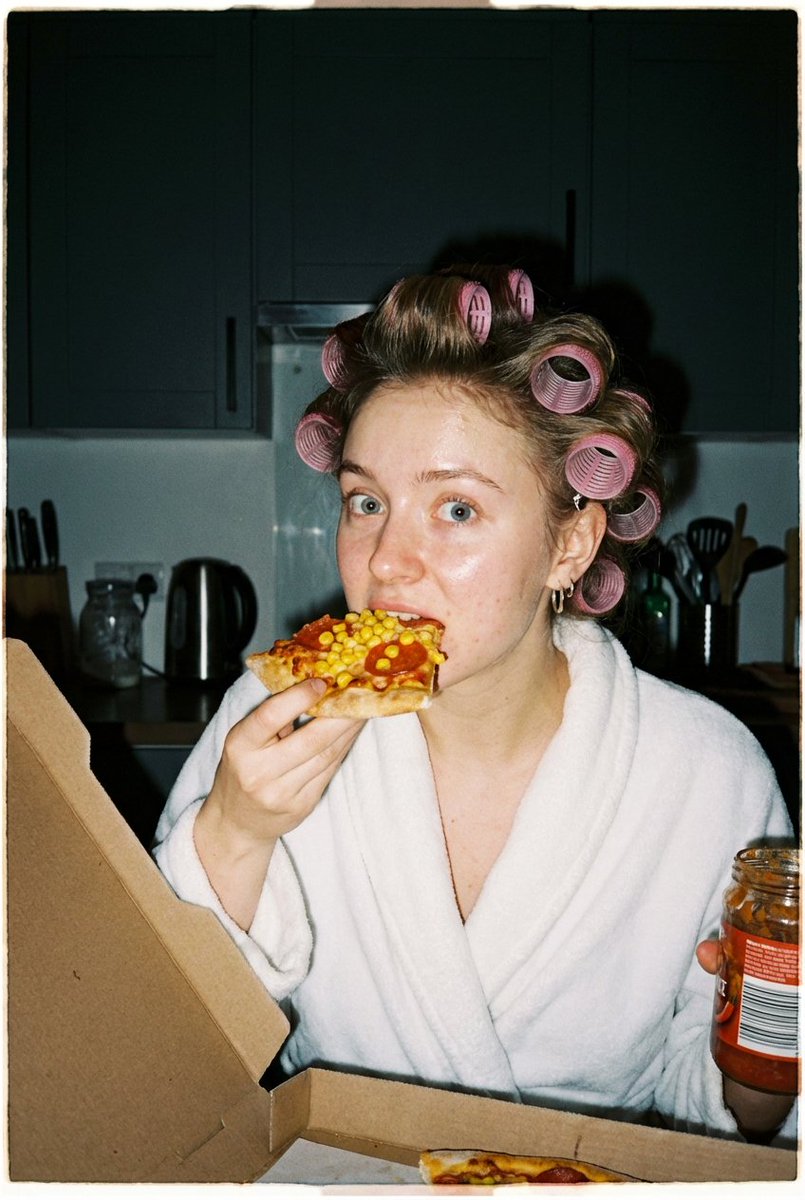
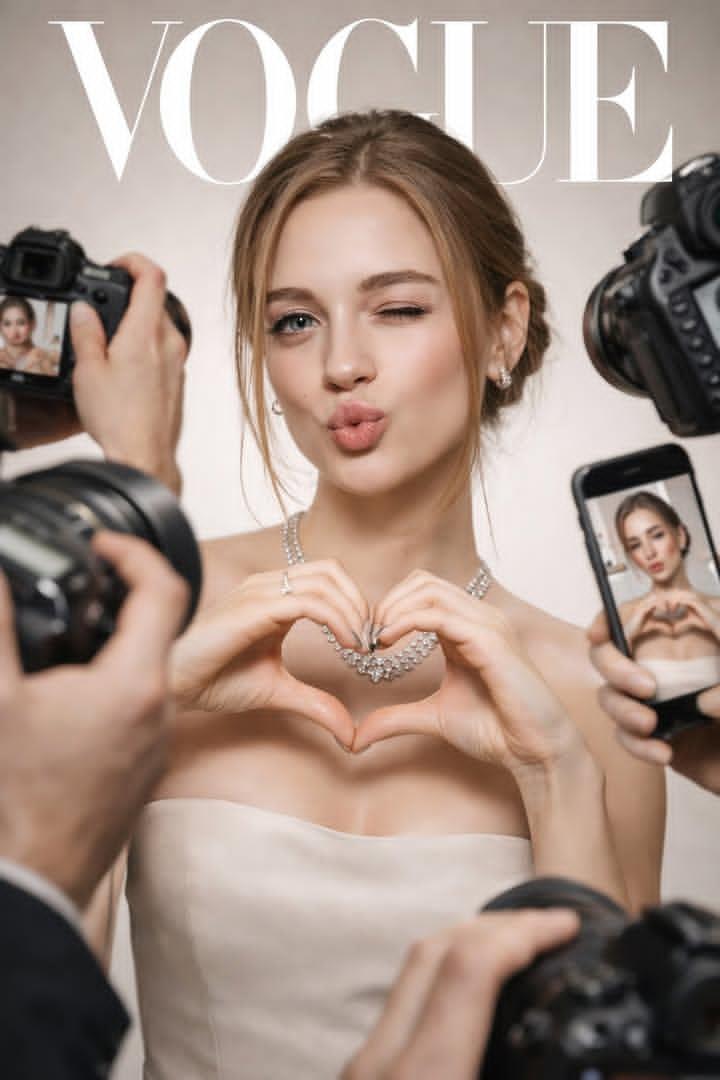
Vogue Cover Paparazzi Portrait
nano-banana-proPhotorealistic Low-Angle Café Selfie
{ "prompt": "Photorealistic low-angle handheld selfie of an adult woman (25 years old) in a cozy café interior. The camera is positioned slightly below eye level and angled upward, creating a natural sense of proximity and depth. She is leaning forward over a table with realistic posture and natural weight distribution, giving a relaxed and playful feel. Facial expression shows a subtle, playful half-smile conveying confidence and warmth. Lips are softly defined with red lipstick, expression natural and unforced. Eyes are directed toward the camera, engaging and lively. She is wearing a deep blue low-cut halter top with realistic fabric texture and natural drape. The neckline follows realistic anatomy and gravity, with subtle fabric tension and folds where it interacts with the body, without exaggerated shaping. Skin appears natural and healthy with visible pores, fine texture, soft tonal transitions, and slight imperfections. Warm indoor lighting creates gentle highlights without any glossy or plastic effect. Hair is naturally styled, matching the reference image exactly in shape and structure, with realistic volume and visible individual strands, without stylization or alteration. Lighting is warm, soft, and diffused café lighting, producing gentle shadows under the chin and along facial contours. The light feels ambient and natural, consistent with an intimate café environment. The background is a cozy café setting with a mosaic tile wall and indoor plants, softly out of focus to provide texture and atmosphere without distracting from the subject.", "style": "photorealistic", "camera": { "angle": "slightly low angle", "perspective": "handheld selfie", "position": "below eye level", "lens_effect": "natural depth, shallow depth of field" }, "lighting": { "type": "warm indoor café lighting", "quality": "soft and diffused", "shadows": "gentle, natural facial contour shadows" }, "environment": { "location": "cozy café", "background_elements": [ "mosaic tile wall", "indoor plants" ], "background_focus": "softly blurred" }, "subject": { "age": 25, "expression": "subtle playful half-smile", "eye_direction": "looking at camera", "skin": "natural texture with visible pores and imperfections", "hair": "natural styling, realistic volume, visible strands" }, "clothing": { "top": "deep blue low-cut halter top", "fabric": "realistic texture and natural drape" }, "quality": { "realism": "high", "detail_level": "ultra-detailed", "rendering": "photorealistic" } }
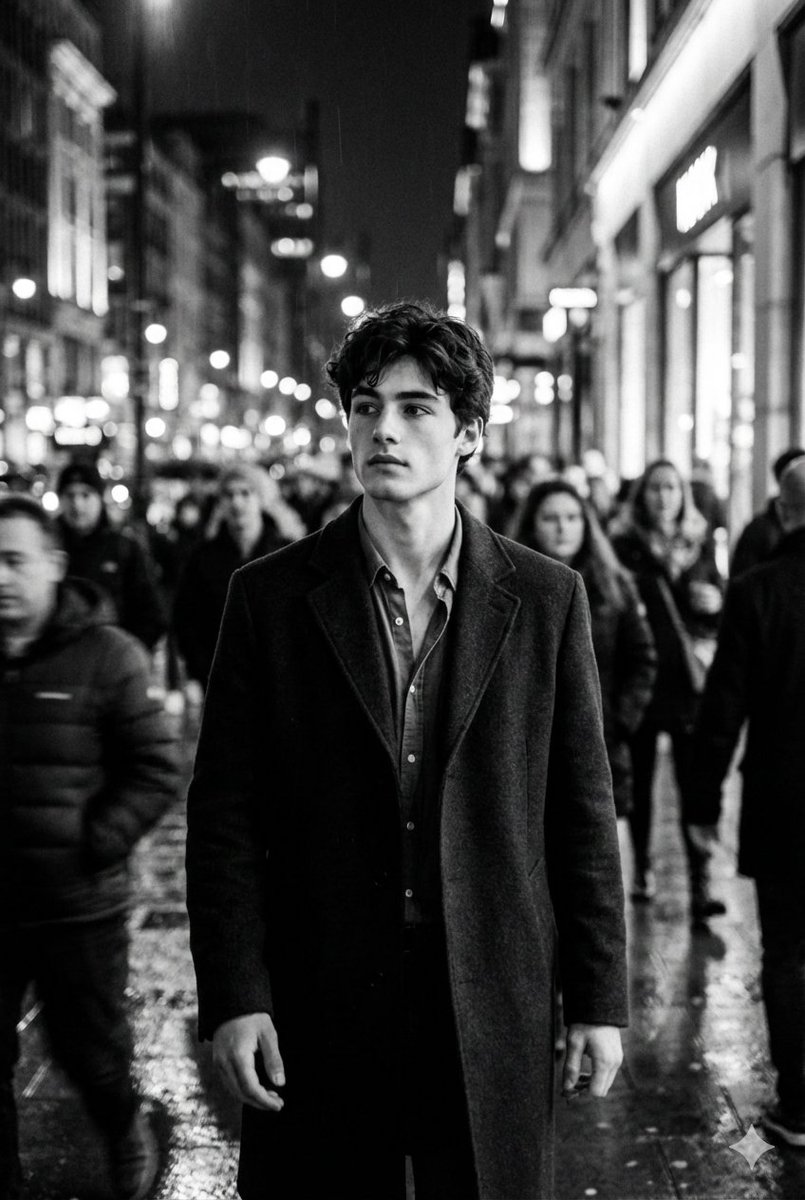
Black and White Cinematic Motion Portrait
nano-banana-pro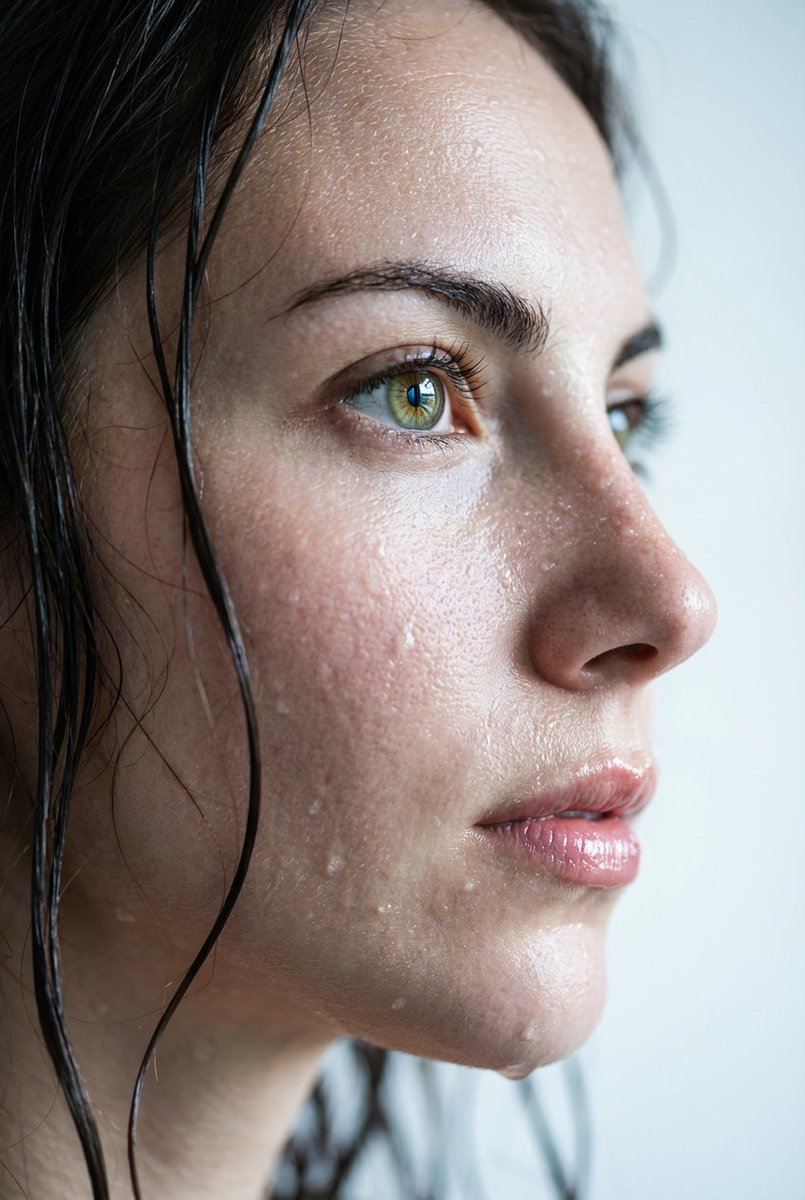
Hyper-Realistic Wet Skin Portrait
nano-banana-pro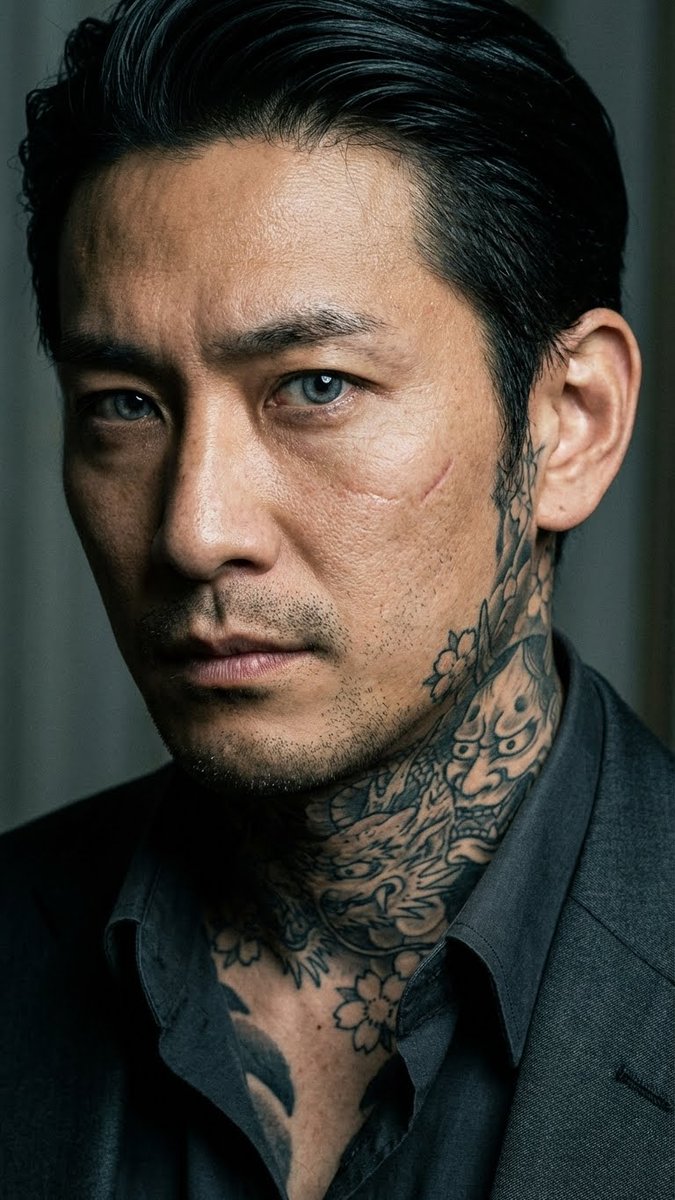
Yakuza Portrait with Irezumi Tattoos
nano-banana-pro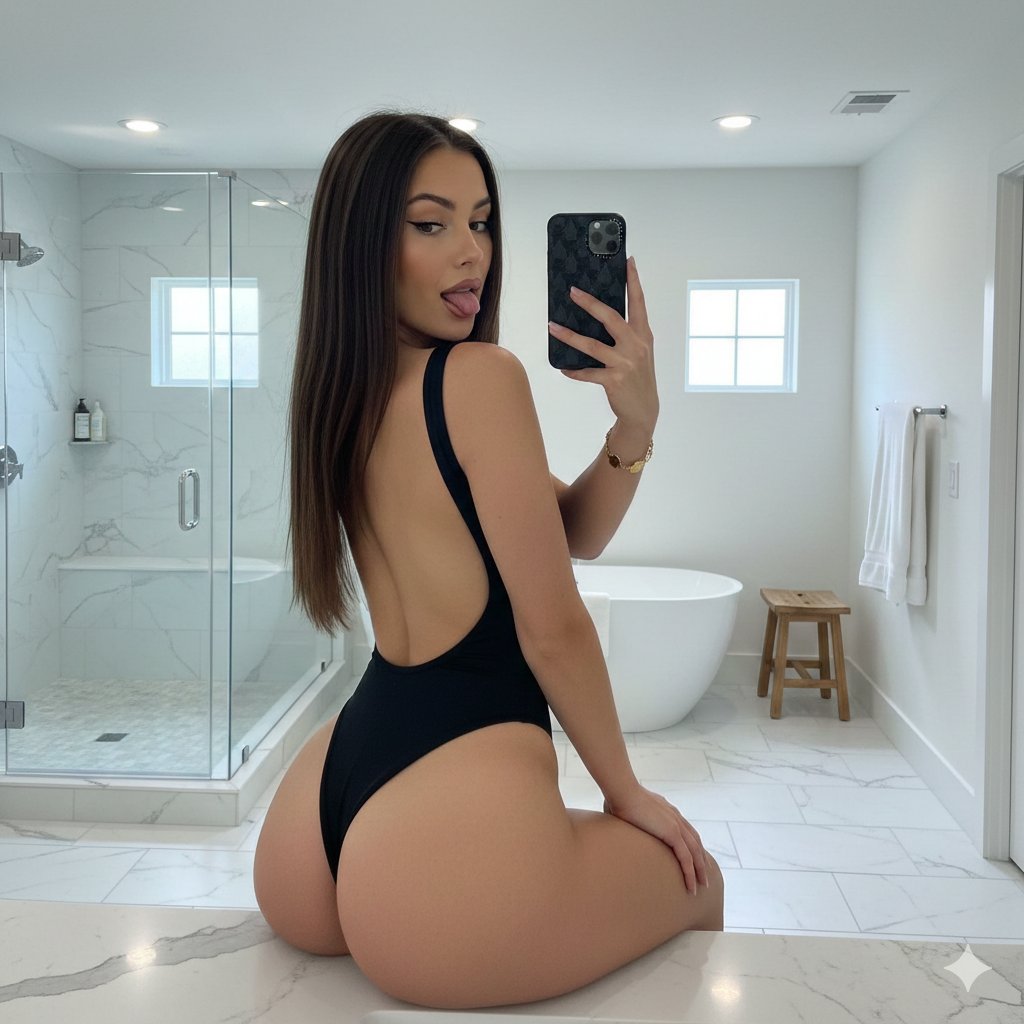
Bathroom Mirror Selfie Lifestyle Shot
nano-banana-pro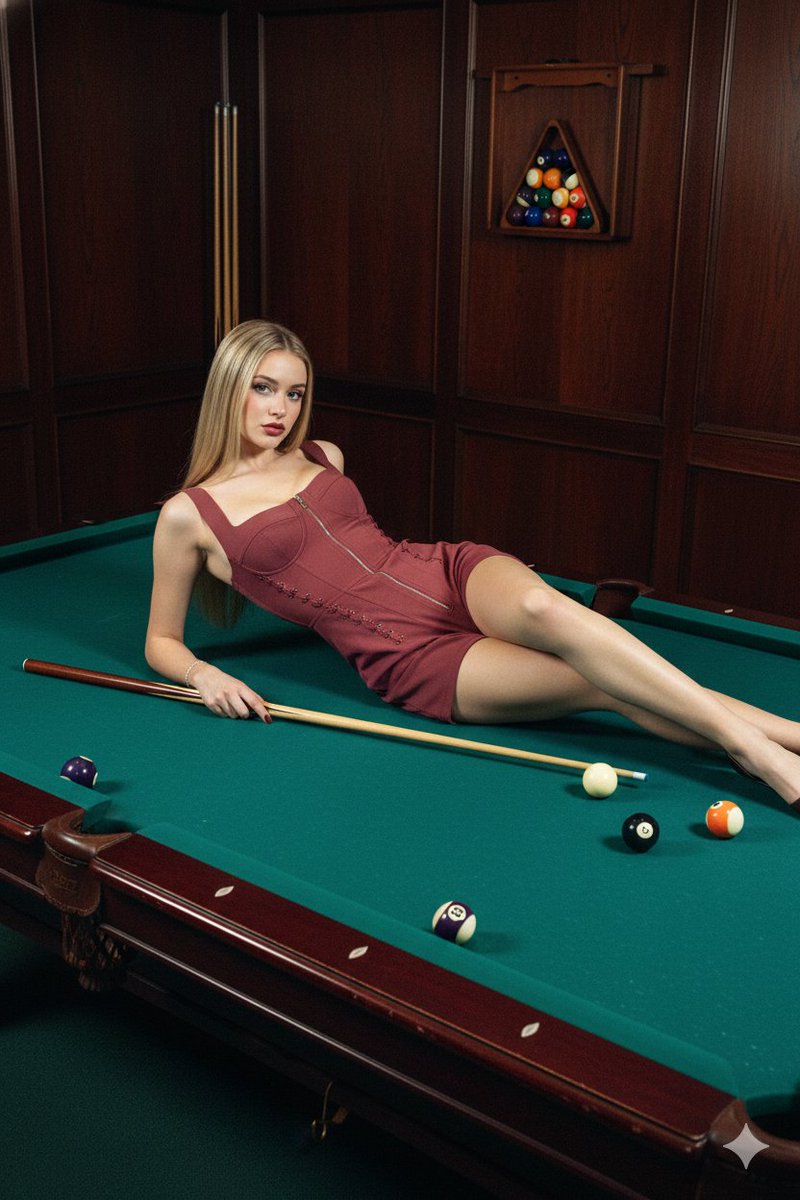
Y2K Glamour Pool Table Editorial
nano-banana-pro
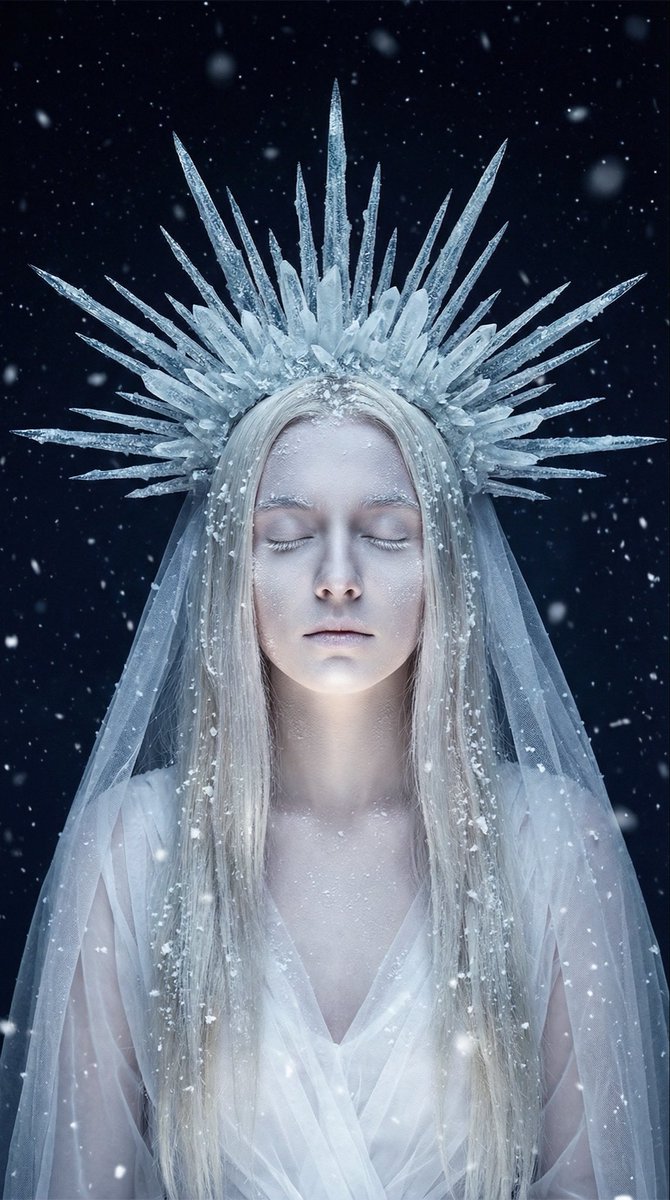
Ethereal Winter Goddess Portrait Prompt
nano-banana-pro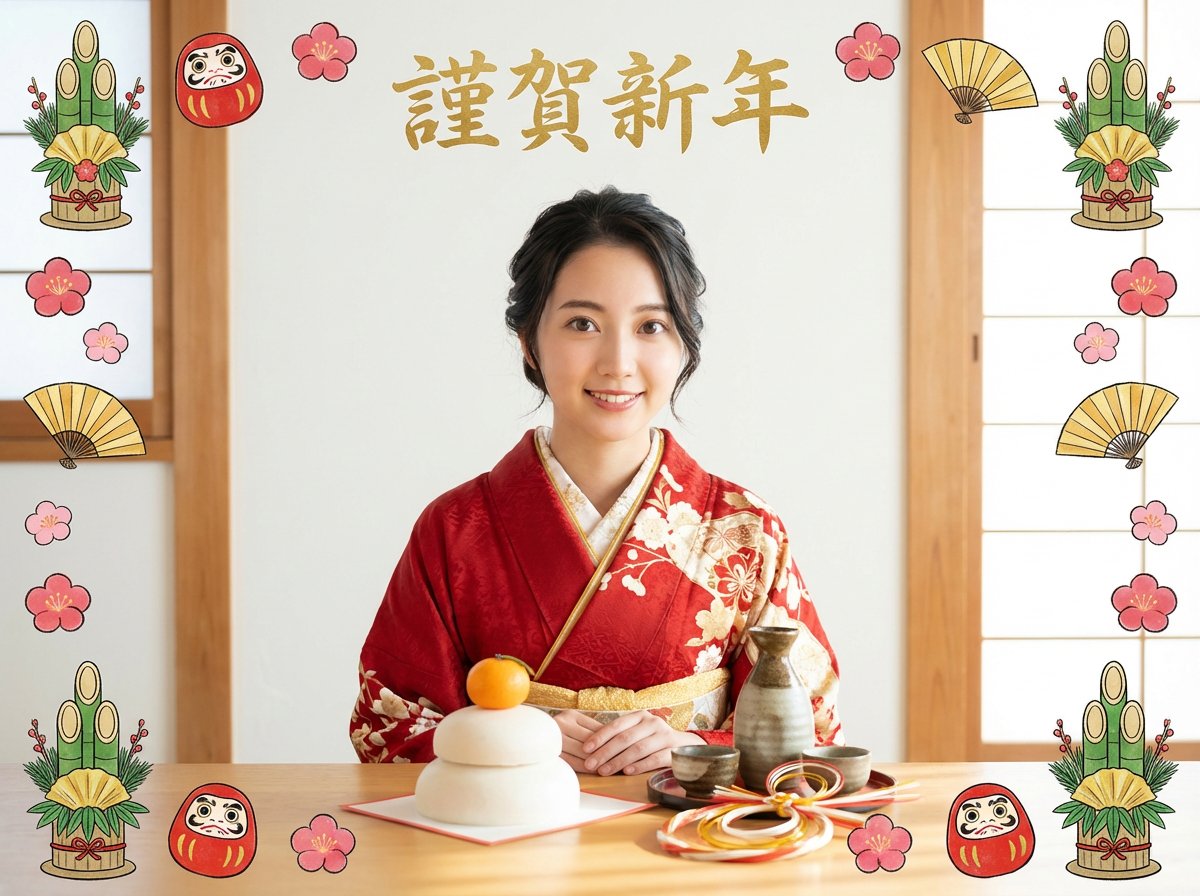
New Year's Portrait Photo Prompt for Nano Banana Pro
nano-banana-proWie die Porträt- und Selfie-Aufforderungen hier geschrieben werden
Eine Porträtaufforderung umfasst in der Regel vier Teile. Zuerst die Person und was sie trägt, dann der Hintergrund, dann das Licht, dann die Linse und der Rahmen. Eine Studio-Kopfschuss-Eingabeaufforderung benennt eine Hintergrundfarbe und ein Softkey-Licht. Eine Spiegel-Selfie-Eingabeaufforderung benennt das Telefon, den Raum und die Reflexion. Wenn ein Ergebnis falsch aussieht, ändern Sie ein Teil und behalten Sie die anderen drei.
Wählen Sie das Seitenverhältnis aus, bevor Sie generieren. Headshots gehen in der Regel auf 4:5, die Form eines 8x10-Drucks. Avatare werden am Ende auf ein Quadrat oder einen Kreis zugeschnitten, so dass 1:1 dort sicherer ist. Geschichten und Walzen brauchen 9:16.
Die Beispiele hier sind Text-zu-Bild-Aufforderungen, so dass jeder eine neue Person erstellt. Wenn das Ergebnis ein echtes Gesicht behalten muss, z. B. wenn Sie Ihr eigenes Selfie in ein Kopfbild verwandeln, verwenden Sie ein Bildbearbeitungsmodell und senden Sie das Selfie als Referenzbild. Ein scharfes Foto in der Taille gibt dem Model mehr zum Arbeiten als ein enger Schnitt.
Prompt Text bleibt in der Sprache, in der der Autor ihn geschrieben hat, also ein paar Beispiele hier sind in Japanisch, Chinesisch oder Spanisch.
Fragen zu porträt und selfie-Prompts
Kann ich diese Porträt-Aufforderungen mit meinem eigenen Foto verwenden?
Die Eingabeaufforderungen hier erstellen neue Personen aus Text. Um Ihr eigenes Gesicht zu behalten, senden Sie Ihr Selfie an ein Bildbearbeitungsmodell als Referenzbild und verwenden Sie dann die Beleuchtungs-, Hintergrund- und Rahmenteile einer Eingabeaufforderung von dieser Seite wieder.
Welches Seitenverhältnis eignet sich am besten für ein KI-Porträt?
Verwenden Sie 4:5 für Headshots in der Form eines 8x10-Drucks. Verwende 1:1 für Avatare, die auf einen Kreis zugeschnitten werden, und 9:16 für Geschichten und Walzen.
Warum sieht das KI-Porträt wie eine andere Person aus?
Text-zu-Bild-Modelle erfinden bei jedem Lauf ein neues Gesicht. Ein Bildbearbeitungsmodell mit Ihrem Foto als Referenz hält das Gesicht näher am Original. Ein scharfes, gut ausgeleuchtetes Quellfoto hilft ebenfalls.
Sind diese Porträt- und Selfie-Aufforderungen kostenlos?
Ja. Sie können jede Eingabeaufforderung auf dieser Seite ohne Konto kopieren. Sie zahlen nur, wenn Sie ein Bild über die RunAPI-API zum Preis des von Ihnen ausgewählten Modells generieren.
Wie rufe ich diese Eingabeaufforderungen über die API ab?
Senden SIE eine GET-Anfrage an /api/v1/prompts mit modality=image und category=portrait-selfie. Jedes Ergebnis enthält den Eingabeaufforderungstext, das Beispielbild und die Modelle, auf denen es ausgeführt wird.