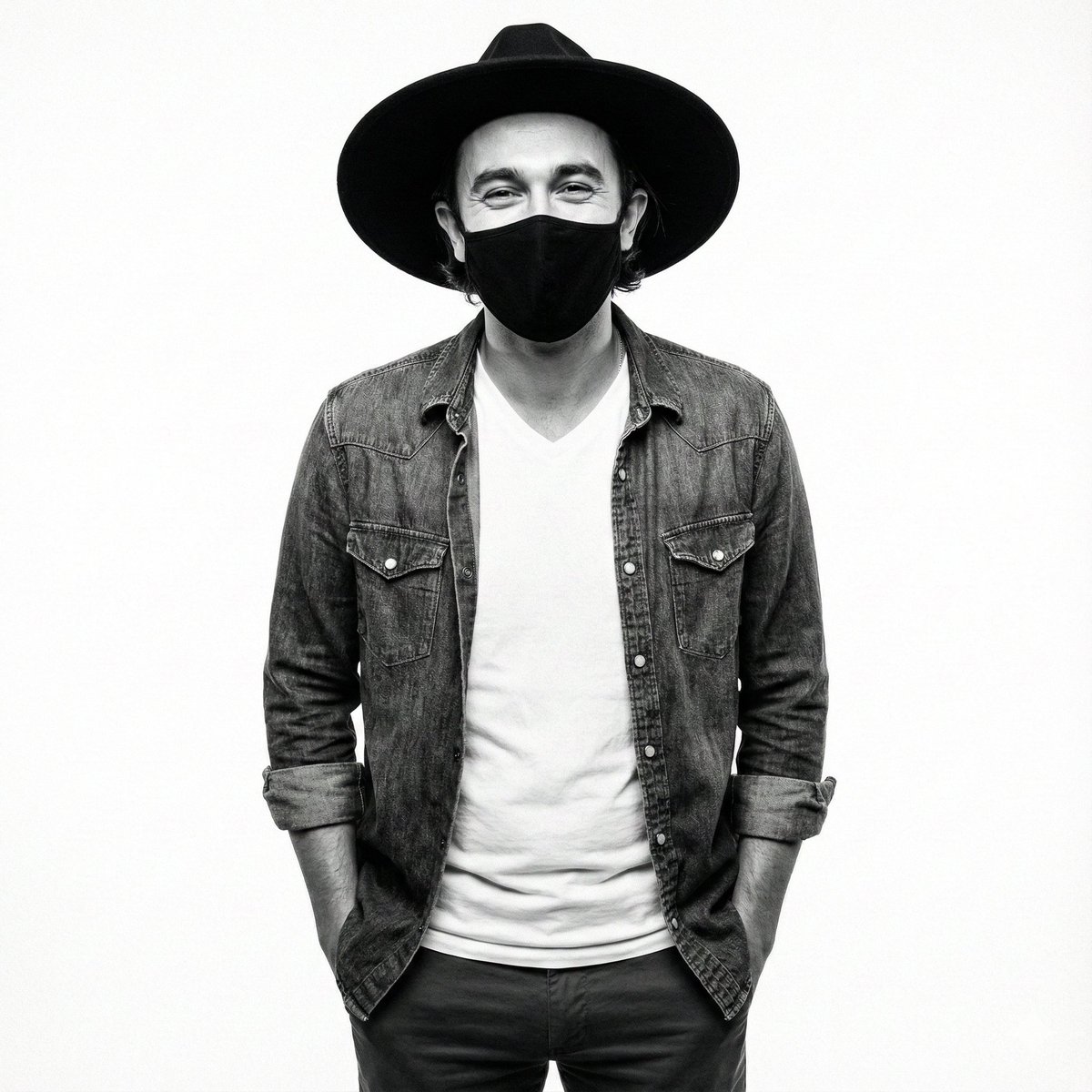
AI بورتريه وسيلفي المطالبات
7,633 يطالبك بالتقاط صور شخصية في الاستوديو، ولقطات للرأس، وصور شخصية في المرآة، وصور شخصية للأزياء. يتم عرض كل واحد مع الصورة التي أنتجها. انسخ المطالبة كما هو مكتوب، أو قم بتشغيلها على GPT Image أو Nano Banana أو Seedream باستخدام نفس استدعاء واجهة برمجة التطبيقات.
يعمل على نماذج 36 صورة من خلال مفتاح API واحد
curl -G https://runapi.ai/api/v1/prompts \
  -d modality=image -d category=portrait-selfie \
-H "Authorization: Bearer $RUNAPI_API_KEY"بورتريه وسيلفي أمثلة سريعة
7,633 المطالبات تم التحديث 20 نوفمبر، 2026
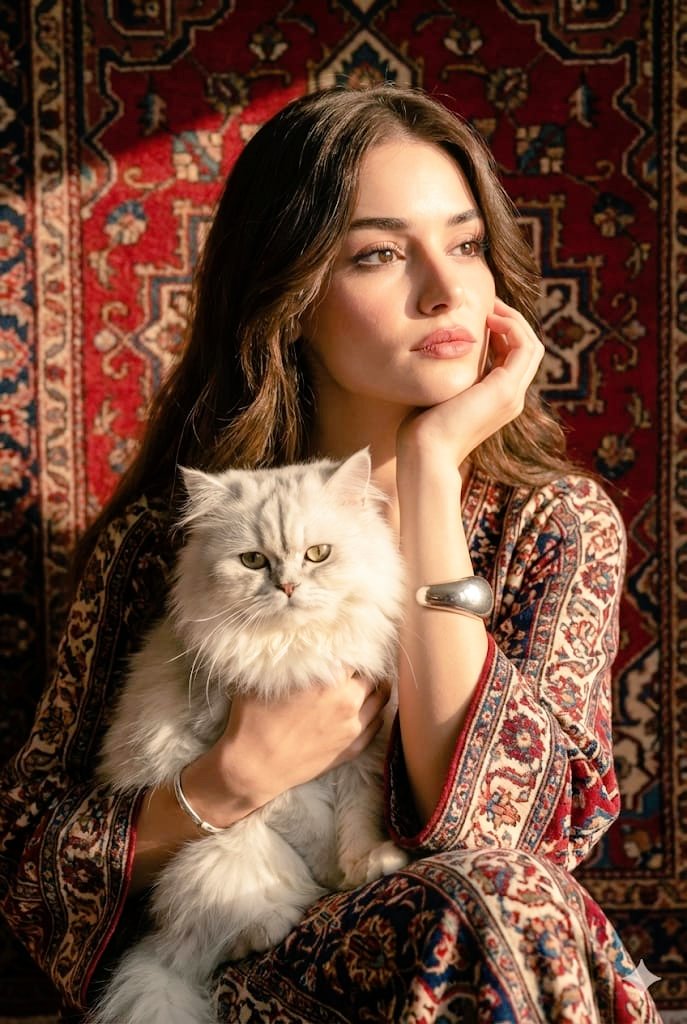
Persian Carpet Inspired Portrait Prompt
nano-banana-pro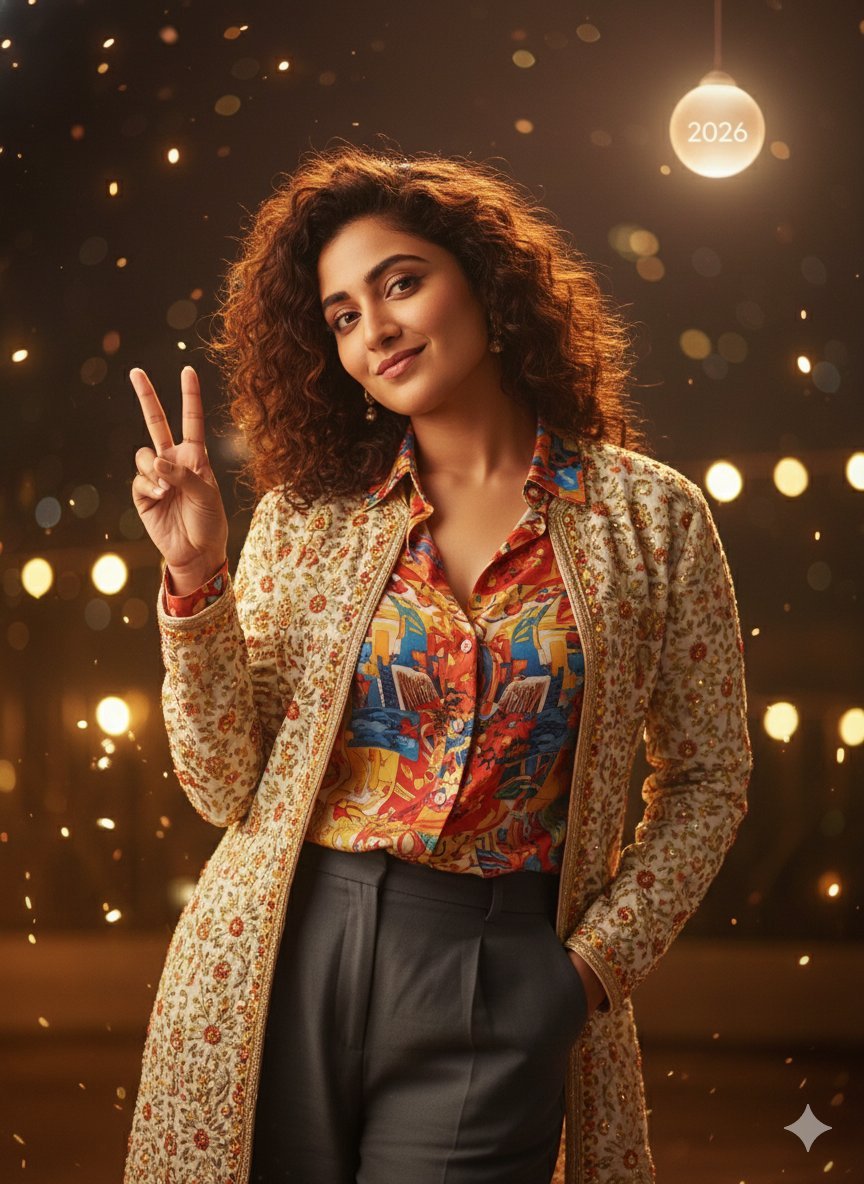
Desi Funny New Year 2026 Cinematic Portrait Prompt
nano-banana-proEarly 2000s Digital Camera Screen Photo Prompt
{ "aspect_ratio": "4:5", "style": "early-2000s compact digital camera aesthetic", "prompt": "A hyper-realistic close-up photo displayed on the screen of a compact Canon-style digital camera. The camera body is visible around the preview, showing textured plastic, physical buttons, dials, FUNC/SET wheel, DISP button, and an 'IMAGE STABILIZER' label on the body. On the camera screen: a young woman using the exact facial features from the provided reference photo, no changes to identity. She is indoors at night, captured with a harsh built-in flash. Long dark hair partially covering her face, lips slightly parted, candid expression. Background shows a dim, cluttered kitchen softly blurred. Strong flash contrast, cool muted tones, subtle digital noise, slight screen glow, authentic early-2000s digital camera look.", "camera_view": "close-up of camera back with live preview visible", "lighting": "harsh on-camera flash, cool tone, high contrast", "details": [ "realistic LCD glow", "slight screen grain", "soft blur in background", "natural skin texture", "no beauty retouching" ], "negative_prompt": "text inside photo preview, logos inside preview, watermark, timestamp, cartoon, illustration, painting, over-smooth skin, beauty filter, AI artifacts, distorted face, extra fingers, blurry subject", "quality": "ultra realistic, high detail, photographic", "render_style": "photorealistic, candid snapshot" }
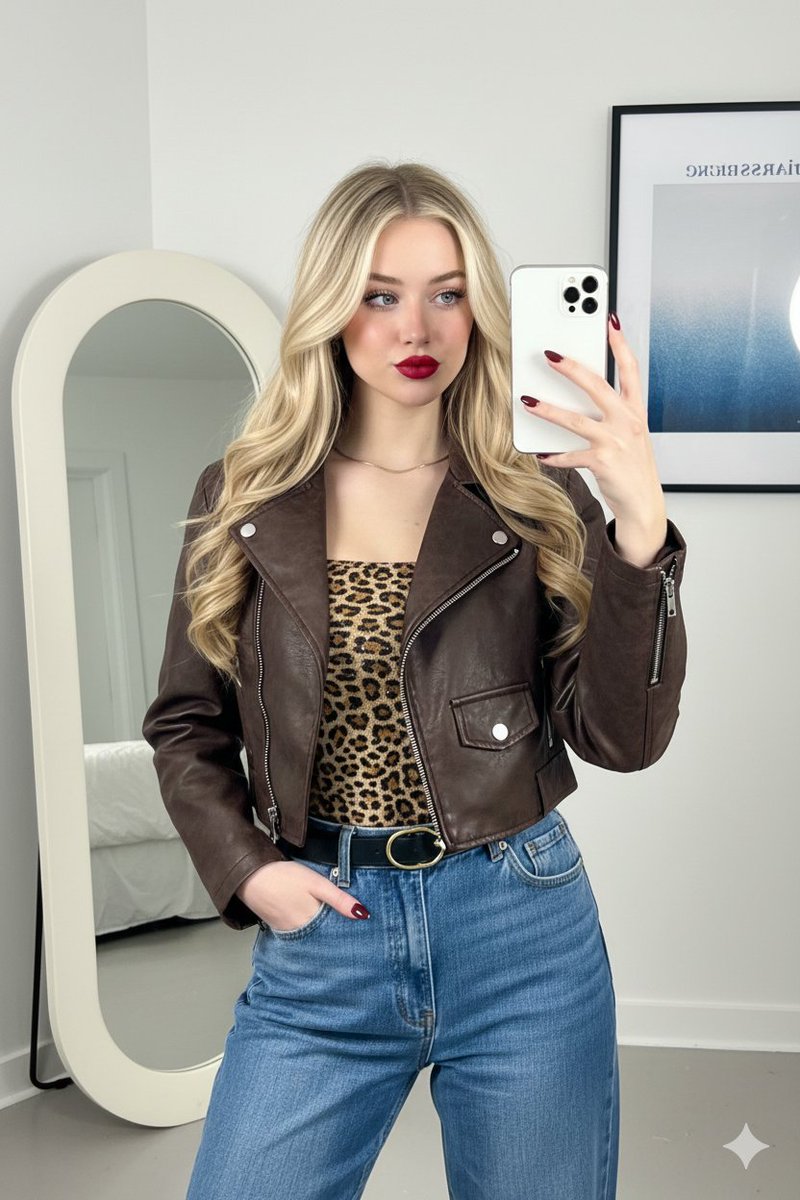
Mirror Selfie Fashion Prompt with Face Lock
nano-banana-pro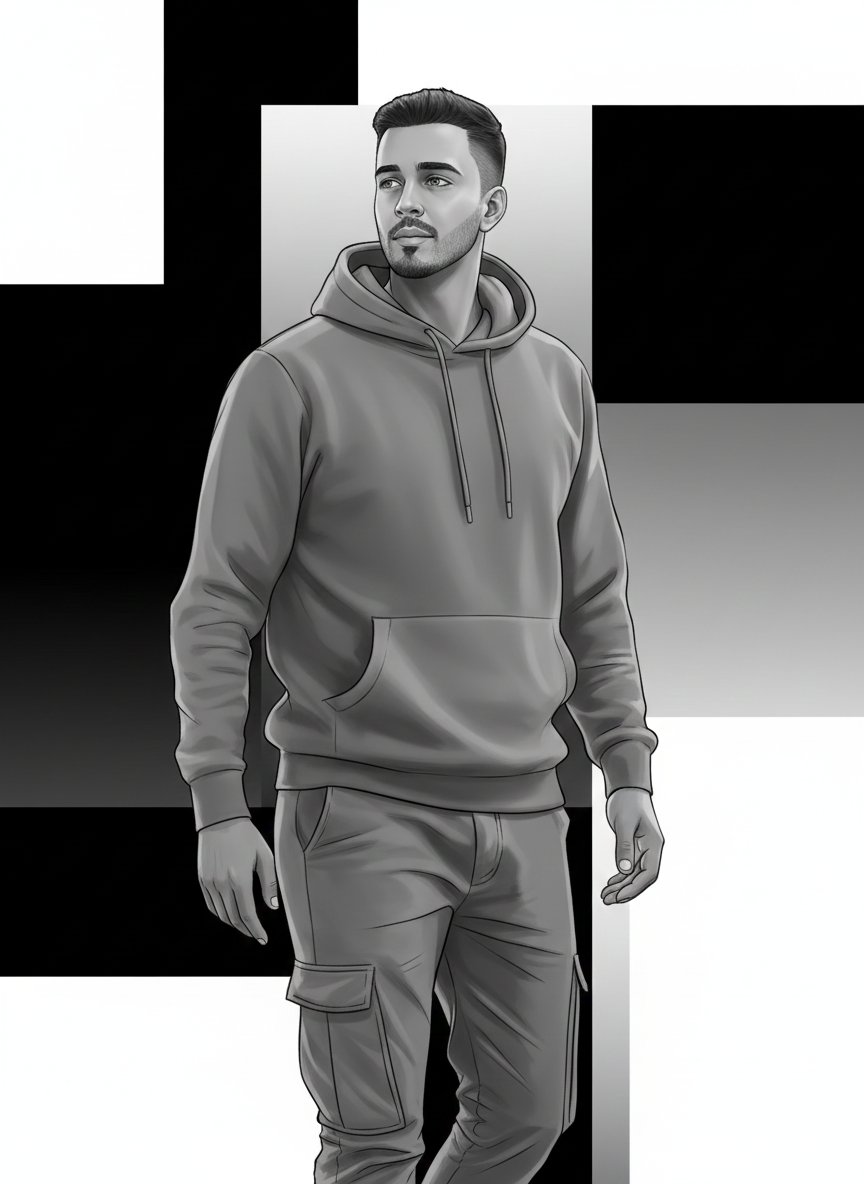
High-Fashion Monochrome Vector Illustration Prompt
nano-banana-pro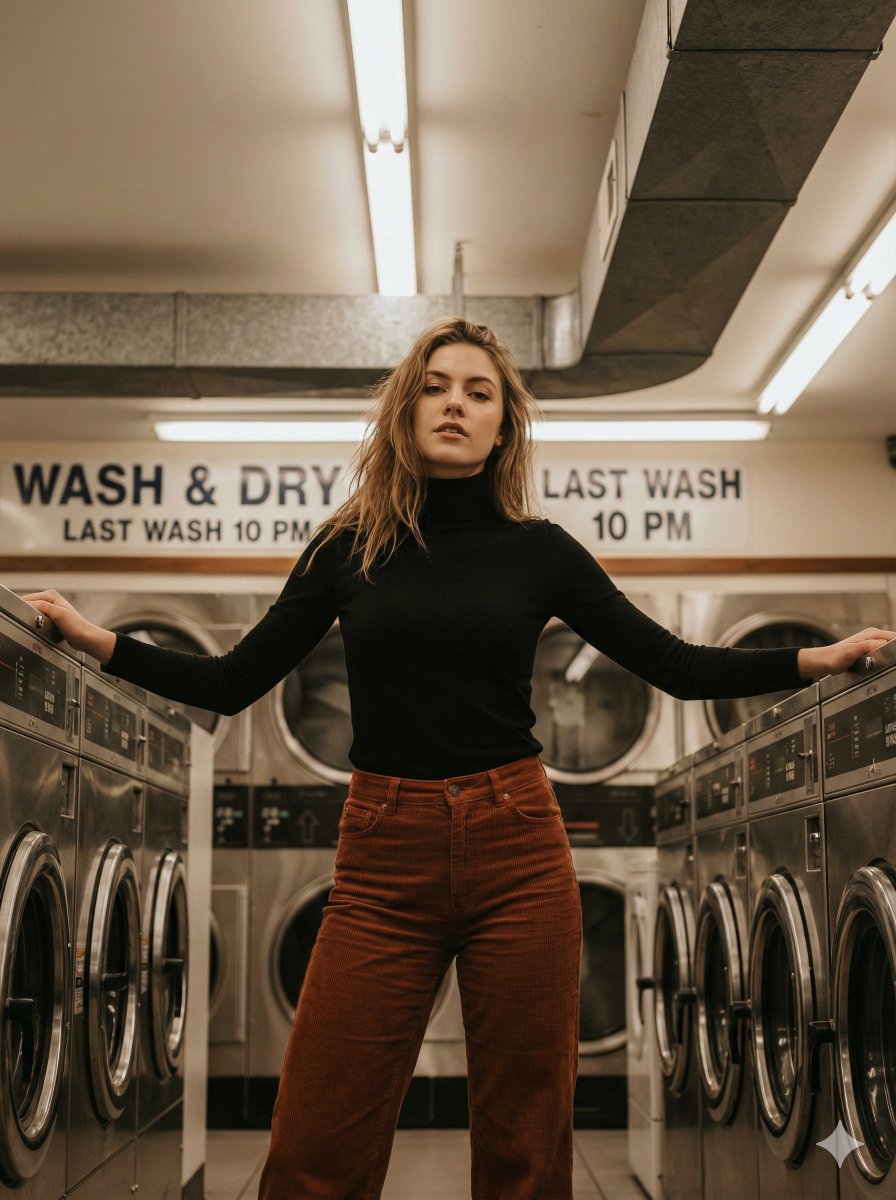
Editorial Laundromat Portrait Prompt
nano-banana-pro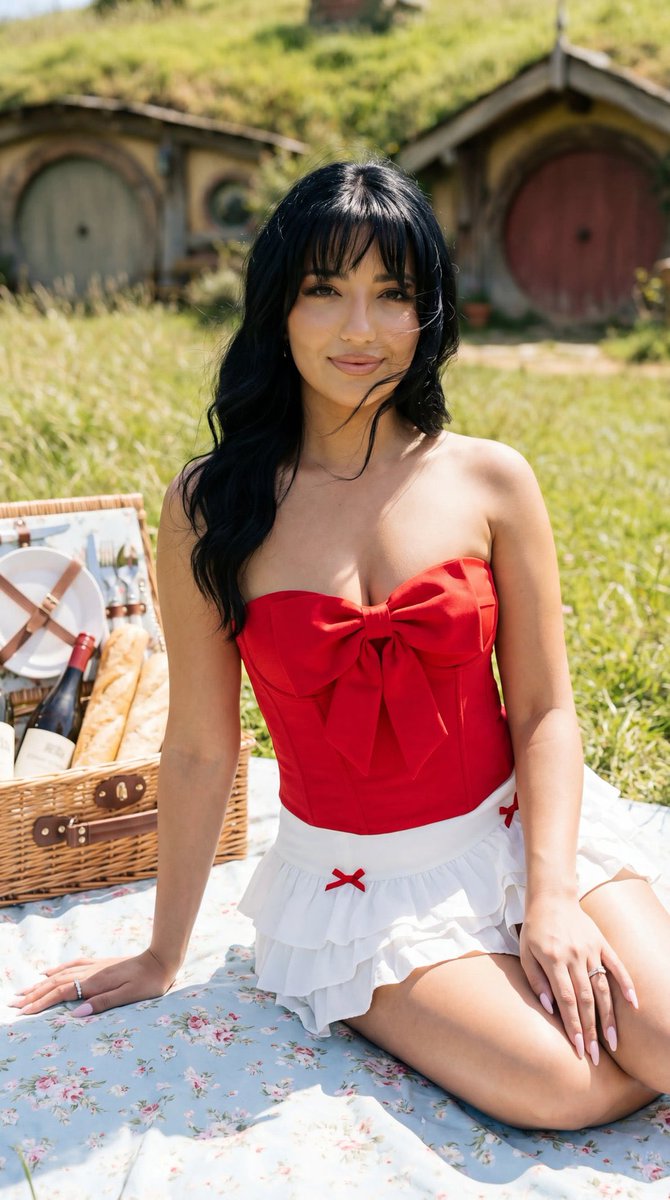
Photoreal Picnic Portrait near Hobbit Cottages
nano-banana-pro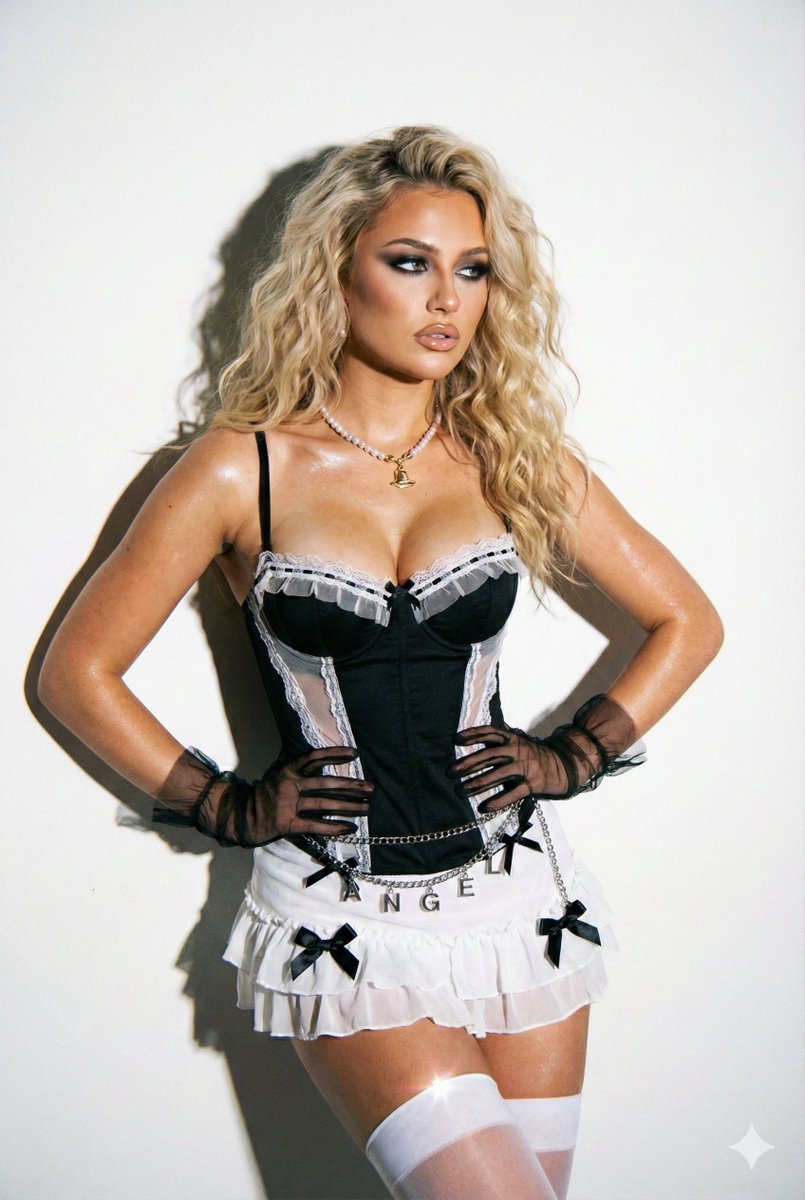
Ultra-Photorealistic Y2K Flash Portrait
nano-banana-pro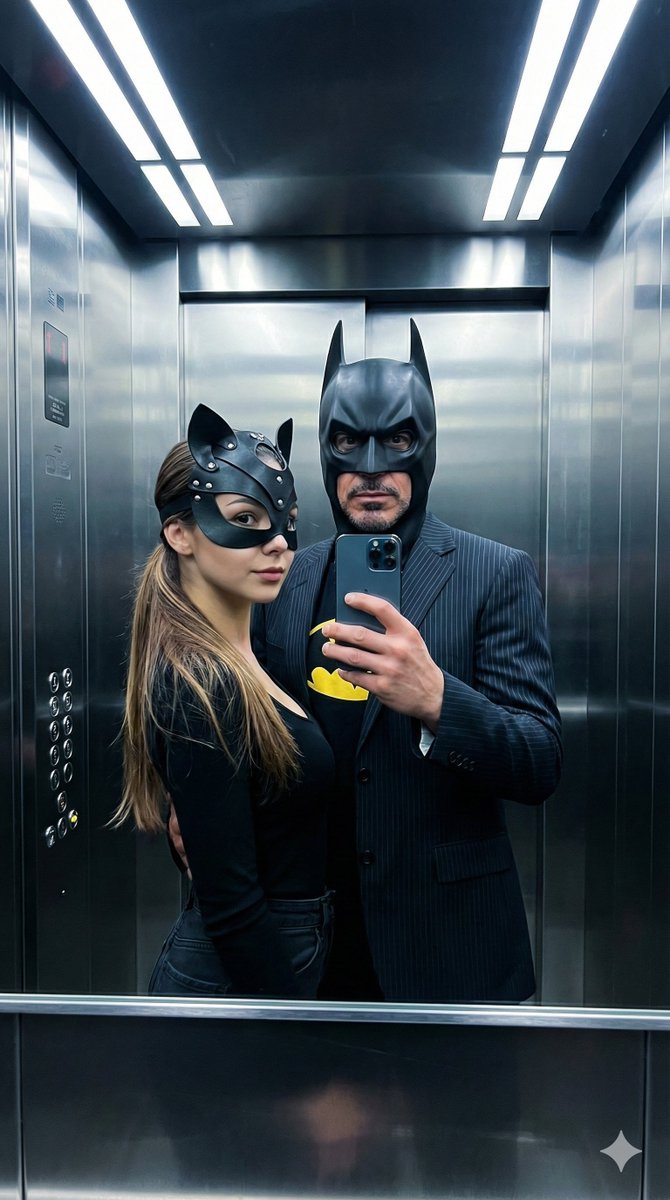
Cinematic Bat/Cat Couple Mirror Selfie with Identity Lock
nano-banana-pro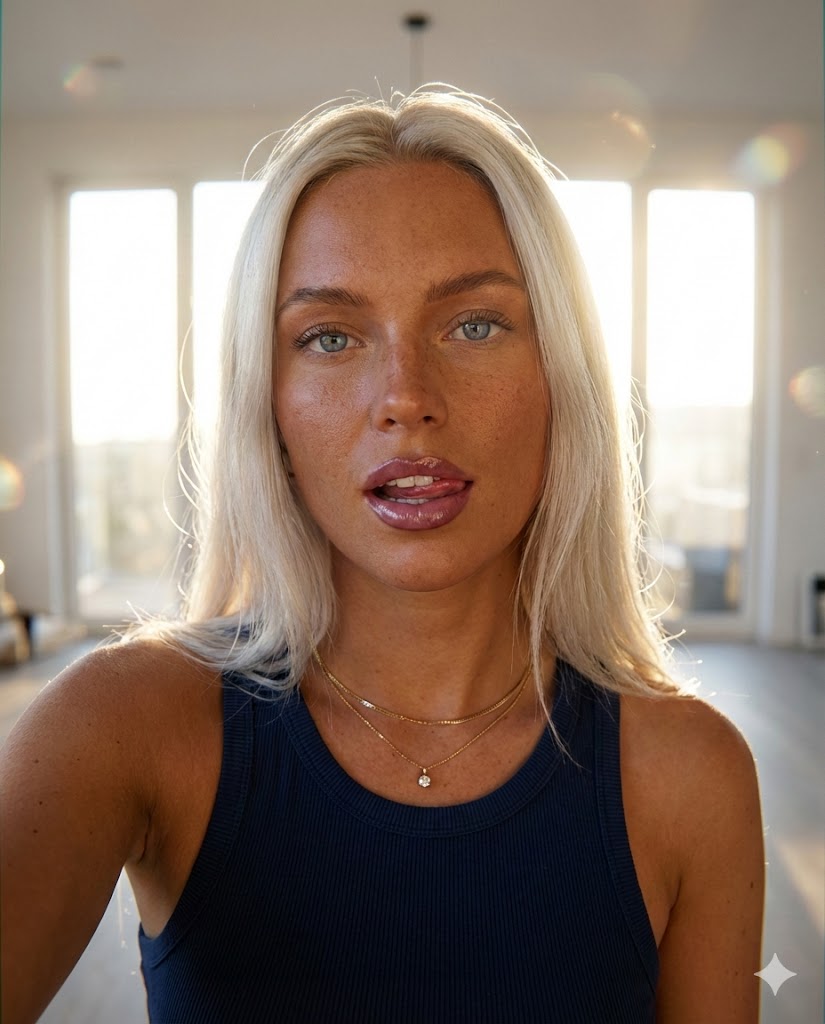
Sunkissed Glamour Tight Crop Selfie at Golden Hour
nano-banana-pro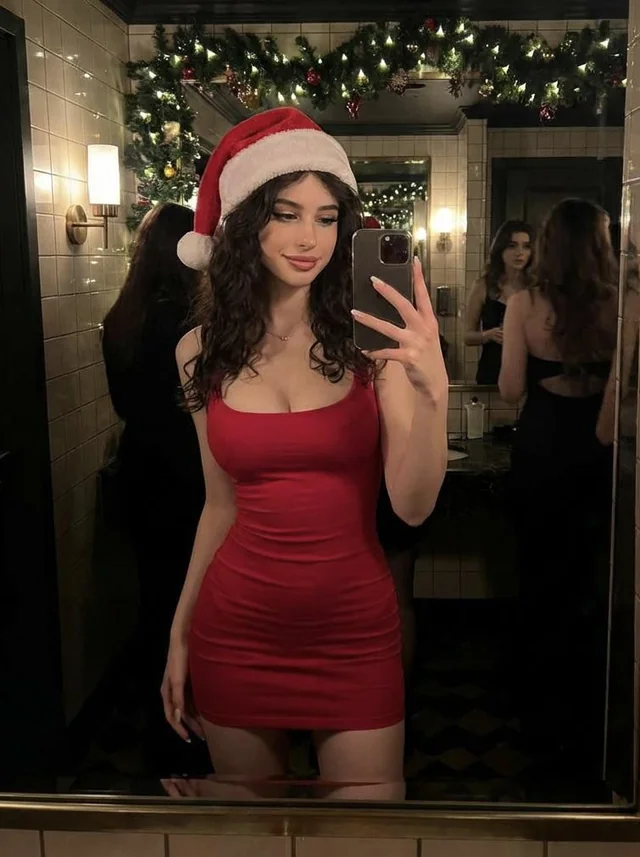
Christmas Selfie in a Decorated Bathroom Mirror
nano-banana-pro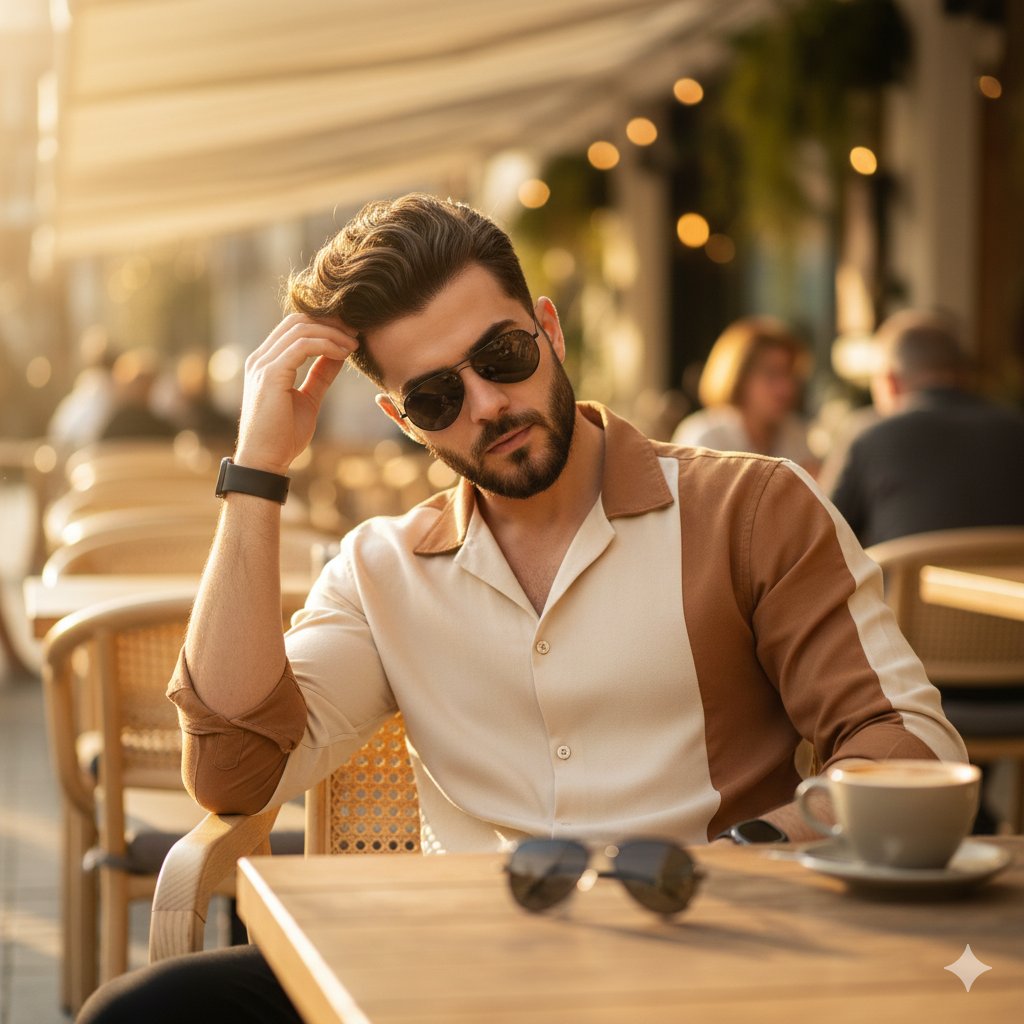
Ultra-Realistic 8K Lifestyle Portrait at Modern Café
nano-banana-pro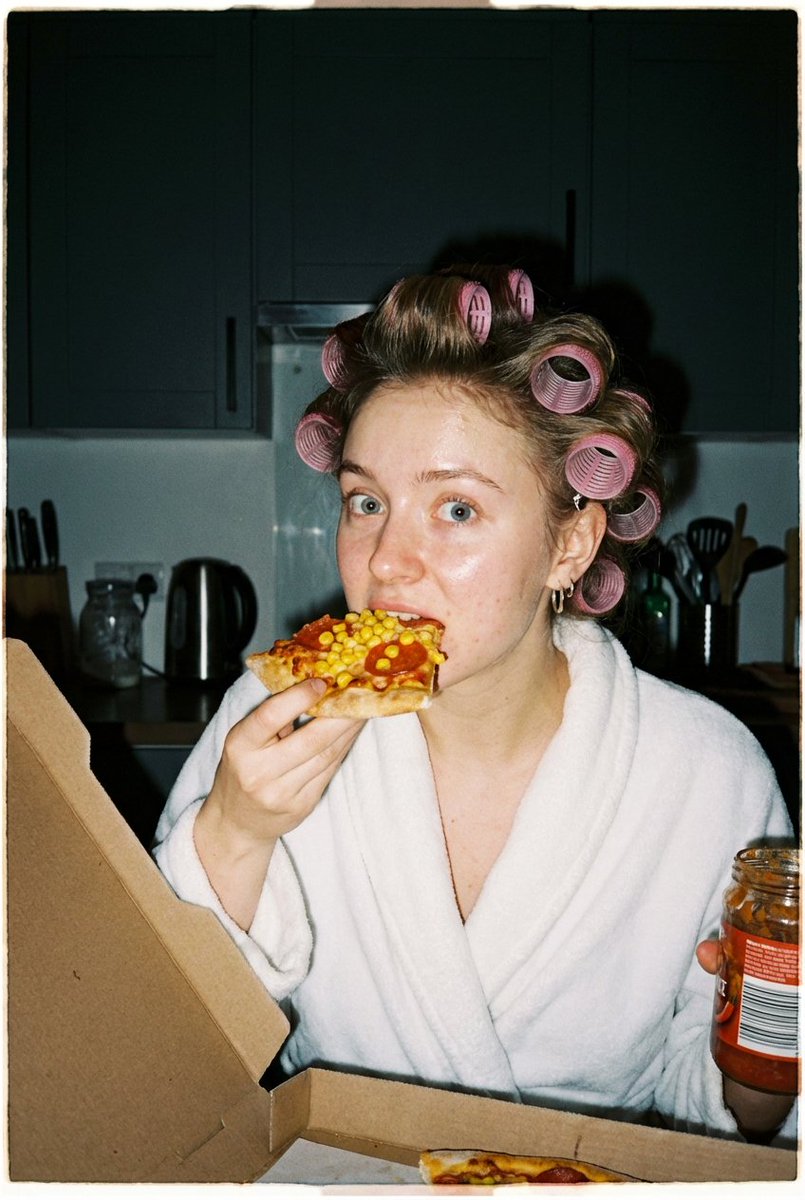
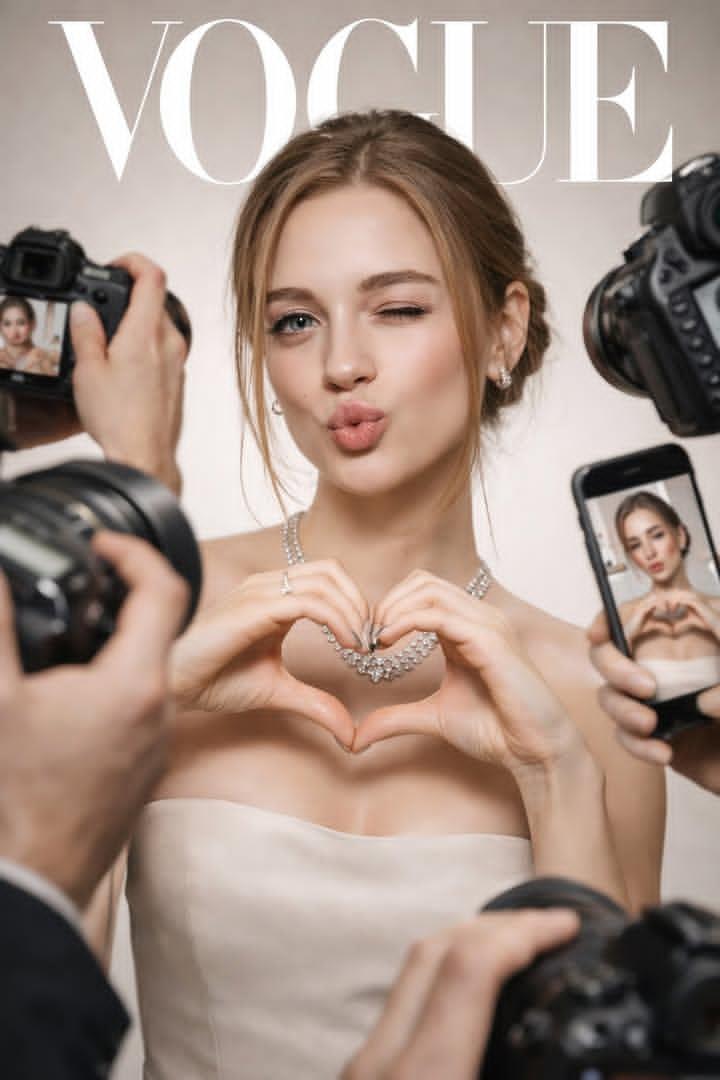
Vogue Cover Paparazzi Portrait
nano-banana-proPhotorealistic Low-Angle Café Selfie
{ "prompt": "Photorealistic low-angle handheld selfie of an adult woman (25 years old) in a cozy café interior. The camera is positioned slightly below eye level and angled upward, creating a natural sense of proximity and depth. She is leaning forward over a table with realistic posture and natural weight distribution, giving a relaxed and playful feel. Facial expression shows a subtle, playful half-smile conveying confidence and warmth. Lips are softly defined with red lipstick, expression natural and unforced. Eyes are directed toward the camera, engaging and lively. She is wearing a deep blue low-cut halter top with realistic fabric texture and natural drape. The neckline follows realistic anatomy and gravity, with subtle fabric tension and folds where it interacts with the body, without exaggerated shaping. Skin appears natural and healthy with visible pores, fine texture, soft tonal transitions, and slight imperfections. Warm indoor lighting creates gentle highlights without any glossy or plastic effect. Hair is naturally styled, matching the reference image exactly in shape and structure, with realistic volume and visible individual strands, without stylization or alteration. Lighting is warm, soft, and diffused café lighting, producing gentle shadows under the chin and along facial contours. The light feels ambient and natural, consistent with an intimate café environment. The background is a cozy café setting with a mosaic tile wall and indoor plants, softly out of focus to provide texture and atmosphere without distracting from the subject.", "style": "photorealistic", "camera": { "angle": "slightly low angle", "perspective": "handheld selfie", "position": "below eye level", "lens_effect": "natural depth, shallow depth of field" }, "lighting": { "type": "warm indoor café lighting", "quality": "soft and diffused", "shadows": "gentle, natural facial contour shadows" }, "environment": { "location": "cozy café", "background_elements": [ "mosaic tile wall", "indoor plants" ], "background_focus": "softly blurred" }, "subject": { "age": 25, "expression": "subtle playful half-smile", "eye_direction": "looking at camera", "skin": "natural texture with visible pores and imperfections", "hair": "natural styling, realistic volume, visible strands" }, "clothing": { "top": "deep blue low-cut halter top", "fabric": "realistic texture and natural drape" }, "quality": { "realism": "high", "detail_level": "ultra-detailed", "rendering": "photorealistic" } }
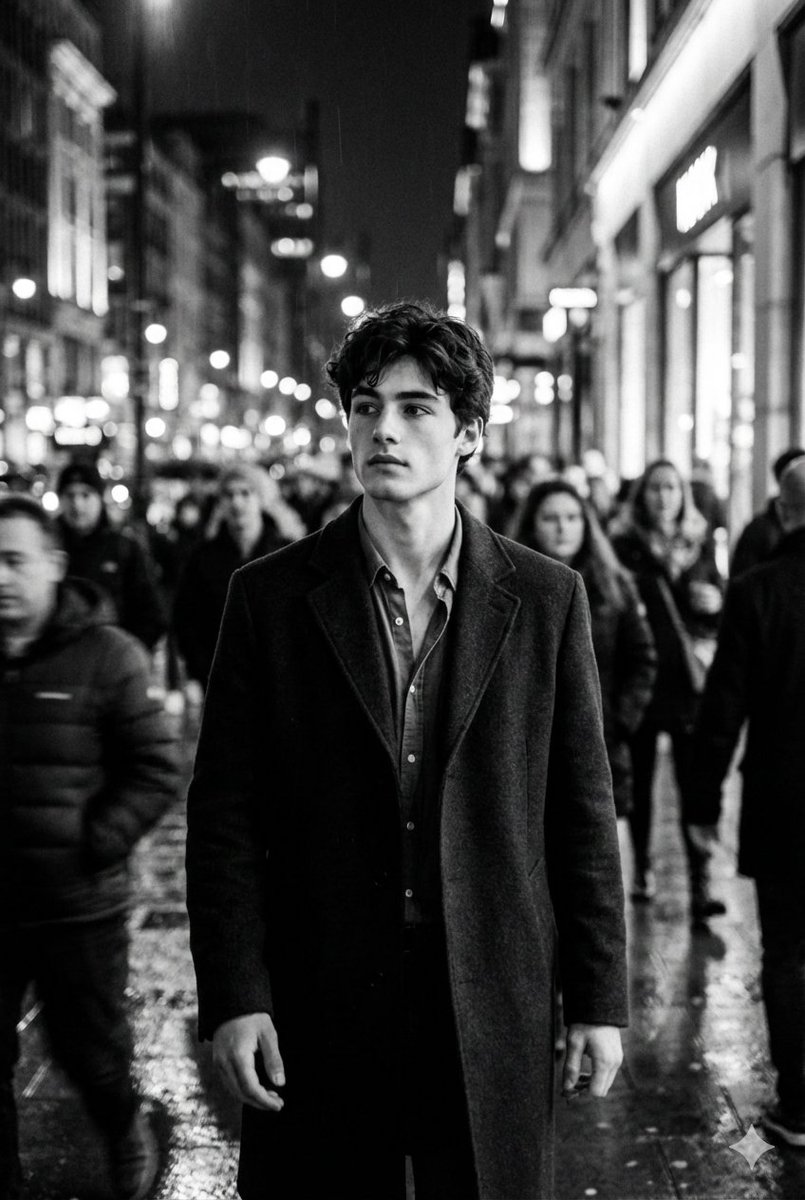
Black and White Cinematic Motion Portrait
nano-banana-pro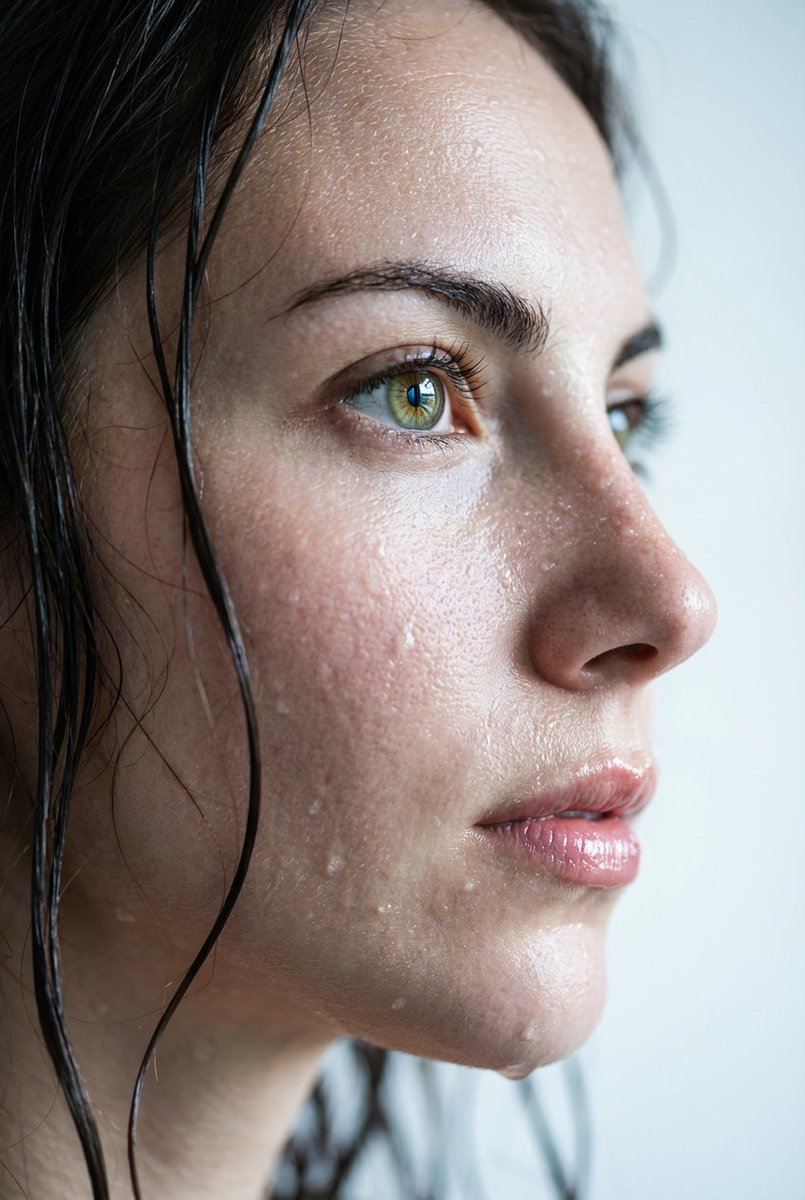
Hyper-Realistic Wet Skin Portrait
nano-banana-pro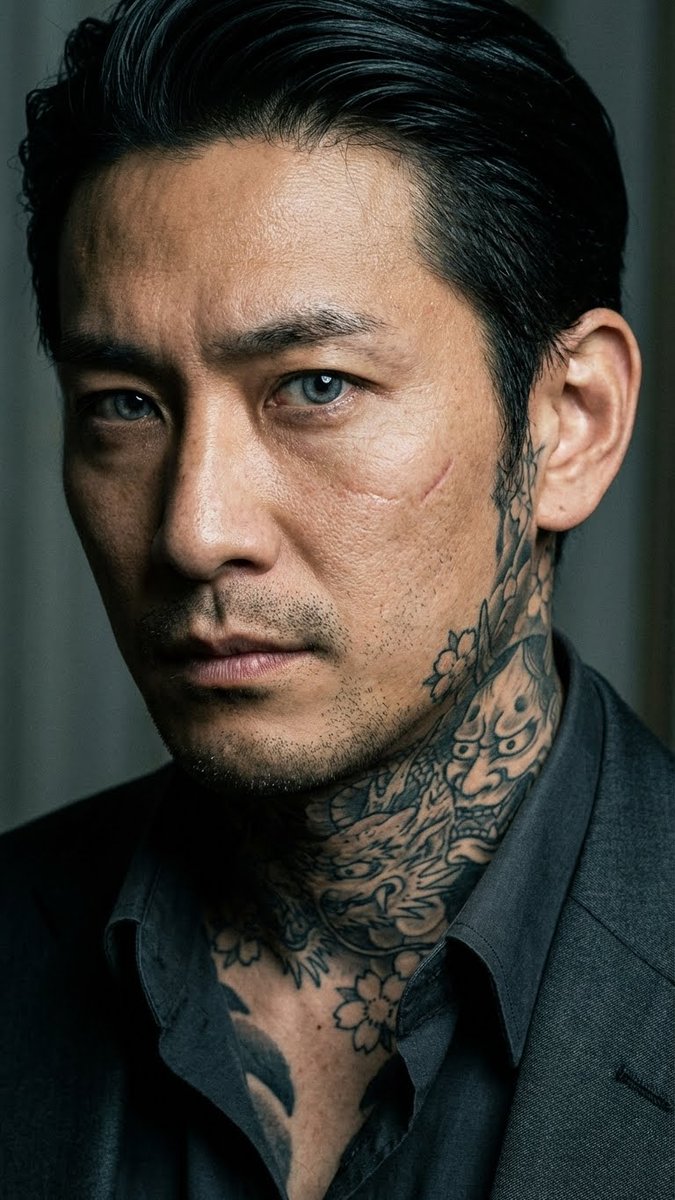
Yakuza Portrait with Irezumi Tattoos
nano-banana-pro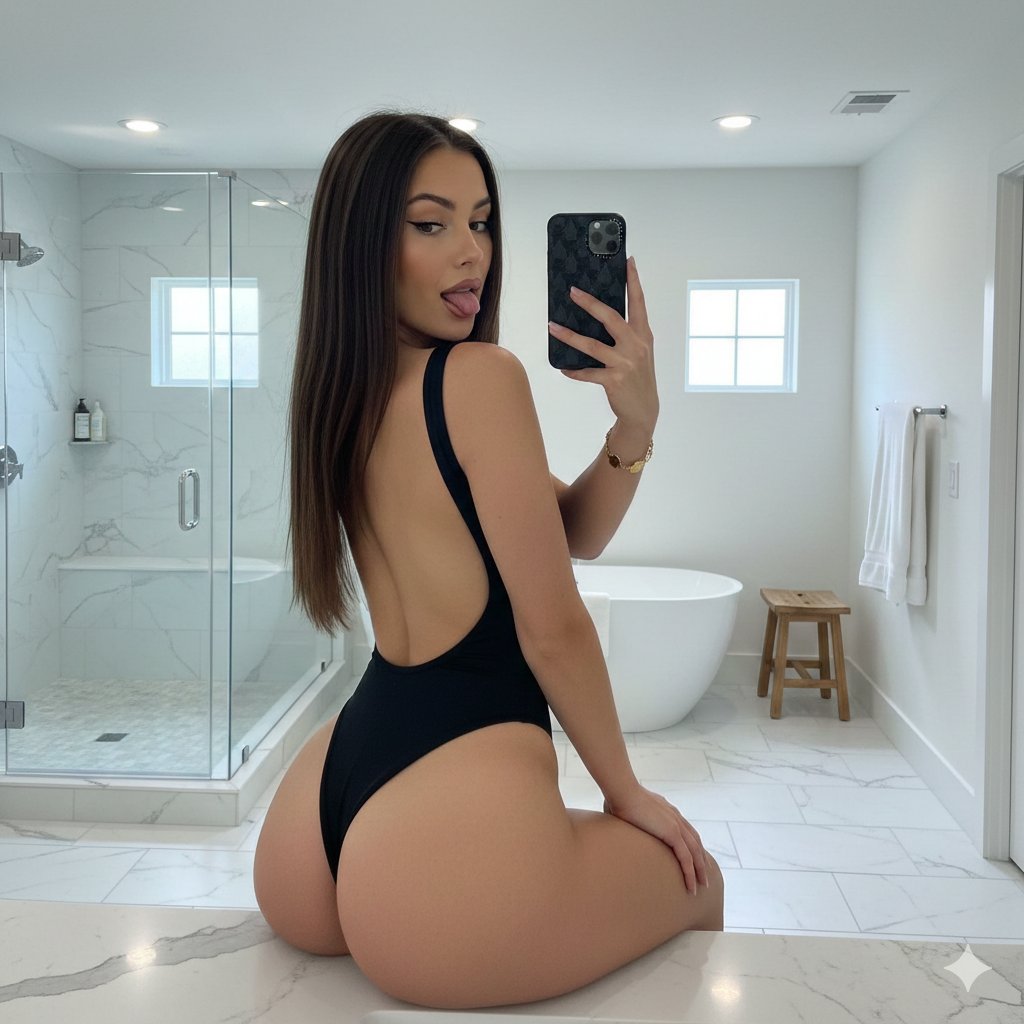
Bathroom Mirror Selfie Lifestyle Shot
nano-banana-pro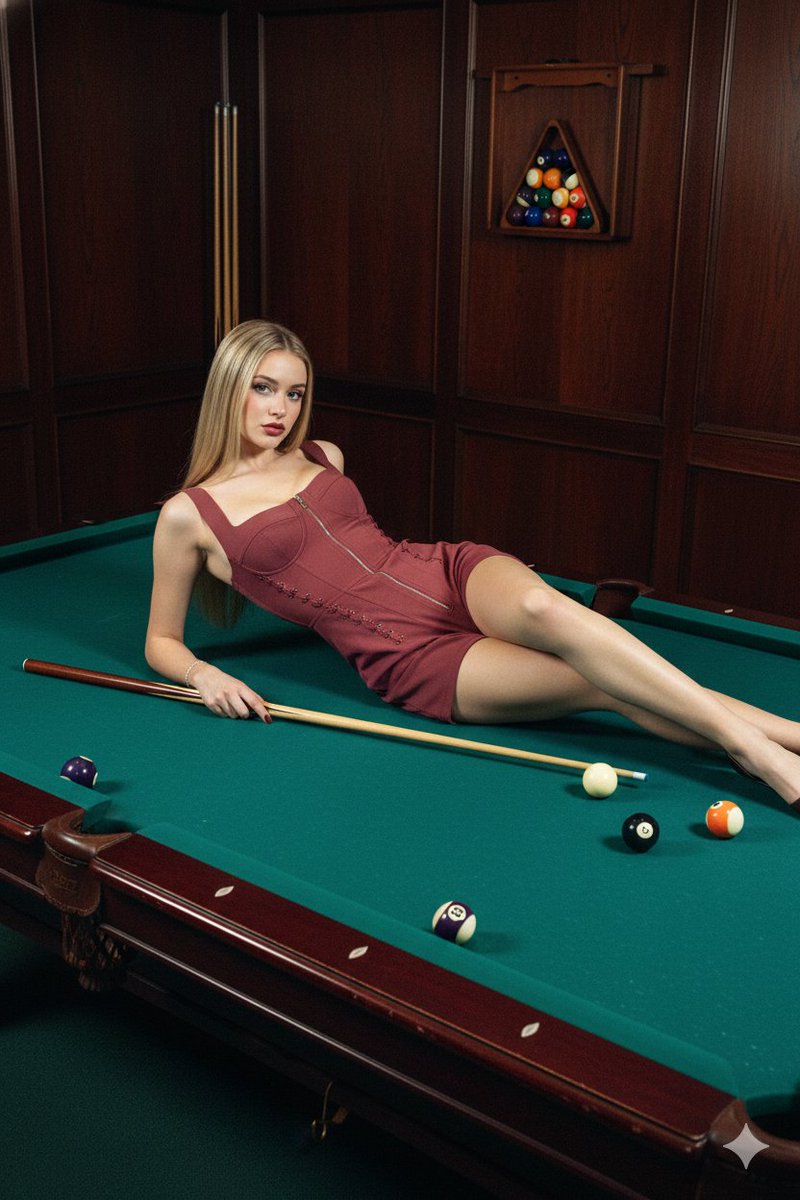
Y2K Glamour Pool Table Editorial
nano-banana-pro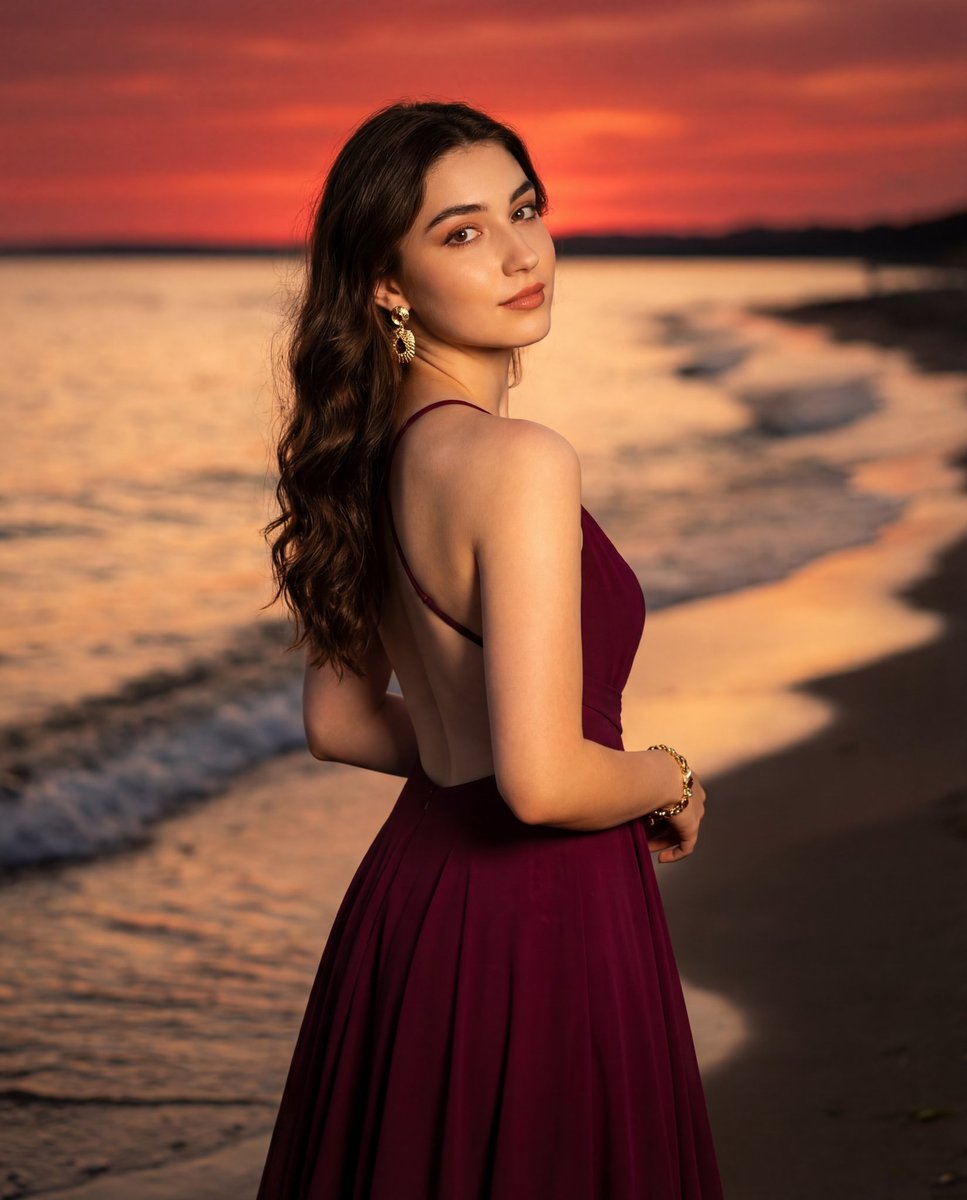
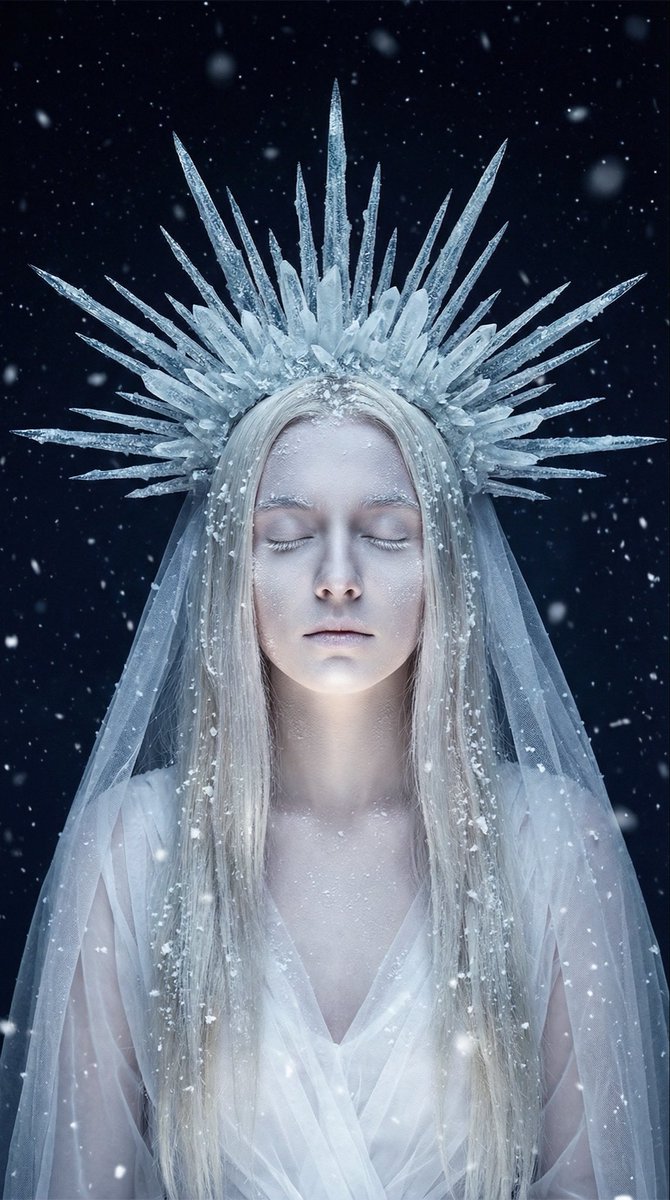
Ethereal Winter Goddess Portrait Prompt
nano-banana-pro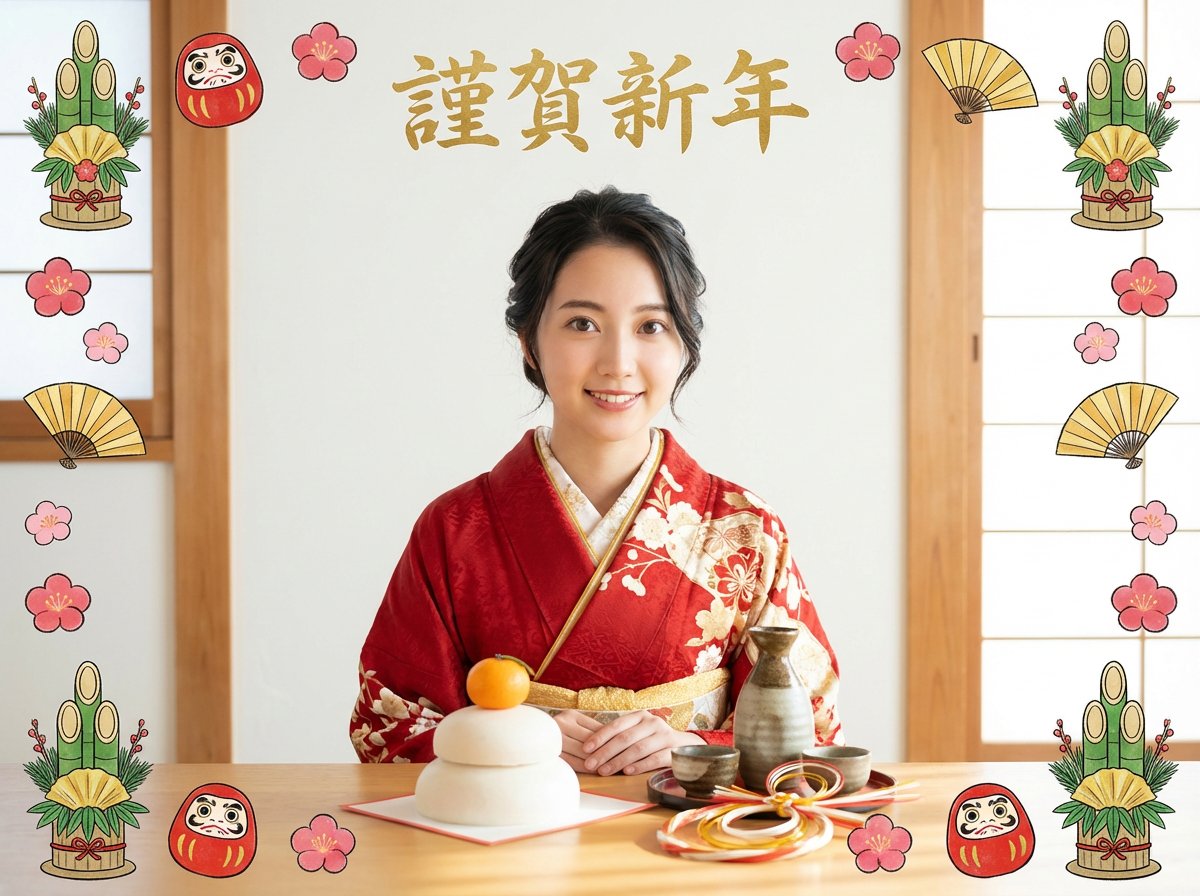
New Year's Portrait Photo Prompt for Nano Banana Pro
nano-banana-proكيف تتم كتابة الصور الشخصية ومطالبات الصور الشخصية هنا
عادة ما تغطي موجه الصورة أربعة أجزاء. أولاً الشخص وما يرتدونه، ثم الخلفية، ثم الضوء، ثم العدسة والإطار. تسمي لقطة رأس الاستوديو لون الخلفية وضوء المفتاح الناعم. تسمي صورة السيلفي المرآة الهاتف والغرفة والانعكاس. إذا كانت النتيجة تبدو خاطئة، فقم بتغيير جزء واحد واحتفظ بالثلاثة الآخرين.
اختر نسبة العرض إلى الارتفاع قبل الإنشاء. عادة ما تذهب لقطات الرأس إلى 4:5، على شكل طباعة 8 × 10. ينتهي الأمر باقتصاص الصور الرمزية إلى مربع أو دائرة، لذلك يكون 1:1 أكثر أمانًا هناك. تحتاج القصص والبكرات إلى 9:16.
الأمثلة هنا هي مطالبات تحويل النص إلى صورة، لذلك ينشئ كل منها شخصًا جديدًا. إذا كان يجب أن تحتفظ النتيجة بوجه حقيقي، مثل تحويل صورتك الشخصية إلى صورة شخصية للعمل، فاستخدم نموذج تحرير الصور وأرسل صورة شخصية كصورة مرجعية. تمنح الصورة الحادة ذات الخصر الأعلى الموديل المزيد من العمل أكثر من الاقتصاص الضيق.
يبقى النص الفوري باللغة التي كتبها مؤلفه، لذلك توجد بعض الأمثلة هنا باللغة اليابانية أو الصينية أو الإسبانية.
أسئلة حول المطالبات بورتريه وسيلفي
هل يمكنني استخدام هذه المطالبات الشخصية مع صورتي الخاصة ؟
تنشئ المطالبات هنا أشخاصًا جددًا من النص. للحفاظ على وجهك، أرسل صورتك الشخصية إلى نموذج تحرير الصور كصورة مرجعية، ثم أعد استخدام أجزاء الإضاءة والخلفية والإطار من مطالبة من هذه الصفحة.
ما هي نسبة العرض إلى الارتفاع التي تناسب صورة رأس الذكاء الاصطناعي بشكل أفضل ؟
استخدم 4:5 لقطات الرأس، على شكل طباعة 8 × 10. استخدم 1:1 للصور الرمزية التي يتم اقتصاصها إلى دائرة، و 9:16 للقصص والبكرات.
لماذا تبدو صورة الذكاء الاصطناعي كشخص مختلف ؟
تخترع نماذج تحويل النص إلى صورة وجهًا جديدًا في كل مرة. نموذج لتحرير الصور مع صورتك كمرجع يحافظ على الوجه أقرب إلى الأصل. تساعد أيضًا صورة المصدر الحادة والمضاءة جيدًا.
هل هذه الصور الشخصية وصور السيلفي مجانية ؟
نعم. يمكنك نسخ أي مطالبة على هذه الصفحة بدون حساب. أنت تدفع فقط عند إنشاء صورة من خلال واجهة برمجة تطبيقات RunAPI، بسعر النموذج الذي تختاره.
كيف يمكنني جلب هذه المطالبات من خلال واجهة برمجة التطبيقات ؟
أرسل طلب GET إلى /api/v1/prompts مع modality=image و category= portrait-selfie. تتضمن كل نتيجة نص المطالبة وصورة المثال والنماذج التي تعمل عليها.