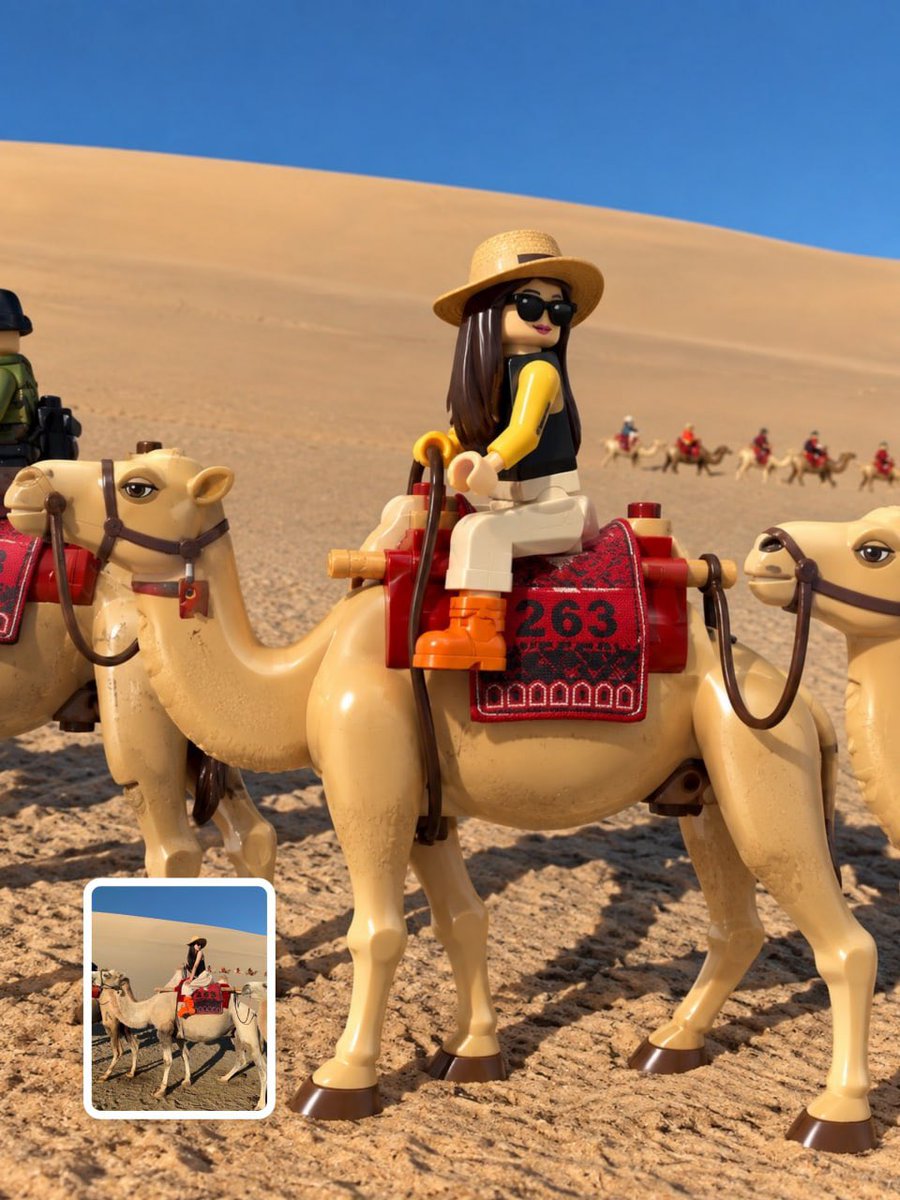
Professional Text Overlay Edit
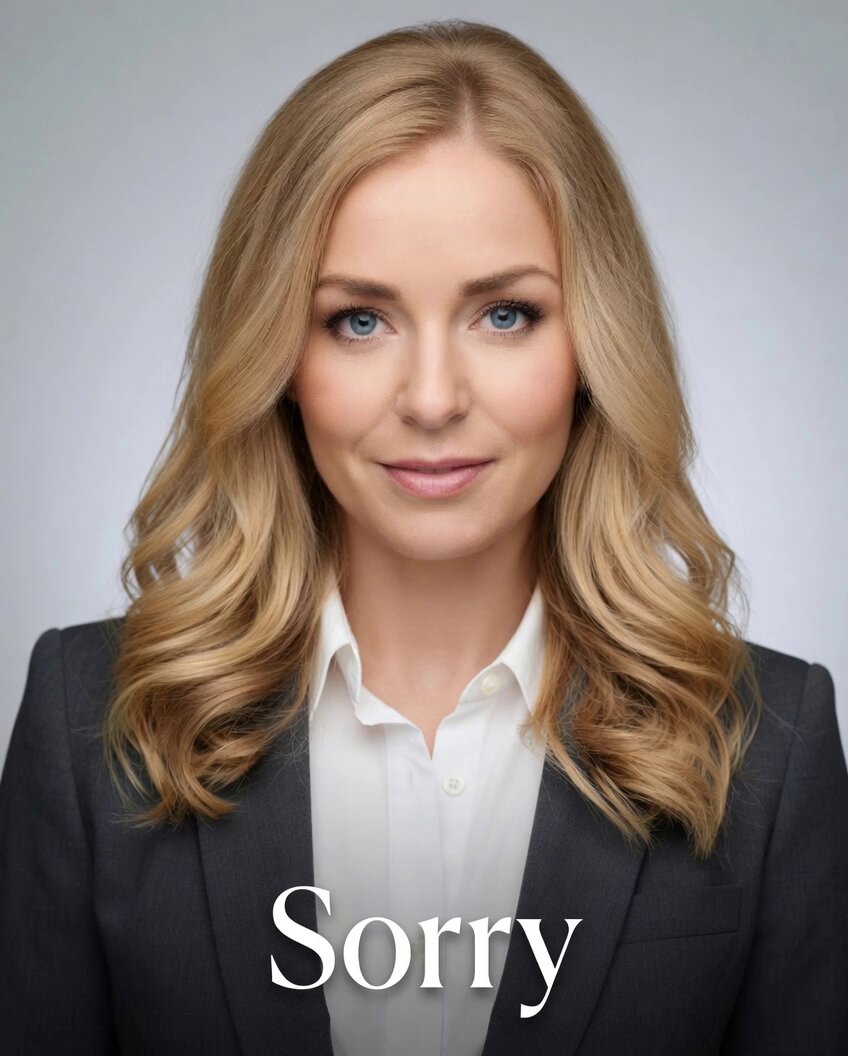
Professional Text Overlay Edit

Eingabeaufforderung

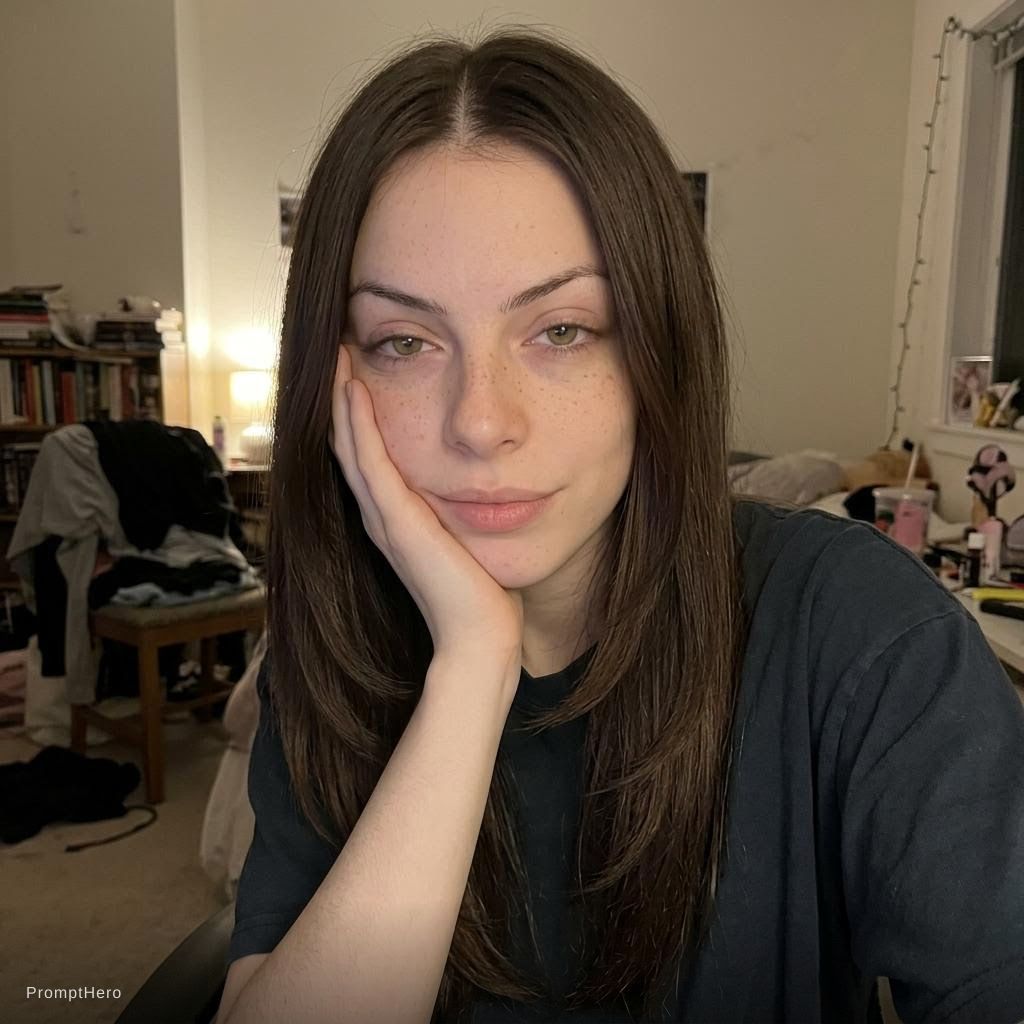
Add the text "Sorry" in an elegant, professional white sans-serif font with a subtle dark shadow for readability, positioned at the bottom center of the image. Keep the woman's portrait, expression, lighting, and composition exactly the same

Läuft auf 21 Modellen

  • Flux
  • Flux 2
  • Flux Kontext
  • GPT-4o Image
  • GPT Image
  • GPT Image 2
  • GPT Image 2.5
  • GPT Image 2.6
  • Grok Imagine
  • Ideogram V3
  • Imagen 4
  • Kling
  • +9 mehr

Was dieser Prompt erzeugt

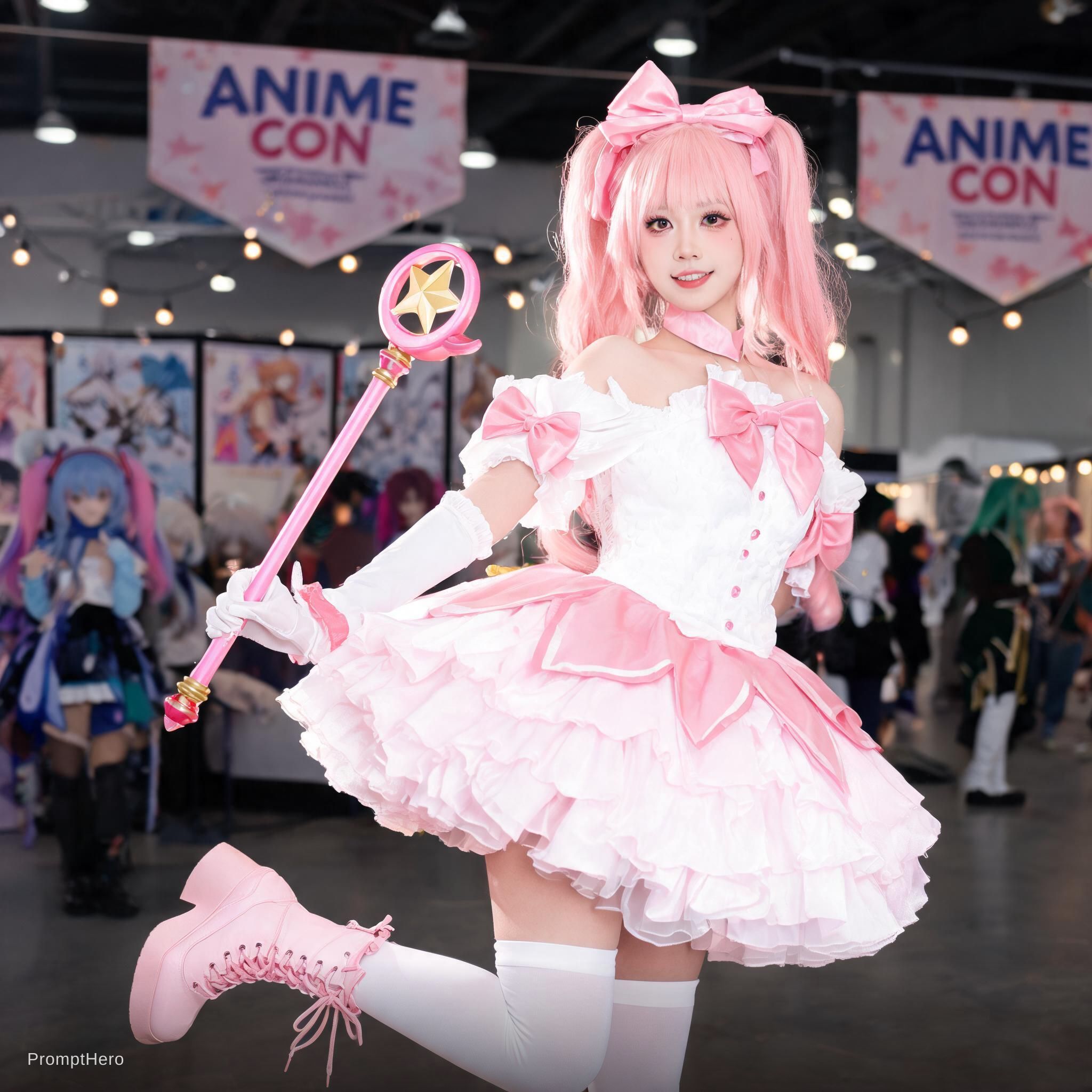
Seedream 5 prompt: cosplay Nicht angegeben v2
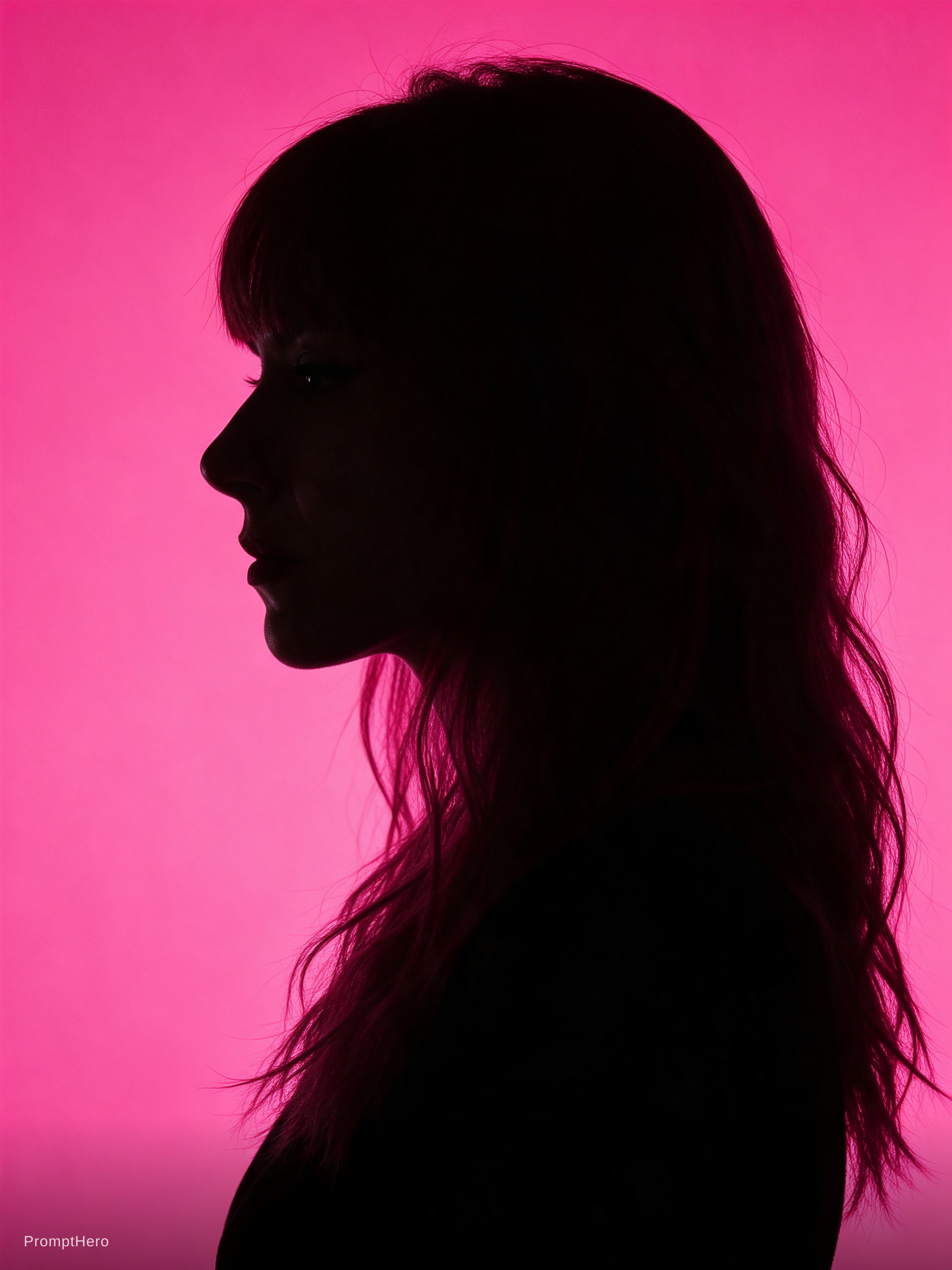
Seedream 5 prompt: photography, portrait of contrast, profile silhoue... Nicht angegeben seedream-5-pro
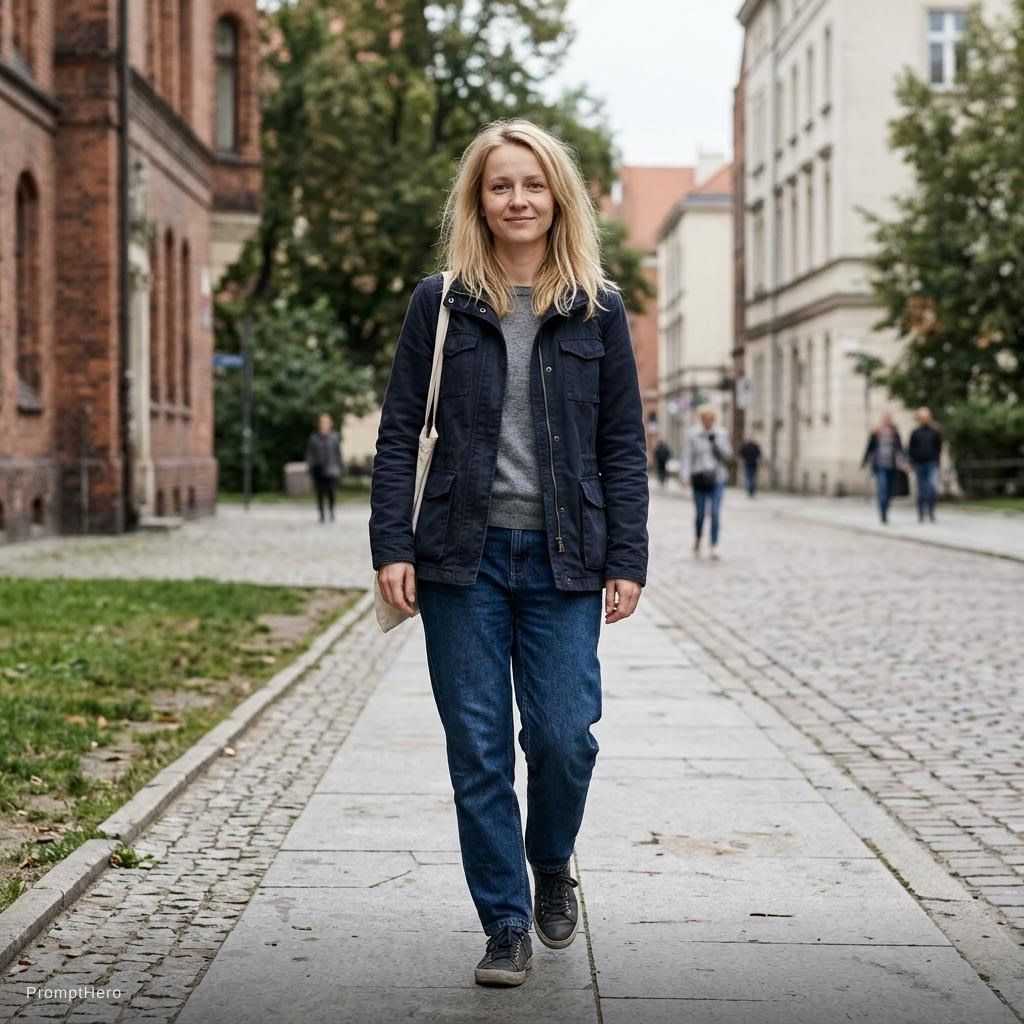
Hero prompt: natural blond polish woman, 30 years, slim, no mak... Nicht angegeben 1.0
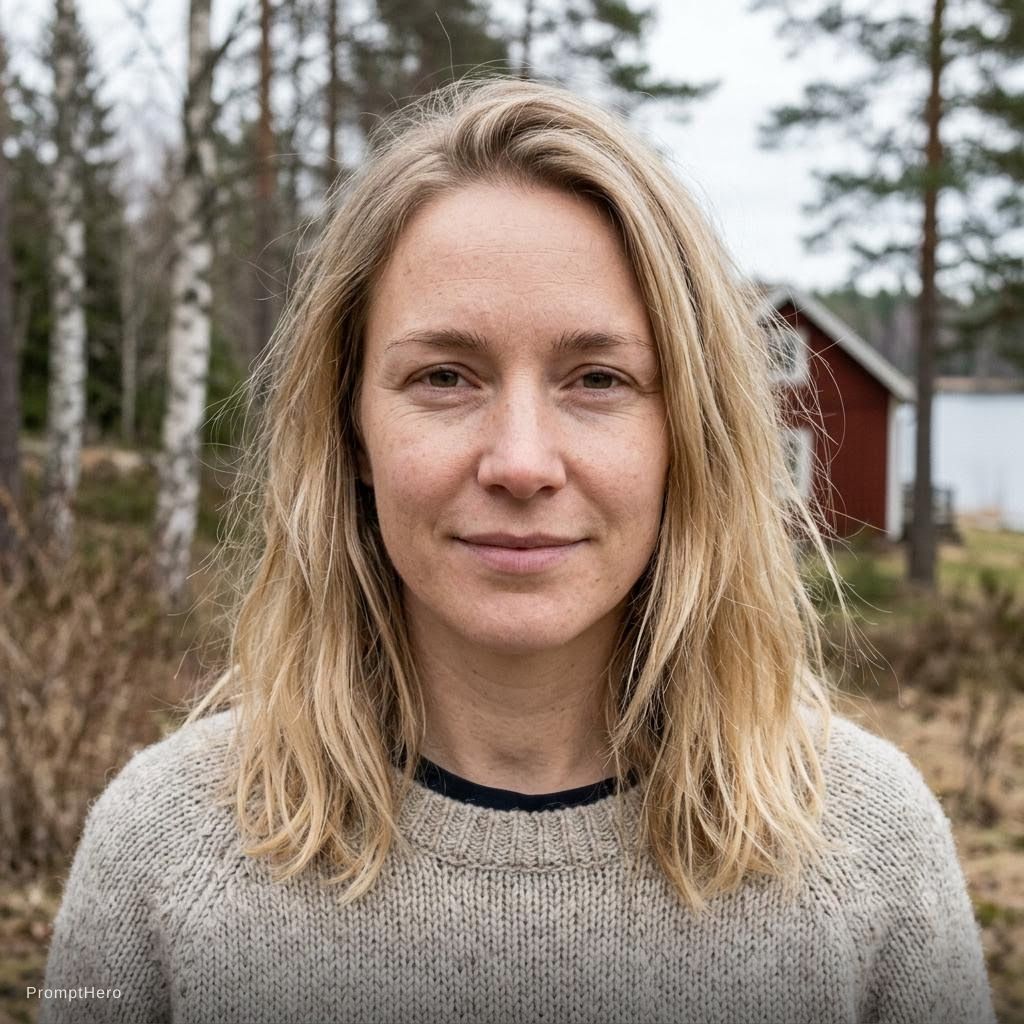
Hero prompt: natural blond swedish woman, 30 years, no make up,... Nicht angegeben 1.0
Hero prompt: 
Take the face and natural body proportions from t... Nicht angegeben 1.0
Using the attached image, to recreate a scene feat... Nicht angegeben Nicht angegeben

Führen Sie diese Eingabeaufforderung mit der API aus

Die folgende Anforderung sendet diese Eingabeaufforderung mit den ausgefüllten Standardwerten an das erste Modell, auf dem sie ausgeführt wird. Tauschen Sie den Modellnamen gegen ein anderes oben aufgeführtes Modell aus.

Prompt API-Dokumente
/api/v1/grok/text_to_image
curl -X POST https://runapi.ai/api/v1/grok/text_to_image \
  -H "Authorization: Bearer $RUNAPI_API_KEY" \
  -H "Content-Type: application/json" \
  --data-binary @- <<'JSON'
{
  "model": "grok-imagine",
  "prompt": "Add the text \"Sorry\" in an elegant, professional white sans-serif font with a subtle dark shadow for readability, positioned at the bottom center of the image. Keep the woman's portrait, expression, lighting, and composition exactly the same"
}
JSON

Probier‘s mal mit einer Anfrage