Professional Text Overlay Edit

Professional Text Overlay Edit

prompt

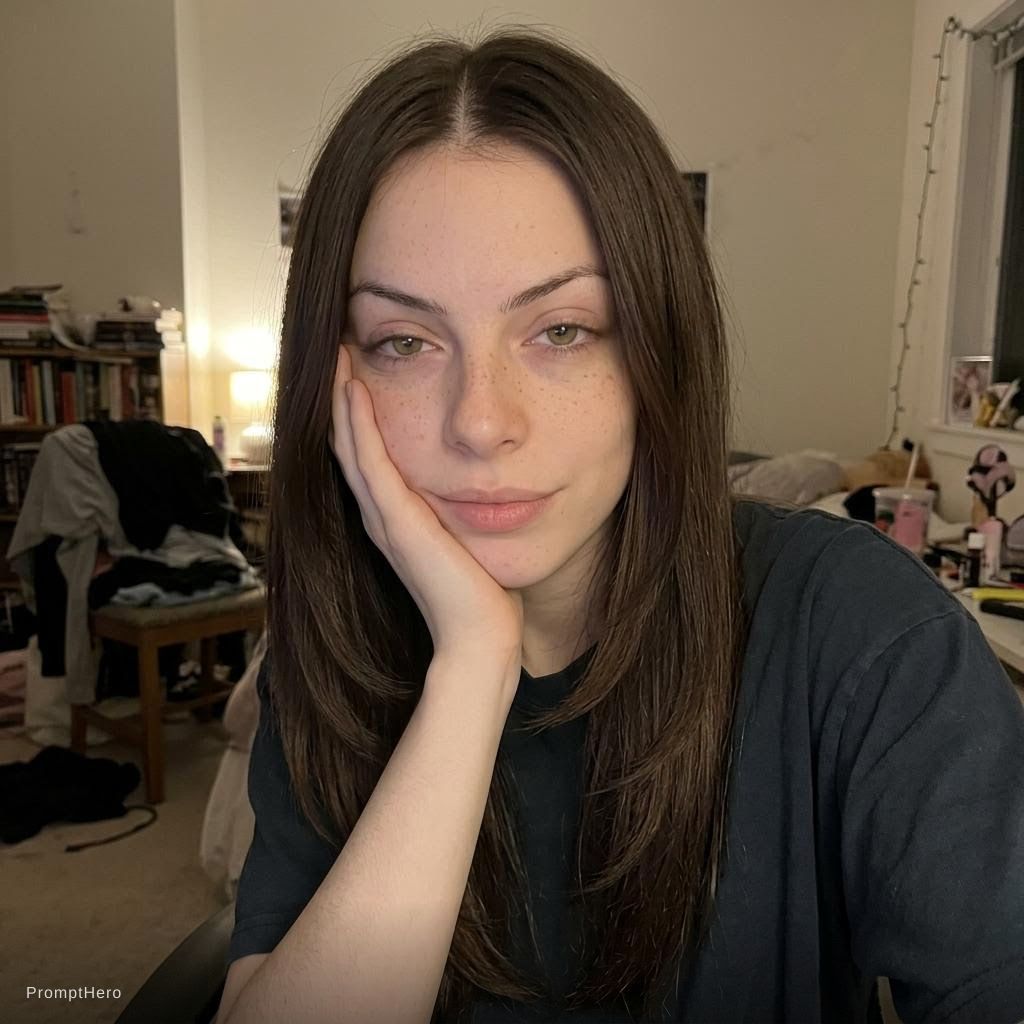
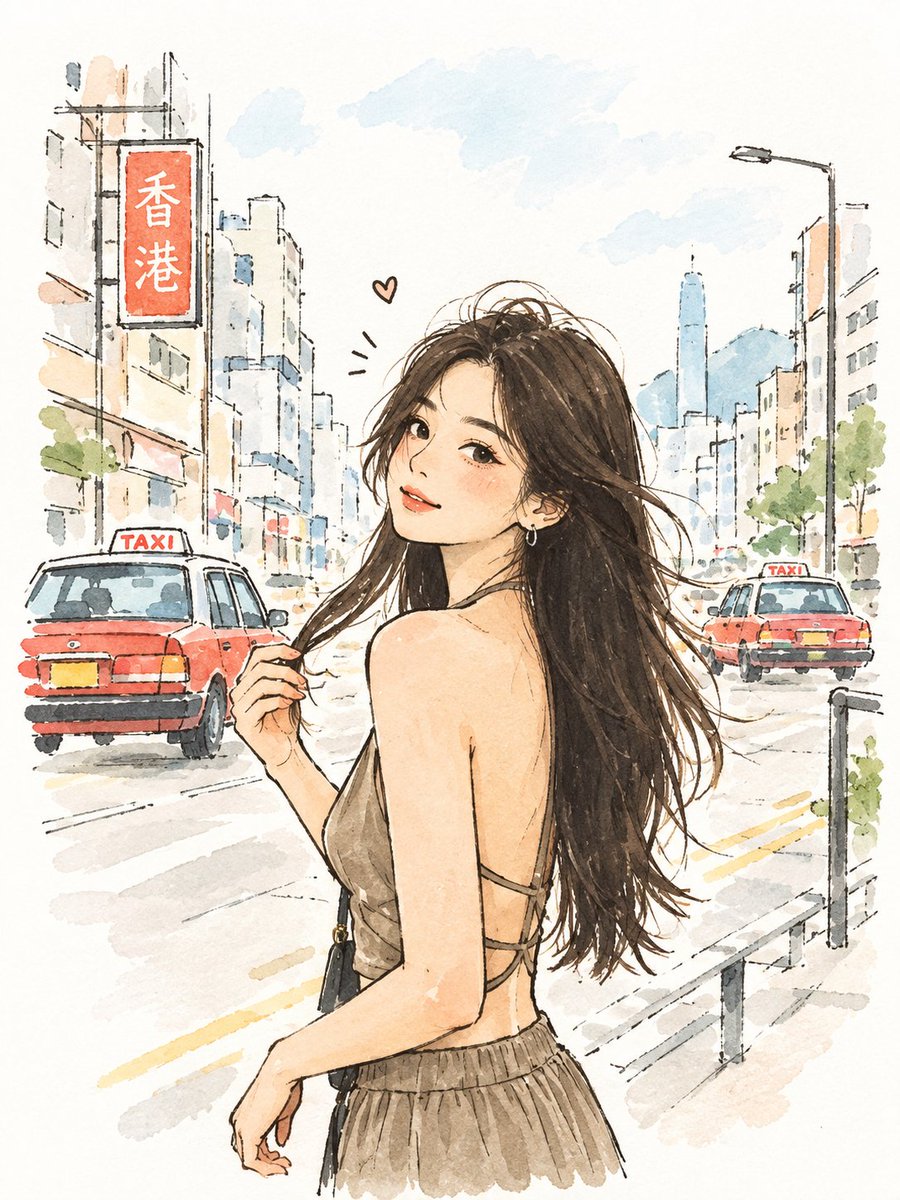
Add the text "Sorry" in an elegant, professional white sans-serif font with a subtle dark shadow for readability, positioned at the bottom center of the image. Keep the woman's portrait, expression, lighting, and composition exactly the same

Werkt met 21 modellen

  • Flux
  • Flux 2
  • Flux Kontext
  • GPT-4o Image
  • GPT Image
  • GPT Image 2
  • GPT Image 2.5
  • GPT Image 2.6
  • Grok Imagine
  • Ideogram V3
  • Imagen 4
  • Kling
  • +9 Meer

Wat deze prompt oplevert

Using the face from the attached photo, recreate a... Niet opgegeven Niet opgegeven
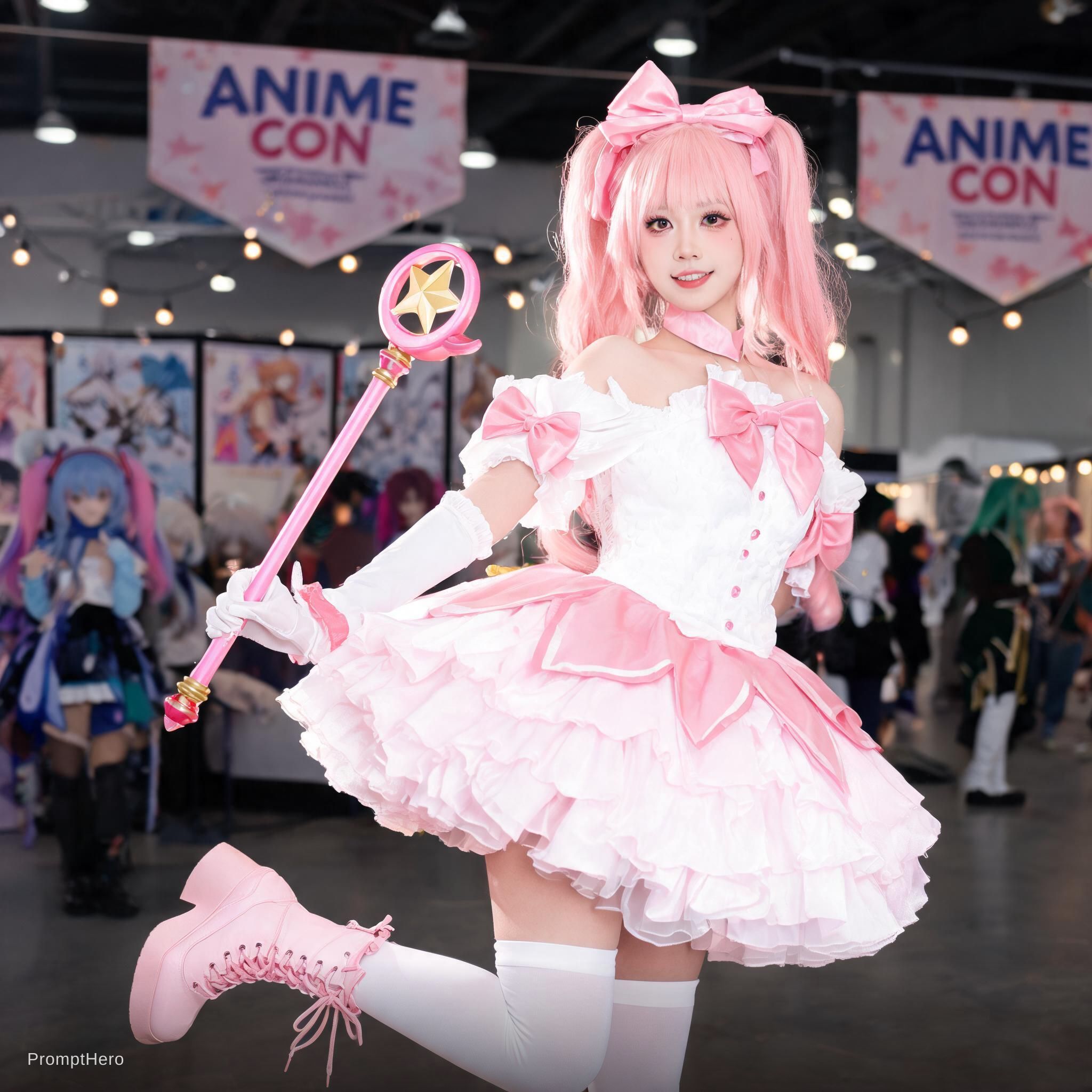
Seedream 5 prompt: cosplay Niet opgegeven v2
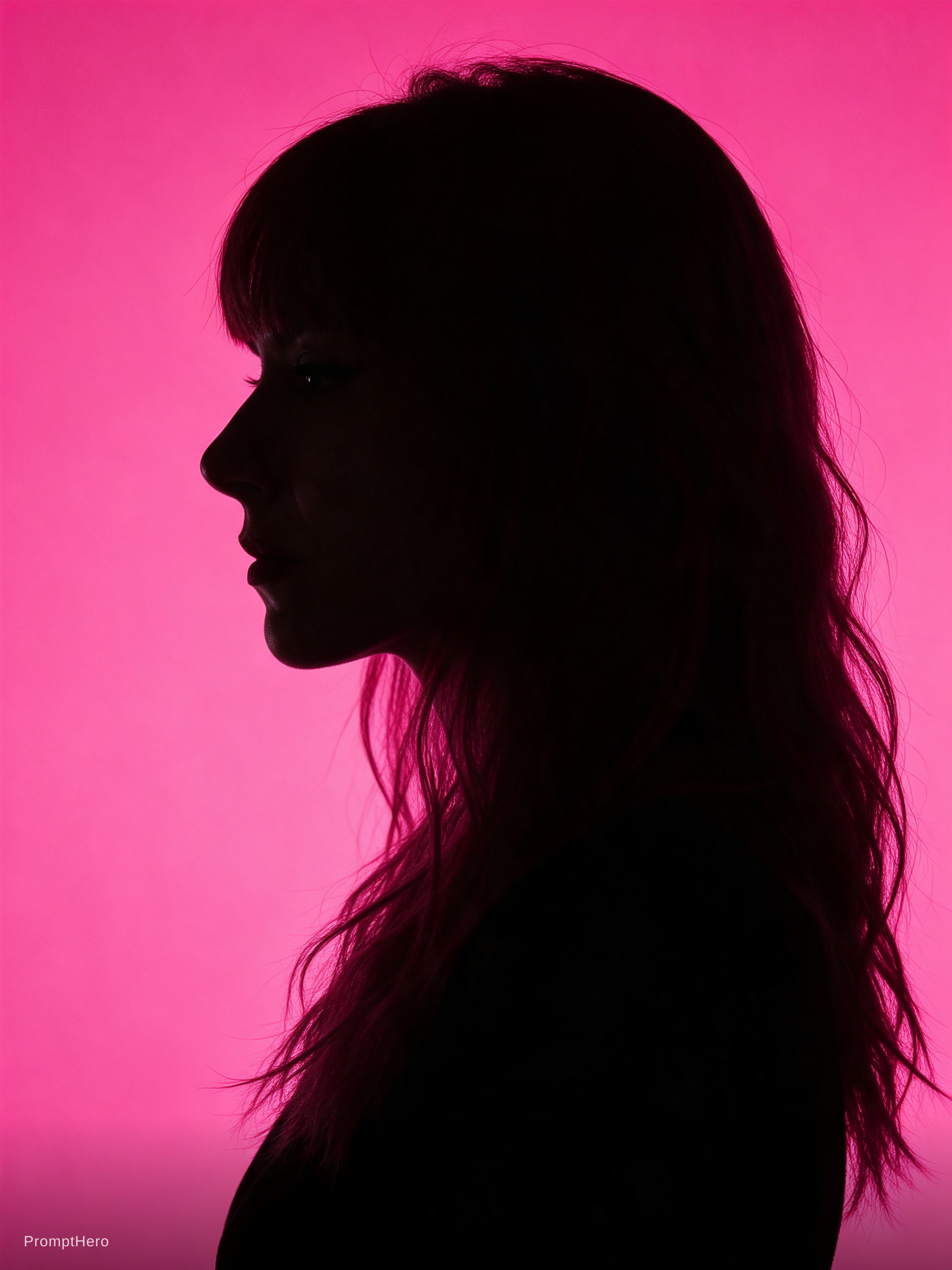
Seedream 5 prompt: photography, portrait of contrast, profile silhoue... Niet opgegeven seedream-5-pro
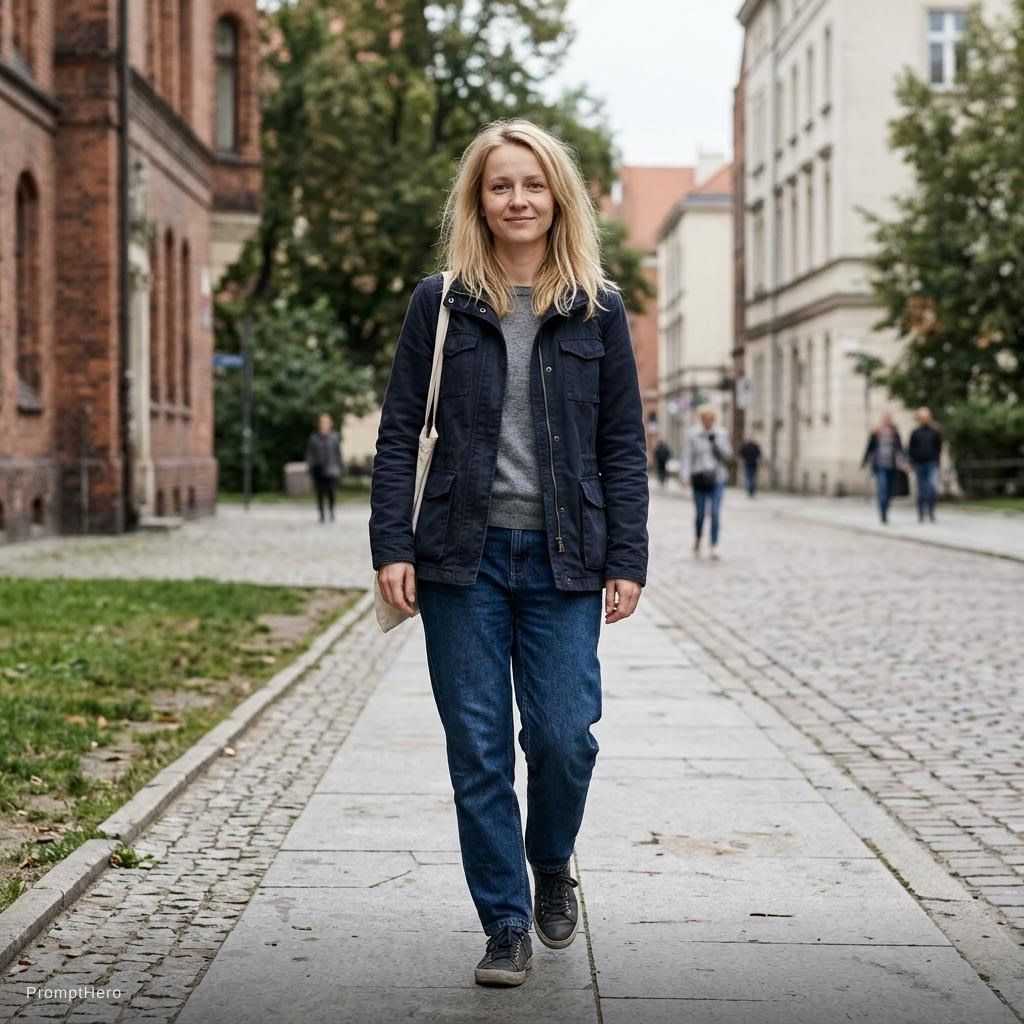
Hero prompt: natural blond polish woman, 30 years, slim, no mak... Niet opgegeven 1.0
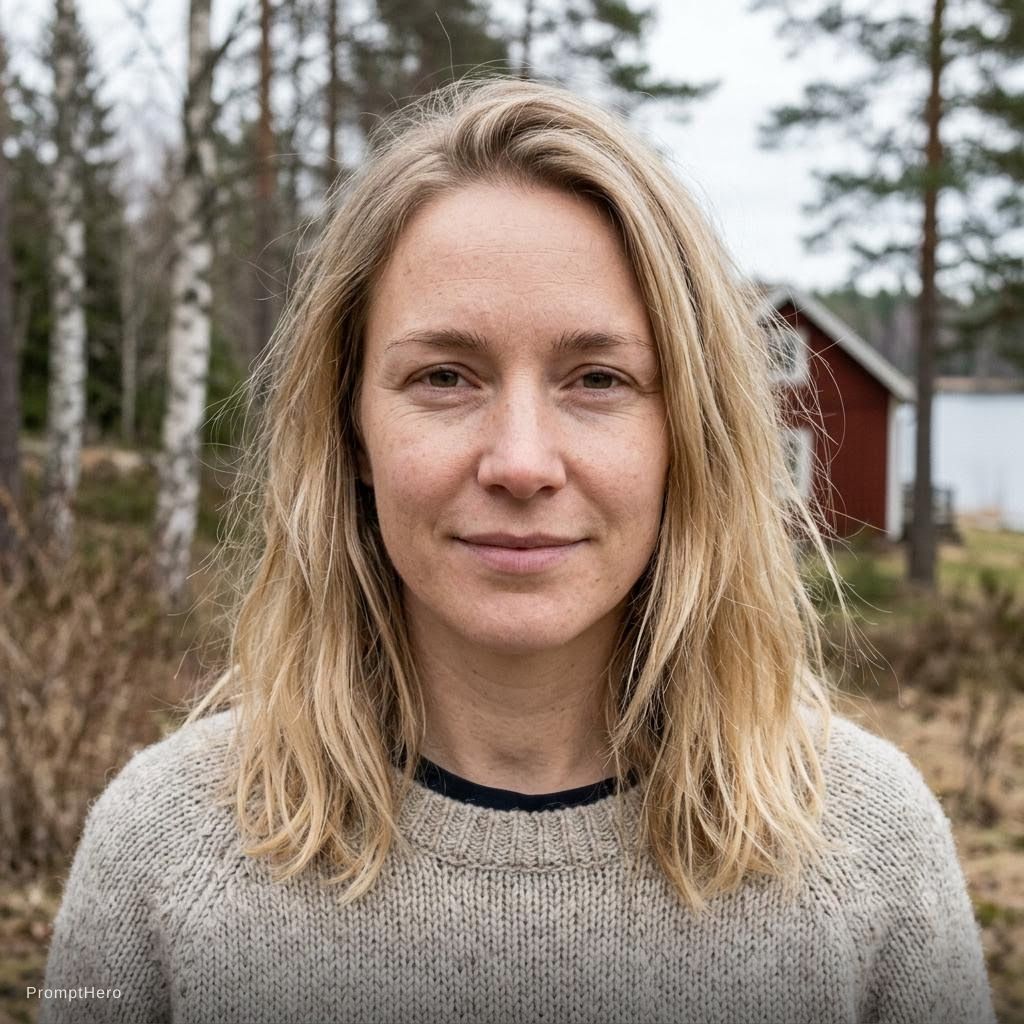
Hero prompt: natural blond swedish woman, 30 years, no make up,... Niet opgegeven 1.0
Hero prompt: 
Take the face and natural body proportions from t... Niet opgegeven 1.0

Run deze prompt met de API

Het onderstaande verzoek stuurt deze prompt, met de standaardwaarden ingevuld, naar het eerste model waarop het draait. Verwissel de modelnaam voor een ander hierboven vermeld model.

prompt API-documentatie
/api/v1/grok/text_to_image
curl -X POST https://runapi.ai/api/v1/grok/text_to_image \
  -H "Authorization: Bearer $RUNAPI_API_KEY" \
  -H "Content-Type: application/json" \
  --data-binary @- <<'JSON'
{
  "model": "grok-imagine",
  "prompt": "Add the text \"Sorry\" in an elegant, professional white sans-serif font with a subtle dark shadow for readability, positioned at the bottom center of the image. Keep the woman's portrait, expression, lighting, and composition exactly the same"
}
JSON

Probeer a prompt