Cinematic Censored Portrait
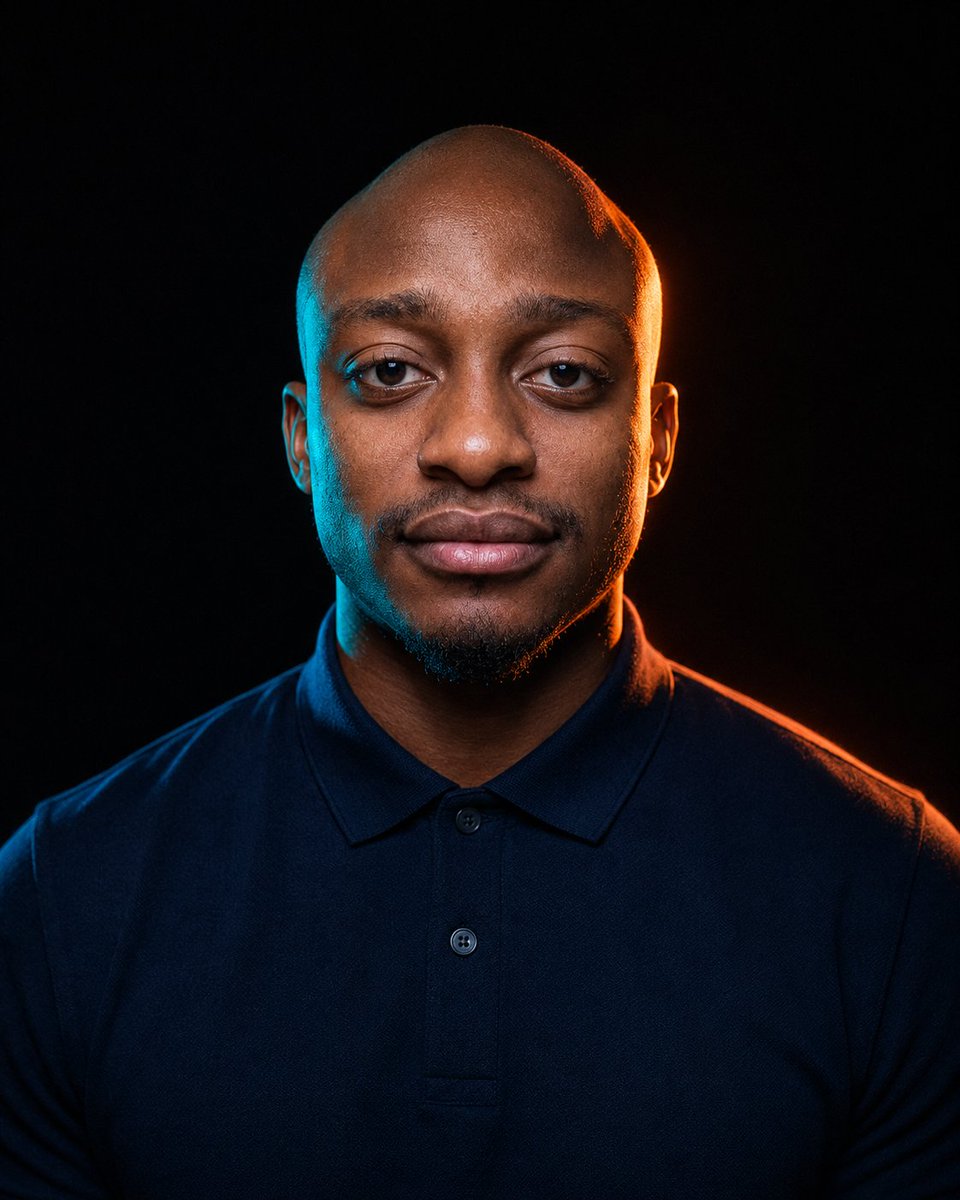
Cinematic Censored Portrait

Eingabeaufforderung

Create a dramatic studio portrait of a bald adult man with a short dark beard facing straight toward the camera, framed from upper chest to just above the head against a nearly black background. The subject wears a dark navy blue polo shirt with a collar and two visible buttons, shoulders broad and centered, posture upright and still. Use cinematic low-key lighting with strong colored rim lights: cool cyan-blue light along the left side of the head, ear, neck, and shoulder, and warm orange light along the right side, ear, neck, and shoulder, creating a high-contrast moody look. Place one large opaque square censor block directly over the center of the face, covering the forehead, eyes, nose, mouth, and most facial features while leaving the top of the bald head, ears, beard edge, neck, shirt, and shoulders visible; the square should have a muted dark gray-to-warm brown gradient matching the surrounding lighting. Make the image vertical, photorealistic, sharp, with subtle skin texture and fabric detail, no text, no watermark, no additional objects.

Läuft auf 21 Modellen

  • Flux
  • Flux 2
  • Flux Kontext
  • GPT-4o Image
  • GPT Image
  • GPT Image 2
  • GPT Image 2.5
  • GPT Image 2.6
  • Grok Imagine
  • Ideogram V3
  • Imagen 4
  • Kling
  • +9 mehr

Was dieser Prompt erzeugt

Wireless Doorbell Camera Instructions Prompt Nicht angegeben gpt-image-2
Hunyuan  prompt: wine Nicht angegeben hunyuan-3
Hunyuan  prompt: can beer Nicht angegeben hunyuan-3
Hunyuan  prompt: ربات Nicht angegeben hunyuan-3
Hero prompt: recreate image 1 (close up indoor portrait of a wo... Nicht angegeben 1.0
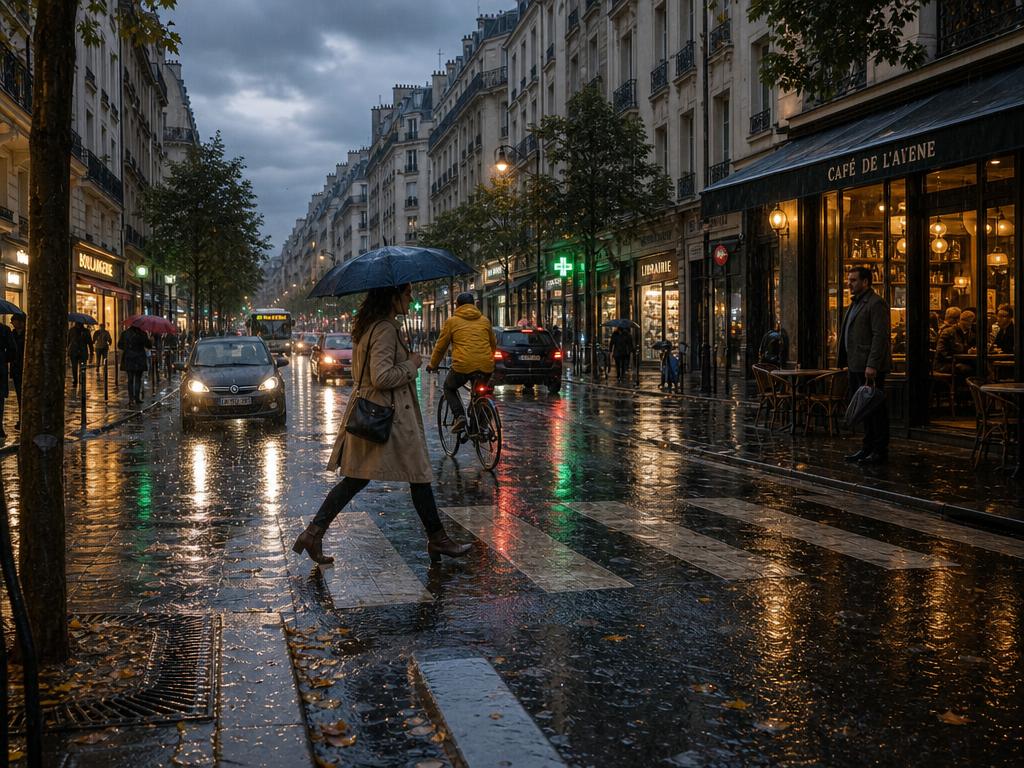
Rainy French Street at Night Nicht angegeben gpt-image-2

Führen Sie diese Eingabeaufforderung mit der API aus

Die folgende Anforderung sendet diese Eingabeaufforderung mit den ausgefüllten Standardwerten an das erste Modell, auf dem sie ausgeführt wird. Tauschen Sie den Modellnamen gegen ein anderes oben aufgeführtes Modell aus.

Prompt API-Dokumente
/api/v1/gpt_image_2/text_to_image
curl -X POST https://runapi.ai/api/v1/gpt_image_2/text_to_image \
  -H "Authorization: Bearer $RUNAPI_API_KEY" \
  -H "Content-Type: application/json" \
  --data-binary @- <<'JSON'
{
  "model": "gpt-image-2",
  "prompt": "Create a dramatic studio portrait of a bald adult man with a short dark beard facing straight toward the camera, framed from upper chest to just above the head against a nearly black background. The subject wears a dark navy blue polo shirt with a collar and two visible buttons, shoulders broad and centered, posture upright and still. Use cinematic low-key lighting with strong colored rim lights: cool cyan-blue light along the left side of the head, ear, neck, and shoulder, and warm orange light along the right side, ear, neck, and shoulder, creating a high-contrast moody look. Place one large opaque square censor block directly over the center of the face, covering the forehead, eyes, nose, mouth, and most facial features while leaving the top of the bald head, ears, beard edge, neck, shirt, and shoulders visible; the square should have a muted dark gray-to-warm brown gradient matching the surrounding lighting. Make the image vertical, photorealistic, sharp, with subtle skin texture and fabric detail, no text, no watermark, no additional objects."
}
JSON

Probier‘s mal mit einer Anfrage