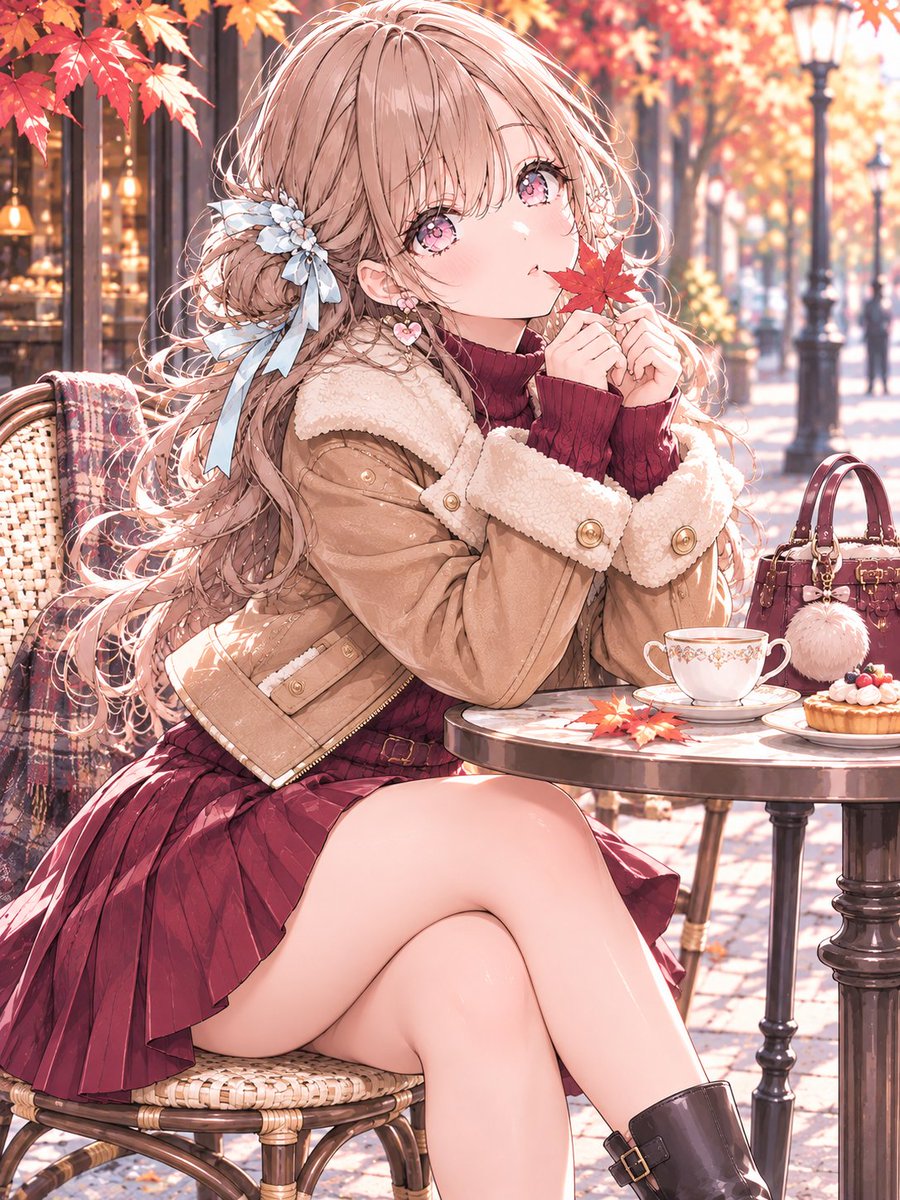
Cinematic Censored Portrait
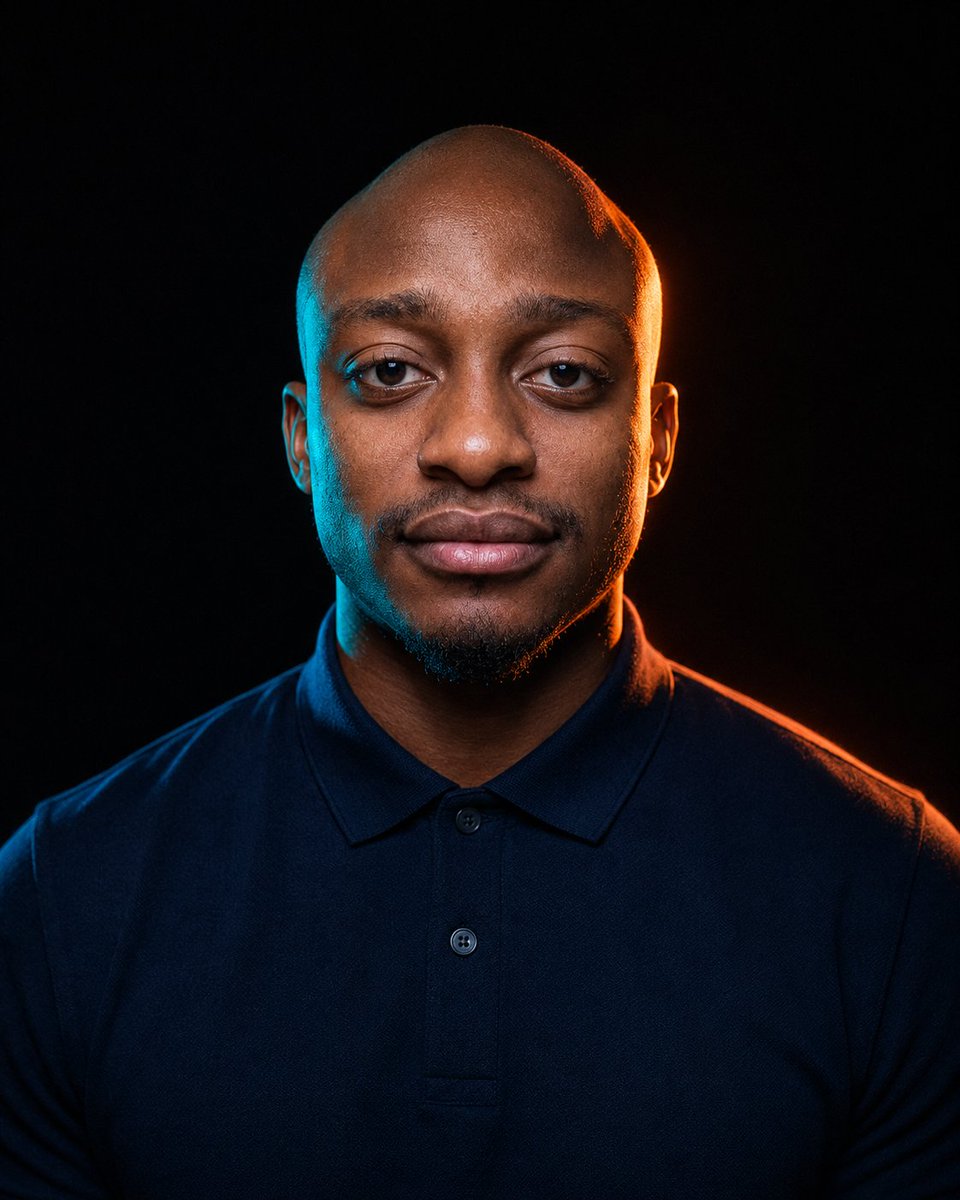
Cinematic Censored Portrait

Prompt

Create a dramatic studio portrait of a bald adult man with a short dark beard facing straight toward the camera, framed from upper chest to just above the head against a nearly black background. The subject wears a dark navy blue polo shirt with a collar and two visible buttons, shoulders broad and centered, posture upright and still. Use cinematic low-key lighting with strong colored rim lights: cool cyan-blue light along the left side of the head, ear, neck, and shoulder, and warm orange light along the right side, ear, neck, and shoulder, creating a high-contrast moody look. Place one large opaque square censor block directly over the center of the face, covering the forehead, eyes, nose, mouth, and most facial features while leaving the top of the bald head, ears, beard edge, neck, shirt, and shoulders visible; the square should have a muted dark gray-to-warm brown gradient matching the surrounding lighting. Make the image vertical, photorealistic, sharp, with subtle skin texture and fabric detail, no text, no watermark, no additional objects.

Runs on 21 models

  • Flux
  • Flux 2
  • Flux Kontext
  • GPT-4o Image
  • GPT Image
  • GPT Image 2
  • GPT Image 2.5
  • GPT Image 2.6
  • Grok Imagine
  • Ideogram V3
  • Imagen 4
  • Kling
  • +9 more

What this prompt produces

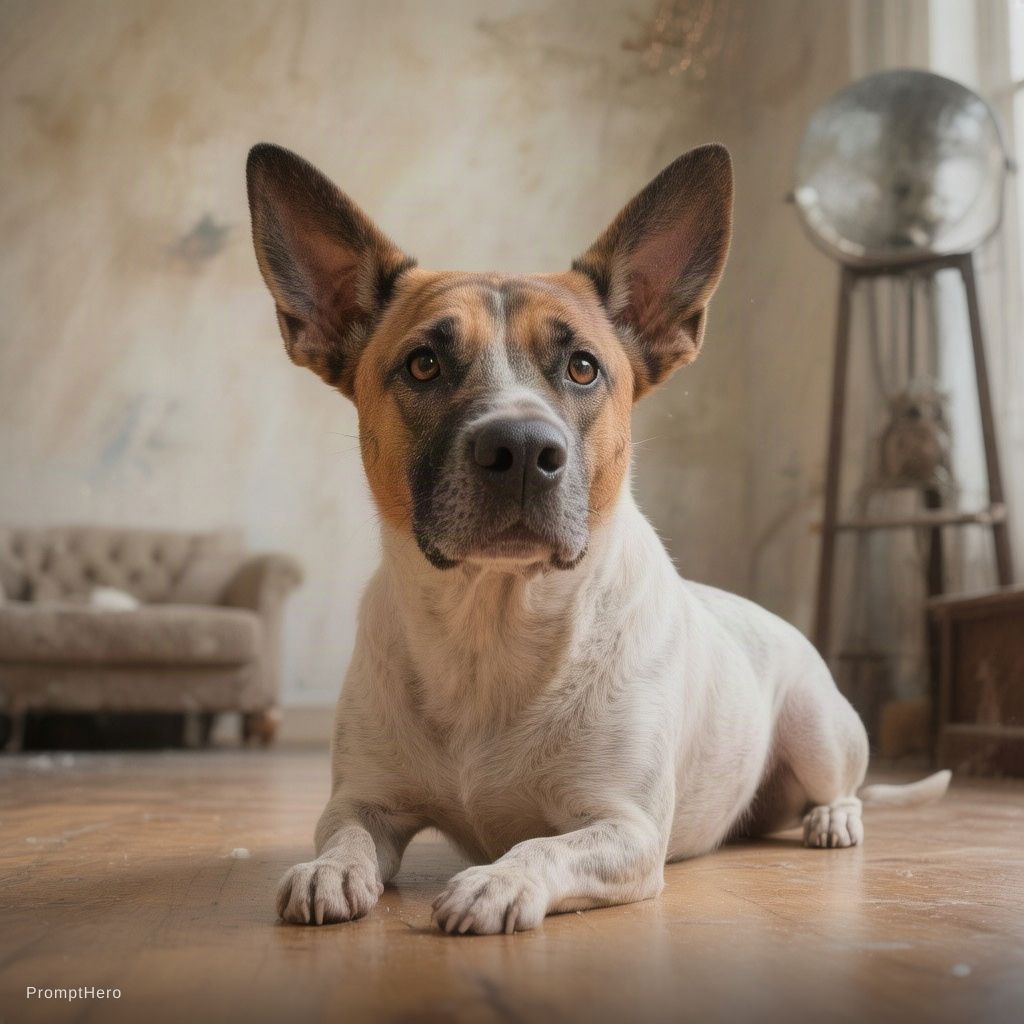
Hunyuan  prompt: dog pose Not specified hunyuan-3
Wireless Doorbell Camera Instructions Prompt Not specified gpt-image-2
Hunyuan  prompt: wine Not specified hunyuan-3
Hunyuan  prompt: can beer Not specified hunyuan-3
Hunyuan  prompt: ربات Not specified hunyuan-3
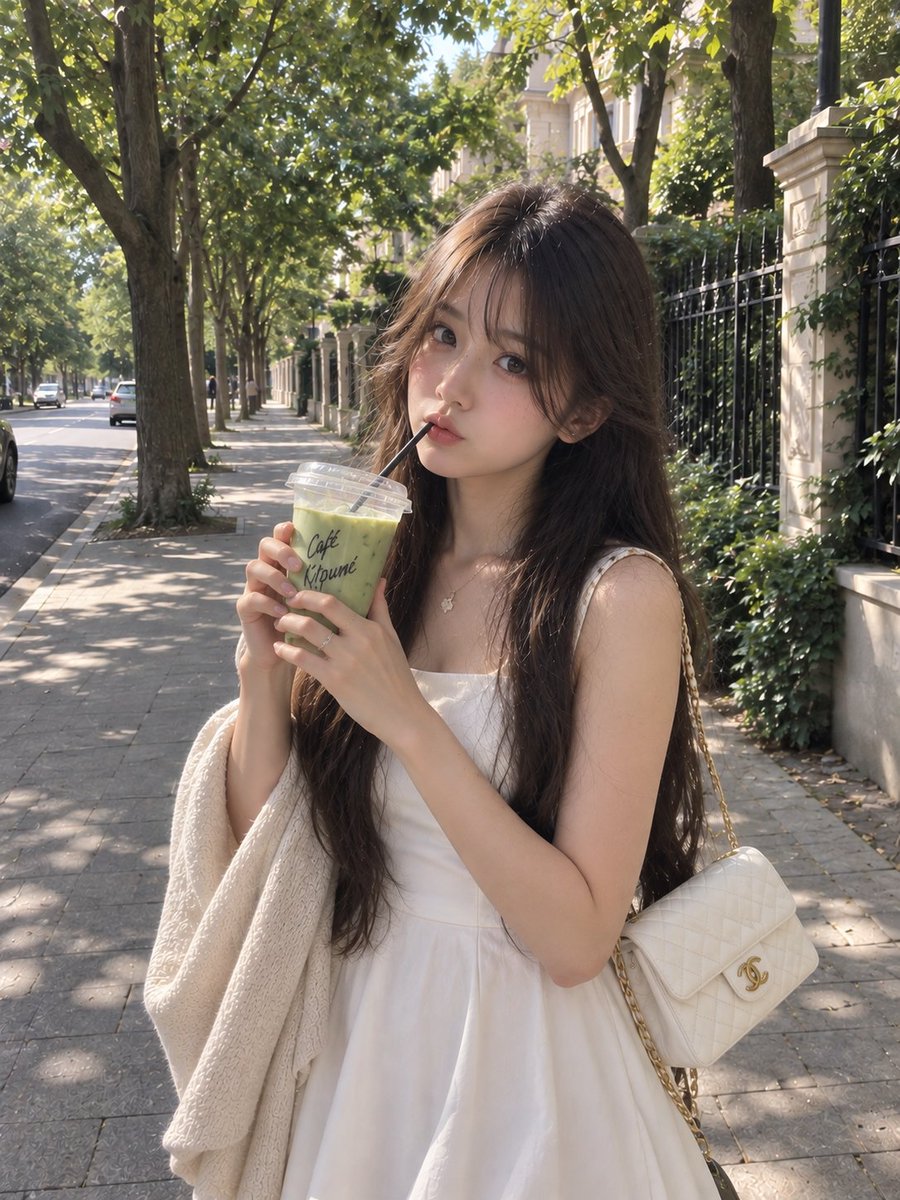
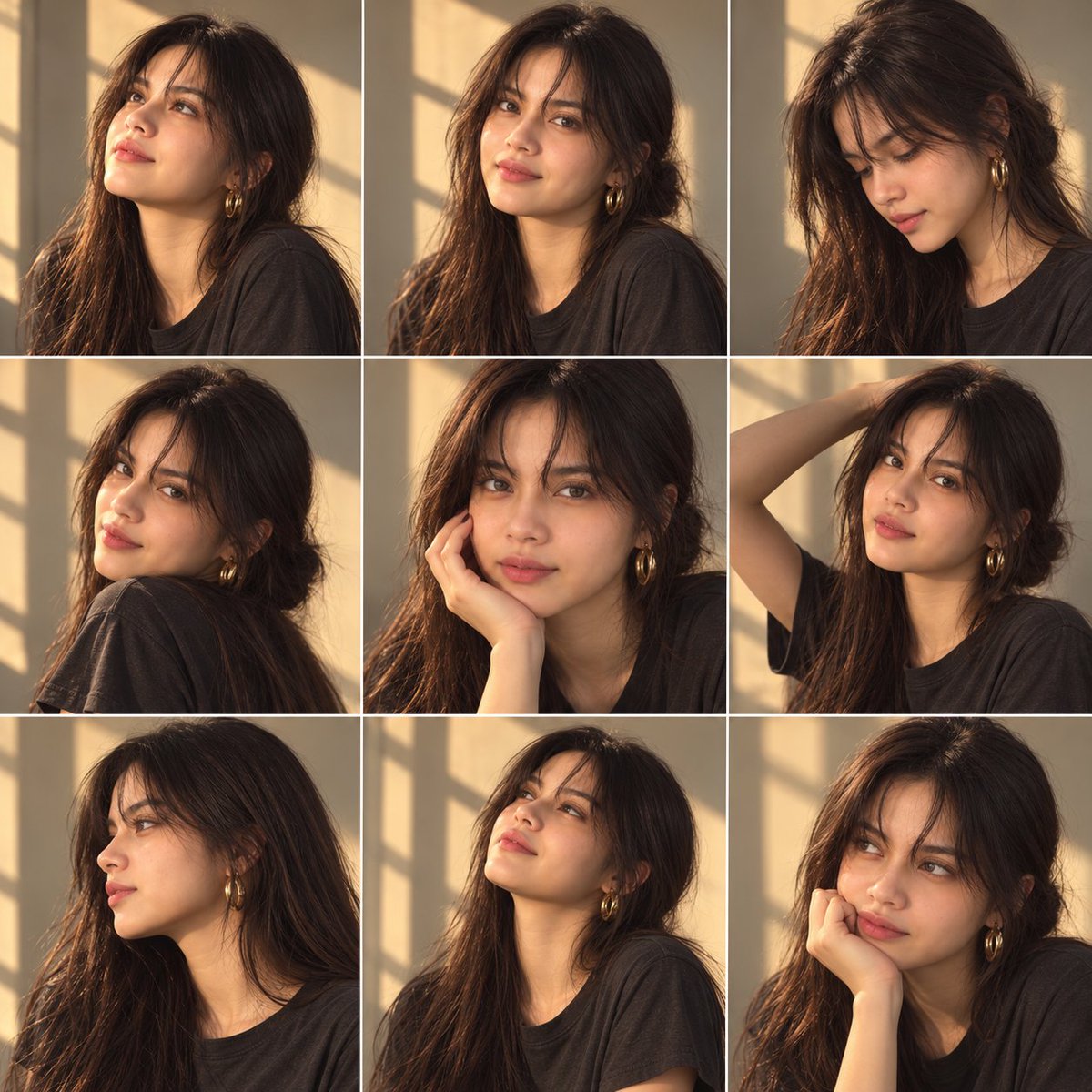
Hero prompt: recreate image 1 (close up indoor portrait of a wo... Not specified 1.0

Run this prompt with the API

The request below sends this prompt, with its default values filled in, to the first model it runs on. Swap the model name for any other model listed above.

Prompt API docs
/api/v1/gpt_image_2/text_to_image
curl -X POST https://runapi.ai/api/v1/gpt_image_2/text_to_image \
  -H "Authorization: Bearer $RUNAPI_API_KEY" \
  -H "Content-Type: application/json" \
  --data-binary @- <<'JSON'
{
  "model": "gpt-image-2",
  "prompt": "Create a dramatic studio portrait of a bald adult man with a short dark beard facing straight toward the camera, framed from upper chest to just above the head against a nearly black background. The subject wears a dark navy blue polo shirt with a collar and two visible buttons, shoulders broad and centered, posture upright and still. Use cinematic low-key lighting with strong colored rim lights: cool cyan-blue light along the left side of the head, ear, neck, and shoulder, and warm orange light along the right side, ear, neck, and shoulder, creating a high-contrast moody look. Place one large opaque square censor block directly over the center of the face, covering the forehead, eyes, nose, mouth, and most facial features while leaving the top of the bald head, ears, beard edge, neck, shirt, and shoulders visible; the square should have a muted dark gray-to-warm brown gradient matching the surrounding lighting. Make the image vertical, photorealistic, sharp, with subtle skin texture and fabric detail, no text, no watermark, no additional objects."
}
JSON

Try a prompt