Layered Papercraft Image Transformation
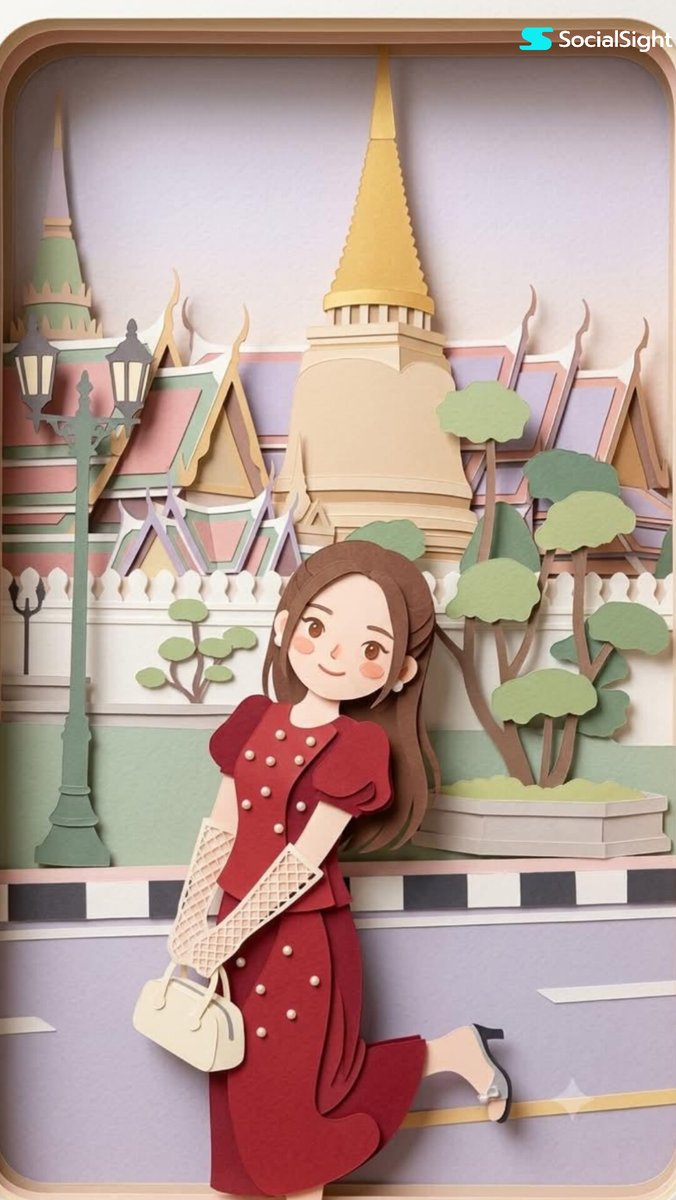
Layered Papercraft Image Transformation

Eingabeaufforderung

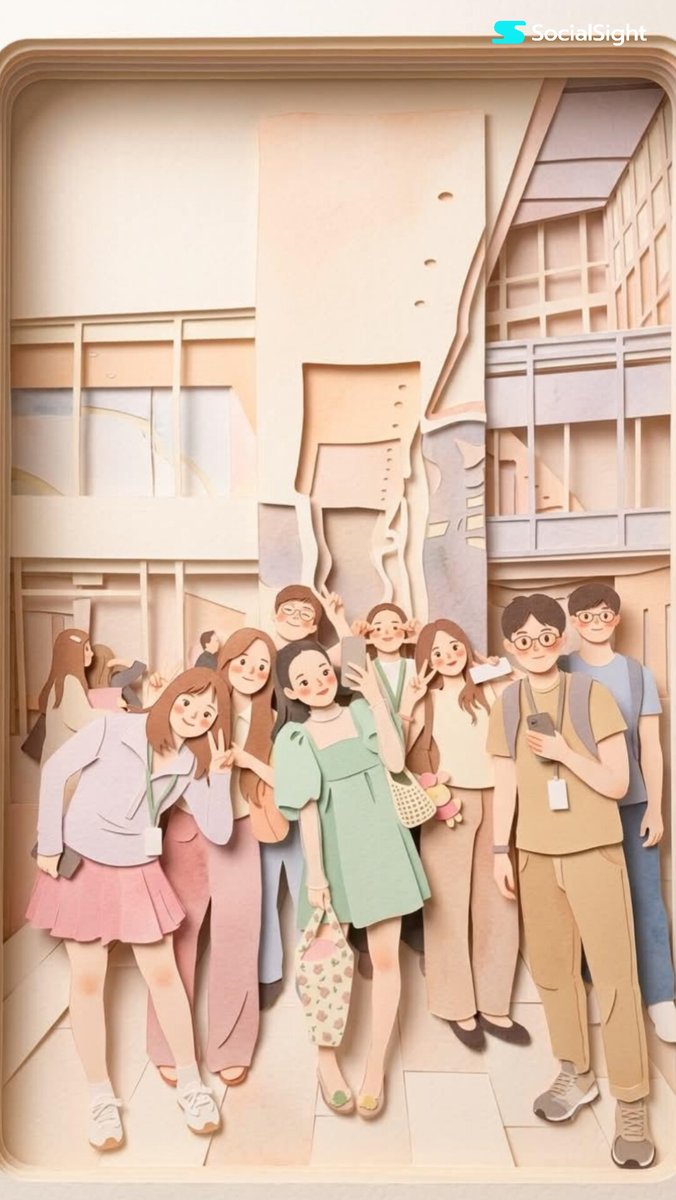
Transform this image into a soft, layered papercraft illustration inspired by the aesthetic of a handcrafted papercraft diorama. Use smooth, rounded shapes, simplified cute character proportions, and minimal facial features (such as dot eyes and subtle blush) to create a warm, charming, and inviting appearance. Build the scene using stacked paper layers with a strong sense of depth and dimension. Include delicate shadows between layers to emphasize the layered construction, while keeping all cut edges clean and precise, resembling laser-cut cardstock. Add a solid white outline around each main character, similar to a thick sticker border or a white paper backing. This outline should clearly separate the characters from the background and feel like an intentional layered paper element rather than a glow effect. Use a calming pastel color palette featuring muted blues, soft greens, and warm neutral tones. Maintain an overall balanced and soothing atmosphere. Lighting should be soft, diffused, and evenly distributed, enhancing the three-dimensional paper-layer effect while avoiding harsh contrast or dramatic shadows.

Läuft auf 21 Modellen

  • Flux
  • Flux 2
  • Flux Kontext
  • GPT-4o Image
  • GPT Image
  • GPT Image 2
  • GPT Image 2.5
  • GPT Image 2.6
  • Grok Imagine
  • Ideogram V3
  • Imagen 4
  • Kling
  • +9 mehr

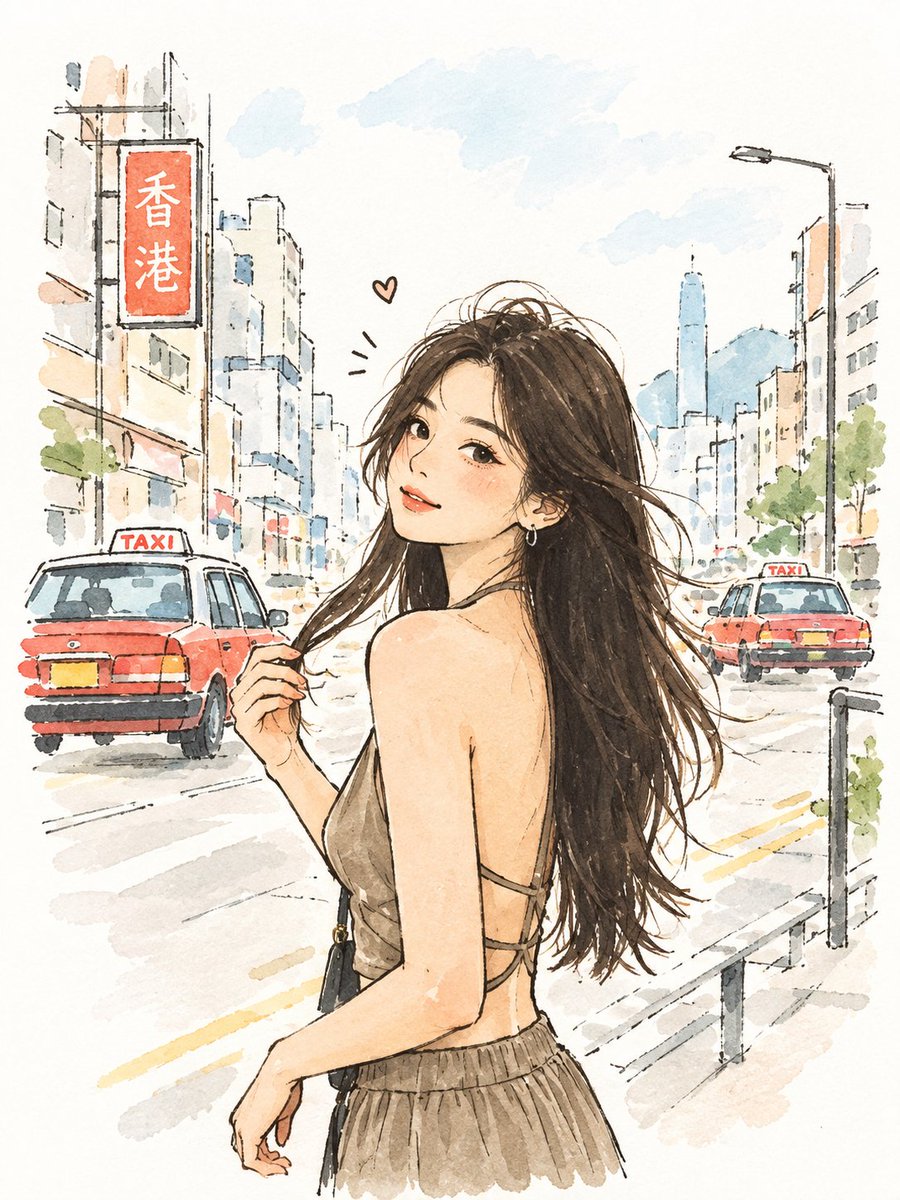
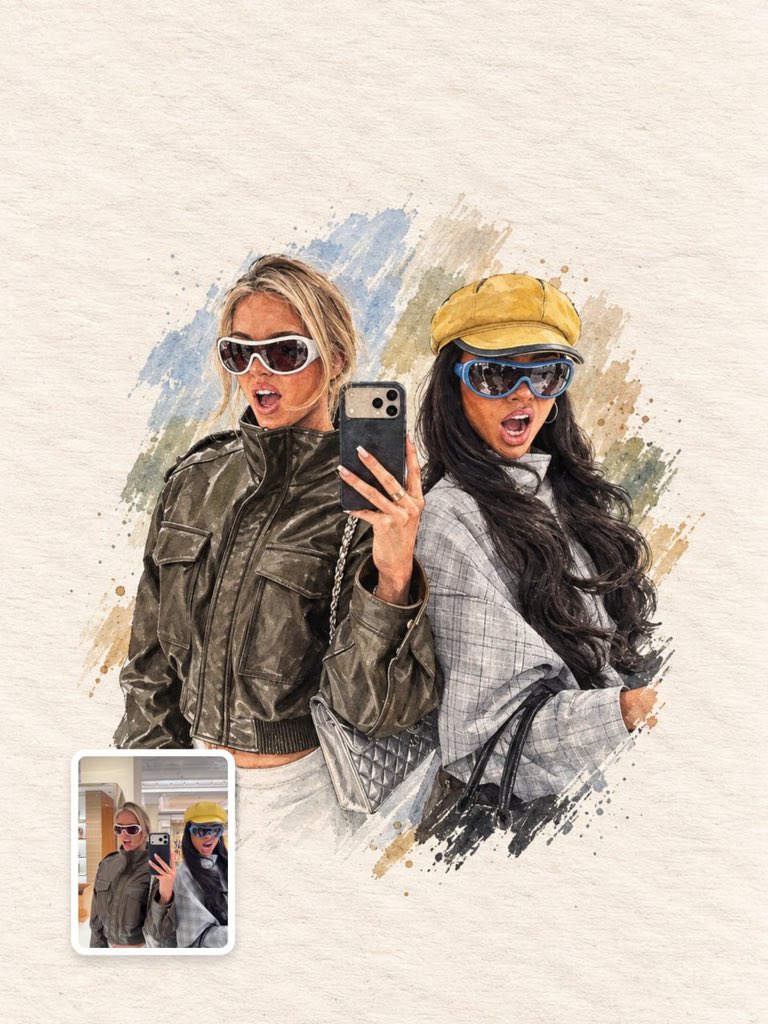
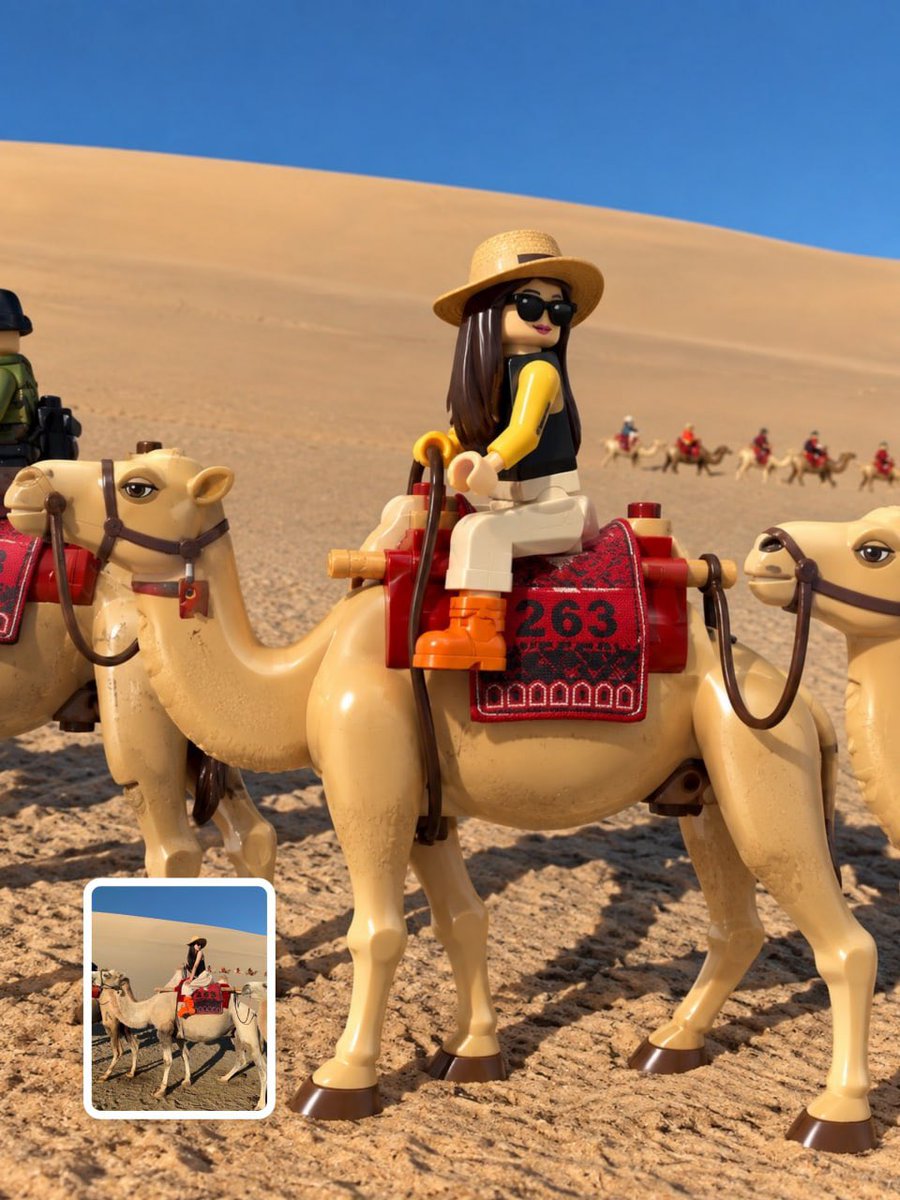
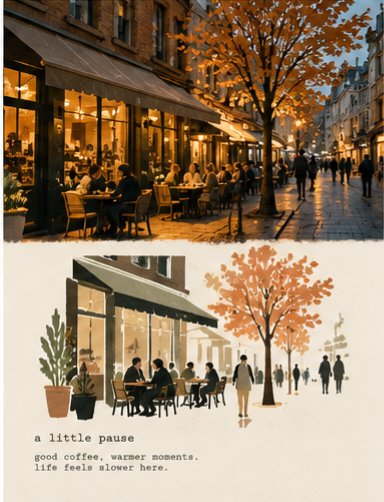
Was dieser Prompt erzeugt

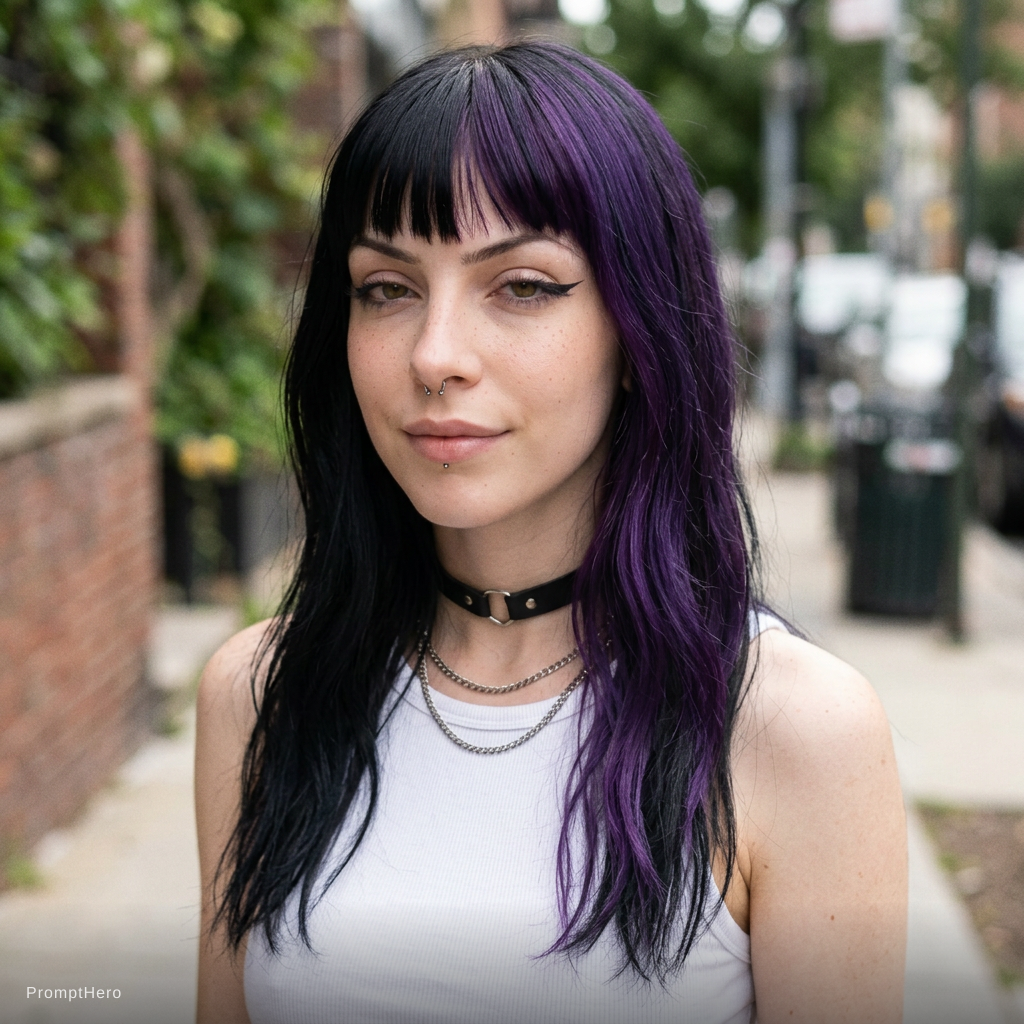
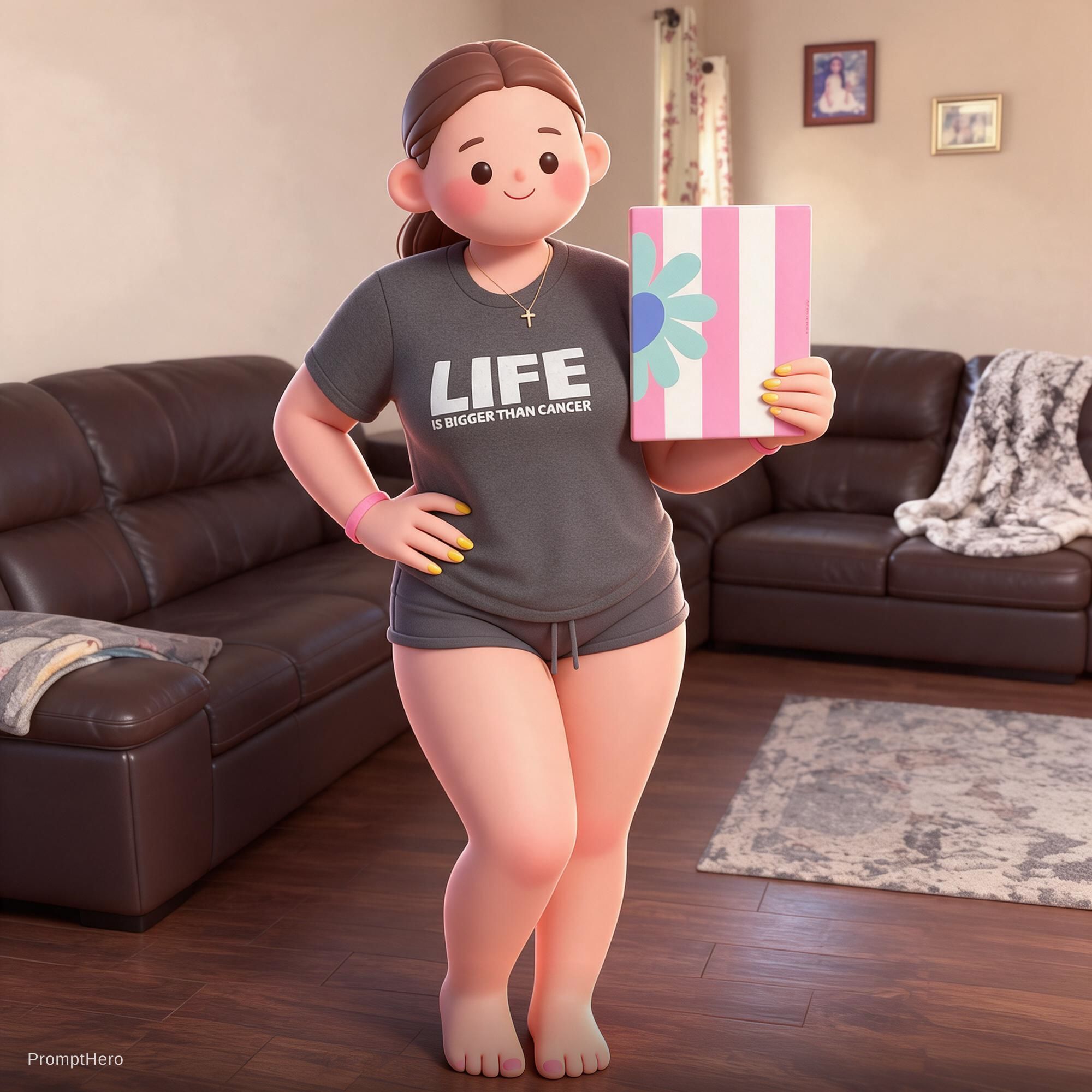
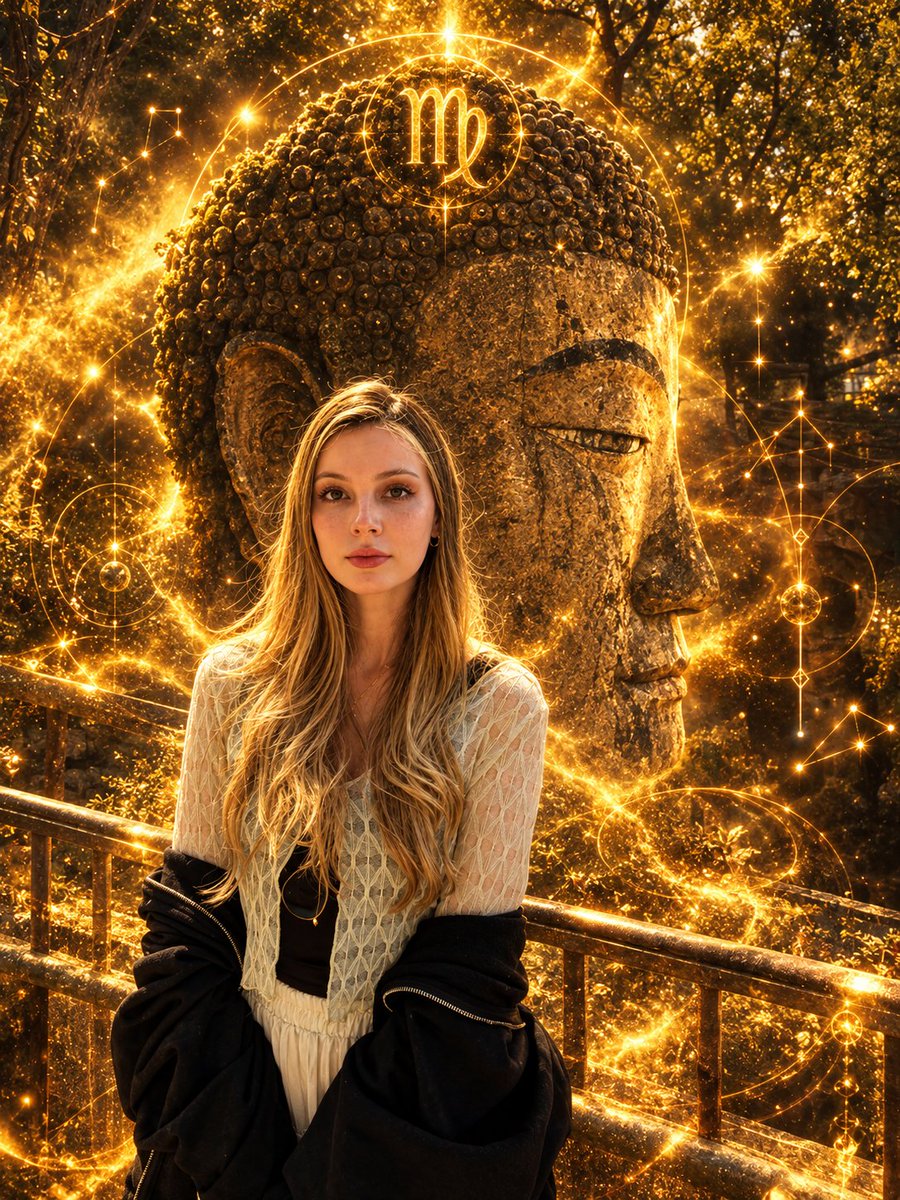
Nano Banana prompt: She is wearing this outfit(white top ) given in im... Nicht angegeben nano-banana-2.1
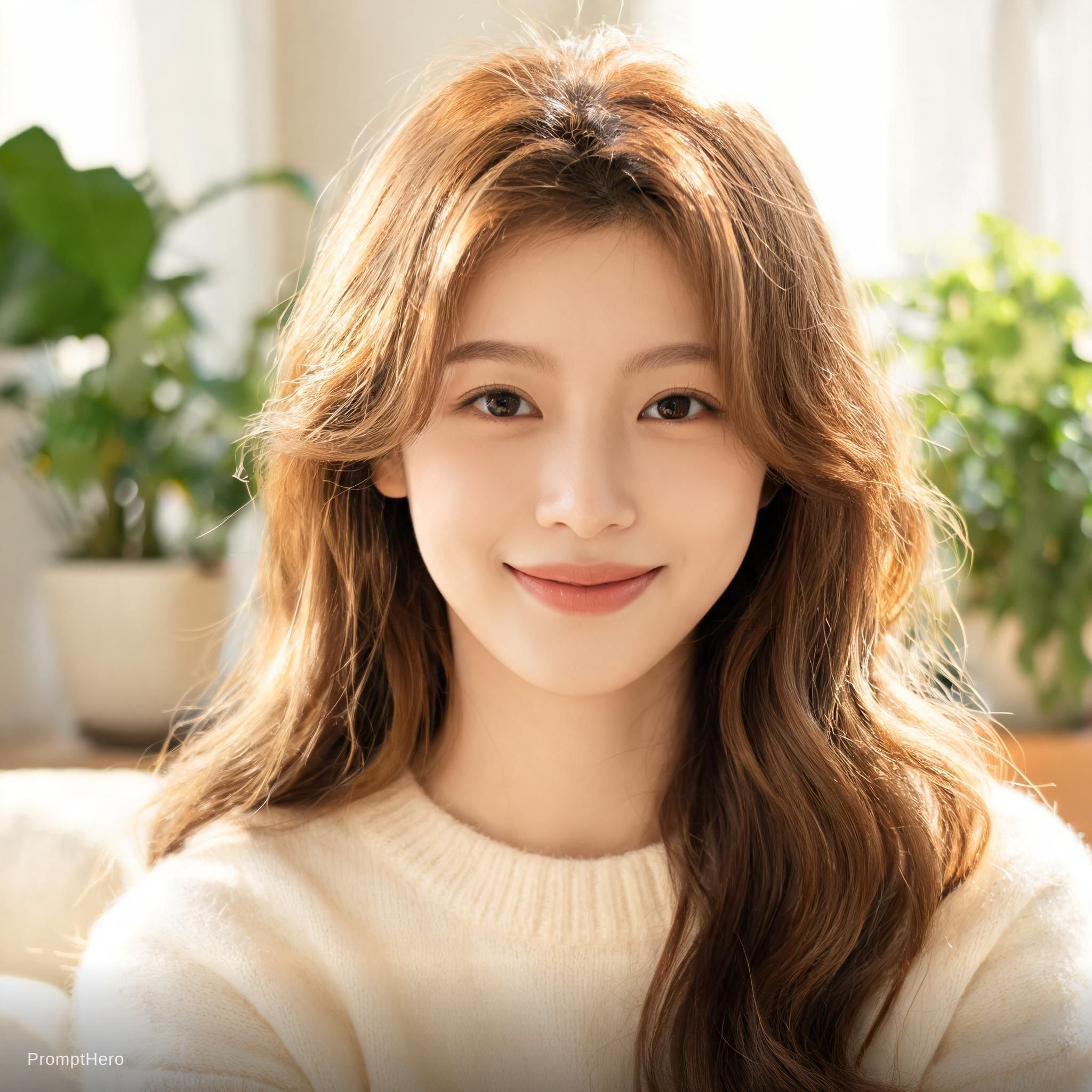
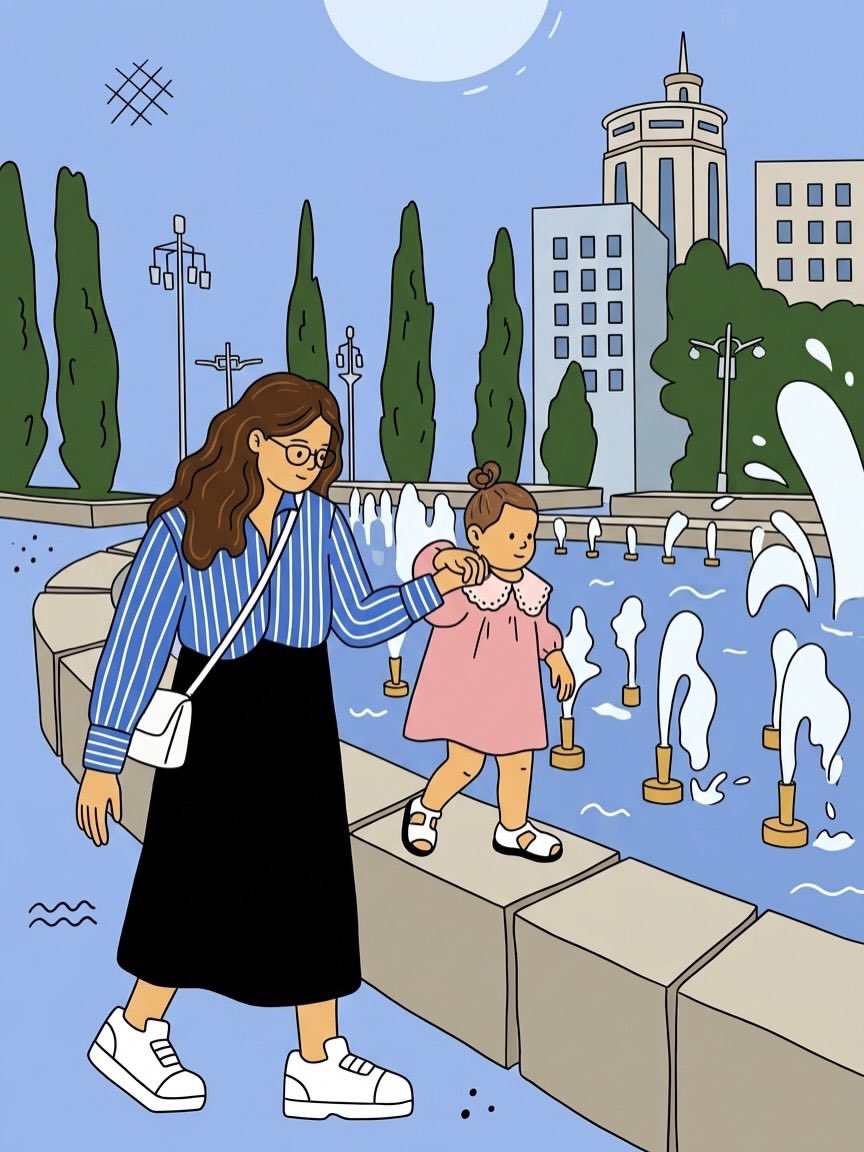
Seedream 5 prompt: woman Nicht angegeben v2
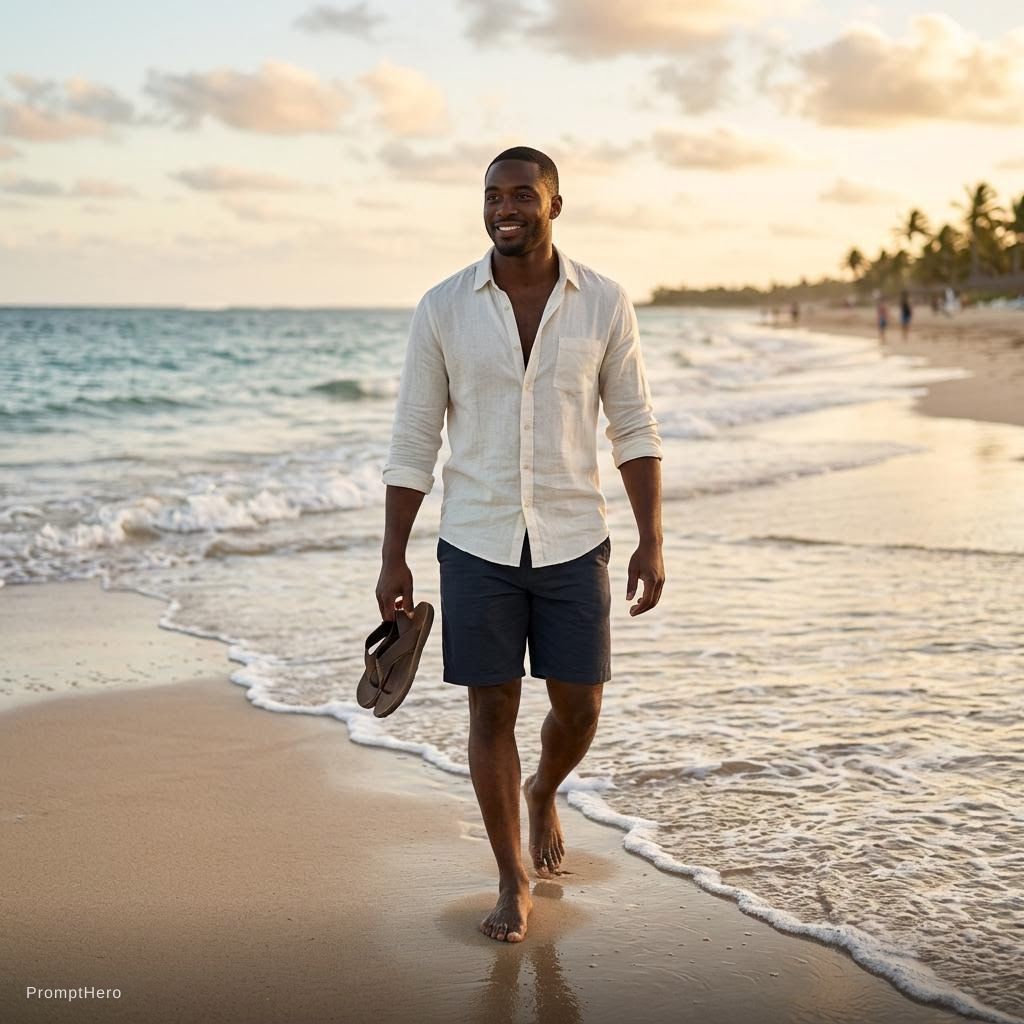
Hero prompt: مع رجل اسود على شاطى البحر Nicht angegeben 1.0
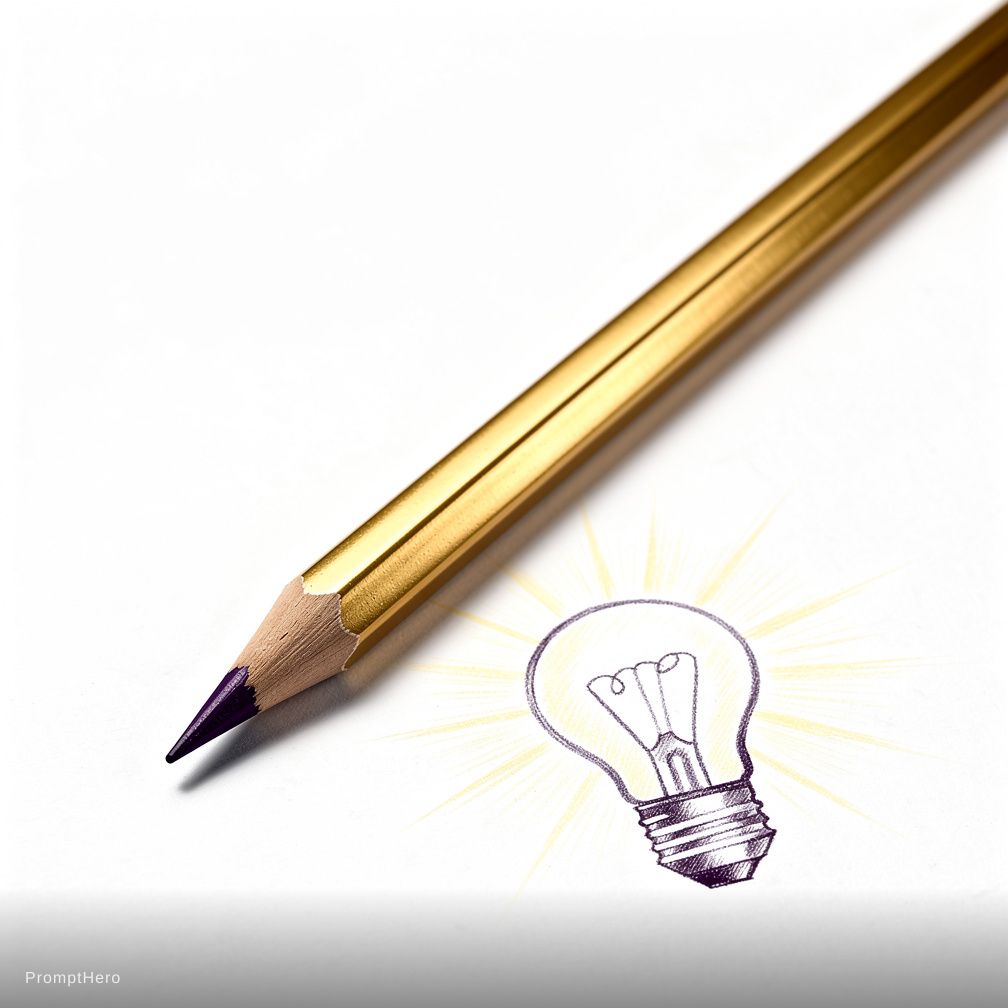
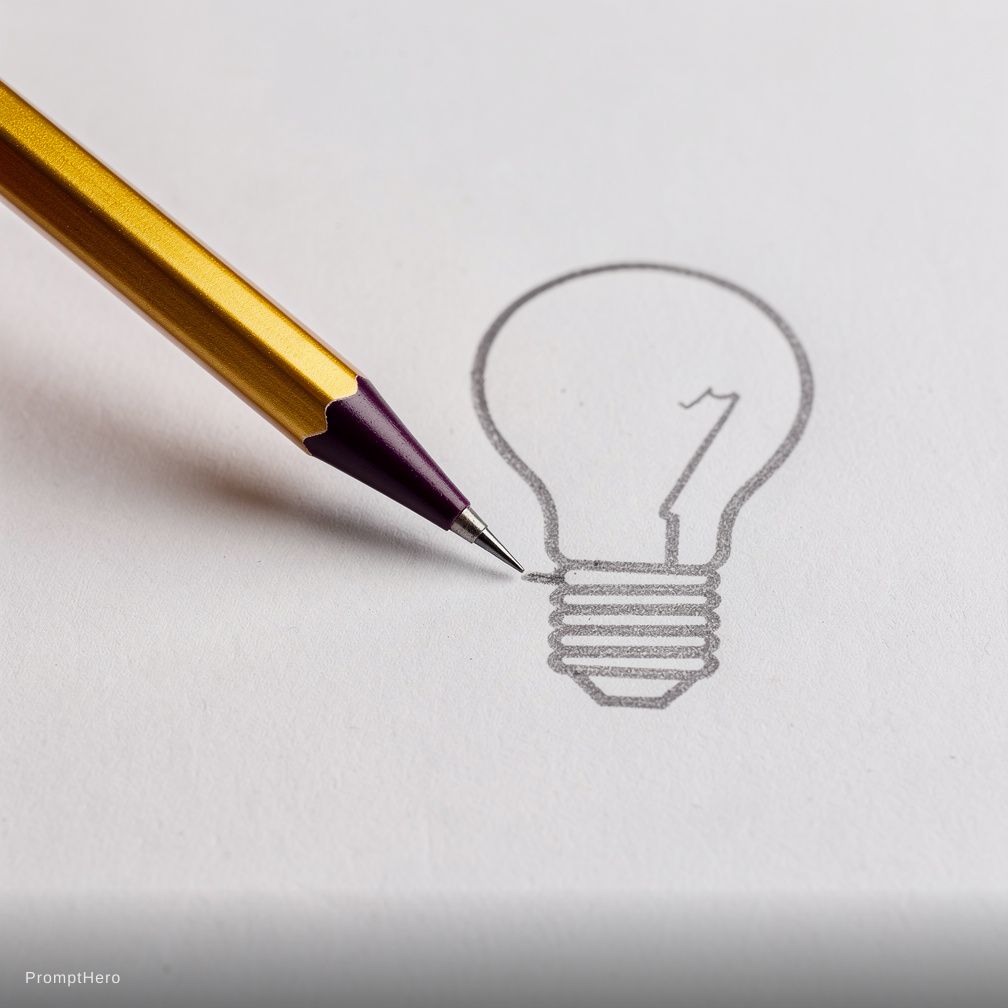
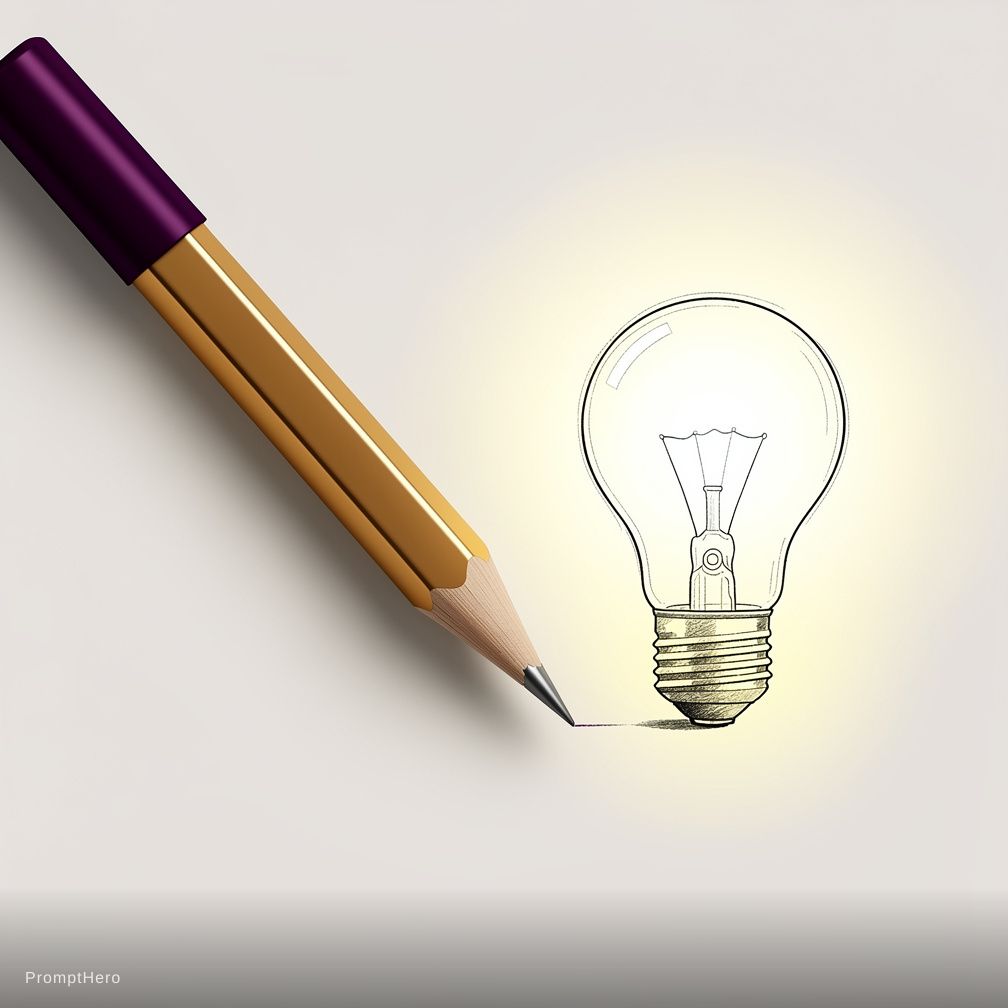
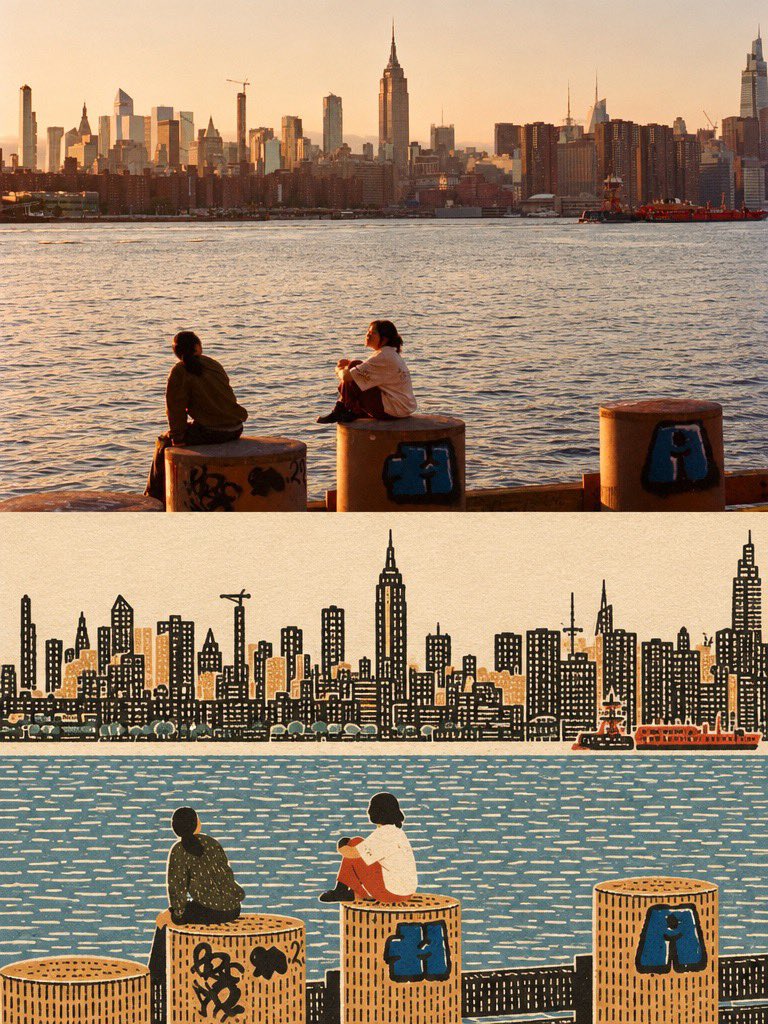
FLUX prompt: می‌خوام برام یک مداد طلایی ته بنفش تیره رو که داره... Nicht angegeben flux-2-pro

Führen Sie diese Eingabeaufforderung mit der API aus

Die folgende Anforderung sendet diese Eingabeaufforderung mit den ausgefüllten Standardwerten an das erste Modell, auf dem sie ausgeführt wird. Tauschen Sie den Modellnamen gegen ein anderes oben aufgeführtes Modell aus.

Prompt API-Dokumente
/api/v1/gpt_image_2/text_to_image
curl -X POST https://runapi.ai/api/v1/gpt_image_2/text_to_image \
  -H "Authorization: Bearer $RUNAPI_API_KEY" \
  -H "Content-Type: application/json" \
  --data-binary @- <<'JSON'
{
  "model": "gpt-image-2",
  "prompt": "Transform this image into a soft, layered papercraft illustration inspired by the aesthetic of a handcrafted papercraft diorama. Use smooth, rounded shapes, simplified cute character proportions, and minimal facial features (such as dot eyes and subtle blush) to create a warm, charming, and inviting appearance.\n\nBuild the scene using stacked paper layers with a strong sense of depth and dimension. Include delicate shadows between layers to emphasize the layered construction, while keeping all cut edges clean and precise, resembling laser-cut cardstock.\n\nAdd a solid white outline around each main character, similar to a thick sticker border or a white paper backing. This outline should clearly separate the characters from the background and feel like an intentional layered paper element rather than a glow effect.\n\nUse a calming pastel color palette featuring muted blues, soft greens, and warm neutral tones. Maintain an overall balanced and soothing atmosphere. Lighting should be soft, diffused, and evenly distributed, enhancing the three-dimensional paper-layer effect while avoiding harsh contrast or dramatic shadows."
}
JSON

Probier‘s mal mit einer Anfrage