Multi-Panel Emotional State Grid
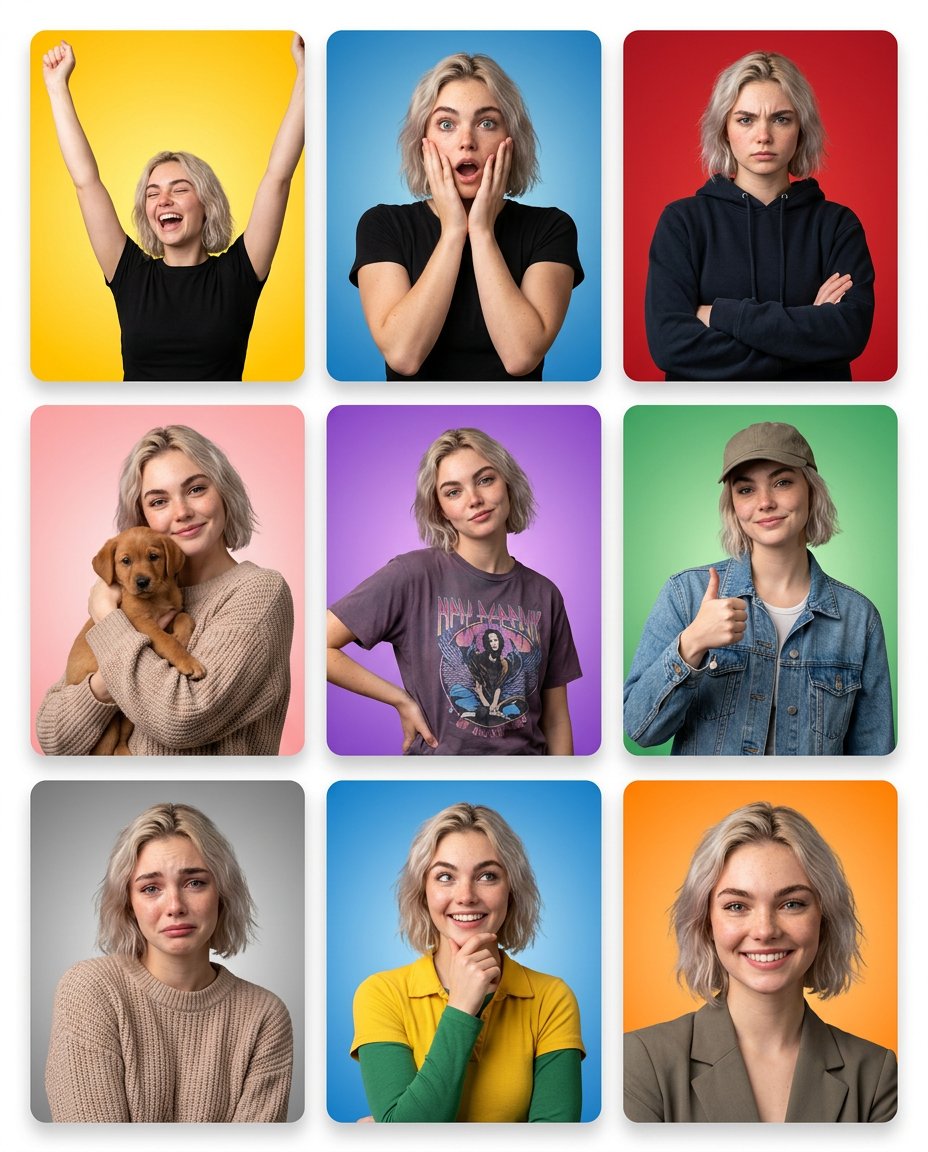
Multi-Panel Emotional State Grid

Eingabeaufforderung

Grid layout with thin white gaps between panels and a subtle outer white border around the entire composition. Clean, modern UI aesthetic with slight rounded corners on every tile. Panel 1: Joyful (Yellow). Warm yellow gradient. Arms raised overhead. Eyes shut. Wide open laugh. High-energy pose. Panel 2: Shocked (Blue). Blue gradient. Both hands cupping cheeks. Eyes wide open. Mouth agape. Eyebrows arched high. Panel 3: Stern (Red). Solid red background. Arms folded. Brows furrowed. Lips pressed tight. Dark hoodie. Panel 4: Affectionate (Pink). Soft pink gradient. Cradling a small brown dog. Gentle smile. Cozy knit sweater. Panel 5: Confident (Purple). Purple gradient. One hand resting on hip. Slight smirk. Graphic tee. Easy, relaxed stance. Panel 6: Approving (Green). Green gradient. Baseball cap and denim jacket. Thumbs up. Relaxed smile. Panel 7: Melancholy (Gray). Gray gradient. Eyes angled slightly downward. Inner brows slightly raised. Lips gently curved down.

Läuft auf 21 Modellen

  • Flux
  • Flux 2
  • Flux Kontext
  • GPT-4o Image
  • GPT Image
  • GPT Image 2
  • GPT Image 2.5
  • GPT Image 2.6
  • Grok Imagine
  • Ideogram V3
  • Imagen 4
  • Kling
  • +9 mehr

Was dieser Prompt erzeugt

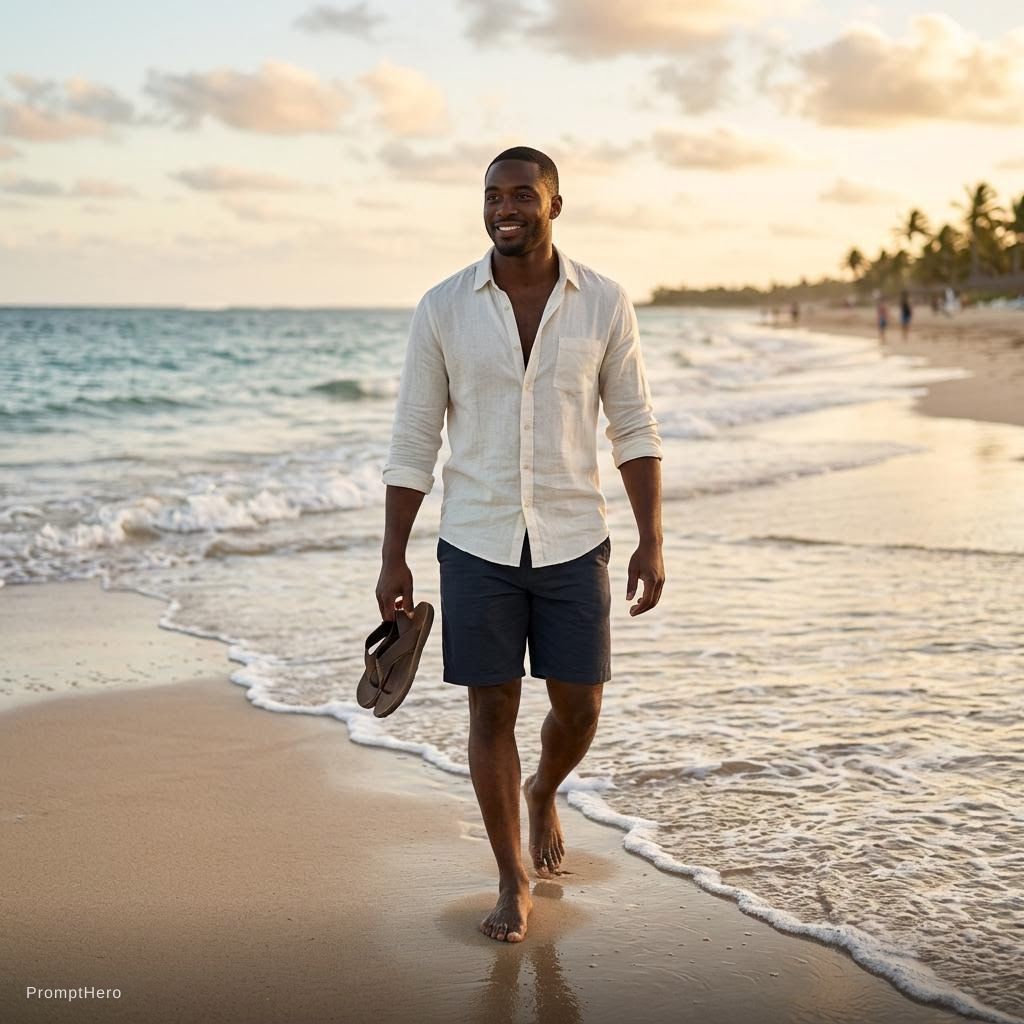
Hero prompt: مع رجل اسود على شاطى البحر Nicht angegeben 1.0
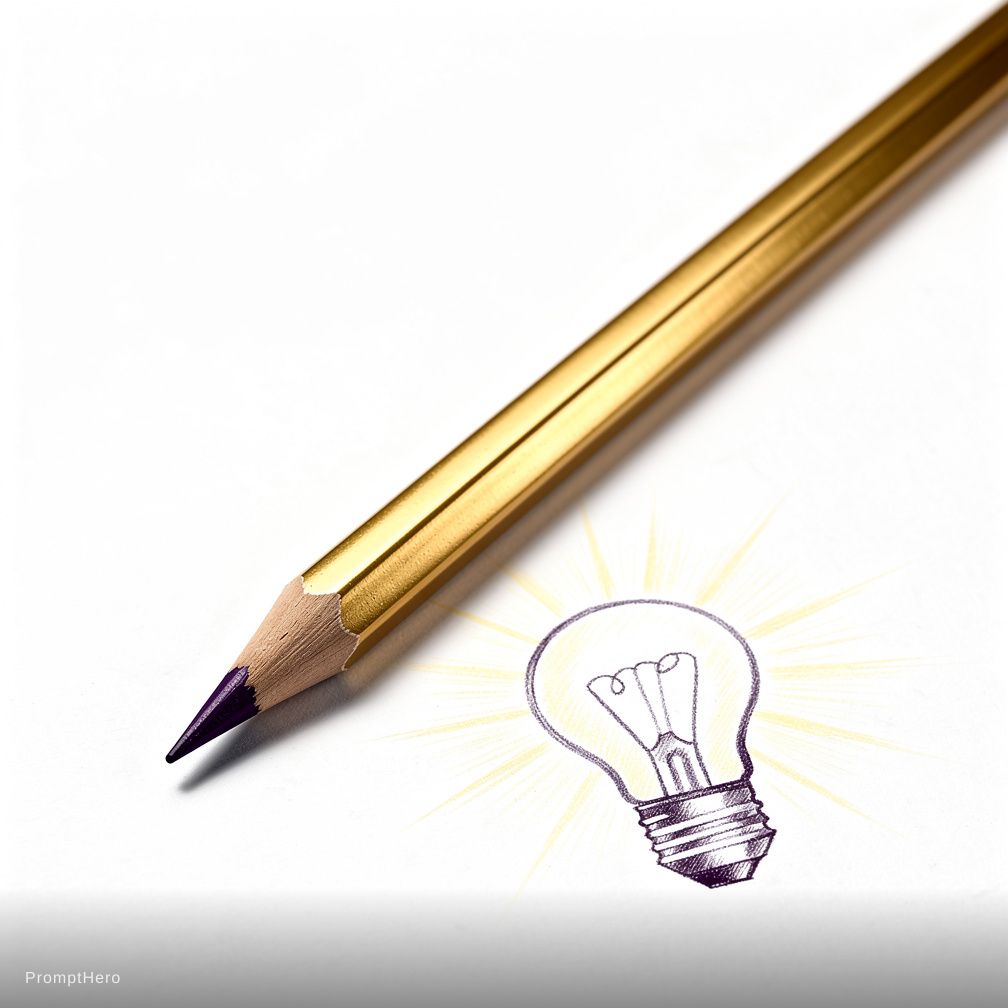
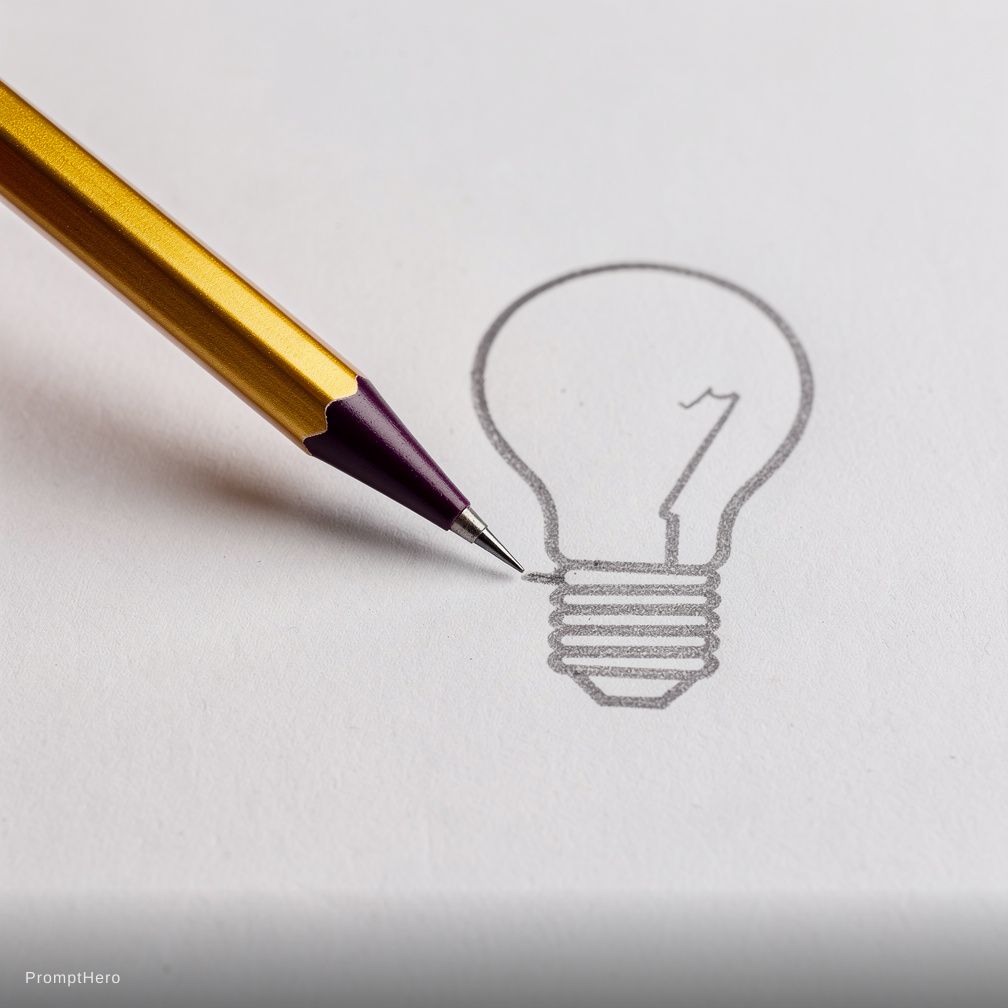
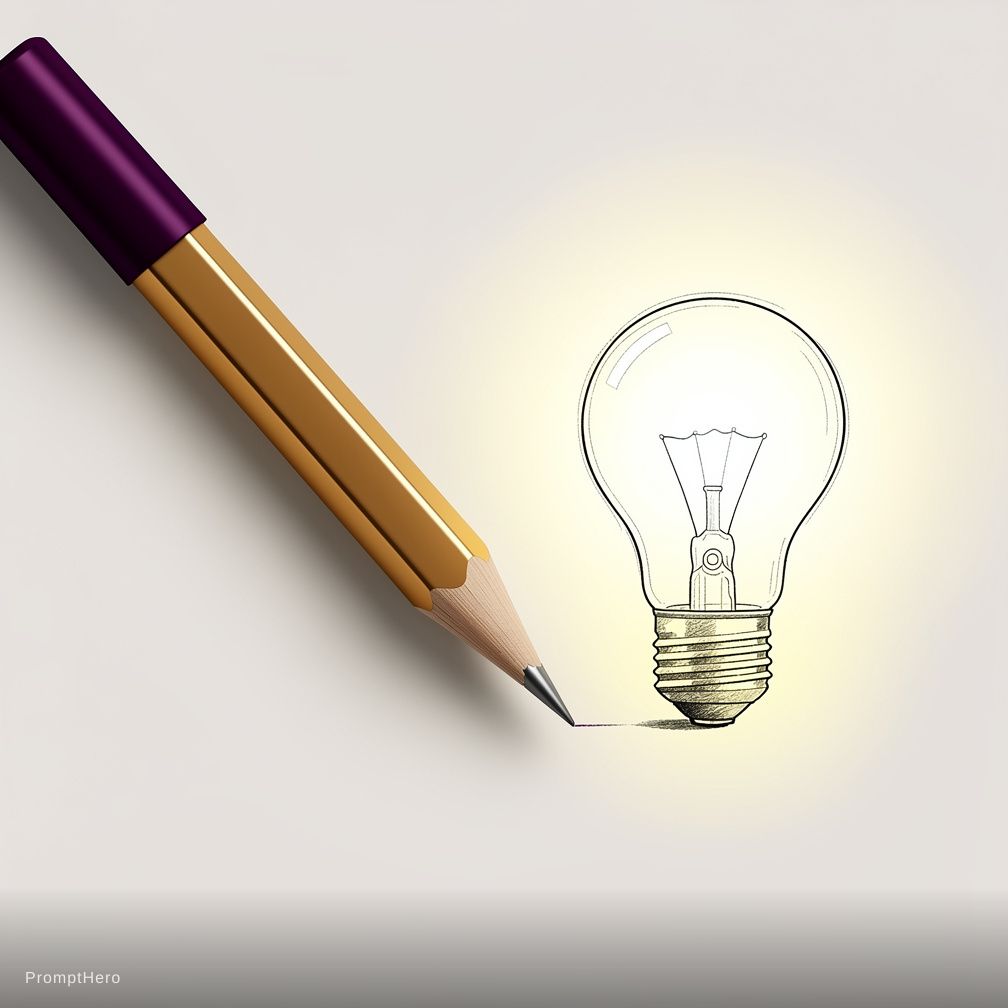
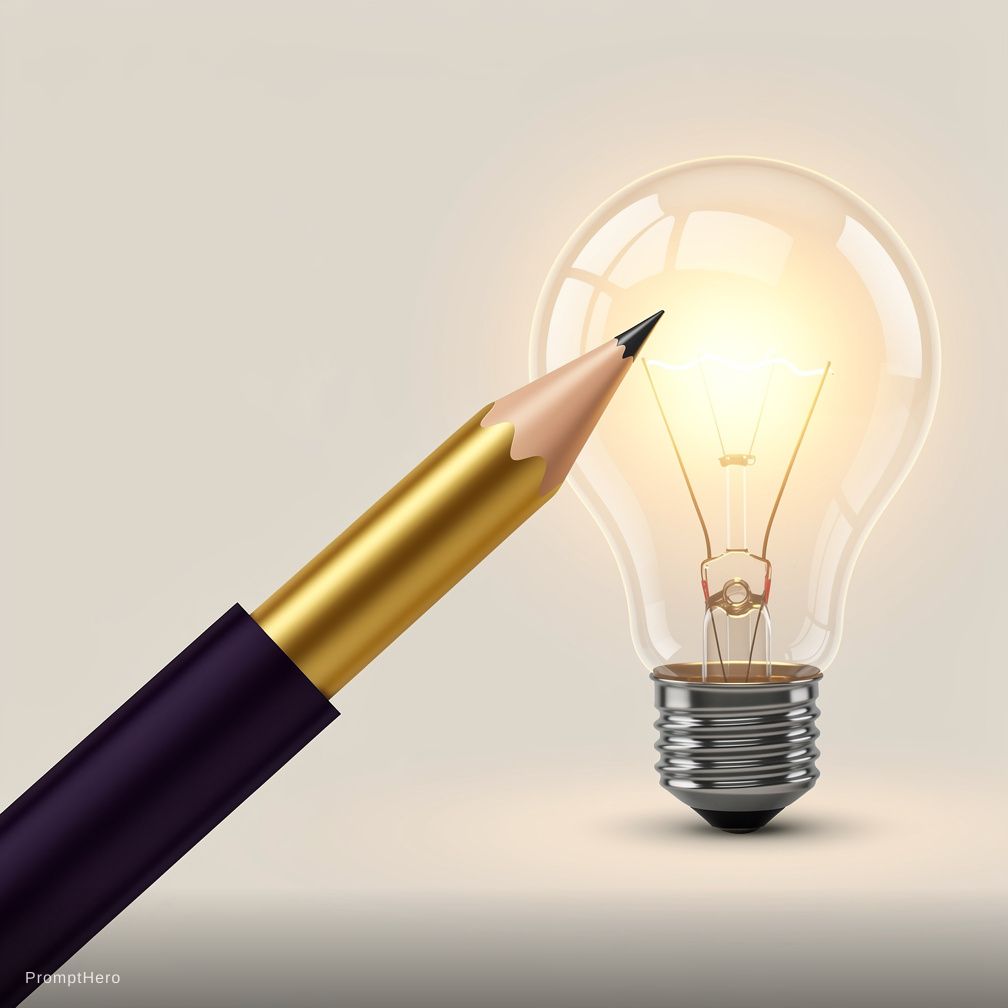
FLUX prompt: می‌خوام برام یک مداد طلایی ته بنفش تیره رو که داره... Nicht angegeben flux-2-pro
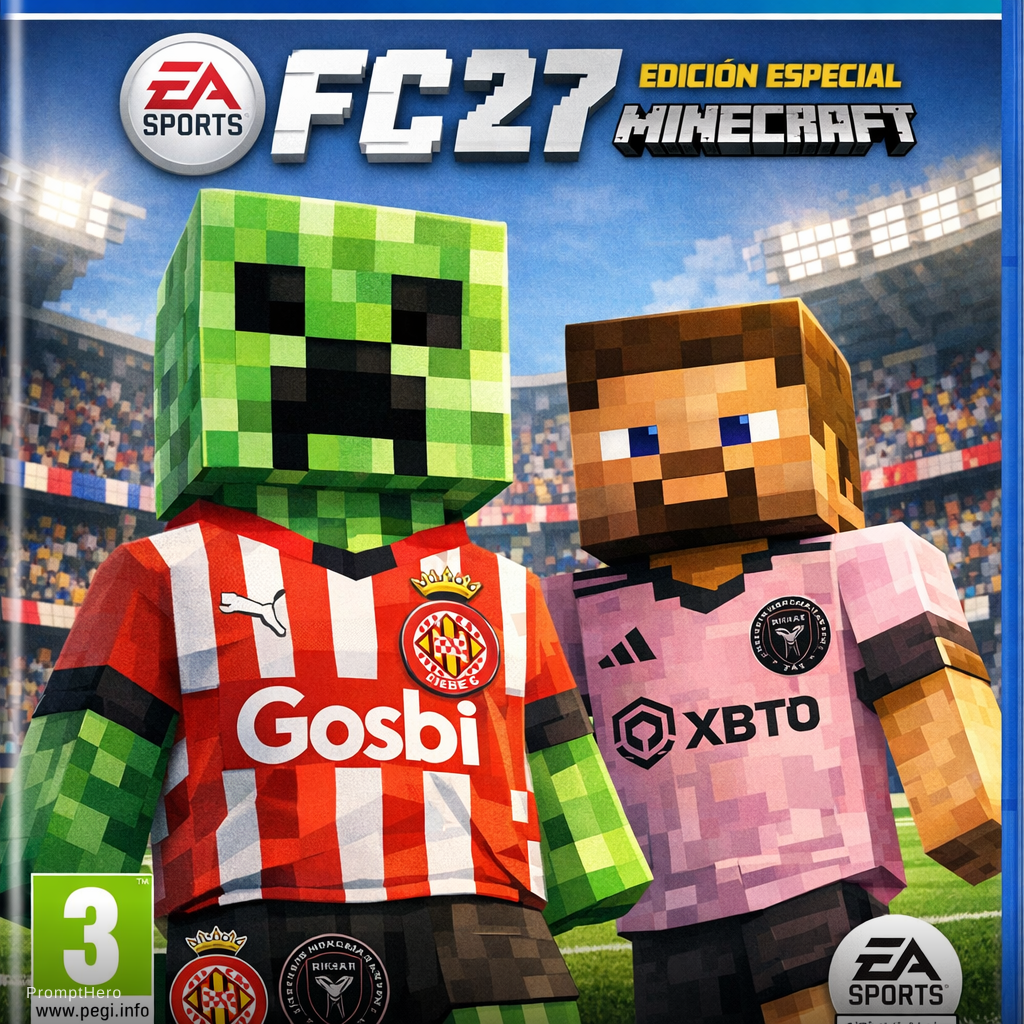
ChatGPT Image prompt: Una portada del juego ea fc27 edición especial de ... Nicht angegeben v1

Führen Sie diese Eingabeaufforderung mit der API aus

Die folgende Anforderung sendet diese Eingabeaufforderung mit den ausgefüllten Standardwerten an das erste Modell, auf dem sie ausgeführt wird. Tauschen Sie den Modellnamen gegen ein anderes oben aufgeführtes Modell aus.

Prompt API-Dokumente
/api/v1/gpt_image_2/text_to_image
curl -X POST https://runapi.ai/api/v1/gpt_image_2/text_to_image \
  -H "Authorization: Bearer $RUNAPI_API_KEY" \
  -H "Content-Type: application/json" \
  --data-binary @- <<'JSON'
{
  "model": "gpt-image-2",
  "prompt": "Grid layout with thin white gaps between panels and a subtle outer white border around the entire composition. Clean, modern UI aesthetic with slight rounded corners on every tile.\n\nPanel 1: Joyful (Yellow). Warm yellow gradient. Arms raised overhead. Eyes shut. Wide open laugh. High-energy pose.\nPanel 2: Shocked (Blue). Blue gradient. Both hands cupping cheeks. Eyes wide open. Mouth agape. Eyebrows arched high.\nPanel 3: Stern (Red). Solid red background. Arms folded. Brows furrowed. Lips pressed tight. Dark hoodie.\nPanel 4: Affectionate (Pink). Soft pink gradient. Cradling a small brown dog. Gentle smile. Cozy knit sweater.\nPanel 5: Confident (Purple). Purple gradient. One hand resting on hip. Slight smirk. Graphic tee. Easy, relaxed stance.\nPanel 6: Approving (Green). Green gradient. Baseball cap and denim jacket. Thumbs up. Relaxed smile.\nPanel 7: Melancholy (Gray). Gray gradient. Eyes angled slightly downward. Inner brows slightly raised. Lips gently curved down."
}
JSON

Probier‘s mal mit einer Anfrage