Selective Color Street Photography
Selective Color Street Photography

Eingabeaufforderung

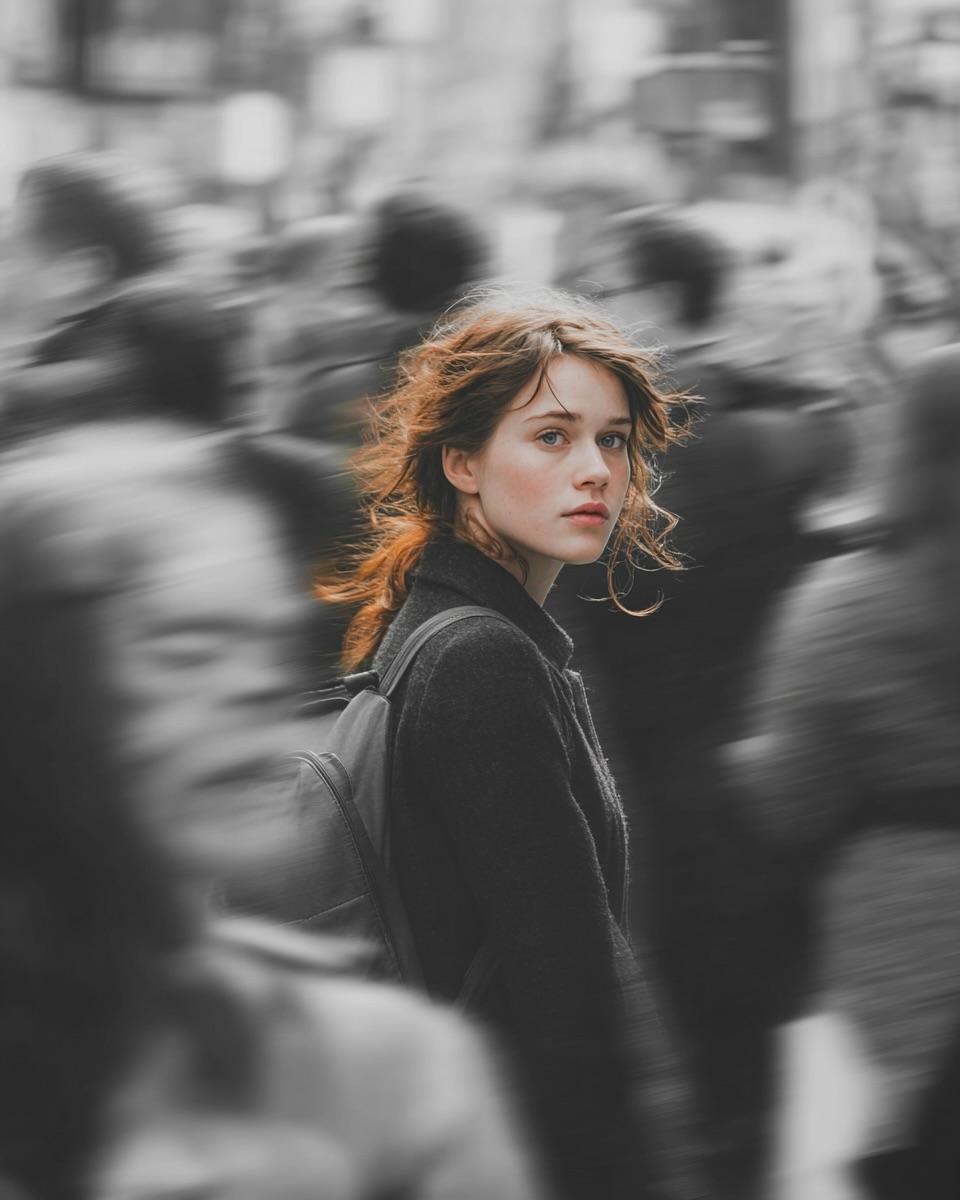
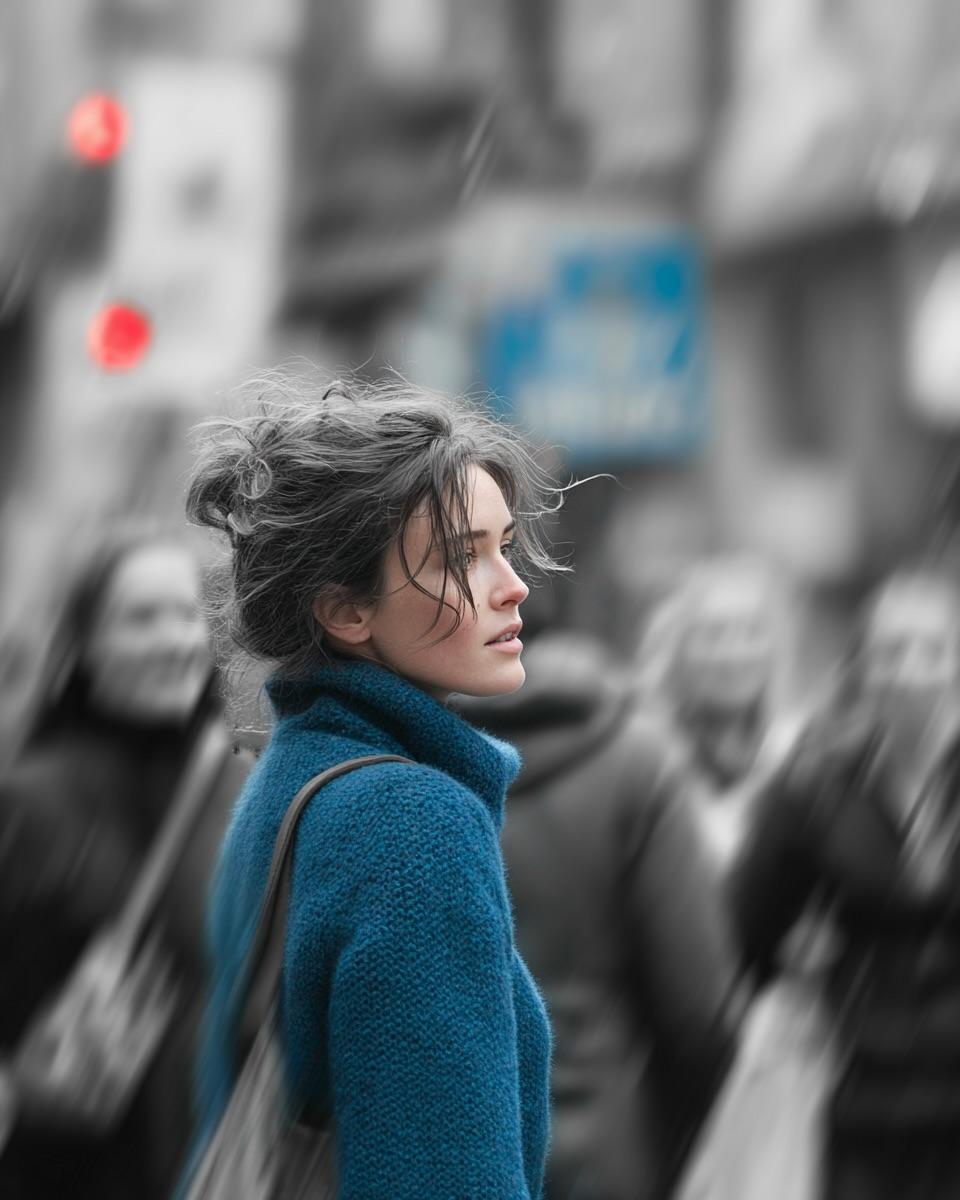
A cinematic street portrait of a young woman walking through a crowded city, with the subject perfectly sharp while the surrounding pedestrians are blurred using a dramatic panning motion effect. The entire image is monochrome black and white except for the woman's deep navy-blue wool coat, which remains the only vivid color in the scene. She glances back over her shoulder with a calm, thoughtful expression, loose wind-swept hair, soft natural makeup, and a minimalist shoulder bag. The busy urban background is filled with fast-moving commuters rendered as ghostly motion blur, emphasizing loneliness amidst the crowd. Soft overcast daylight, shallow depth of field, subtle film grain, realistic skin texture, cinematic contrast, emotional storytelling, editorial fashion photography, premium fine-art street photography, ultra-photorealistic, Leica M11 look, Kodak Tri-X black and white film aesthetic with selective color, 50mm lens, f/1.8, ISO 100, 1/20s shutter speed, natural ambient lighting, high dynamic range, ultra-detailed, award-winning composition, 8K.

Läuft auf 21 Modellen

  • Flux
  • Flux 2
  • Flux Kontext
  • GPT-4o Image
  • GPT Image
  • GPT Image 2
  • GPT Image 2.5
  • GPT Image 2.6
  • Grok Imagine
  • Ideogram V3
  • Imagen 4
  • Kling
  • +9 mehr

Was dieser Prompt erzeugt

Hunyuan  prompt: Minimalist product photo of a ceramic mug on a pas... Nicht angegeben hunyuan-3
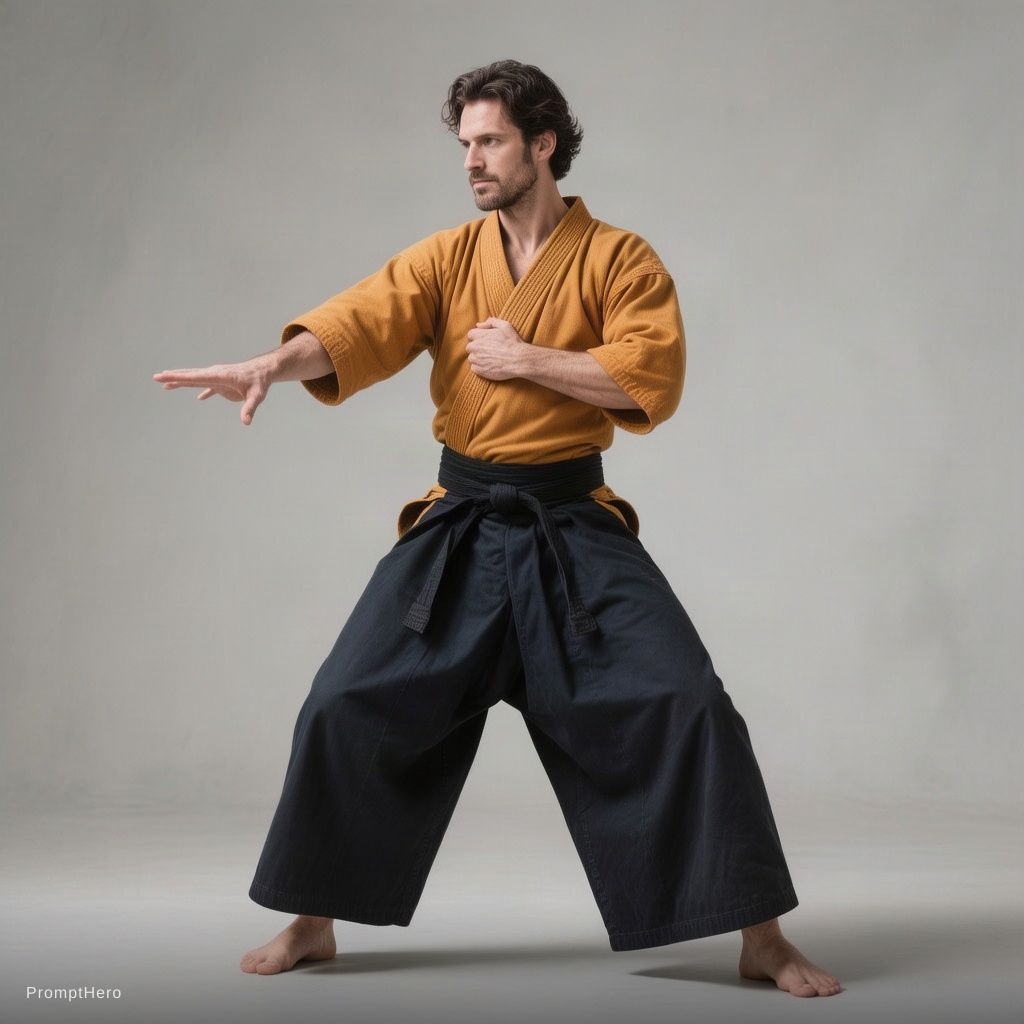
Hunyuan  prompt: Aikido Nicht angegeben hunyuan-3
Seedream 5 prompt: f smiling middle aged woman in nice home wrapped i... Nicht angegeben v2
Create an extreme close-up underwater portrait, ca... Nicht angegeben Nicht angegeben
Using the face from the attached photograph, recre... Nicht angegeben Nicht angegeben
Using the face from the attached photo, recreate a... Nicht angegeben Nicht angegeben

Führen Sie diese Eingabeaufforderung mit der API aus

Die folgende Anforderung sendet diese Eingabeaufforderung mit den ausgefüllten Standardwerten an das erste Modell, auf dem sie ausgeführt wird. Tauschen Sie den Modellnamen gegen ein anderes oben aufgeführtes Modell aus.

Prompt API-Dokumente
/api/v1/gpt_image_2/text_to_image
curl -X POST https://runapi.ai/api/v1/gpt_image_2/text_to_image \
  -H "Authorization: Bearer $RUNAPI_API_KEY" \
  -H "Content-Type: application/json" \
  --data-binary @- <<'JSON'
{
  "model": "gpt-image-2",
  "prompt": "A cinematic street portrait of a young woman walking through a crowded city, with the subject perfectly sharp while the surrounding pedestrians are blurred using a dramatic panning motion effect. The entire image is monochrome black and white except for the woman's deep navy-blue wool coat, which remains the only vivid color in the scene. She glances back over her shoulder with a calm, thoughtful expression, loose wind-swept hair, soft natural makeup, and a minimalist shoulder bag. The busy urban background is filled with fast-moving commuters rendered as ghostly motion blur, emphasizing loneliness amidst the crowd. Soft overcast daylight, shallow depth of field, subtle film grain, realistic skin texture, cinematic contrast, emotional storytelling, editorial fashion photography, premium fine-art street photography, ultra-photorealistic, Leica M11 look, Kodak Tri-X black and white film aesthetic with selective color, 50mm lens, f/1.8, ISO 100, 1/20s shutter speed, natural ambient lighting, high dynamic range, ultra-detailed, award-winning composition, 8K."
}
JSON

Probier‘s mal mit einer Anfrage