Magical Pink Wedding Bride Scene
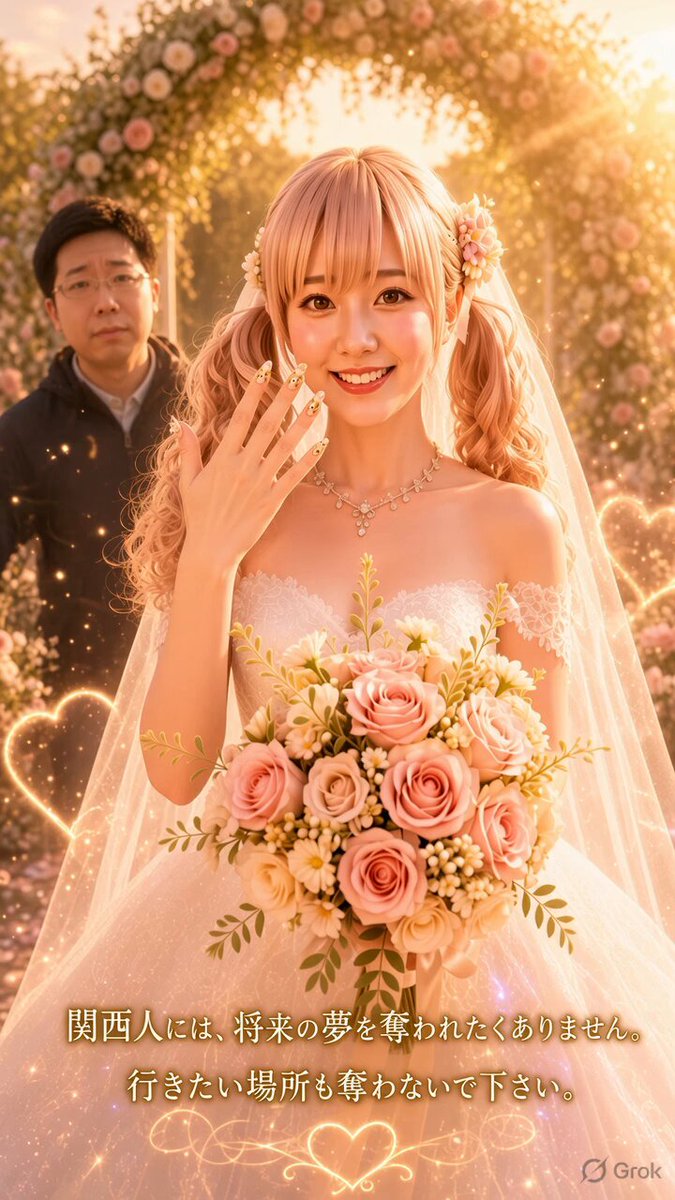
Magical Pink Wedding Bride Scene

Eingabeaufforderung

Create a powerful protective scene. The pink twin-tail bride from the first image stands proudly and firmly in her magical sparkling wedding dress and veil under the floral arch, one hand raised showing her cute nails, the other holding the bouquet.

Läuft auf 21 Modellen

  • Flux
  • Flux 2
  • Flux Kontext
  • GPT-4o Image
  • GPT Image
  • GPT Image 2
  • GPT Image 2.5
  • GPT Image 2.6
  • Grok Imagine
  • Ideogram V3
  • Imagen 4
  • Kling
  • +9 mehr

Was dieser Prompt erzeugt

Hunyuan  prompt: wine Nicht angegeben hunyuan-3
Hunyuan  prompt: can beer Nicht angegeben hunyuan-3
Hunyuan  prompt: ربات Nicht angegeben hunyuan-3
Hero prompt: recreate image 1 (close up indoor portrait of a wo... Nicht angegeben 1.0
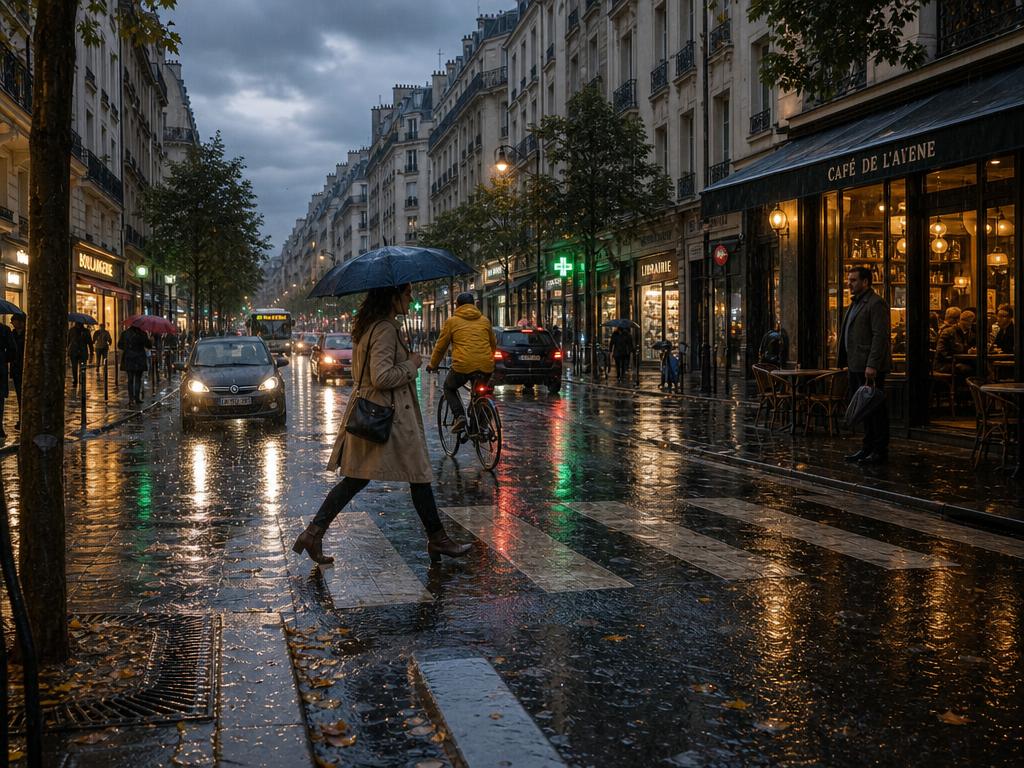
Rainy French Street at Night Nicht angegeben gpt-image-2
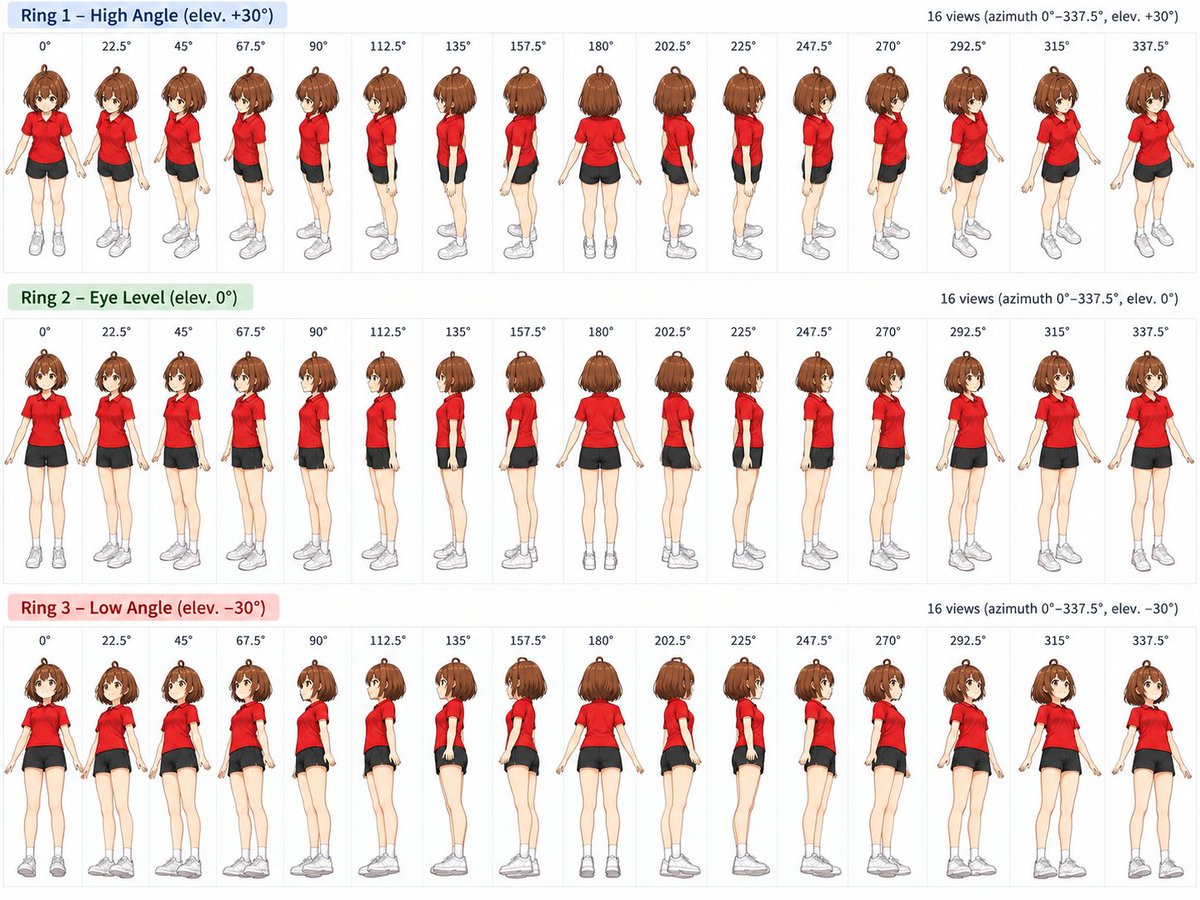
Camera Dome 48-Point View Setup Nicht angegeben gpt-image-2

Führen Sie diese Eingabeaufforderung mit der API aus

Die folgende Anforderung sendet diese Eingabeaufforderung mit den ausgefüllten Standardwerten an das erste Modell, auf dem sie ausgeführt wird. Tauschen Sie den Modellnamen gegen ein anderes oben aufgeführtes Modell aus.

Prompt API-Dokumente
/api/v1/grok/text_to_image
curl -X POST https://runapi.ai/api/v1/grok/text_to_image \
  -H "Authorization: Bearer $RUNAPI_API_KEY" \
  -H "Content-Type: application/json" \
  --data-binary @- <<'JSON'
{
  "model": "grok-imagine",
  "prompt": "Create a powerful protective scene. The pink twin-tail bride from the first image stands proudly and firmly in her magical sparkling wedding dress and veil under the floral arch, one hand raised showing her cute nails, the other holding the bouquet."
}
JSON

Probier‘s mal mit einer Anfrage