Premium Pixel Stretch Art Transformation
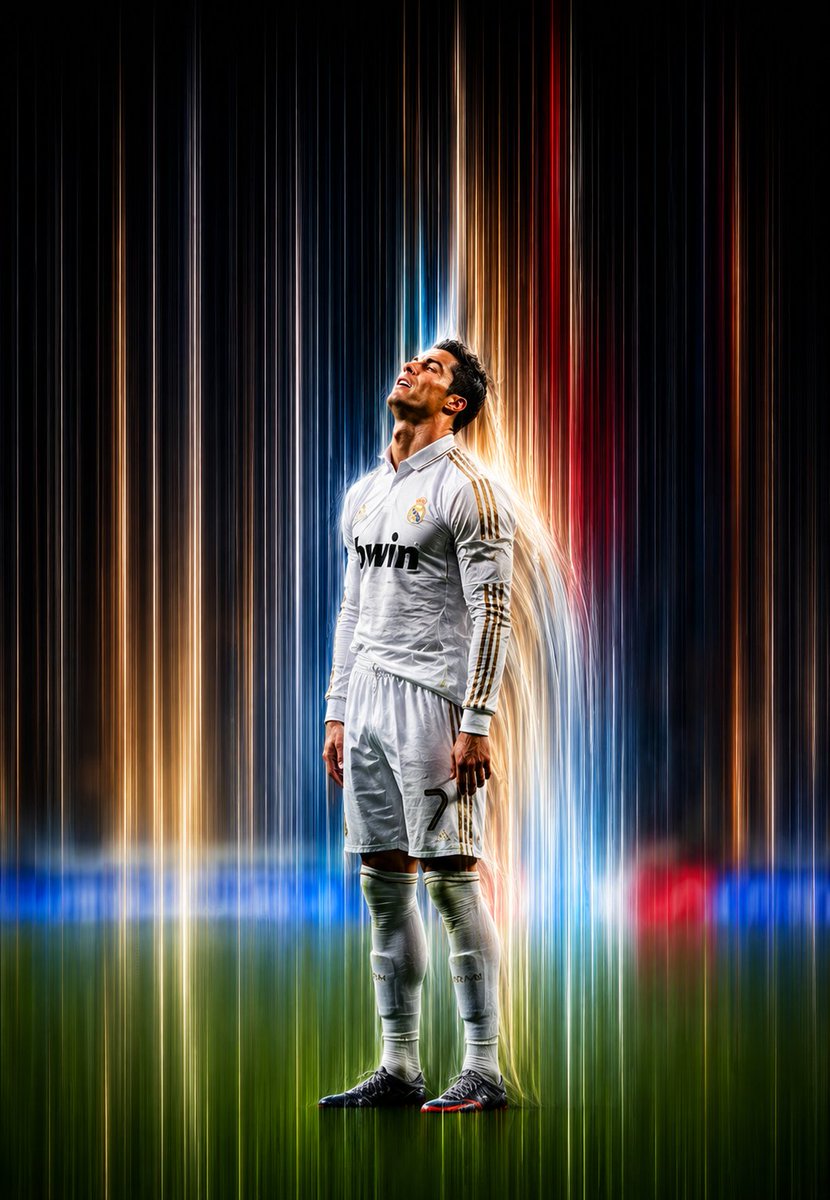
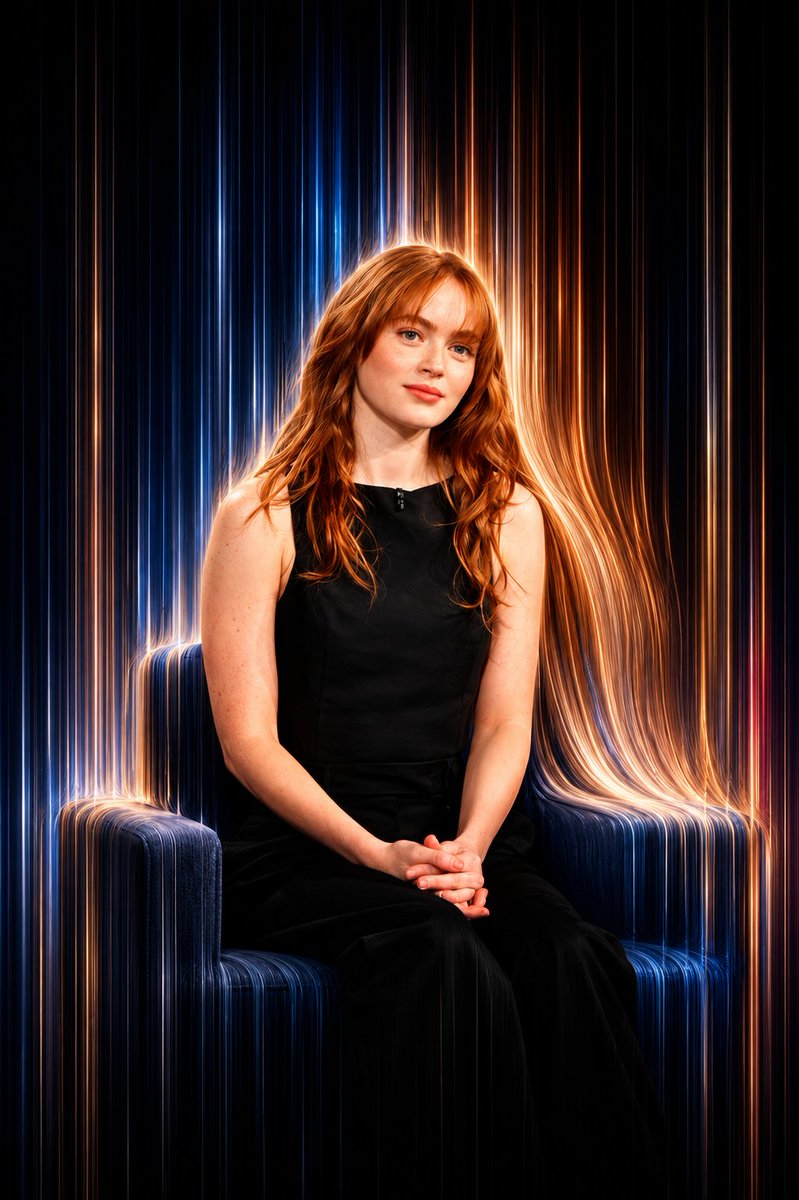
Premium Pixel Stretch Art Transformation

Eingabeaufforderung

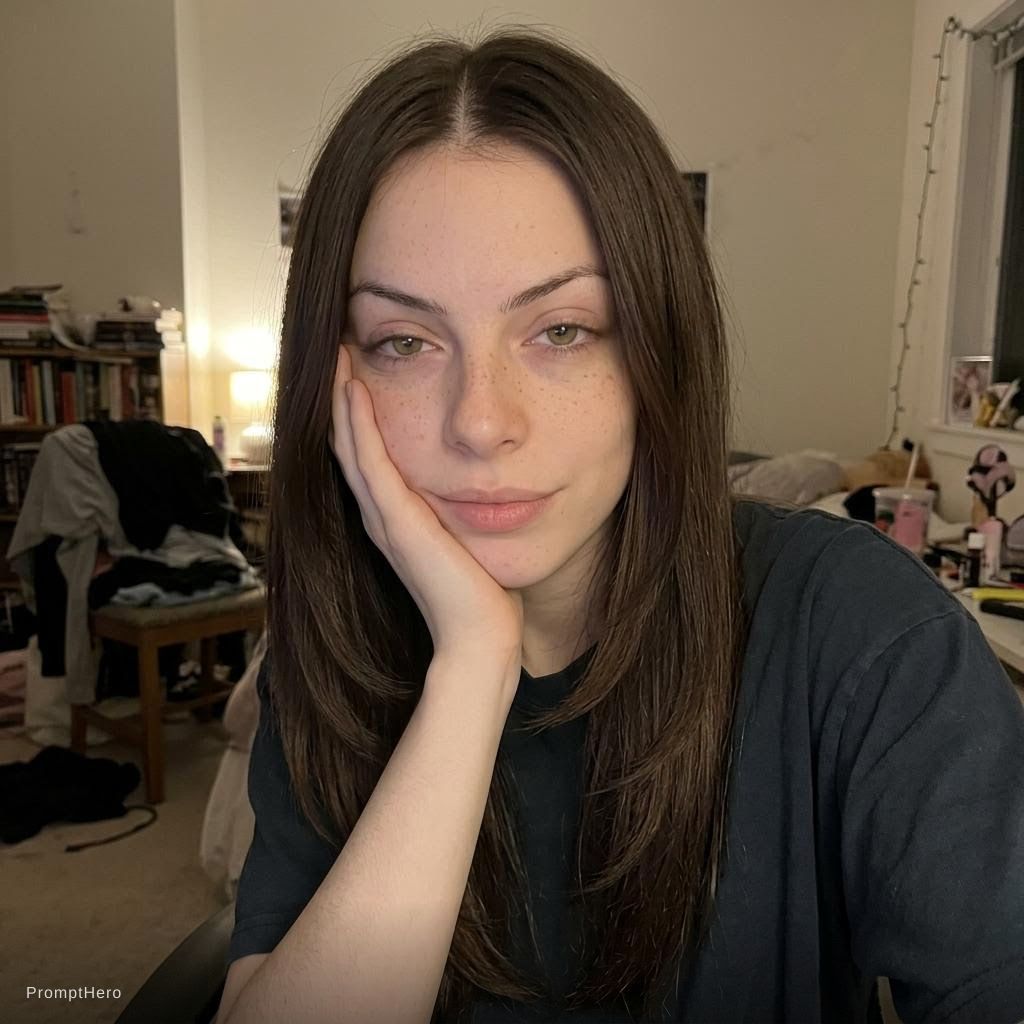
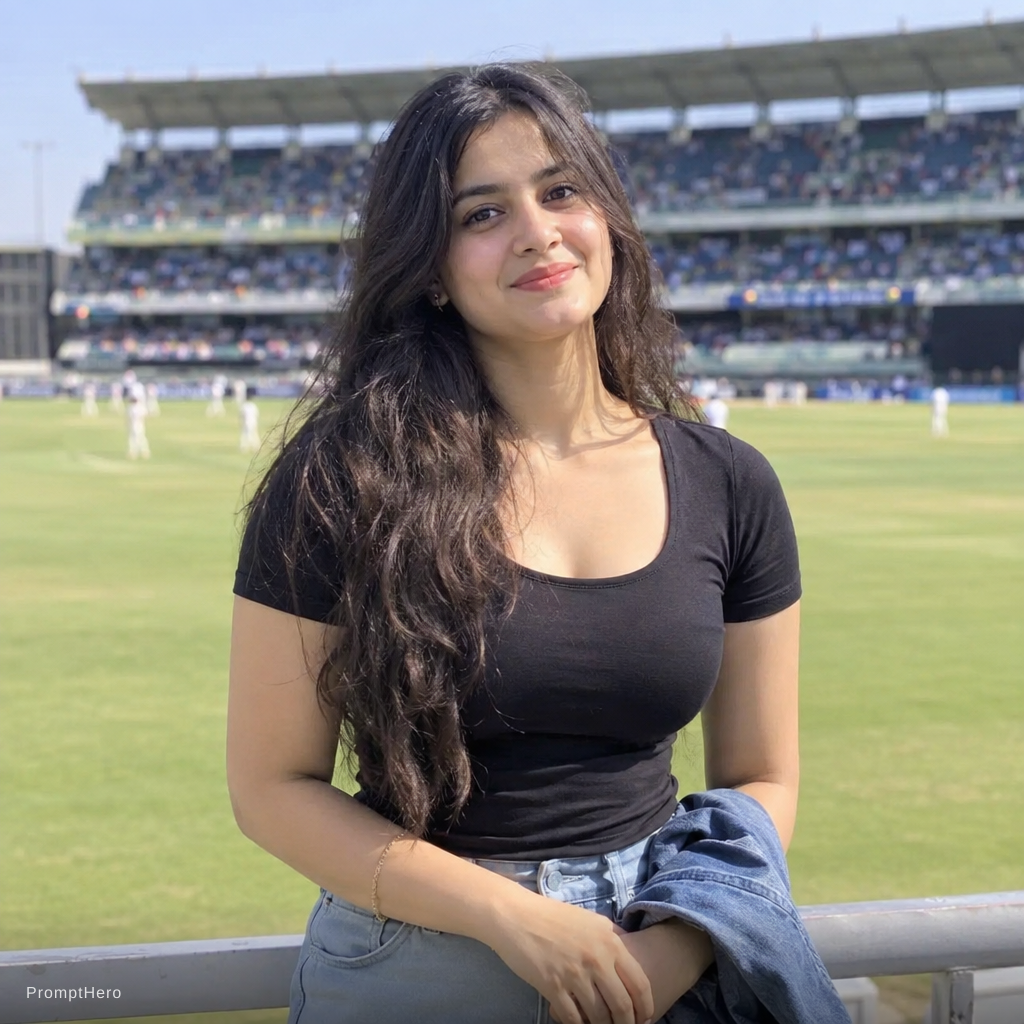
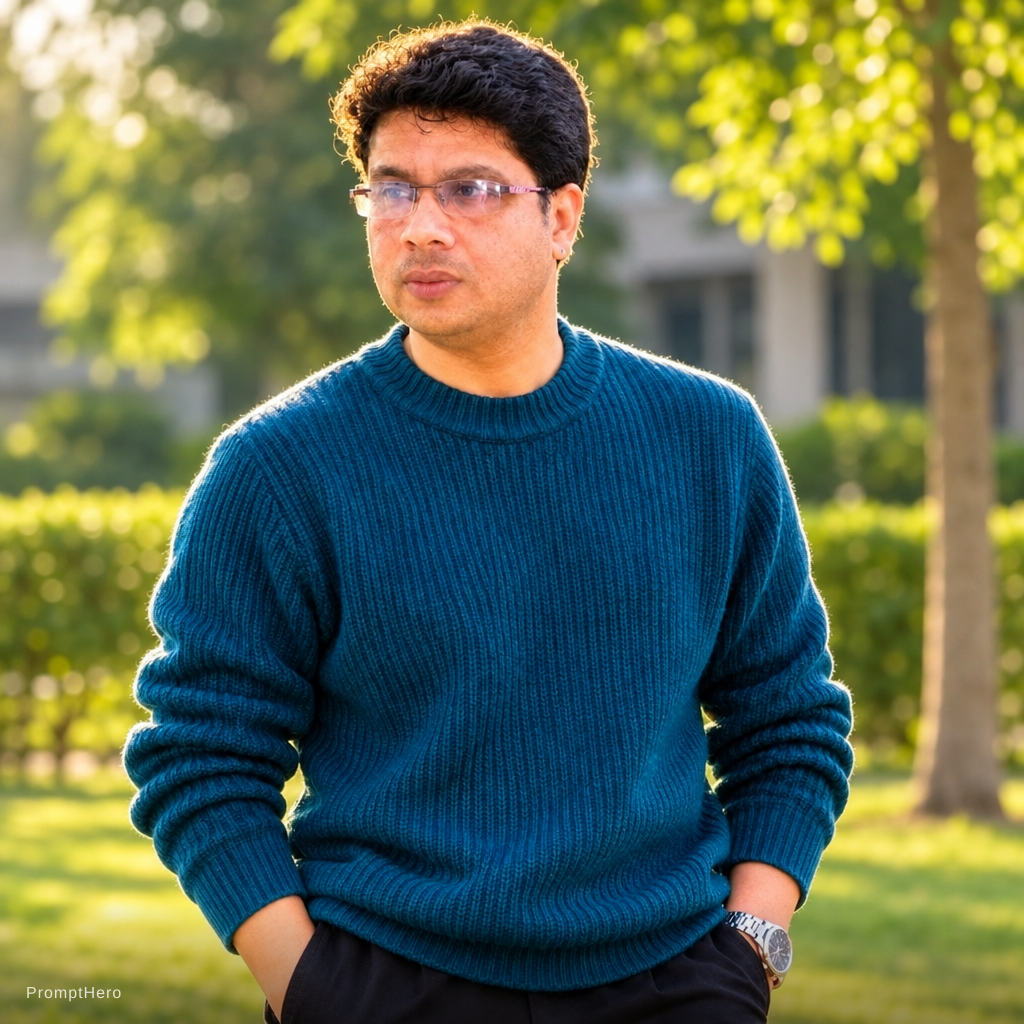
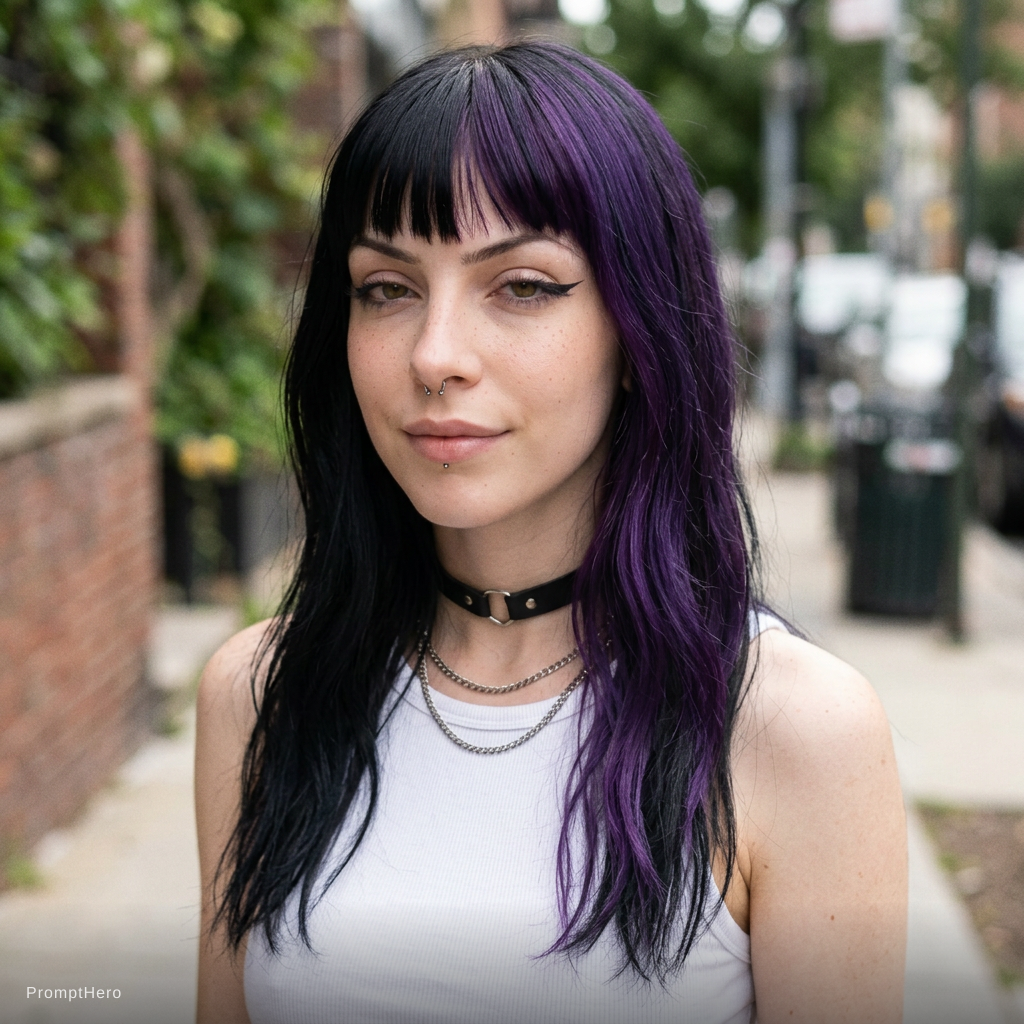
Transform the uploaded image into a premium pixel stretch artwork while preserving the original subject exactly. Keep the main subject perfectly sharp, highly detailed, and instantly recognizable, maintaining its identity, proportions, textures, and overall appearance. Extract the colors, textures, and visual details from the subject and seamlessly extend them into elegant, flowing pixel-stretch ribbons that follow graceful curves and dynamic motion. Create flawless transitions between the original image and the stretched areas, ensuring there are no glitches, distortions, harsh edges, or broken pixels. The stretched pixels should appear silky, wide, fluid, and organic—resembling streams of color, light, paint, or pure energy. Preserve realistic lighting, natural depth, accurate shadows, and harmonious color balance throughout the composition. Use cinematic contrast, vibrant HDR-quality colors, ultra-sharp details, a modern minimalist composition, luxury digital art styling, the signature Adobe Photoshop pixel stretch effect, gallery-quality finishing, and ultra-high-resolution 8K output to create a visually captivating, premium, social-media-ready masterpiece.

Läuft auf 21 Modellen

  • Flux
  • Flux 2
  • Flux Kontext
  • GPT-4o Image
  • GPT Image
  • GPT Image 2
  • GPT Image 2.5
  • GPT Image 2.6
  • Grok Imagine
  • Ideogram V3
  • Imagen 4
  • Kling
  • +9 mehr

Was dieser Prompt erzeugt

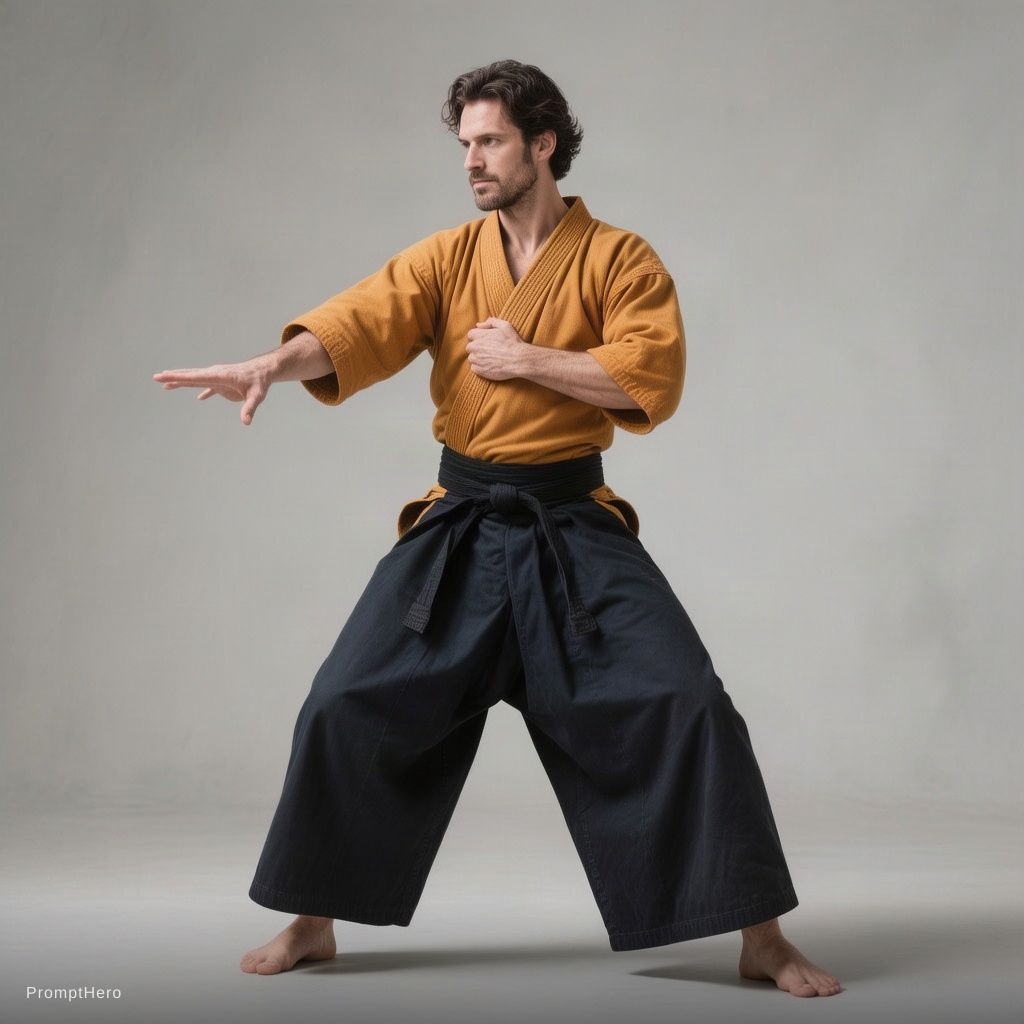
Hunyuan  prompt: Aikido Nicht angegeben hunyuan-3
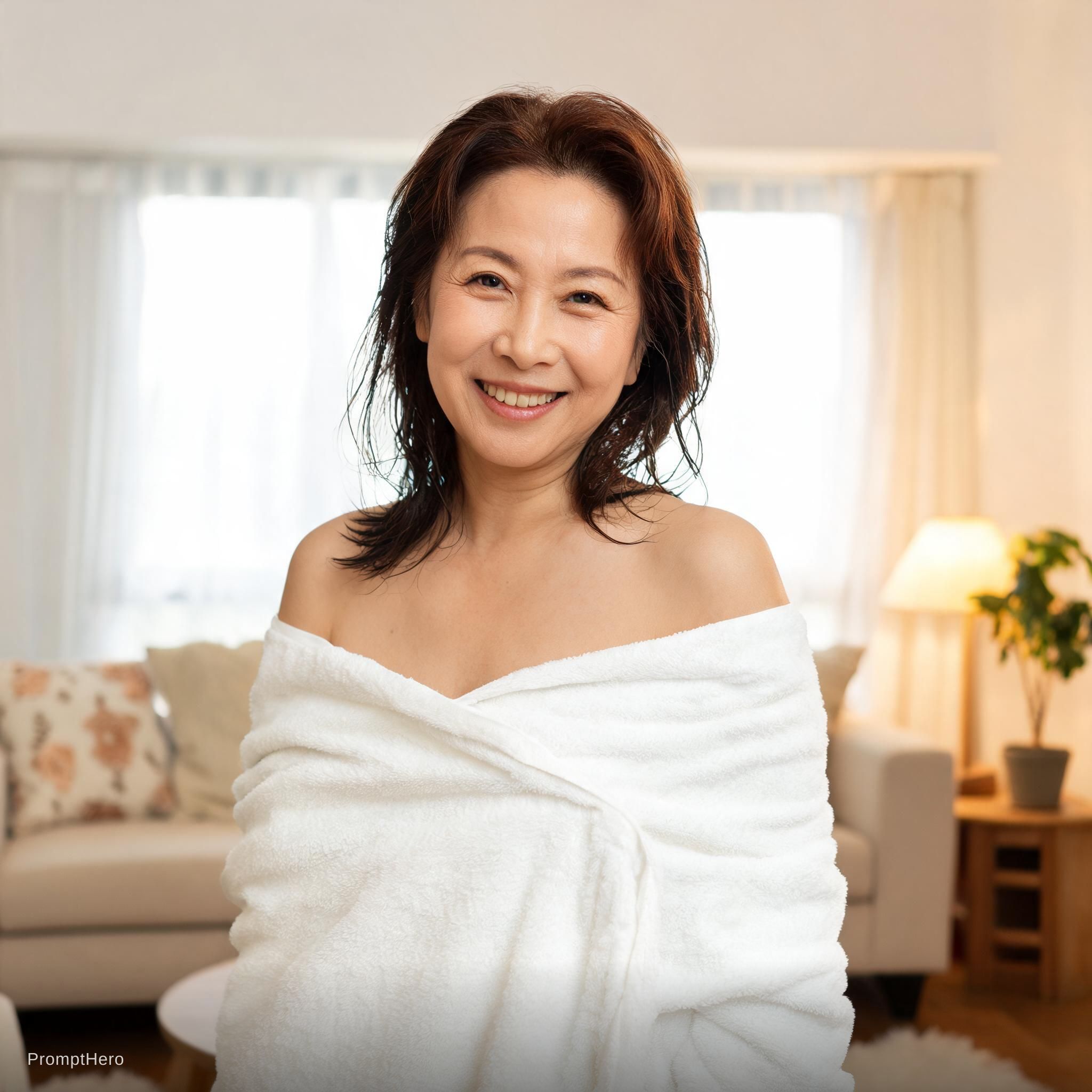
Seedream 5 prompt: f smiling middle aged woman in nice home wrapped i... Nicht angegeben v2
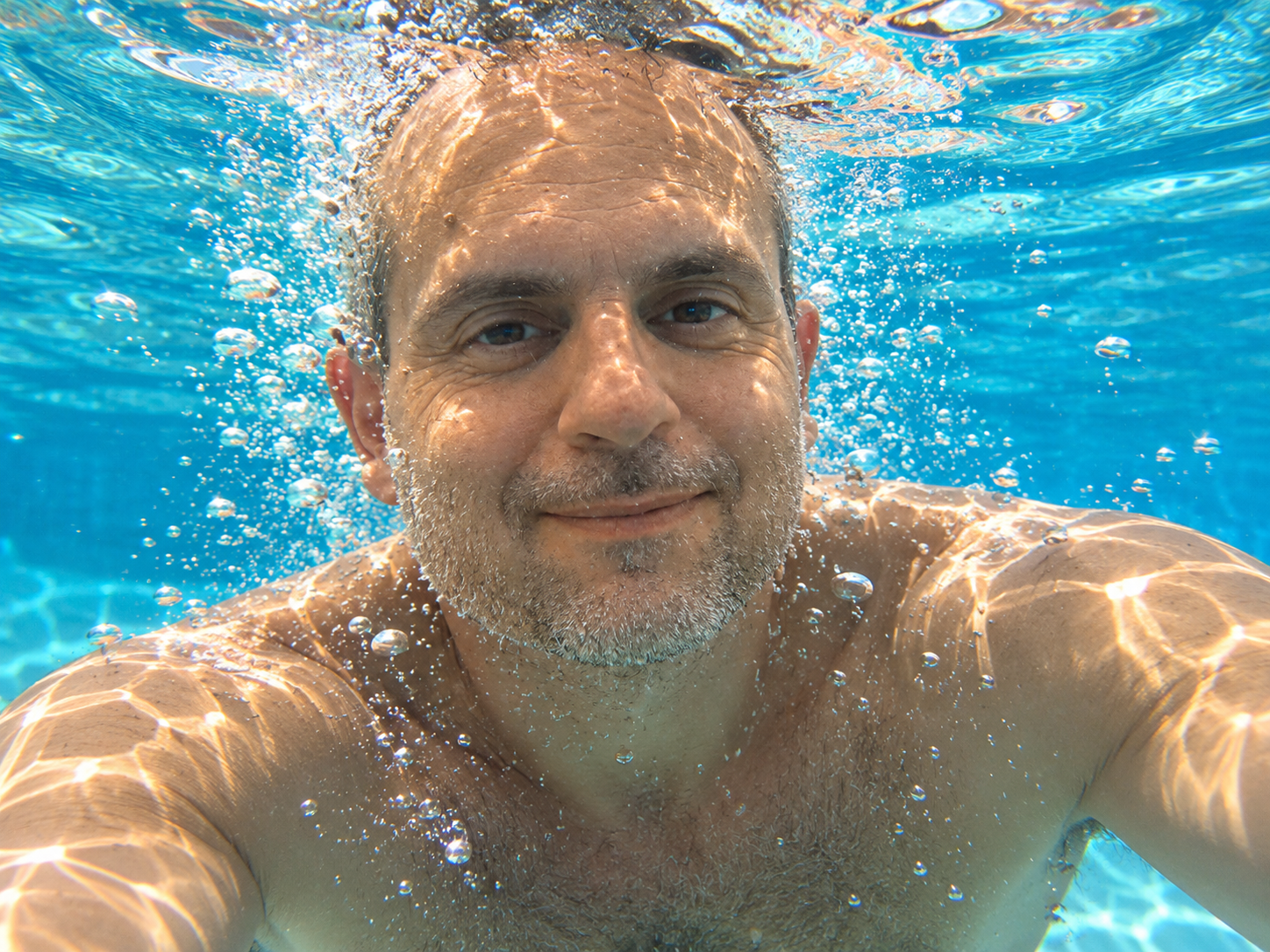
Create an extreme close-up underwater portrait, ca... Nicht angegeben Nicht angegeben
Using the face from the attached photograph, recre... Nicht angegeben Nicht angegeben
Using the face from the attached photo, recreate a... Nicht angegeben Nicht angegeben
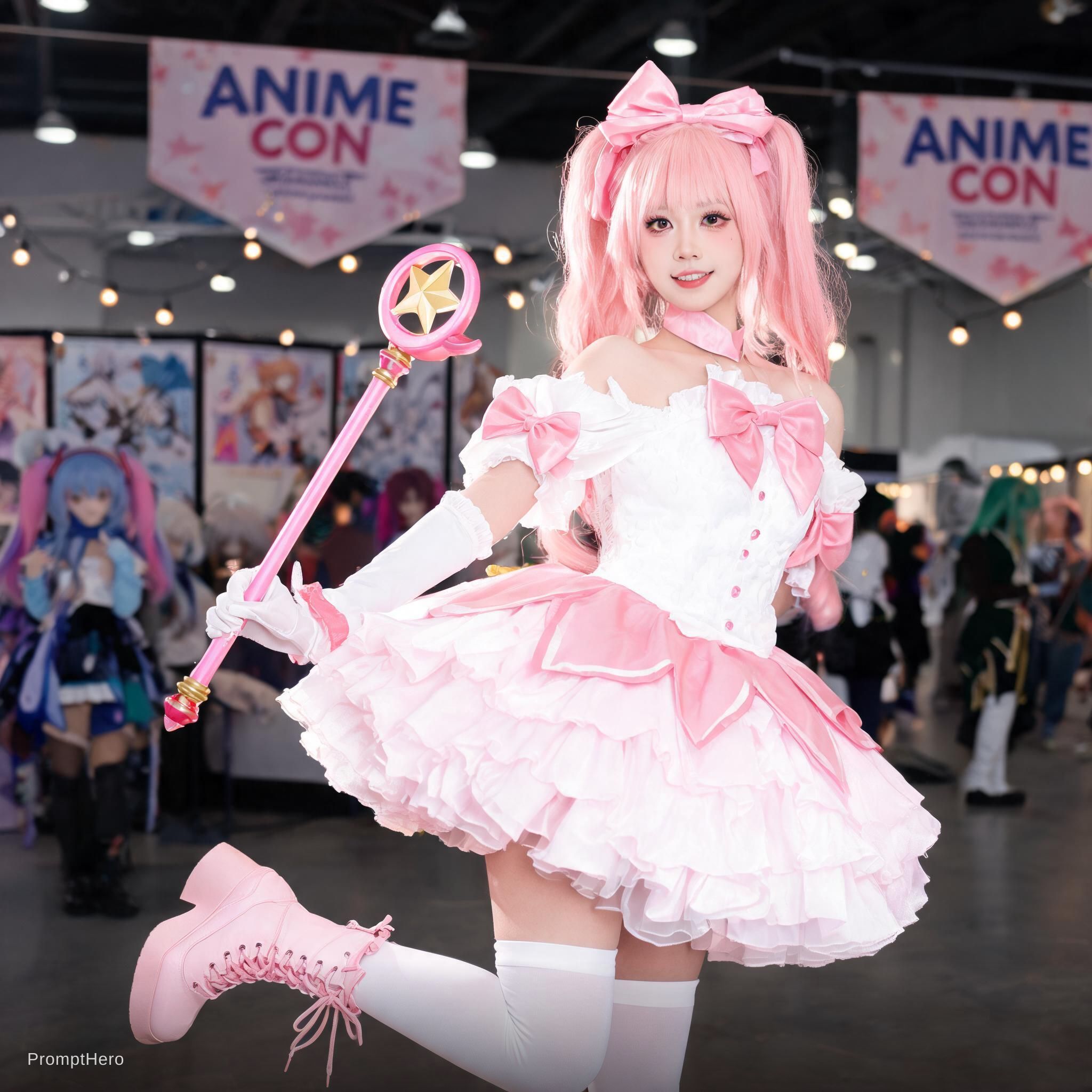
Seedream 5 prompt: cosplay Nicht angegeben v2

Führen Sie diese Eingabeaufforderung mit der API aus

Die folgende Anforderung sendet diese Eingabeaufforderung mit den ausgefüllten Standardwerten an das erste Modell, auf dem sie ausgeführt wird. Tauschen Sie den Modellnamen gegen ein anderes oben aufgeführtes Modell aus.

Prompt API-Dokumente
/api/v1/gpt_image_2/text_to_image
curl -X POST https://runapi.ai/api/v1/gpt_image_2/text_to_image \
  -H "Authorization: Bearer $RUNAPI_API_KEY" \
  -H "Content-Type: application/json" \
  --data-binary @- <<'JSON'
{
  "model": "gpt-image-2",
  "prompt": "Transform the uploaded image into a premium pixel stretch artwork while preserving the original subject exactly. Keep the main subject perfectly sharp, highly detailed, and instantly recognizable, maintaining its identity, proportions, textures, and overall appearance. Extract the colors, textures, and visual details from the subject and seamlessly extend them into elegant, flowing pixel-stretch ribbons that follow graceful curves and dynamic motion. Create flawless transitions between the original image and the stretched areas, ensuring there are no glitches, distortions, harsh edges, or broken pixels. The stretched pixels should appear silky, wide, fluid, and organic—resembling streams of color, light, paint, or pure energy. Preserve realistic lighting, natural depth, accurate shadows, and harmonious color balance throughout the composition. Use cinematic contrast, vibrant HDR-quality colors, ultra-sharp details, a modern minimalist composition, luxury digital art styling, the signature Adobe Photoshop pixel stretch effect, gallery-quality finishing, and ultra-high-resolution 8K output to create a visually captivating, premium, social-media-ready masterpiece."
}
JSON

Probier‘s mal mit einer Anfrage