3D Souvenir Badge Travel Poster
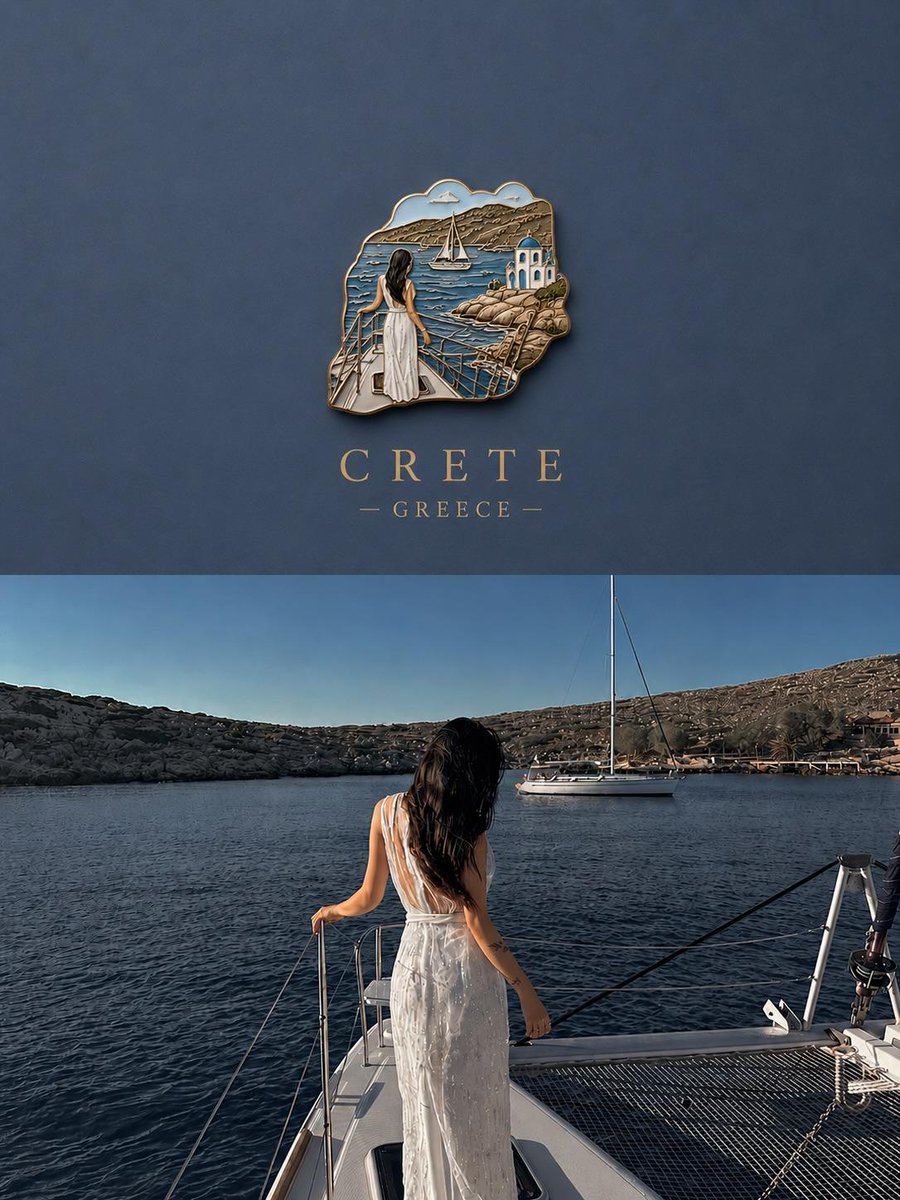
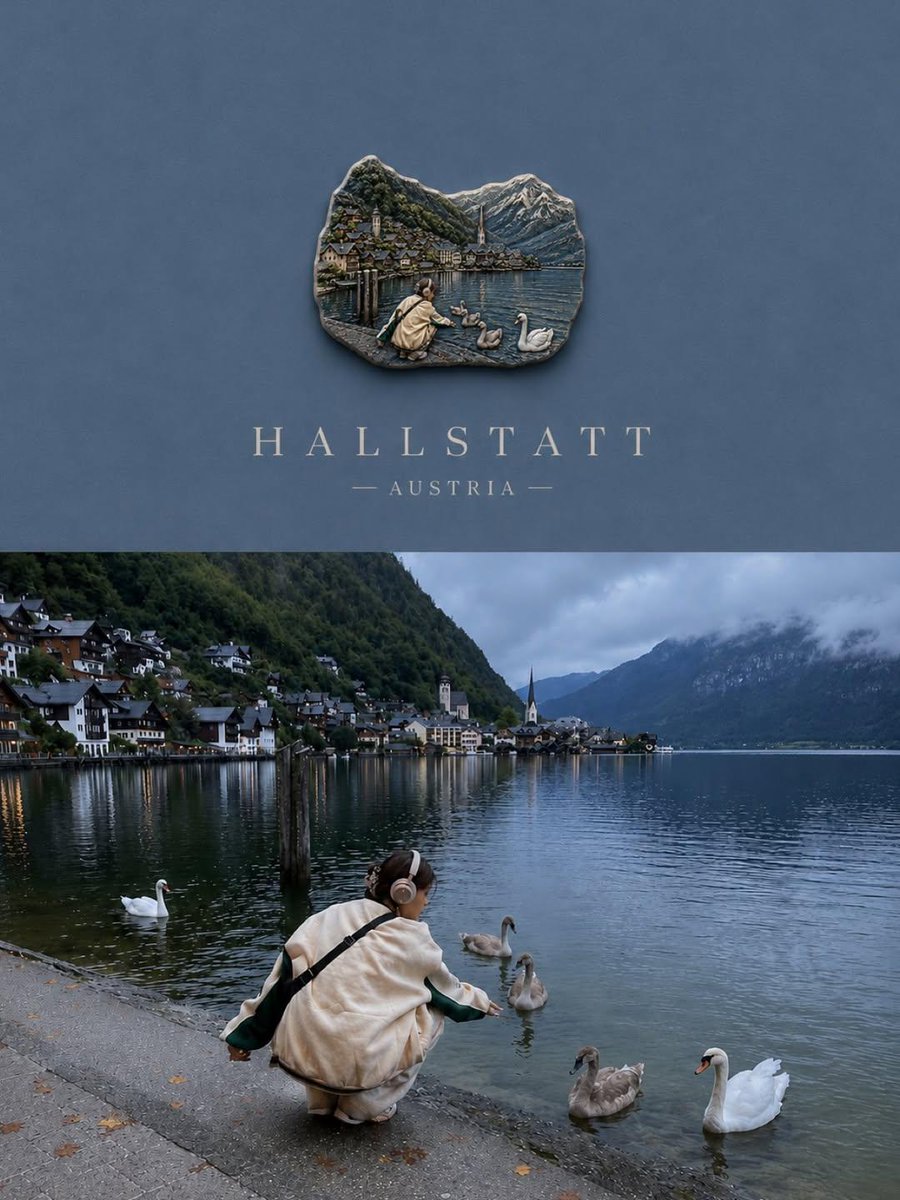
3D Souvenir Badge Travel Poster
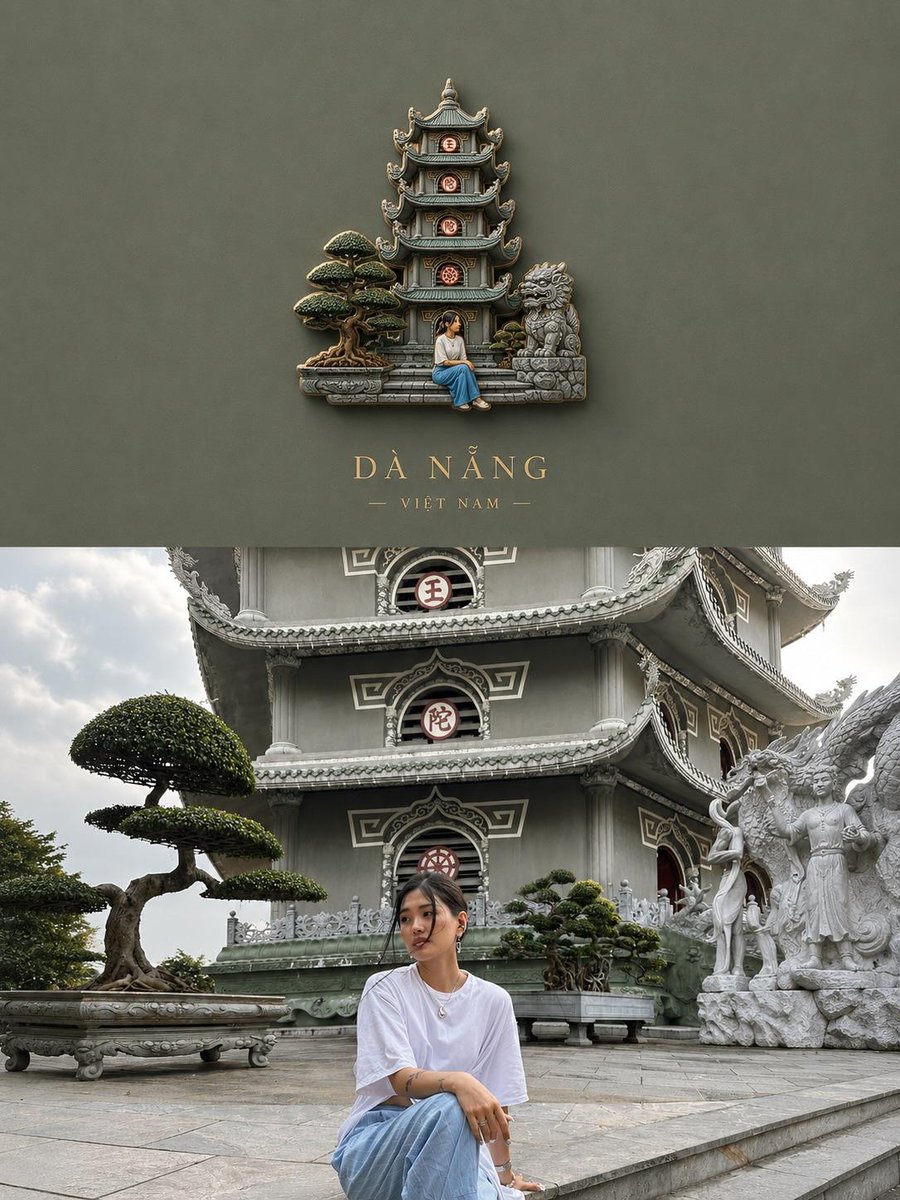
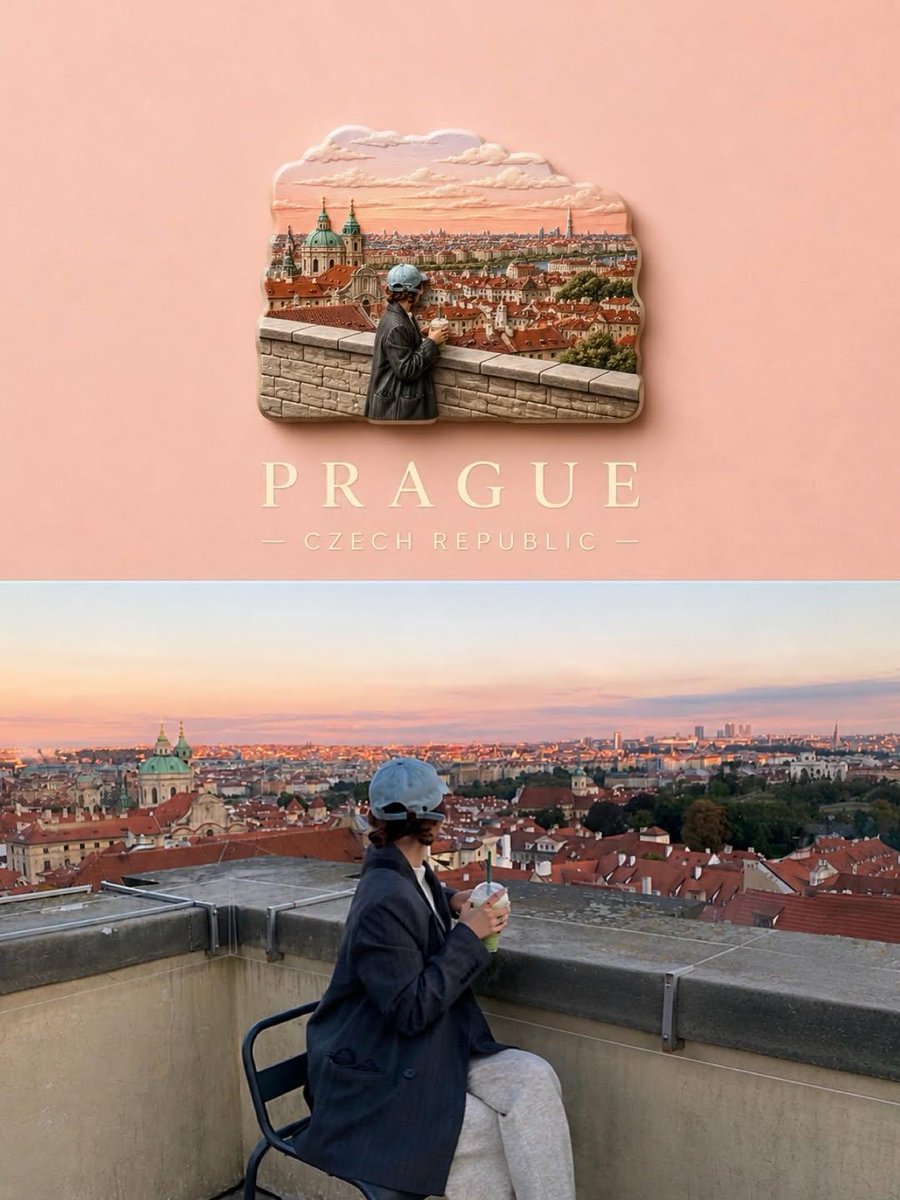

Eingabeaufforderung

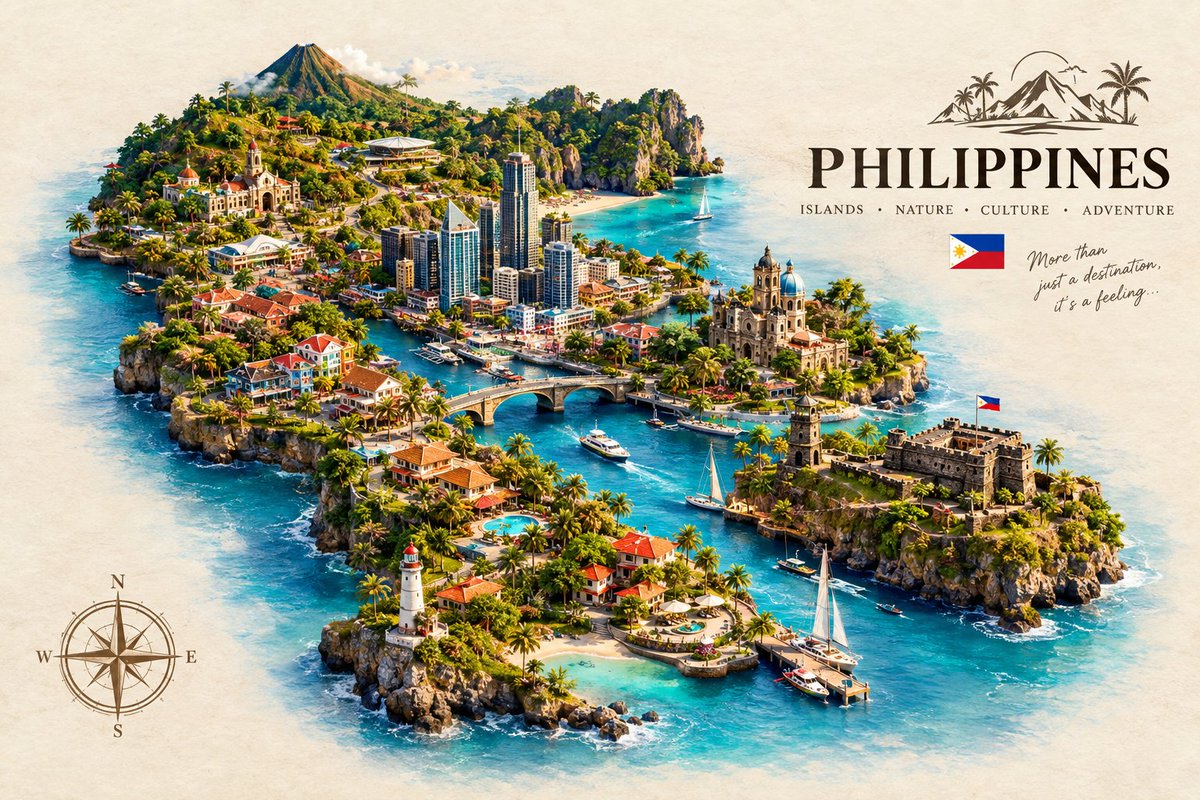
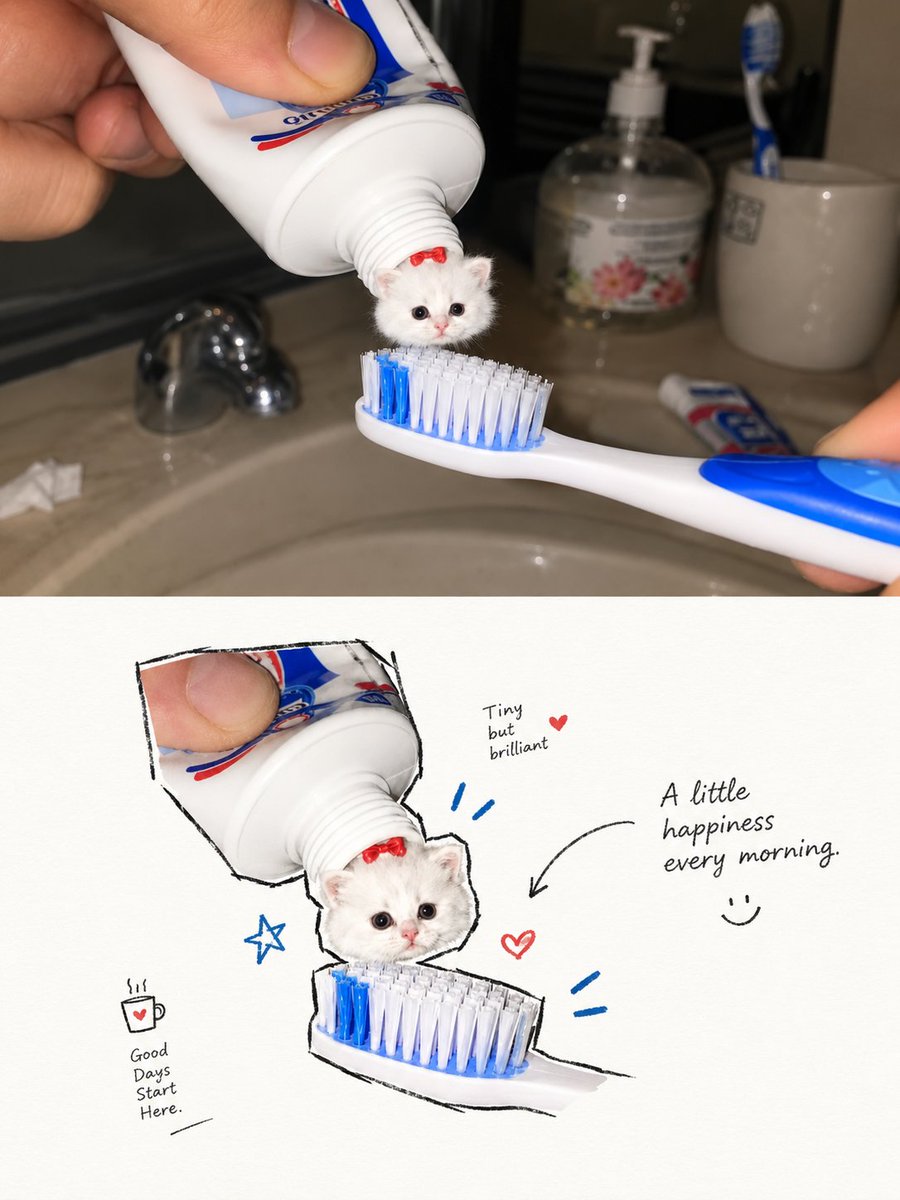
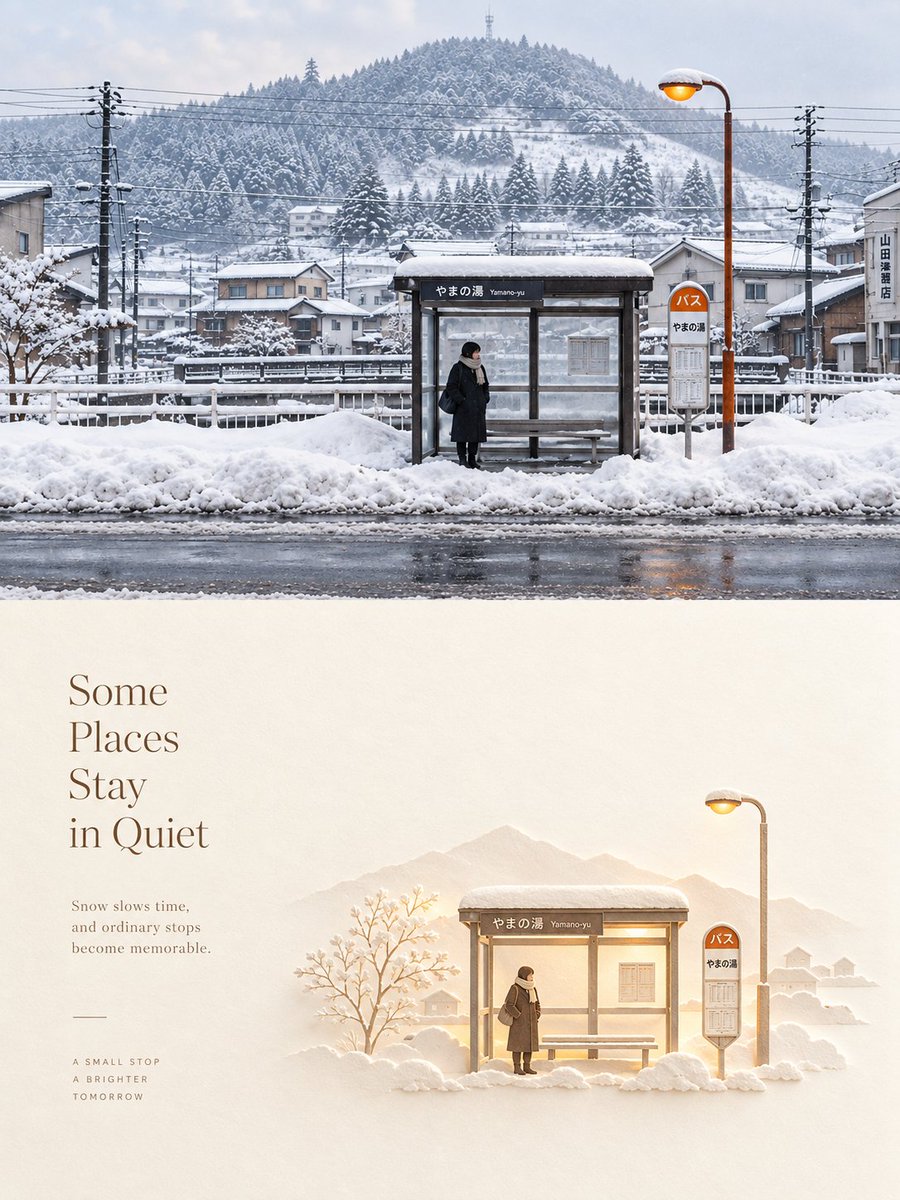
Create a premium travel poster featuring a miniature 3D souvenir badge floating on a clean matte background. The badge contains a highly detailed miniature diorama recreating the exact travel photo scene: a traveler enjoying a panoramic cityscape/landmark view, realistic architecture, atmospheric lighting, and cinematic depth. The badge has sculpted edges, handcrafted resin enamel texture, intricate miniature details, soft shadows, and luxury collectible magnet aesthetics. Below the badge, elegant serif typography displays the destination name in large capital letters with the country name beneath it. Under the badge, show the original travel photograph seamlessly integrated as a reference scene. Minimalist design, muted color palette matching the destination mood, premium tourism branding, ultra-realistic 3D render, shallow depth of field, soft ambient lighting, sophisticated editorial layout, luxury postcard aesthetic, photorealistic materials, high-end travel campaign, 8K quality, centered composition, clean negative space, museum-quality artwork.

Läuft auf 21 Modellen

  • Flux
  • Flux 2
  • Flux Kontext
  • GPT-4o Image
  • GPT Image
  • GPT Image 2
  • GPT Image 2.5
  • GPT Image 2.6
  • Grok Imagine
  • Ideogram V3
  • Imagen 4
  • Kling
  • +9 mehr

Was dieser Prompt erzeugt

Hunyuan  prompt: dog pose Nicht angegeben hunyuan-3
Wireless Doorbell Camera Instructions Prompt Nicht angegeben gpt-image-2
Hunyuan  prompt: wine Nicht angegeben hunyuan-3
Hunyuan  prompt: can beer Nicht angegeben hunyuan-3
Hunyuan  prompt: ربات Nicht angegeben hunyuan-3
Hero prompt: recreate image 1 (close up indoor portrait of a wo... Nicht angegeben 1.0

Führen Sie diese Eingabeaufforderung mit der API aus

Die folgende Anforderung sendet diese Eingabeaufforderung mit den ausgefüllten Standardwerten an das erste Modell, auf dem sie ausgeführt wird. Tauschen Sie den Modellnamen gegen ein anderes oben aufgeführtes Modell aus.

Prompt API-Dokumente
/api/v1/gpt_image_2/text_to_image
curl -X POST https://runapi.ai/api/v1/gpt_image_2/text_to_image \
  -H "Authorization: Bearer $RUNAPI_API_KEY" \
  -H "Content-Type: application/json" \
  --data-binary @- <<'JSON'
{
  "model": "gpt-image-2",
  "prompt": "Create a premium travel poster featuring a miniature 3D souvenir badge floating on a clean matte background. The badge contains a highly detailed miniature diorama recreating the exact travel photo scene: a traveler enjoying a panoramic cityscape/landmark view, realistic architecture, atmospheric lighting, and cinematic depth. The badge has sculpted edges, handcrafted resin enamel texture, intricate miniature details, soft shadows, and luxury collectible magnet aesthetics. Below the badge, elegant serif typography displays the destination name in large capital letters with the country name beneath it. Under the badge, show the original travel photograph seamlessly integrated as a reference scene. Minimalist design, muted color palette matching the destination mood, premium tourism branding, ultra-realistic 3D render, shallow depth of field, soft ambient lighting, sophisticated editorial layout, luxury postcard aesthetic, photorealistic materials, high-end travel campaign, 8K quality, centered composition, clean negative space, museum-quality artwork."
}
JSON

Probier‘s mal mit einer Anfrage