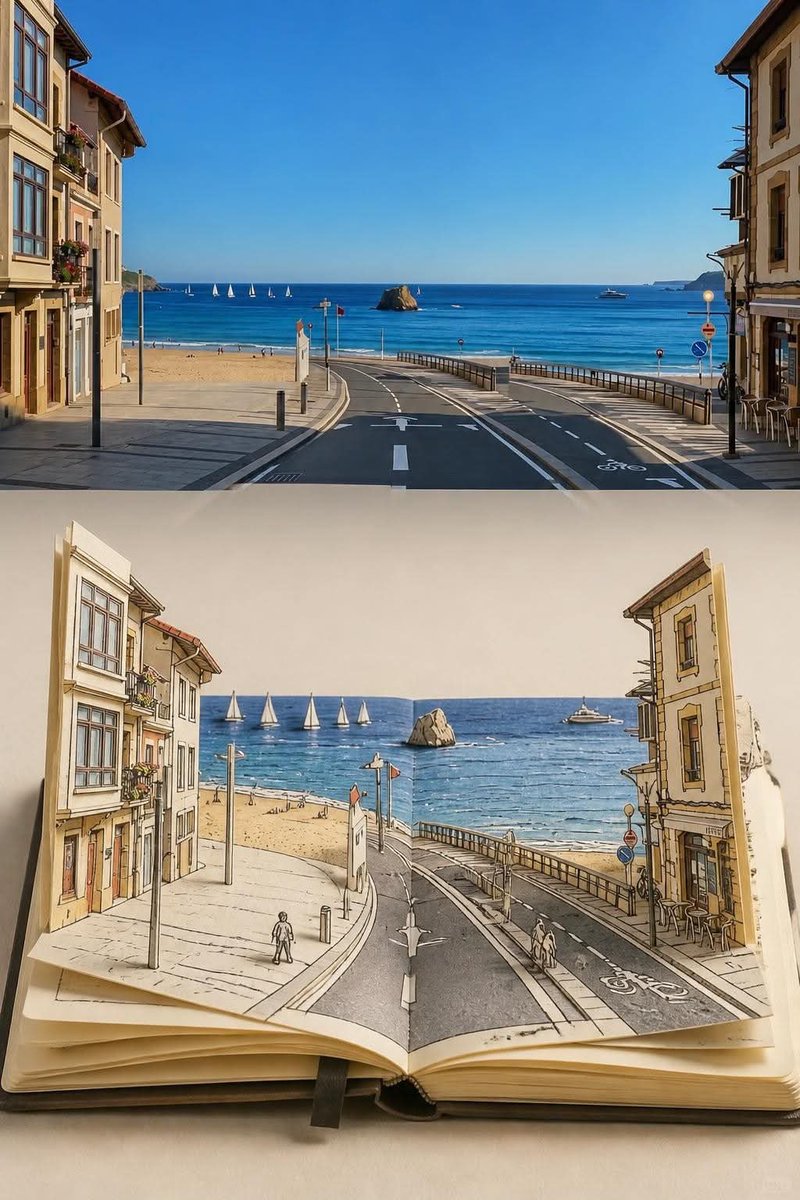
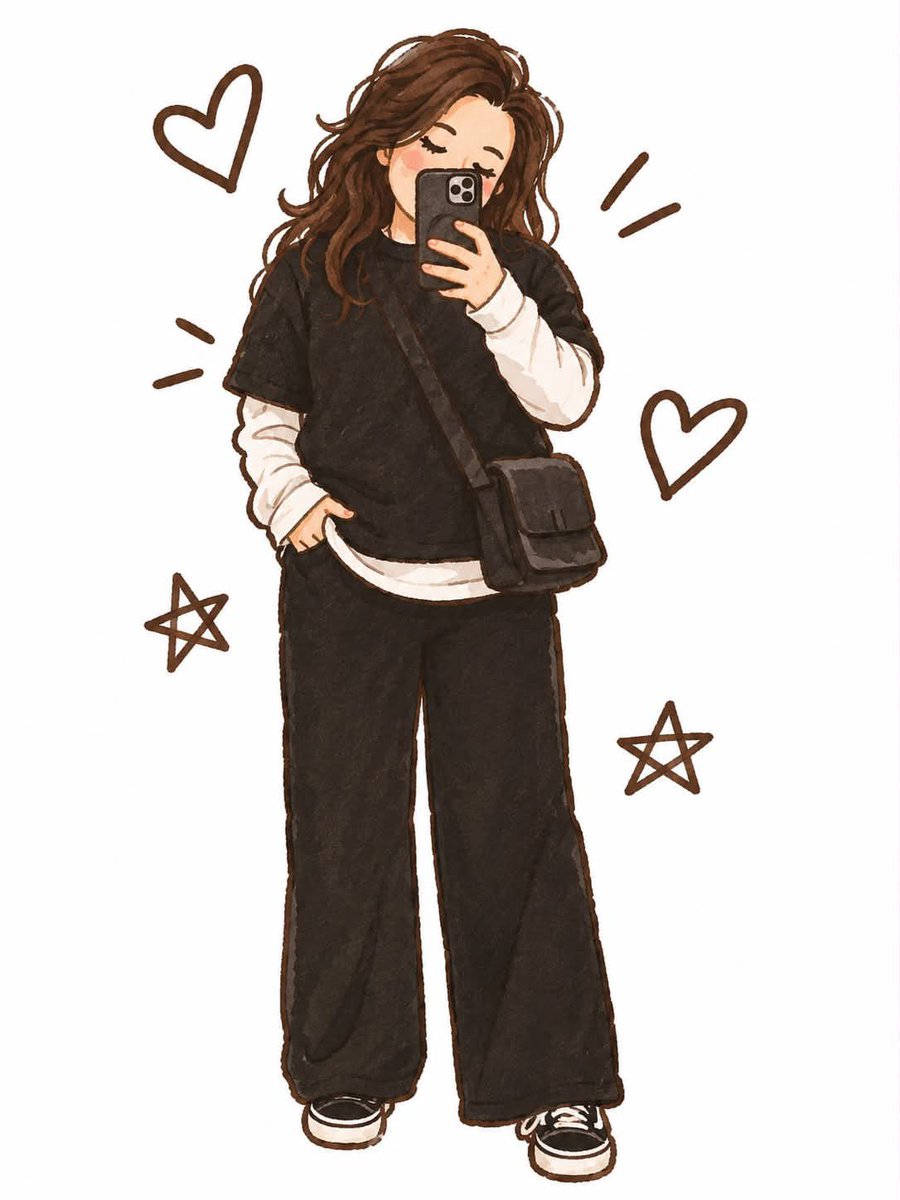
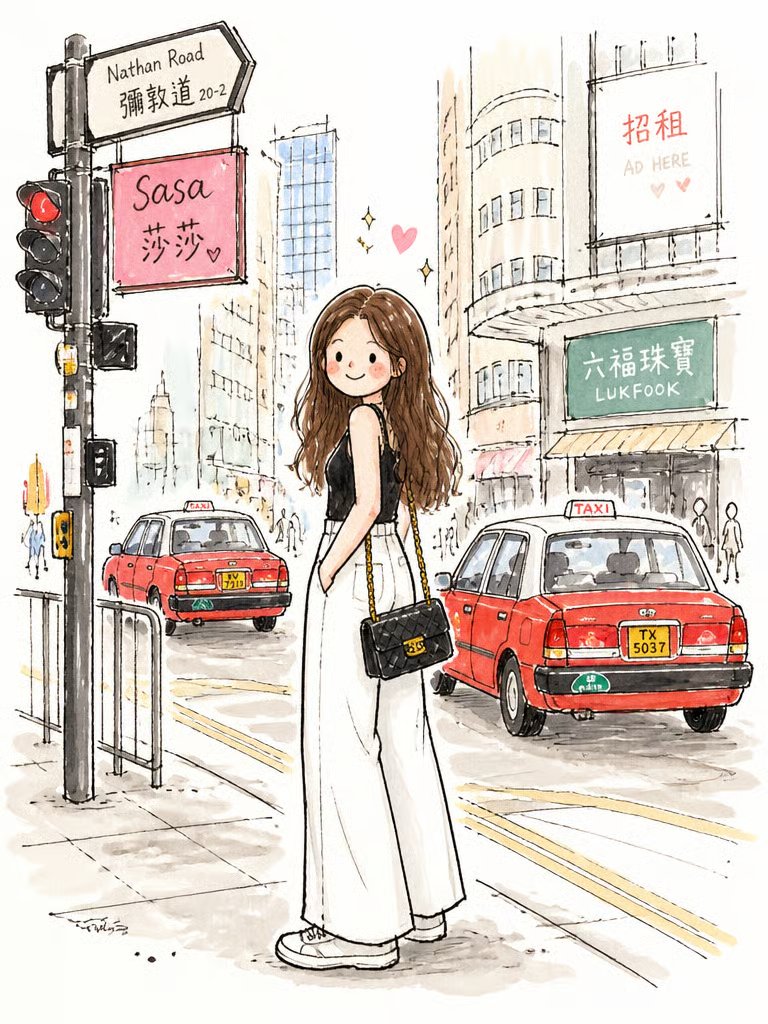
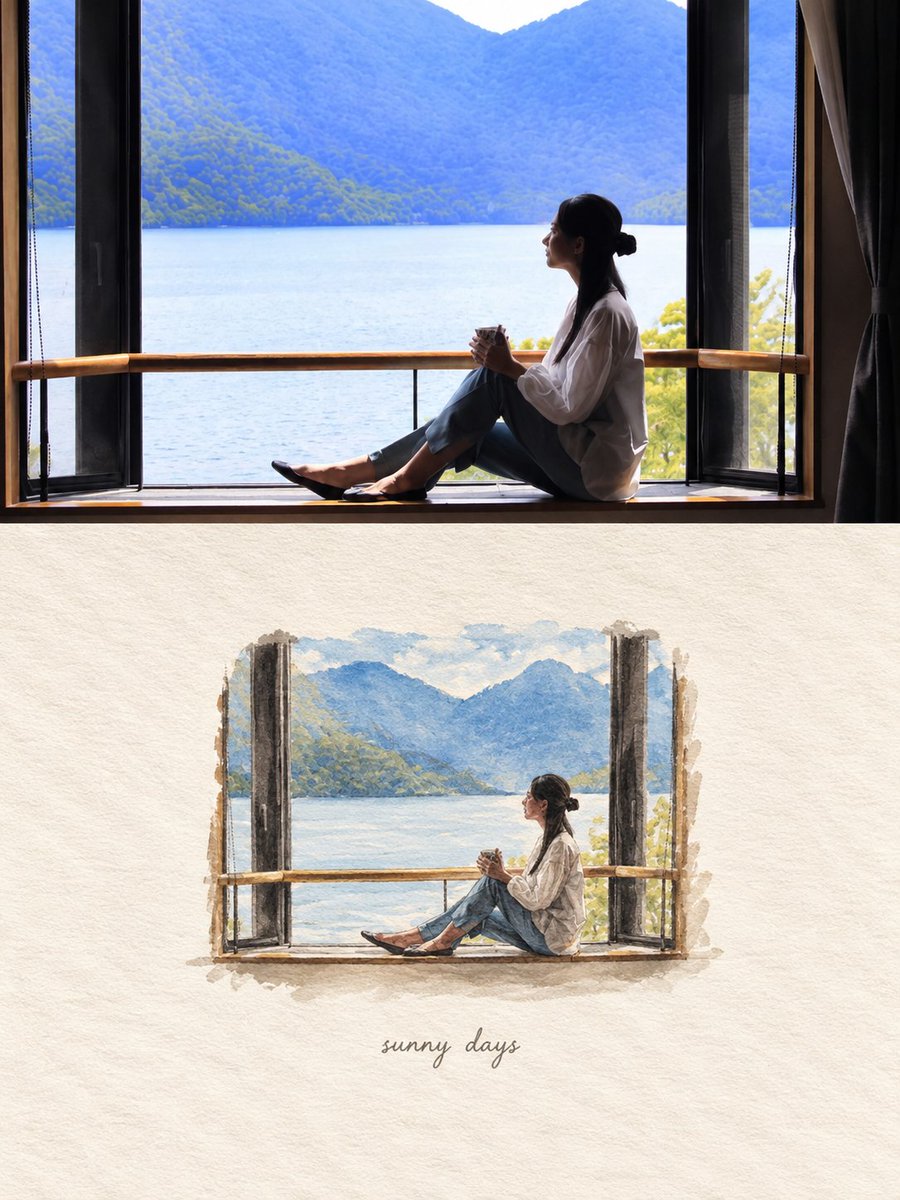
Architectural Watercolor Sketch
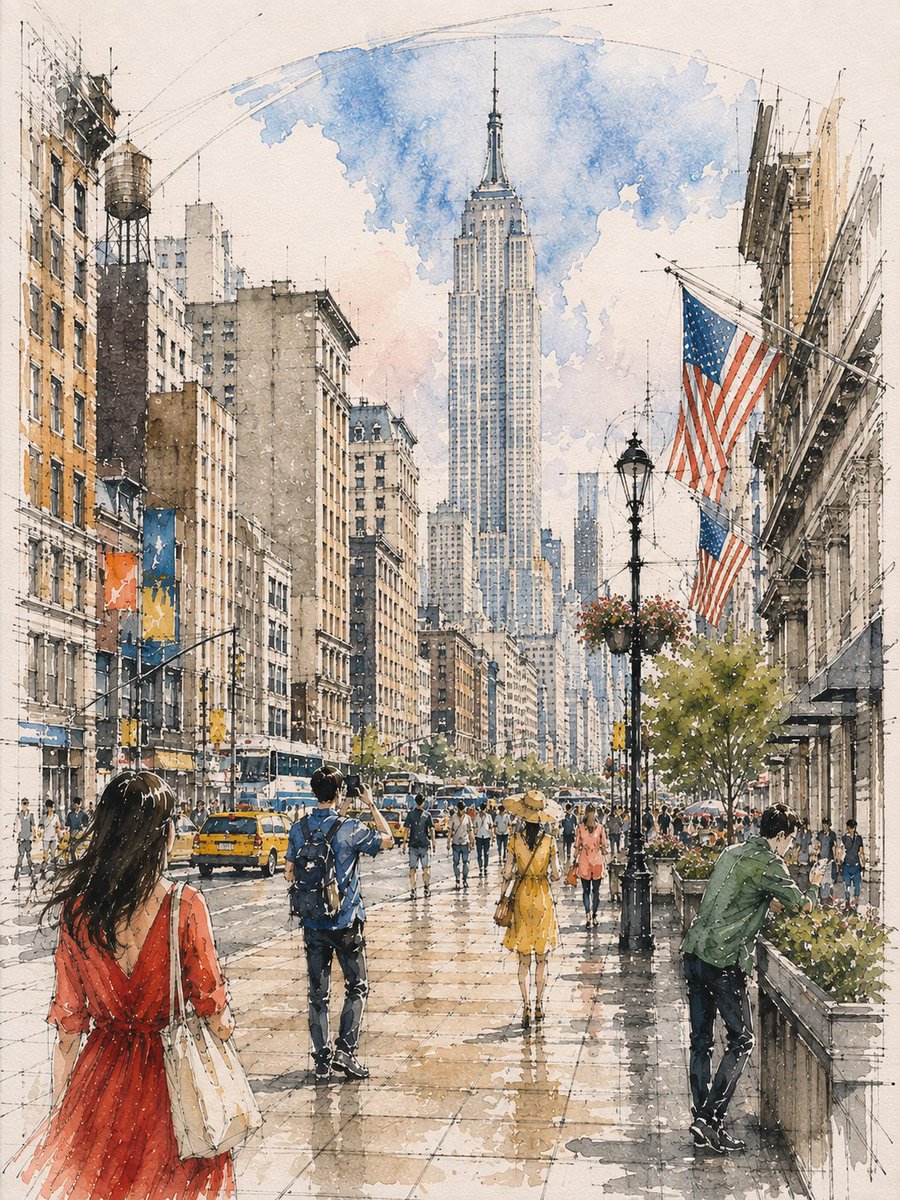
Architectural Watercolor Sketch

Eingabeaufforderung

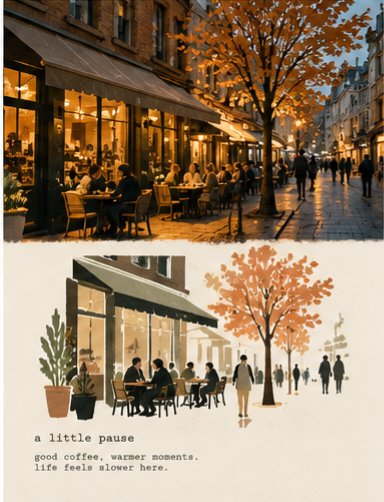
Loose watercolor and pen sketch inside [LOCATION / SUBJECT], seen from [VIEWPOINT] toward [ARCHITECTURAL FOCAL POINT], [CENTRAL FEATURE] at center, [OVERHEAD ARCHITECTURAL FEATURE] overhead. Ink line drawn first and left visible through every wash — [ARCHITECTURAL LINEWORK] and [GROUND / FLOOR GRID] overshooting into blank paper, one long confident arc for [MAJOR CURVE]. Wash about 65%, warm below and cool above: [WARM ARCHITECTURAL PALETTE] on [LOWER ARCHITECTURAL ELEMENTS], [COOL PALETTE] over [UPPER ARCHITECTURAL FEATURE] thinning to bare line at the crown. Diagonal light shafts left as reserved white paper, the brightest value. Floor in [FLOOR COLOR / WASH] with a backrun. Figures in three depth bands, clustered and gapped, never in a row: [NEAR FIGURES AND SCALE], one cropped by the bottom edge; [MID FIGURES AND SCALE] scattered at different distances, [MIDGROUND CLUSTER] clustered at [FOCAL POINT]; [FAR FIGURES AND SCALE] dissolving into strokes. Different actions each — [ACTION 1], [ACTION 2], [ACTION 3]

Läuft auf 21 Modellen

  • Flux
  • Flux 2
  • Flux Kontext
  • GPT-4o Image
  • GPT Image
  • GPT Image 2
  • GPT Image 2.5
  • GPT Image 2.6
  • Grok Imagine
  • Ideogram V3
  • Imagen 4
  • Kling
  • +9 mehr

Was dieser Prompt erzeugt

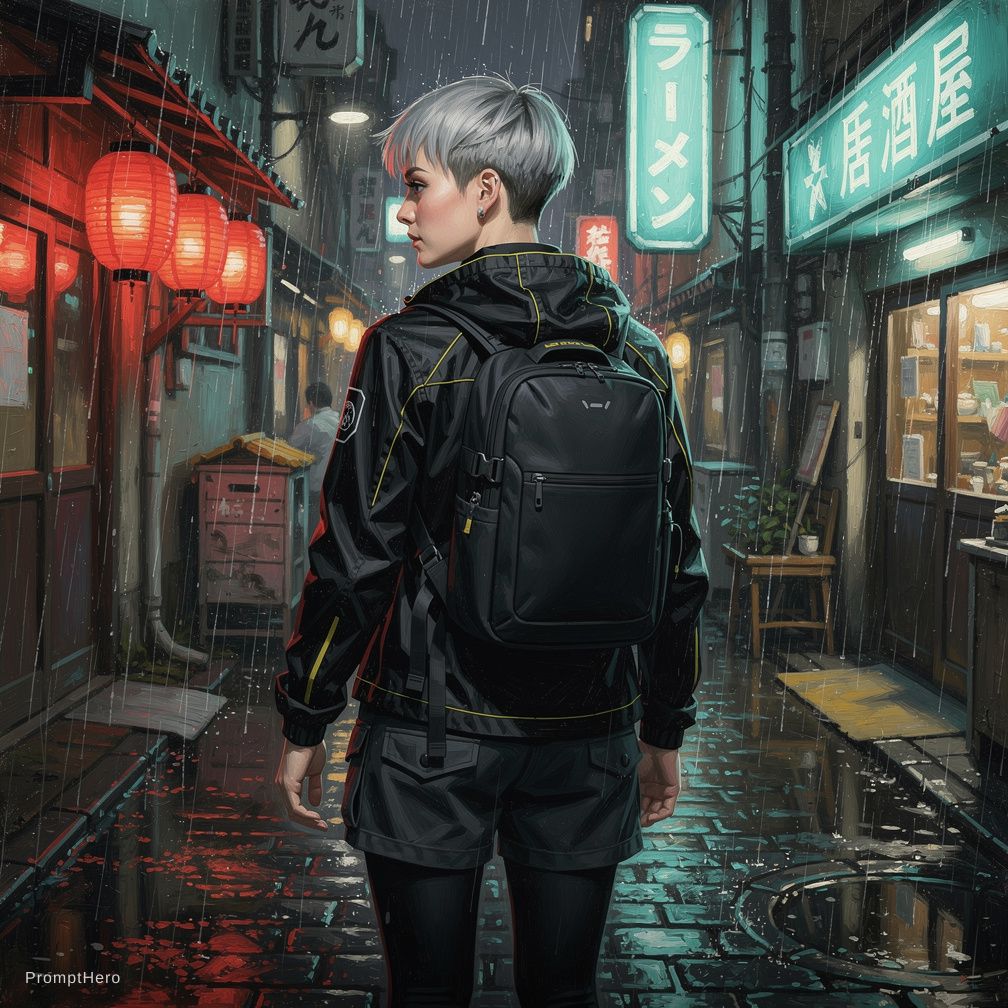
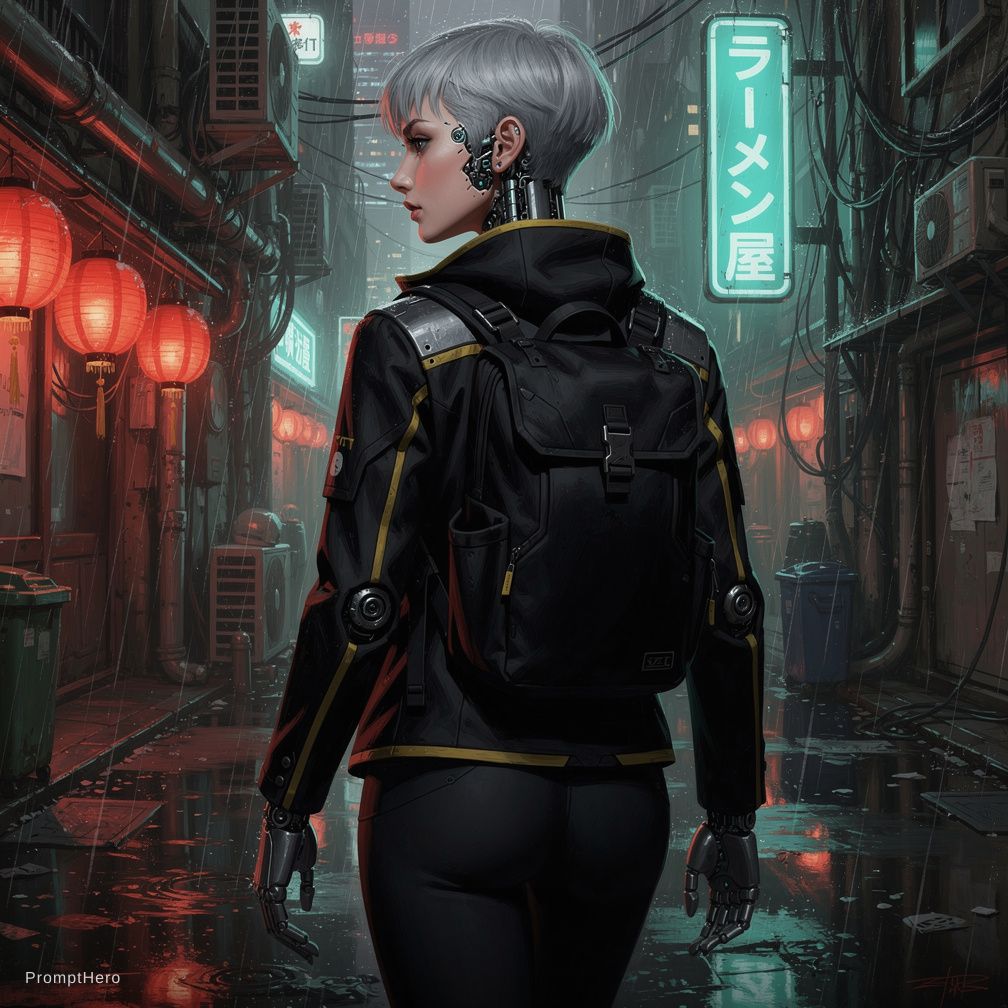
FLUX prompt: A woman with a short silver pixie cut walking away... Nicht angegeben flux-2-pro
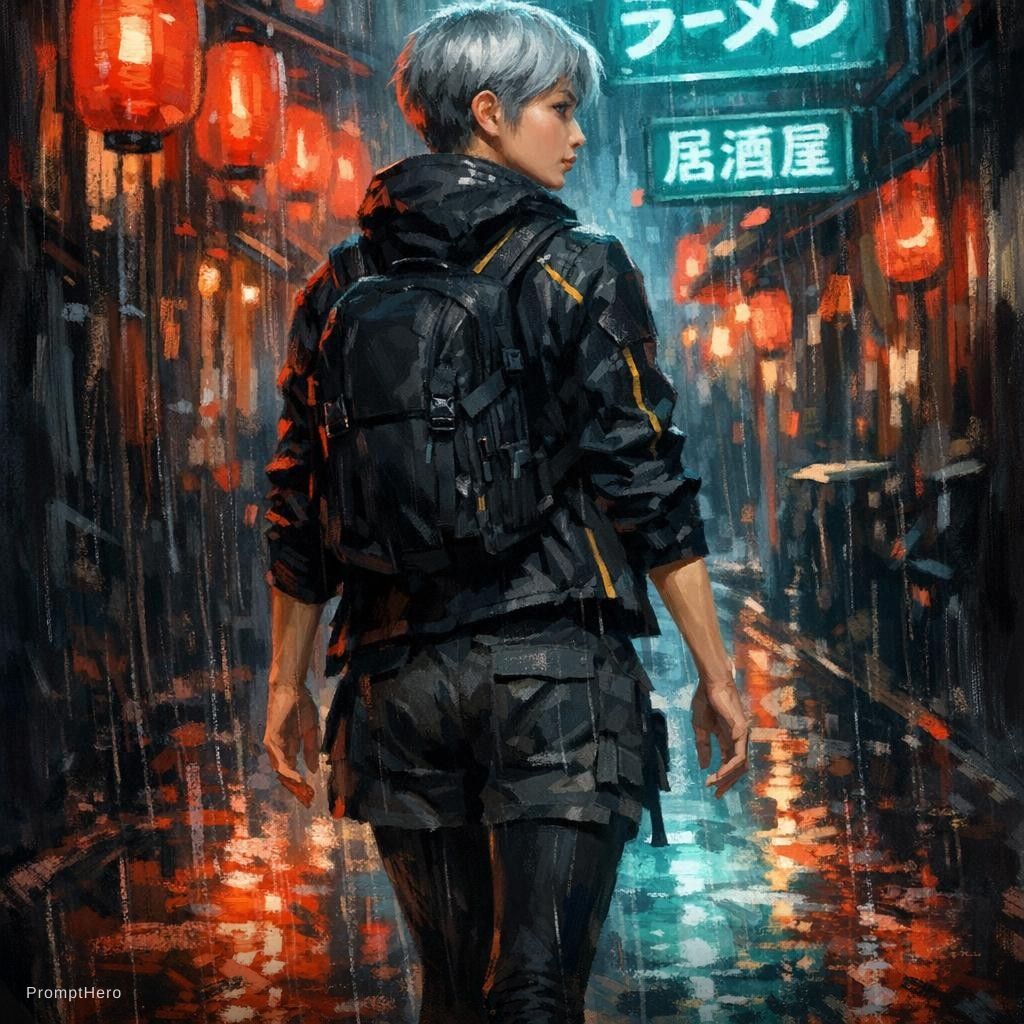
ChatGPT Image prompt: A woman with a short silver pixie cut walking away... Nicht angegeben v1
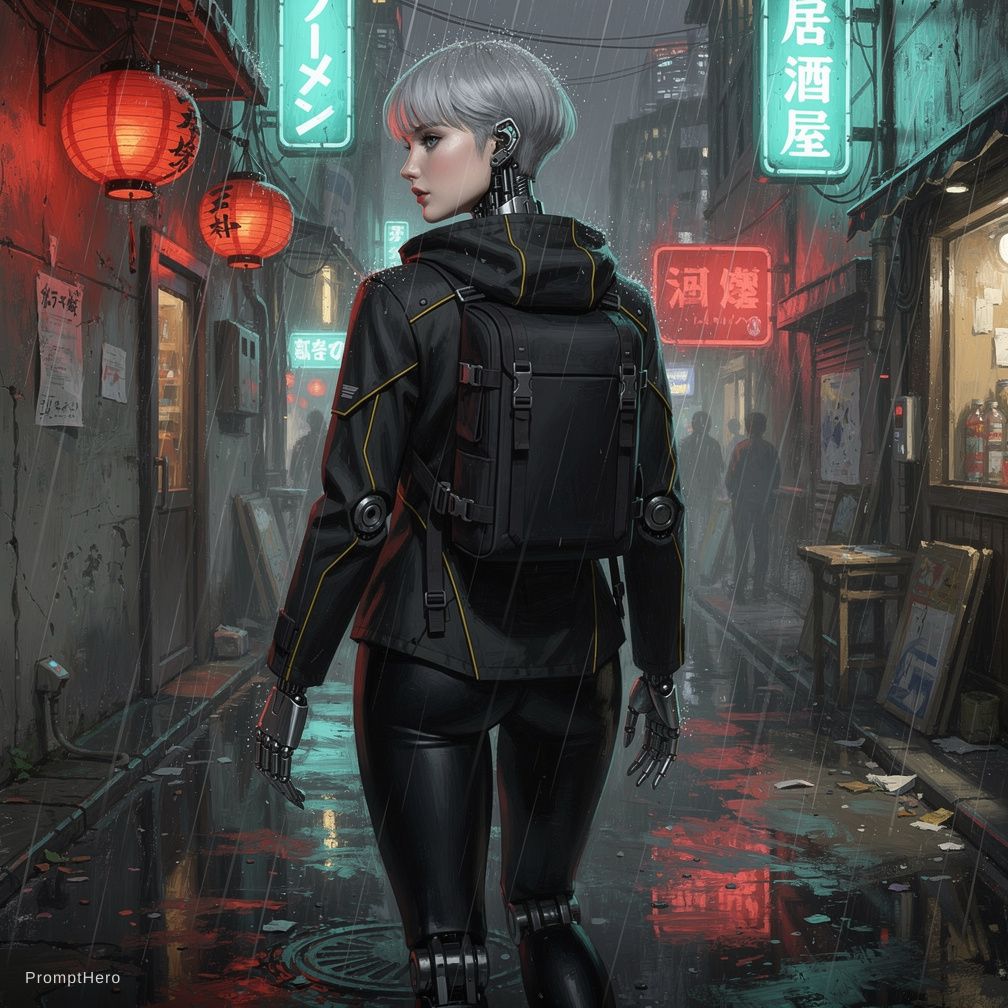
ChatGPT Image prompt: A robotic woman with a short silver pixie cut walk... Nicht angegeben v1
ChatGPT Image prompt: A suspenseful cinematic scene featuring a paper ca... Nicht angegeben v1
FLUX prompt: A robotic woman with a short silver pixie cut walk... Nicht angegeben flux-2-pro
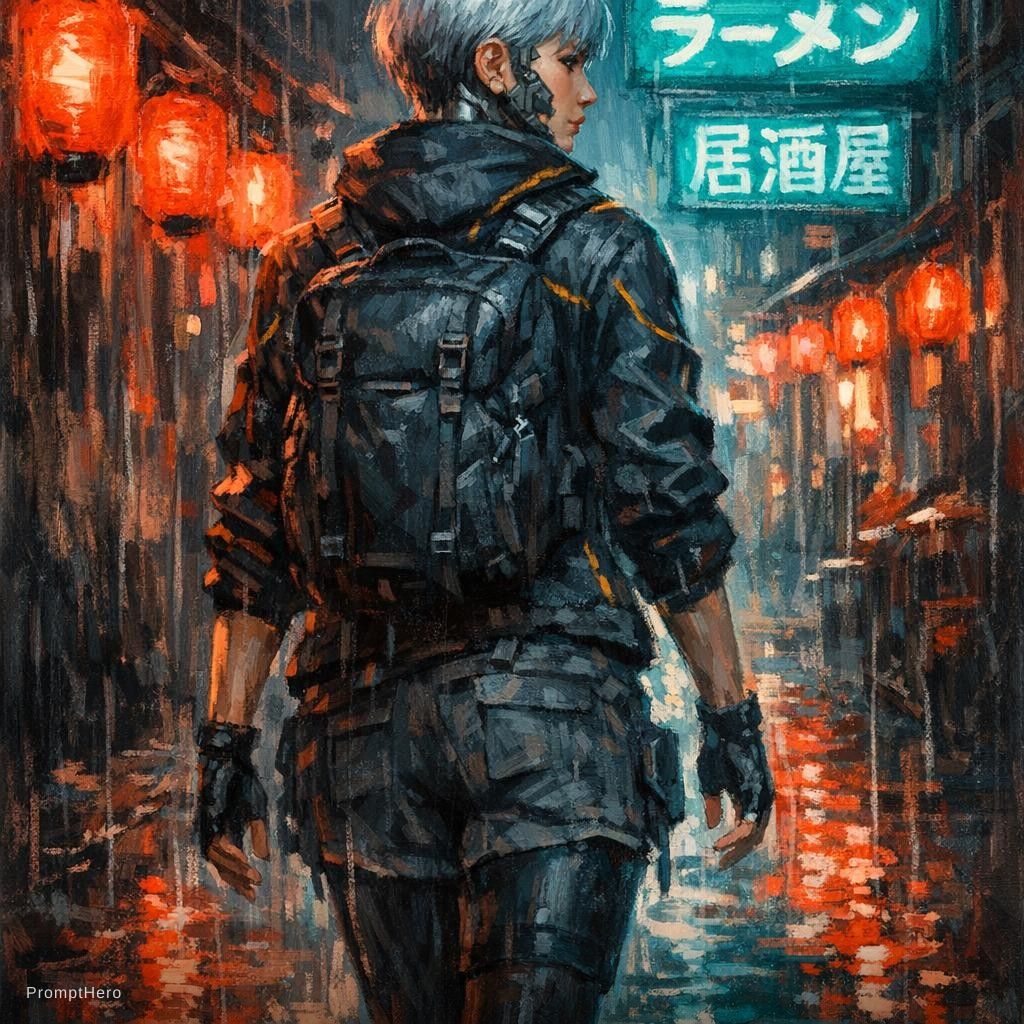
FLUX prompt: A robotic adult woman with a short silver pixie cu... Nicht angegeben flux-2-pro

Führen Sie diese Eingabeaufforderung mit der API aus

Die folgende Anforderung sendet diese Eingabeaufforderung mit den ausgefüllten Standardwerten an das erste Modell, auf dem sie ausgeführt wird. Tauschen Sie den Modellnamen gegen ein anderes oben aufgeführtes Modell aus.

Prompt API-Dokumente
/api/v1/gpt_image_2/text_to_image
curl -X POST https://runapi.ai/api/v1/gpt_image_2/text_to_image \
  -H "Authorization: Bearer $RUNAPI_API_KEY" \
  -H "Content-Type: application/json" \
  --data-binary @- <<'JSON'
{
  "model": "gpt-image-2",
  "prompt": "Loose watercolor and pen sketch inside [LOCATION / SUBJECT], seen from [VIEWPOINT] toward [ARCHITECTURAL FOCAL POINT], [CENTRAL FEATURE] at center, [OVERHEAD ARCHITECTURAL FEATURE] overhead. Ink line drawn first and left visible through every wash — [ARCHITECTURAL LINEWORK] and [GROUND / FLOOR GRID] overshooting into blank paper, one long confident arc for [MAJOR CURVE]. Wash about 65%, warm below and cool above: [WARM ARCHITECTURAL PALETTE] on [LOWER ARCHITECTURAL ELEMENTS], [COOL PALETTE] over [UPPER ARCHITECTURAL FEATURE] thinning to bare line at the crown. Diagonal light shafts left as reserved white paper, the brightest value. Floor in [FLOOR COLOR / WASH] with a backrun. Figures in three depth bands, clustered and gapped, never in a row: [NEAR FIGURES AND SCALE], one cropped by the bottom edge; [MID FIGURES AND SCALE] scattered at different distances, [MIDGROUND CLUSTER] clustered at [FOCAL POINT]; [FAR FIGURES AND SCALE] dissolving into strokes. Different actions each — [ACTION 1], [ACTION 2], [ACTION 3]"
}
JSON

Probier‘s mal mit einer Anfrage