Kawaii Cactus Sticker
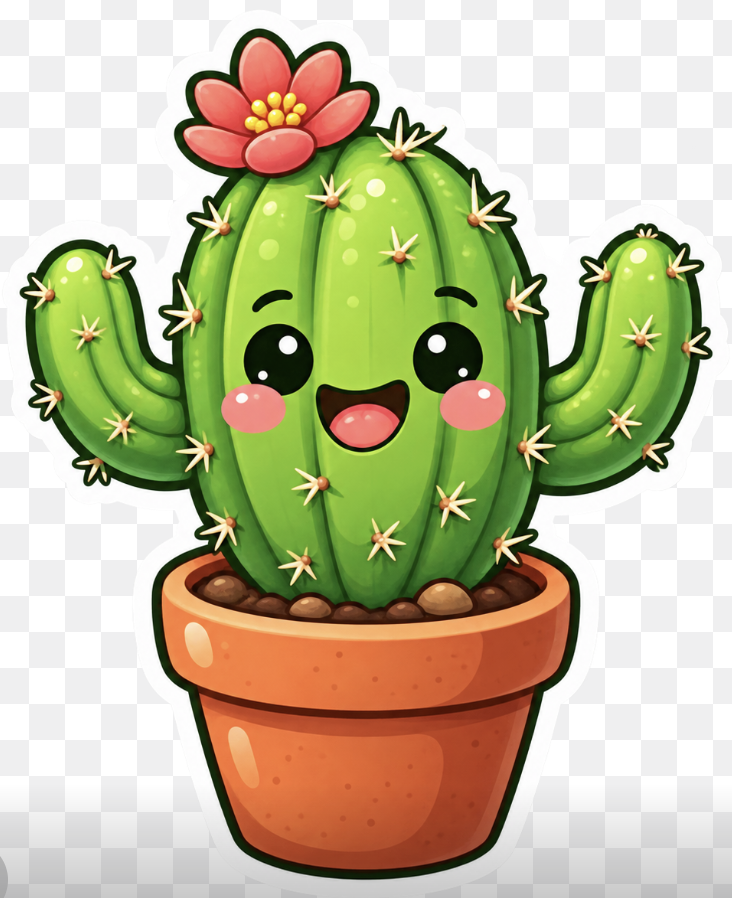
Kawaii Cactus Sticker

Eingabeaufforderung

Create a cute printable sticker illustration on a transparent background: a kawaii green cactus in a terracotta flower pot, centered and filling most of a square canvas. The cactus has one large oval ribbed central body and exactly 2 curved side arms, one on the left and one on the right, both raised upward. Give it a happy face with exactly 2 glossy black oval eyes, 2 pink circular blush cheeks, and 1 open smiling mouth with a dark interior and pink tongue. Add a red-pink flower on top-left of the cactus with exactly 6 rounded petals and a cluster of small yellow dots in the center. Cover the cactus with many small star-shaped cream spines with orange bases, distributed across the main body and both arms. Place the cactus in an orange terracotta pot with a thick rim, darker orange shading, small speckles, and glossy highlights; show brown soil and several rounded pebbles at the top. Use a polished digital cartoon style with thick dark green outlines, soft gradients, shiny highlights, saturated colors, and a clean die-cut sticker look with a thick white border around the entire cactus and pot. Background should be transparent, optionally previewed by a light gray checkerboard only to indicate transparency. No text, no watermark, no extra objects.

Läuft auf 21 Modellen

  • Flux
  • Flux 2
  • Flux Kontext
  • GPT-4o Image
  • GPT Image
  • GPT Image 2
  • GPT Image 2.5
  • GPT Image 2.6
  • Grok Imagine
  • Ideogram V3
  • Imagen 4
  • Kling
  • +9 mehr

Was dieser Prompt erzeugt

Seedream 5 prompt: male Nicht angegeben v2
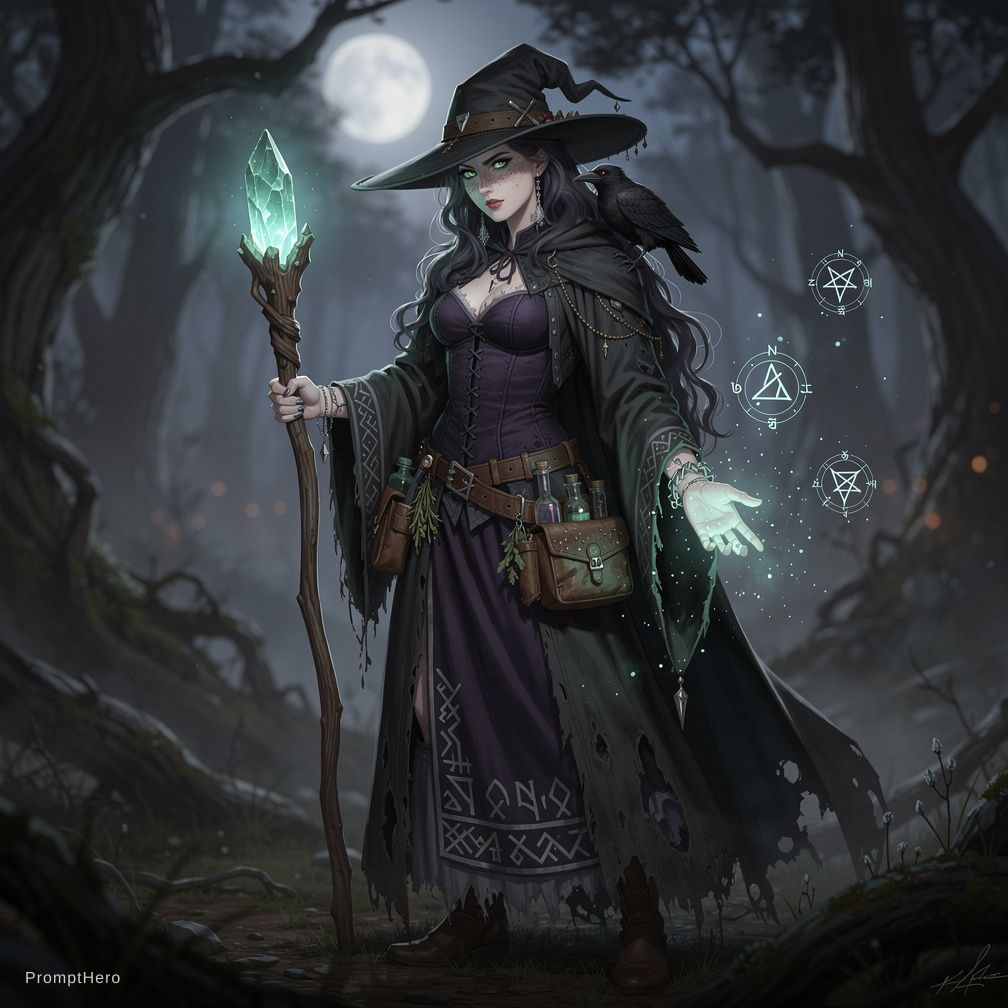
FLUX prompt: witch characher Nicht angegeben flux-2-pro
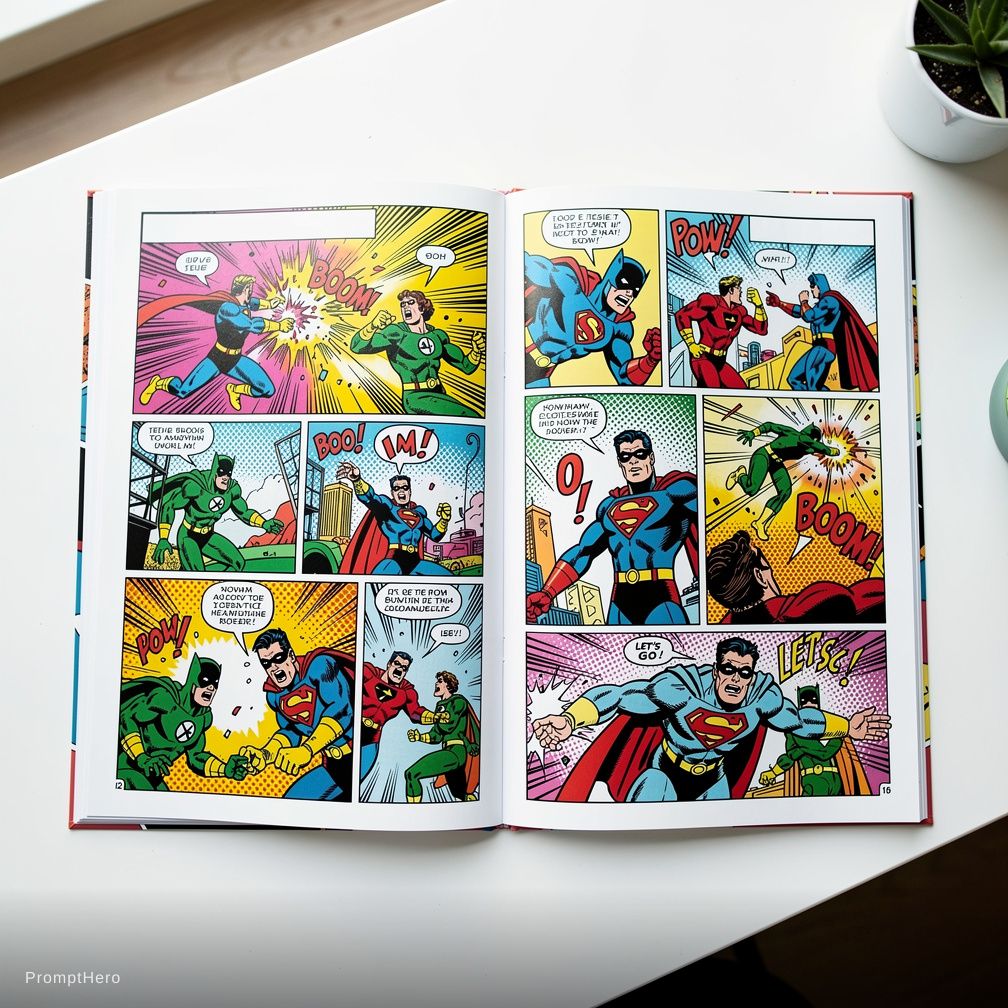
FLUX prompt: comic Nicht angegeben flux-2-pro
Hero prompt: woman with man in head lock Nicht angegeben 1.0
Seedream 5 prompt: Yoga in a sunlit studio, a woman in a sports bra a... Nicht angegeben seedream-5-pro
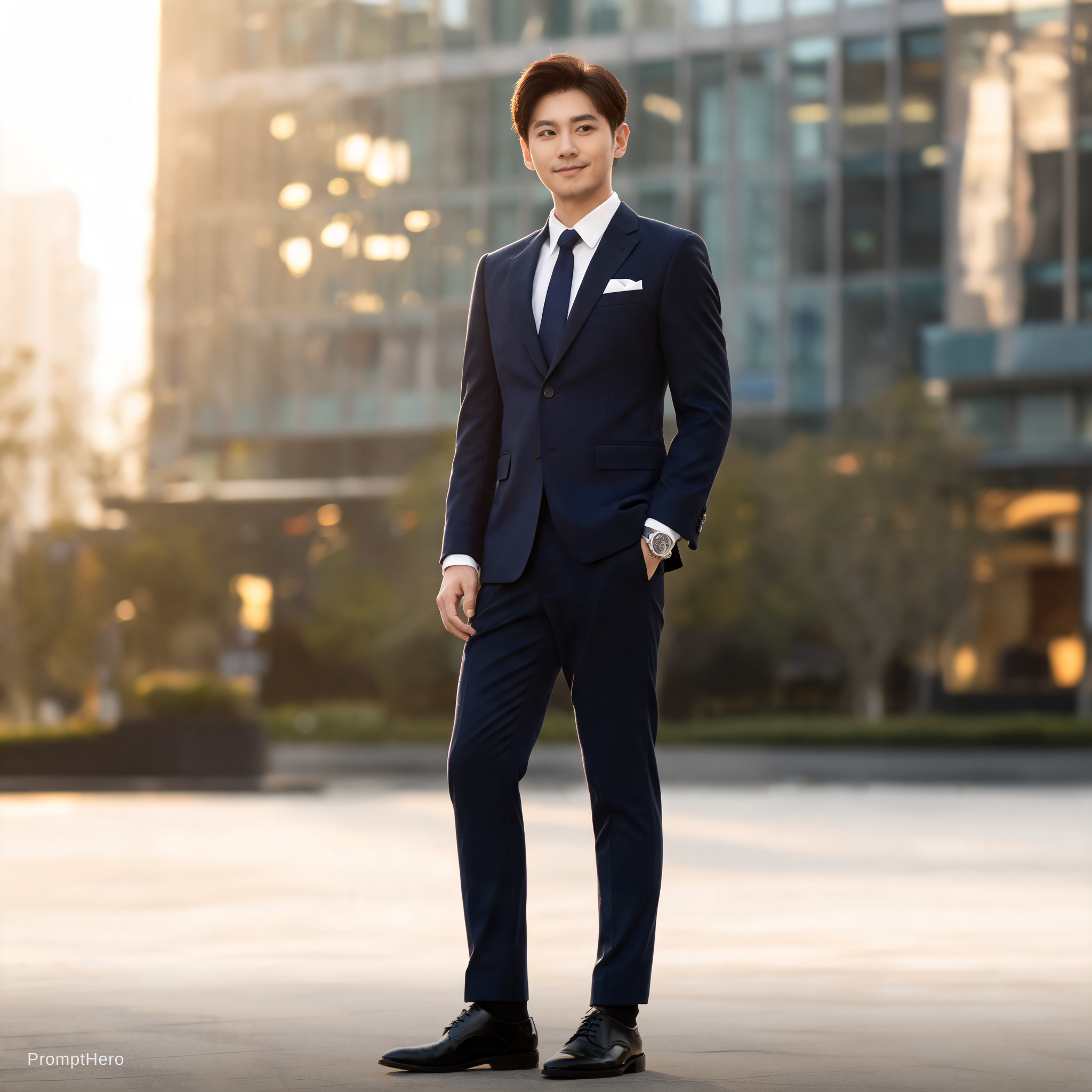
Seedream 5 prompt: master prompt for a man in suit Nicht angegeben v2

Führen Sie diese Eingabeaufforderung mit der API aus

Die folgende Anforderung sendet diese Eingabeaufforderung mit den ausgefüllten Standardwerten an das erste Modell, auf dem sie ausgeführt wird. Tauschen Sie den Modellnamen gegen ein anderes oben aufgeführtes Modell aus.

Prompt API-Dokumente
/api/v1/gpt_image_2/text_to_image
curl -X POST https://runapi.ai/api/v1/gpt_image_2/text_to_image \
  -H "Authorization: Bearer $RUNAPI_API_KEY" \
  -H "Content-Type: application/json" \
  --data-binary @- <<'JSON'
{
  "model": "gpt-image-2",
  "prompt": "Create a cute printable sticker illustration on a transparent background: a kawaii green cactus in a terracotta flower pot, centered and filling most of a square canvas. The cactus has one large oval ribbed central body and exactly 2 curved side arms, one on the left and one on the right, both raised upward. Give it a happy face with exactly 2 glossy black oval eyes, 2 pink circular blush cheeks, and 1 open smiling mouth with a dark interior and pink tongue. Add a red-pink flower on top-left of the cactus with exactly 6 rounded petals and a cluster of small yellow dots in the center. Cover the cactus with many small star-shaped cream spines with orange bases, distributed across the main body and both arms. Place the cactus in an orange terracotta pot with a thick rim, darker orange shading, small speckles, and glossy highlights; show brown soil and several rounded pebbles at the top. Use a polished digital cartoon style with thick dark green outlines, soft gradients, shiny highlights, saturated colors, and a clean die-cut sticker look with a thick white border around the entire cactus and pot. Background should be transparent, optionally previewed by a light gray checkerboard only to indicate transparency. No text, no watermark, no extra objects."
}
JSON

Probier‘s mal mit einer Anfrage