Historical Figure Magazine Cover Generator
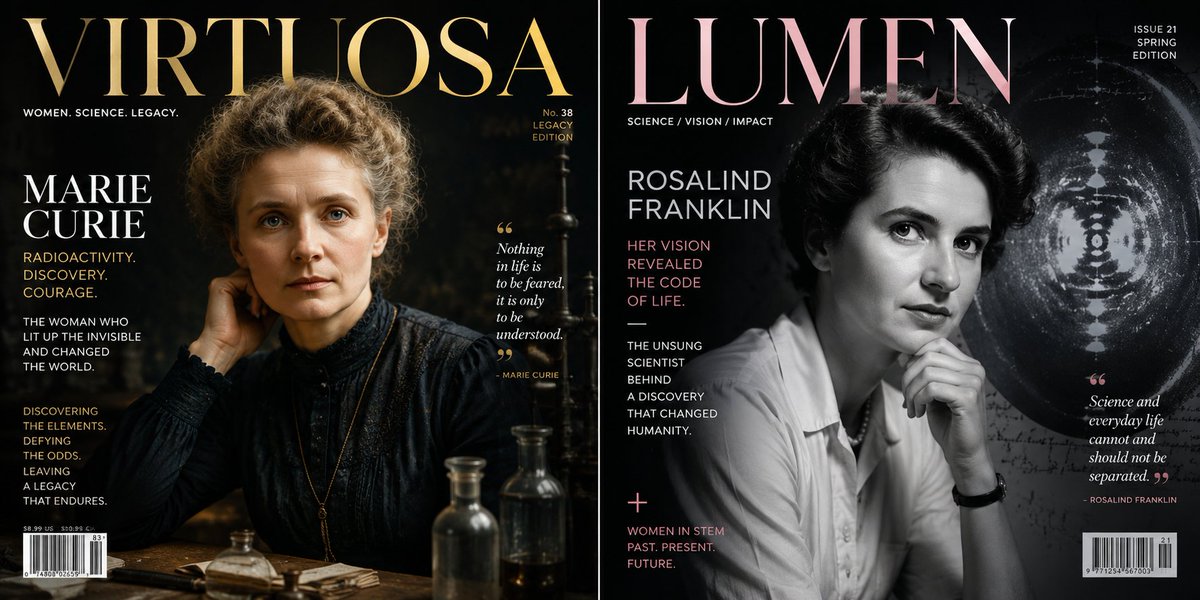
Historical Figure Magazine Cover Generator

Eingabeaufforderung

class magazine_cover_shoot: def __init__(self, subject="[historical_figure]"): self.medium = "high-end editorial studio photography, 8k resolution" self.layout = "classic prestige magazine cover (e.g., time or forbes)" def generate_editorial_content(self): # ai inference: deduce the wardrobe, props, and text wardrobe = f"ai_infer(highly detailed, era-accurate tailored clothing for {self.subject})" pose = "resting chin on hand, thoughtful, piercing eye contact with the camera" # graphic design elements masthead = "large, bold serif font title at the top, slightly occluded by the subject's head" subtitles = f"ai_infer(3-4 short, punchy words summarizing {self.subject}'s greatest achievements, aligned left)" barcode = "standard magazine barcode and issue number in the bottom corner" return [wardrobe, pose, masthead, subtitles, barcode] # execute: lighting must be rembrandt style—deep shadows on one side of the face, perfect softbox illumination on the other.

Läuft auf 21 Modellen

  • Flux
  • Flux 2
  • Flux Kontext
  • GPT-4o Image
  • GPT Image
  • GPT Image 2
  • GPT Image 2.5
  • GPT Image 2.6
  • Grok Imagine
  • Ideogram V3
  • Imagen 4
  • Kling
  • +9 mehr

Was dieser Prompt erzeugt

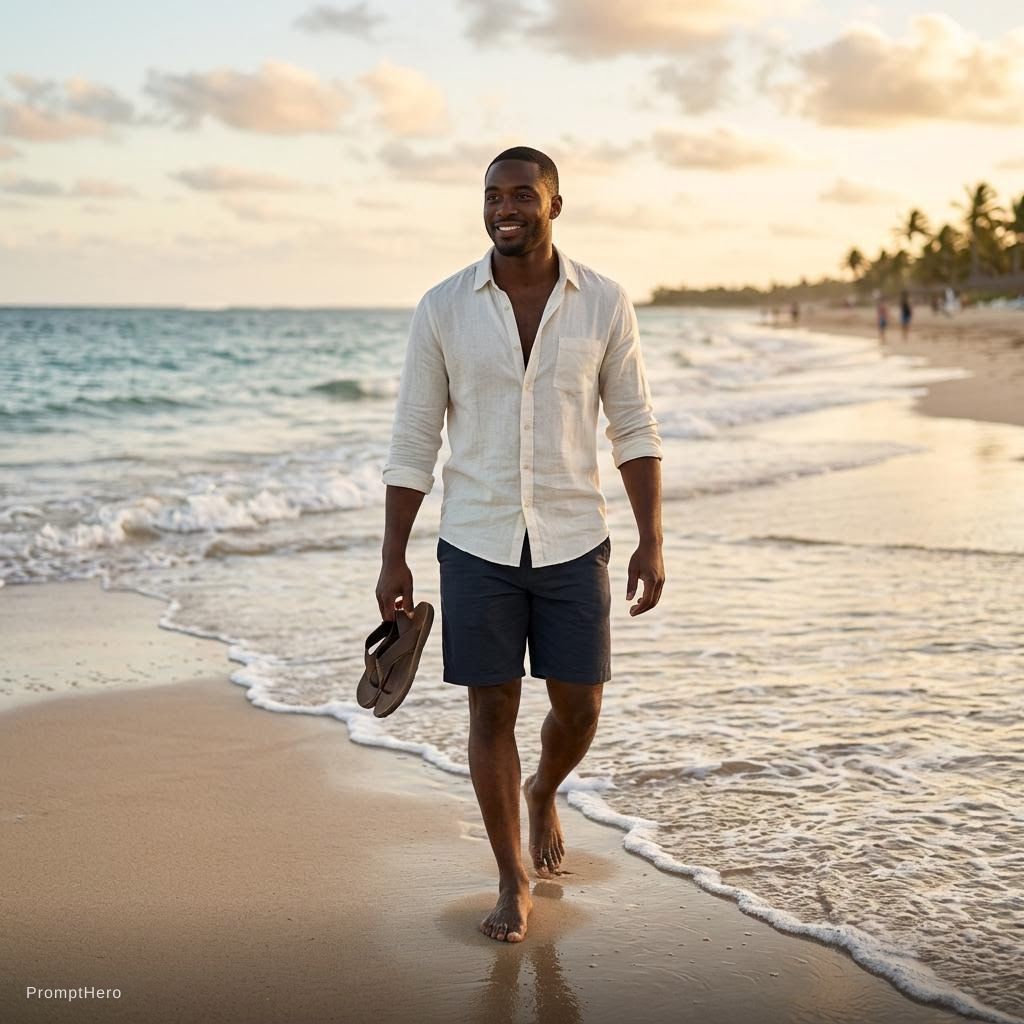
Hero prompt: مع رجل اسود على شاطى البحر Nicht angegeben 1.0
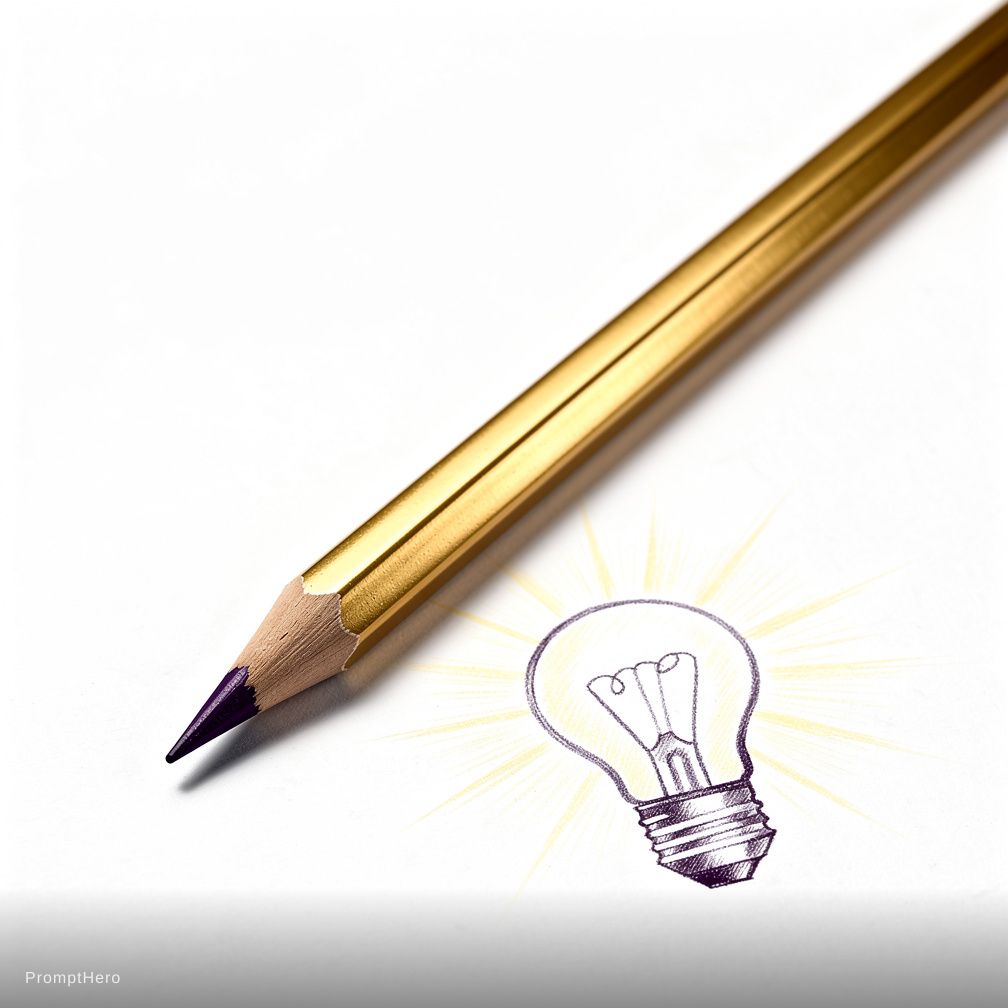
FLUX prompt: می‌خوام برام یک مداد طلایی ته بنفش تیره رو که داره... Nicht angegeben flux-2-pro
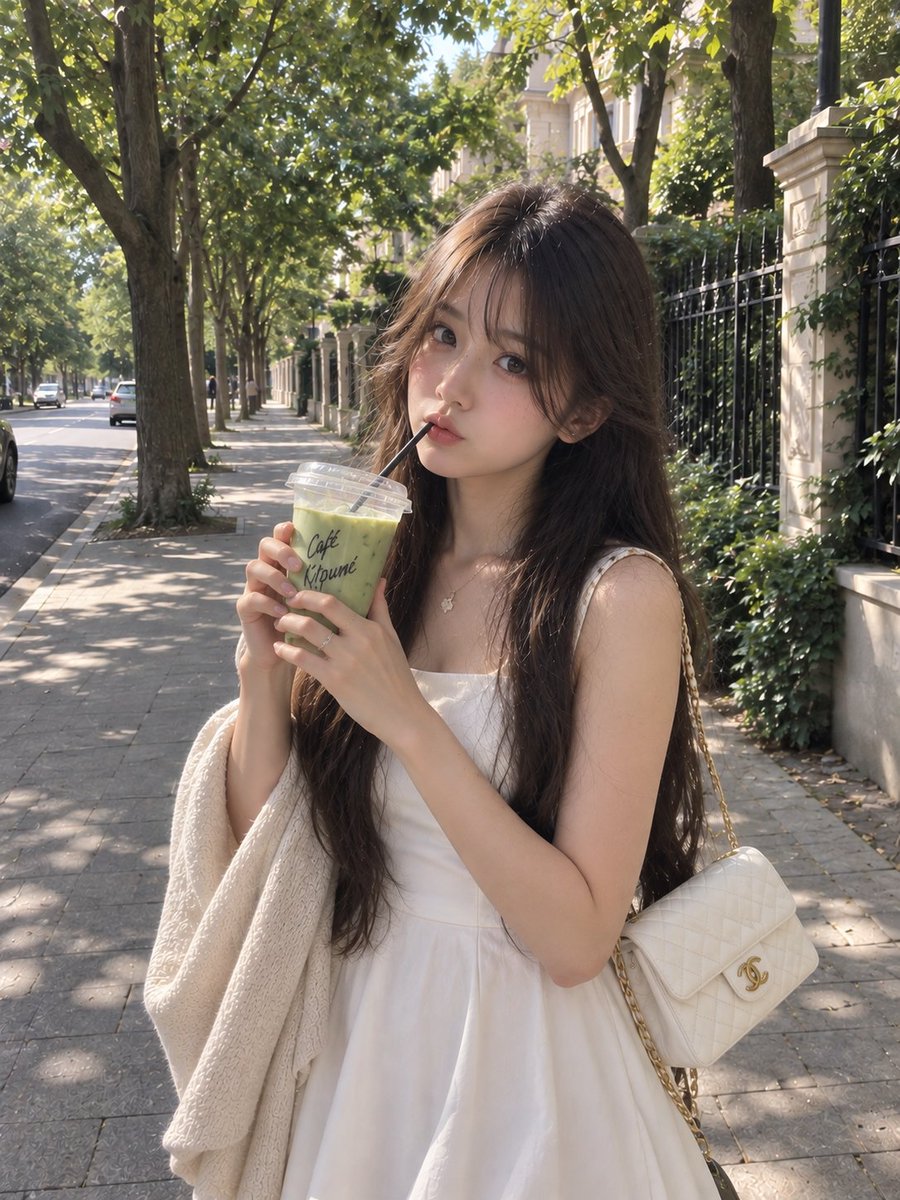
ChatGPT Image prompt: Una portada del juego ea fc27 edición especial de ... Nicht angegeben v1

Führen Sie diese Eingabeaufforderung mit der API aus

Die folgende Anforderung sendet diese Eingabeaufforderung mit den ausgefüllten Standardwerten an das erste Modell, auf dem sie ausgeführt wird. Tauschen Sie den Modellnamen gegen ein anderes oben aufgeführtes Modell aus.

Prompt API-Dokumente
/api/v1/gpt_image_2/text_to_image
curl -X POST https://runapi.ai/api/v1/gpt_image_2/text_to_image \
  -H "Authorization: Bearer $RUNAPI_API_KEY" \
  -H "Content-Type: application/json" \
  --data-binary @- <<'JSON'
{
  "model": "gpt-image-2",
  "prompt": "class magazine_cover_shoot:\n    def __init__(self, subject=\"[historical_figure]\"):\n        self.medium = \"high-end editorial studio photography, 8k resolution\"\n        self.layout = \"classic prestige magazine cover (e.g., time or forbes)\"\n        \n    def generate_editorial_content(self):\n        # ai inference: deduce the wardrobe, props, and text\n        wardrobe = f\"ai_infer(highly detailed, era-accurate tailored clothing for {self.subject})\"\n        pose = \"resting chin on hand, thoughtful, piercing eye contact with the camera\"\n        \n        # graphic design elements\n        masthead = \"large, bold serif font title at the top, slightly occluded by the subject's head\"\n        subtitles = f\"ai_infer(3-4 short, punchy words summarizing {self.subject}'s greatest achievements, aligned left)\"\n        barcode = \"standard magazine barcode and issue number in the bottom corner\"\n        \n        return [wardrobe, pose, masthead, subtitles, barcode]\n\n# execute: lighting must be rembrandt style—deep shadows on one side of the face, perfect softbox illumination on the other."
}
JSON

Probier‘s mal mit einer Anfrage