Excel VBA Community Promo Banner
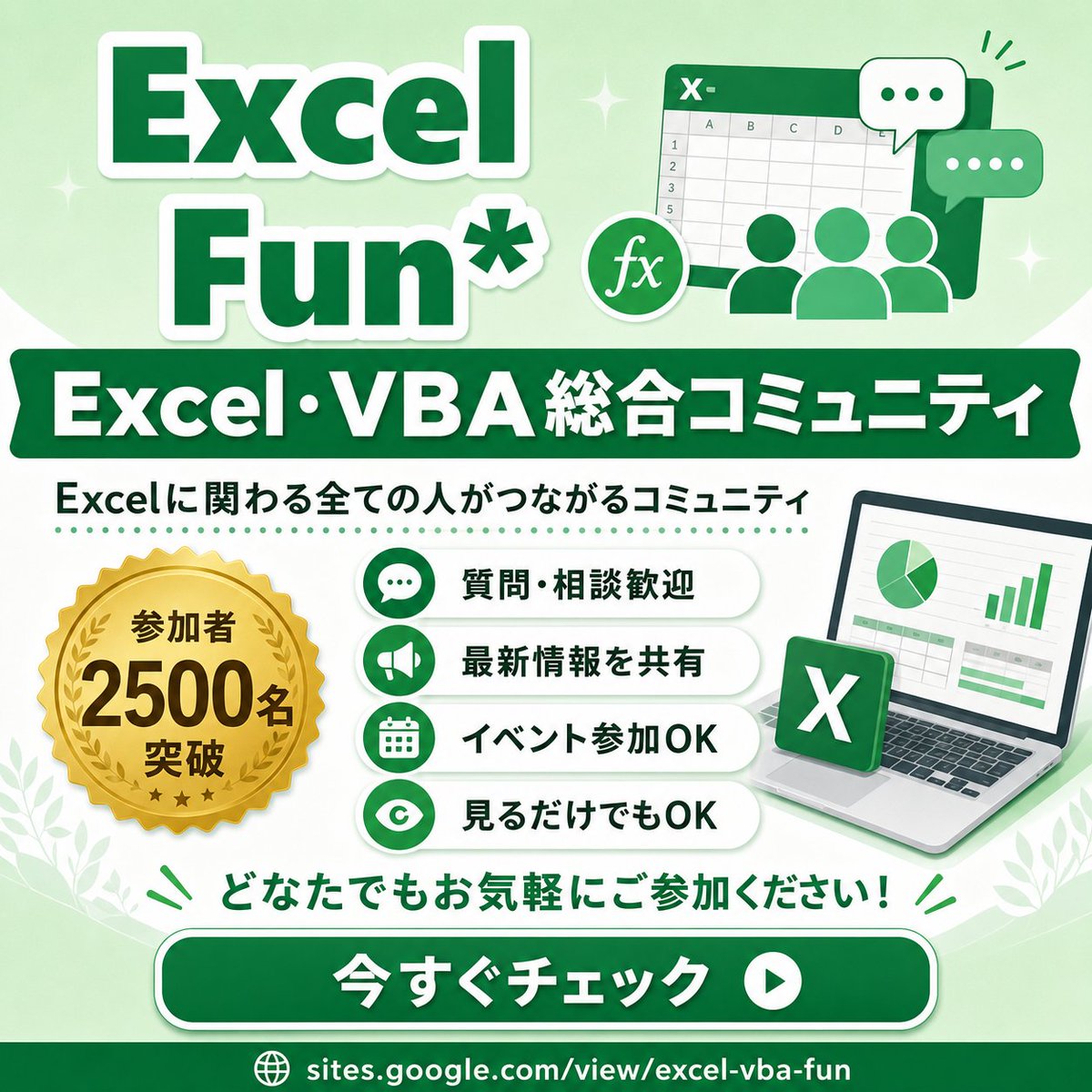
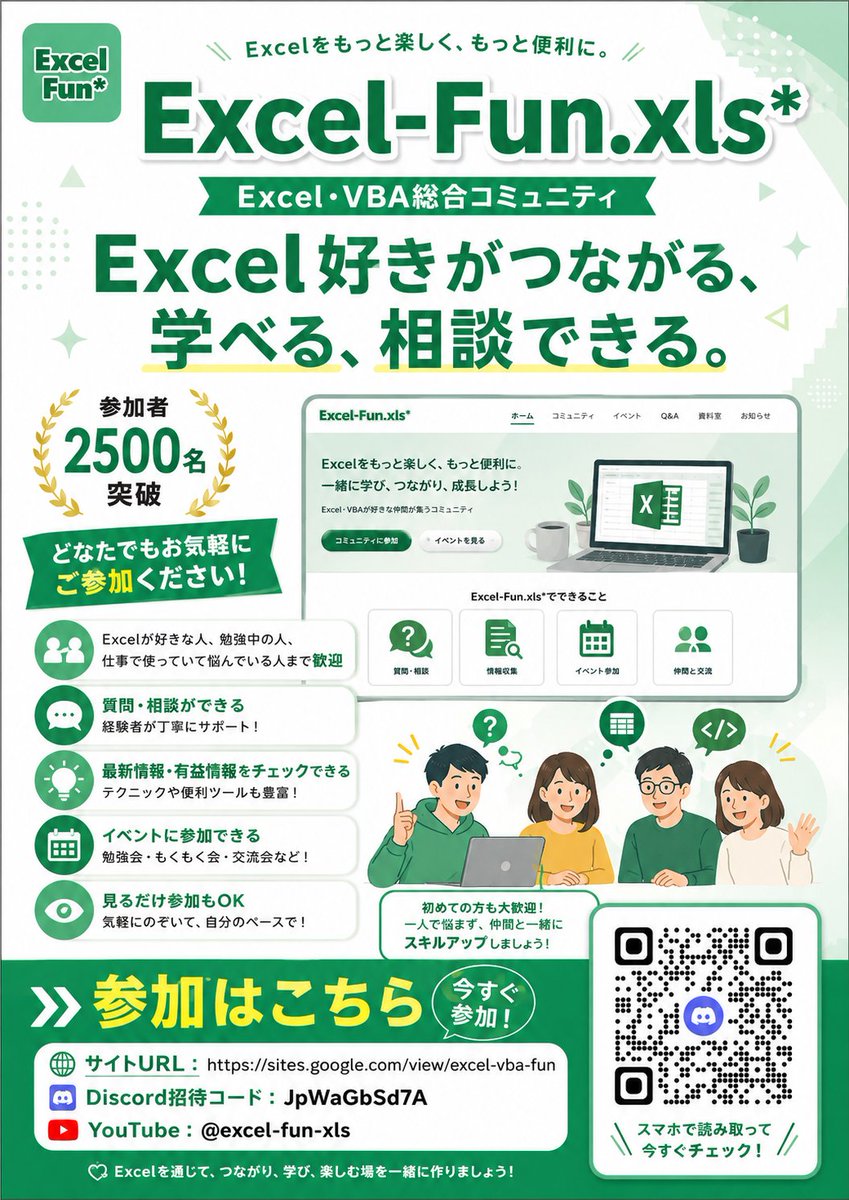
Excel VBA Community Promo Banner

Eingabeaufforderung

Goal: Create a square promotional infographic for an Excel and VBA online community, using a friendly green-and-white corporate style with Japanese typography. Canvas: 1:1 square social media image, 768 x 768 px feel, pale mint green gradient background with soft white curves, subtle sparkles, small leaf decorations in the lower corners, and a clean high-contrast layout. Layout: Large title block at the top left, illustration block at the top right, wide dark-green banner across the upper middle, main information area in the center, call-to-action button near the bottom, and URL footer at the very bottom. Text content: Top title reads “Excel Fun*” in oversized bold dark green letters with thick white outline and soft drop shadow. Middle ribbon banner reads “Excel・VBA 総合コミュニティ” in bold white text. Under it, add the subtitle “Excelに関わる全ての人がつながるコミュニティ” in dark green. The gold medal badge says “参加者 2500名 突破”. Bottom encouragement line says “どなたでもお気軽にご参加ください!” in green. Large rounded CTA button says “今すぐチェック” in bold white, with a white circular play icon on the right. Footer URL reads “sites.google.com/view/excel-vba-fun” with a small globe icon. Subject details: Top-right illustration shows a stylized Excel spreadsheet window with an “X-” mark in the header, visible grid cells and column letters, three simplified green user silhouettes in front, a round “fx” formula icon, and exactly 2 chat bubbles: one white bubble with three green dots and one green bubble with three white dots. Center-left contains exactly 1 gold seal medal with serrated edge, laurel wreath, three small stars, and bold black-brown lettering. Center-right contains exactly 1 laptop angled slightly right, showing a spreadsheet dashboard with exactly 1 pie chart and exactly 1 green bar chart; place exactly 1 floating green Excel app tile with a white X in front of the laptop. Benefit list: Create exactly 4 horizontal rounded white pill cards stacked vertically in the center. Each card has a green circular icon on the left and bold dark green Japanese text on the right. The 4 cards are: 1) chat bubble icon, “質問・相談歓迎”; 2) megaphone icon, “最新情報を共有”; 3) calendar icon, “イベント参加OK”; 4) eye icon, “見るだけでもOK”. Add a dotted green divider line above the benefit list. Visual style: Bright vector illustration, glossy social-banner design, rounded shapes, thick outlines, soft shadows, clean Japanese sans-serif typography, mostly emerald green, mint green, white, and gold. Keep everything crisp, cheerful, accessible, and community-oriented. Constraints: Use exactly the counted elements described above; do not add extra benefit cards, extra badges, extra chat bubbles, QR codes, watermarks, or unrelated logos. Preserve the Japanese text exactly where specified.

Läuft auf 21 Modellen

  • Flux
  • Flux 2
  • Flux Kontext
  • GPT-4o Image
  • GPT Image
  • GPT Image 2
  • GPT Image 2.5
  • GPT Image 2.6
  • Grok Imagine
  • Ideogram V3
  • Imagen 4
  • Kling
  • +9 mehr

Was dieser Prompt erzeugt

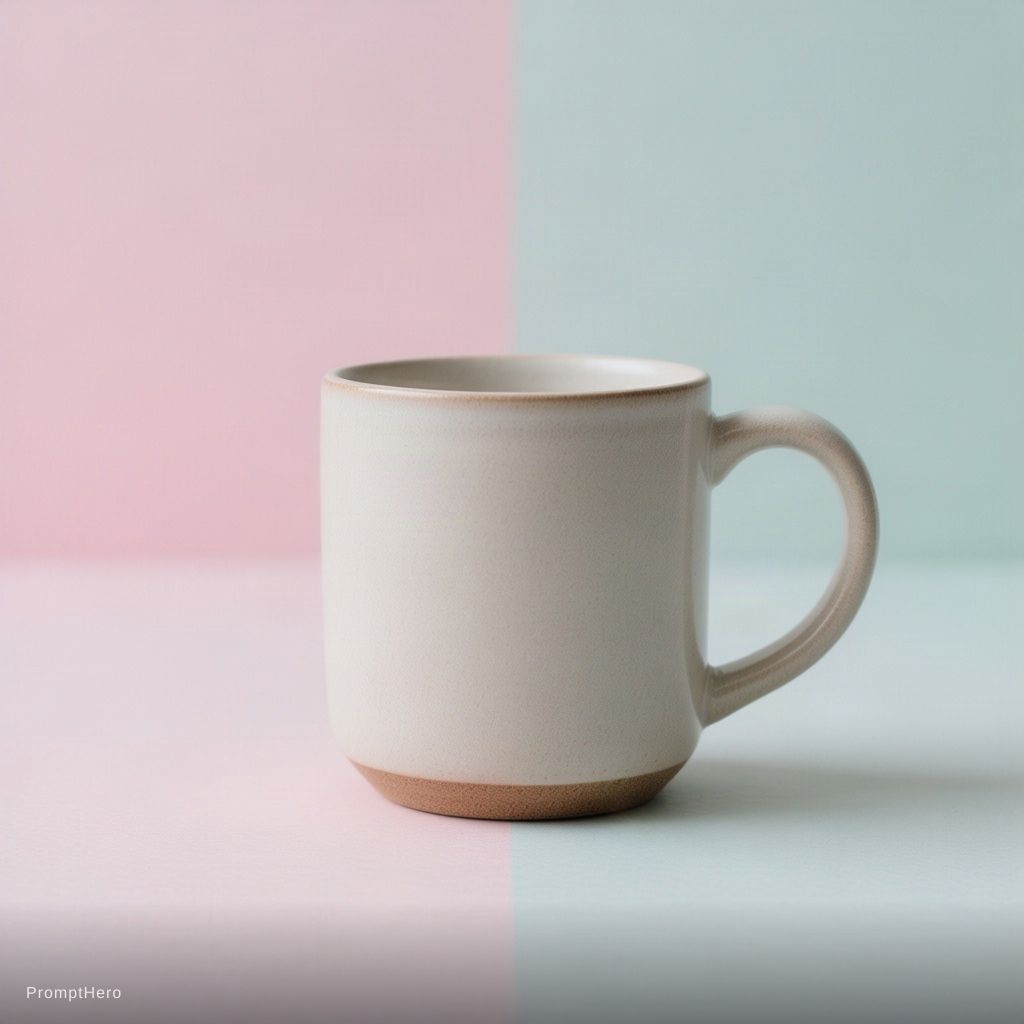
Hunyuan  prompt: Minimalist product photo of a ceramic mug on a pas... Nicht angegeben hunyuan-3
Hunyuan  prompt: Aikido Nicht angegeben hunyuan-3
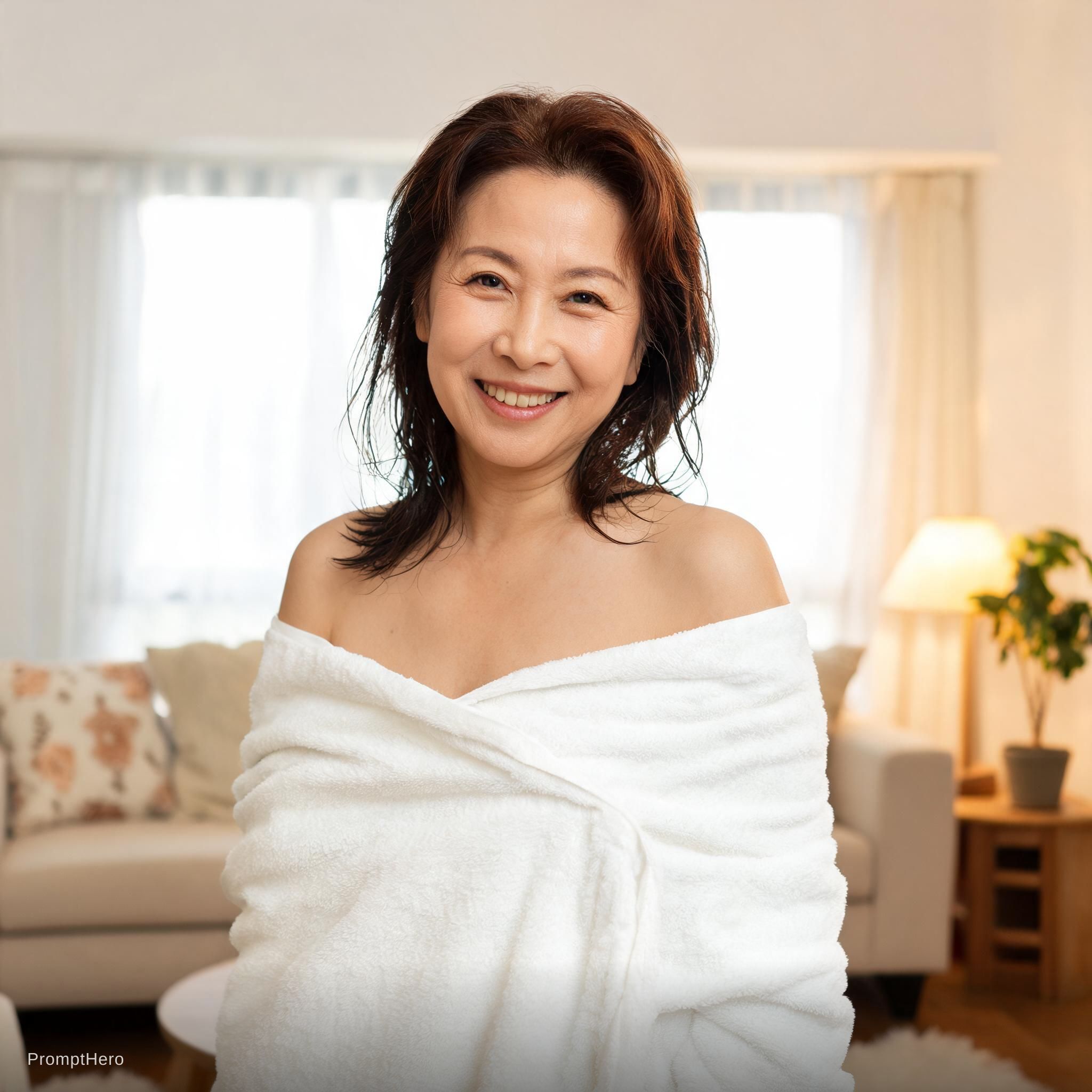
Seedream 5 prompt: f smiling middle aged woman in nice home wrapped i... Nicht angegeben v2
Create an extreme close-up underwater portrait, ca... Nicht angegeben Nicht angegeben
Using the face from the attached photograph, recre... Nicht angegeben Nicht angegeben
Using the face from the attached photo, recreate a... Nicht angegeben Nicht angegeben

Führen Sie diese Eingabeaufforderung mit der API aus

Die folgende Anforderung sendet diese Eingabeaufforderung mit den ausgefüllten Standardwerten an das erste Modell, auf dem sie ausgeführt wird. Tauschen Sie den Modellnamen gegen ein anderes oben aufgeführtes Modell aus.

Prompt API-Dokumente
/api/v1/gpt_image_2/text_to_image
curl -X POST https://runapi.ai/api/v1/gpt_image_2/text_to_image \
  -H "Authorization: Bearer $RUNAPI_API_KEY" \
  -H "Content-Type: application/json" \
  --data-binary @- <<'JSON'
{
  "model": "gpt-image-2",
  "prompt": "Goal: Create a square promotional infographic for an Excel and VBA online community, using a friendly green-and-white corporate style with Japanese typography.\n\nCanvas: 1:1 square social media image, 768 x 768 px feel, pale mint green gradient background with soft white curves, subtle sparkles, small leaf decorations in the lower corners, and a clean high-contrast layout.\n\nLayout: Large title block at the top left, illustration block at the top right, wide dark-green banner across the upper middle, main information area in the center, call-to-action button near the bottom, and URL footer at the very bottom.\n\nText content: Top title reads “Excel Fun*” in oversized bold dark green letters with thick white outline and soft drop shadow. Middle ribbon banner reads “Excel・VBA 総合コミュニティ” in bold white text. Under it, add the subtitle “Excelに関わる全ての人がつながるコミュニティ” in dark green. The gold medal badge says “参加者 2500名 突破”. Bottom encouragement line says “どなたでもお気軽にご参加ください!” in green. Large rounded CTA button says “今すぐチェック” in bold white, with a white circular play icon on the right. Footer URL reads “sites.google.com/view/excel-vba-fun” with a small globe icon.\n\nSubject details: Top-right illustration shows a stylized Excel spreadsheet window with an “X-” mark in the header, visible grid cells and column letters, three simplified green user silhouettes in front, a round “fx” formula icon, and exactly 2 chat bubbles: one white bubble with three green dots and one green bubble with three white dots. Center-left contains exactly 1 gold seal medal with serrated edge, laurel wreath, three small stars, and bold black-brown lettering. Center-right contains exactly 1 laptop angled slightly right, showing a spreadsheet dashboard with exactly 1 pie chart and exactly 1 green bar chart; place exactly 1 floating green Excel app tile with a white X in front of the laptop.\n\nBenefit list: Create exactly 4 horizontal rounded white pill cards stacked vertically in the center. Each card has a green circular icon on the left and bold dark green Japanese text on the right. The 4 cards are: 1) chat bubble icon, “質問・相談歓迎”; 2) megaphone icon, “最新情報を共有”; 3) calendar icon, “イベント参加OK”; 4) eye icon, “見るだけでもOK”. Add a dotted green divider line above the benefit list.\n\nVisual style: Bright vector illustration, glossy social-banner design, rounded shapes, thick outlines, soft shadows, clean Japanese sans-serif typography, mostly emerald green, mint green, white, and gold. Keep everything crisp, cheerful, accessible, and community-oriented.\n\nConstraints: Use exactly the counted elements described above; do not add extra benefit cards, extra badges, extra chat bubbles, QR codes, watermarks, or unrelated logos. Preserve the Japanese text exactly where specified."
}
JSON

Probier‘s mal mit einer Anfrage