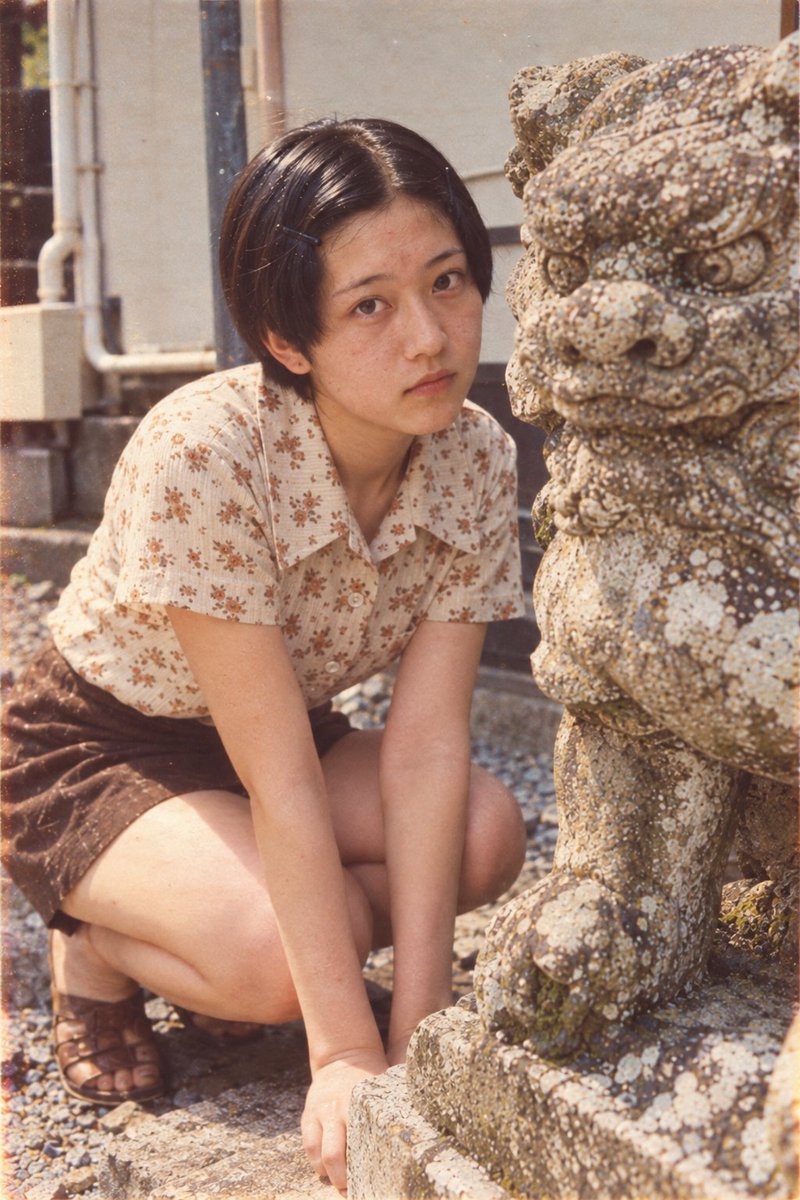
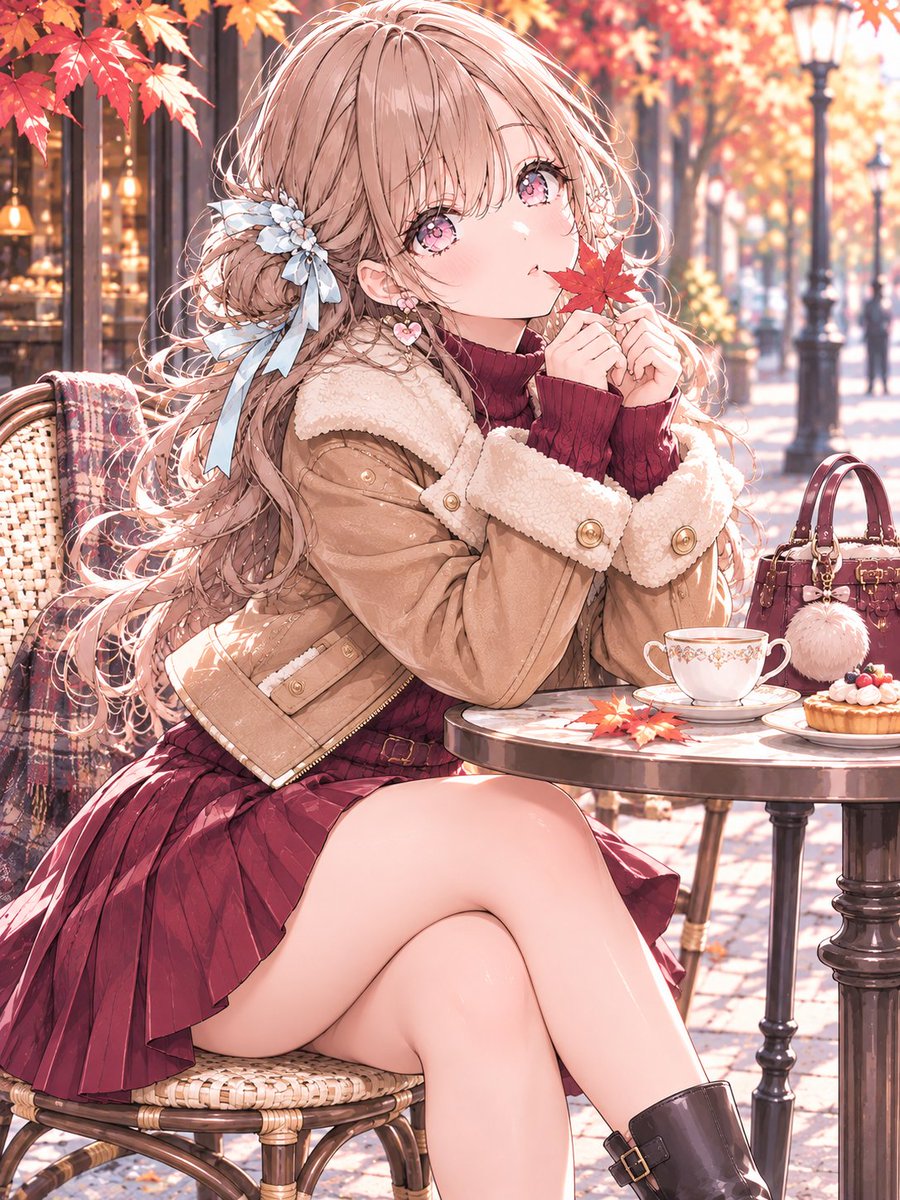
Editorial Photography with Texture Samples
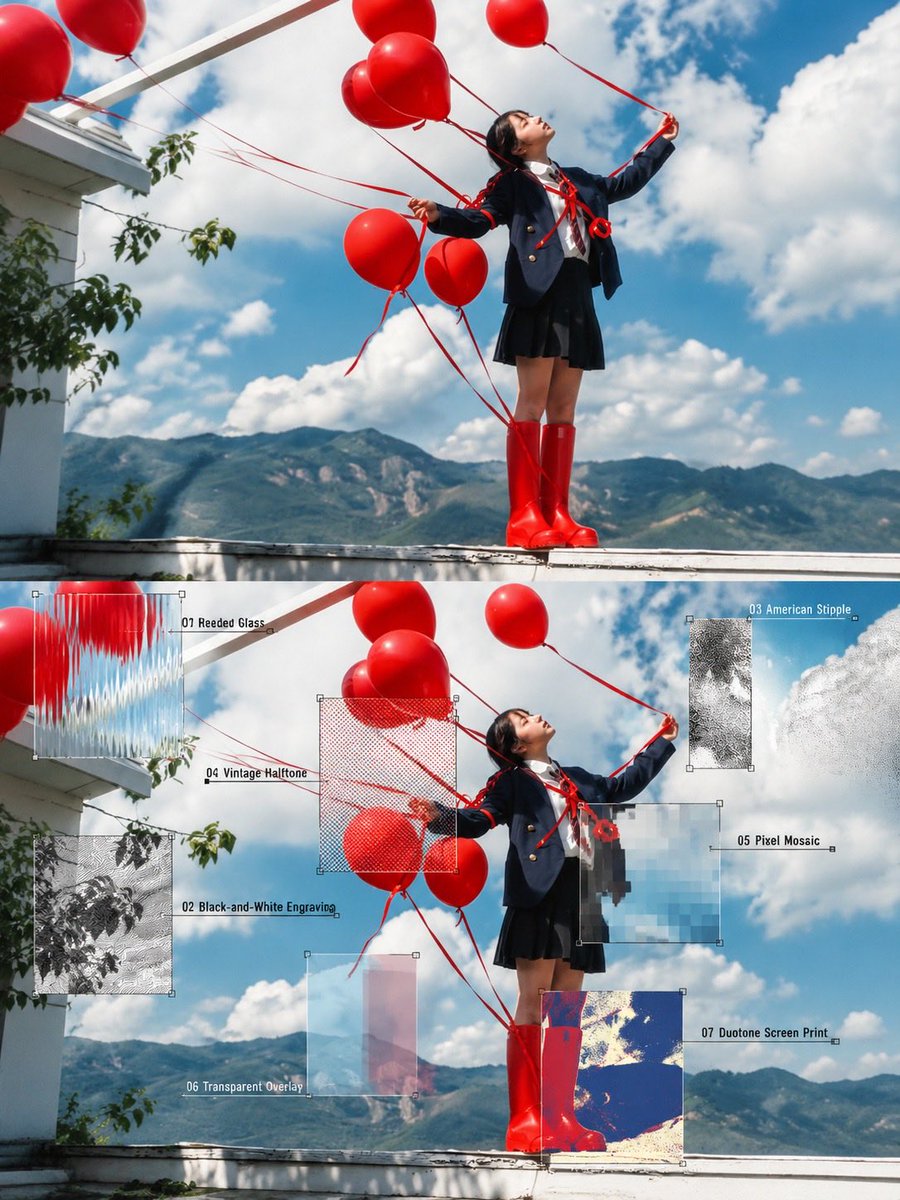
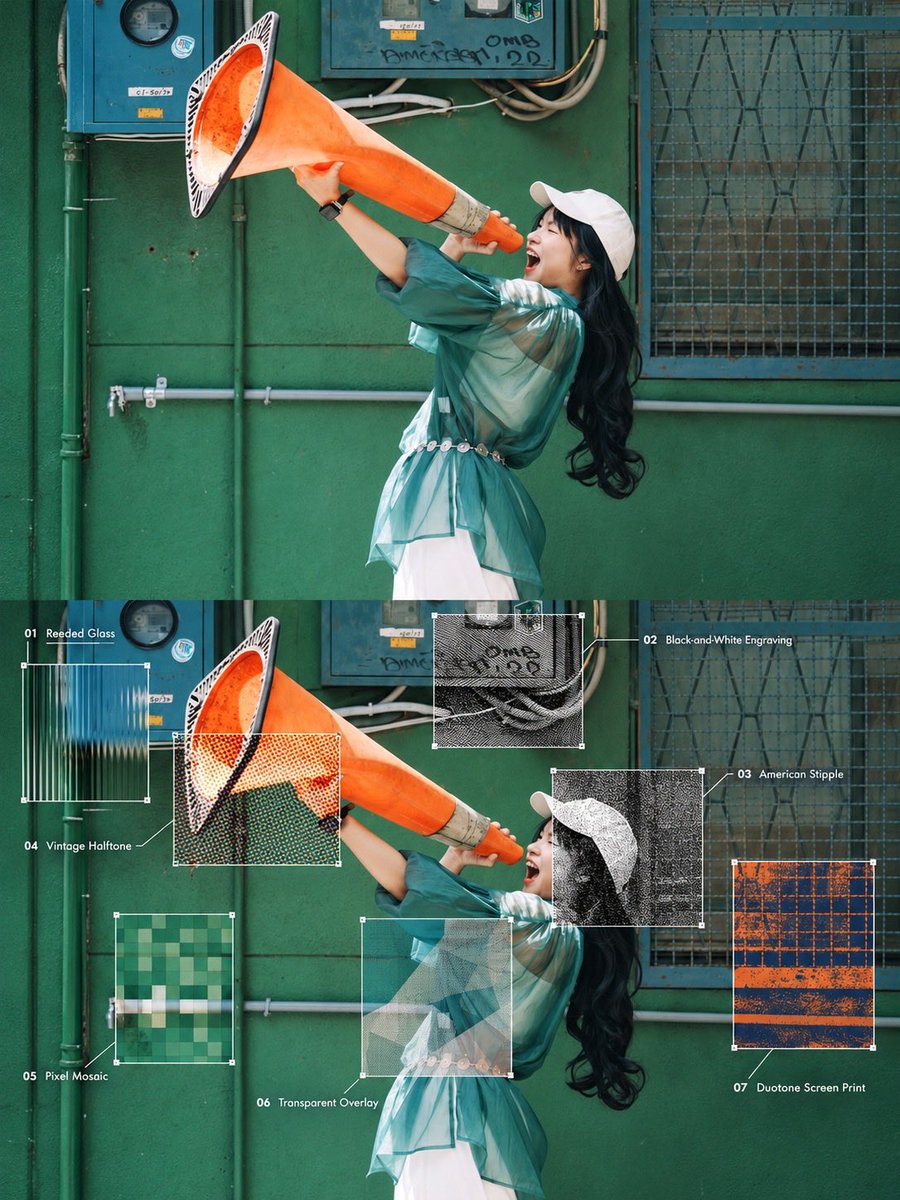
Editorial Photography with Texture Samples

Eingabeaufforderung

Create a high-quality editorial photography and graphic design composition using the reference image. Feature a stylish young woman in a dynamic, playful pose, holding oversized props—bright red balloons against a vivid blue sky with mountains in the background, or an oversized orange megaphone against a textured green urban wall. Present the original photorealistic scene in the upper half and a creative experimental art direction version in the lower half. Overlay the lower image with seven clearly defined visual texture samples: reeded glass, black-and-white engraving, American stipple, vintage halftone, pixel mosaic, transparent overlays, and duotone screen printing. Add fine white annotation lines, small numbered labels, and rectangular sample frames to explain each effect. Preserve the subject’s pose, clothing, lighting, and composition. Use vibrant colors, cinematic natural lighting, detailed textures, contemporary Japanese editorial aesthetics, and a sophisticated art-school design layout. Ultra-realistic photography combined with experimental mixed-media graphics, crisp details, balanced composition, high resolution, vertical 4:5 aspect ratio.

Läuft auf 21 Modellen

  • Flux
  • Flux 2
  • Flux Kontext
  • GPT-4o Image
  • GPT Image
  • GPT Image 2
  • GPT Image 2.5
  • GPT Image 2.6
  • Grok Imagine
  • Ideogram V3
  • Imagen 4
  • Kling
  • +9 mehr

Was dieser Prompt erzeugt

Hunyuan  prompt: wine Nicht angegeben hunyuan-3
Hunyuan  prompt: can beer Nicht angegeben hunyuan-3
Hunyuan  prompt: ربات Nicht angegeben hunyuan-3
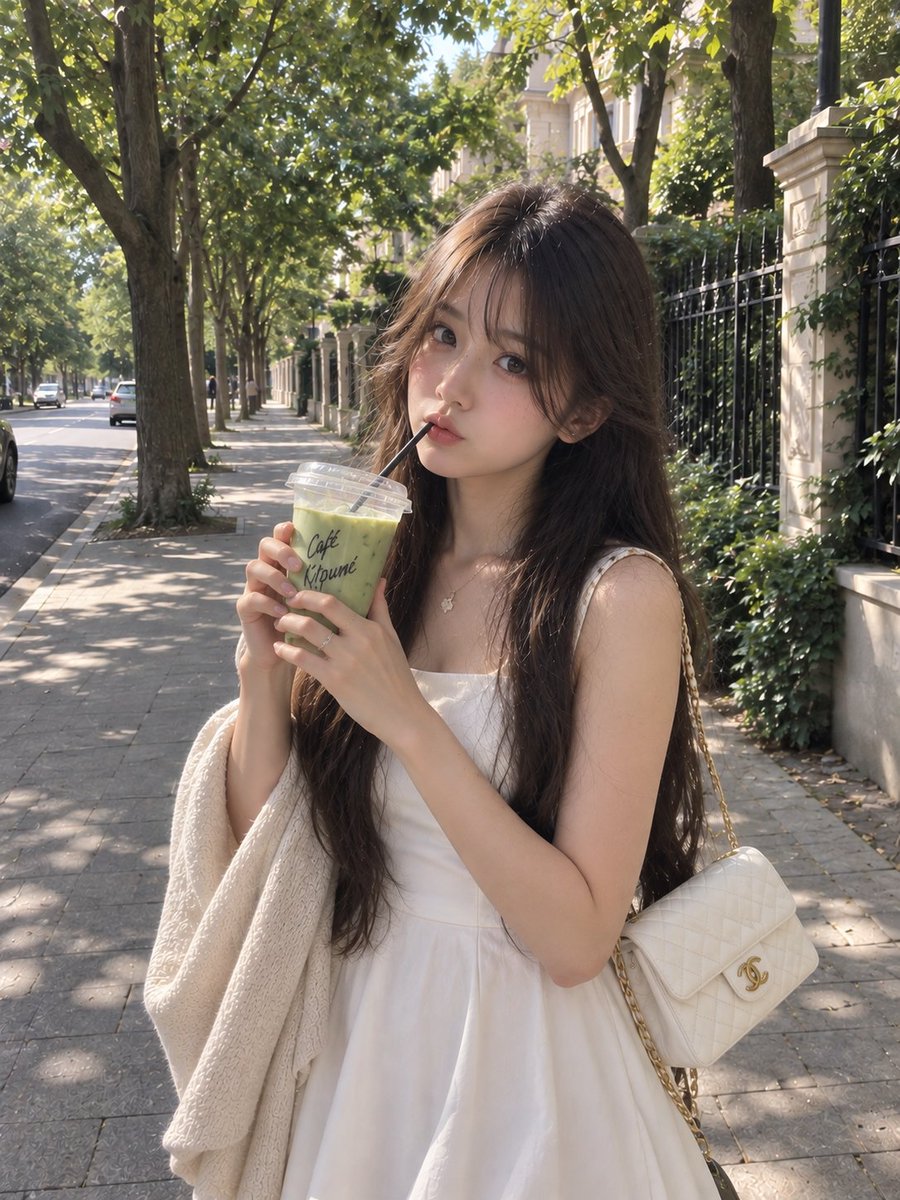
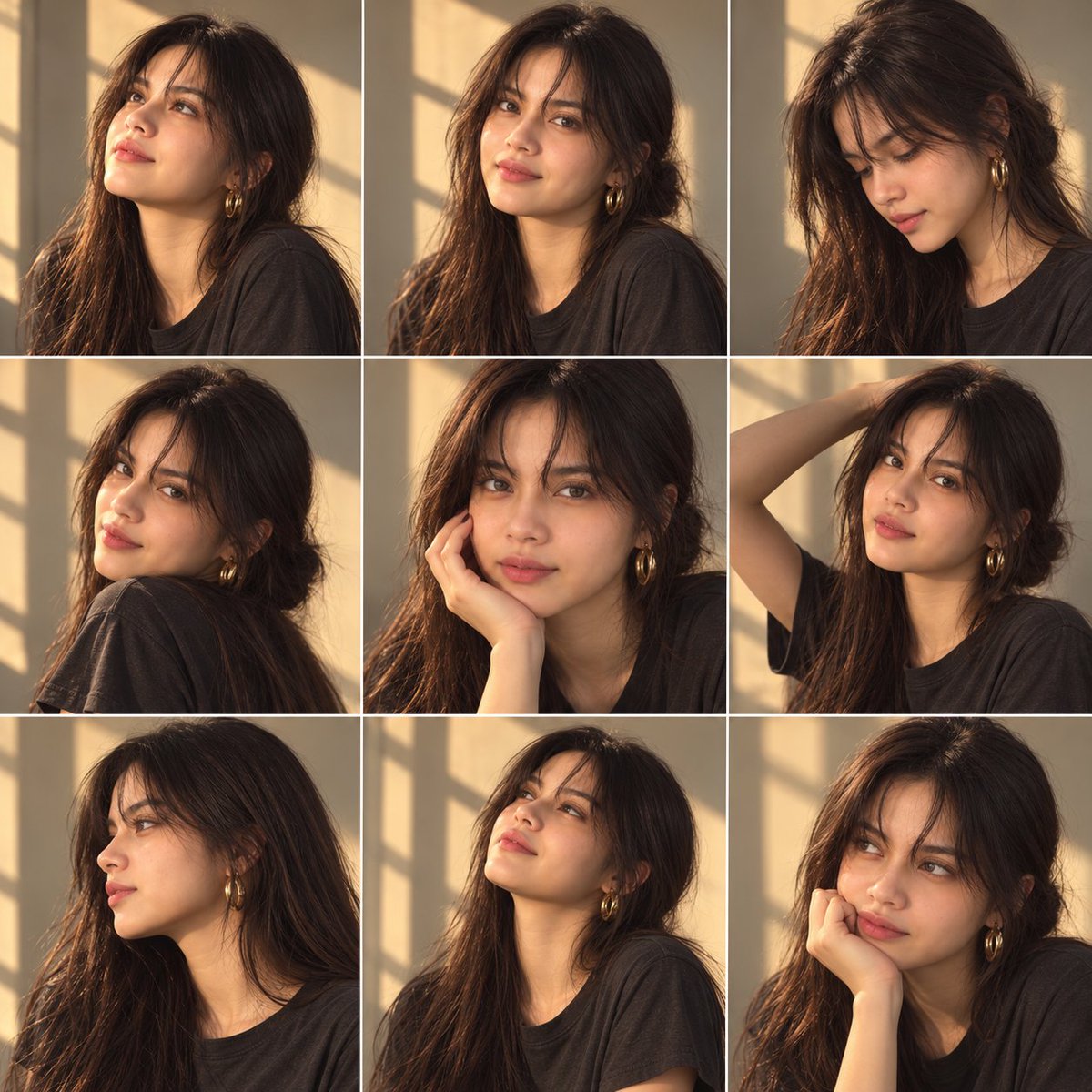
Hero prompt: recreate image 1 (close up indoor portrait of a wo... Nicht angegeben 1.0
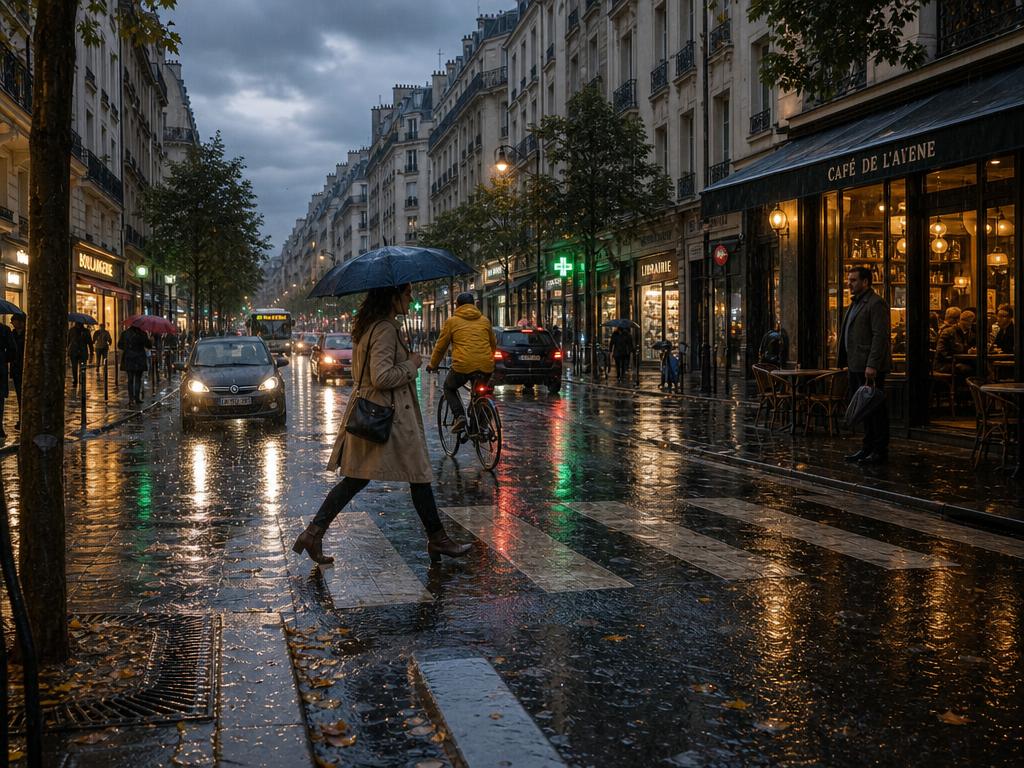
Rainy French Street at Night Nicht angegeben gpt-image-2
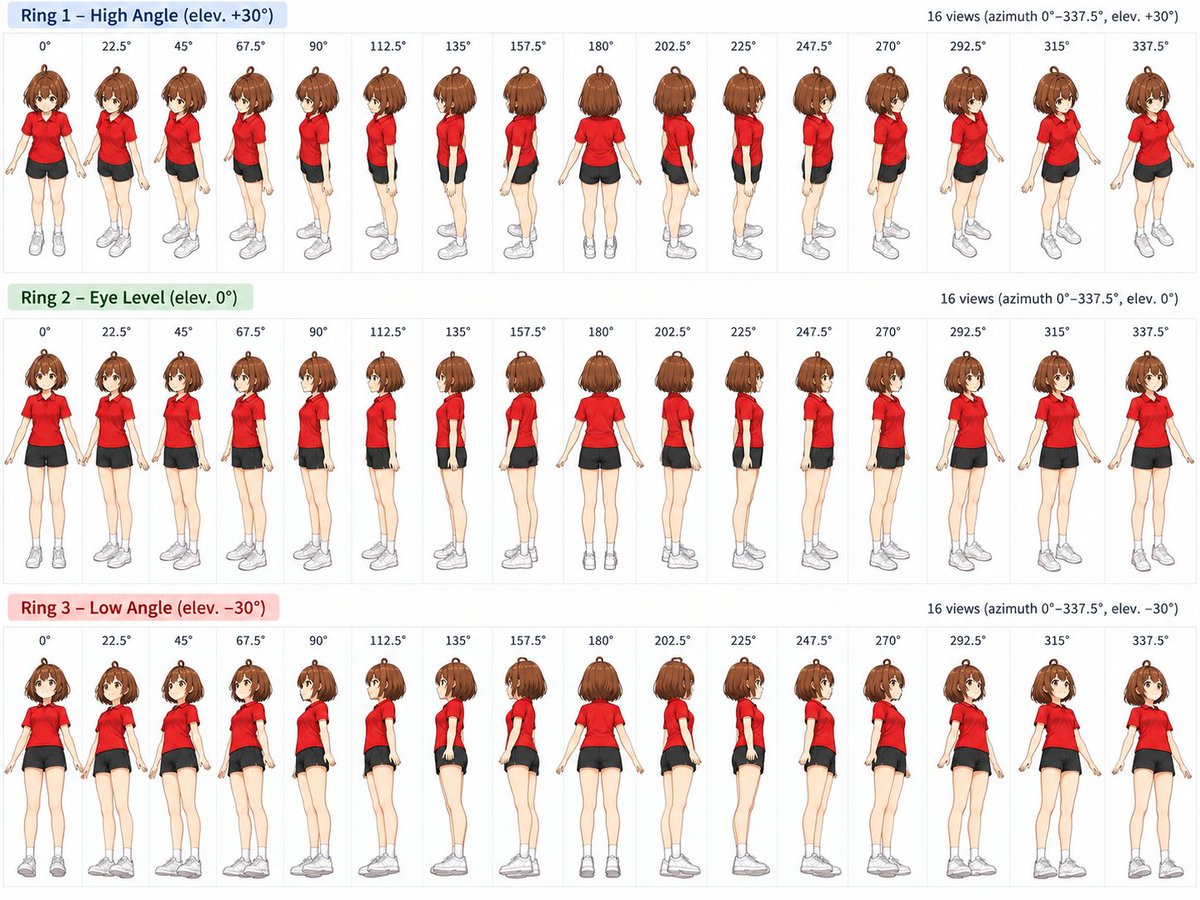
Camera Dome 48-Point View Setup Nicht angegeben gpt-image-2

Führen Sie diese Eingabeaufforderung mit der API aus

Die folgende Anforderung sendet diese Eingabeaufforderung mit den ausgefüllten Standardwerten an das erste Modell, auf dem sie ausgeführt wird. Tauschen Sie den Modellnamen gegen ein anderes oben aufgeführtes Modell aus.

Prompt API-Dokumente
/api/v1/gpt_image_2/text_to_image
curl -X POST https://runapi.ai/api/v1/gpt_image_2/text_to_image \
  -H "Authorization: Bearer $RUNAPI_API_KEY" \
  -H "Content-Type: application/json" \
  --data-binary @- <<'JSON'
{
  "model": "gpt-image-2",
  "prompt": "Create a high-quality editorial photography and graphic design composition using the reference image. Feature a stylish young woman in a dynamic, playful pose, holding oversized props—bright red balloons against a vivid blue sky with mountains in the background, or an oversized orange megaphone against a textured green urban wall. Present the original photorealistic scene in the upper half and a creative experimental art direction version in the lower half. Overlay the lower image with seven clearly defined visual texture samples: reeded glass, black-and-white engraving, American stipple, vintage halftone, pixel mosaic, transparent overlays, and duotone screen printing. Add fine white annotation lines, small numbered labels, and rectangular sample frames to explain each effect. Preserve the subject’s pose, clothing, lighting, and composition. Use vibrant colors, cinematic natural lighting, detailed textures, contemporary Japanese editorial aesthetics, and a sophisticated art-school design layout. Ultra-realistic photography combined with experimental mixed-media graphics, crisp details, balanced composition, high resolution, vertical 4:5 aspect ratio."
}
JSON

Probier‘s mal mit einer Anfrage