AI Model Routing Comparison Infographic
AI Model Routing Comparison Infographic

Eingabeaufforderung

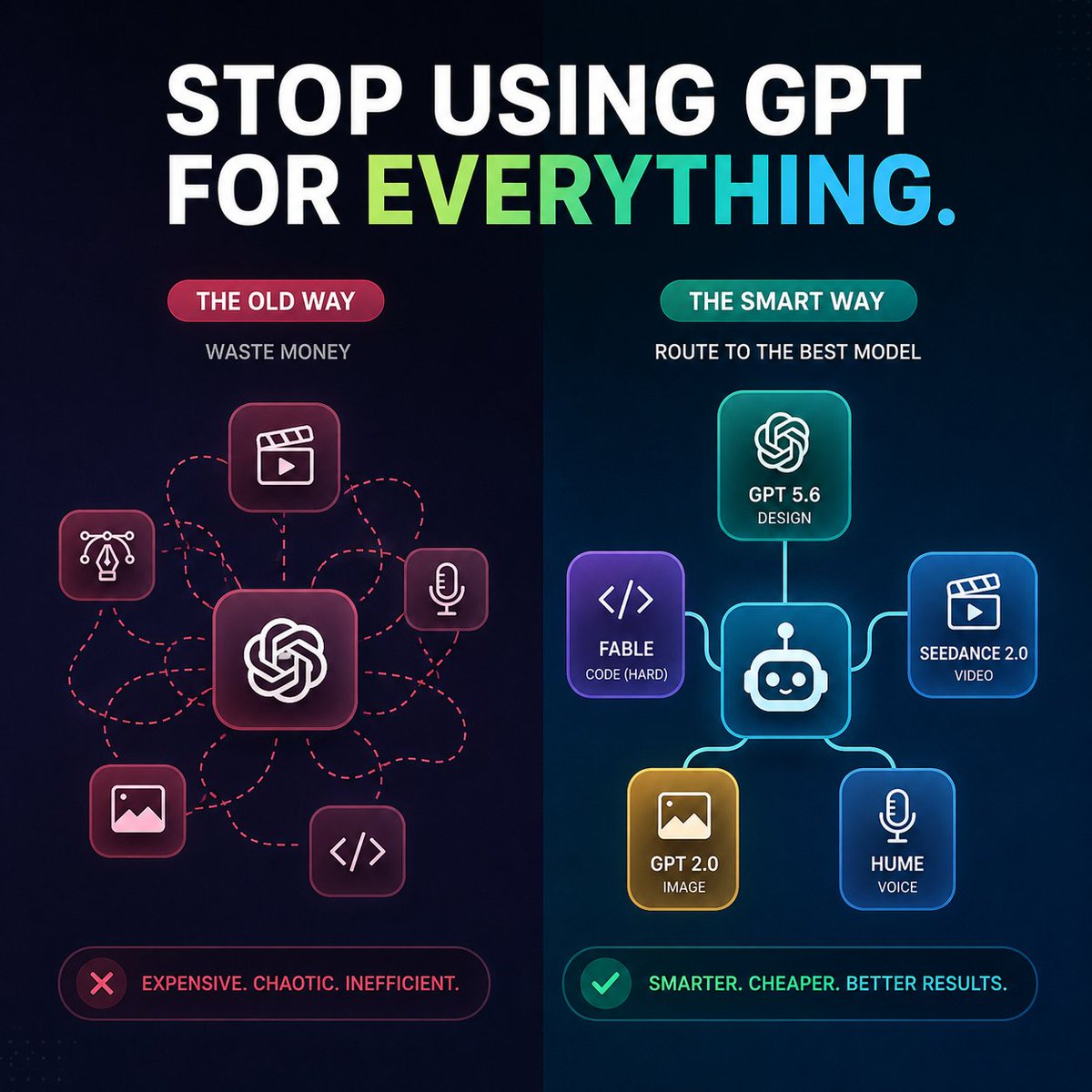
Create a square 1:1 dark futuristic tech infographic for social media comparing two AI workflow approaches. Canvas: 768x768 or similar, deep navy-to-black background with subtle dotted grid texture and a vertical split down the center. At the top, place a huge bold uppercase headline: “STOP USING GPT FOR EVERYTHING.” The words “STOP USING GPT FOR” are white, and the final word is a left-to-right gradient from lime green to cyan-blue, with a cyan period. Use a clean heavy sans-serif font, high contrast, crisp vector-like rendering. Layout: two side-by-side columns. Left column is labeled as the bad workflow, right column as the improved workflow. The left side has a red/pink theme with a pill label reading “THE OLD WAY,” a small subtitle “WASTE MONEY,” and a central rounded-square GPT/OpenAI-style knot icon. Around it are exactly 5 smaller rounded-square task icons connected by messy red dashed routing lines: 1 video clapper/play icon at upper center, 2 design pen-nib/Bezier icon at left, 3 microphone icon at right, 4 image/photo icon at lower left, 5 code brackets icon at lower right. The messy dashed lines loop and cross, showing chaos. Right column has a teal/blue theme with a pill label reading “THE SMART WAY,” a small subtitle “ROUTE TO THE BEST MODEL,” and a central rounded-square robot router icon. Connect it with clean glowing solid lines to exactly 5 model cards: 1 top card with OpenAI knot icon labeled “GPT 5.6” and “DESIGN,” 2 left purple card with code brackets labeled “FABLE” and “CODE (HARD),” 3 right blue card with clapper/play icon labeled “SEEDANCE 2.0” and “VIDEO,” 4 bottom-left gold card with image icon labeled “GPT 2.0” and “IMAGE,” 5 bottom-right blue card with microphone icon labeled “HUME” and “VOICE.” Use rounded glassmorphism cards with neon outlines and soft glow. Bottom callouts: under the left column, place a red outlined rounded status bar with a red X icon and text “EXPENSIVE. CHAOTIC. INEFFICIENT.” Under the right column, place a teal/green outlined rounded status bar with a green check icon and text “SMARTER. CHEAPER. BETTER RESULTS.” Keep all text legible, centered, and aligned. Use strong contrast, modern SaaS marketing style, subtle gradients, neon highlights, no extra logos, no watermark, no additional text beyond the specified labels.

Läuft auf 21 Modellen

  • Flux
  • Flux 2
  • Flux Kontext
  • GPT-4o Image
  • GPT Image
  • GPT Image 2
  • GPT Image 2.5
  • GPT Image 2.6
  • Grok Imagine
  • Ideogram V3
  • Imagen 4
  • Kling
  • +9 mehr

Was dieser Prompt erzeugt

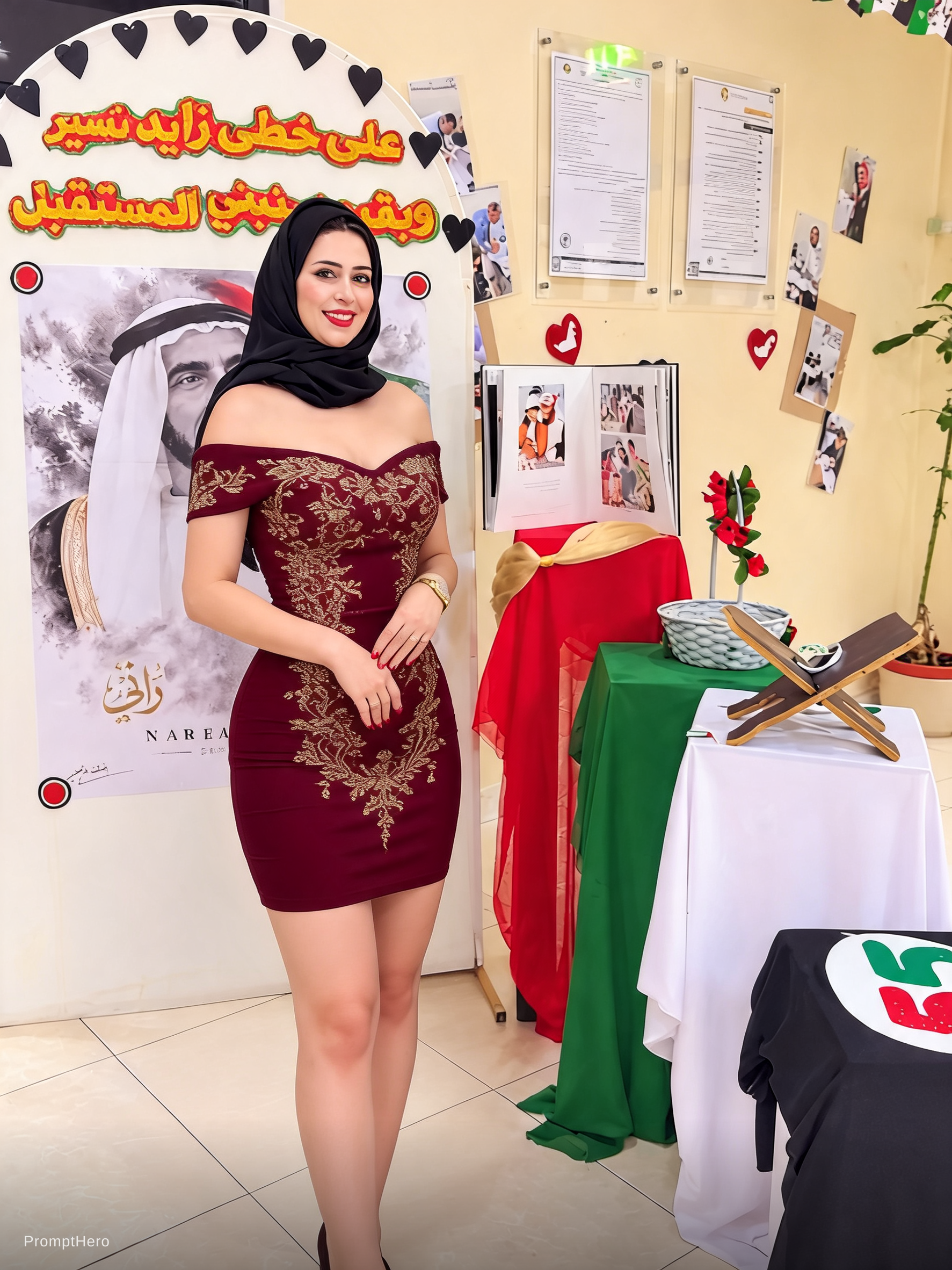
Hero prompt: nos podrias hacer una foto con la pose de la prime... Nicht angegeben 1.0
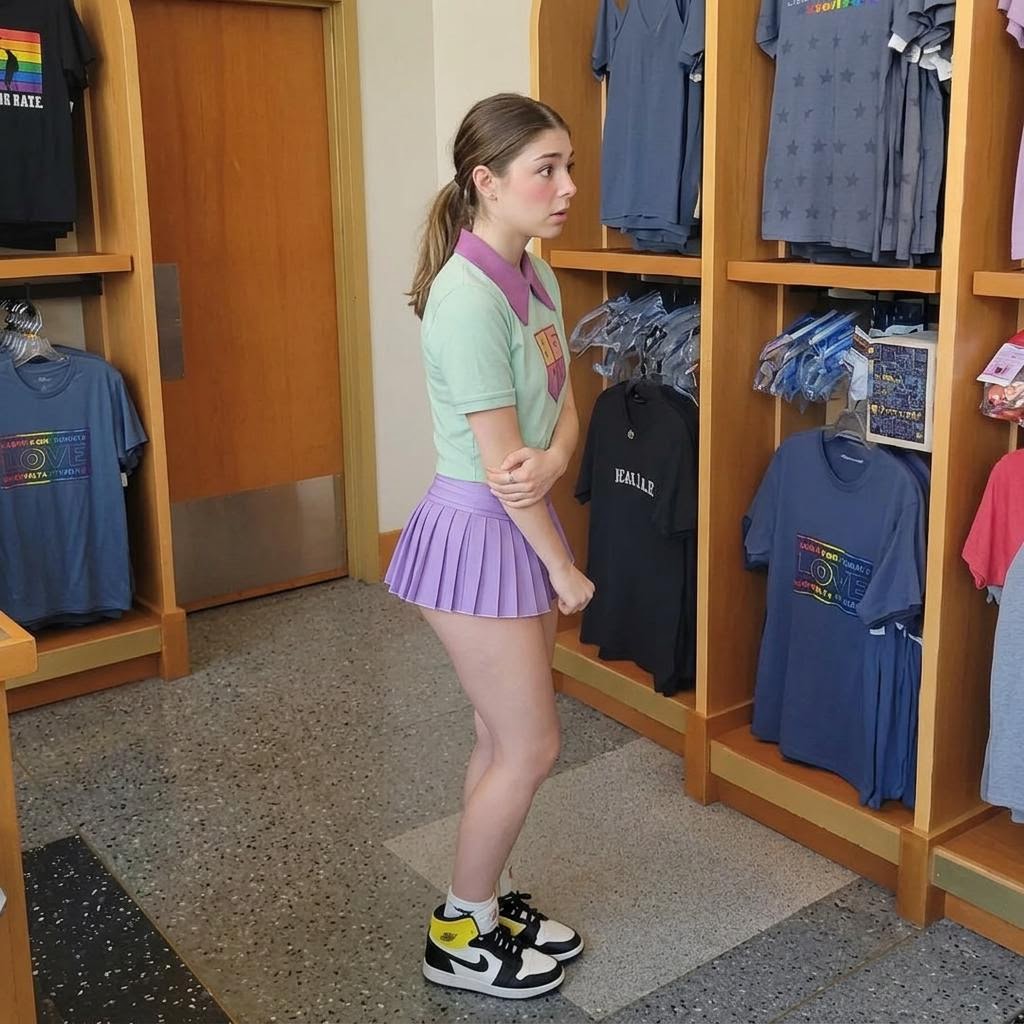
Seedream 5 prompt: Hot dress Nicht angegeben v2
Nano Banana prompt: Match the same pose from the 1st image Nicht angegeben nano-banana-2.1
Seedream 5 prompt: Modern minimalist mobile app icon logo design for ... Nicht angegeben seedream-5-pro
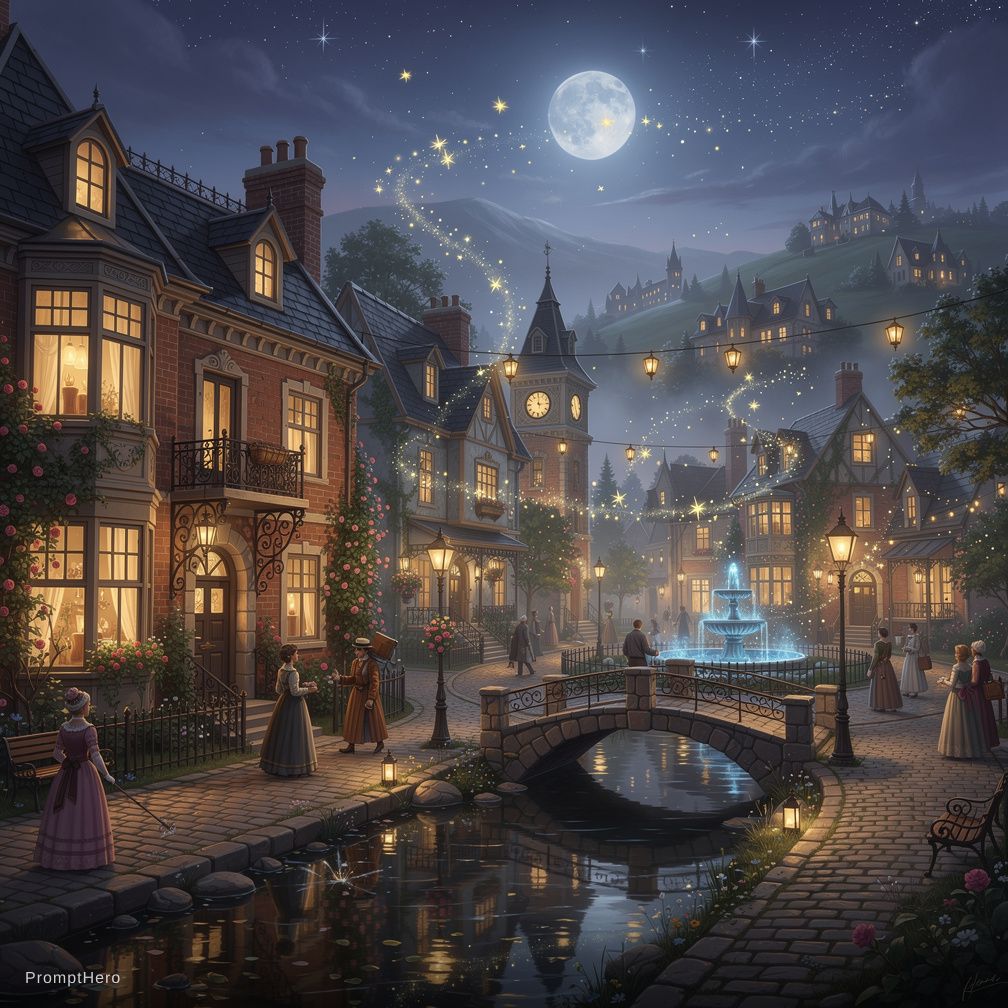
FLUX prompt: Enchanted Victorian villages Nicht angegeben flux-2-pro
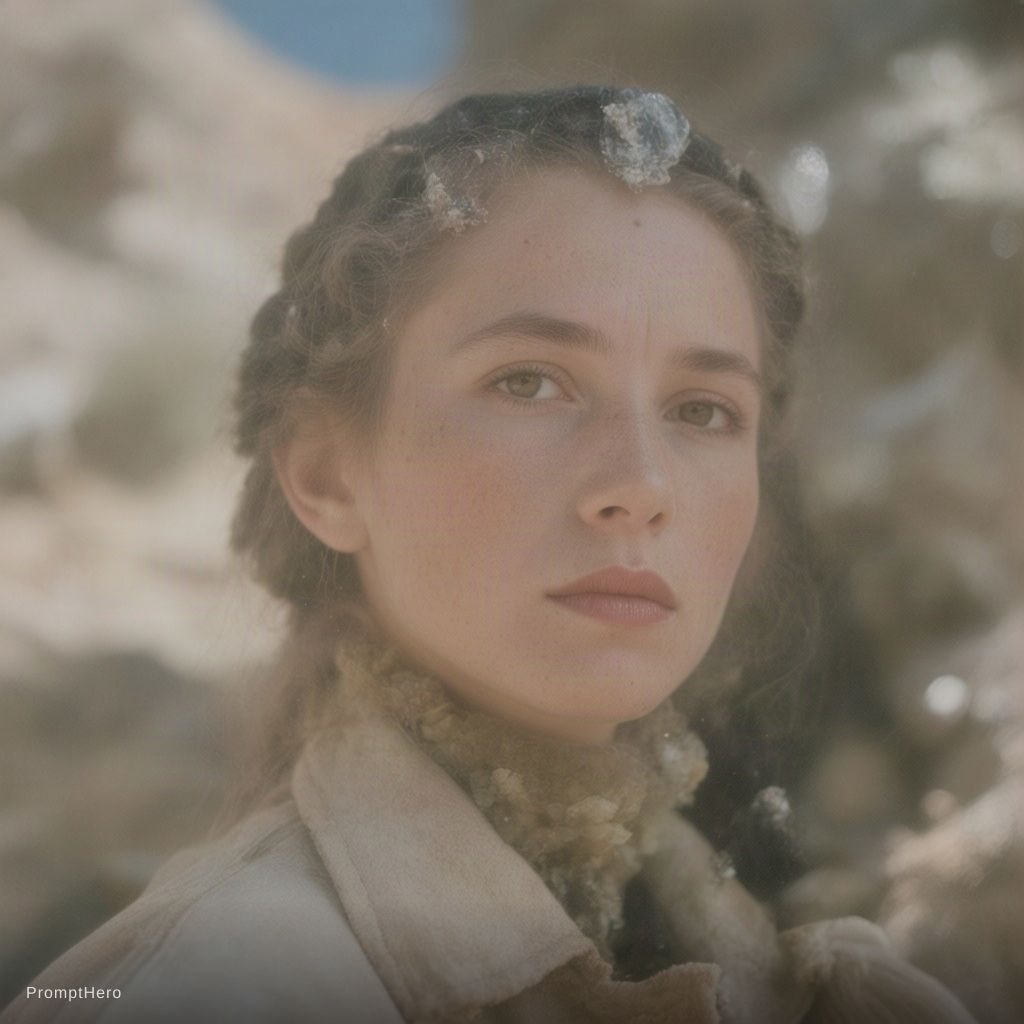
Hunyuan  prompt: субстанция Nicht angegeben hunyuan-3

Führen Sie diese Eingabeaufforderung mit der API aus

Die folgende Anforderung sendet diese Eingabeaufforderung mit den ausgefüllten Standardwerten an das erste Modell, auf dem sie ausgeführt wird. Tauschen Sie den Modellnamen gegen ein anderes oben aufgeführtes Modell aus.

Prompt API-Dokumente
/api/v1/gpt_image_2/text_to_image
curl -X POST https://runapi.ai/api/v1/gpt_image_2/text_to_image \
  -H "Authorization: Bearer $RUNAPI_API_KEY" \
  -H "Content-Type: application/json" \
  --data-binary @- <<'JSON'
{
  "model": "gpt-image-2",
  "prompt": "Create a square 1:1 dark futuristic tech infographic for social media comparing two AI workflow approaches. Canvas: 768x768 or similar, deep navy-to-black background with subtle dotted grid texture and a vertical split down the center. At the top, place a huge bold uppercase headline: “STOP USING GPT FOR EVERYTHING.” The words “STOP USING GPT FOR” are white, and the final word is a left-to-right gradient from lime green to cyan-blue, with a cyan period. Use a clean heavy sans-serif font, high contrast, crisp vector-like rendering.\n\nLayout: two side-by-side columns. Left column is labeled as the bad workflow, right column as the improved workflow. The left side has a red/pink theme with a pill label reading “THE OLD WAY,” a small subtitle “WASTE MONEY,” and a central rounded-square GPT/OpenAI-style knot icon. Around it are exactly 5 smaller rounded-square task icons connected by messy red dashed routing lines: 1 video clapper/play icon at upper center, 2 design pen-nib/Bezier icon at left, 3 microphone icon at right, 4 image/photo icon at lower left, 5 code brackets icon at lower right. The messy dashed lines loop and cross, showing chaos.\n\nRight column has a teal/blue theme with a pill label reading “THE SMART WAY,” a small subtitle “ROUTE TO THE BEST MODEL,” and a central rounded-square robot router icon. Connect it with clean glowing solid lines to exactly 5 model cards: 1 top card with OpenAI knot icon labeled “GPT 5.6” and “DESIGN,” 2 left purple card with code brackets labeled “FABLE” and “CODE (HARD),” 3 right blue card with clapper/play icon labeled “SEEDANCE 2.0” and “VIDEO,” 4 bottom-left gold card with image icon labeled “GPT 2.0” and “IMAGE,” 5 bottom-right blue card with microphone icon labeled “HUME” and “VOICE.” Use rounded glassmorphism cards with neon outlines and soft glow.\n\nBottom callouts: under the left column, place a red outlined rounded status bar with a red X icon and text “EXPENSIVE. CHAOTIC. INEFFICIENT.” Under the right column, place a teal/green outlined rounded status bar with a green check icon and text “SMARTER. CHEAPER. BETTER RESULTS.” Keep all text legible, centered, and aligned. Use strong contrast, modern SaaS marketing style, subtle gradients, neon highlights, no extra logos, no watermark, no additional text beyond the specified labels."
}
JSON

Probier‘s mal mit einer Anfrage