Knolling Teardown Diagram
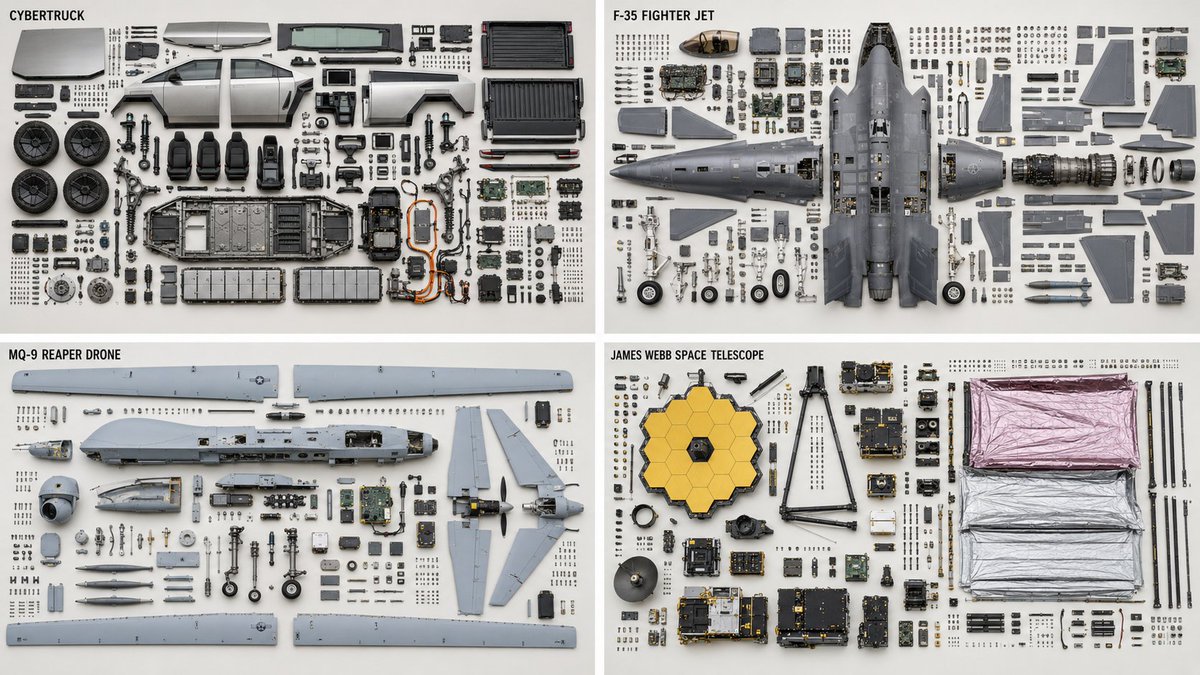
Knolling Teardown Diagram

Eingabeaufforderung

Knolling teardown — CyberTruck (EV), top-down orthographic. PARTS — complete bill of materials, show each exactly once: top housing ×1, bottom housing ×1, main PCB ×1, ribbon cable ×2, lens assembly ×1, M2×5 screw ×6, spring ×2, rubber gasket ×1, ... LAYOUT - clean rectilinear grid; every part aligned to horizontal and vertical axes - grouped by subassembly — a subassembly's parts stay adjacent as one cluster - each group anchored by its largest structural part; fasteners cluster beside the part they secure - even spacing, no overlapping parts, no diagonal scatter - consistent scale across every part DEPICTION — keep it truthful - every fastener sits near a matching mounting hole; screw count = hole count - every gasket or seal shown with the perimeter it seals against - no duplicated or phantom parts - preserve each part's true orientation and handedness; do not mirror chiral parts RENDER - orthographic projection, no perspective, all parts in sharp focus - flat, even, diffuse lighting; minimal soft shadow - neutral seamless background

Läuft auf 21 Modellen

  • Flux
  • Flux 2
  • Flux Kontext
  • GPT-4o Image
  • GPT Image
  • GPT Image 2
  • GPT Image 2.5
  • GPT Image 2.6
  • Grok Imagine
  • Ideogram V3
  • Imagen 4
  • Kling
  • +9 mehr

Was dieser Prompt erzeugt

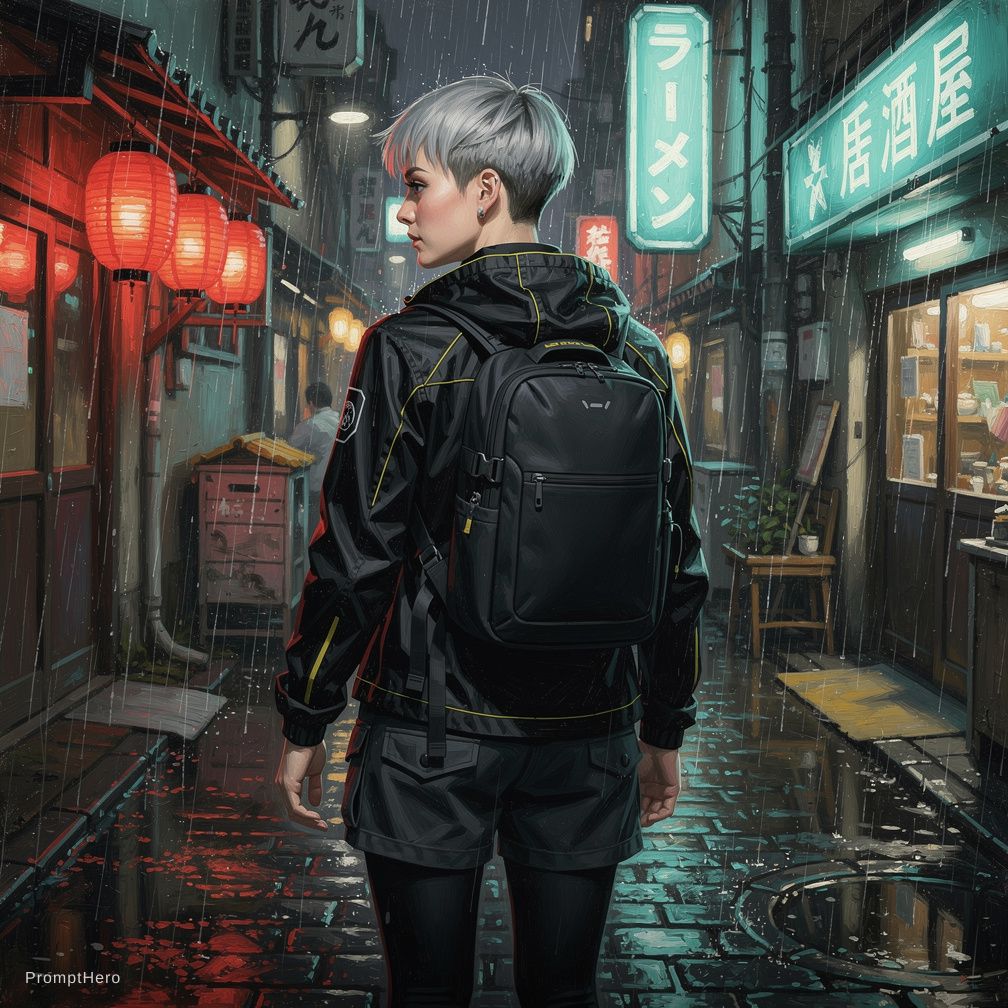
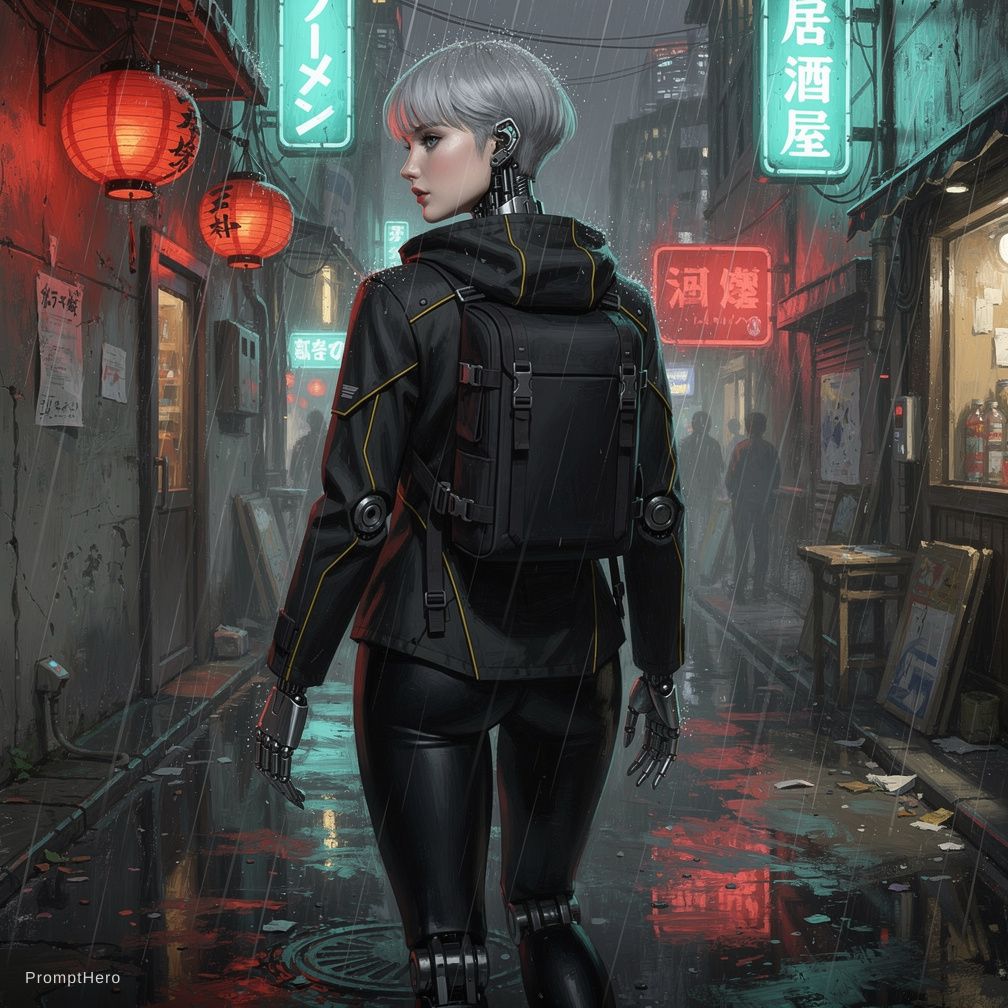
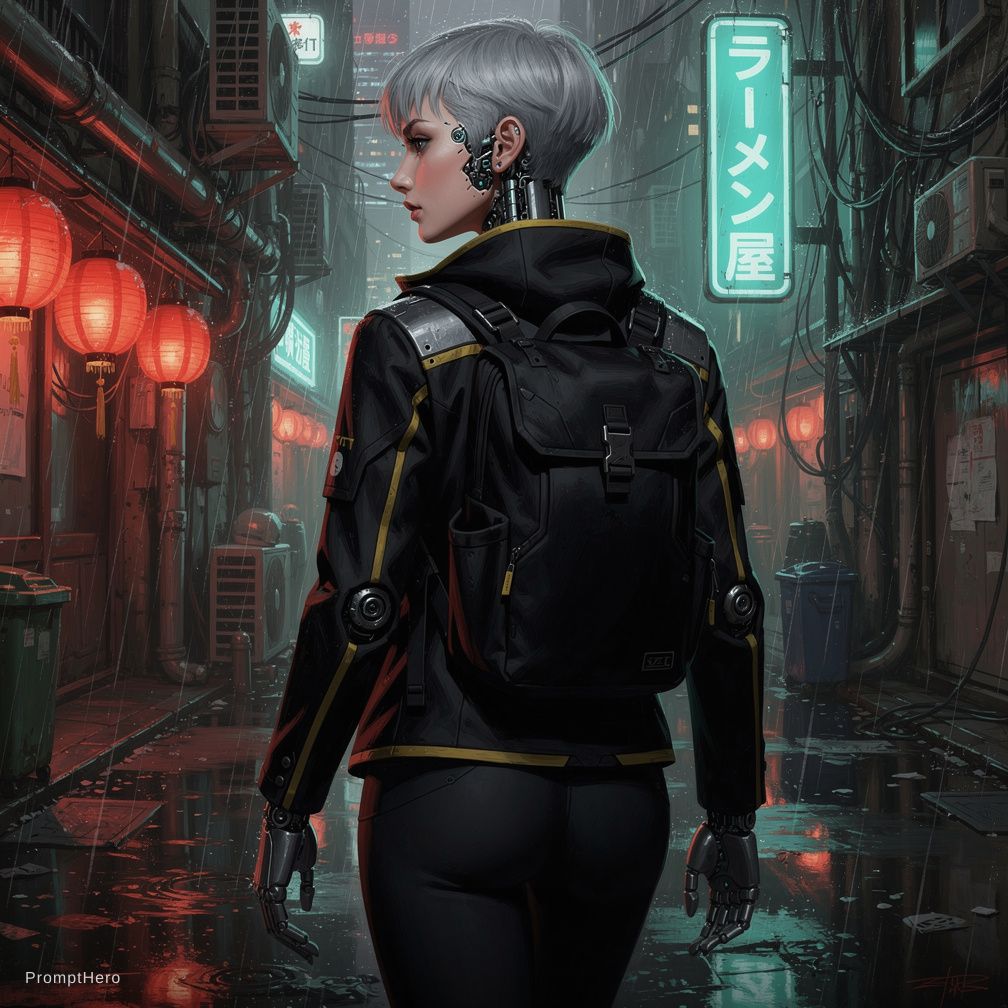
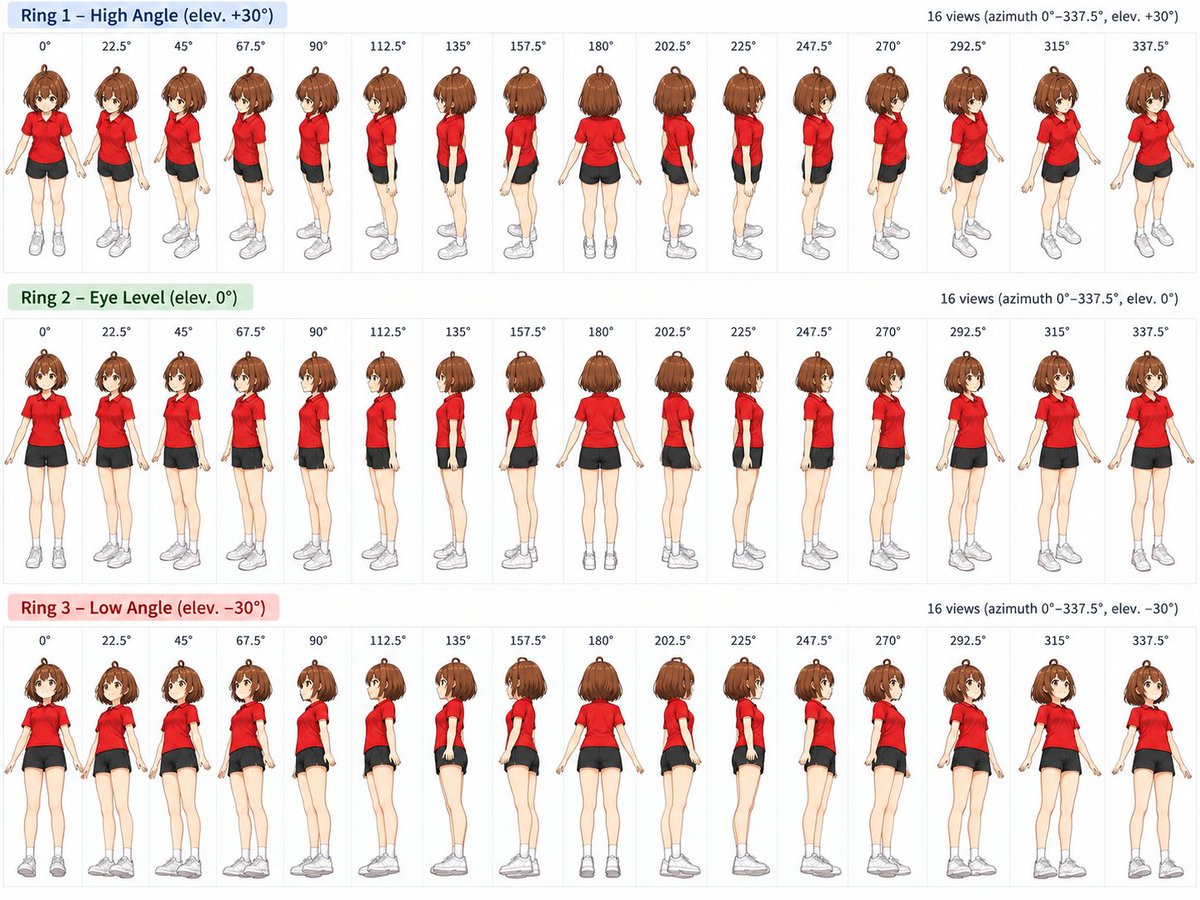
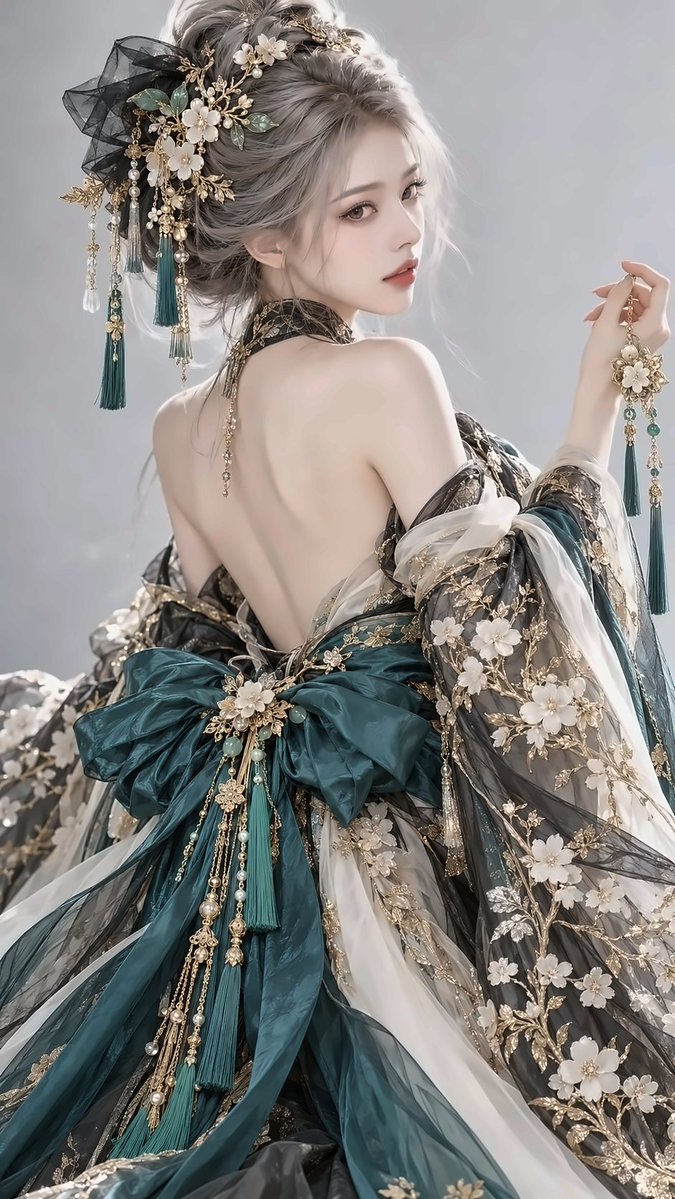
FLUX prompt: A woman with a short silver pixie cut walking away... Nicht angegeben flux-2-pro
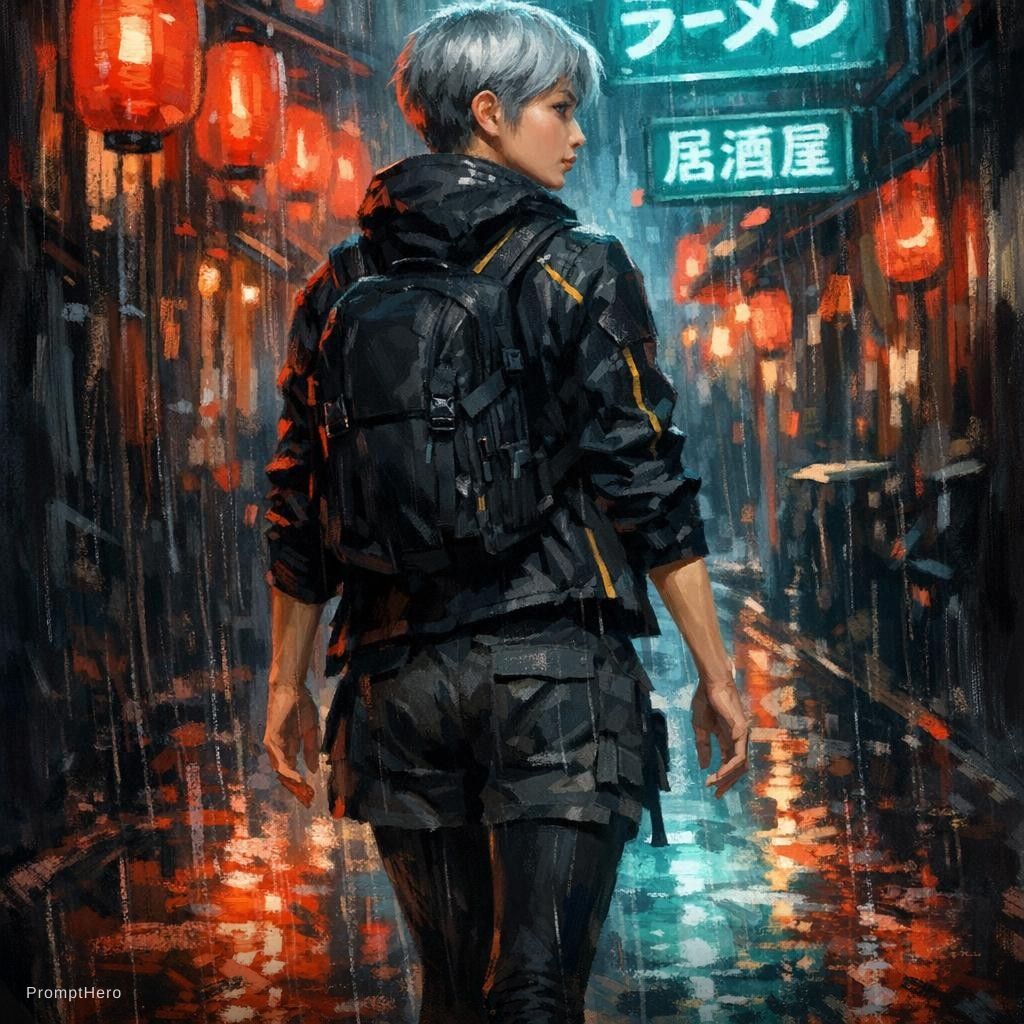
ChatGPT Image prompt: A woman with a short silver pixie cut walking away... Nicht angegeben v1
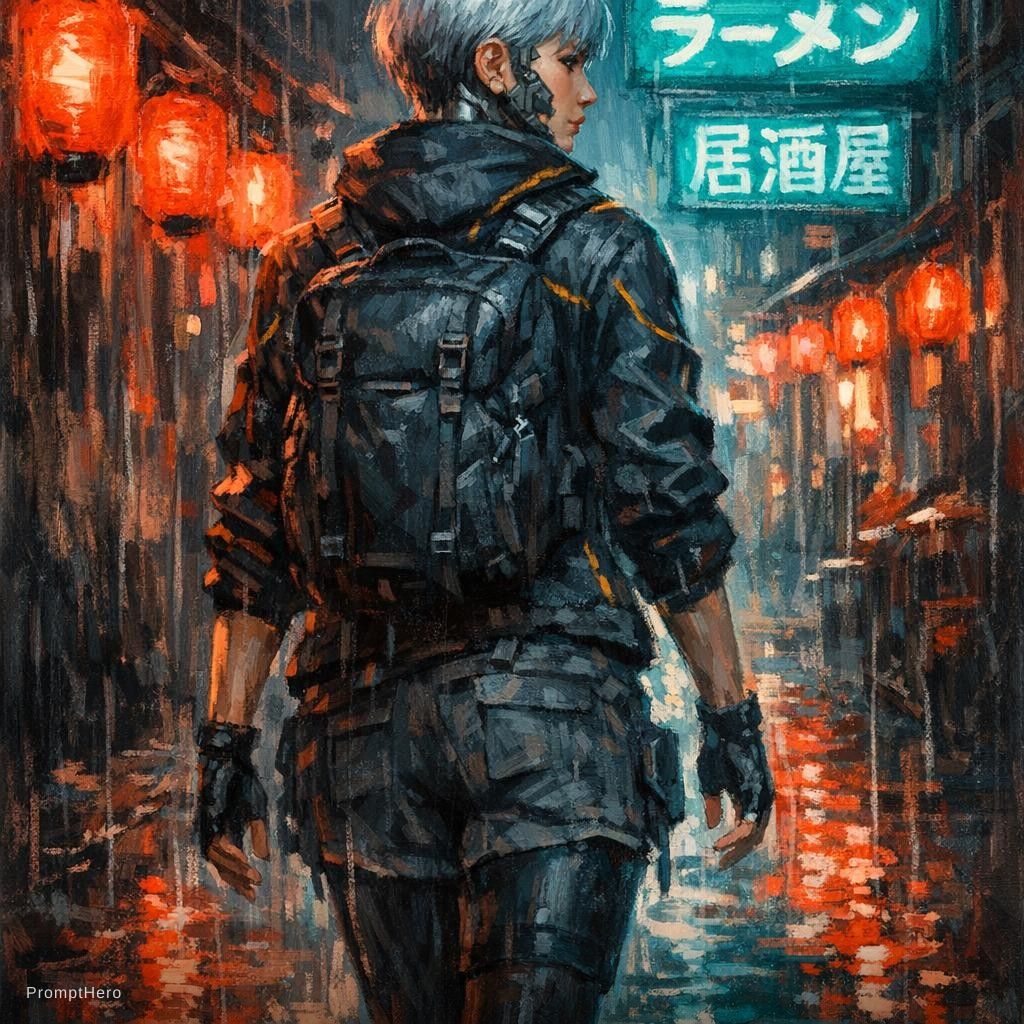
ChatGPT Image prompt: A robotic woman with a short silver pixie cut walk... Nicht angegeben v1
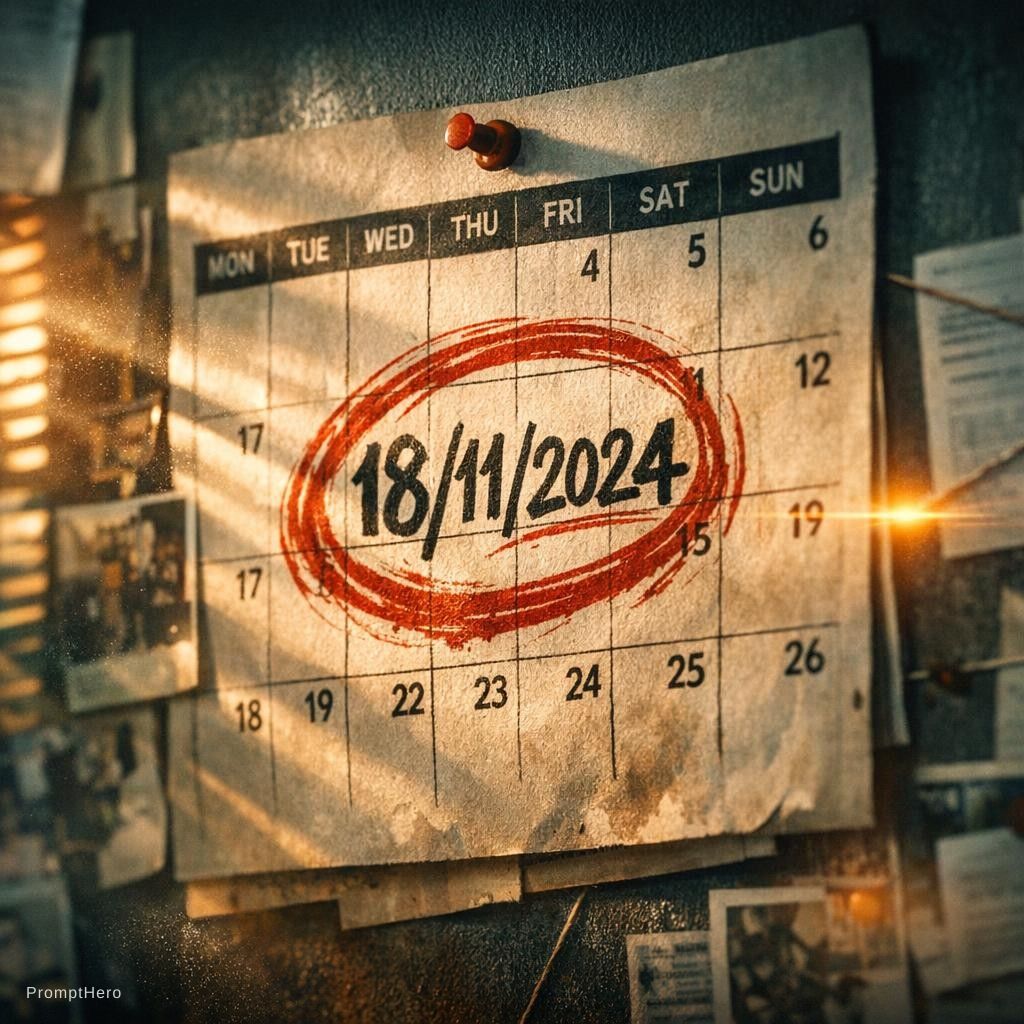
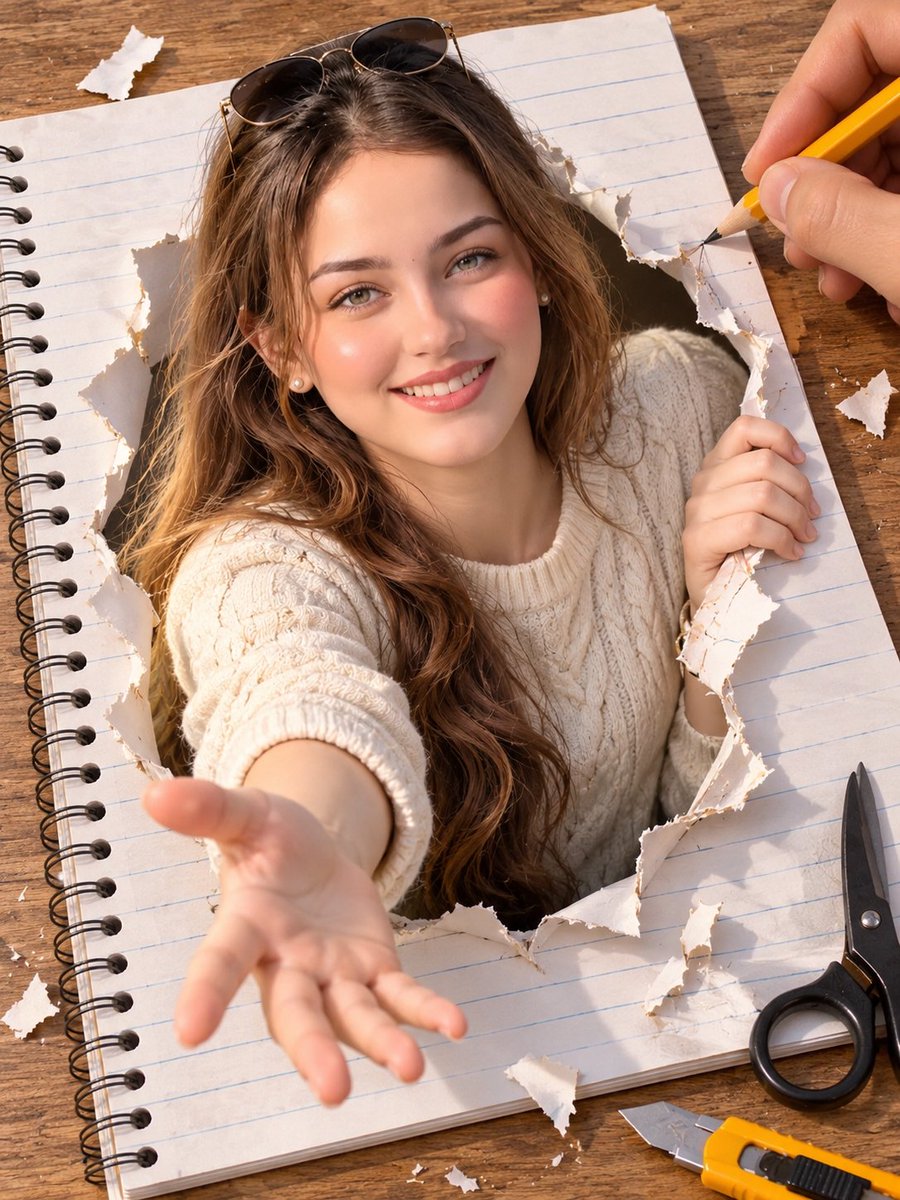
ChatGPT Image prompt: A suspenseful cinematic scene featuring a paper ca... Nicht angegeben v1
FLUX prompt: A robotic woman with a short silver pixie cut walk... Nicht angegeben flux-2-pro
FLUX prompt: A robotic adult woman with a short silver pixie cu... Nicht angegeben flux-2-pro

Führen Sie diese Eingabeaufforderung mit der API aus

Die folgende Anforderung sendet diese Eingabeaufforderung mit den ausgefüllten Standardwerten an das erste Modell, auf dem sie ausgeführt wird. Tauschen Sie den Modellnamen gegen ein anderes oben aufgeführtes Modell aus.

Prompt API-Dokumente
/api/v1/gpt_image_2/text_to_image
curl -X POST https://runapi.ai/api/v1/gpt_image_2/text_to_image \
  -H "Authorization: Bearer $RUNAPI_API_KEY" \
  -H "Content-Type: application/json" \
  --data-binary @- <<'JSON'
{
  "model": "gpt-image-2",
  "prompt": "Knolling teardown — CyberTruck (EV), top-down orthographic. PARTS — complete bill of materials, show each exactly once: top housing ×1, bottom housing ×1, main PCB ×1, ribbon cable ×2, lens assembly ×1, M2×5 screw ×6, spring ×2, rubber gasket ×1, ... LAYOUT - clean rectilinear grid; every part aligned to horizontal and vertical axes - grouped by subassembly — a subassembly's parts stay adjacent as one cluster - each group anchored by its largest structural part; fasteners cluster beside the part they secure - even spacing, no overlapping parts, no diagonal scatter - consistent scale across every part DEPICTION — keep it truthful - every fastener sits near a matching mounting hole; screw count = hole count - every gasket or seal shown with the perimeter it seals against - no duplicated or phantom parts - preserve each part's true orientation and handedness; do not mirror chiral parts RENDER - orthographic projection, no perspective, all parts in sharp focus - flat, even, diffuse lighting; minimal soft shadow - neutral seamless background"
}
JSON

Probier‘s mal mit einer Anfrage