Confident Formal Studio Portrait
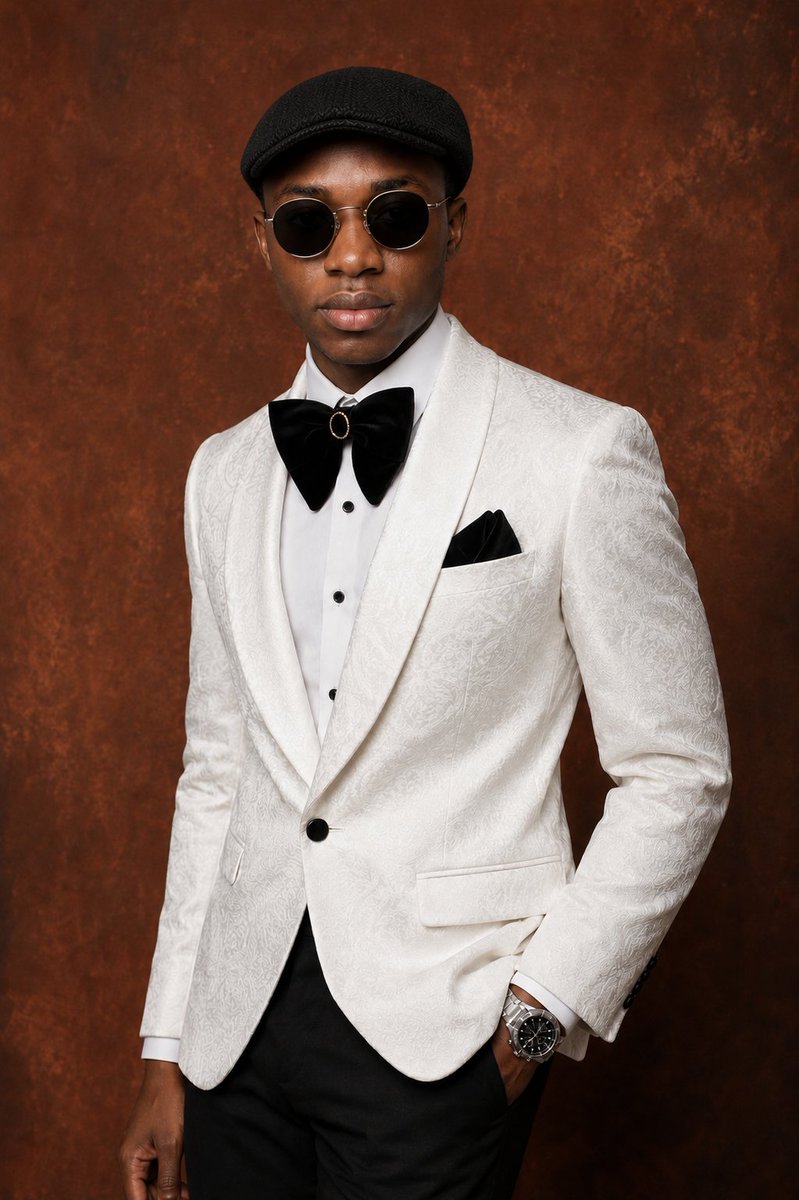
Confident Formal Studio Portrait

Eingabeaufforderung

Create a polished studio fashion portrait of a confident young Black man standing in a 3/4 pose against a rich warm burnt-sienna and terracotta textured studio backdrop. Frame him from mid-thigh upward in a vertical portrait composition, body angled slightly to the viewer’s left, shoulders relaxed, one hand tucked into his trouser pocket and the other arm resting naturally at his side. He wears a sophisticated formal outfit: an ivory-white jacquard dinner jacket with subtle floral paisley texture, wide shawl lapels, a single black button, flap pockets, crisp white dress shirt with black studs, oversized black velvet bow tie with a small gold-and-black oval brooch at the center, black pocket square, fitted black trousers, a silver wristwatch, and a textured black flat cap. Use soft directional studio lighting from the front-left to reveal the jacket texture and create gentle shadows, with realistic skin tone, refined tailoring, high-end editorial styling, shallow depth of field, sharp focus on clothing details, and a premium magazine portrait mood. Keep the background plain except for painterly texture, no text, no logos, no props, no extra people.

Läuft auf 21 Modellen

  • Flux
  • Flux 2
  • Flux Kontext
  • GPT-4o Image
  • GPT Image
  • GPT Image 2
  • GPT Image 2.5
  • GPT Image 2.6
  • Grok Imagine
  • Ideogram V3
  • Imagen 4
  • Kling
  • +9 mehr

Was dieser Prompt erzeugt

ChatGPT Image prompt: logo book keeping Nicht angegeben v1
ChatGPT Image prompt: logos Nicht angegeben v1
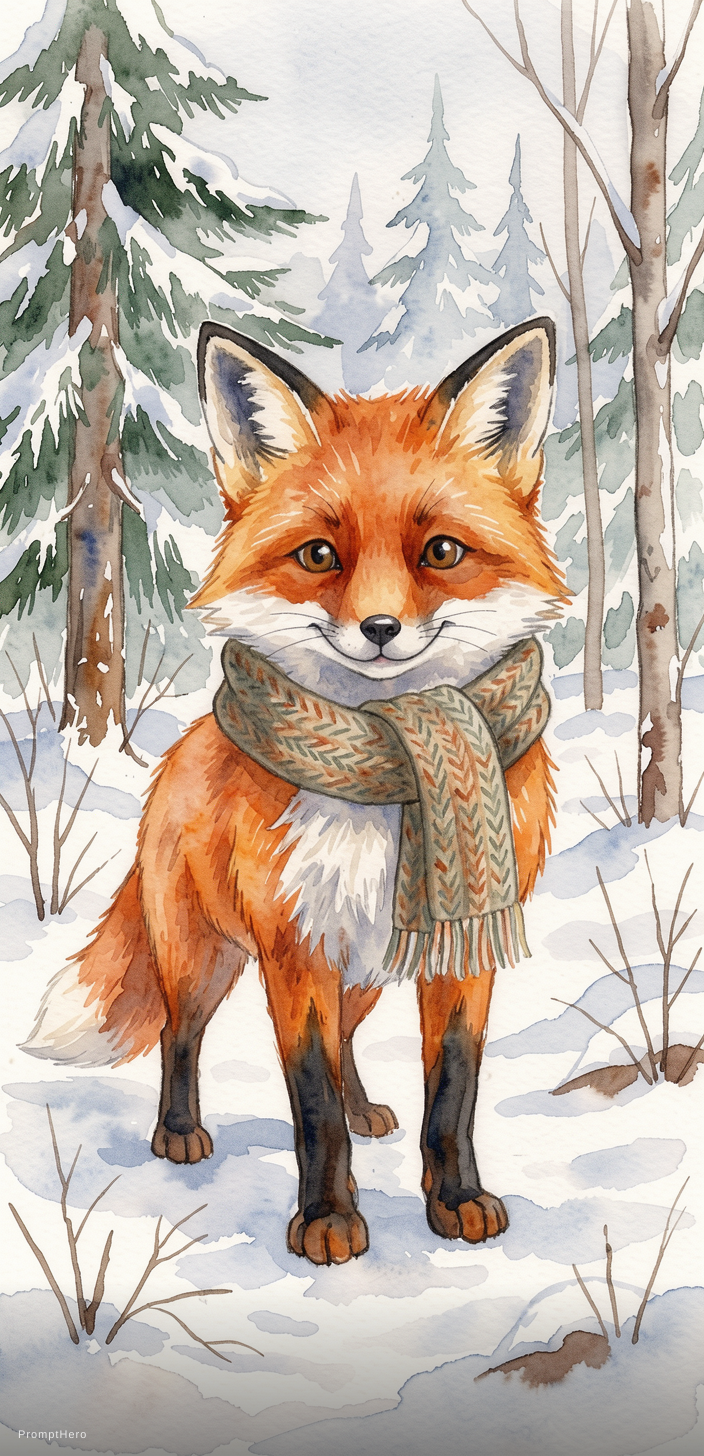
FLUX prompt: A friendly red fox wearing a knitted scarf in a sn... Nicht angegeben flux-3
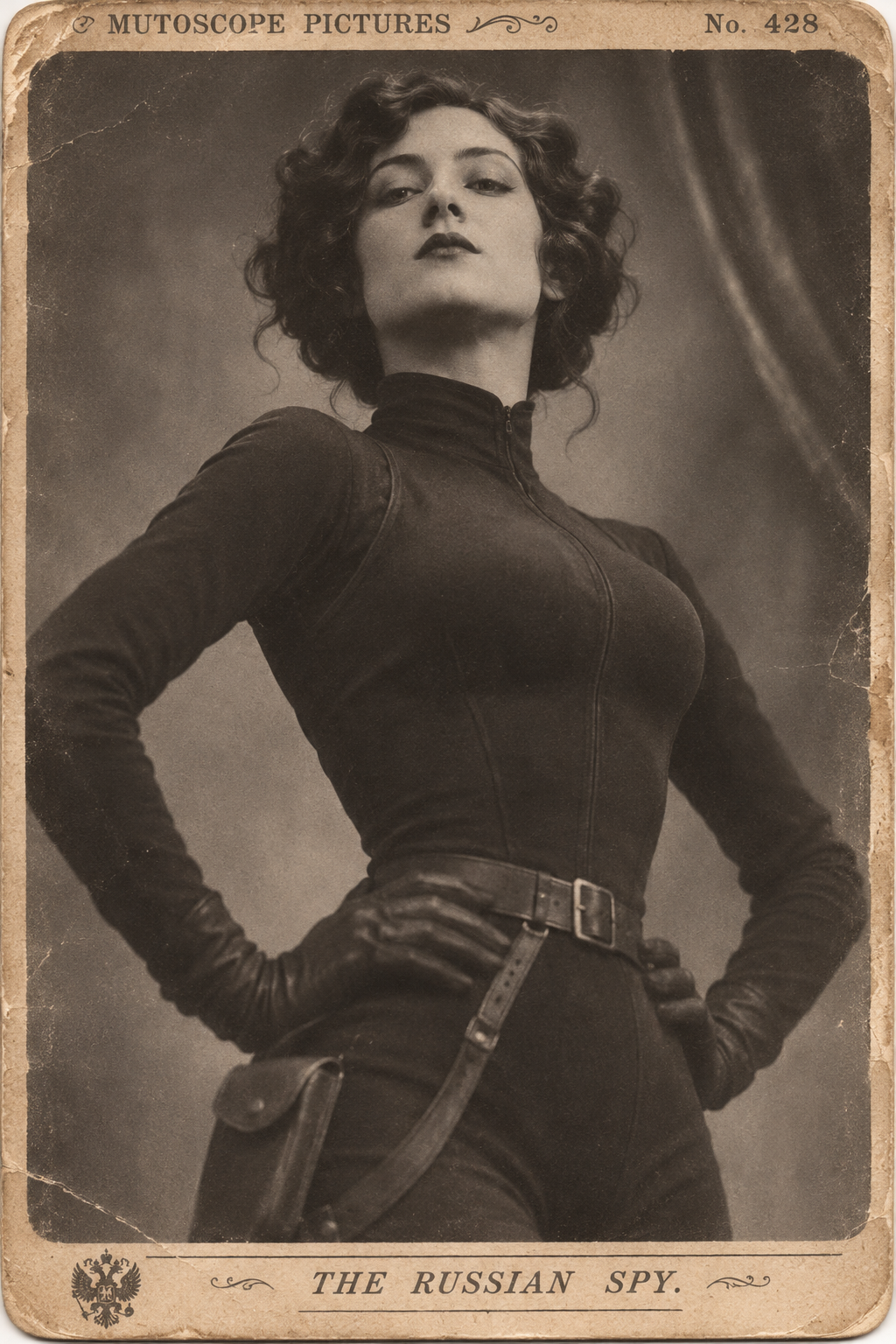
Dans le style d'une image mutoscope, un portrait d... Nicht angegeben Nicht angegeben
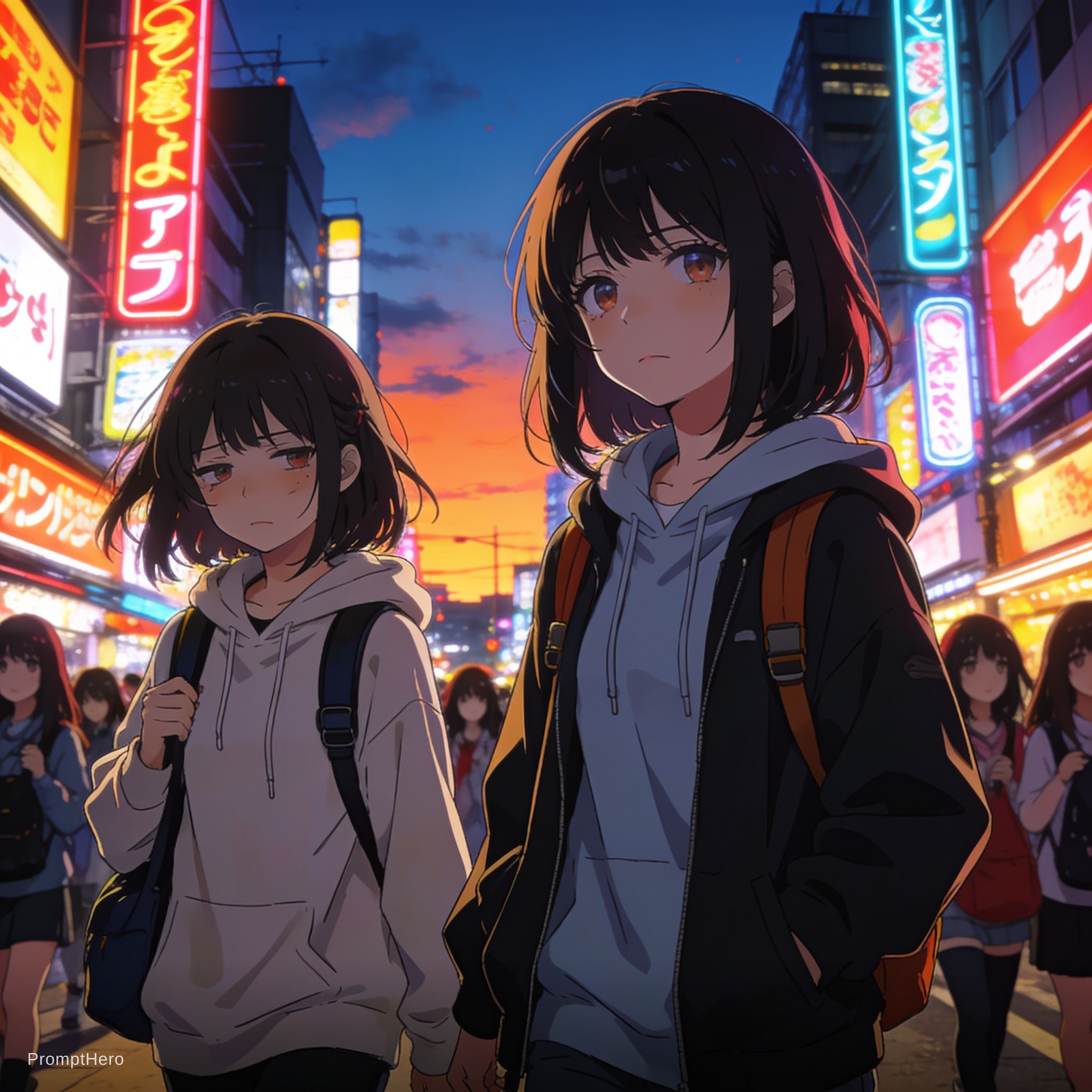
Seedream 5 prompt: score_9, score_8_up, score_7_up, 2girls, tomany gi... Nicht angegeben seedream-4.5
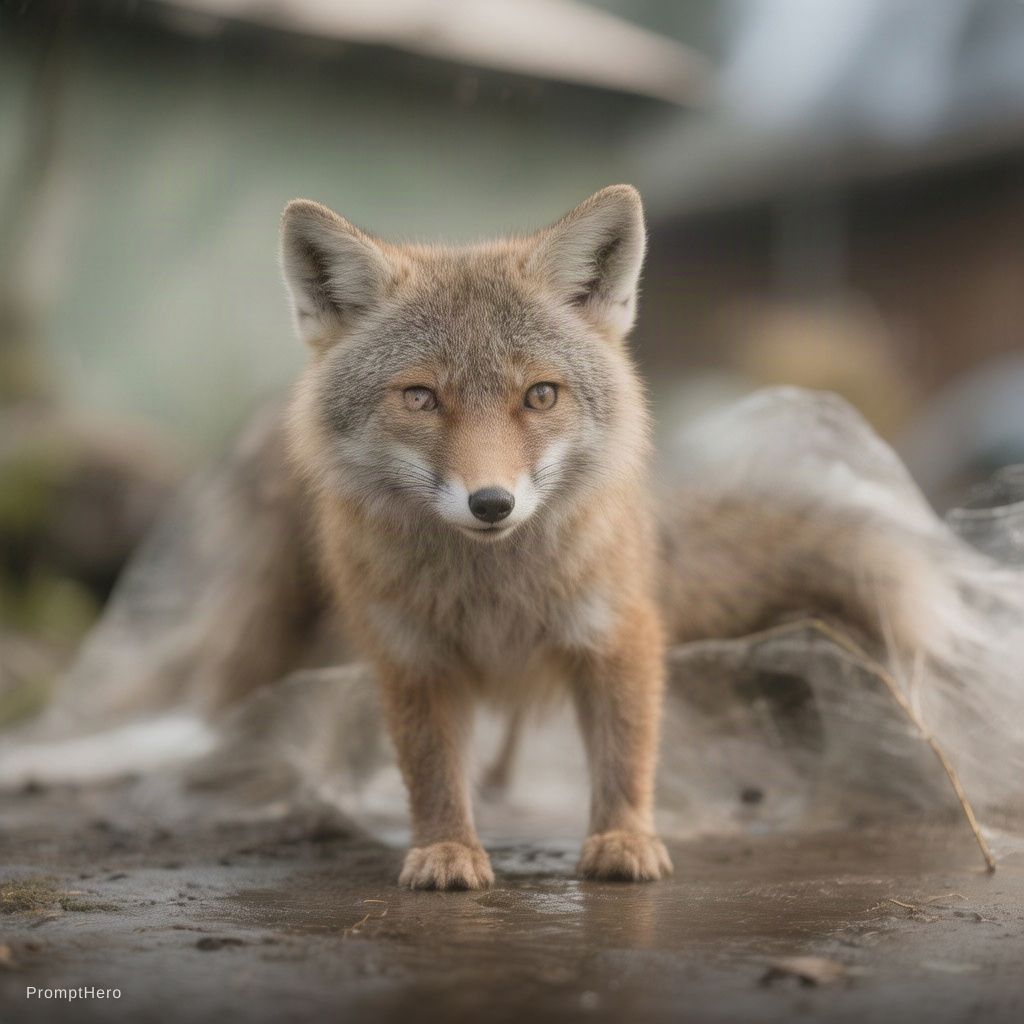
Hunyuan  prompt: feet Nicht angegeben hunyuan-3

Führen Sie diese Eingabeaufforderung mit der API aus

Die folgende Anforderung sendet diese Eingabeaufforderung mit den ausgefüllten Standardwerten an das erste Modell, auf dem sie ausgeführt wird. Tauschen Sie den Modellnamen gegen ein anderes oben aufgeführtes Modell aus.

Prompt API-Dokumente
/api/v1/gpt_image_2/text_to_image
curl -X POST https://runapi.ai/api/v1/gpt_image_2/text_to_image \
  -H "Authorization: Bearer $RUNAPI_API_KEY" \
  -H "Content-Type: application/json" \
  --data-binary @- <<'JSON'
{
  "model": "gpt-image-2",
  "prompt": "Create a polished studio fashion portrait of a confident young Black man standing in a 3/4 pose against a rich warm burnt-sienna and terracotta textured studio backdrop. Frame him from mid-thigh upward in a vertical portrait composition, body angled slightly to the viewer’s left, shoulders relaxed, one hand tucked into his trouser pocket and the other arm resting naturally at his side. He wears a sophisticated formal outfit: an ivory-white jacquard dinner jacket with subtle floral paisley texture, wide shawl lapels, a single black button, flap pockets, crisp white dress shirt with black studs, oversized black velvet bow tie with a small gold-and-black oval brooch at the center, black pocket square, fitted black trousers, a silver wristwatch, and a textured black flat cap. Use soft directional studio lighting from the front-left to reveal the jacket texture and create gentle shadows, with realistic skin tone, refined tailoring, high-end editorial styling, shallow depth of field, sharp focus on clothing details, and a premium magazine portrait mood. Keep the background plain except for painterly texture, no text, no logos, no props, no extra people."
}
JSON

Probier‘s mal mit einer Anfrage