High-Fashion Editorial Double Exposure
High-Fashion Editorial Double Exposure

Eingabeaufforderung

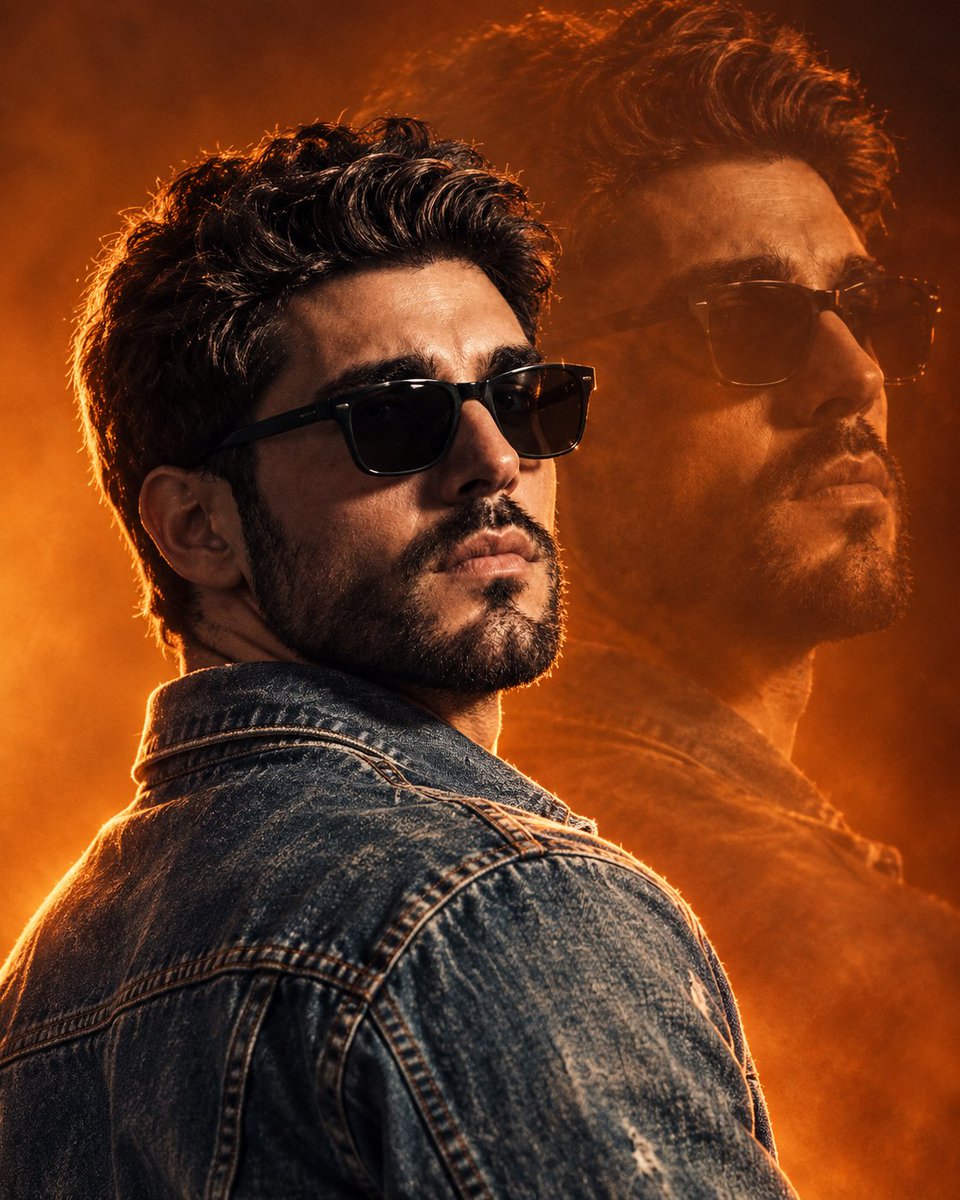
Create a cinematic high-fashion editorial portrait of a handsome man use image for face reference looking over his shoulder toward the camera. He has short, slightly messy textured hair, a full neatly groomed beard, strong masculine facial features, and wears futuristic n black sunglasses. He is dressed in a vintage blue denim jacket with realistic faded texture, stitching, and worn fabric details. Behind him, create a large semi-transparent ghosted double exposure of the same man, facing slightly toward the opposite direction, giving the composition a mysterious motion-trail effect. The background is a rich glowing burnt-orange/amber studio gradient with subtle atmospheric haze and warm cinematic lighting. Strong warm rim light outlines the hair and shoulders, while soft directional light illuminates the face and denim texture. Premium fashion magazine aesthetic, photorealistic skin and hair, extremely detailed fabric, dramatic contrast, shallow depth of field, subtle film grain, sophisticated color grading, sharp facial focus, volumetric light, polished commercial photography, luxury eyewear campaign, dynamic layered composition, portrait photography, 4:5 vertical aspect ratio, no text, no logos, no watermark.

Läuft auf 21 Modellen

  • Flux
  • Flux 2
  • Flux Kontext
  • GPT-4o Image
  • GPT Image
  • GPT Image 2
  • GPT Image 2.5
  • GPT Image 2.6
  • Grok Imagine
  • Ideogram V3
  • Imagen 4
  • Kling
  • +9 mehr

Was dieser Prompt erzeugt

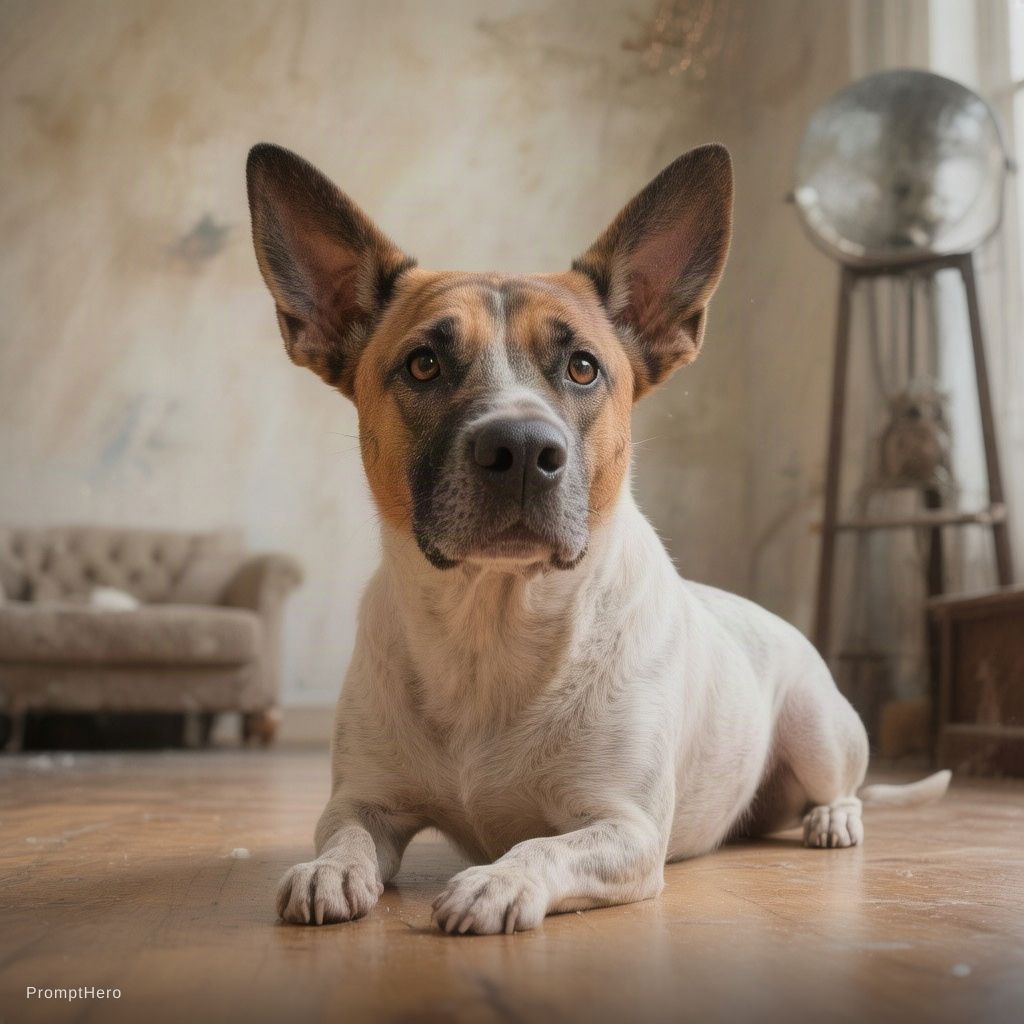
Hunyuan  prompt: dog pose Nicht angegeben hunyuan-3
Wireless Doorbell Camera Instructions Prompt Nicht angegeben gpt-image-2
Hunyuan  prompt: wine Nicht angegeben hunyuan-3
Hunyuan  prompt: can beer Nicht angegeben hunyuan-3
Hunyuan  prompt: ربات Nicht angegeben hunyuan-3
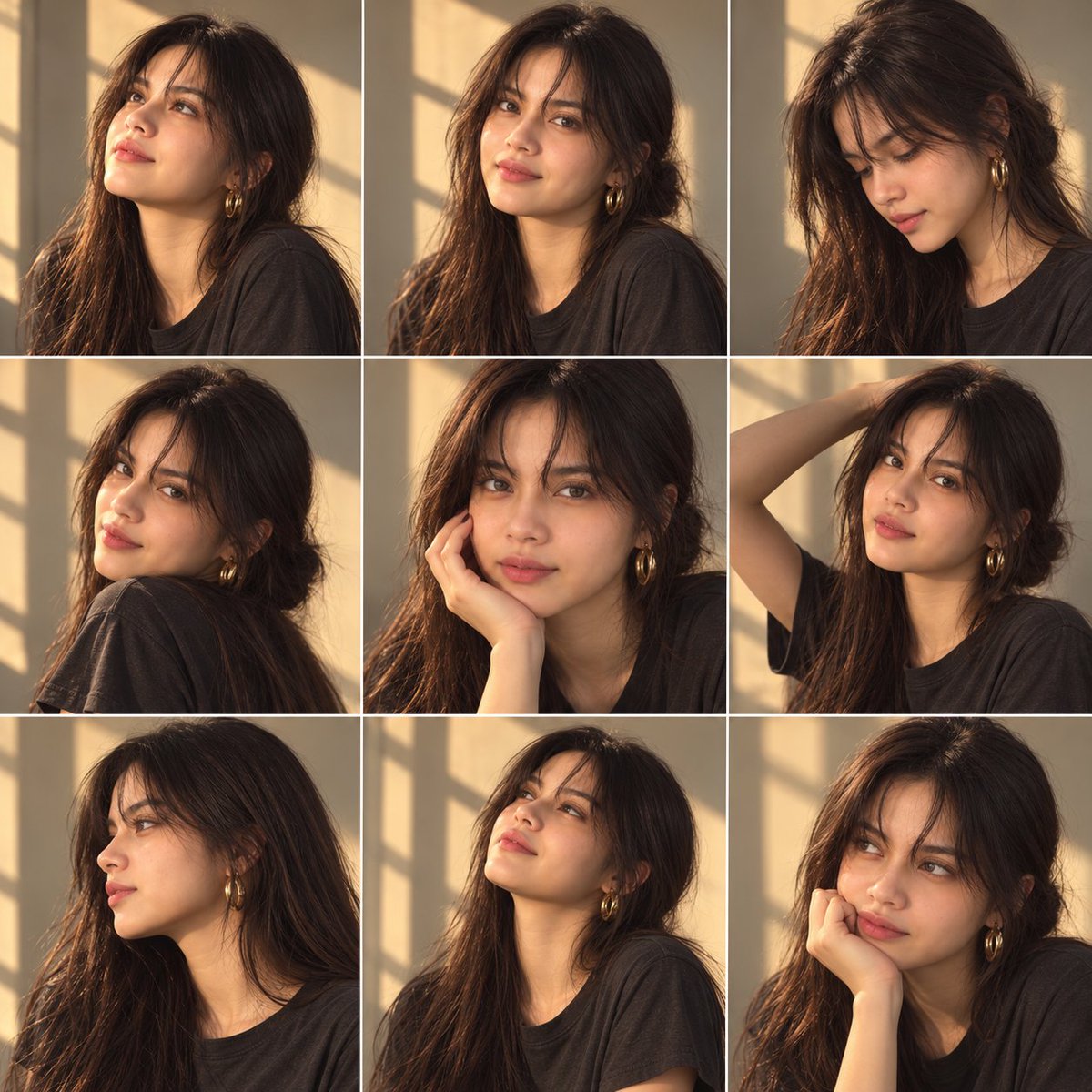
Hero prompt: recreate image 1 (close up indoor portrait of a wo... Nicht angegeben 1.0

Führen Sie diese Eingabeaufforderung mit der API aus

Die folgende Anforderung sendet diese Eingabeaufforderung mit den ausgefüllten Standardwerten an das erste Modell, auf dem sie ausgeführt wird. Tauschen Sie den Modellnamen gegen ein anderes oben aufgeführtes Modell aus.

Prompt API-Dokumente
/api/v1/gpt_image_2/text_to_image
curl -X POST https://runapi.ai/api/v1/gpt_image_2/text_to_image \
  -H "Authorization: Bearer $RUNAPI_API_KEY" \
  -H "Content-Type: application/json" \
  --data-binary @- <<'JSON'
{
  "model": "gpt-image-2",
  "prompt": "Create a cinematic high-fashion editorial portrait of a handsome man use image for face reference looking over his shoulder toward the camera. He has short, slightly messy textured hair, a full neatly groomed beard, strong masculine facial features, and wears futuristic n black sunglasses. He is dressed in a vintage blue denim jacket with realistic faded texture, stitching, and worn fabric details.\nBehind him, create a large semi-transparent ghosted double exposure of the same man, facing slightly toward the opposite direction, giving the composition a mysterious motion-trail effect. The background is a rich glowing burnt-orange/amber studio gradient with subtle atmospheric haze and warm cinematic lighting. Strong warm rim light outlines the hair and shoulders, while soft directional light illuminates the face and denim texture.\nPremium fashion magazine aesthetic, photorealistic skin and hair, extremely detailed fabric, dramatic contrast, shallow depth of field, subtle film grain, sophisticated color grading, sharp facial focus, volumetric light, polished commercial photography, luxury eyewear campaign, dynamic layered composition, portrait photography, 4:5 vertical aspect ratio, no text, no logos, no watermark."
}
JSON

Probier‘s mal mit einer Anfrage