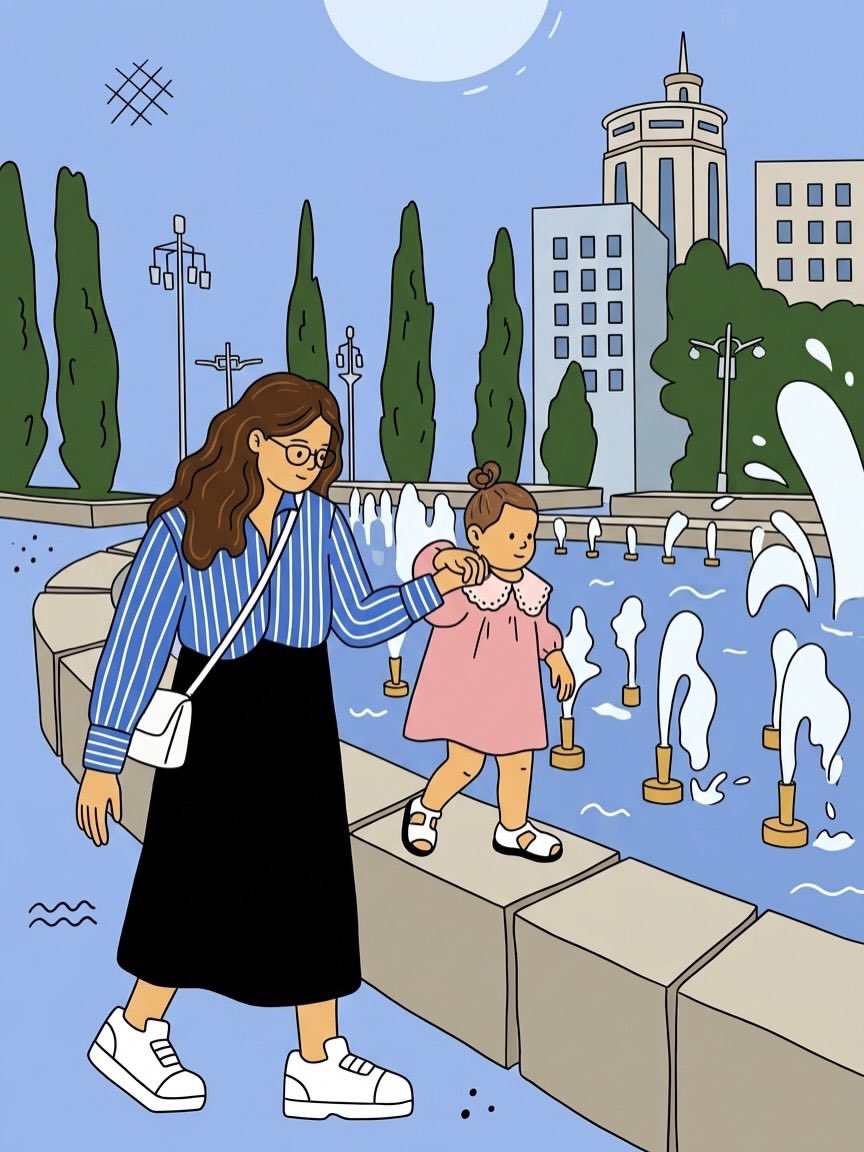
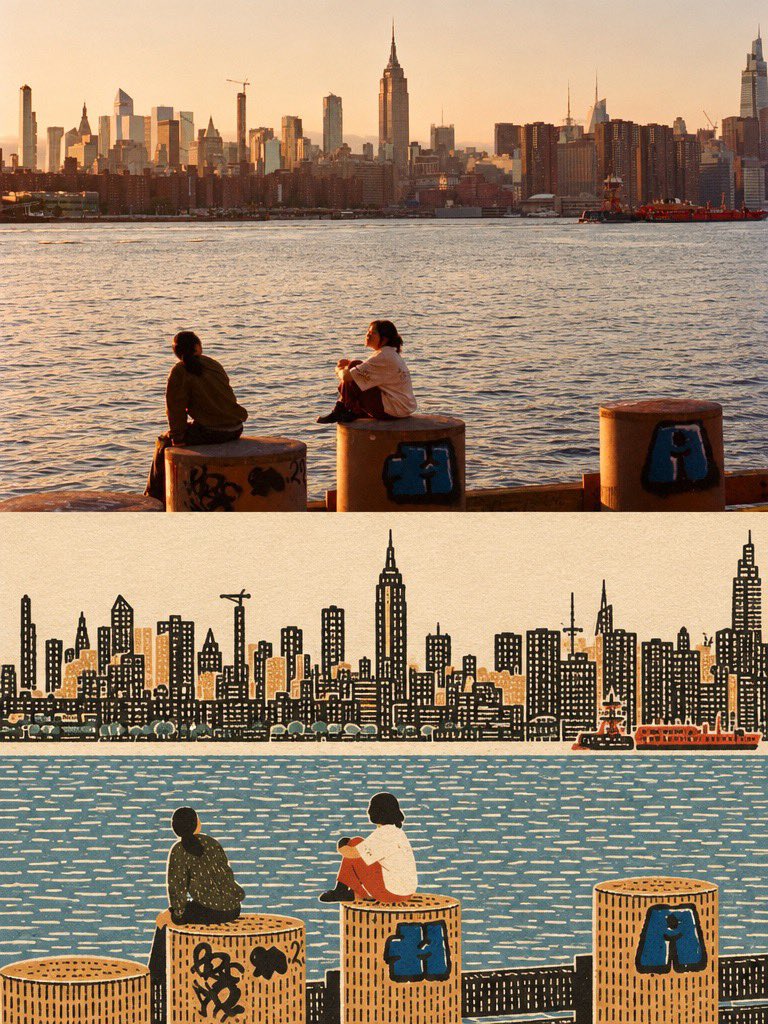
Cinematic Anime Winter Photo Transformation
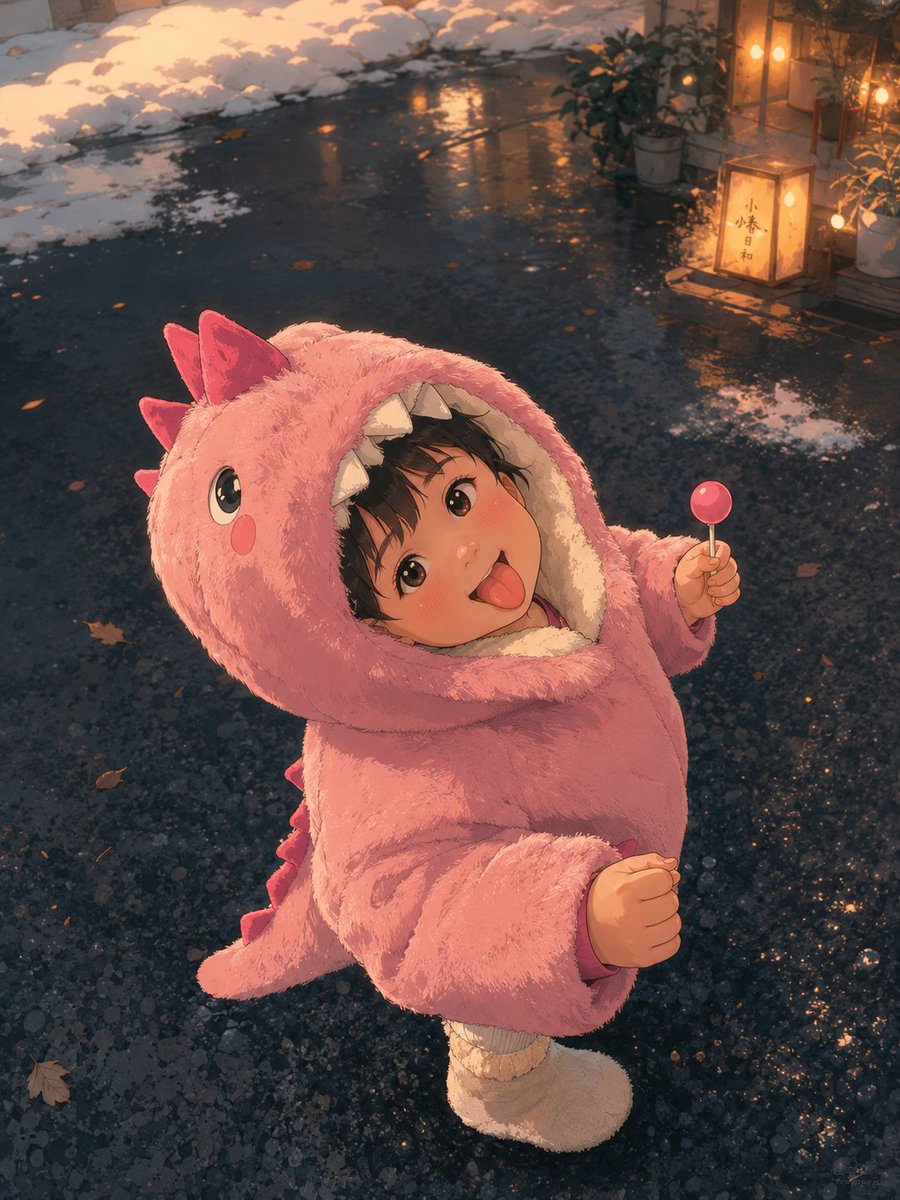
Cinematic Anime Winter Photo Transformation

Eingabeaufforderung

Using REFERENCE_0 as the exact base image, transform it into a premium cinematic Japanese anime frame. Preserve the original composition, pose, camera angle, character placement, facial expression, body language, framing, perspective, environment layout, lighting direction, and the visible privacy censor block over the face. Convert the photo into a richly detailed hand-painted anime look with clean linework, soft cel-shading, textured plush fur, expressive highlights, and a polished film-still finish. Enhance the scene into a warm winter evening atmosphere: keep the wet dark pavement and snow along the edges, but make the ground more reflective and painterly with small puddles, scattered fallen leaves, and subtle snow patches. Add warm cinematic lantern glow in the upper-right background, including potted plants and a small illuminated sign/lantern with Japanese characters, while keeping these background additions softly integrated and slightly out of focus. Use golden-orange rim light and reflections contrasting with cool blue-gray pavement, gentle depth of field, atmospheric bokeh, and high-detail anime rendering. Do not change the child’s dinosaur costume, lollipop, stance, or overall framing; only stylize and enrich the image.

Läuft auf 21 Modellen

  • Flux
  • Flux 2
  • Flux Kontext
  • GPT-4o Image
  • GPT Image
  • GPT Image 2
  • GPT Image 2.5
  • GPT Image 2.6
  • Grok Imagine
  • Ideogram V3
  • Imagen 4
  • Kling
  • +9 mehr

Was dieser Prompt erzeugt

ChatGPT Image prompt: logo book keeping Nicht angegeben v1
ChatGPT Image prompt: logos Nicht angegeben v1
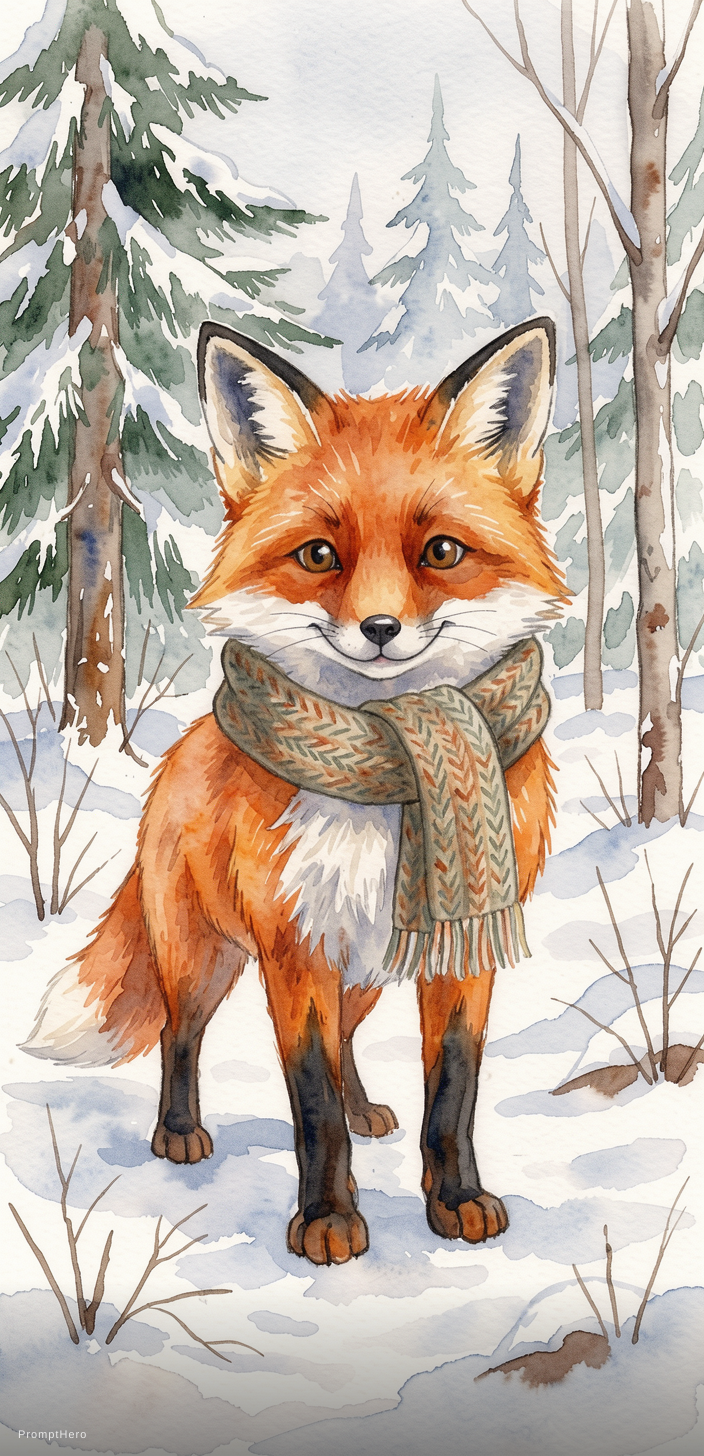
FLUX prompt: A friendly red fox wearing a knitted scarf in a sn... Nicht angegeben flux-3
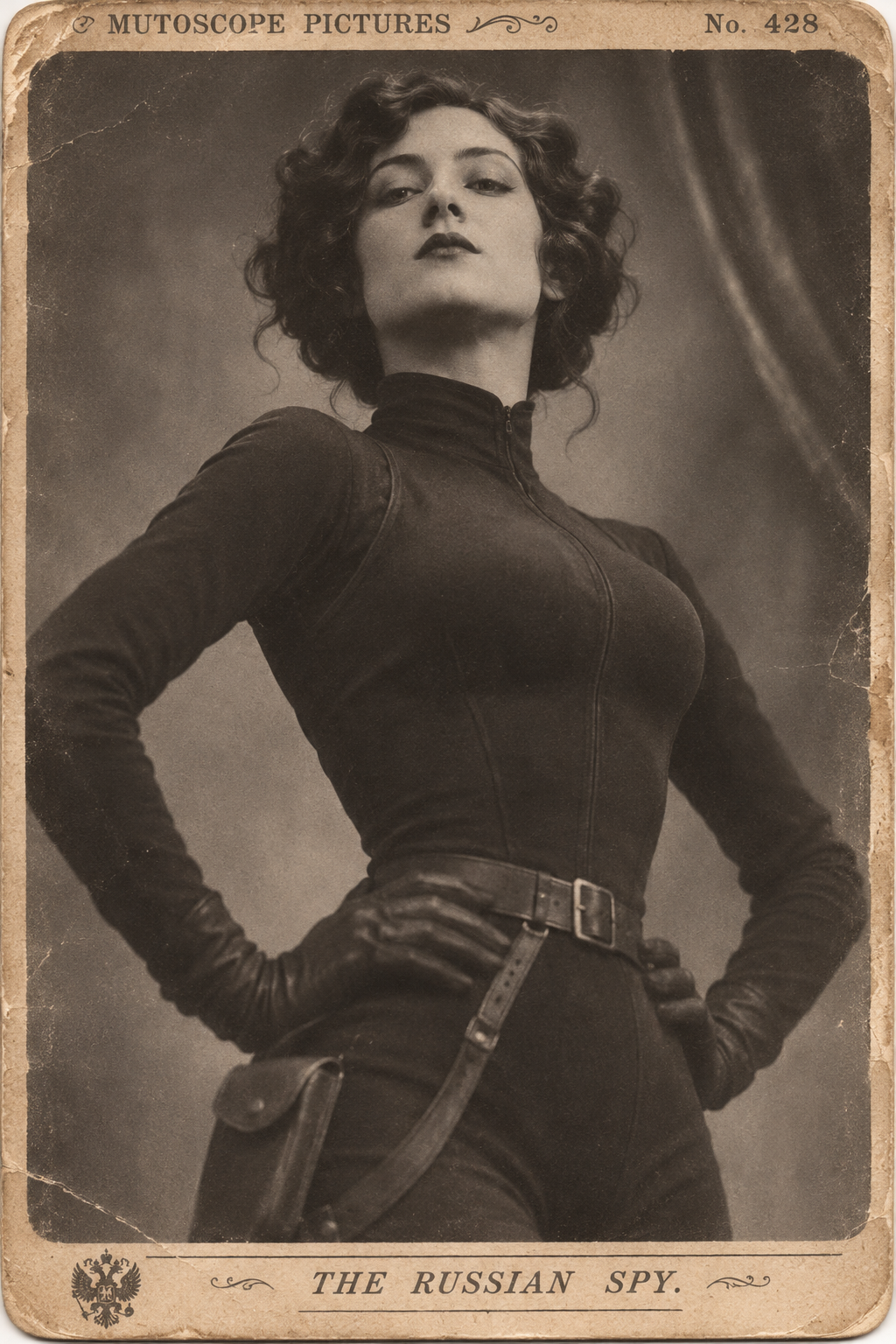
Dans le style d'une image mutoscope, un portrait d... Nicht angegeben Nicht angegeben
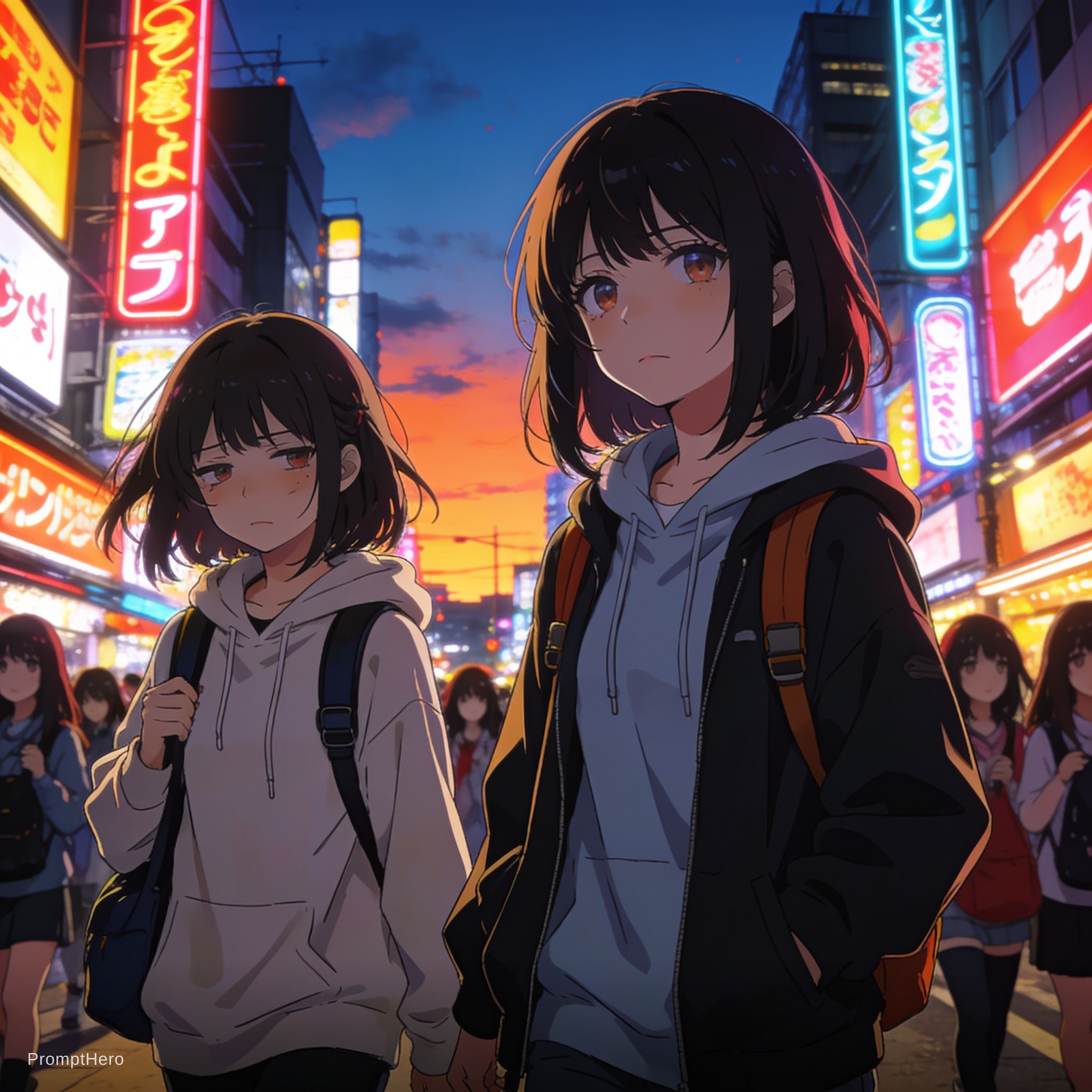
Seedream 5 prompt: score_9, score_8_up, score_7_up, 2girls, tomany gi... Nicht angegeben seedream-4.5
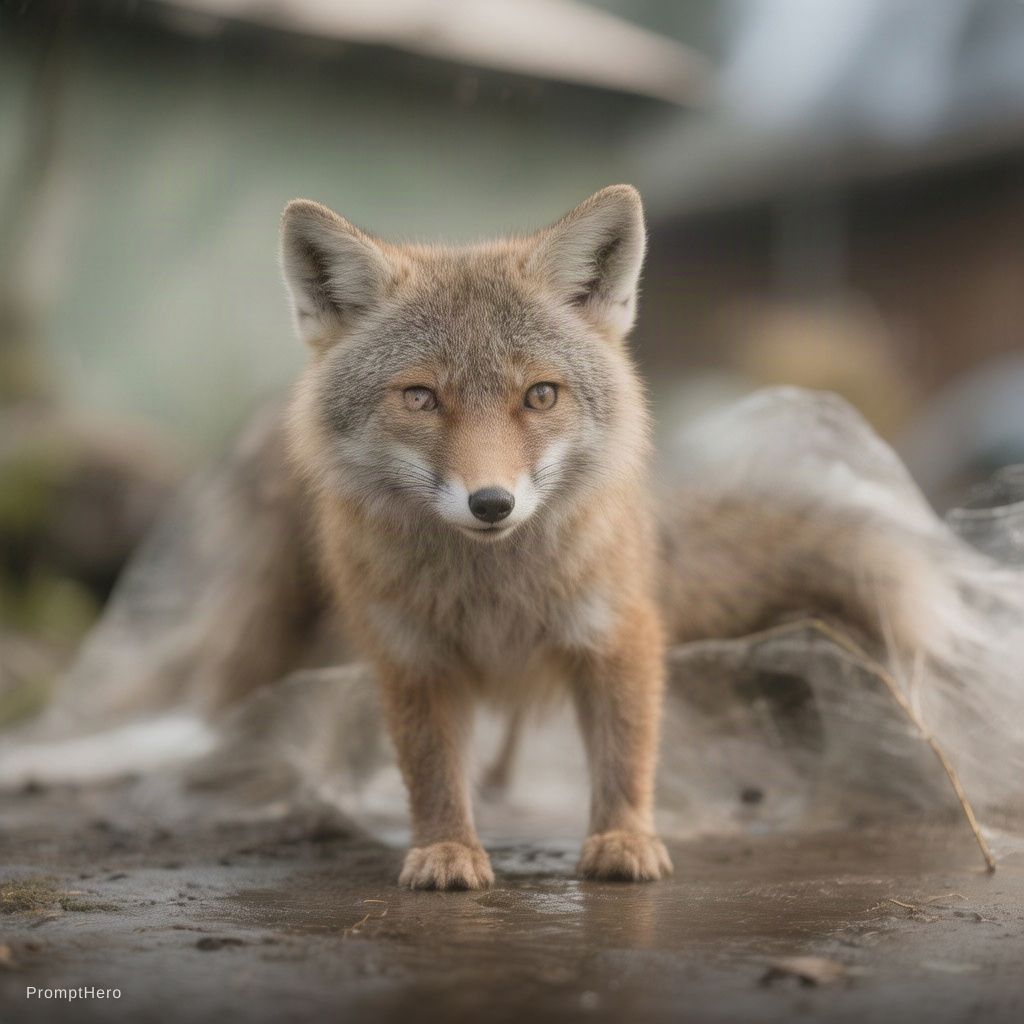
Hunyuan  prompt: feet Nicht angegeben hunyuan-3

Führen Sie diese Eingabeaufforderung mit der API aus

Die folgende Anforderung sendet diese Eingabeaufforderung mit den ausgefüllten Standardwerten an das erste Modell, auf dem sie ausgeführt wird. Tauschen Sie den Modellnamen gegen ein anderes oben aufgeführtes Modell aus.

Prompt API-Dokumente
/api/v1/gpt_image_2/text_to_image
curl -X POST https://runapi.ai/api/v1/gpt_image_2/text_to_image \
  -H "Authorization: Bearer $RUNAPI_API_KEY" \
  -H "Content-Type: application/json" \
  --data-binary @- <<'JSON'
{
  "model": "gpt-image-2",
  "prompt": "Using REFERENCE_0 as the exact base image, transform it into a premium cinematic Japanese anime frame. Preserve the original composition, pose, camera angle, character placement, facial expression, body language, framing, perspective, environment layout, lighting direction, and the visible privacy censor block over the face. Convert the photo into a richly detailed hand-painted anime look with clean linework, soft cel-shading, textured plush fur, expressive highlights, and a polished film-still finish.\n\nEnhance the scene into a warm winter evening atmosphere: keep the wet dark pavement and snow along the edges, but make the ground more reflective and painterly with small puddles, scattered fallen leaves, and subtle snow patches. Add warm cinematic lantern glow in the upper-right background, including potted plants and a small illuminated sign/lantern with Japanese characters, while keeping these background additions softly integrated and slightly out of focus. Use golden-orange rim light and reflections contrasting with cool blue-gray pavement, gentle depth of field, atmospheric bokeh, and high-detail anime rendering. Do not change the child’s dinosaur costume, lollipop, stance, or overall framing; only stylize and enrich the image."
}
JSON

Probier‘s mal mit einer Anfrage