Cinematic Red Noir Saree Portrait
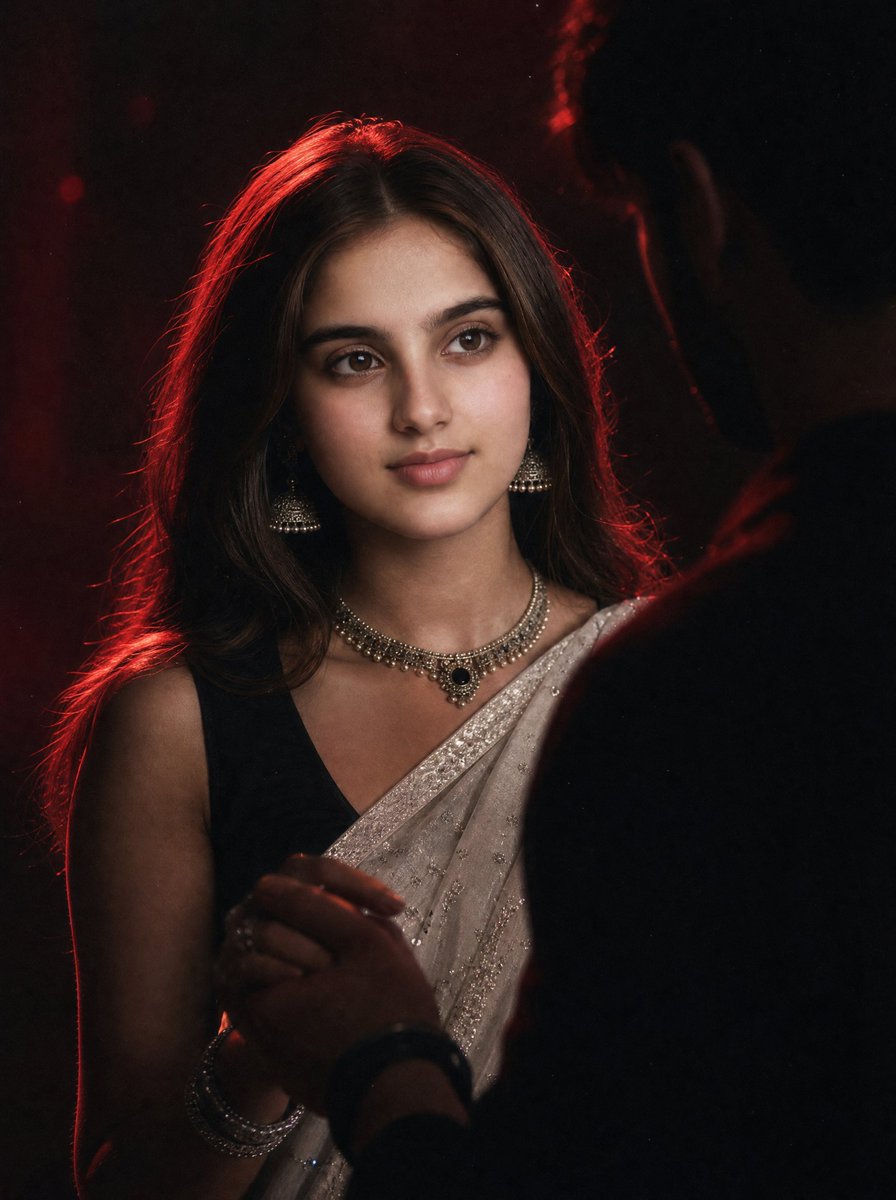
Cinematic Red Noir Saree Portrait

Eingabeaufforderung

Create a cinematic vertical portrait of a young South Asian woman in a dramatic black-and-red romantic film-noir scene. She has long wavy dark brown hair with a center part, soft natural makeup, expressive brown eyes, and a calm slight smile while looking toward a man in the foreground. Dress her in a shimmering white stone-work saree with a black sleeveless blouse and ornate silver oxidized jewelry: exactly 4 visible jewelry elements, including two dangling jhumka earrings, one layered choker necklace with a dark central stone, and stacked silver bangles on one wrist. Place the man only as a dark out-of-focus silhouette on the right foreground, back to camera, holding her hand near the lower center; his face should not be visible. Use high-contrast low-key lighting with a strong red rim light outlining her hair and shoulder, soft warm key light on her face, deep black shadows, a smoky dark background with subtle red bokeh, dreamy 1990s Bollywood film mood, shallow depth of field, soft glow, realistic skin texture, subtle film grain, vertical 3:4 composition, intimate close framing from waist/chest up, no text, no watermark.

Läuft auf 21 Modellen

  • Flux
  • Flux 2
  • Flux Kontext
  • GPT-4o Image
  • GPT Image
  • GPT Image 2
  • GPT Image 2.5
  • GPT Image 2.6
  • Grok Imagine
  • Ideogram V3
  • Imagen 4
  • Kling
  • +9 mehr

Was dieser Prompt erzeugt

Seedream 5 prompt: Hot dress Nicht angegeben v2
Nano Banana prompt: Match the same pose from the 1st image Nicht angegeben nano-banana-2.1
Seedream 5 prompt: Modern minimalist mobile app icon logo design for ... Nicht angegeben seedream-5-pro
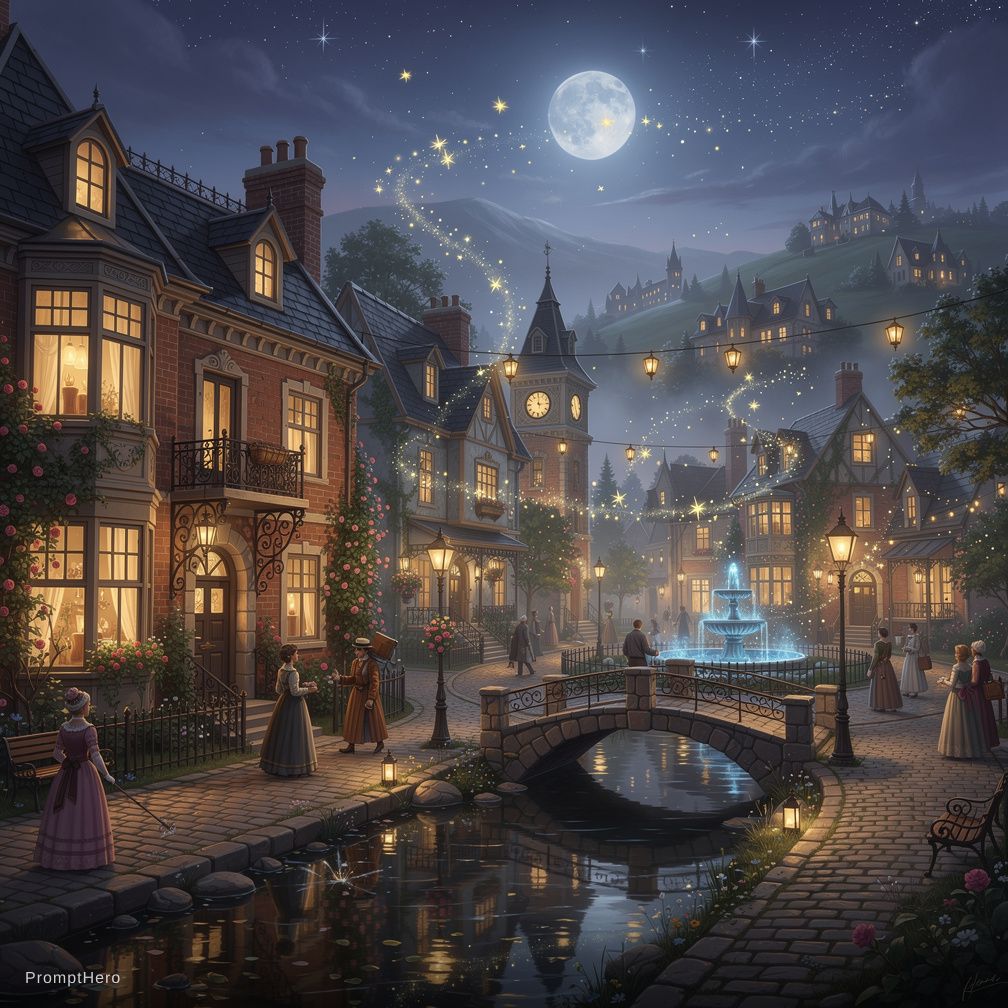
FLUX prompt: Enchanted Victorian villages Nicht angegeben flux-2-pro
Hunyuan  prompt: субстанция Nicht angegeben hunyuan-3
ChatGPT Image prompt: A single cohesive Instagram Feed Portrait (4:5) so... Nicht angegeben v1

Führen Sie diese Eingabeaufforderung mit der API aus

Die folgende Anforderung sendet diese Eingabeaufforderung mit den ausgefüllten Standardwerten an das erste Modell, auf dem sie ausgeführt wird. Tauschen Sie den Modellnamen gegen ein anderes oben aufgeführtes Modell aus.

Prompt API-Dokumente
/api/v1/gpt_image_2/text_to_image
curl -X POST https://runapi.ai/api/v1/gpt_image_2/text_to_image \
  -H "Authorization: Bearer $RUNAPI_API_KEY" \
  -H "Content-Type: application/json" \
  --data-binary @- <<'JSON'
{
  "model": "gpt-image-2",
  "prompt": "Create a cinematic vertical portrait of a young South Asian woman in a dramatic black-and-red romantic film-noir scene. She has long wavy dark brown hair with a center part, soft natural makeup, expressive brown eyes, and a calm slight smile while looking toward a man in the foreground. Dress her in a shimmering white stone-work saree with a black sleeveless blouse and ornate silver oxidized jewelry: exactly 4 visible jewelry elements, including two dangling jhumka earrings, one layered choker necklace with a dark central stone, and stacked silver bangles on one wrist. Place the man only as a dark out-of-focus silhouette on the right foreground, back to camera, holding her hand near the lower center; his face should not be visible. Use high-contrast low-key lighting with a strong red rim light outlining her hair and shoulder, soft warm key light on her face, deep black shadows, a smoky dark background with subtle red bokeh, dreamy 1990s Bollywood film mood, shallow depth of field, soft glow, realistic skin texture, subtle film grain, vertical 3:4 composition, intimate close framing from waist/chest up, no text, no watermark."
}
JSON

Probier‘s mal mit einer Anfrage