Grok Imagine R2V Multi-Image Reference Tutorial
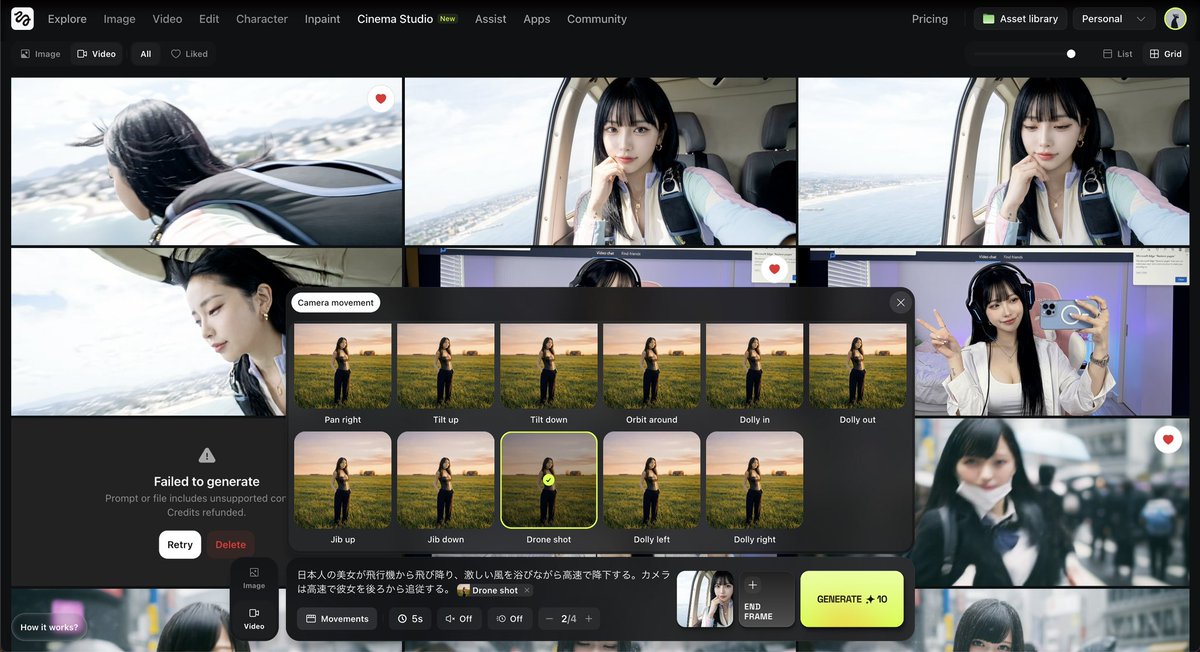
A detailed tutorial and explanation in Japanese about the new Grok Imagine R2V (Reference-to-Video) feature, which allows referencing up to 7 images for video generation. The tweet provides examples of how to use image references for character details, scene interpretation, cut transitions, and scene changes, including the prompt structure for each example.
翻訳: Prompt
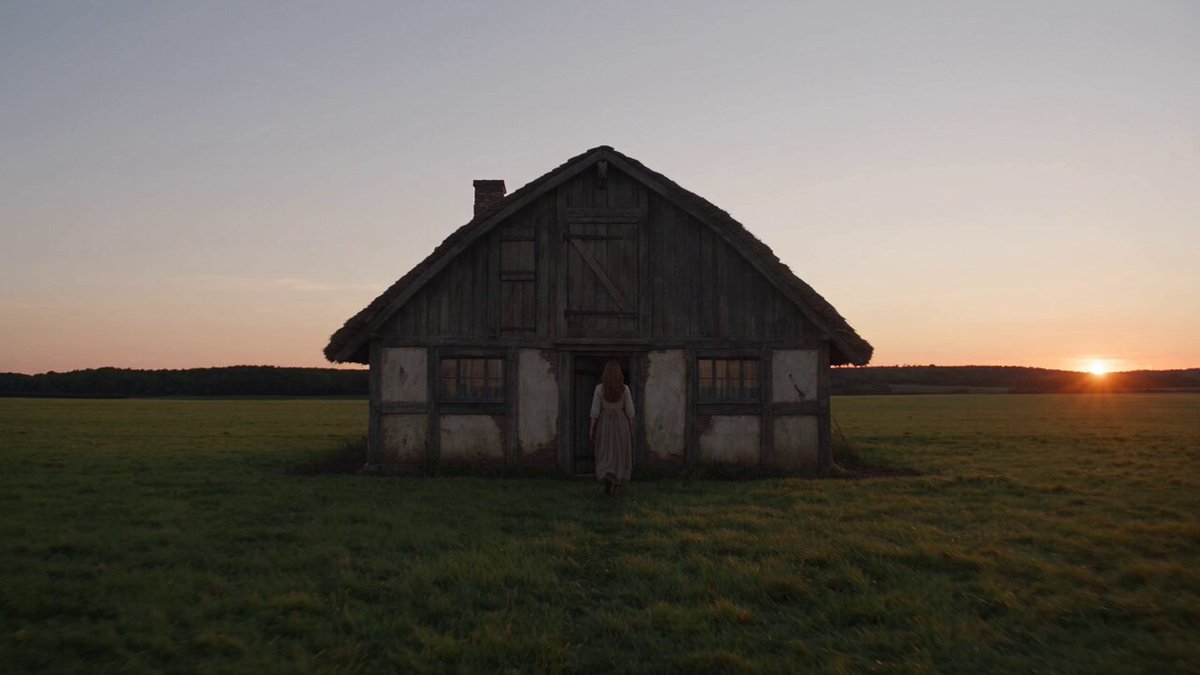
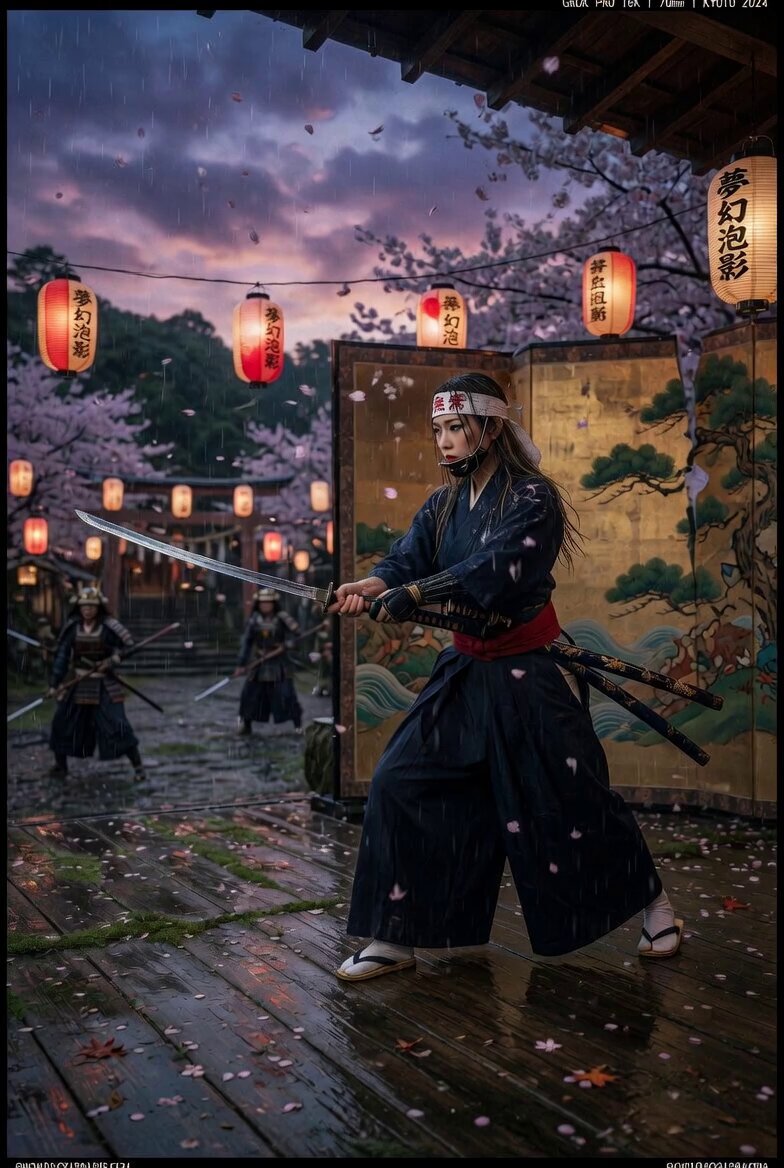
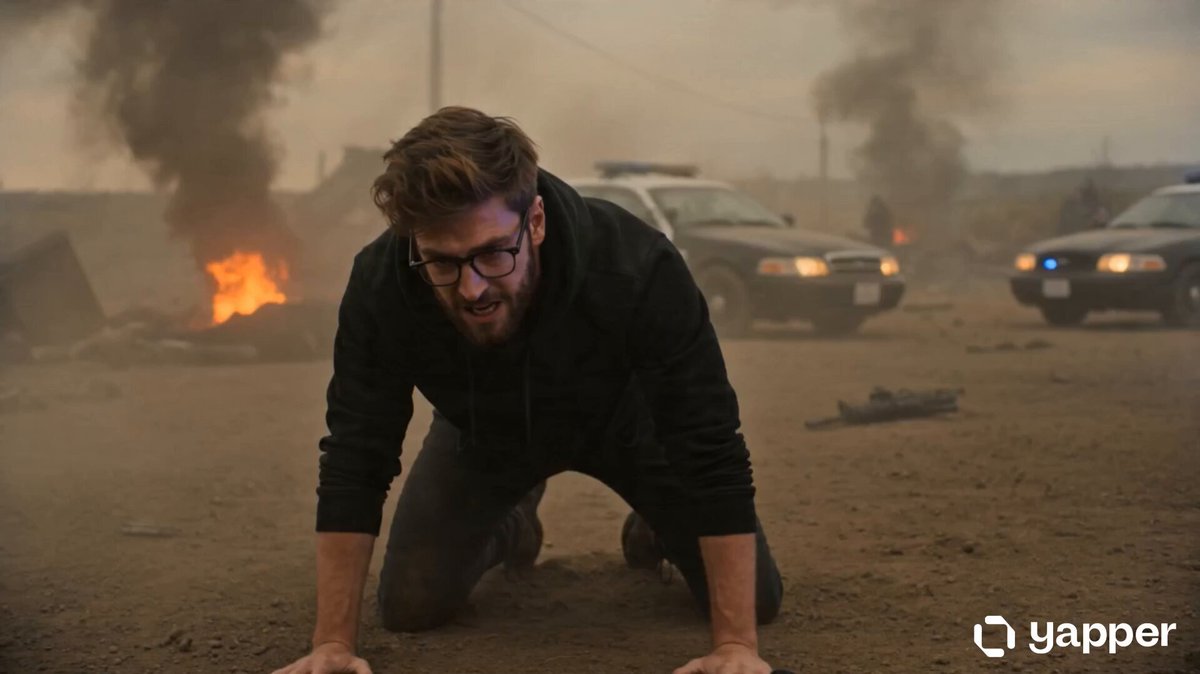
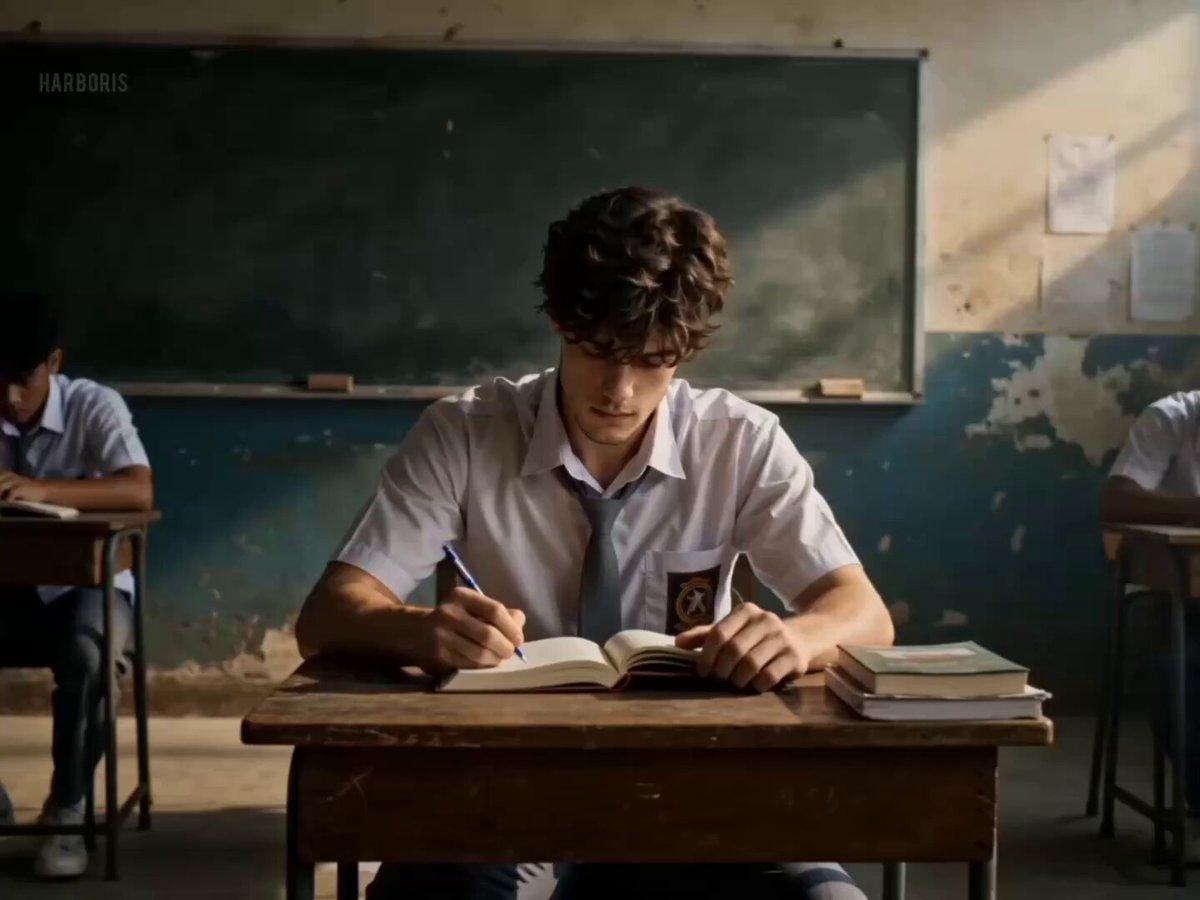
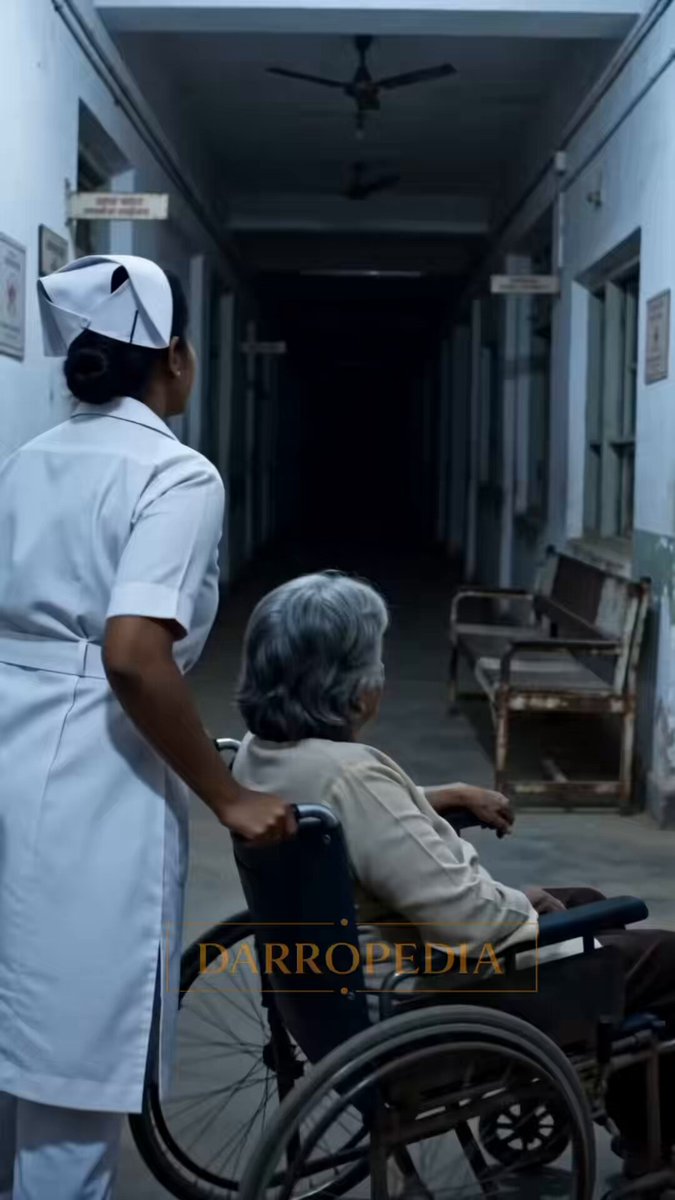
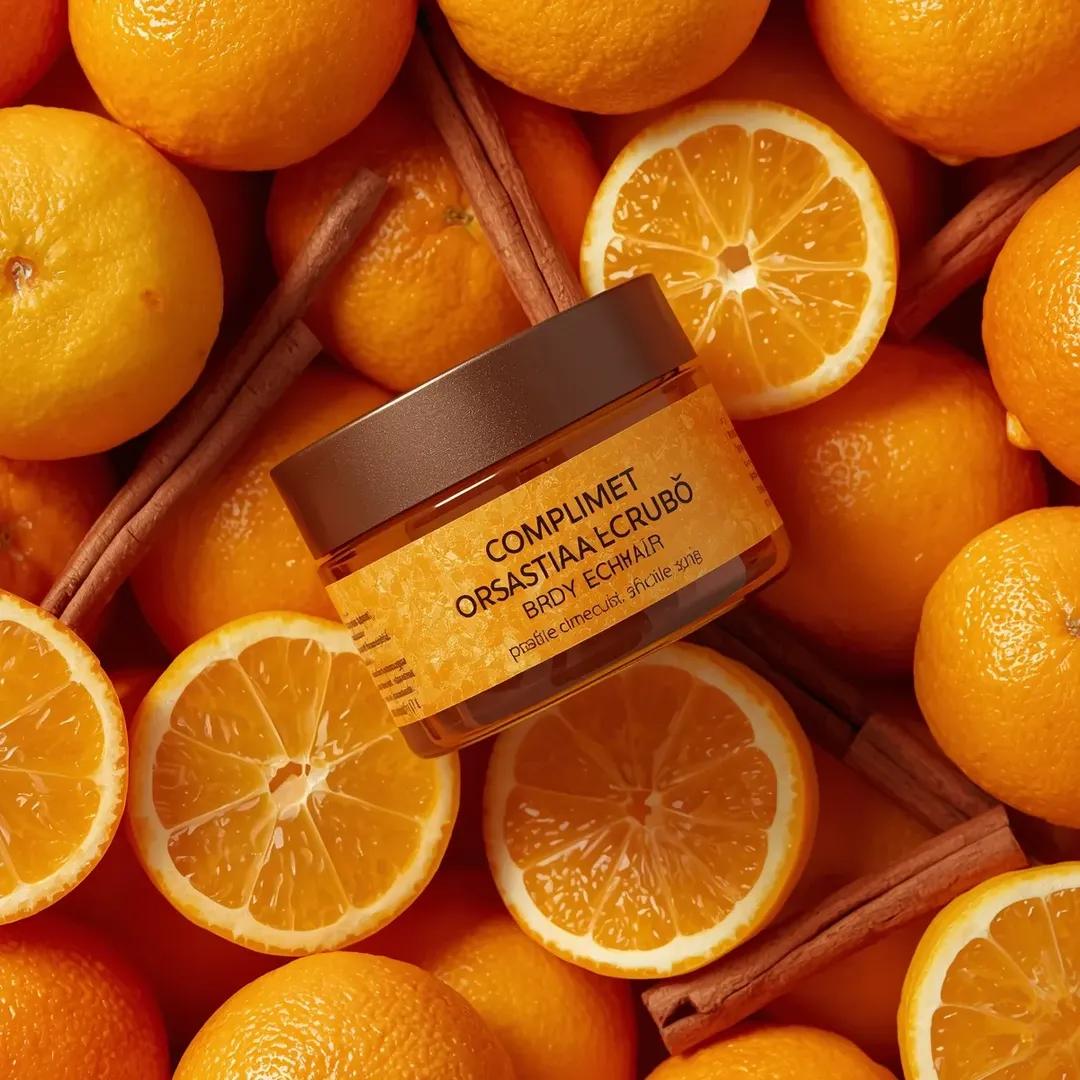
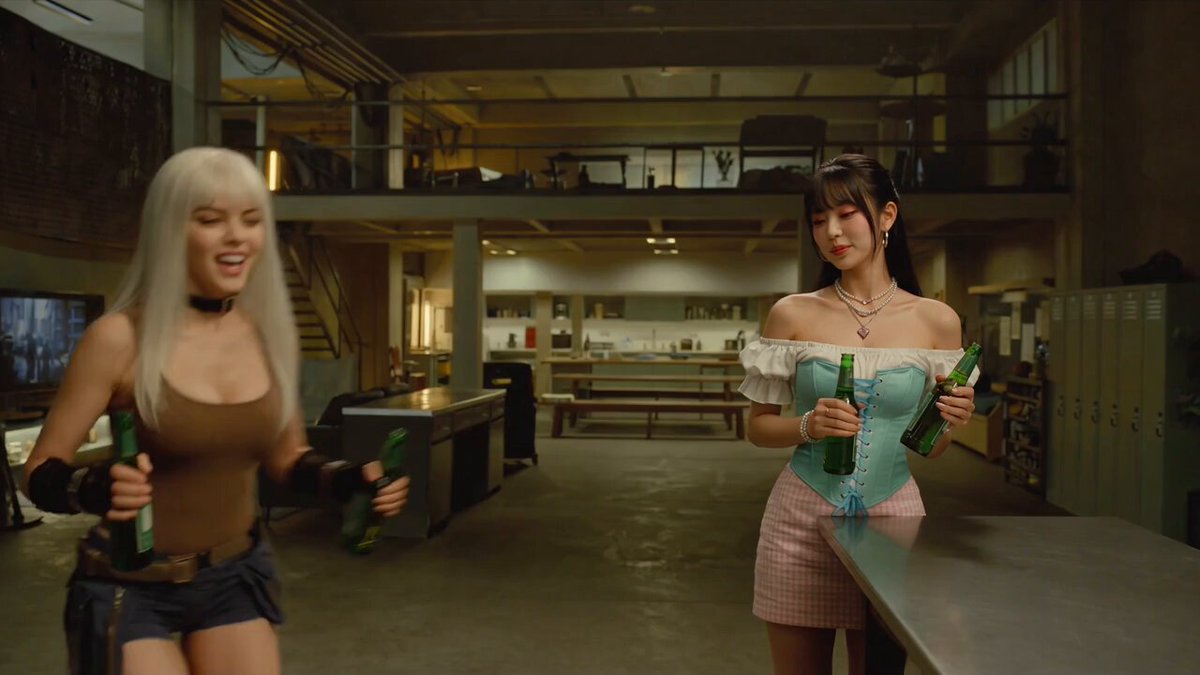
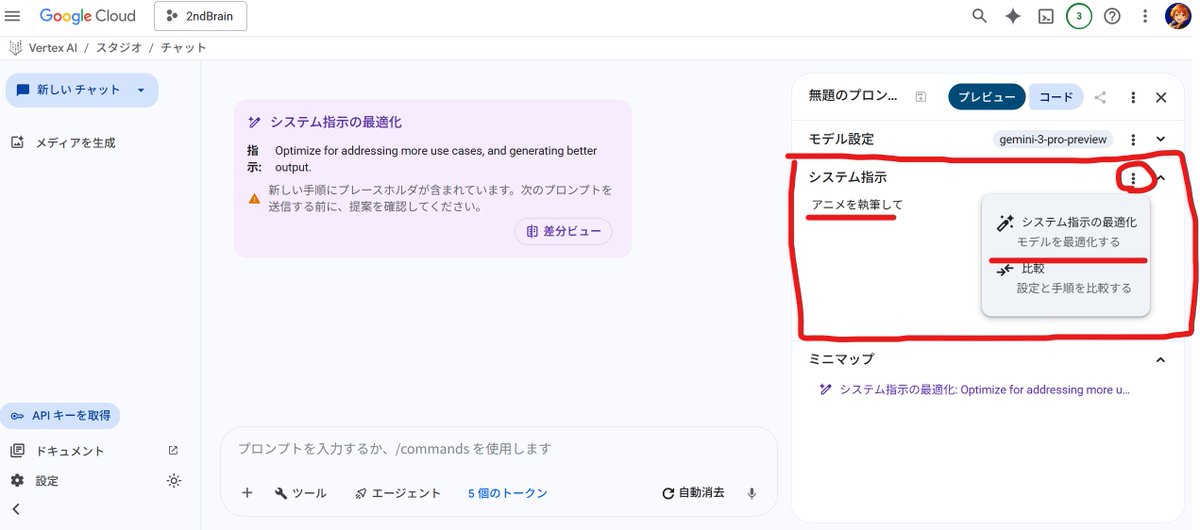
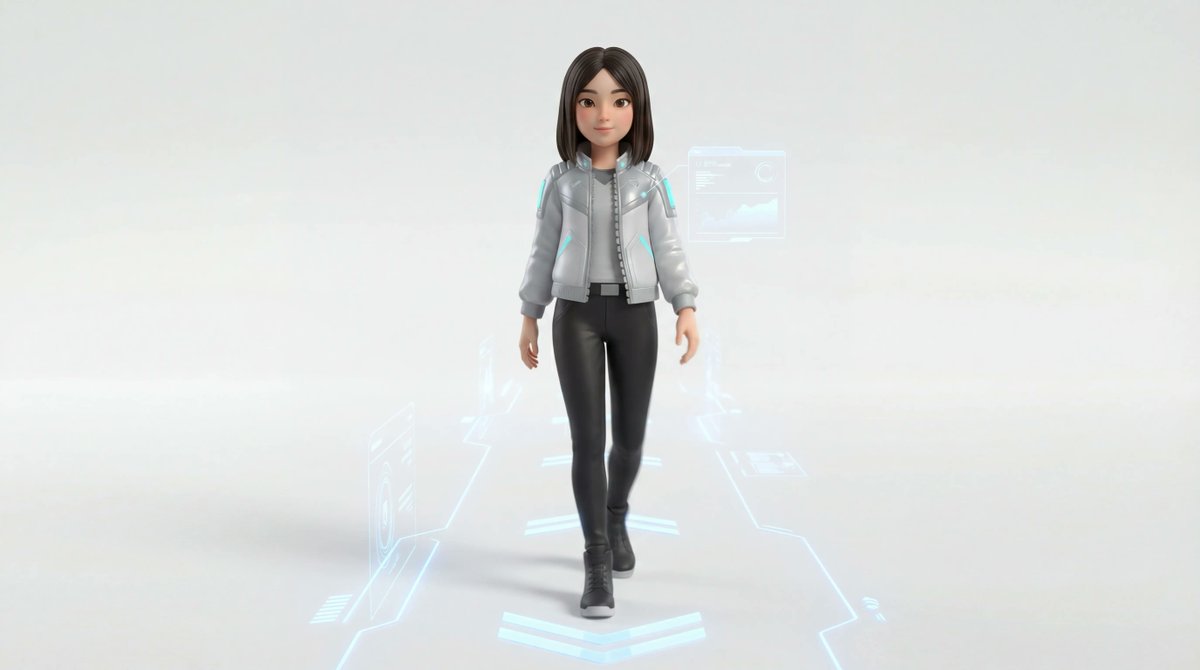
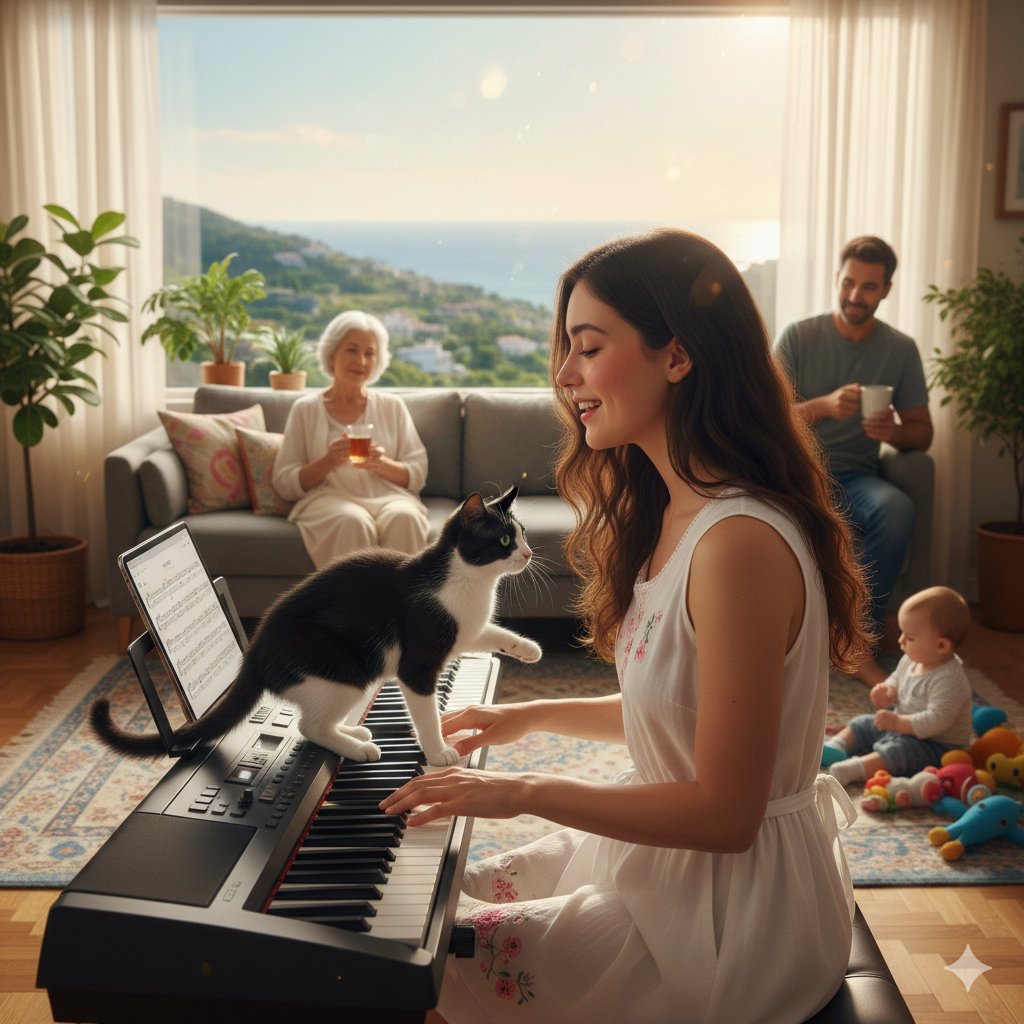
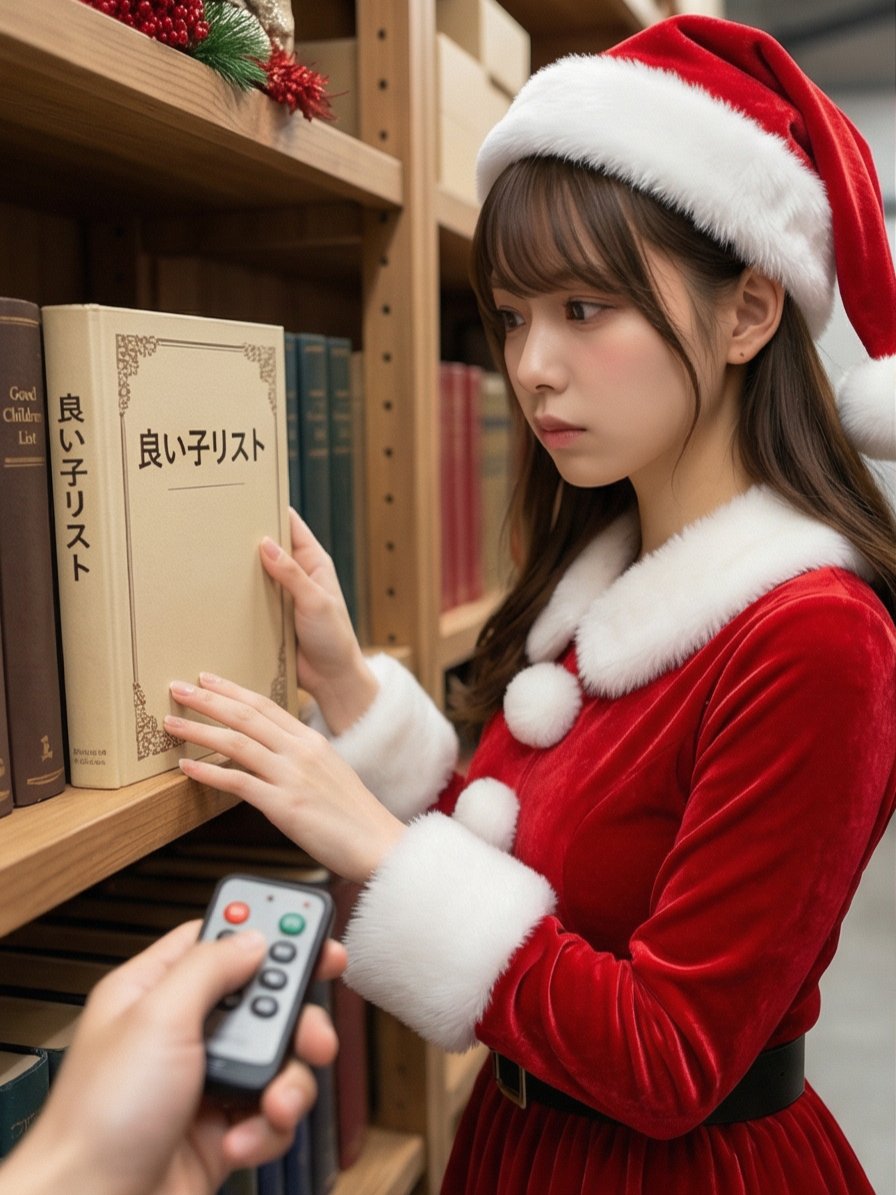
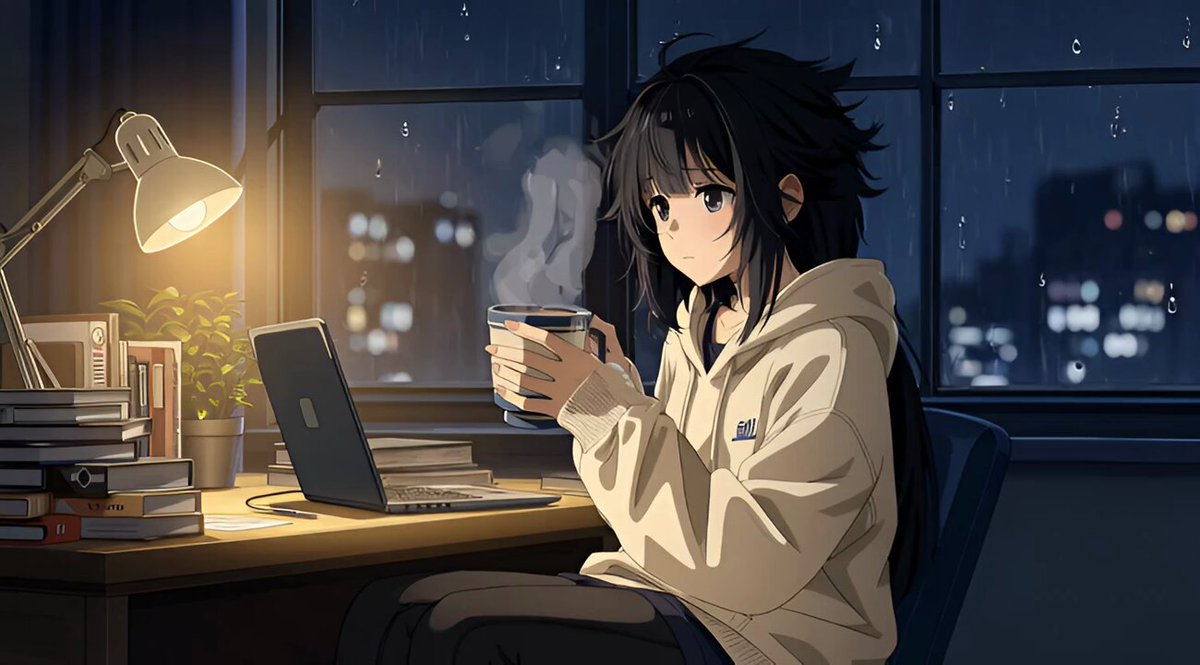
▼動画①↖︎:7枚参照してキャラの詳細設定を記述 プロンプト:キャラの詳細設定記述(※約1000文字のYAML) ・特にカット切り替えがない、7枚の画像を総合的に解釈したような1シーン ――――― ▼動画②↗︎:7枚参照してプロンプトなし プロンプト:「.」1文字(※画像2枚以上の時は完全ノープロンプトはできないようです) ・①とあまりかわらない ――――― ▼動画③↙︎:7枚参照して各画像参照記述でカット切り替えを指示 プロンプト:「 @ image1→ @ image2→(省略)→ @ image7の順番でカット切り替えする」 ・カット切り替えはできている ・全部は使われてない(6秒でギリギリ5カット) ・参照画像そのままではなく、似たような構図で再描画されている感じ ――――― ▼動画④↘︎:キャラクターシート・開始フレーム画像・背景画像の3つ参照で場面切り替え プロンプト:「 @ image1 のキャラが @ image2 のようにうたた寝していると @ image3 の世界に迷い込む。ドリーミーなトランジション。ダイナミックなカメラワーク」
翻訳: Runs on 13 models
- Gemini Omni
- Grok Imagine
- Hailuo
- HappyHorse
- HeyGen Video
- Kling
- LTX Video
- MiniMax H3
- PixVerse
- Runway
- Seedance
- Veo 3.1
- 翻訳: +1 more