Peacock Paint-by-Numbers Worksheet
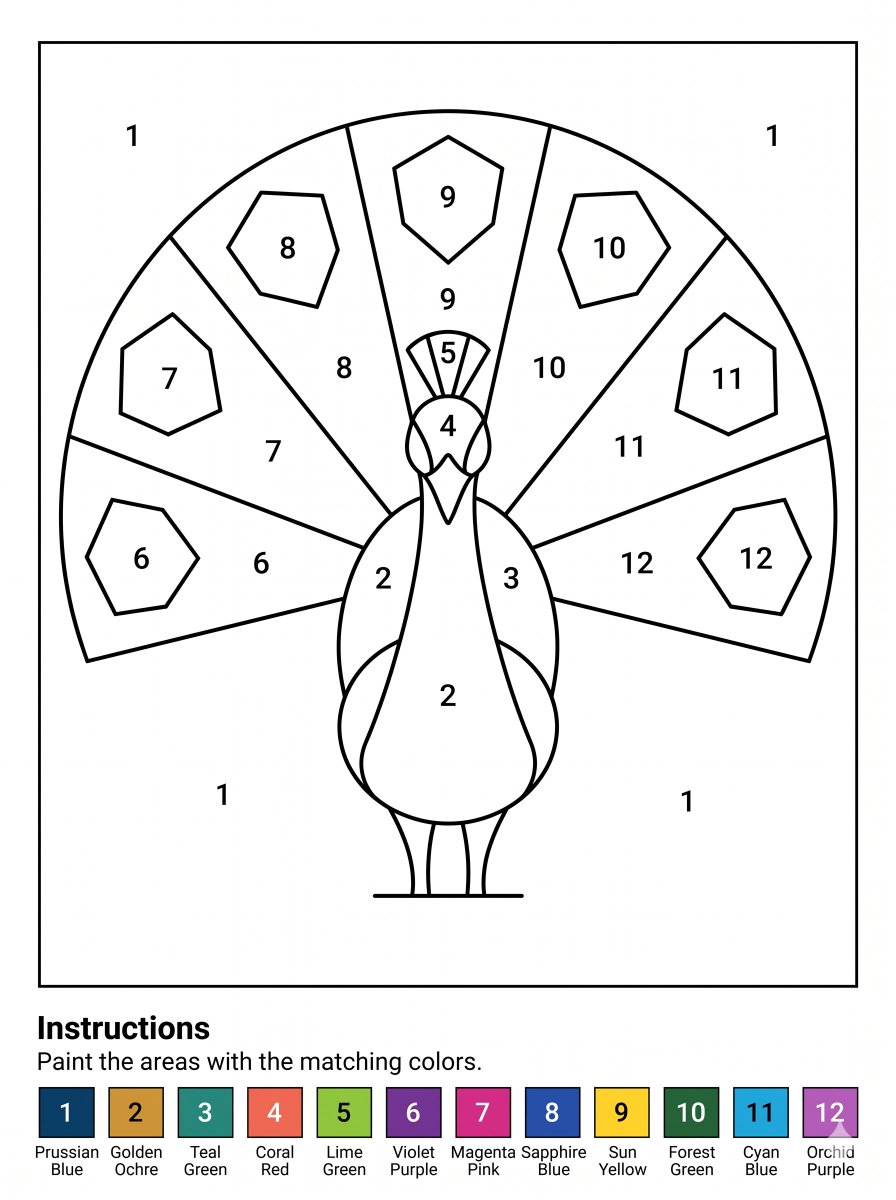
Peacock Paint-by-Numbers Worksheet

翻訳: Prompt

Goal: Create a printable paint-by-numbers worksheet featuring a stylized peacock, designed for children or beginners. Canvas: A4 portrait page at 300 DPI, clean white background, black line art only in the main worksheet area, with a thin rectangular border around the drawing. Leave a bottom instruction and color legend band below the bordered artwork. Main artwork: Center a simple front-facing peacock with a large semicircular fan tail. Use bold, smooth black outlines and large enclosed regions for coloring. The peacock has a rounded body, two slim legs, small feet on a horizontal ground line, a narrow neck, a pointed beak, round side face patches, a small crest, and two folded wing shapes along the body. Behind it, create a fan tail divided into exactly 7 large radial feather panels, labeled left to right with numbers 6, 7, 8, 9, 10, 11, and 12. Add exactly 7 smaller polygonal feather-eye shapes inside the fan, one per panel, also labeled 6 through 12. Put additional labels on the bird: body and lower wings use 2, right wing uses 3, face uses 4, crest uses 5. Fill the plain background areas inside the border with the number 1 in four places: upper left, upper right, lower left, and lower right. Numbering and regions: Use exactly 12 paint colors, represented only by black numeric labels inside the enclosed regions. Keep all numbers large, centered, and easy to read. Avoid shading, texture, gradients, or filled color in the drawing area. Bottom text: Below the drawing border, add a bold heading reading “Instructions”, followed by the sentence “Paint the areas with the matching colors.” Color legend: At the very bottom, create exactly 12 square color swatches in one horizontal row, each with a white or black number centered on the swatch and a two-line color name underneath. The swatches are: 1 Prussian Blue, 2 Golden Ochre, 3 Teal Green, 4 Coral Red, 5 Lime Green, 6 Violet Purple, 7 Magenta Pink, 8 Sapphire Blue, 9 Sun Yellow, 10 Forest Green, 11 Cyan Blue, 12 Orchid Purple. Style constraints: Crisp vector-like worksheet, high-contrast black outlines, no grayscale fills in the drawing, no extra decorations, no watermark, keep the layout print-ready and easy to color.

翻訳: Runs on 20 models

  • Flux
  • Flux 2
  • Flux Kontext
  • GPT-4o Image
  • GPT Image
  • GPT Image 2
  • GPT Image 2.5
  • GPT Image 2.6
  • Grok Imagine
  • Ideogram V3
  • Imagen 4
  • Kling
  • 翻訳: +8 more

このプロンプトの生成結果

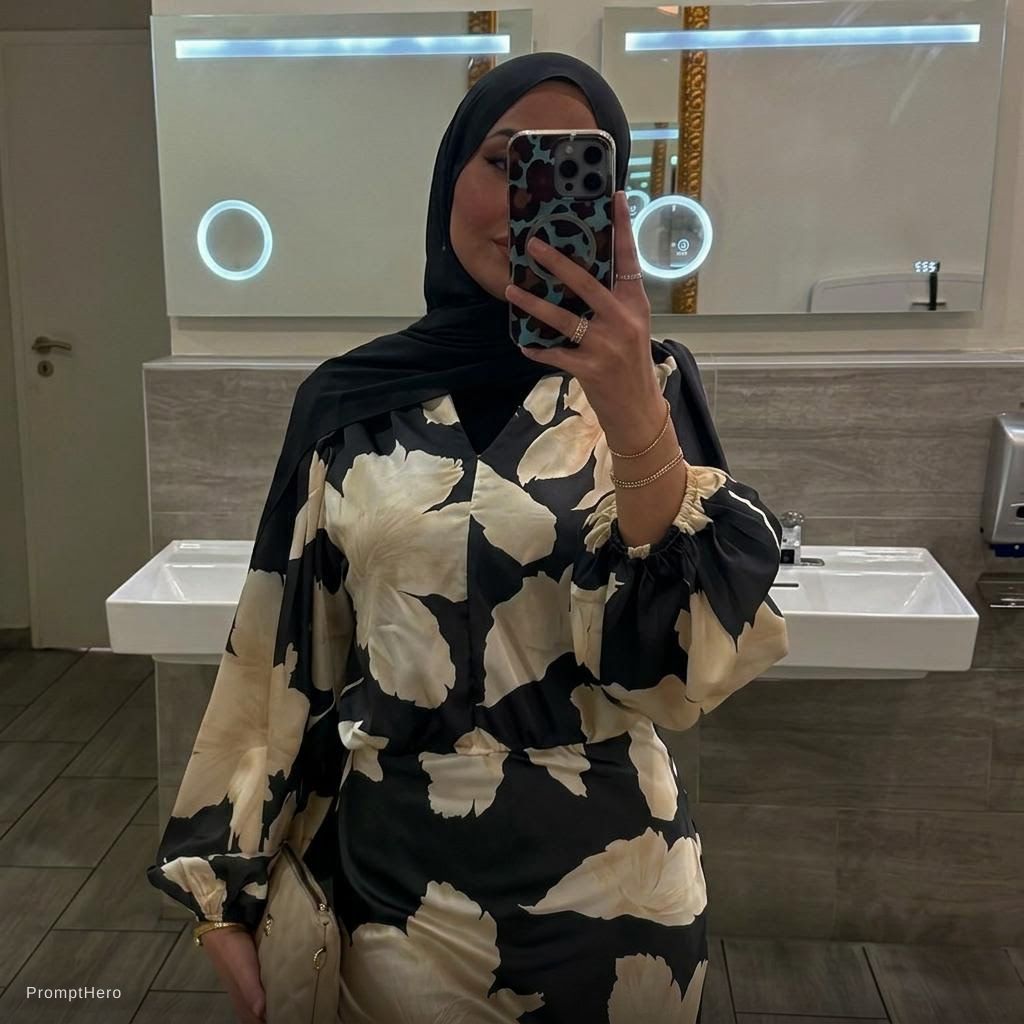
Nano Banana prompt: Zeigt Ausschnitt 未指定 nano-banana-2.1
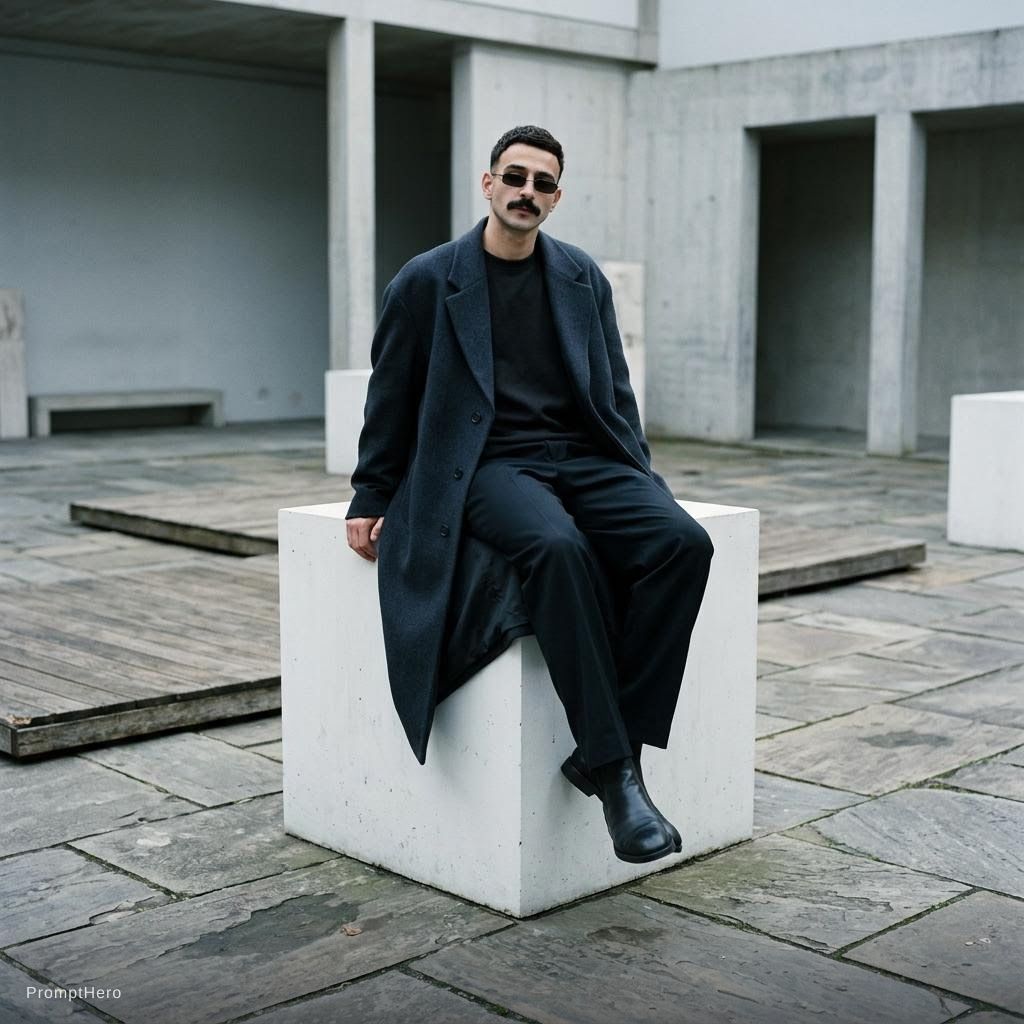
Hero prompt: a man sitting on top of a white cube, official jil... 未指定 1.0
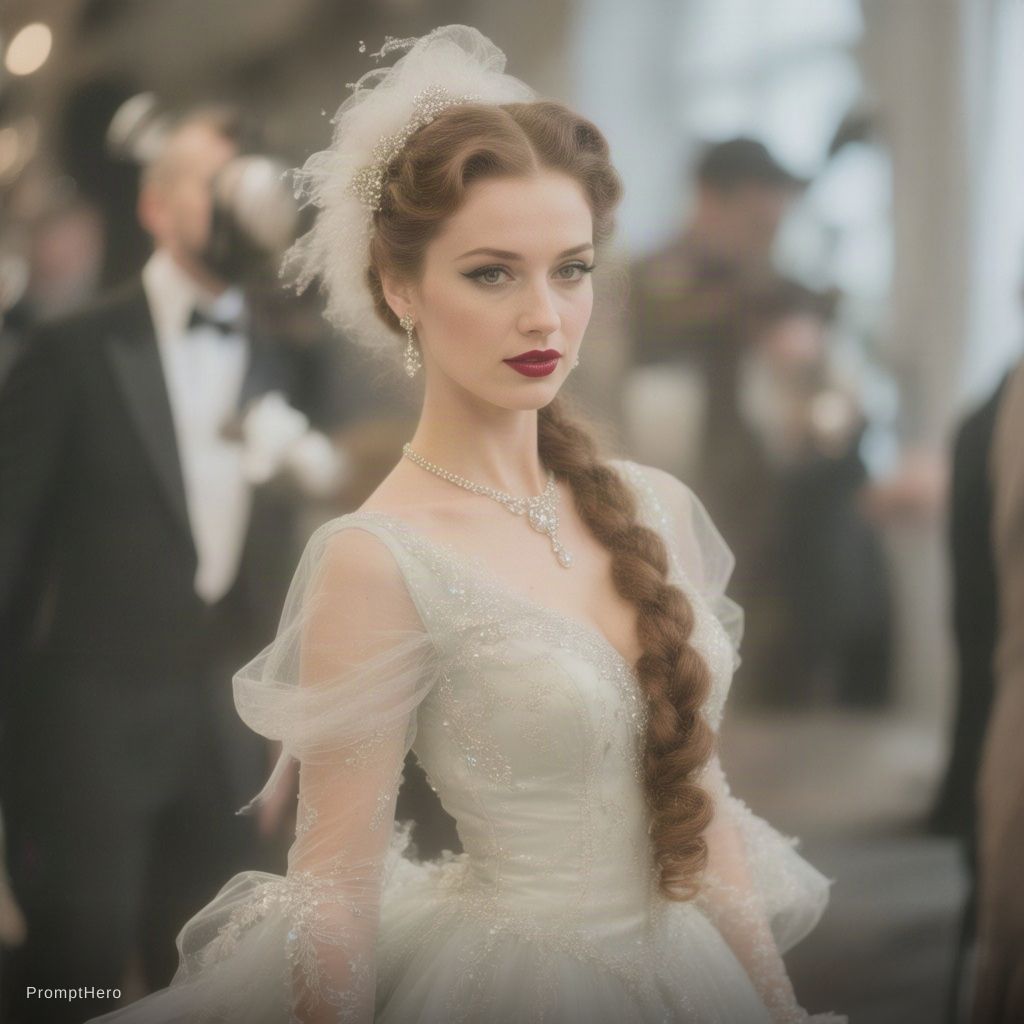
Hunyuan  prompt: Ballroom 未指定 hunyuan-3
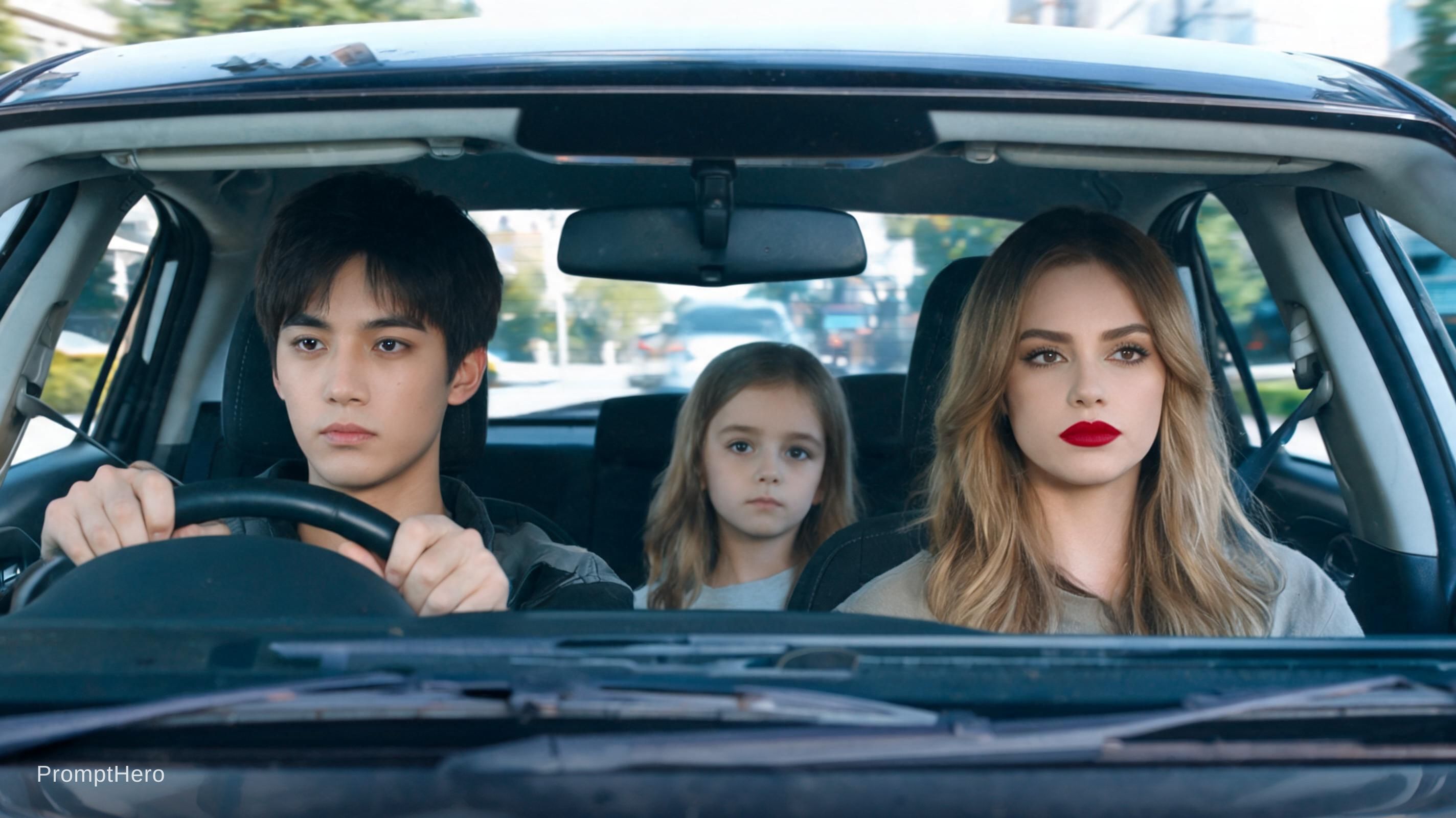
Seedream 5 prompt: 一辆家用小汽车内有三位人物,男性坐在驾驶位上,背景为移动的汽车,视角从前挡风玻璃往车内视角,可以看到... 未指定 v2
ChatGPT Image prompt: Sport stil 未指定 gpt-image-2.6-flare
Seedream 5 prompt: Have the man put his arm around the woman's should 未指定 seedream-5-pro

翻訳: Run this prompt with the API

翻訳: The request below sends this prompt, with its default values filled in, to the first model it runs on. Swap the model name for any other model listed above.

翻訳: Prompt API docs
/api/v1/gpt_image_2/text_to_image
curl -X POST https://runapi.ai/api/v1/gpt_image_2/text_to_image \
  -H "Authorization: Bearer $RUNAPI_API_KEY" \
  -H "Content-Type: application/json" \
  --data-binary @- <<'JSON'
{
  "model": "gpt-image-2",
  "prompt": "Goal: Create a printable paint-by-numbers worksheet featuring a stylized peacock, designed for children or beginners.\n\nCanvas: A4 portrait page at 300 DPI, clean white background, black line art only in the main worksheet area, with a thin rectangular border around the drawing. Leave a bottom instruction and color legend band below the bordered artwork.\n\nMain artwork: Center a simple front-facing peacock with a large semicircular fan tail. Use bold, smooth black outlines and large enclosed regions for coloring. The peacock has a rounded body, two slim legs, small feet on a horizontal ground line, a narrow neck, a pointed beak, round side face patches, a small crest, and two folded wing shapes along the body. Behind it, create a fan tail divided into exactly 7 large radial feather panels, labeled left to right with numbers 6, 7, 8, 9, 10, 11, and 12. Add exactly 7 smaller polygonal feather-eye shapes inside the fan, one per panel, also labeled 6 through 12. Put additional labels on the bird: body and lower wings use 2, right wing uses 3, face uses 4, crest uses 5. Fill the plain background areas inside the border with the number 1 in four places: upper left, upper right, lower left, and lower right.\n\nNumbering and regions: Use exactly 12 paint colors, represented only by black numeric labels inside the enclosed regions. Keep all numbers large, centered, and easy to read. Avoid shading, texture, gradients, or filled color in the drawing area.\n\nBottom text: Below the drawing border, add a bold heading reading “Instructions”, followed by the sentence “Paint the areas with the matching colors.”\n\nColor legend: At the very bottom, create exactly 12 square color swatches in one horizontal row, each with a white or black number centered on the swatch and a two-line color name underneath. The swatches are: 1 Prussian Blue, 2 Golden Ochre, 3 Teal Green, 4 Coral Red, 5 Lime Green, 6 Violet Purple, 7 Magenta Pink, 8 Sapphire Blue, 9 Sun Yellow, 10 Forest Green, 11 Cyan Blue, 12 Orchid Purple.\n\nStyle constraints: Crisp vector-like worksheet, high-contrast black outlines, no grayscale fills in the drawing, no extra decorations, no watermark, keep the layout print-ready and easy to color."
}
JSON

翻訳: Try a prompt

概算: $0.04 / 枚

RunAPI で生成するにはサインインしてください。

ログインして生成

ログインして、利用可能な言語モデルで生成を開始してください。