Magic Edit GPT Image 2 Promo Banner
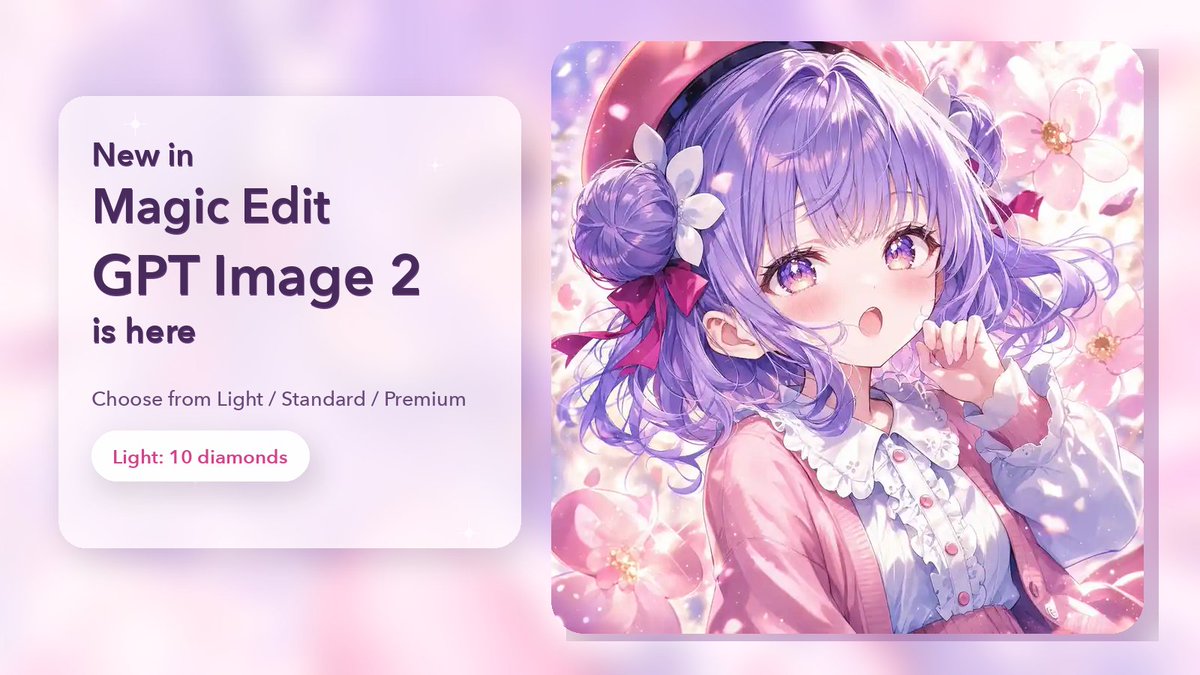
Magic Edit GPT Image 2 Promo Banner

翻訳: Prompt

Goal: Create a polished promotional banner announcing GPT Image 2 inside Magic Edit, using a soft pastel anime aesthetic and a clean SaaS-style layout. Canvas: Wide horizontal 16:9 social media banner, approximately 1200×675 px. Use a dreamy pink, lavender, and white gradient background with soft bokeh blur, faint sparkles, and subtle depth shadows. Layout: Split composition with 2 main panels. Left panel is a frosted-glass rounded rectangle card occupying about 40% of the width, positioned left-center with a soft drop shadow. Right panel is a large rounded-square anime illustration card occupying about 48% of the width, positioned right-center, slightly taller than the text card, with a subtle shadow and rounded corners. Left text card: White translucent glassmorphism surface with very rounded corners. Set all typography in dark purple, modern rounded sans-serif, bold for the main announcement. Include exactly 5 visible text lines/groups: “New in”, “Magic Edit”, “GPT Image 2”, “is here”, and a smaller line “Choose from Light / Standard / Premium”. At the bottom of the card place exactly 1 pill-shaped white button with pink-purple text reading “Light: 10 diamonds”. Right illustration card: Pastel anime girl portrait in a highly detailed glossy illustration style. She has lavender-purple twin-bun or side-bun hair with loose flowing curls, white flower hair accessories, red-pink ribbon bows, a pink beret-like hat, and a pink cardigan over a frilly white blouse with small pink buttons. She is surrounded by large soft pink flowers, petals, sparkles, and glowing sunlight. Her pose is gentle and cute, with one hand near her face. Place a solid opaque lavender rectangular censor/edit mask over the center of her face, covering the eyes, nose, and mouth area, with sharp square corners; the mask should be clearly visible as an editing overlay. Visual style: Pastel kawaii, glossy anime rendering, soft bloom, high-key lighting, spring floral atmosphere, gentle gradients, clean app-promo design, premium but friendly. Use rounded corners throughout and subtle shadows for floating depth. Constraints: Keep the composition uncluttered with no extra logos or watermarks. Use exactly 2 main cards, exactly 1 button, and exactly 5 text lines/groups on the left card. Ensure the product announcement text is large and readable, and the anime image remains clearly secondary to the promotional message.

翻訳: Runs on 21 models

  • Flux
  • Flux 2
  • Flux Kontext
  • GPT-4o Image
  • GPT Image
  • GPT Image 2
  • GPT Image 2.5
  • GPT Image 2.6
  • Grok Imagine
  • Ideogram V3
  • Imagen 4
  • Kling
  • 翻訳: +9 more

このプロンプトの生成結果

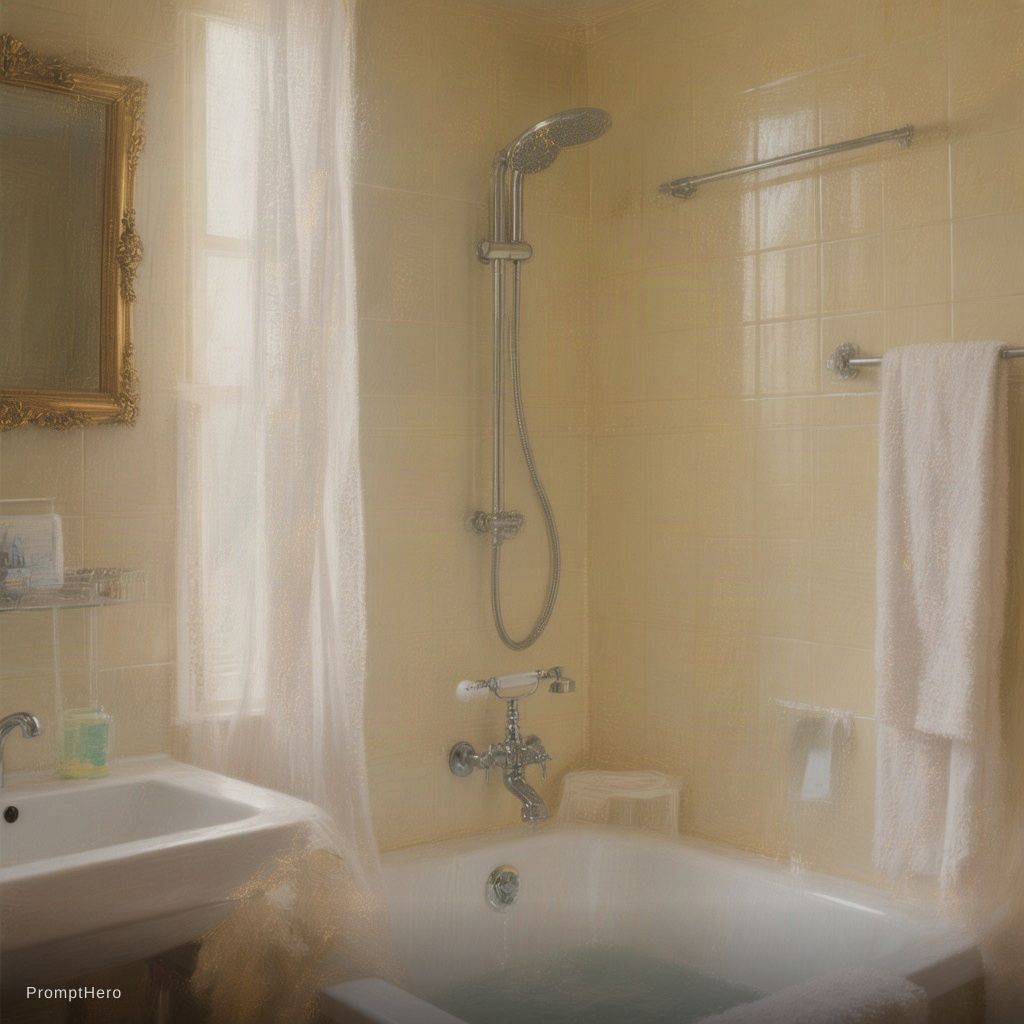
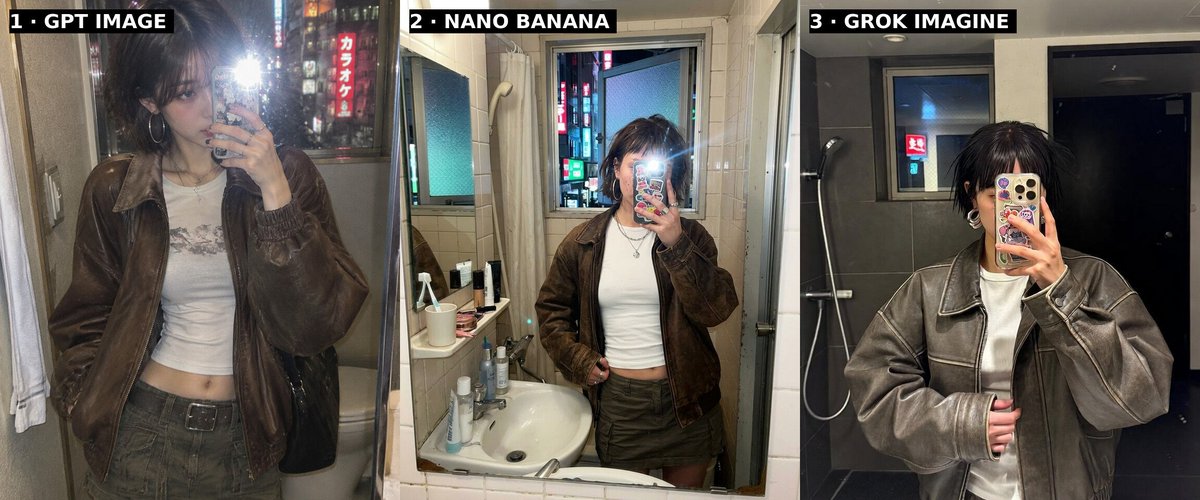
Hunyuan  prompt: Bathroom 未指定 hunyuan-3
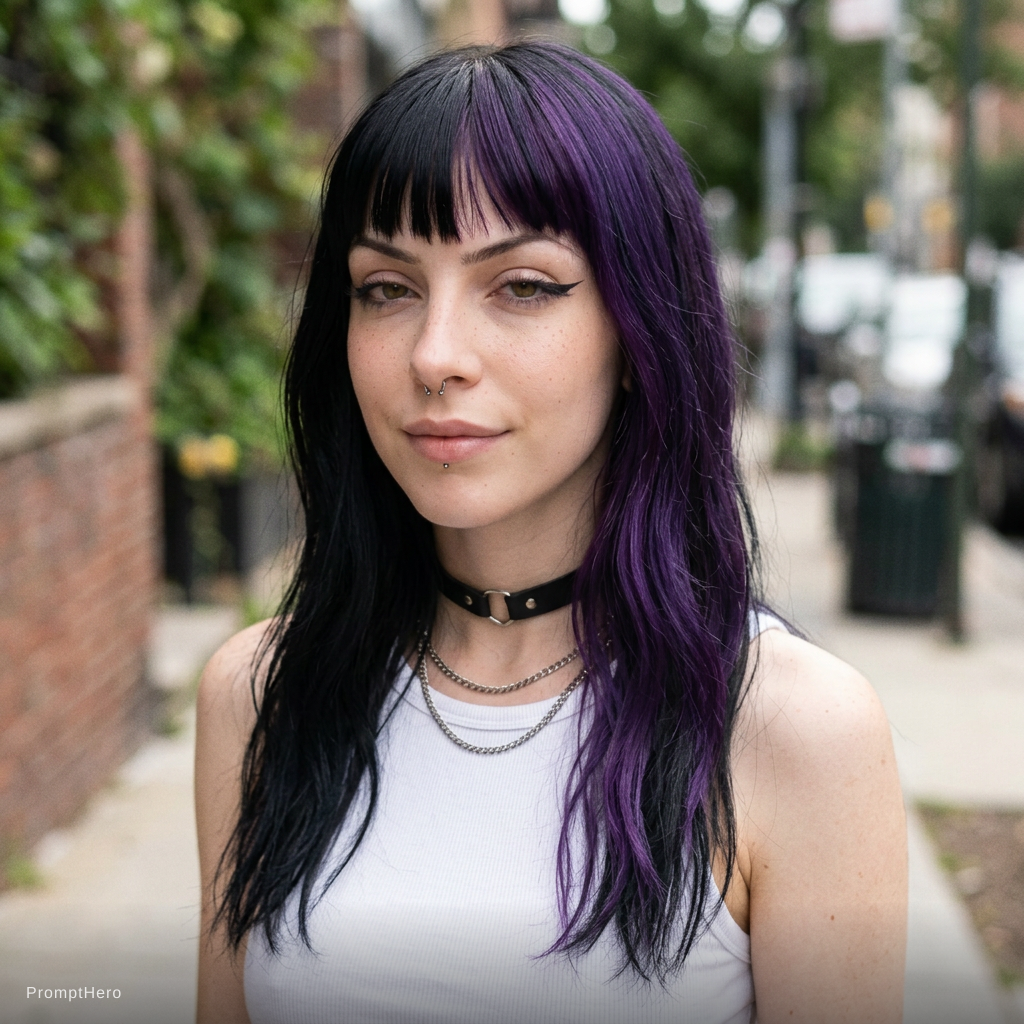
Nano Banana prompt: She is wearing this outfit(white top ) given in im... 未指定 nano-banana-2.1
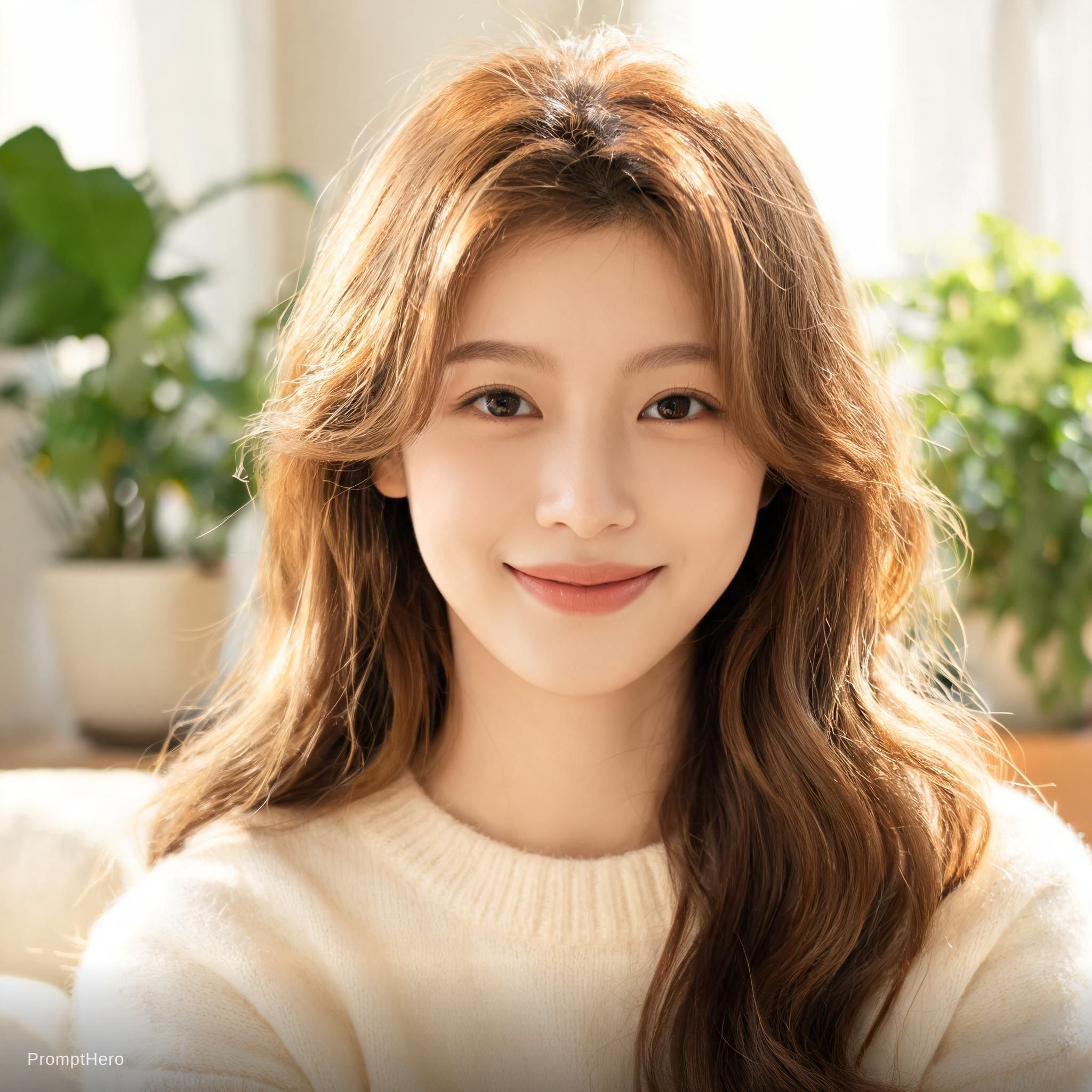
Seedream 5 prompt: woman 未指定 v2
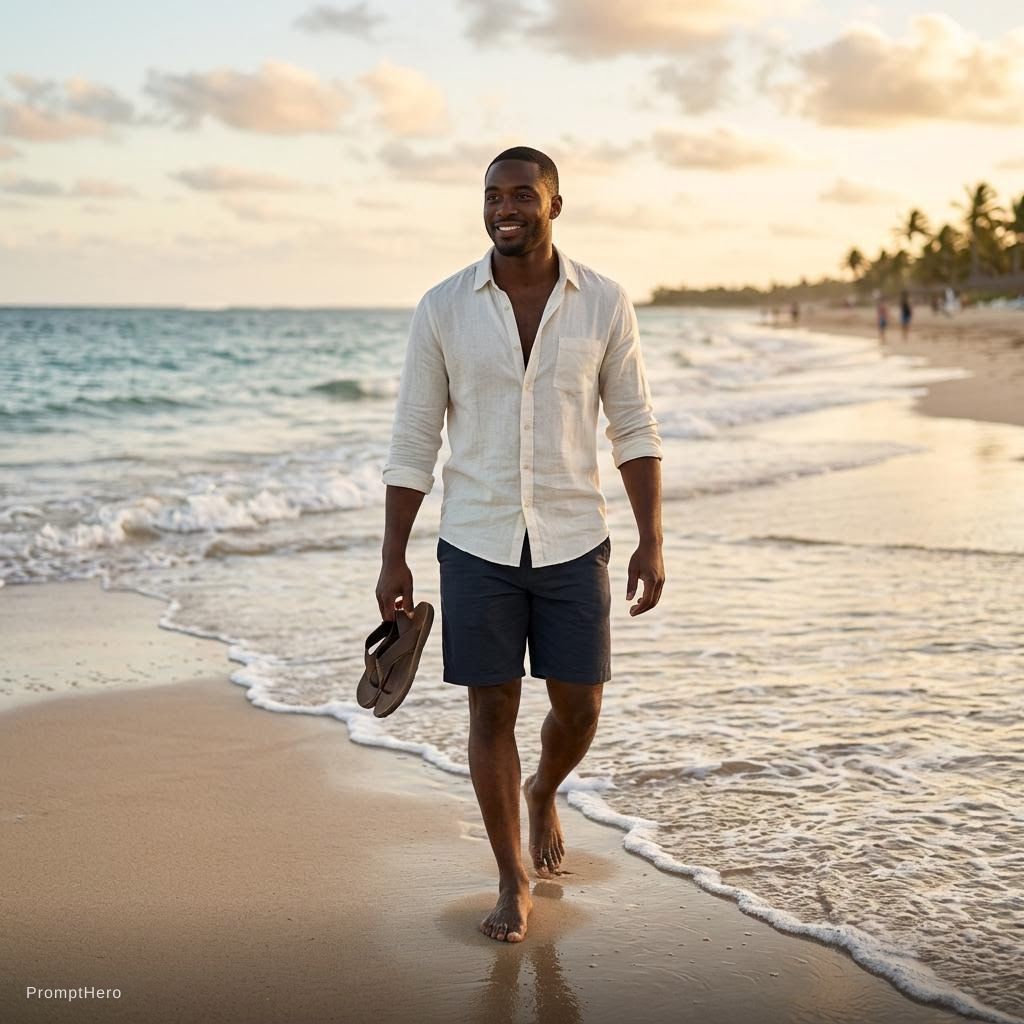
Hero prompt: مع رجل اسود على شاطى البحر 未指定 1.0
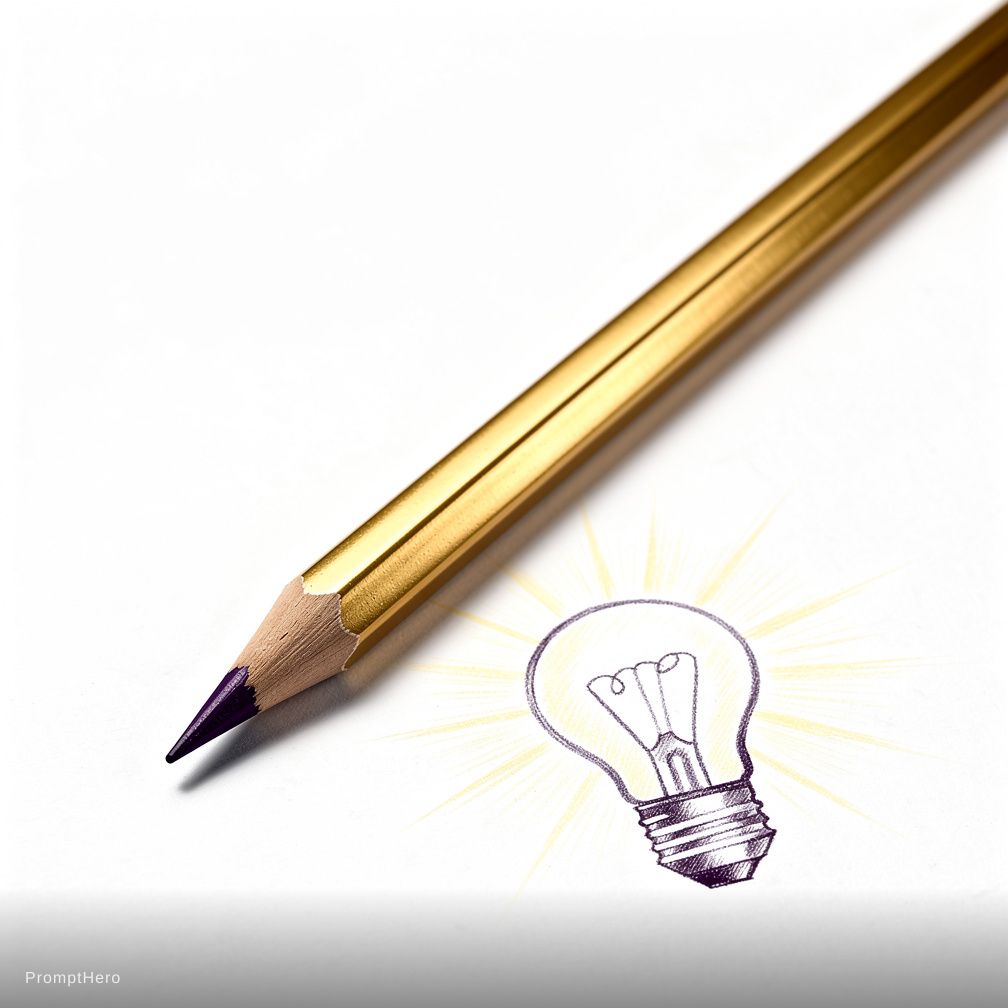
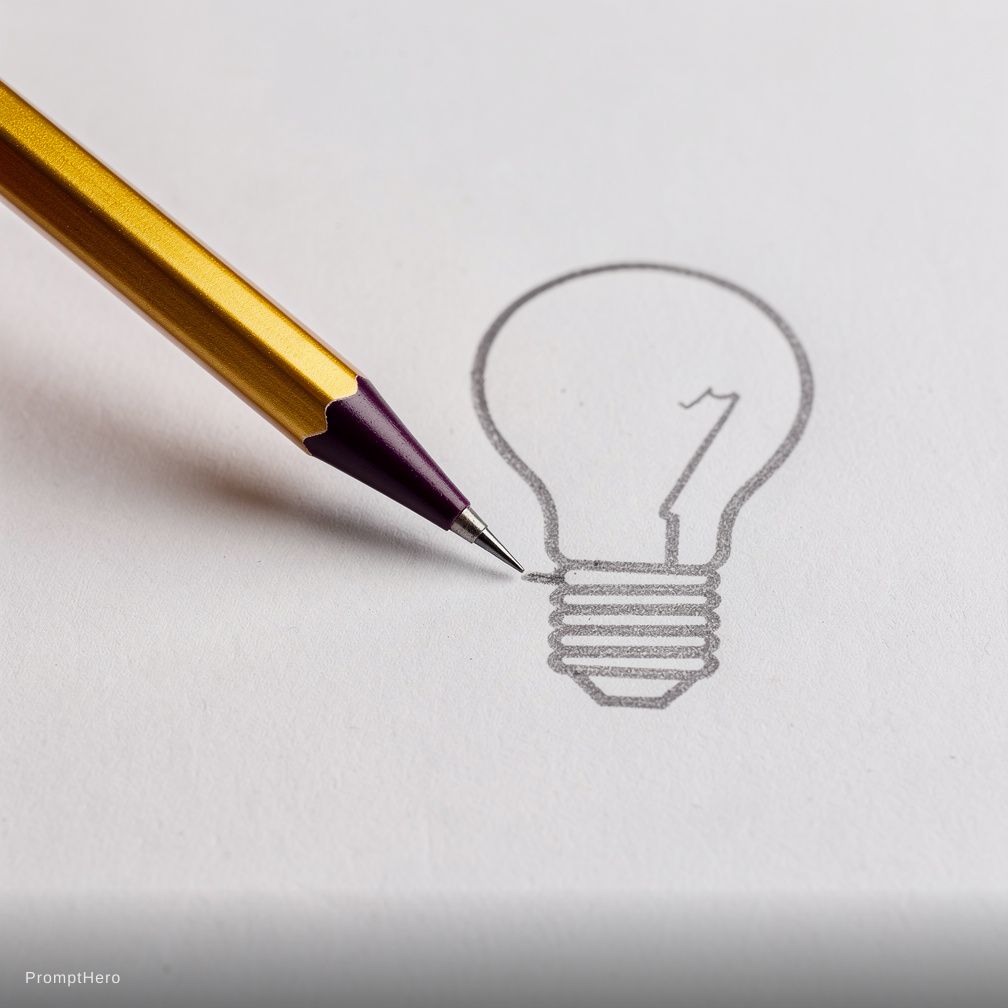
FLUX prompt: می‌خوام برام یک مداد طلایی ته بنفش تیره رو که داره... 未指定 flux-2-pro

翻訳: Run this prompt with the API

翻訳: The request below sends this prompt, with its default values filled in, to the first model it runs on. Swap the model name for any other model listed above.

翻訳: Prompt API docs
/api/v1/gpt_image_2/text_to_image
curl -X POST https://runapi.ai/api/v1/gpt_image_2/text_to_image \
  -H "Authorization: Bearer $RUNAPI_API_KEY" \
  -H "Content-Type: application/json" \
  --data-binary @- <<'JSON'
{
  "model": "gpt-image-2",
  "prompt": "Goal: Create a polished promotional banner announcing GPT Image 2 inside Magic Edit, using a soft pastel anime aesthetic and a clean SaaS-style layout.\n\nCanvas: Wide horizontal 16:9 social media banner, approximately 1200×675 px. Use a dreamy pink, lavender, and white gradient background with soft bokeh blur, faint sparkles, and subtle depth shadows.\n\nLayout: Split composition with 2 main panels. Left panel is a frosted-glass rounded rectangle card occupying about 40% of the width, positioned left-center with a soft drop shadow. Right panel is a large rounded-square anime illustration card occupying about 48% of the width, positioned right-center, slightly taller than the text card, with a subtle shadow and rounded corners.\n\nLeft text card: White translucent glassmorphism surface with very rounded corners. Set all typography in dark purple, modern rounded sans-serif, bold for the main announcement. Include exactly 5 visible text lines/groups: “New in”, “Magic Edit”, “GPT Image 2”, “is here”, and a smaller line “Choose from Light / Standard / Premium”. At the bottom of the card place exactly 1 pill-shaped white button with pink-purple text reading “Light: 10 diamonds”.\n\nRight illustration card: Pastel anime girl portrait in a highly detailed glossy illustration style. She has lavender-purple twin-bun or side-bun hair with loose flowing curls, white flower hair accessories, red-pink ribbon bows, a pink beret-like hat, and a pink cardigan over a frilly white blouse with small pink buttons. She is surrounded by large soft pink flowers, petals, sparkles, and glowing sunlight. Her pose is gentle and cute, with one hand near her face. Place a solid opaque lavender rectangular censor/edit mask over the center of her face, covering the eyes, nose, and mouth area, with sharp square corners; the mask should be clearly visible as an editing overlay.\n\nVisual style: Pastel kawaii, glossy anime rendering, soft bloom, high-key lighting, spring floral atmosphere, gentle gradients, clean app-promo design, premium but friendly. Use rounded corners throughout and subtle shadows for floating depth.\n\nConstraints: Keep the composition uncluttered with no extra logos or watermarks. Use exactly 2 main cards, exactly 1 button, and exactly 5 text lines/groups on the left card. Ensure the product announcement text is large and readable, and the anime image remains clearly secondary to the promotional message."
}
JSON

翻訳: Try a prompt