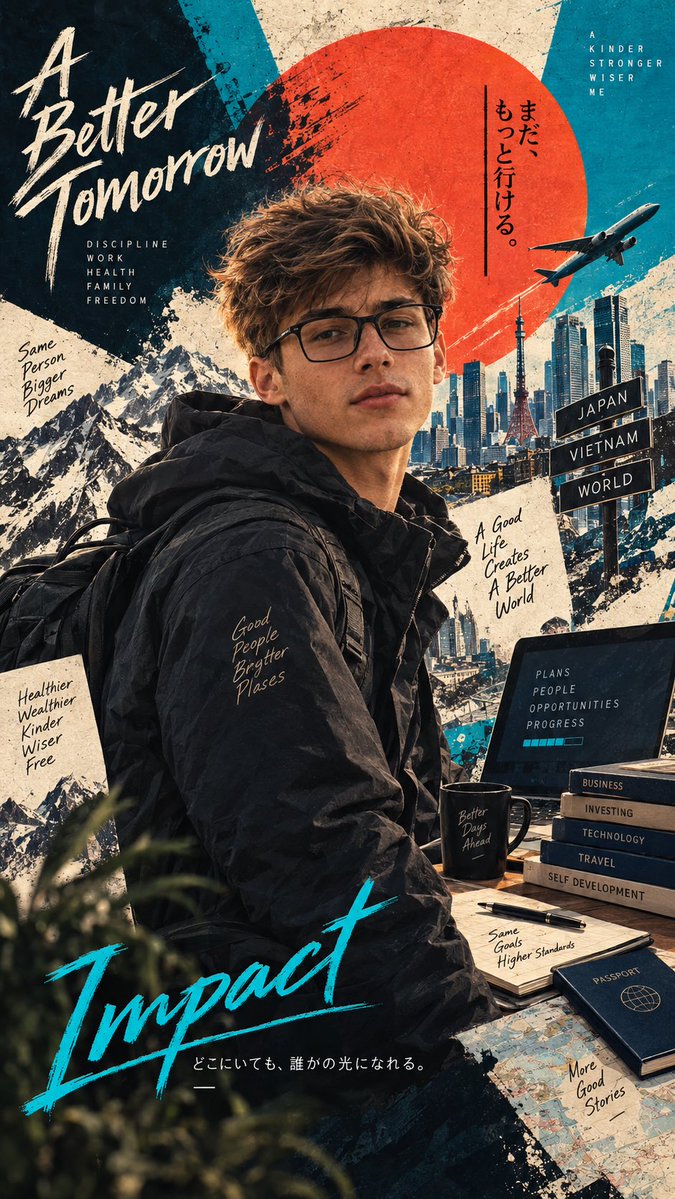
Brand Identity Designer Poster
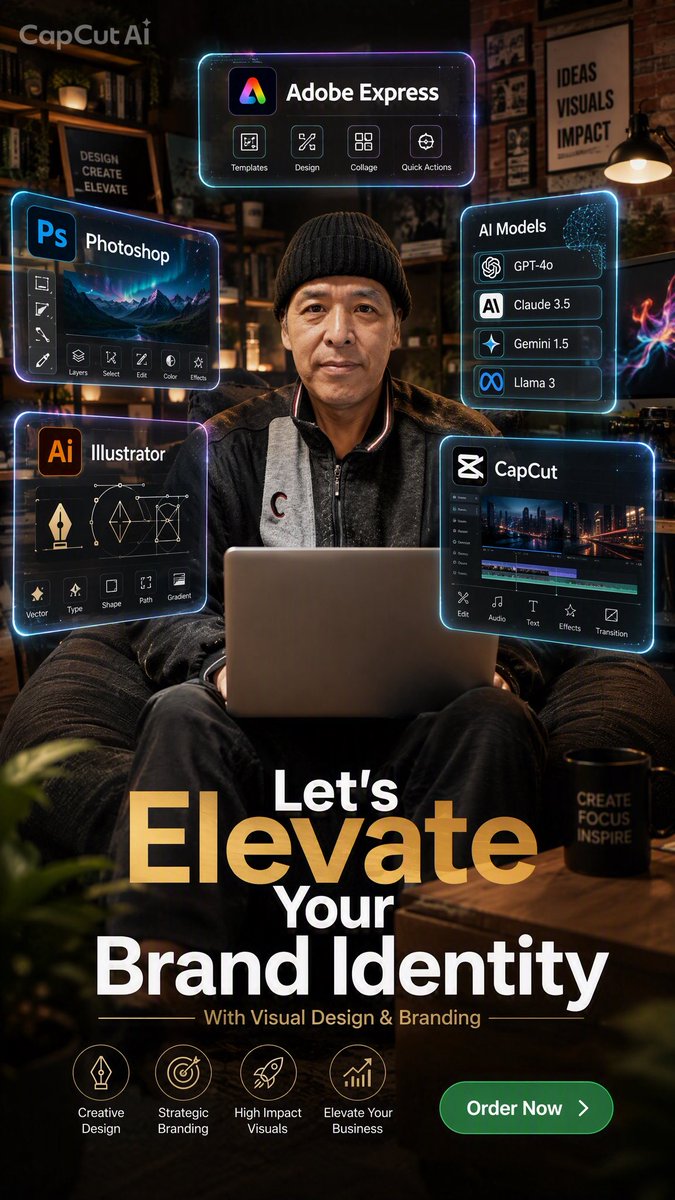
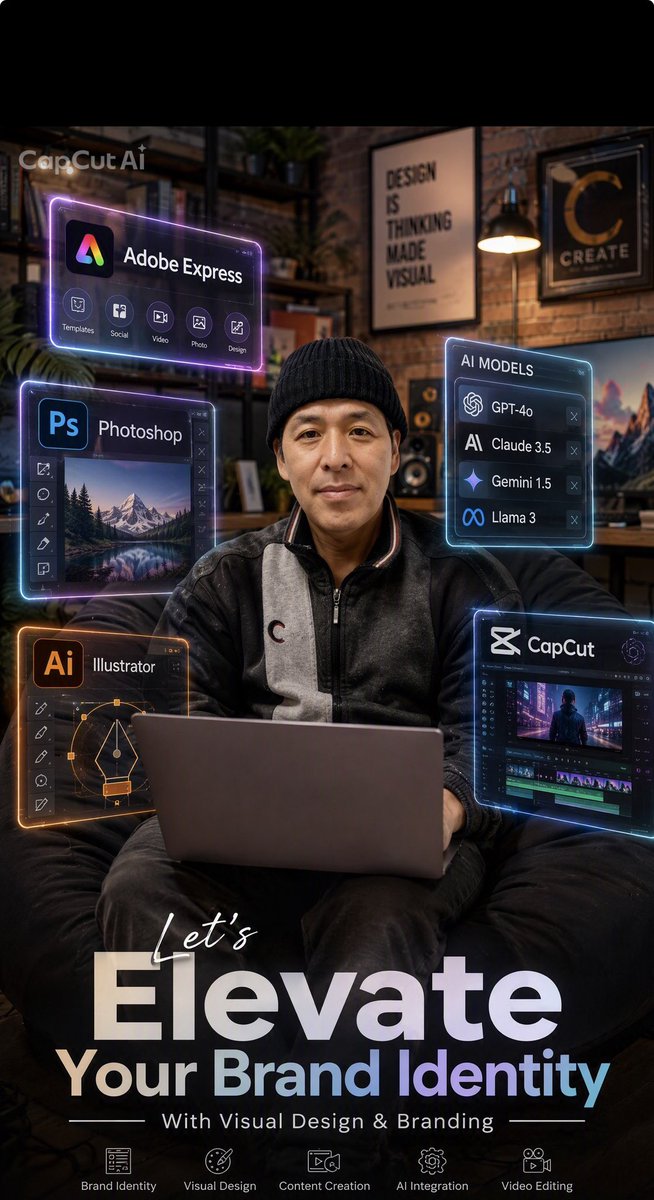
Brand Identity Designer Poster

翻訳: Prompt

Goal: Create a vertical 9:16 cinematic advertising poster for a personal branding and visual design service, centered on a realistic designer working on a laptop, surrounded by glowing AI/design software interface panels. Canvas: 1440x2560 vertical poster, high-resolution 2K look, dark warm studio atmosphere with neon cyan and purple UI glow, shallow depth of field, premium brand campaign aesthetic. Main subject: A middle-aged East Asian man with a calm confident expression sits front-facing in a cozy creative studio lounge, wearing a black knit beanie and dark casual jacket over a gray zip top. He holds or works behind a silver laptop on his lap. Use realistic photography style with cinematic lighting, warm skin tones, and sharp focus on the face. Background: Dimly lit designer studio with shelves, framed posters, books, plants, brick wall texture, desk lamps, and soft bokeh. Include a visible framed wall poster reading “IDEAS VISUALS IMPACT” on the upper right and another sign reading “DESIGN CREATE ELEVATE” on the left. Add a black mug on a wooden table at lower right with the words “CREATE FOCUS INSPIRE.” Keep the setting elegant, creative, and professional. Floating interface panels: Add exactly 5 translucent rounded-rectangle holographic panels with neon cyan outlines and subtle purple highlights, arranged around the subject without covering his face: 1. Top center panel: “Adobe Express” with a colorful app icon and exactly 4 small feature buttons labeled “Templates,” “Design,” “Collage,” and “Quick Actions.” 2. Upper left panel: “Photoshop” with a blue “Ps” icon, a landscape preview, a left vertical toolbar, and exactly 6 bottom buttons labeled “Layers,” “Select,” “Edit,” “Color,” “Effects,” plus one small icon button. 3. Lower left panel: “Illustrator” with an orange “Ai” icon, vector pen and wireframe graphics, and exactly 5 bottom buttons labeled “Vector,” “Type,” “Shape,” “Path,” and “Gradient.” 4. Upper right panel: “AI Models” with a digital brain graphic and exactly 4 stacked model rows labeled “GPT-4o,” “Claude 3.5,” “Gemini 1.5,” and “Llama 3.” 5. Lower right panel: “CapCut” with the CapCut logo, a video editing timeline preview, and exactly 5 bottom buttons labeled “Edit,” “Audio,” “Text,” “Effects,” and “Transition.” Branding and headline text: Add a small watermark-style label “CapCut Ai” in the top left. At the lower half, create a large bold stacked headline reading “Let’s” above a very large gold-gradient “Elevate,” then “Your” and “Brand Identity” in white. Underline the headline area subtly and add the subheading “With Visual Design & Branding.” Use modern bold sans-serif typography, with “Elevate” in metallic gold and the rest in bright white. Bottom icon row: Add exactly 4 circular line icons with labels beneath them, evenly spaced above the call-to-action: “Creative Design,” “Strategic Branding,” “High Impact Visuals,” and “Elevate Your Business.” Call-to-action: Place a green rounded pill button at bottom right with white text “Order Now” and a right arrow icon. Customizable text slots: Main headline should read Let’s Elevate Your Brand Identity. Subheading should read With Visual Design & Branding. Button text should read Order Now. Top featured tool should be Adobe Express. The subject should be middle-aged East Asian male designer wearing a black knit beanie. Visual style: Photorealistic cinematic marketing poster, high contrast, warm ambient studio lighting, teal and magenta neon edge lights, glossy futuristic UI overlays, premium agency branding, crisp typography, dramatic vignette, depth of field, polished commercial finish. Constraints: Keep all visible text legible, preserve the exact count of 5 interface panels and 4 bottom service icons, do not add extra panels or extra bottom icons, avoid cartoon style, avoid cluttering the face, no misspelled software names.

翻訳: Runs on 21 models

  • Flux
  • Flux 2
  • Flux Kontext
  • GPT-4o Image
  • GPT Image
  • GPT Image 2
  • GPT Image 2.5
  • GPT Image 2.6
  • Grok Imagine
  • Ideogram V3
  • Imagen 4
  • Kling
  • 翻訳: +9 more

このプロンプトの生成結果

Hunyuan  prompt: dog pose 未指定 hunyuan-3
Wireless Doorbell Camera Instructions Prompt 未指定 gpt-image-2
Hunyuan  prompt: wine 未指定 hunyuan-3
Hunyuan  prompt: can beer 未指定 hunyuan-3
Hunyuan  prompt: ربات 未指定 hunyuan-3
Hero prompt: recreate image 1 (close up indoor portrait of a wo... 未指定 1.0

翻訳: Run this prompt with the API

翻訳: The request below sends this prompt, with its default values filled in, to the first model it runs on. Swap the model name for any other model listed above.

翻訳: Prompt API docs
/api/v1/gpt_image_2/text_to_image
curl -X POST https://runapi.ai/api/v1/gpt_image_2/text_to_image \
  -H "Authorization: Bearer $RUNAPI_API_KEY" \
  -H "Content-Type: application/json" \
  --data-binary @- <<'JSON'
{
  "model": "gpt-image-2",
  "prompt": "Goal: Create a vertical 9:16 cinematic advertising poster for a personal branding and visual design service, centered on a realistic designer working on a laptop, surrounded by glowing AI/design software interface panels.\n\nCanvas: 1440x2560 vertical poster, high-resolution 2K look, dark warm studio atmosphere with neon cyan and purple UI glow, shallow depth of field, premium brand campaign aesthetic.\n\nMain subject: A middle-aged East Asian man with a calm confident expression sits front-facing in a cozy creative studio lounge, wearing a black knit beanie and dark casual jacket over a gray zip top. He holds or works behind a silver laptop on his lap. Use realistic photography style with cinematic lighting, warm skin tones, and sharp focus on the face.\n\nBackground: Dimly lit designer studio with shelves, framed posters, books, plants, brick wall texture, desk lamps, and soft bokeh. Include a visible framed wall poster reading “IDEAS VISUALS IMPACT” on the upper right and another sign reading “DESIGN CREATE ELEVATE” on the left. Add a black mug on a wooden table at lower right with the words “CREATE FOCUS INSPIRE.” Keep the setting elegant, creative, and professional.\n\nFloating interface panels: Add exactly 5 translucent rounded-rectangle holographic panels with neon cyan outlines and subtle purple highlights, arranged around the subject without covering his face:\n1. Top center panel: “Adobe Express” with a colorful app icon and exactly 4 small feature buttons labeled “Templates,” “Design,” “Collage,” and “Quick Actions.”\n2. Upper left panel: “Photoshop” with a blue “Ps” icon, a landscape preview, a left vertical toolbar, and exactly 6 bottom buttons labeled “Layers,” “Select,” “Edit,” “Color,” “Effects,” plus one small icon button.\n3. Lower left panel: “Illustrator” with an orange “Ai” icon, vector pen and wireframe graphics, and exactly 5 bottom buttons labeled “Vector,” “Type,” “Shape,” “Path,” and “Gradient.”\n4. Upper right panel: “AI Models” with a digital brain graphic and exactly 4 stacked model rows labeled “GPT-4o,” “Claude 3.5,” “Gemini 1.5,” and “Llama 3.”\n5. Lower right panel: “CapCut” with the CapCut logo, a video editing timeline preview, and exactly 5 bottom buttons labeled “Edit,” “Audio,” “Text,” “Effects,” and “Transition.”\n\nBranding and headline text: Add a small watermark-style label “CapCut Ai” in the top left. At the lower half, create a large bold stacked headline reading “Let’s” above a very large gold-gradient “Elevate,” then “Your” and “Brand Identity” in white. Underline the headline area subtly and add the subheading “With Visual Design & Branding.” Use modern bold sans-serif typography, with “Elevate” in metallic gold and the rest in bright white.\n\nBottom icon row: Add exactly 4 circular line icons with labels beneath them, evenly spaced above the call-to-action: “Creative Design,” “Strategic Branding,” “High Impact Visuals,” and “Elevate Your Business.”\n\nCall-to-action: Place a green rounded pill button at bottom right with white text “Order Now” and a right arrow icon.\n\nCustomizable text slots: Main headline should read Let’s Elevate Your Brand Identity. Subheading should read With Visual Design & Branding. Button text should read Order Now. Top featured tool should be Adobe Express. The subject should be middle-aged East Asian male designer wearing a black knit beanie.\n\nVisual style: Photorealistic cinematic marketing poster, high contrast, warm ambient studio lighting, teal and magenta neon edge lights, glossy futuristic UI overlays, premium agency branding, crisp typography, dramatic vignette, depth of field, polished commercial finish.\n\nConstraints: Keep all visible text legible, preserve the exact count of 5 interface panels and 4 bottom service icons, do not add extra panels or extra bottom icons, avoid cartoon style, avoid cluttering the face, no misspelled software names."
}
JSON

翻訳: Try a prompt