Mona Lisa Coca-Cola Web Example
Mona Lisa Coca-Cola Web Example

prompt

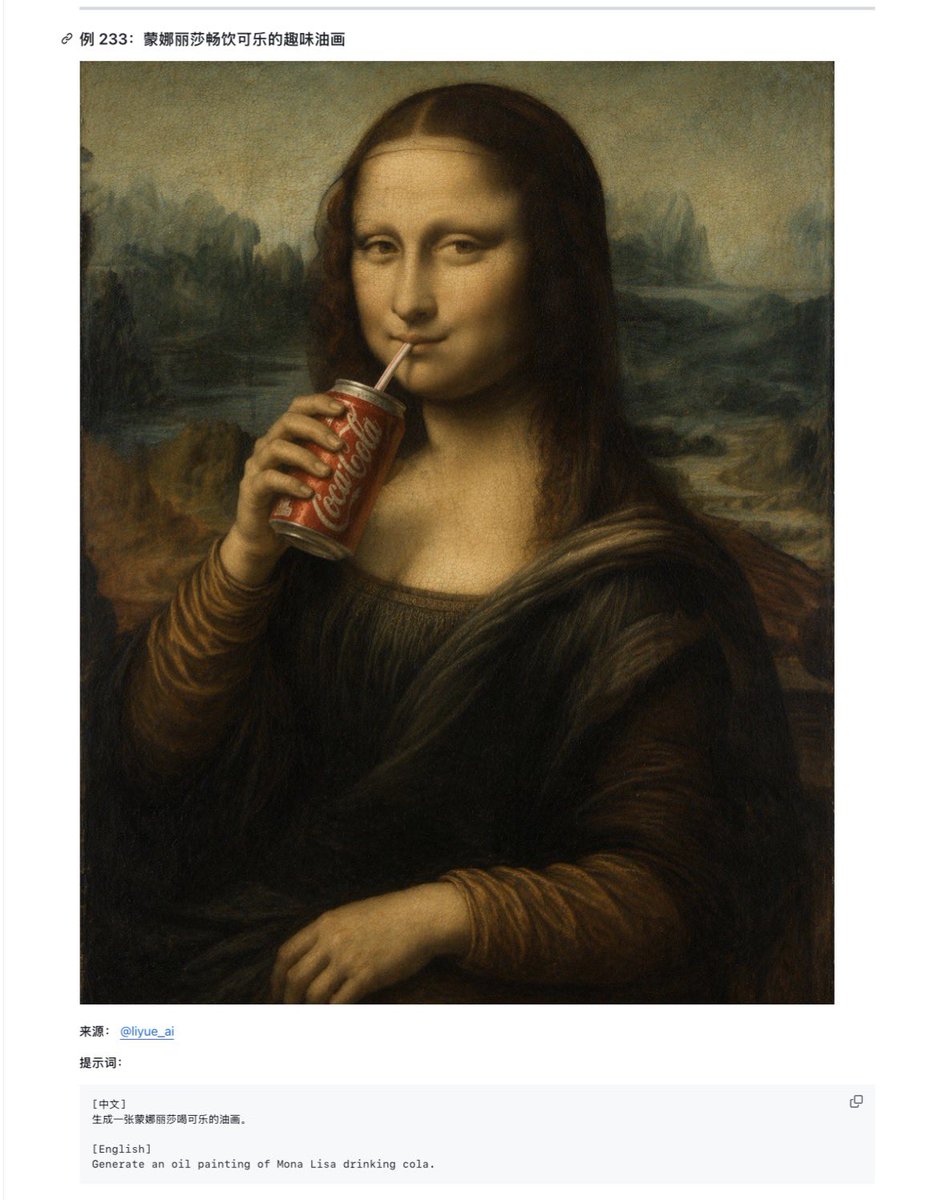
Goal: Create a clean documentation-style webpage screenshot showing an example entry about Mona Lisa drinking Coca-Cola, with a large generated artwork preview and a small bilingual prompt box below it. Canvas: Portrait-oriented screenshot on a white page, approximately 768 × 984 px, with generous margins and a very light gray horizontal rule near the top. Layout: At the top left, place a small link/chain icon followed by the bold Chinese title “例 233: 蒙娜丽莎畅饮可乐的趣味油画”. Below it, center a large square artwork image with a thin white margin around it. Under the artwork, add exactly 3 lower content elements: 1 source line, 1 prompt label line, and 1 pale gray code-style prompt box. Main artwork: Generate an old-master oil painting parody of Mona Lisa drinking Coca-Cola. The figure is seated in the classic Mona Lisa pose with dark brown hair, Renaissance clothing, folded lower hand, and a misty landscape background in muted green, brown, and ochre tones. The left hand holds a red soda can near the mouth, with the white Coca-Cola script visible on the can. The painting should look aged, softly blended, and varnished, imitating a Renaissance oil portrait. Add one opaque dark brown square censorship block over the face, centered from forehead to chin, obscuring the facial features while leaving hair, neck, hand, and soda can visible. Lower text content: The source line reads “来源: @liyue_ai” with the handle in blue like a hyperlink. The next line reads “提示词:”. The code box contains exactly 2 labeled language blocks: “[中文]” followed by “生成一张蒙娜丽莎畅饮可乐的油画。” and “[English]” followed by “Generate an oil painting of Mona Lisa drinking cola.” Add one small copy icon at the upper right of the code box. Visual style: Minimal Chinese web article interface, white background, black and gray sans-serif UI text, light gray code box, subtle borders, no decorative clutter. Keep the artwork painterly and historically styled, while the surrounding page remains crisp like a browser screenshot. Constraints: Include exactly 1 main artwork, exactly 1 soda can, exactly 1 face-obscuring square, exactly 1 title line, exactly 1 source line, exactly 1 prompt label, exactly 1 code box, and exactly 2 language sections inside the code box. Do not add extra images, comments, watermarks, or unrelated UI panels.

Funciona em 21 modelos

  • Flux
  • Flux 2
  • Flux Kontext
  • GPT-4o Image
  • GPT Image
  • GPT Image 2
  • GPT Image 2.5
  • GPT Image 2.6
  • Grok Imagine
  • Ideogram V3
  • Imagen 4
  • Kling
  • +9 Mais

O que este prompt produz

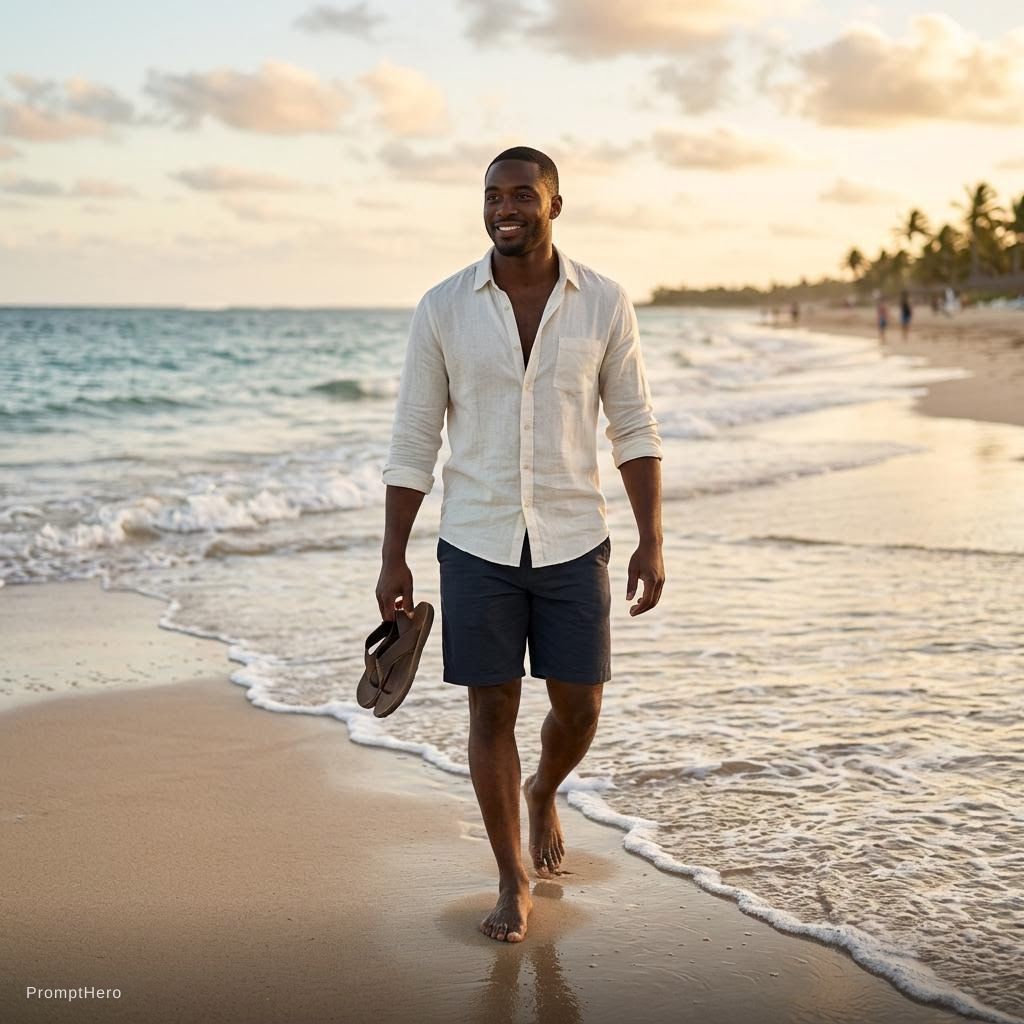
Hero prompt: مع رجل اسود على شاطى البحر Não especificado 1.0
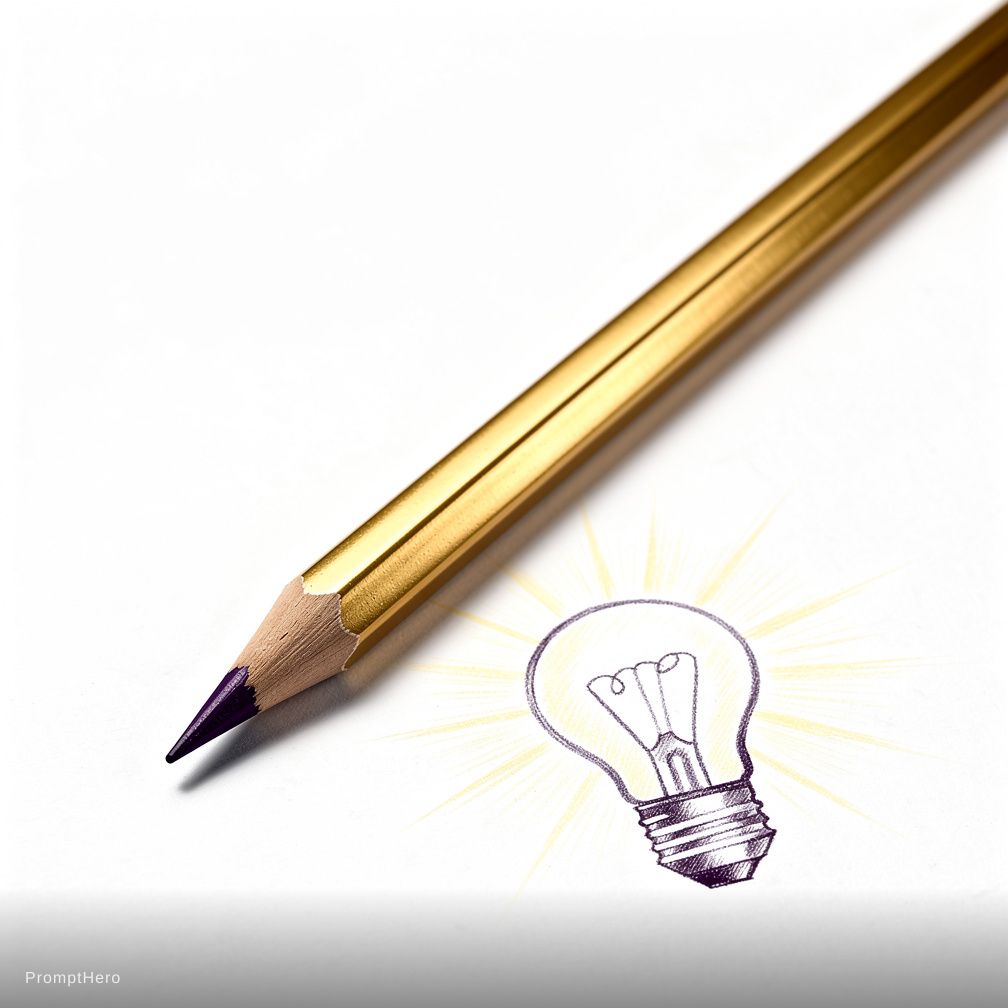
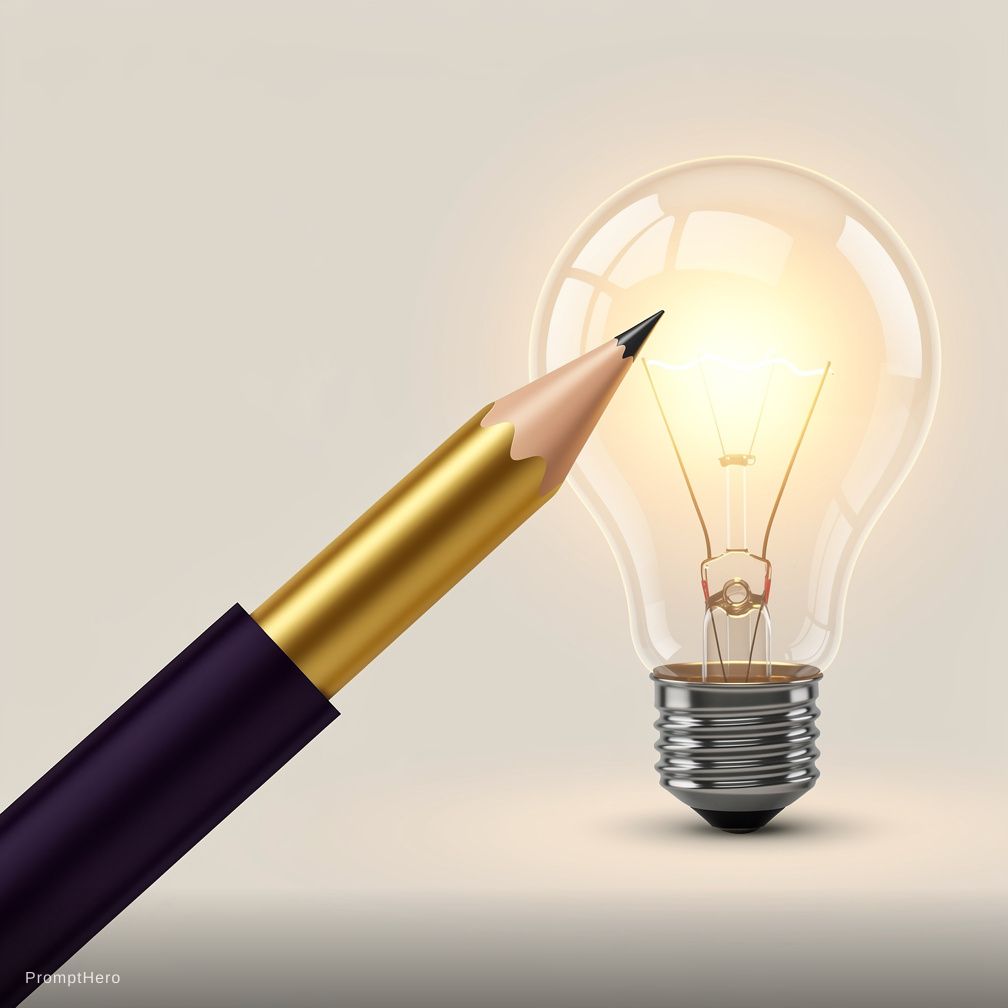
FLUX prompt: می‌خوام برام یک مداد طلایی ته بنفش تیره رو که داره... Não especificado flux-2-pro
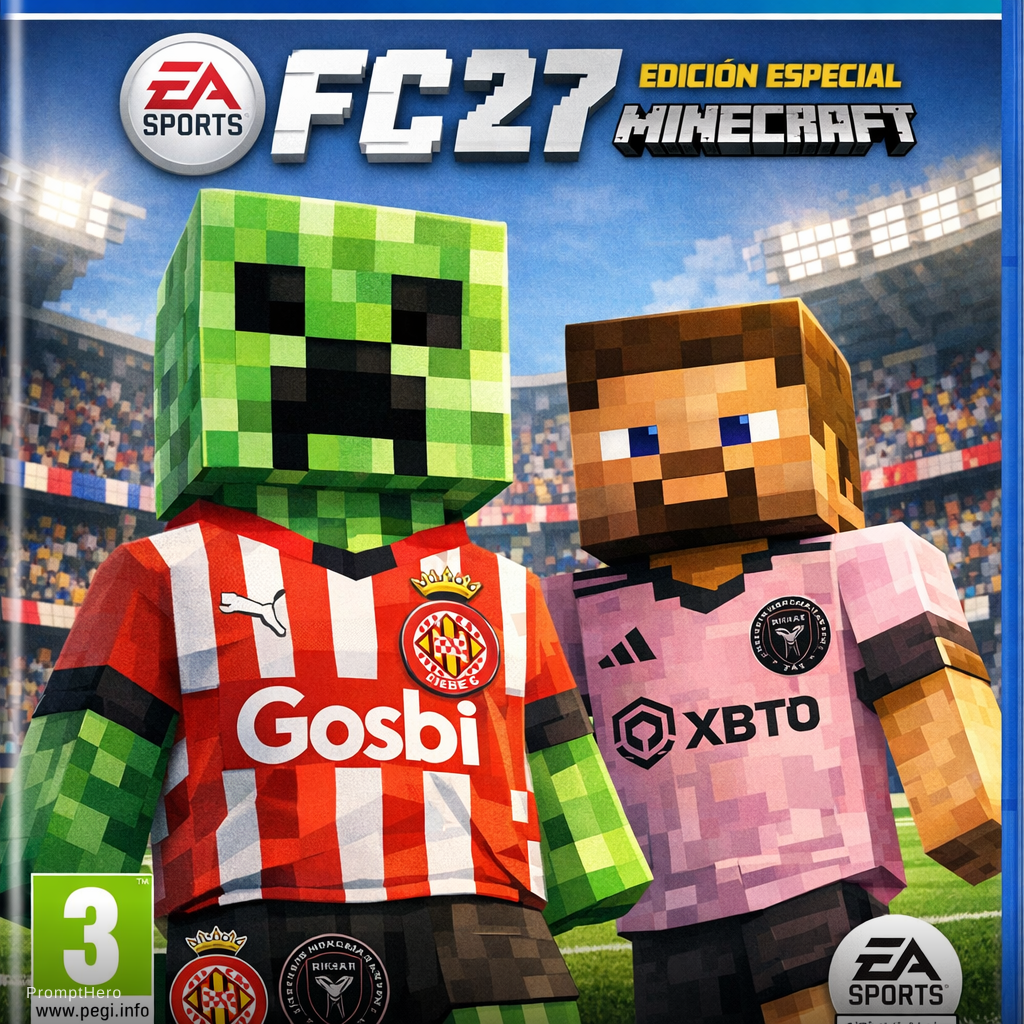
ChatGPT Image prompt: Una portada del juego ea fc27 edición especial de ... Não especificado v1

Run este prompt com o API

A solicitação abaixo envia esse prompt, com seus valores padrão preenchidos, para o primeiro modelo em que é executado. Troque o nome do modelo por qualquer outro modelo listado acima.

Documentação da prompt API
/api/v1/gpt_image_2/text_to_image
curl -X POST https://runapi.ai/api/v1/gpt_image_2/text_to_image \
  -H "Authorization: Bearer $RUNAPI_API_KEY" \
  -H "Content-Type: application/json" \
  --data-binary @- <<'JSON'
{
  "model": "gpt-image-2",
  "prompt": "Goal: Create a clean documentation-style webpage screenshot showing an example entry about Mona Lisa drinking Coca-Cola, with a large generated artwork preview and a small bilingual prompt box below it.\n\nCanvas: Portrait-oriented screenshot on a white page, approximately 768 × 984 px, with generous margins and a very light gray horizontal rule near the top.\n\nLayout: At the top left, place a small link/chain icon followed by the bold Chinese title “例 233: 蒙娜丽莎畅饮可乐的趣味油画”. Below it, center a large square artwork image with a thin white margin around it. Under the artwork, add exactly 3 lower content elements: 1 source line, 1 prompt label line, and 1 pale gray code-style prompt box.\n\nMain artwork: Generate an old-master oil painting parody of Mona Lisa drinking Coca-Cola. The figure is seated in the classic Mona Lisa pose with dark brown hair, Renaissance clothing, folded lower hand, and a misty landscape background in muted green, brown, and ochre tones. The left hand holds a red soda can near the mouth, with the white Coca-Cola script visible on the can. The painting should look aged, softly blended, and varnished, imitating a Renaissance oil portrait. Add one opaque dark brown square censorship block over the face, centered from forehead to chin, obscuring the facial features while leaving hair, neck, hand, and soda can visible.\n\nLower text content: The source line reads “来源: @liyue_ai” with the handle in blue like a hyperlink. The next line reads “提示词:”. The code box contains exactly 2 labeled language blocks: “[中文]” followed by “生成一张蒙娜丽莎畅饮可乐的油画。” and “[English]” followed by “Generate an oil painting of Mona Lisa drinking cola.” Add one small copy icon at the upper right of the code box.\n\nVisual style: Minimal Chinese web article interface, white background, black and gray sans-serif UI text, light gray code box, subtle borders, no decorative clutter. Keep the artwork painterly and historically styled, while the surrounding page remains crisp like a browser screenshot.\n\nConstraints: Include exactly 1 main artwork, exactly 1 soda can, exactly 1 face-obscuring square, exactly 1 title line, exactly 1 source line, exactly 1 prompt label, exactly 1 code box, and exactly 2 language sections inside the code box. Do not add extra images, comments, watermarks, or unrelated UI panels."
}
JSON

Experimentar a prompt