GPT Image 2 Real-Life Character Street Snap
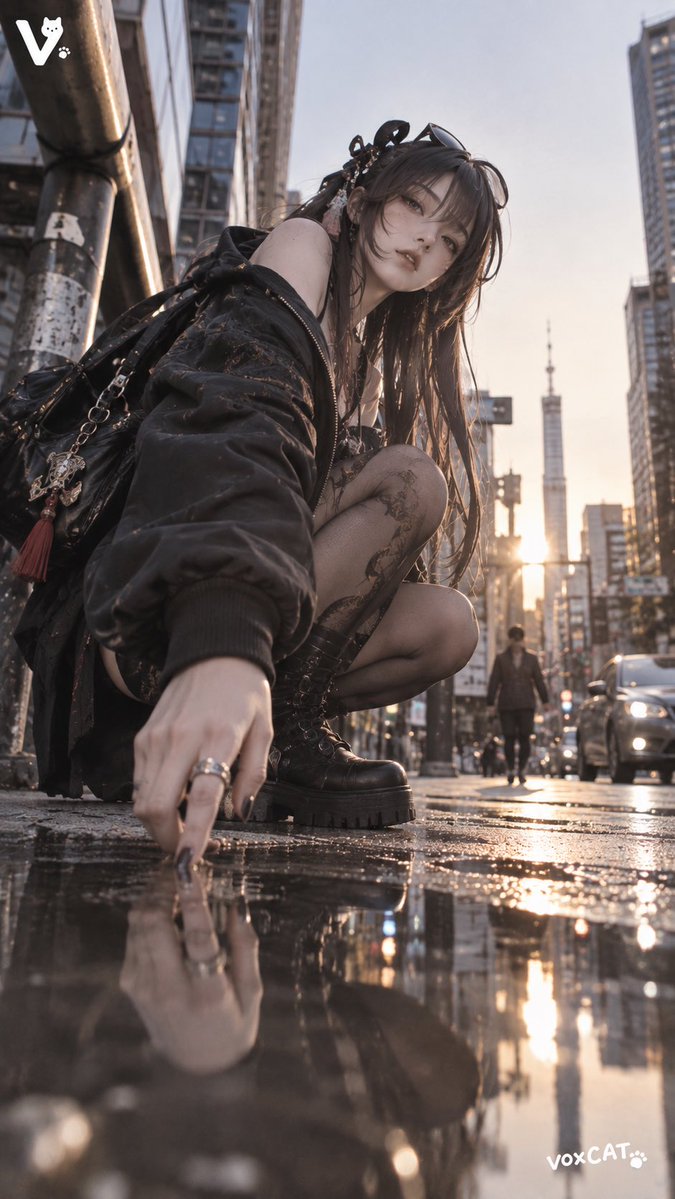
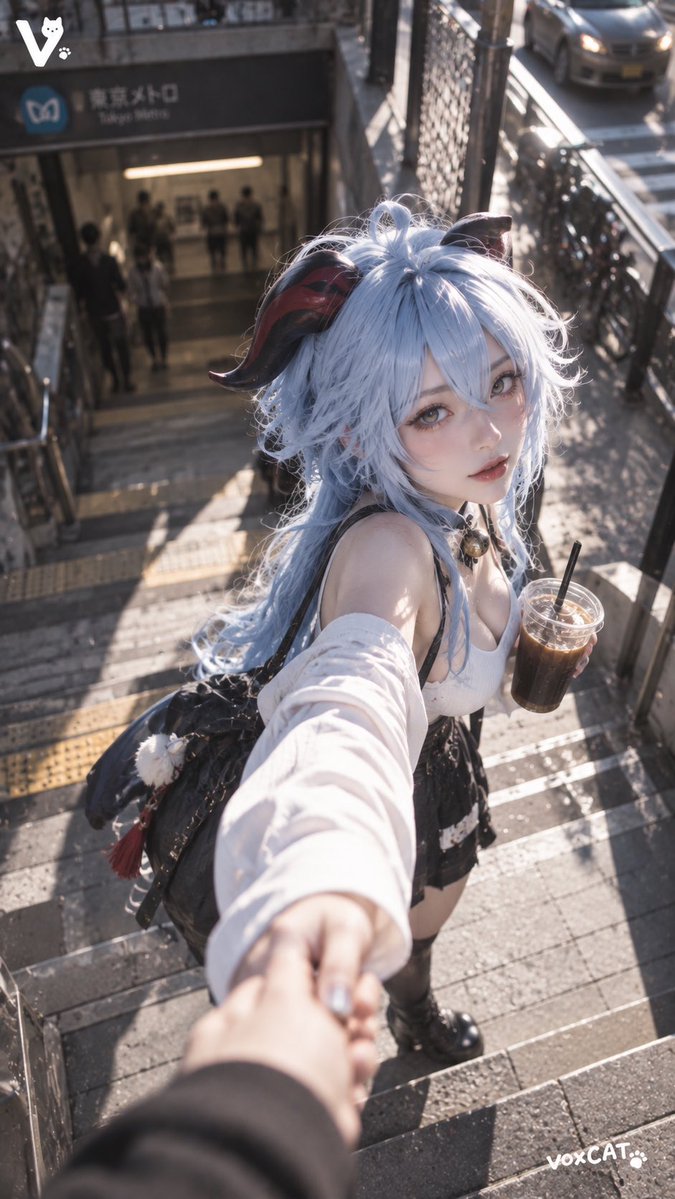
GPT Image 2 Real-Life Character Street Snap
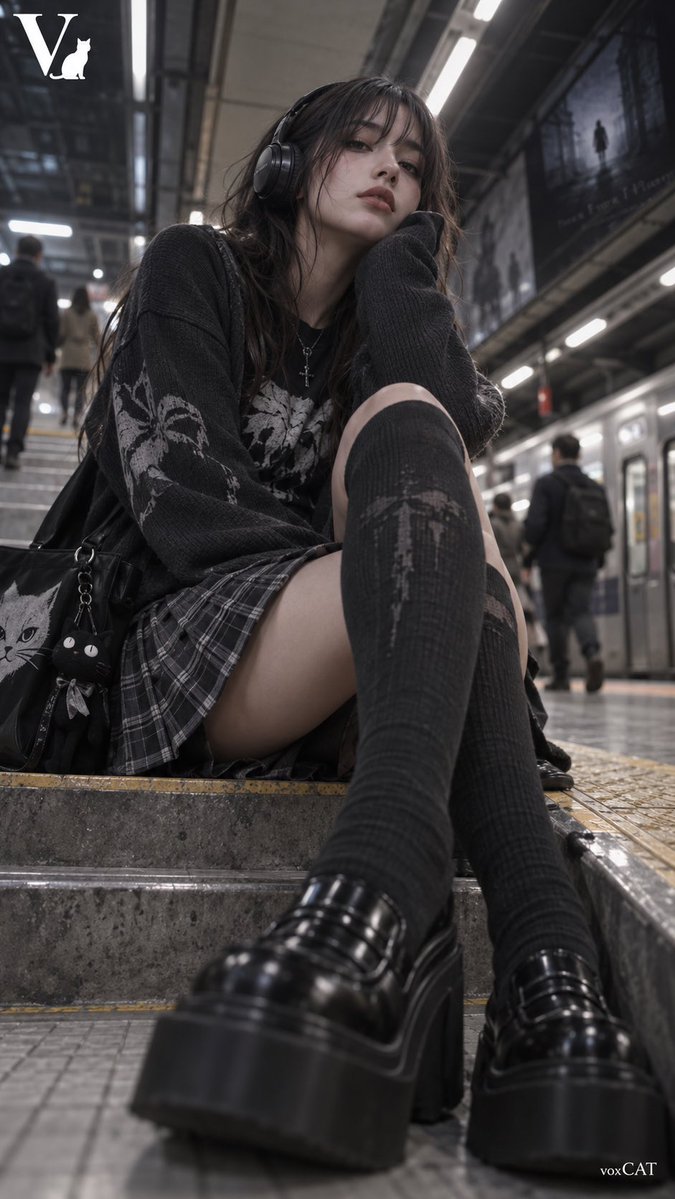
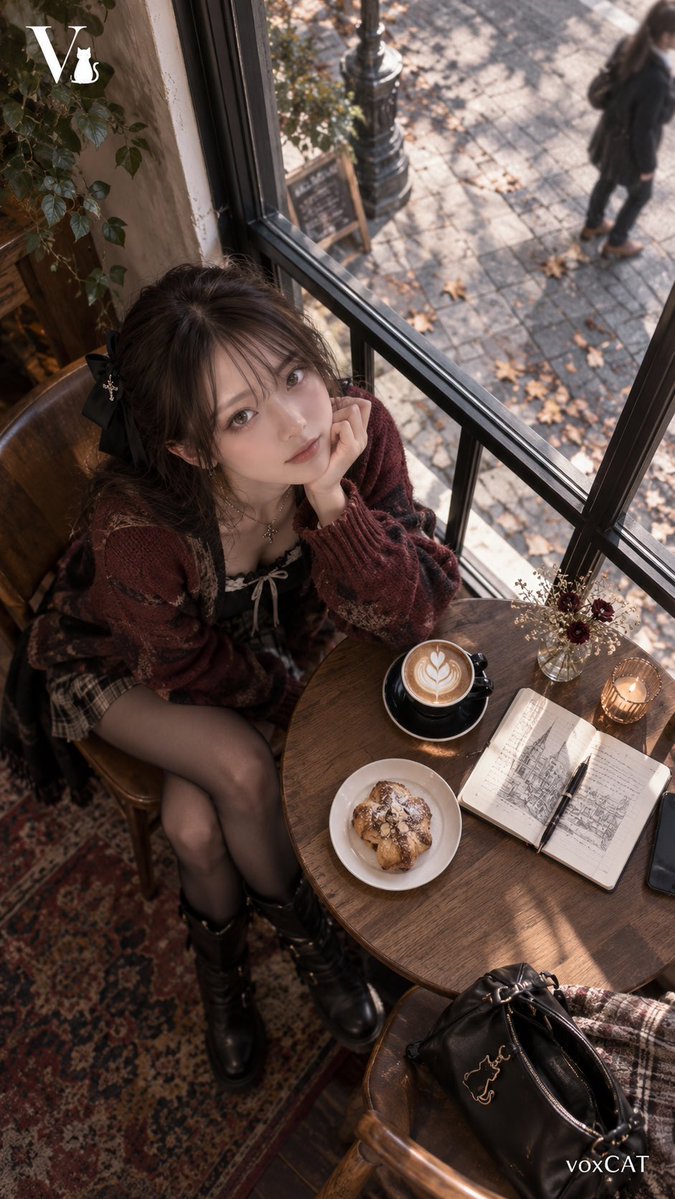

prompt

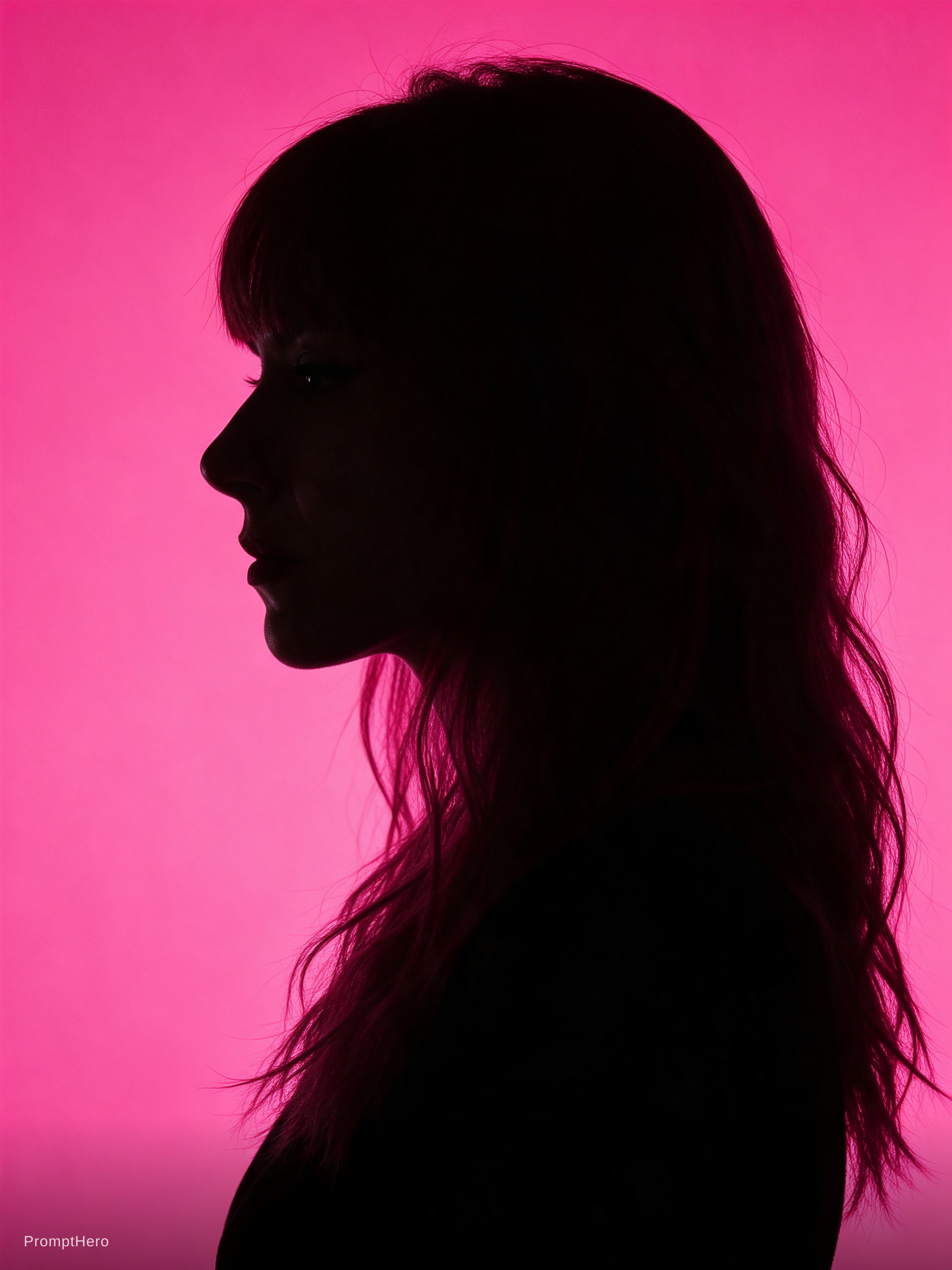
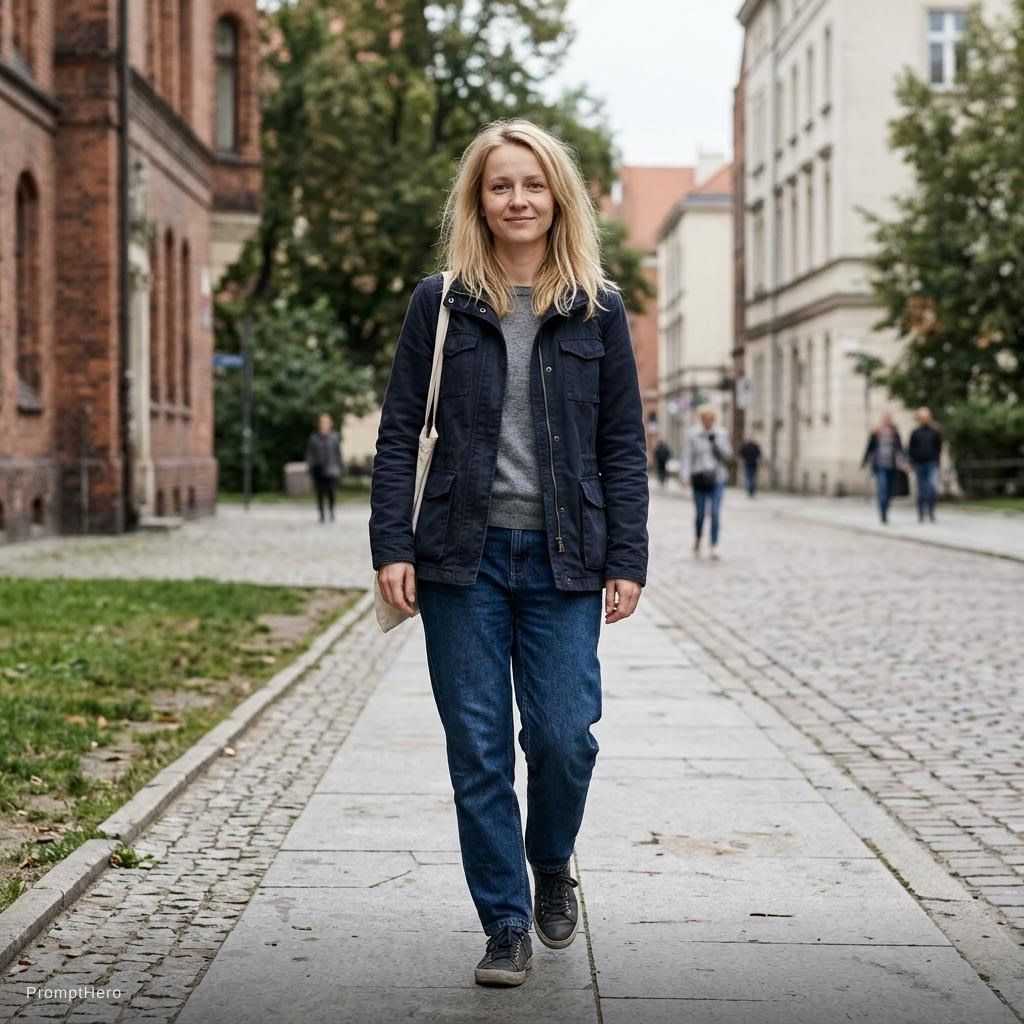
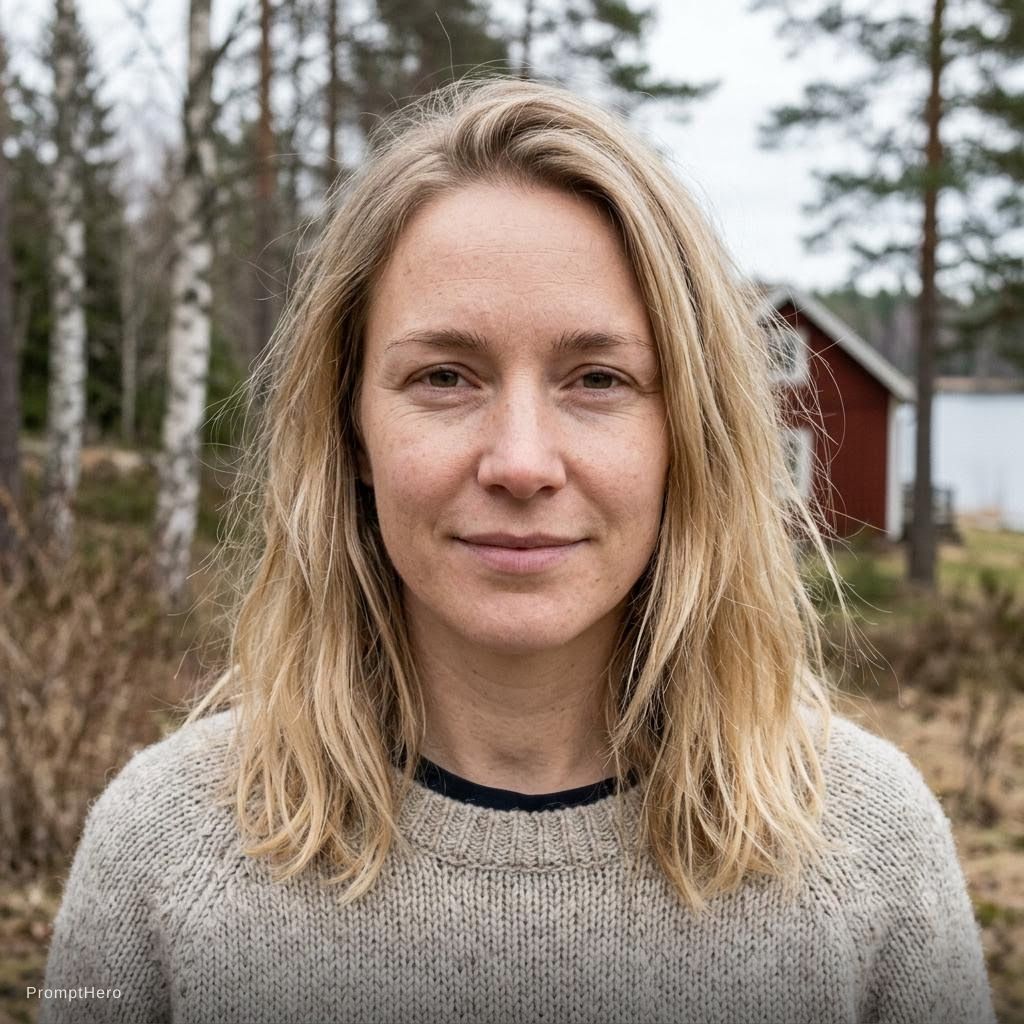
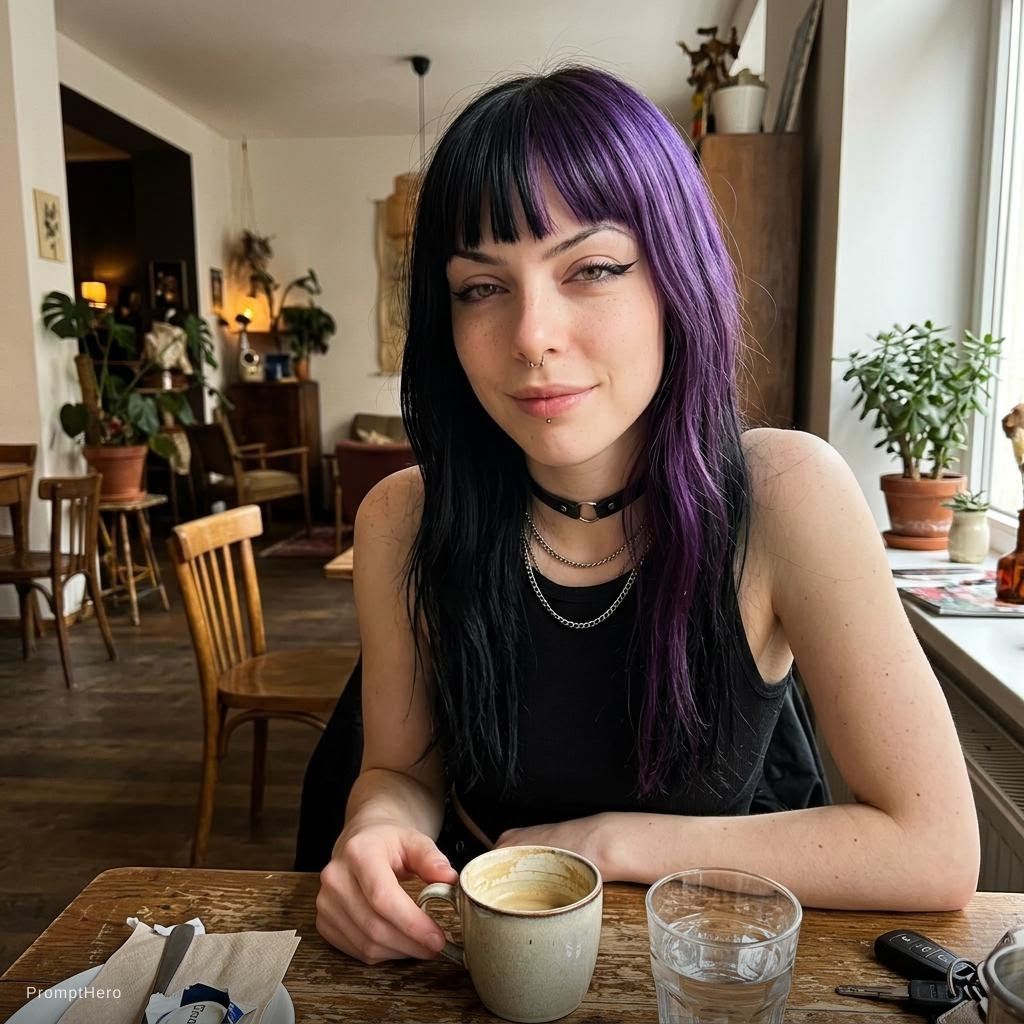
[Character Name], real-person version, faithful to core character identity. A set of urban street snap photography × fashionable character street snapshot × natural life feel. The character truly appears on modern city streets, presented as a set of street snap images. Automatically decide street scenery, modern outfit translation, actions, standing poses, moment of turning back, camera position, shot size, and composition based on character temperament. Retain hairstyle, representative colors, iconic accessories, and identity temperament, do not copy original costumes exactly. Real streets, shop windows, coffee shops, alley entrances, zebra crossings, road signs, blurred passerby backgrounds, natural spatial depth. Natural light or urban ambient light, slight candid feel, high-end street snap feel, realistic photographic texture, clear subject, background with depth of field. No UI, no screenshot feel, no extra text. Top left stylized "V" + cat element logo, bottom right voxCAT signature.

Funciona em 21 modelos

  • Flux
  • Flux 2
  • Flux Kontext
  • GPT-4o Image
  • GPT Image
  • GPT Image 2
  • GPT Image 2.5
  • GPT Image 2.6
  • Grok Imagine
  • Ideogram V3
  • Imagen 4
  • Kling
  • +9 Mais

O que este prompt produz

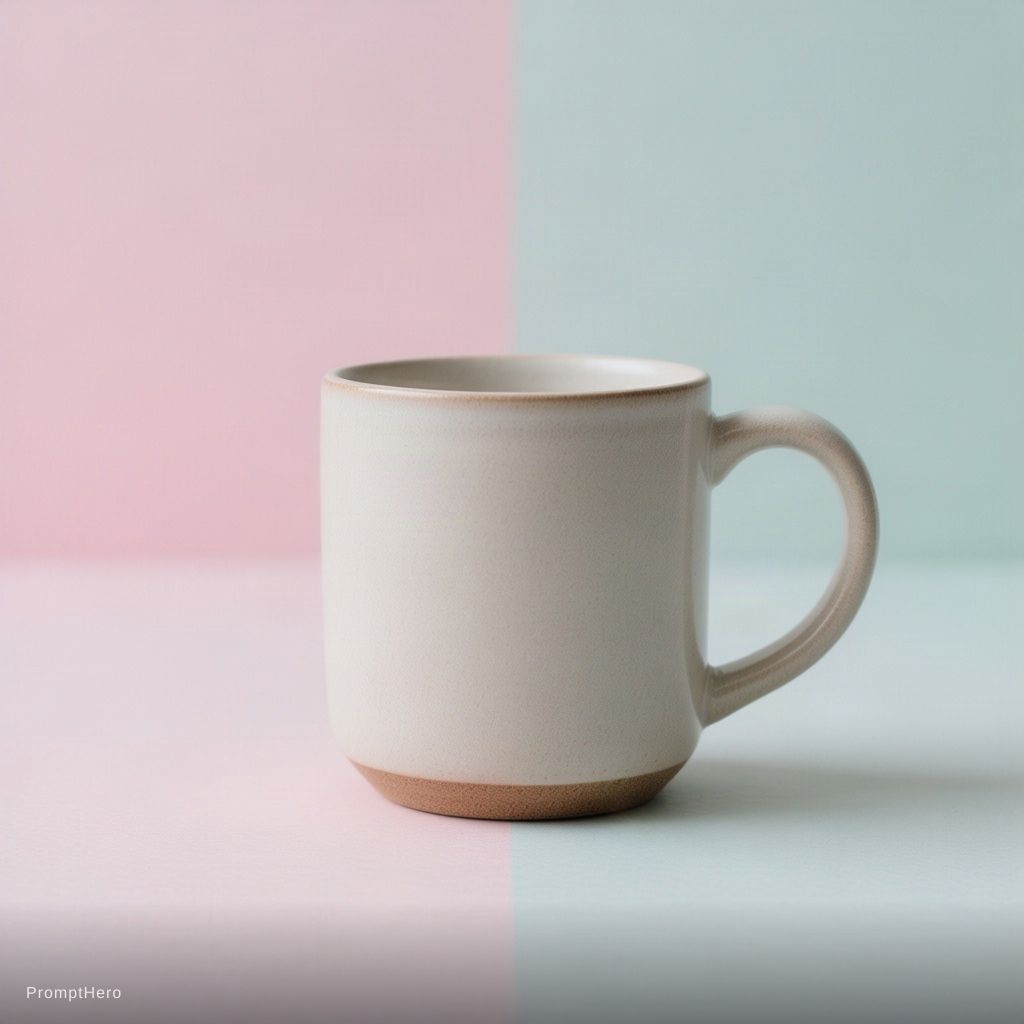
Hunyuan  prompt: Minimalist product photo of a ceramic mug on a pas... Não especificado hunyuan-3
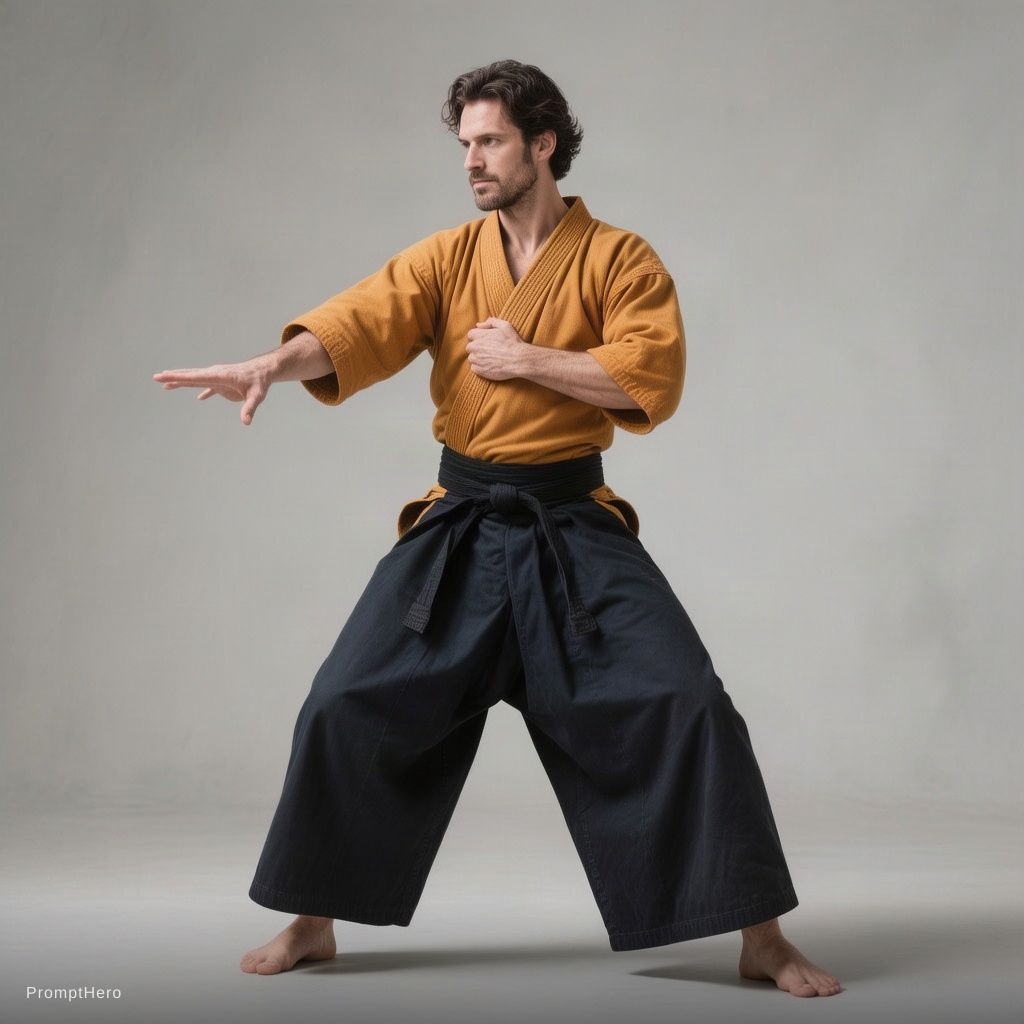
Hunyuan  prompt: Aikido Não especificado hunyuan-3
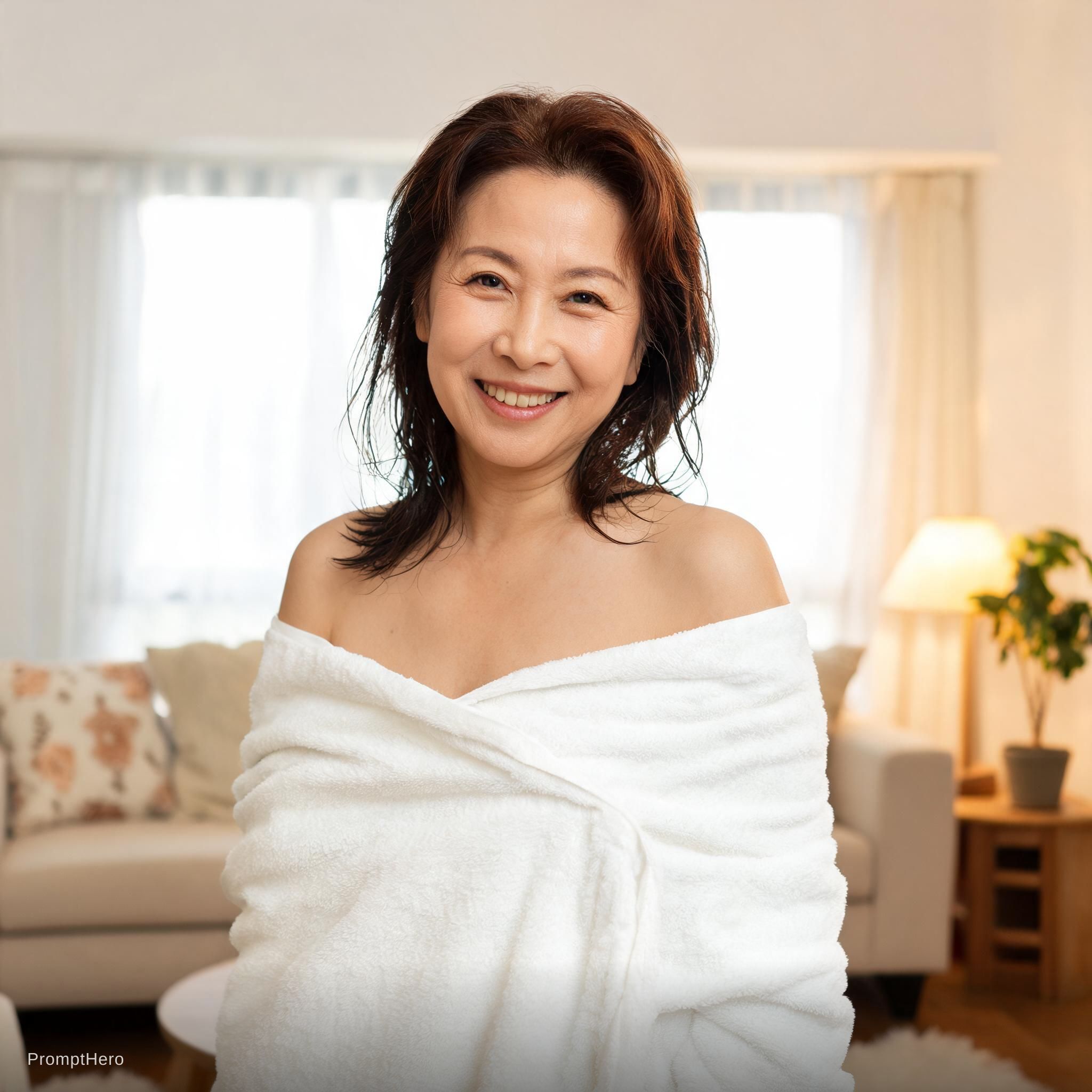
Seedream 5 prompt: f smiling middle aged woman in nice home wrapped i... Não especificado v2
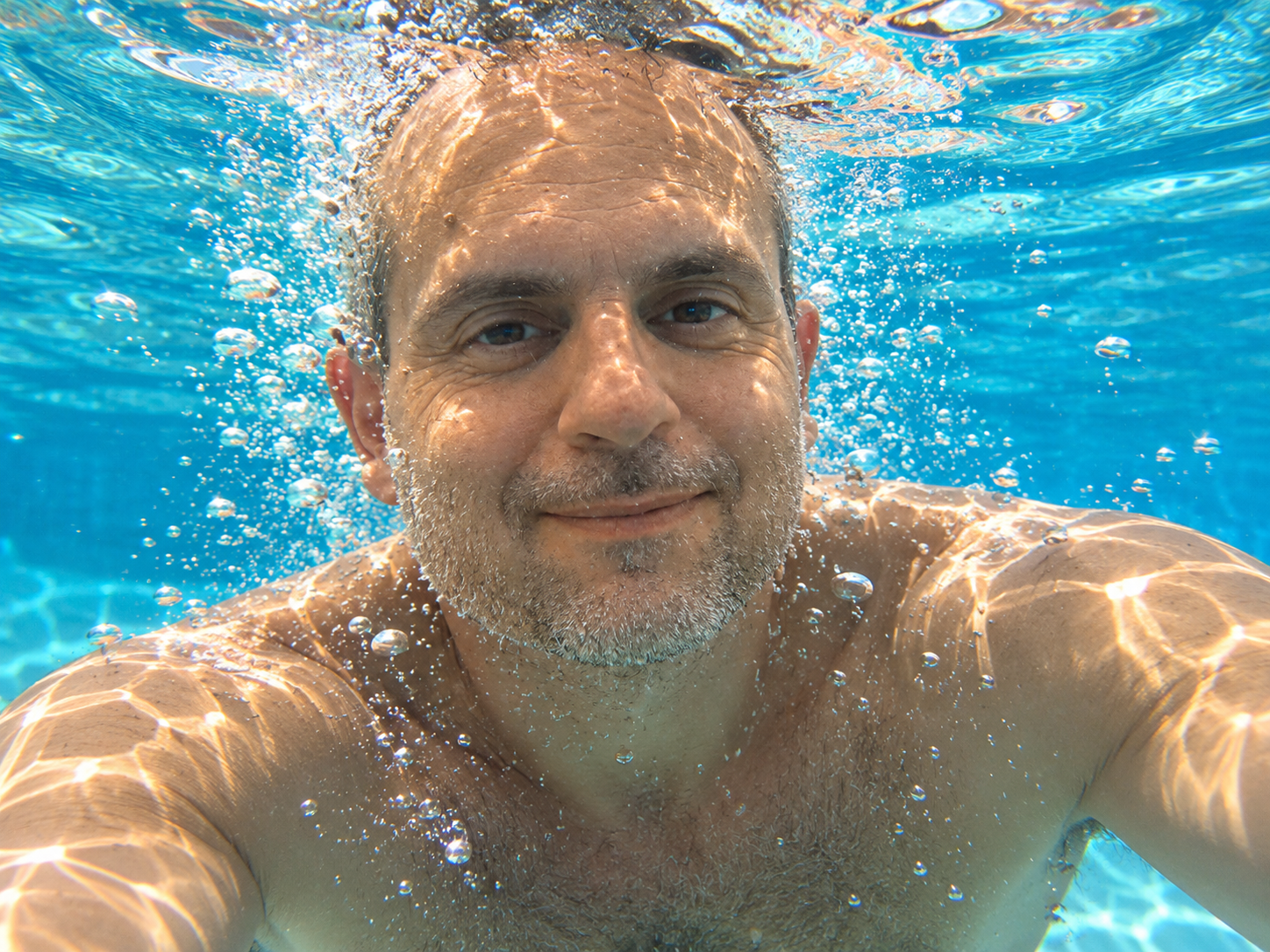
Create an extreme close-up underwater portrait, ca... Não especificado Não especificado
Using the face from the attached photograph, recre... Não especificado Não especificado
Using the face from the attached photo, recreate a... Não especificado Não especificado

Run este prompt com o API

A solicitação abaixo envia esse prompt, com seus valores padrão preenchidos, para o primeiro modelo em que é executado. Troque o nome do modelo por qualquer outro modelo listado acima.

Documentação da prompt API
/api/v1/gpt_image_2/text_to_image
curl -X POST https://runapi.ai/api/v1/gpt_image_2/text_to_image \
  -H "Authorization: Bearer $RUNAPI_API_KEY" \
  -H "Content-Type: application/json" \
  --data-binary @- <<'JSON'
{
  "model": "gpt-image-2",
  "prompt": "[Character Name], real-person version, faithful to core character identity.\nA set of urban street snap photography × fashionable character street snapshot × natural life feel.\nThe character truly appears on modern city streets, presented as a set of street snap images. Automatically decide street scenery, modern outfit translation, actions, standing poses, moment of turning back, camera position, shot size, and composition based on character temperament.\nRetain hairstyle, representative colors, iconic accessories, and identity temperament, do not copy original costumes exactly.\nReal streets, shop windows, coffee shops, alley entrances, zebra crossings, road signs, blurred passerby backgrounds, natural spatial depth.\nNatural light or urban ambient light, slight candid feel, high-end street snap feel, realistic photographic texture, clear subject, background with depth of field.\nNo UI, no screenshot feel, no extra text.\nTop left stylized \"V\" + cat element logo, bottom right voxCAT signature."
}
JSON

Experimentar a prompt