Technical Product Teardown Infographic
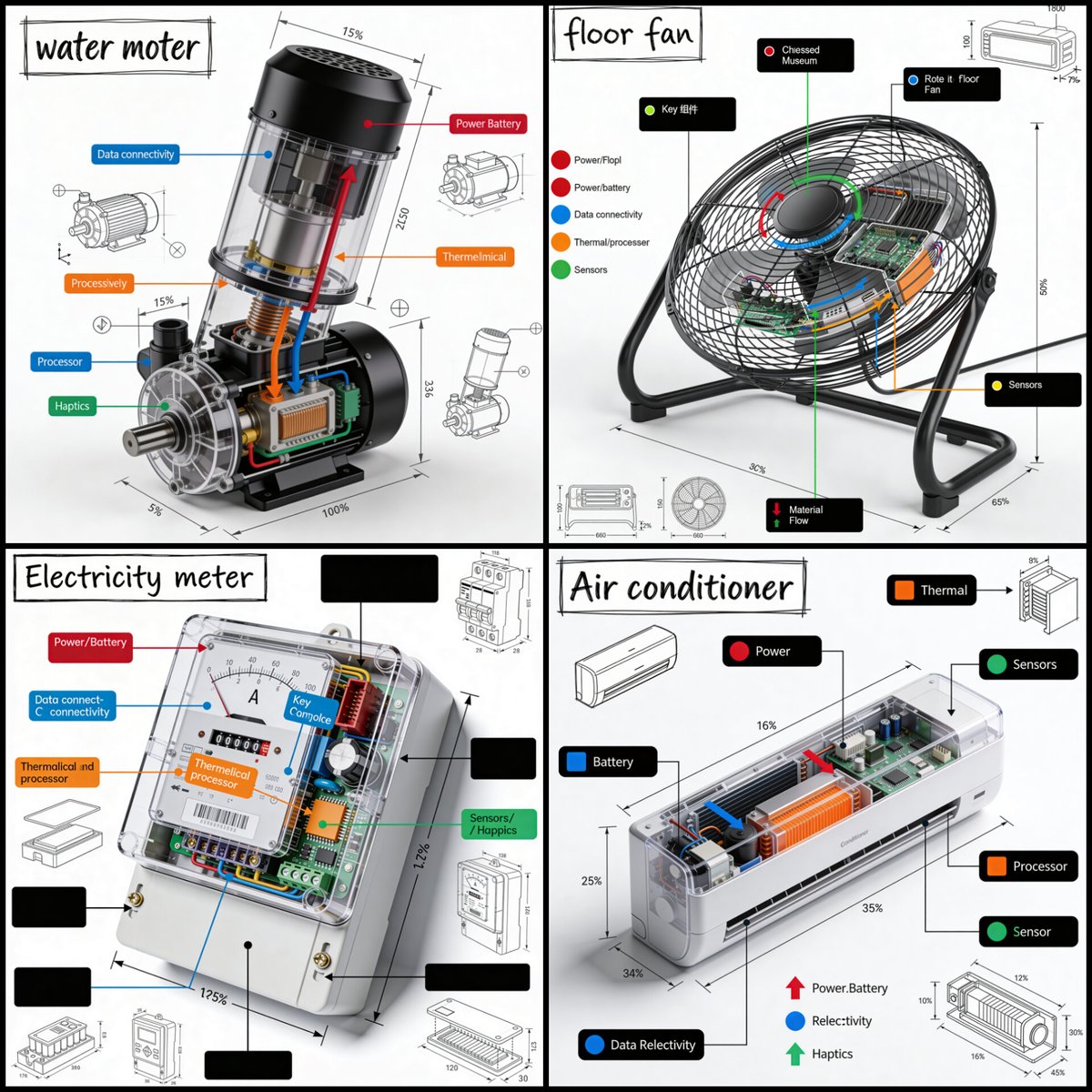
Technical Product Teardown Infographic

prompt

Create a square 1080x1080 technical infographic for OBJECT, shown from a 45-degree isometric 3D angle so the object is slightly tilted and its depth, dimensions, and internal architecture are easy to read. Blend a realistic photoreal product render with precise black-ink engineering annotations on a pure white background. Include labeled key components with color-coded callout boxes, transparent or cutaway areas that reveal internal parts, exact measurements and scale markers, material notes with quantities, and function-flow arrows using red for power or battery, blue for data or connectivity, orange for thermal or processor systems, and green for sensors or haptics. Add small schematic views or cross-section diagrams wherever they help explain the object. Place the title "OBJECT" inside a hand-drawn technical label box in the top-left corner. Style the artwork like a professional product teardown manual with architectural pen linework: sketched but accurate, clean, crisp, and educational. Keep the object clearly visible, use balanced negative space, make black the dominant color, and limit accents to about 10-15% of the composition. Overall mood: clean museum exhibit, premium engineering manual, ultra-crisp social-feed infographic, white background, sharp details, high clarity.

Funciona em 21 modelos

  • Flux
  • Flux 2
  • Flux Kontext
  • GPT-4o Image
  • GPT Image
  • GPT Image 2
  • GPT Image 2.5
  • GPT Image 2.6
  • Grok Imagine
  • Ideogram V3
  • Imagen 4
  • Kling
  • +9 Mais

O que este prompt produz

Wireless Doorbell Camera Instructions Prompt Não especificado gpt-image-2
Hunyuan  prompt: wine Não especificado hunyuan-3
Hunyuan  prompt: can beer Não especificado hunyuan-3
Hunyuan  prompt: ربات Não especificado hunyuan-3
Hero prompt: recreate image 1 (close up indoor portrait of a wo... Não especificado 1.0
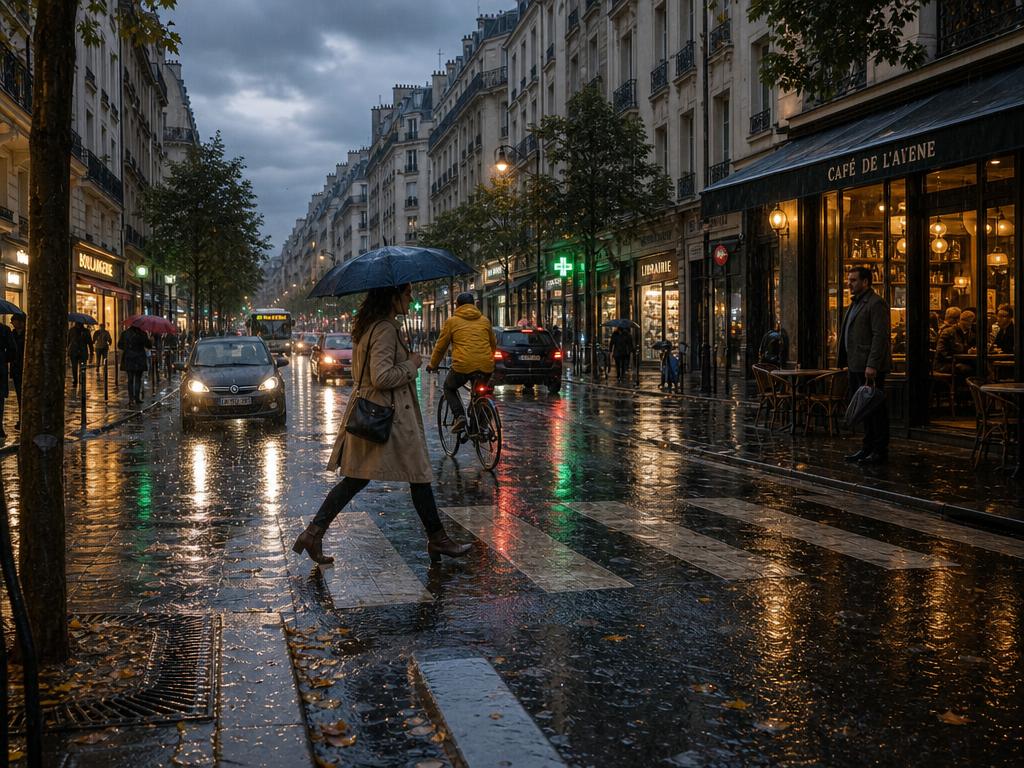
Rainy French Street at Night Não especificado gpt-image-2

Run este prompt com o API

A solicitação abaixo envia esse prompt, com seus valores padrão preenchidos, para o primeiro modelo em que é executado. Troque o nome do modelo por qualquer outro modelo listado acima.

Documentação da prompt API
/api/v1/gpt_image_2/text_to_image
curl -X POST https://runapi.ai/api/v1/gpt_image_2/text_to_image \
  -H "Authorization: Bearer $RUNAPI_API_KEY" \
  -H "Content-Type: application/json" \
  --data-binary @- <<'JSON'
{
  "model": "gpt-image-2",
  "prompt": "Create a square 1080x1080 technical infographic for OBJECT, shown from a 45-degree isometric 3D angle so the object is slightly tilted and its depth, dimensions, and internal architecture are easy to read.\n\nBlend a realistic photoreal product render with precise black-ink engineering annotations on a pure white background. Include labeled key components with color-coded callout boxes, transparent or cutaway areas that reveal internal parts, exact measurements and scale markers, material notes with quantities, and function-flow arrows using red for power or battery, blue for data or connectivity, orange for thermal or processor systems, and green for sensors or haptics.\n\nAdd small schematic views or cross-section diagrams wherever they help explain the object. Place the title \"OBJECT\" inside a hand-drawn technical label box in the top-left corner.\n\nStyle the artwork like a professional product teardown manual with architectural pen linework: sketched but accurate, clean, crisp, and educational. Keep the object clearly visible, use balanced negative space, make black the dominant color, and limit accents to about 10-15% of the composition.\n\nOverall mood: clean museum exhibit, premium engineering manual, ultra-crisp social-feed infographic, white background, sharp details, high clarity."
}
JSON

Experimentar a prompt