Transparent Window Alpha Demo
Transparent Window Alpha Demo

즉각적인

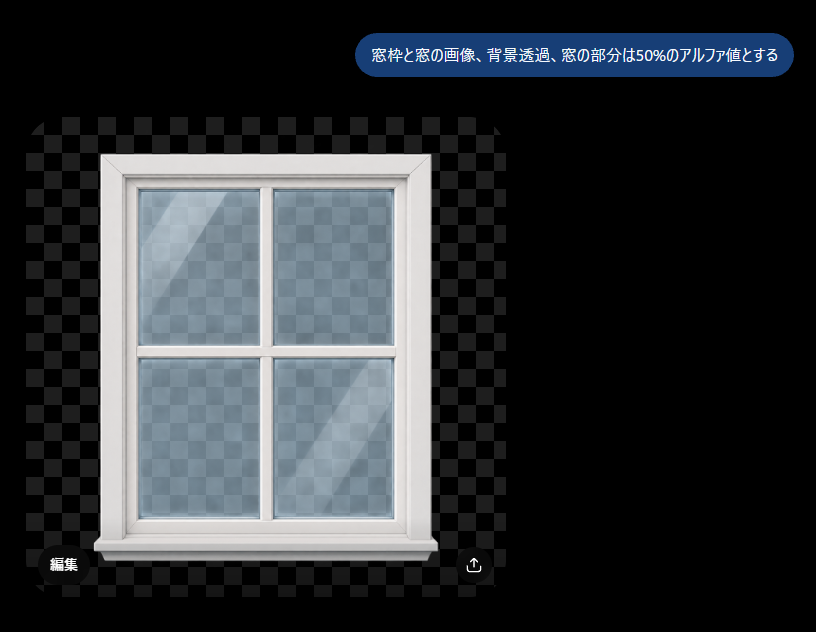
Create a clean demonstration image on a black canvas showing a white-framed four-pane window graphic with transparency effects. The main subject is a realistic front-facing window centered slightly left, with a thick glossy white frame, beveled edges, a horizontal and vertical crossbar dividing the glass into exactly 4 rectangular panes, and a small sill at the bottom. Behind and through the window is a gray checkerboard transparency pattern, and the glass panes should show the checkerboard faintly with about 50% alpha, plus subtle bluish tint, soft reflections, and two diagonal light streaks. Around the window, include a larger semi-transparent checkerboard rectangle with alternating dark gray squares on the black background to clearly indicate transparency. At the top right, add one rounded blue speech-bubble label containing the Japanese text 窓枠と窓の画像、背景透過、窓の部分は50%のアルファ値とする in white sans-serif type. At the bottom left of the checkerboard area, add one small dark rounded button labeled 「編集」, and at the bottom right add one small circular dark button with a white upload/share arrow icon. Keep the composition minimal, with no extra objects, no watermark, and crisp UI-like presentation.

21 모델에서 실행됩니다.

  • Flux
  • Flux 2
  • Flux Kontext
  • GPT-4o Image
  • GPT Image
  • GPT Image 2
  • GPT Image 2.5
  • GPT Image 2.6
  • Grok Imagine
  • Ideogram V3
  • Imagen 4
  • Kling
  • +9 이상

이 프롬프트의 출력

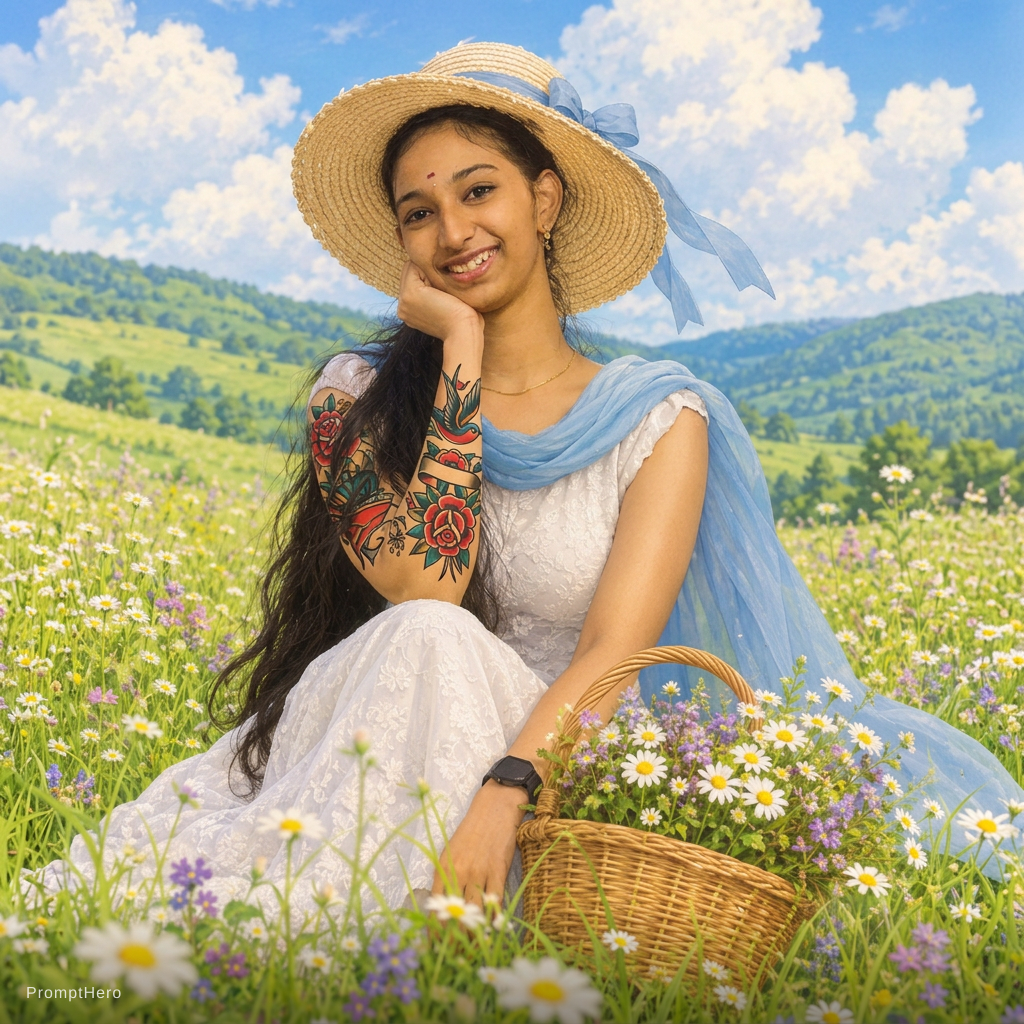
Nano Banana prompt: Kavya covering full bicep, bold American style wit 지정되지 않음 nano-banana-2.1
Nano Banana prompt: traditional eagle covering full bicep, bold Americ... 지정되지 않음 nano-banana-2.1
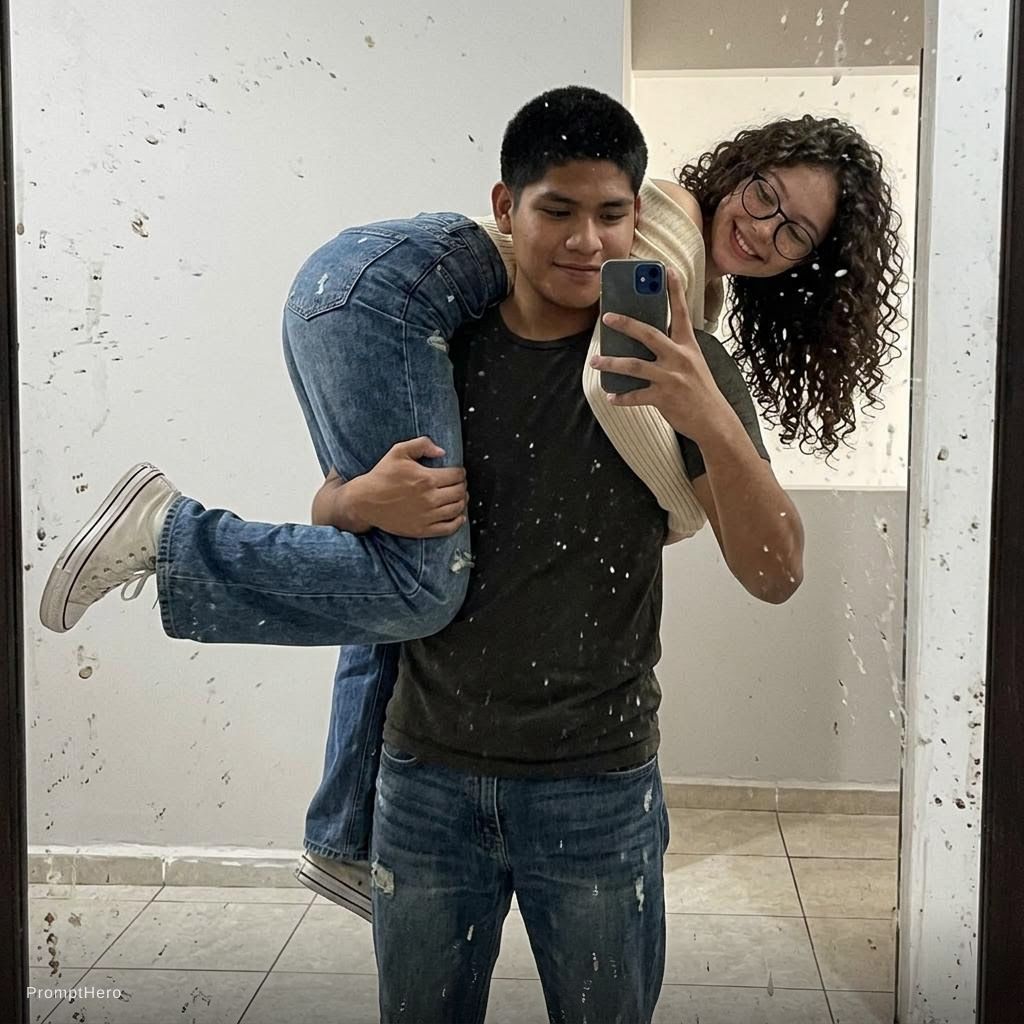
Hero prompt: nos podrias hacer una foto con la pose de la prime... 지정되지 않음 1.0
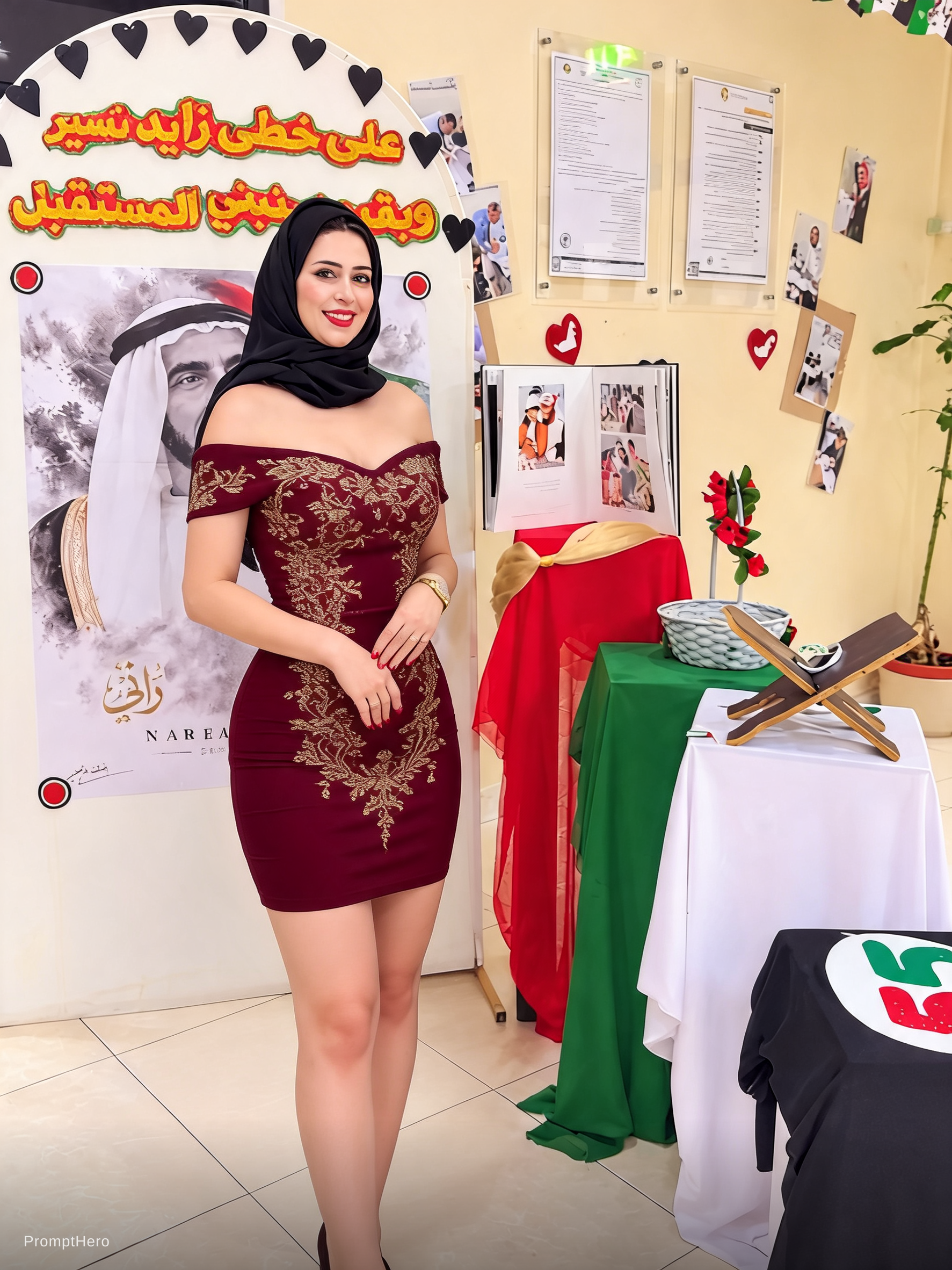
Seedream 5 prompt: Hot dress 지정되지 않음 v2
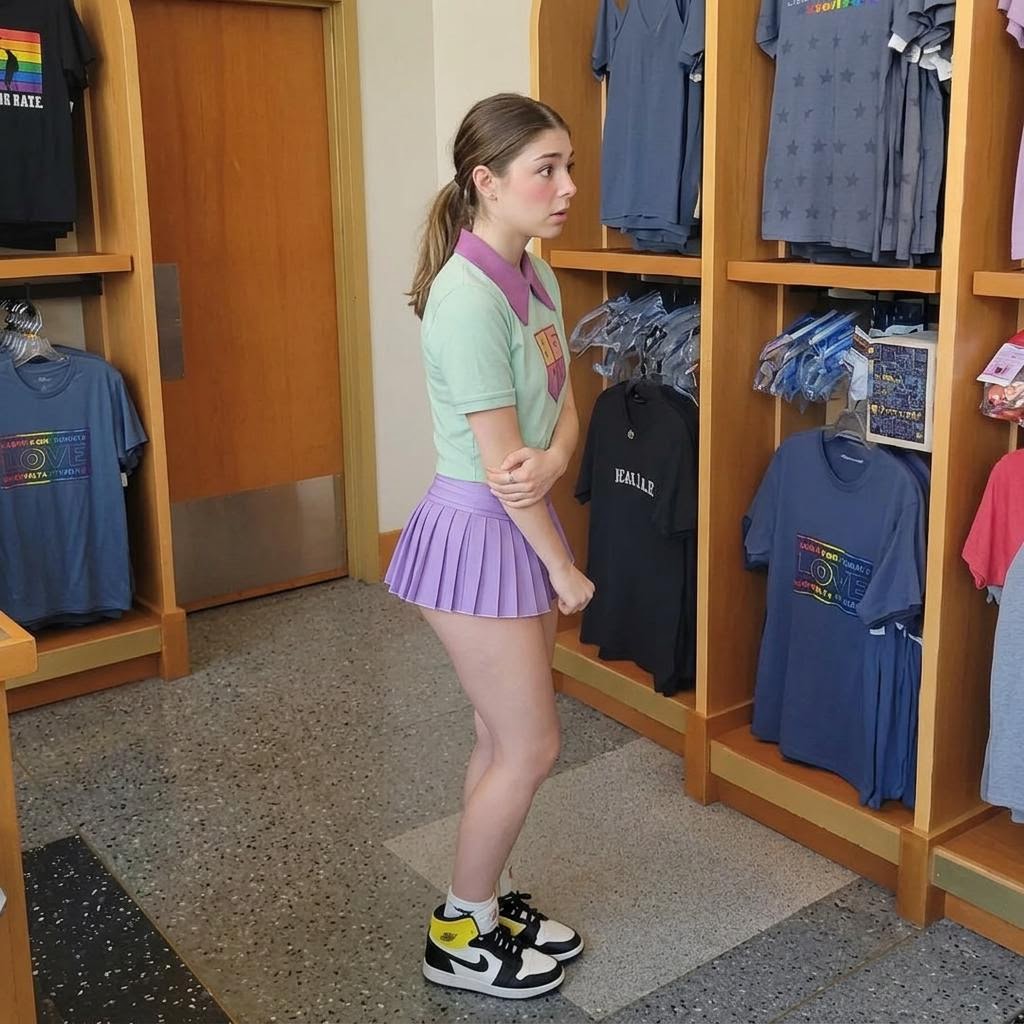
Nano Banana prompt: Match the same pose from the 1st image 지정되지 않음 nano-banana-2.1
Seedream 5 prompt: Modern minimalist mobile app icon logo design for ... 지정되지 않음 seedream-5-pro

API를 사용하여 이 프롬프트를 실행하세요.

아래 요청은 기본값이 채워진 이 프롬프트를 실행되는 첫 번째 모델로 보냅니다. 위에 나열된 다른 모델의 모델 이름을 바꾸십시오.

프롬프트 API 문서
/api/v1/gpt_image_2/text_to_image
curl -X POST https://runapi.ai/api/v1/gpt_image_2/text_to_image \
  -H "Authorization: Bearer $RUNAPI_API_KEY" \
  -H "Content-Type: application/json" \
  --data-binary @- <<'JSON'
{
  "model": "gpt-image-2",
  "prompt": "Create a clean demonstration image on a black canvas showing a white-framed four-pane window graphic with transparency effects. The main subject is a realistic front-facing window centered slightly left, with a thick glossy white frame, beveled edges, a horizontal and vertical crossbar dividing the glass into exactly 4 rectangular panes, and a small sill at the bottom. Behind and through the window is a gray checkerboard transparency pattern, and the glass panes should show the checkerboard faintly with about 50% alpha, plus subtle bluish tint, soft reflections, and two diagonal light streaks. Around the window, include a larger semi-transparent checkerboard rectangle with alternating dark gray squares on the black background to clearly indicate transparency. At the top right, add one rounded blue speech-bubble label containing the Japanese text 窓枠と窓の画像、背景透過、窓の部分は50%のアルファ値とする in white sans-serif type. At the bottom left of the checkerboard area, add one small dark rounded button labeled 「編集」, and at the bottom right add one small circular dark button with a white upload/share arrow icon. Keep the composition minimal, with no extra objects, no watermark, and crisp UI-like presentation."
}
JSON

메시지를 보내보세요