Transparent Window Alpha Demo
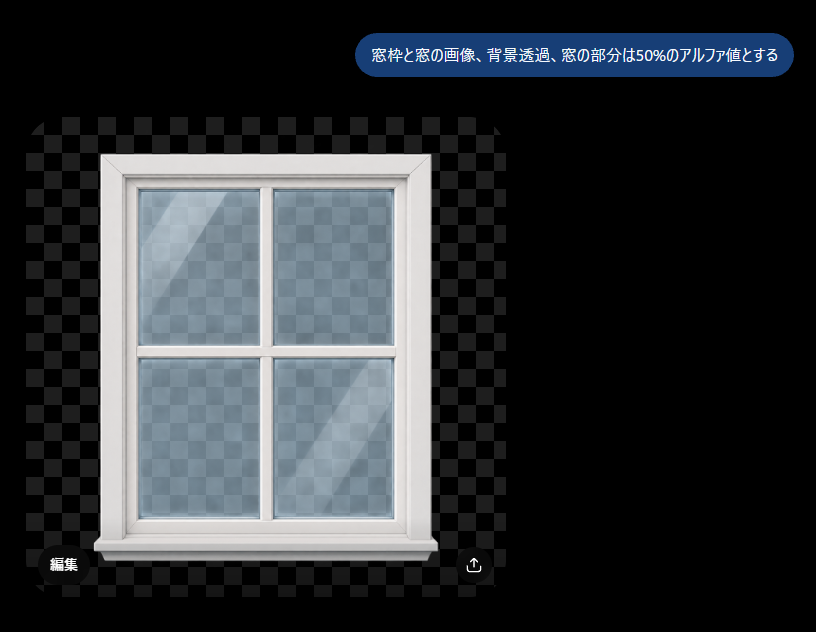
Transparent Window Alpha Demo

Prompt

Create a clean demonstration image on a black canvas showing a white-framed four-pane window graphic with transparency effects. The main subject is a realistic front-facing window centered slightly left, with a thick glossy white frame, beveled edges, a horizontal and vertical crossbar dividing the glass into exactly 4 rectangular panes, and a small sill at the bottom. Behind and through the window is a gray checkerboard transparency pattern, and the glass panes should show the checkerboard faintly with about 50% alpha, plus subtle bluish tint, soft reflections, and two diagonal light streaks. Around the window, include a larger semi-transparent checkerboard rectangle with alternating dark gray squares on the black background to clearly indicate transparency. At the top right, add one rounded blue speech-bubble label containing the Japanese text 窓枠と窓の画像、背景透過、窓の部分は50%のアルファ値とする in white sans-serif type. At the bottom left of the checkerboard area, add one small dark rounded button labeled 「編集」, and at the bottom right add one small circular dark button with a white upload/share arrow icon. Keep the composition minimal, with no extra objects, no watermark, and crisp UI-like presentation.

Runs on 21 models

  • Flux
  • Flux 2
  • Flux Kontext
  • GPT-4o Image
  • GPT Image
  • GPT Image 2
  • GPT Image 2.5
  • GPT Image 2.6
  • Grok Imagine
  • Ideogram V3
  • Imagen 4
  • Kling
  • +9 more

What this prompt produces

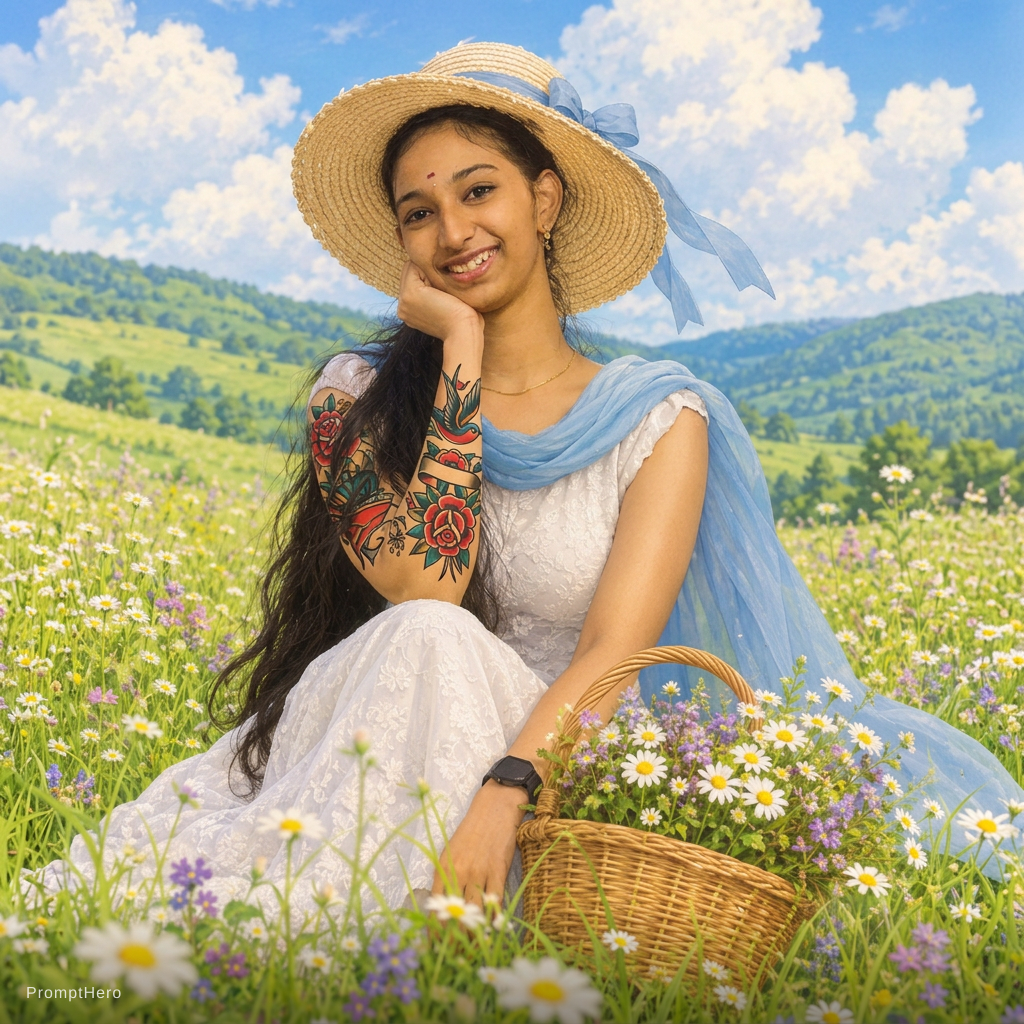
Nano Banana prompt: Kavya covering full bicep, bold American style wit Not specified nano-banana-2.1
Nano Banana prompt: traditional eagle covering full bicep, bold Americ... Not specified nano-banana-2.1
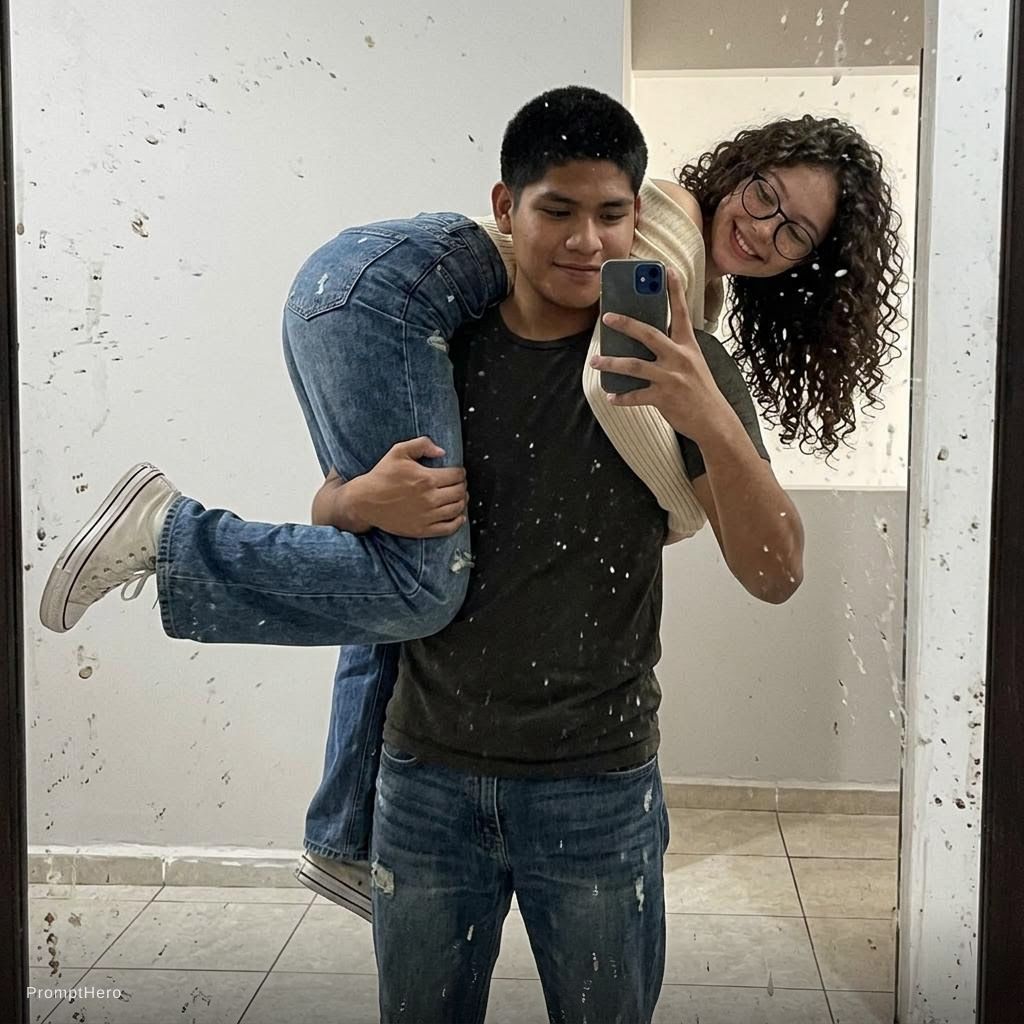
Hero prompt: nos podrias hacer una foto con la pose de la prime... Not specified 1.0
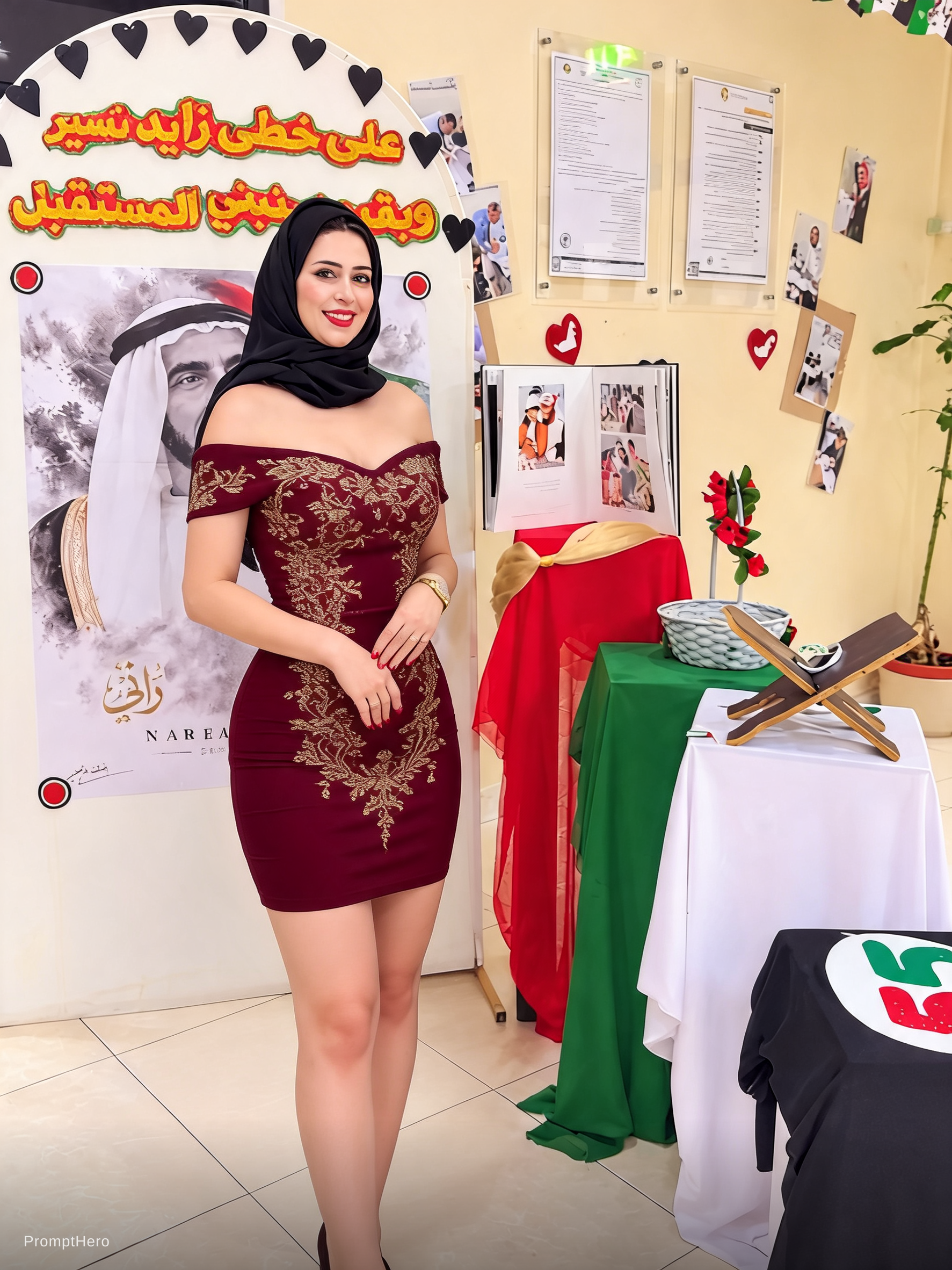
Seedream 5 prompt: Hot dress Not specified v2
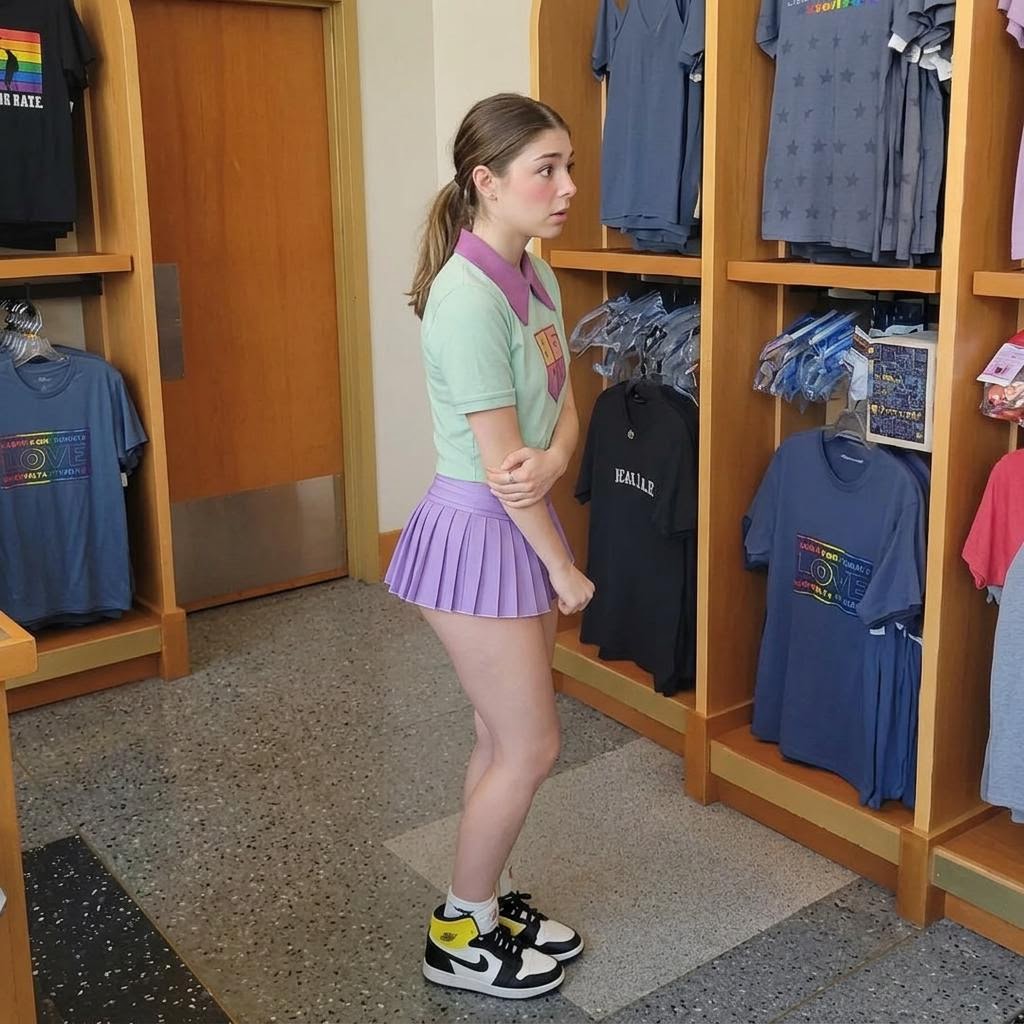
Nano Banana prompt: Match the same pose from the 1st image Not specified nano-banana-2.1
Seedream 5 prompt: Modern minimalist mobile app icon logo design for ... Not specified seedream-5-pro

Run this prompt with the API

The request below sends this prompt, with its default values filled in, to the first model it runs on. Swap the model name for any other model listed above.

Prompt API docs
/api/v1/gpt_image_2/text_to_image
curl -X POST https://runapi.ai/api/v1/gpt_image_2/text_to_image \
  -H "Authorization: Bearer $RUNAPI_API_KEY" \
  -H "Content-Type: application/json" \
  --data-binary @- <<'JSON'
{
  "model": "gpt-image-2",
  "prompt": "Create a clean demonstration image on a black canvas showing a white-framed four-pane window graphic with transparency effects. The main subject is a realistic front-facing window centered slightly left, with a thick glossy white frame, beveled edges, a horizontal and vertical crossbar dividing the glass into exactly 4 rectangular panes, and a small sill at the bottom. Behind and through the window is a gray checkerboard transparency pattern, and the glass panes should show the checkerboard faintly with about 50% alpha, plus subtle bluish tint, soft reflections, and two diagonal light streaks. Around the window, include a larger semi-transparent checkerboard rectangle with alternating dark gray squares on the black background to clearly indicate transparency. At the top right, add one rounded blue speech-bubble label containing the Japanese text 窓枠と窓の画像、背景透過、窓の部分は50%のアルファ値とする in white sans-serif type. At the bottom left of the checkerboard area, add one small dark rounded button labeled 「編集」, and at the bottom right add one small circular dark button with a white upload/share arrow icon. Keep the composition minimal, with no extra objects, no watermark, and crisp UI-like presentation."
}
JSON

Try a prompt