AI City Rendering Comparison Poster
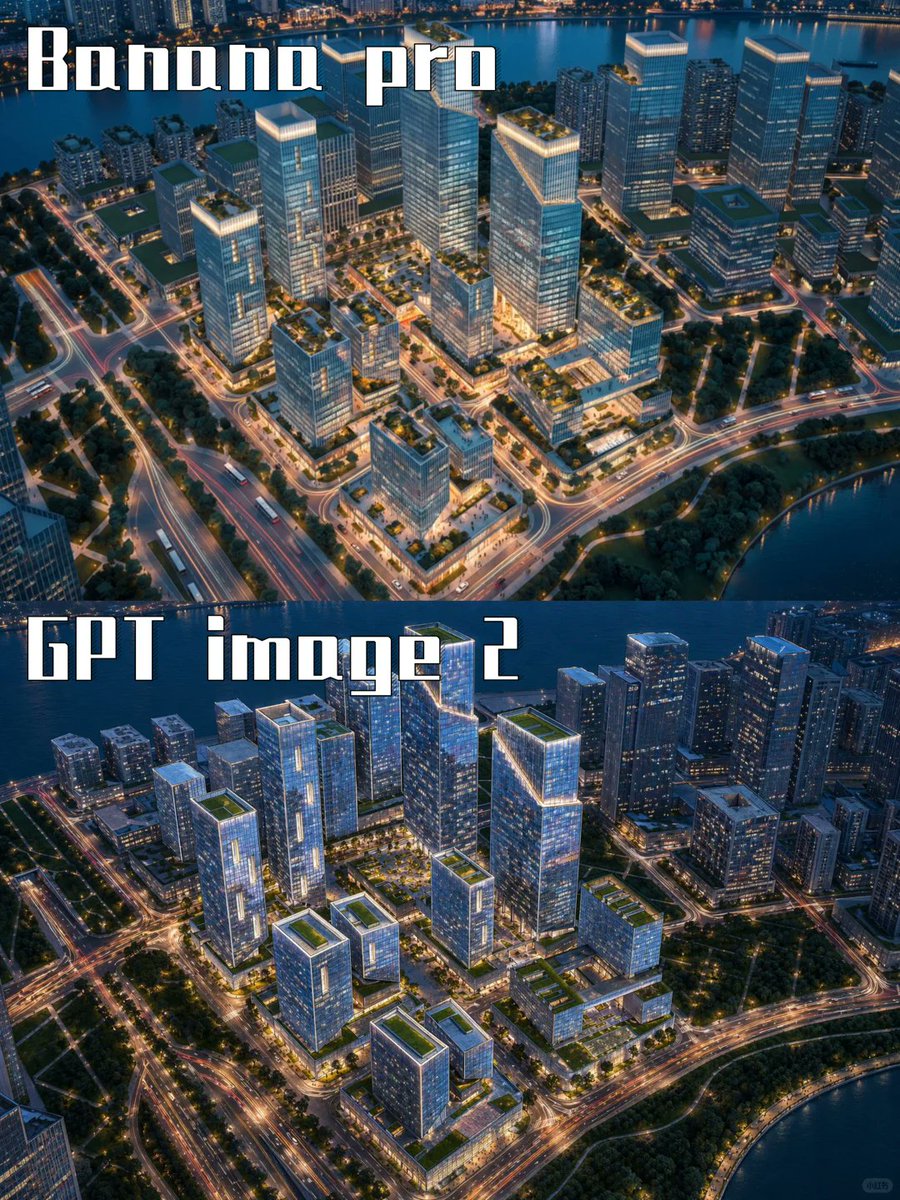
AI City Rendering Comparison Poster

즉각적인

Goal: Create a vertical side-by-side comparison poster showing two AI-generated aerial city renderings, one above the other, for a visual model comparison between Banana pro and GPT image 2. Canvas: Portrait 3:4 image, approximately 768×1024 px. Split the canvas into exactly 2 equal horizontal panels with no border or margin between them. Layout: The top panel fills the upper half and the bottom panel fills the lower half. Each panel shows a similar futuristic waterfront business district at blue-hour dusk from a high oblique aerial view. Place exactly 2 large text labels: the top label in the upper-left corner reading “Banana pro”, and the bottom label in the upper-left area of the lower panel reading “GPT image 2”. Use a tall, blocky, condensed white display font with a dark shadow or outline, similar to retro stencil/gaming typography. Top panel scene: A polished architectural visualization of a modern urban development beside a river or bay. Include approximately 12 prominent glass office towers and mid-rise blocks arranged on a gridded campus, with glowing rooftop edges, landscaped green roofs, tree-lined roads, and warm street lighting. Show water along the top edge and lower-right edge, with distant city buildings beyond the water. Roads have orange and white light trails, creating a lively night-city effect. Bottom panel scene: A second version of the same waterfront district, slightly darker and more dramatic, with approximately 14 prominent glass towers and mid-rise buildings. Use cooler blue glass reflections, brighter illuminated windows, stronger road-light trails, green rooftop gardens, and a river or bay curving along the top and lower-right edges. Make the composition visibly similar to the top panel but not identical, so it feels like two different AI model outputs from the same prompt. Visual style: Hyper-detailed aerial architectural rendering, realistic but slightly idealized, cinematic dusk lighting, blue and teal shadows, warm golden streetlights, crisp glass facades, dense urban planning, marina/waterfront atmosphere, high contrast, sharp perspective, no people visible. Constraints: Use exactly 2 stacked comparison panels and exactly 2 visible text labels. Keep the labels large, readable, and white with dark outline/shadow. Do not add logos, UI elements, watermarks, captions, or extra text.

20 모델에서 실행됩니다.

  • Flux
  • Flux 2
  • Flux Kontext
  • GPT-4o Image
  • GPT Image
  • GPT Image 2
  • GPT Image 2.5
  • GPT Image 2.6
  • Grok Imagine
  • Ideogram V3
  • Imagen 4
  • Kling
  • +8 이상

이 프롬프트의 출력

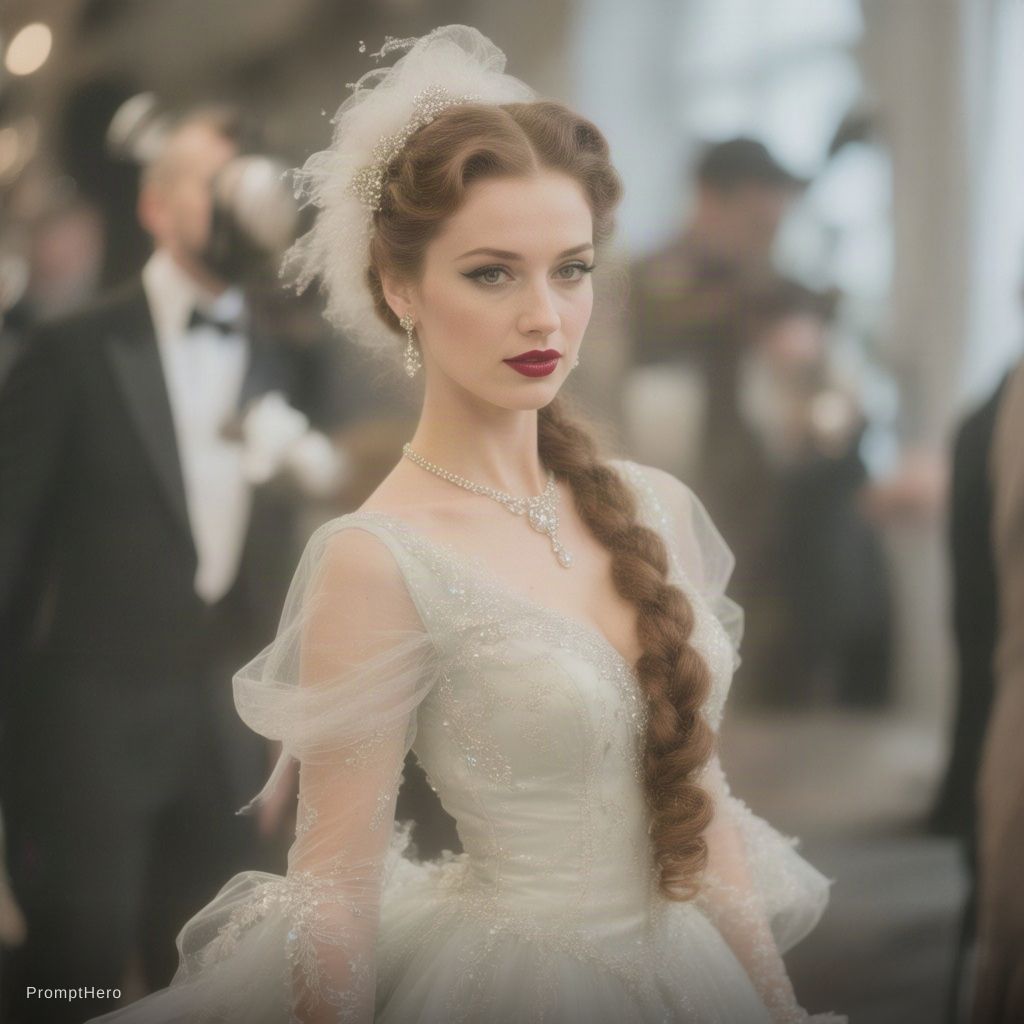
Hunyuan  prompt: Ballroom 지정되지 않음 hunyuan-3
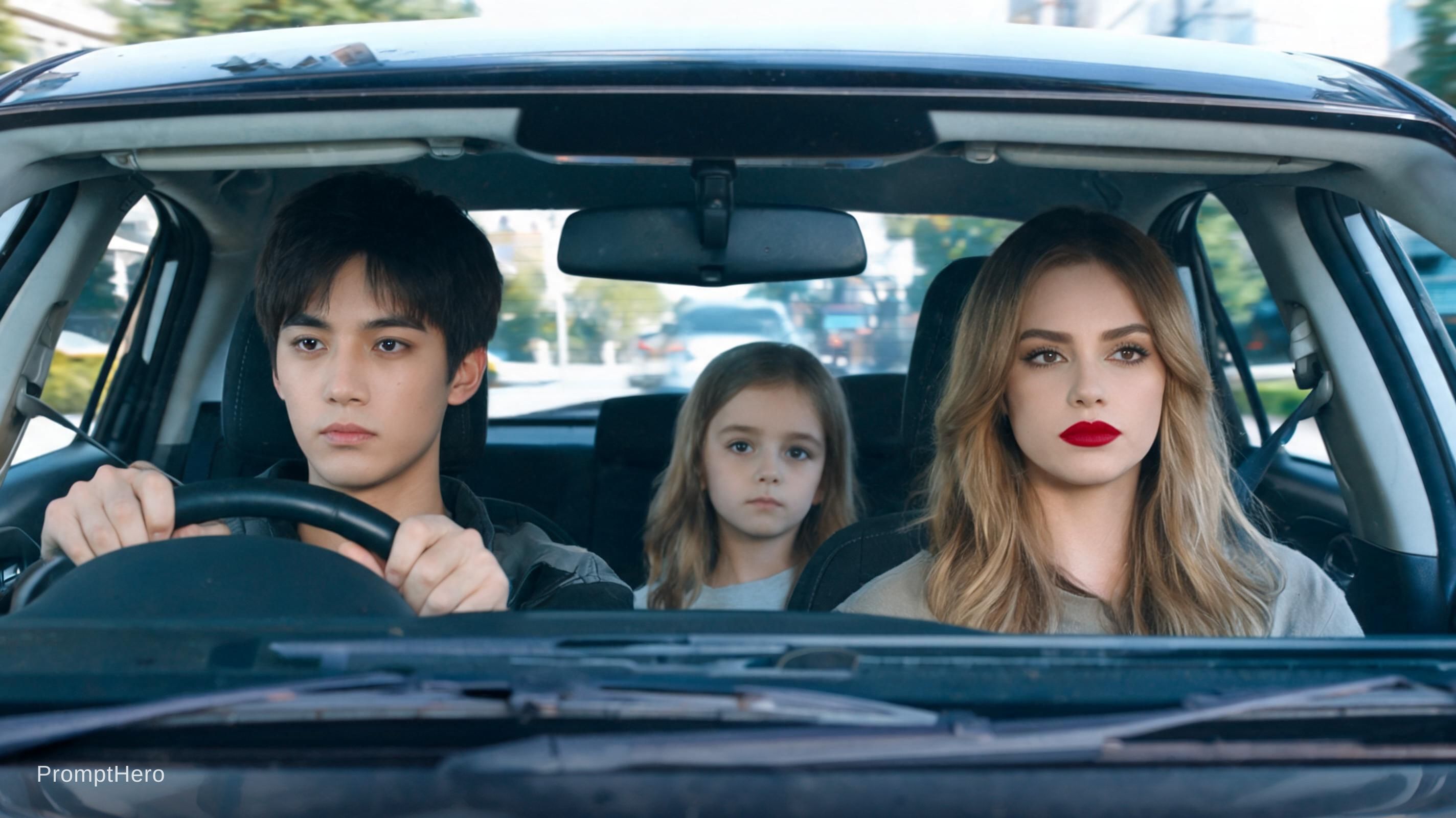
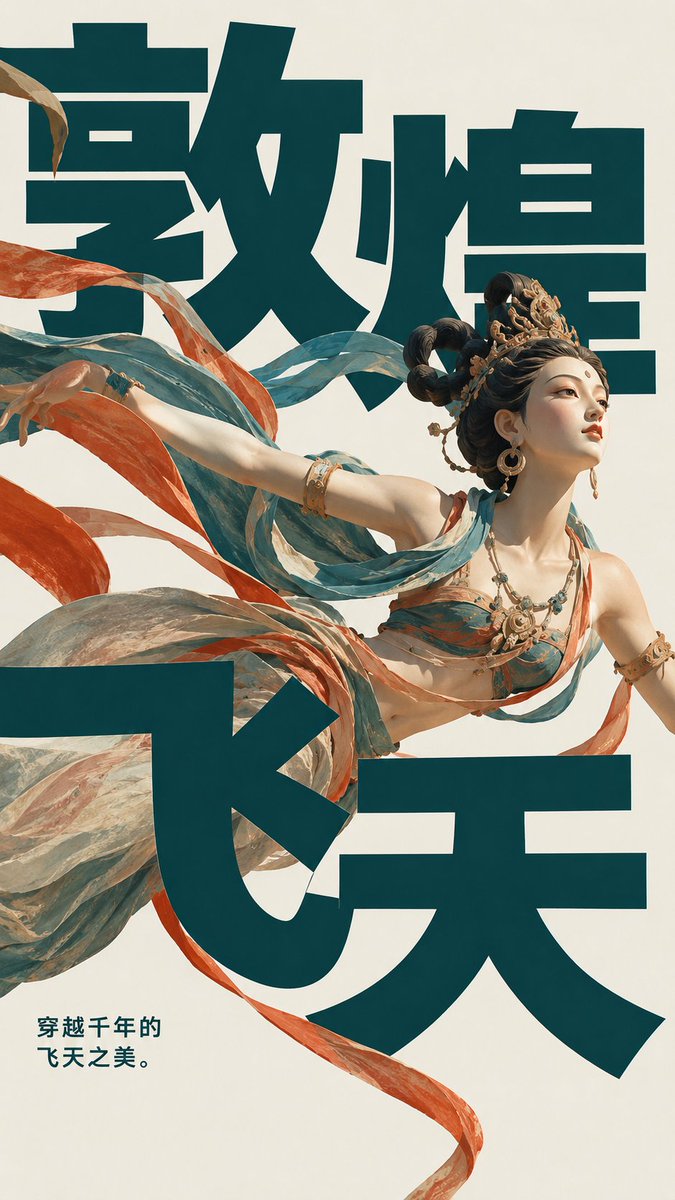
Seedream 5 prompt: 一辆家用小汽车内有三位人物,男性坐在驾驶位上,背景为移动的汽车,视角从前挡风玻璃往车内视角,可以看到... 지정되지 않음 v2
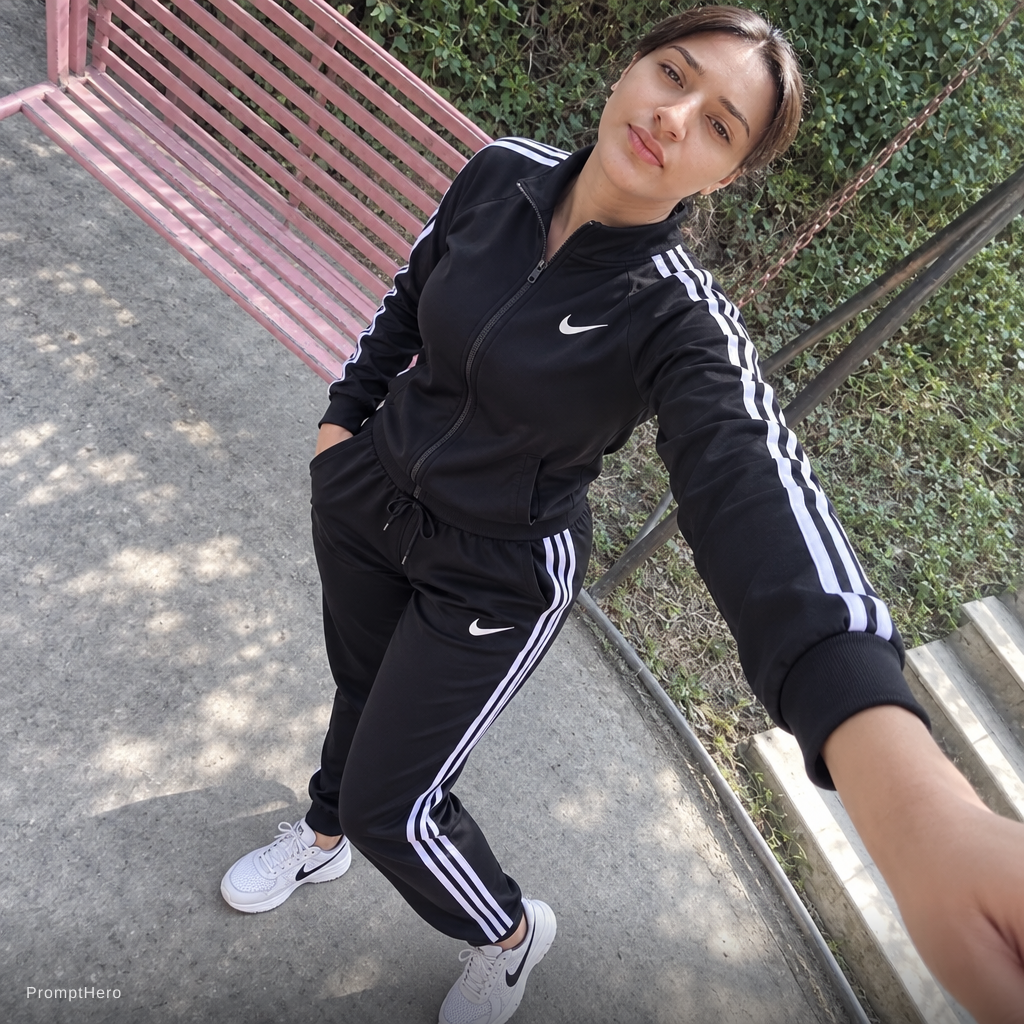
ChatGPT Image prompt: Sport stil 지정되지 않음 gpt-image-2.6-flare
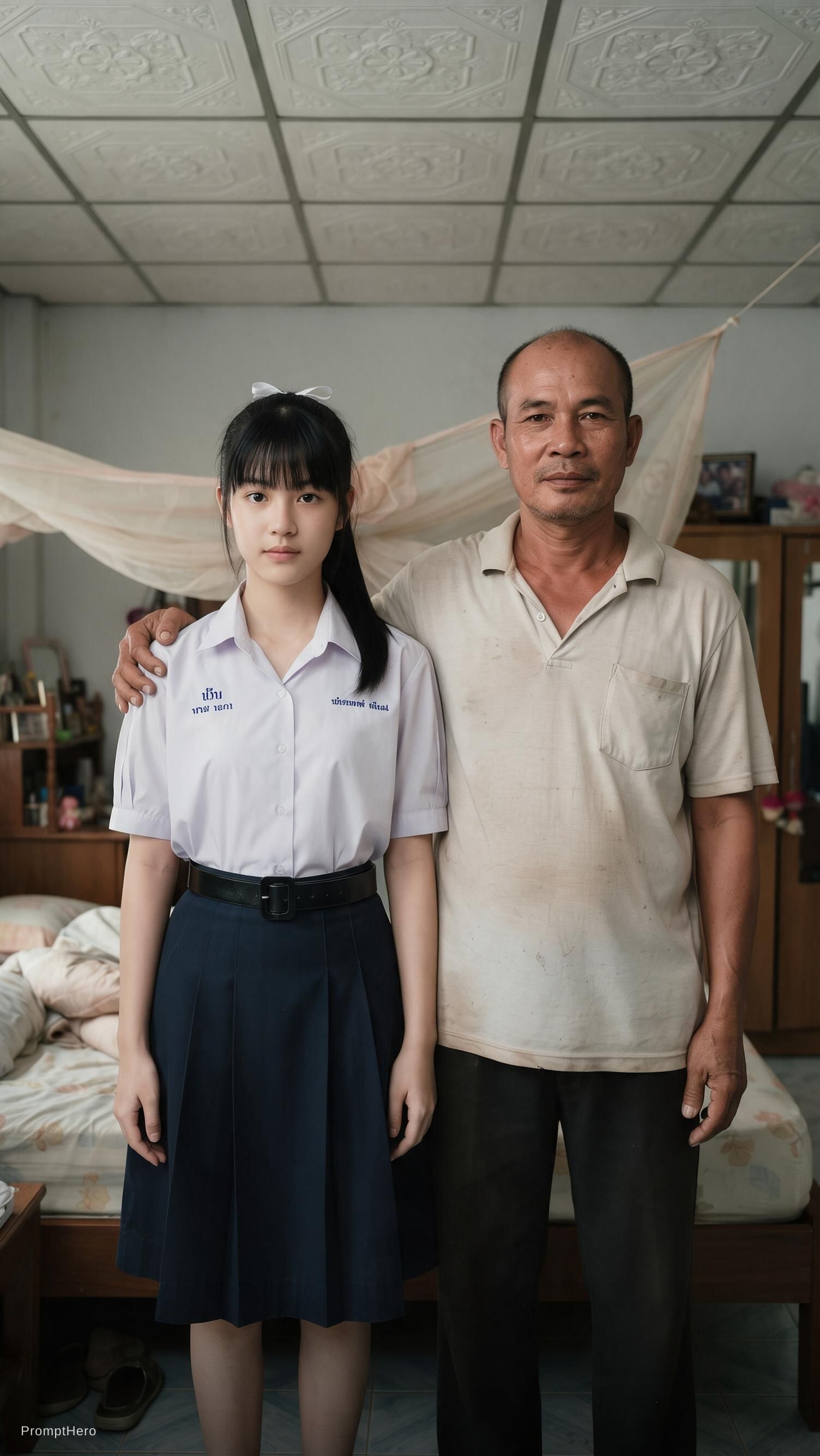
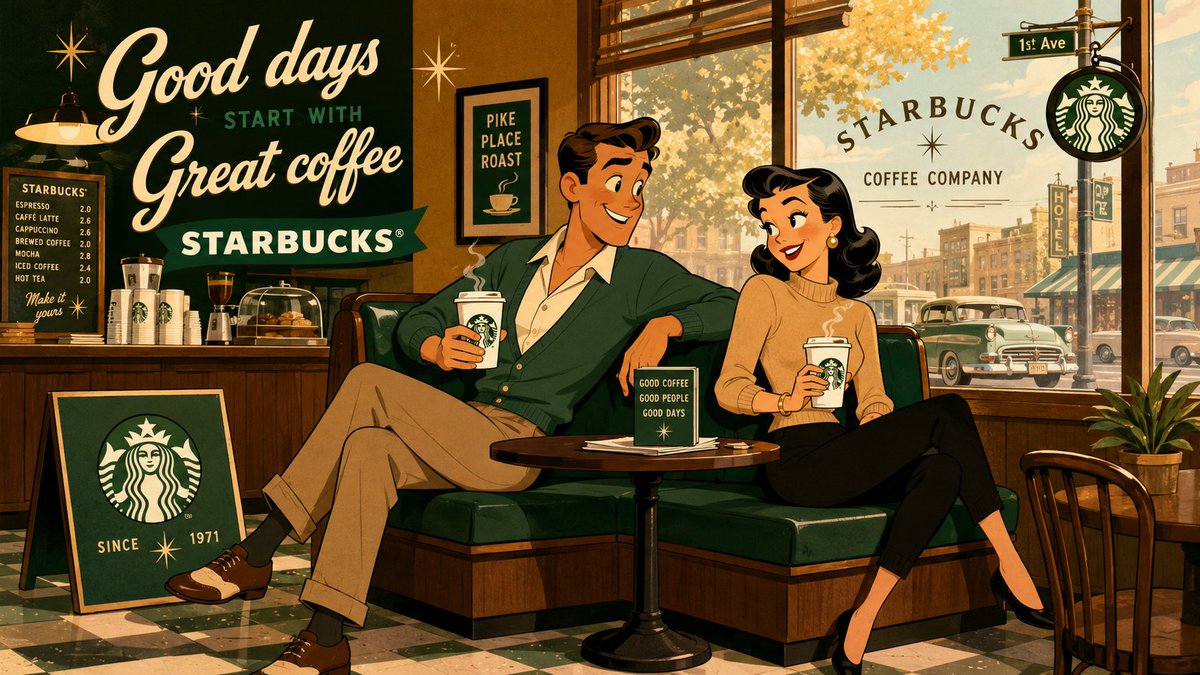
Seedream 5 prompt: Have the man put his arm around the woman's should 지정되지 않음 seedream-5-pro
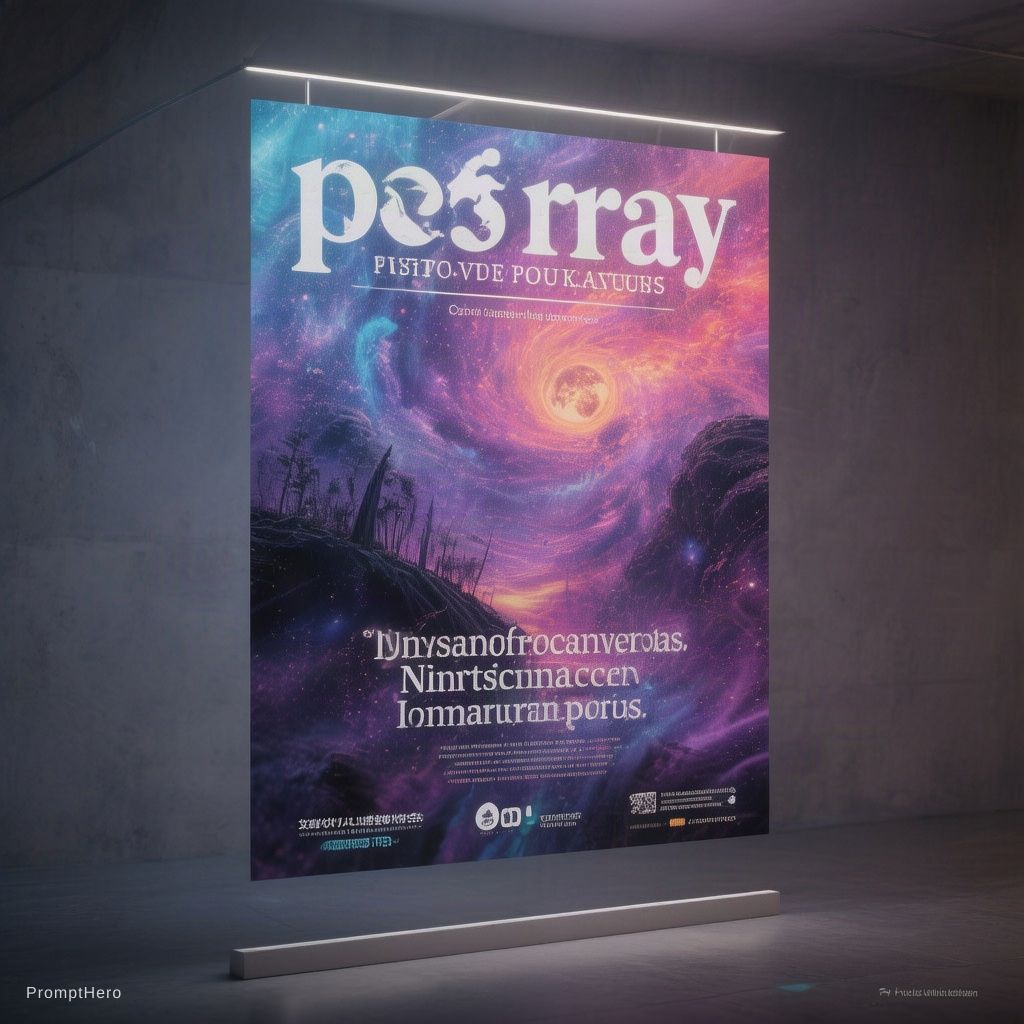
Hunyuan  prompt: póster/imagen 지정되지 않음 hunyuan-3
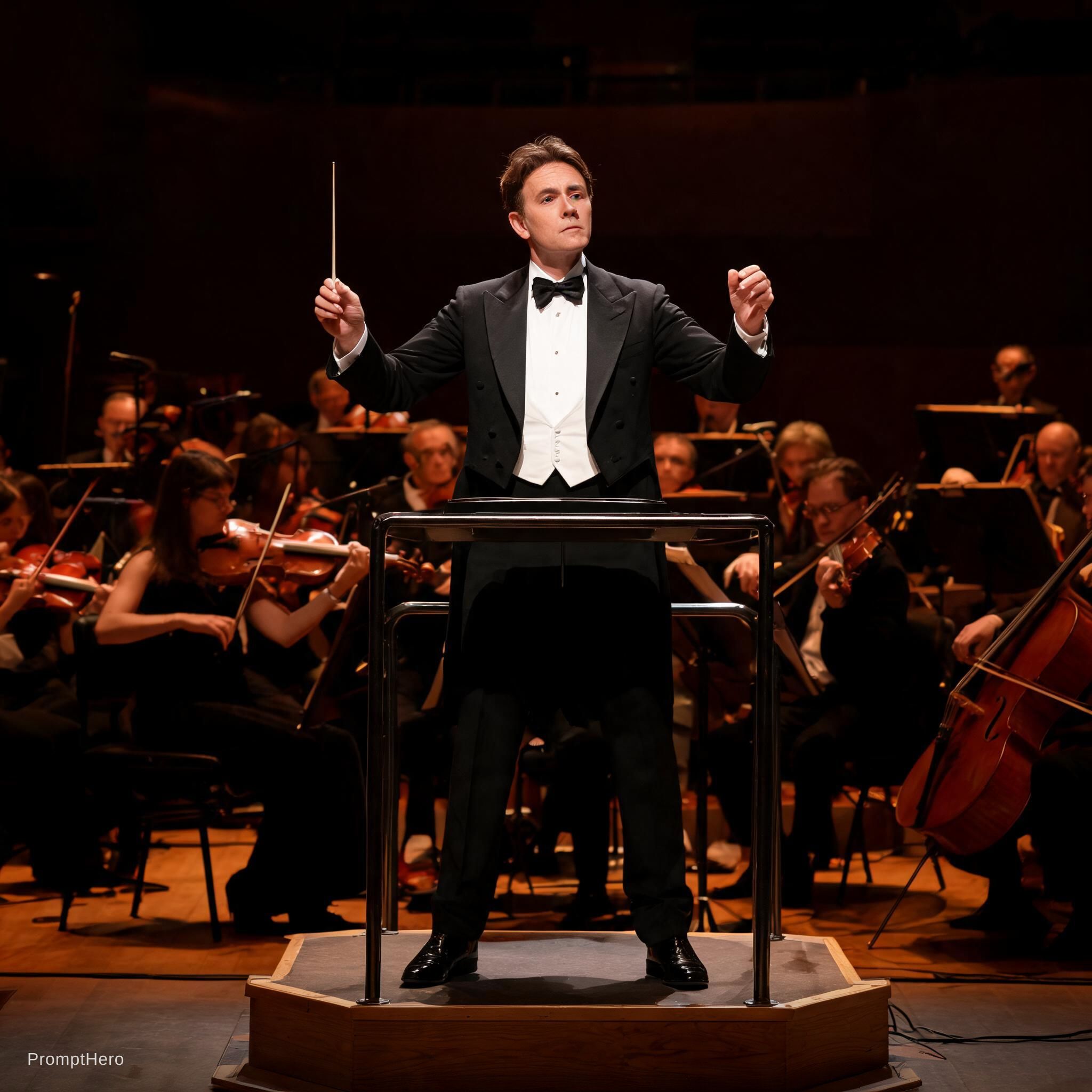
Seedream 5 prompt: Conductor 지정되지 않음 v2

API를 사용하여 이 프롬프트를 실행하세요.

아래 요청은 기본값이 채워진 이 프롬프트를 실행되는 첫 번째 모델로 보냅니다. 위에 나열된 다른 모델의 모델 이름을 바꾸십시오.

프롬프트 API 문서
/api/v1/gpt_image_2/text_to_image
curl -X POST https://runapi.ai/api/v1/gpt_image_2/text_to_image \
  -H "Authorization: Bearer $RUNAPI_API_KEY" \
  -H "Content-Type: application/json" \
  --data-binary @- <<'JSON'
{
  "model": "gpt-image-2",
  "prompt": "Goal: Create a vertical side-by-side comparison poster showing two AI-generated aerial city renderings, one above the other, for a visual model comparison between Banana pro and GPT image 2.\n\nCanvas: Portrait 3:4 image, approximately 768×1024 px. Split the canvas into exactly 2 equal horizontal panels with no border or margin between them.\n\nLayout: The top panel fills the upper half and the bottom panel fills the lower half. Each panel shows a similar futuristic waterfront business district at blue-hour dusk from a high oblique aerial view. Place exactly 2 large text labels: the top label in the upper-left corner reading “Banana pro”, and the bottom label in the upper-left area of the lower panel reading “GPT image 2”. Use a tall, blocky, condensed white display font with a dark shadow or outline, similar to retro stencil/gaming typography.\n\nTop panel scene: A polished architectural visualization of a modern urban development beside a river or bay. Include approximately 12 prominent glass office towers and mid-rise blocks arranged on a gridded campus, with glowing rooftop edges, landscaped green roofs, tree-lined roads, and warm street lighting. Show water along the top edge and lower-right edge, with distant city buildings beyond the water. Roads have orange and white light trails, creating a lively night-city effect.\n\nBottom panel scene: A second version of the same waterfront district, slightly darker and more dramatic, with approximately 14 prominent glass towers and mid-rise buildings. Use cooler blue glass reflections, brighter illuminated windows, stronger road-light trails, green rooftop gardens, and a river or bay curving along the top and lower-right edges. Make the composition visibly similar to the top panel but not identical, so it feels like two different AI model outputs from the same prompt.\n\nVisual style: Hyper-detailed aerial architectural rendering, realistic but slightly idealized, cinematic dusk lighting, blue and teal shadows, warm golden streetlights, crisp glass facades, dense urban planning, marina/waterfront atmosphere, high contrast, sharp perspective, no people visible.\n\nConstraints: Use exactly 2 stacked comparison panels and exactly 2 visible text labels. Keep the labels large, readable, and white with dark outline/shadow. Do not add logos, UI elements, watermarks, captions, or extra text."
}
JSON

메시지를 보내보세요

예상 금액: $0.04 / 이미지

RunAPI로 생성하려면 로그인하세요.

로그인 후 생성

로그인하여 사용 가능한 언어 모델로 생성을 시작하세요.