AI City Rendering Comparison Poster
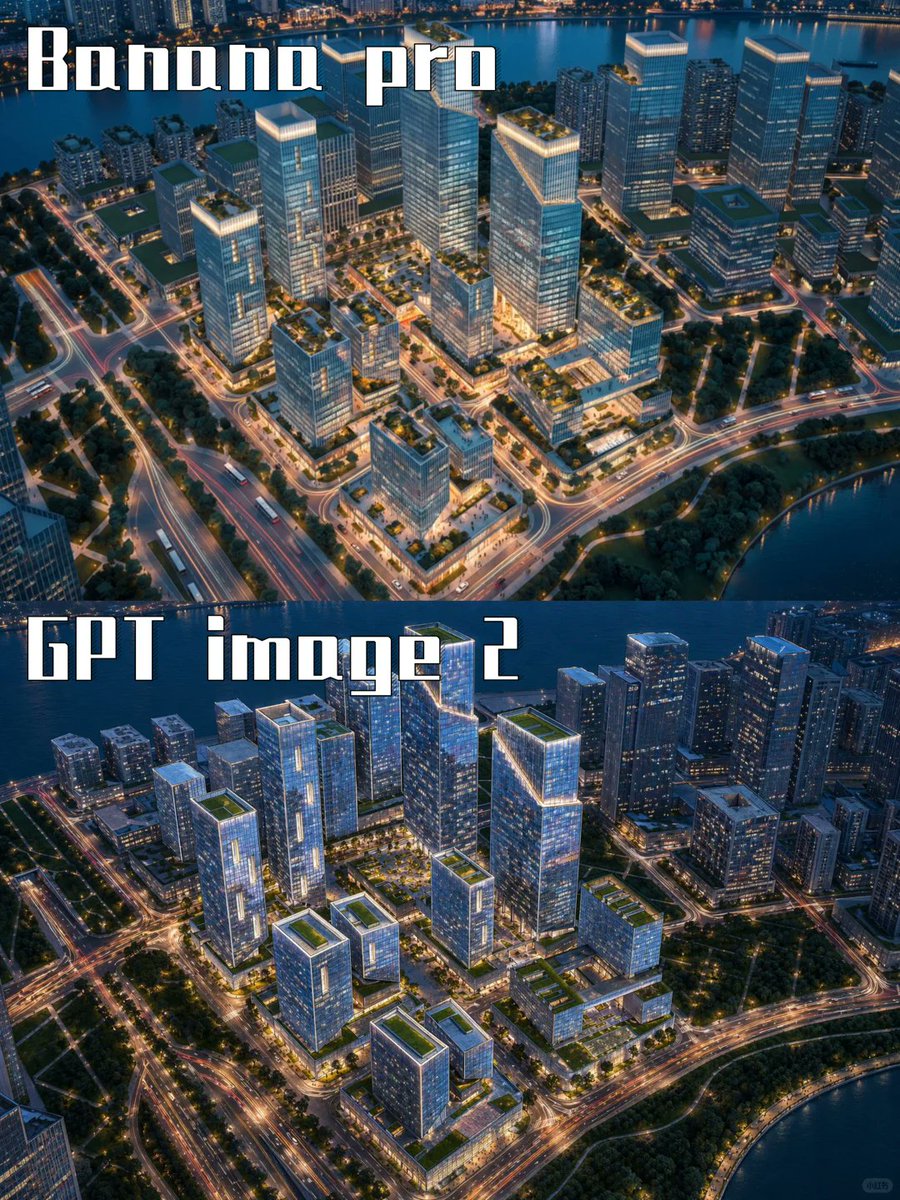
AI City Rendering Comparison Poster

prompt

Goal: Create a vertical side-by-side comparison poster showing two AI-generated aerial city renderings, one above the other, for a visual model comparison between Banana pro and GPT image 2. Canvas: Portrait 3:4 image, approximately 768×1024 px. Split the canvas into exactly 2 equal horizontal panels with no border or margin between them. Layout: The top panel fills the upper half and the bottom panel fills the lower half. Each panel shows a similar futuristic waterfront business district at blue-hour dusk from a high oblique aerial view. Place exactly 2 large text labels: the top label in the upper-left corner reading “Banana pro”, and the bottom label in the upper-left area of the lower panel reading “GPT image 2”. Use a tall, blocky, condensed white display font with a dark shadow or outline, similar to retro stencil/gaming typography. Top panel scene: A polished architectural visualization of a modern urban development beside a river or bay. Include approximately 12 prominent glass office towers and mid-rise blocks arranged on a gridded campus, with glowing rooftop edges, landscaped green roofs, tree-lined roads, and warm street lighting. Show water along the top edge and lower-right edge, with distant city buildings beyond the water. Roads have orange and white light trails, creating a lively night-city effect. Bottom panel scene: A second version of the same waterfront district, slightly darker and more dramatic, with approximately 14 prominent glass towers and mid-rise buildings. Use cooler blue glass reflections, brighter illuminated windows, stronger road-light trails, green rooftop gardens, and a river or bay curving along the top and lower-right edges. Make the composition visibly similar to the top panel but not identical, so it feels like two different AI model outputs from the same prompt. Visual style: Hyper-detailed aerial architectural rendering, realistic but slightly idealized, cinematic dusk lighting, blue and teal shadows, warm golden streetlights, crisp glass facades, dense urban planning, marina/waterfront atmosphere, high contrast, sharp perspective, no people visible. Constraints: Use exactly 2 stacked comparison panels and exactly 2 visible text labels. Keep the labels large, readable, and white with dark outline/shadow. Do not add logos, UI elements, watermarks, captions, or extra text.

Fonctionne avec 20 modèles

  • Flux
  • Flux 2
  • Flux Kontext
  • GPT-4o Image
  • GPT Image
  • GPT Image 2
  • GPT Image 2.5
  • GPT Image 2.6
  • Grok Imagine
  • Ideogram V3
  • Imagen 4
  • Kling
  • +8 Plus

Résultats de ce prompt

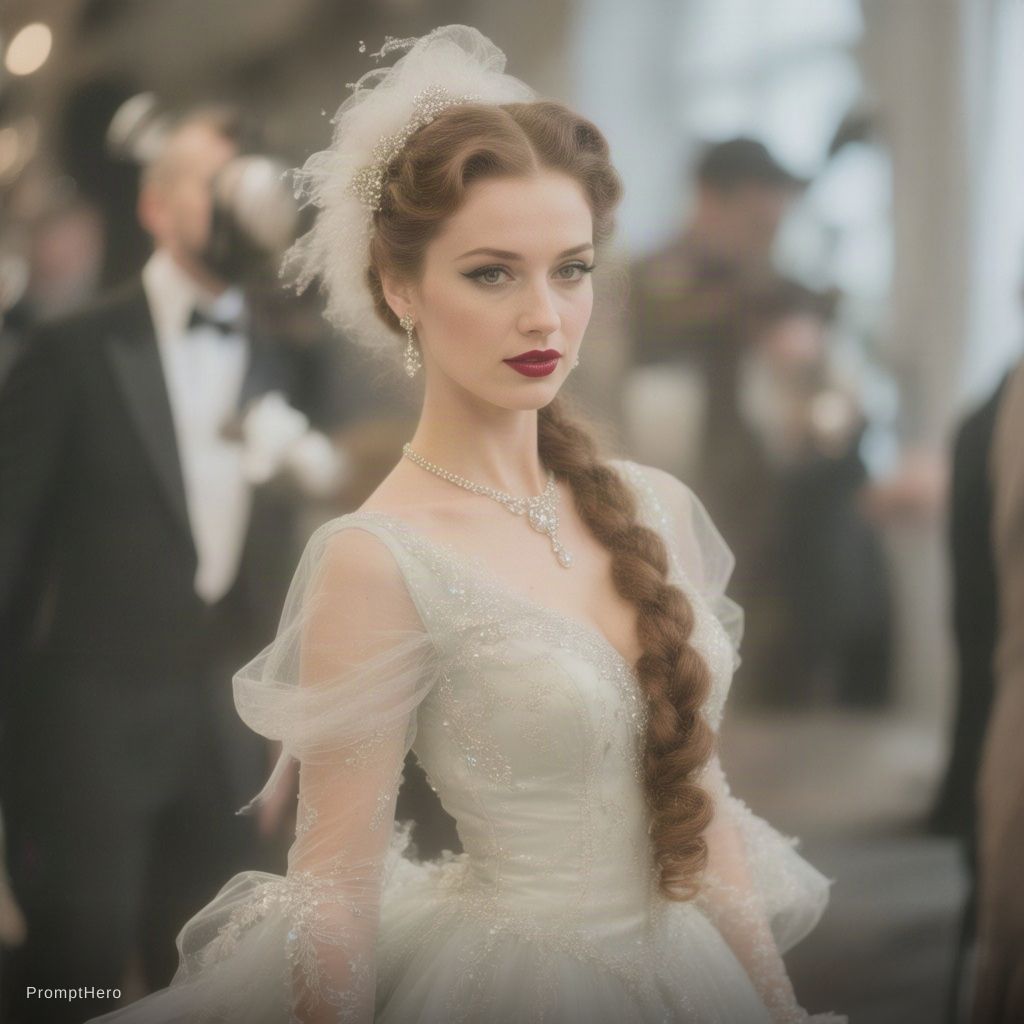
Hunyuan  prompt: Ballroom Non précisé hunyuan-3
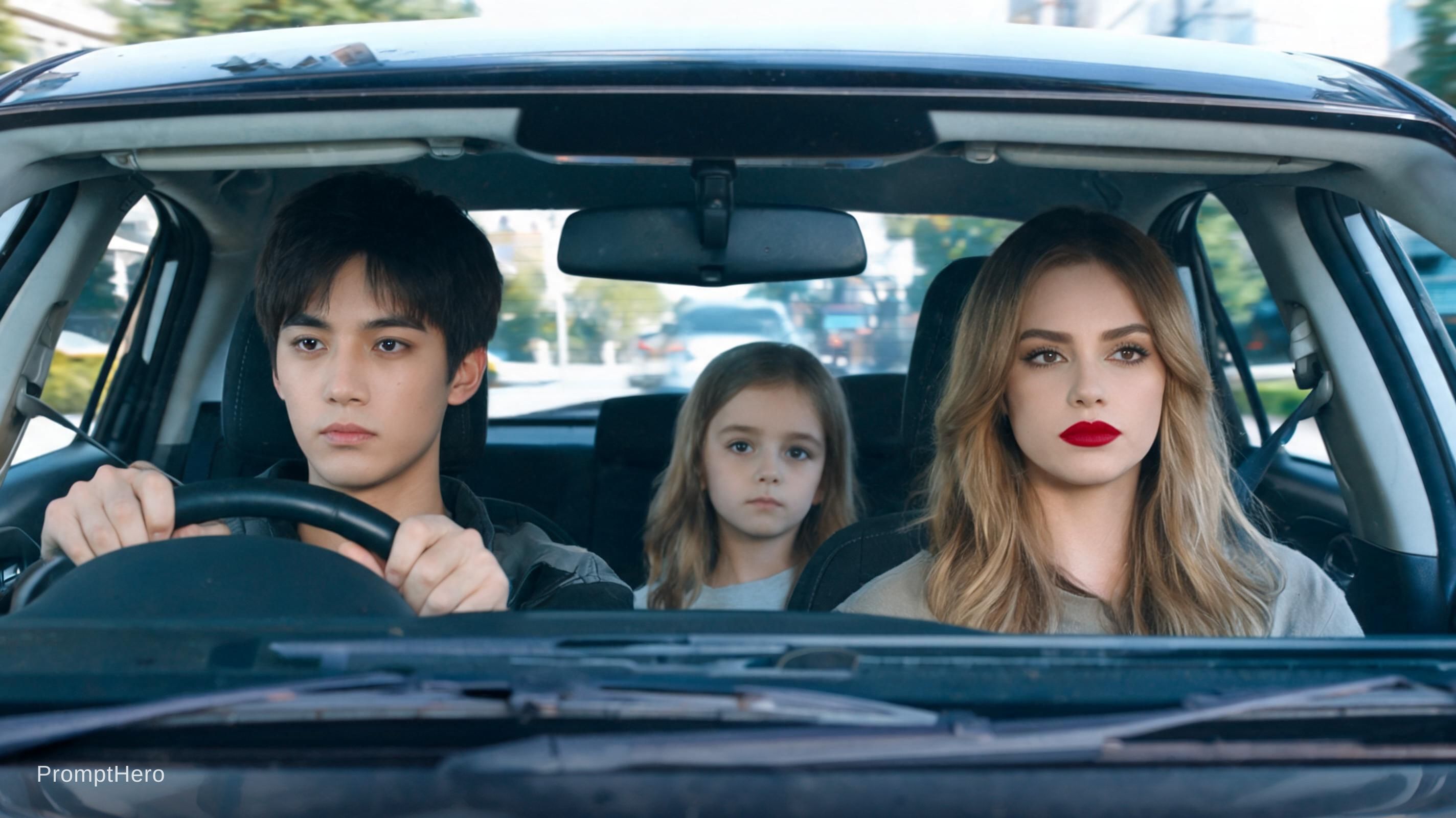
Seedream 5 prompt: 一辆家用小汽车内有三位人物,男性坐在驾驶位上,背景为移动的汽车,视角从前挡风玻璃往车内视角,可以看到... Non précisé v2
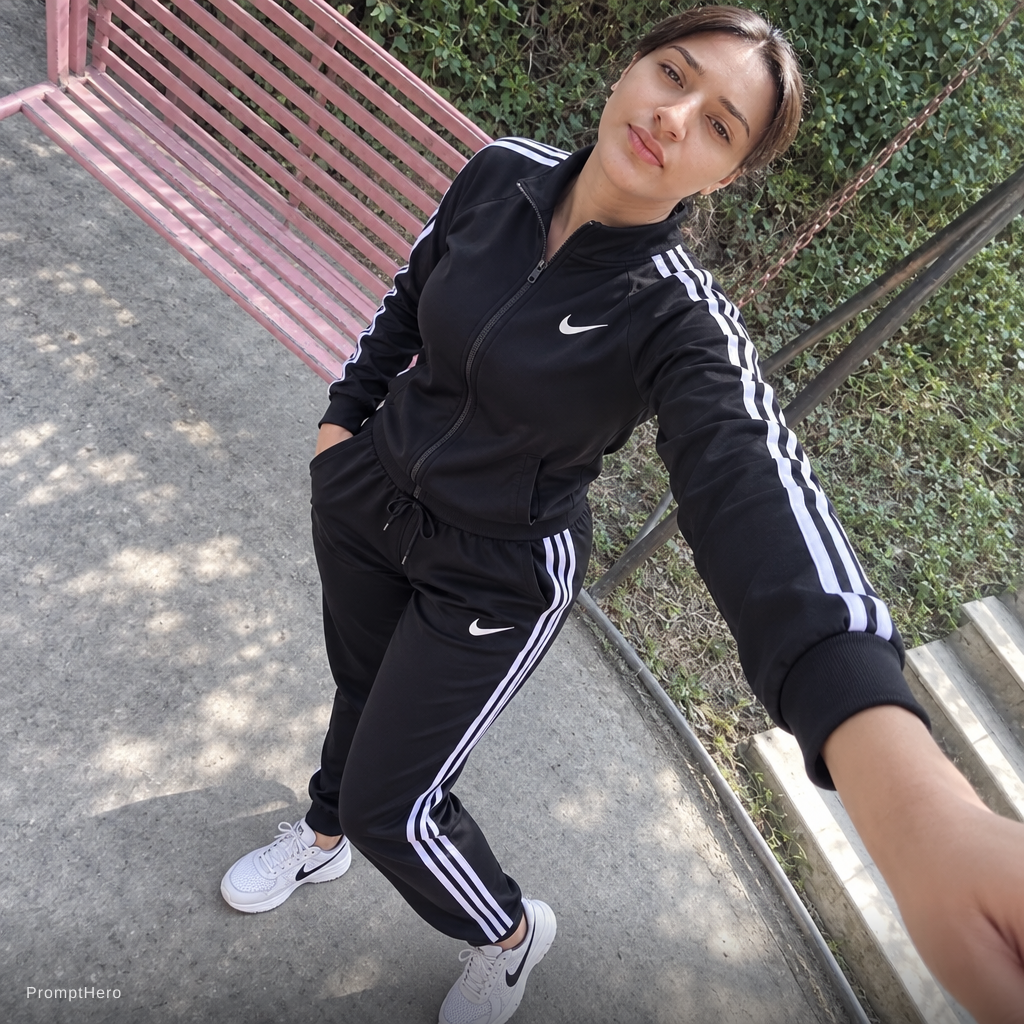
ChatGPT Image prompt: Sport stil Non précisé gpt-image-2.6-flare
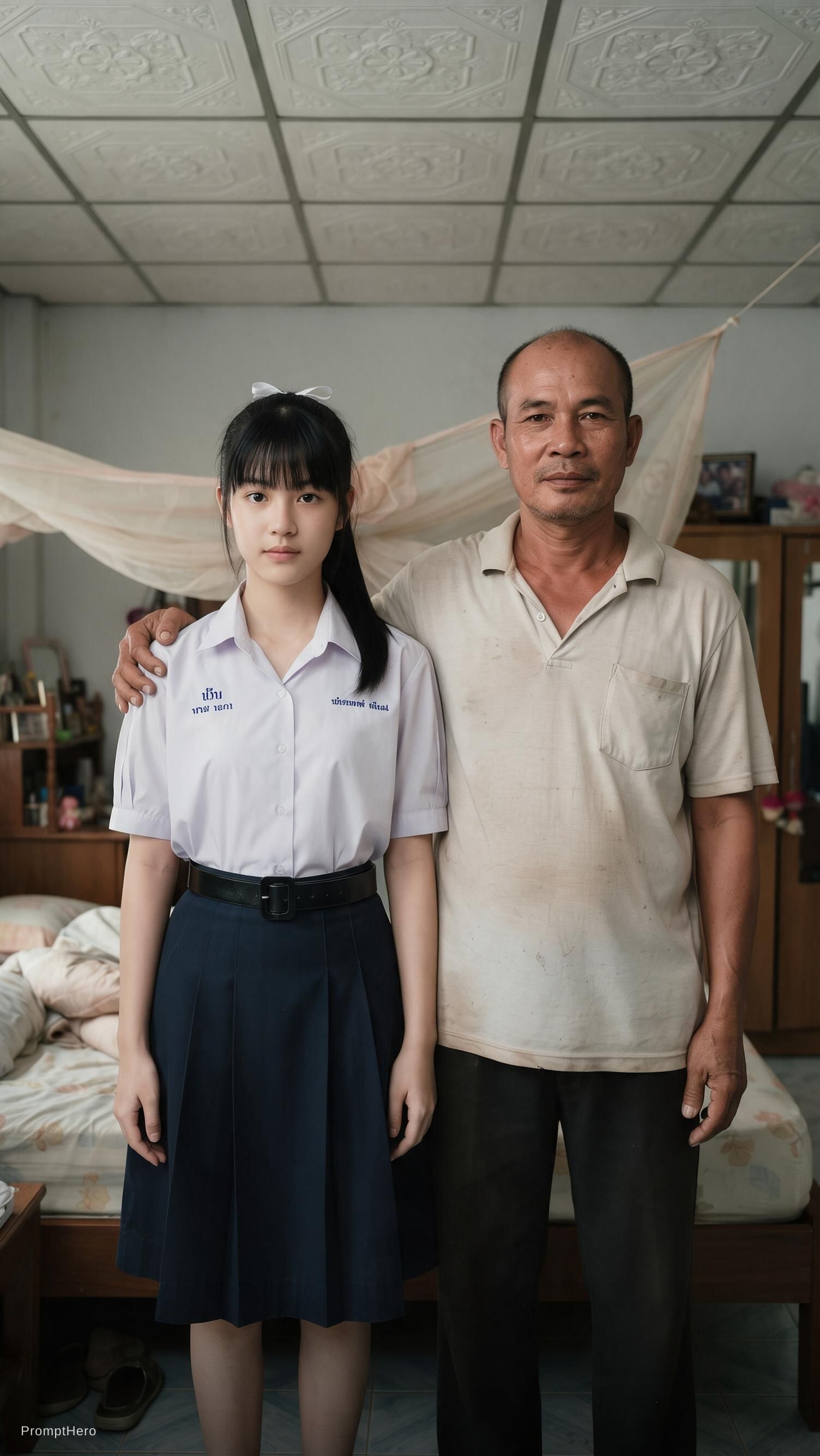
Seedream 5 prompt: Have the man put his arm around the woman's should Non précisé seedream-5-pro
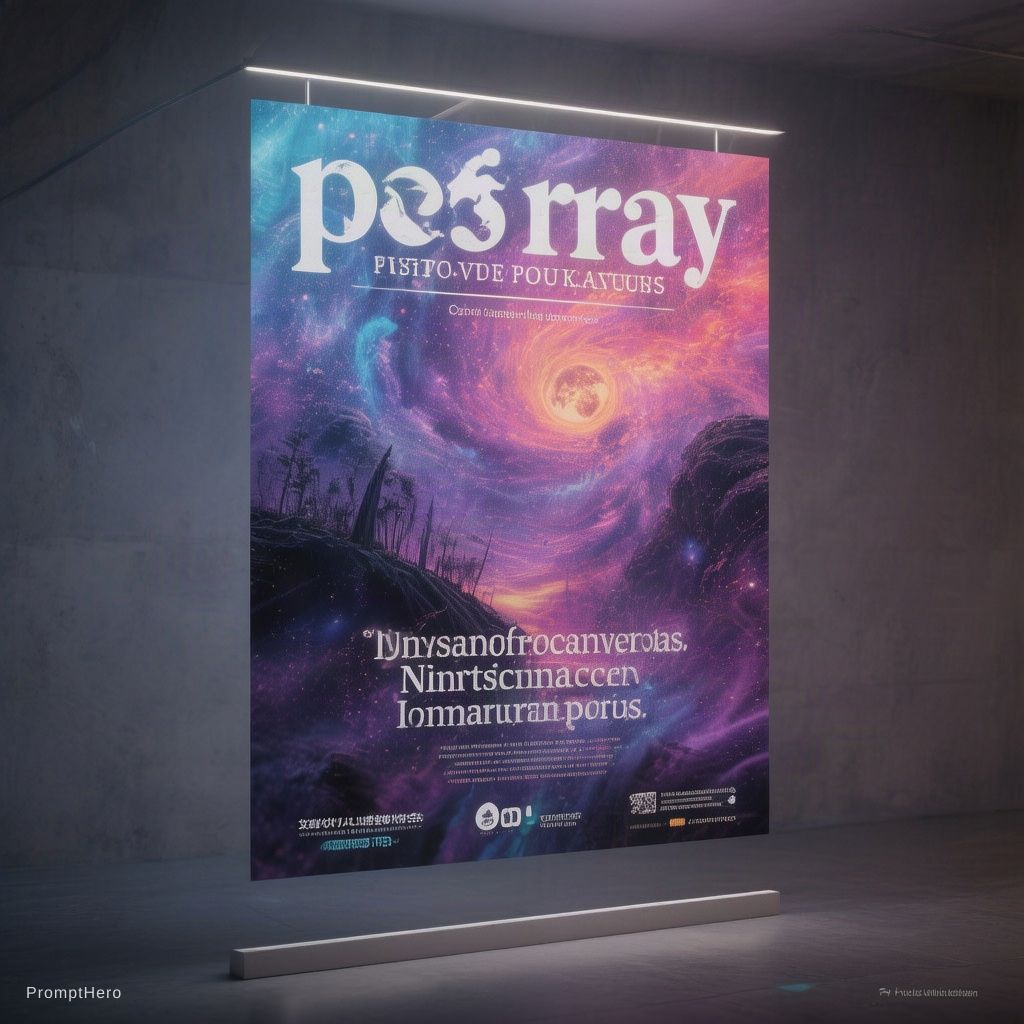
Hunyuan  prompt: póster/imagen Non précisé hunyuan-3
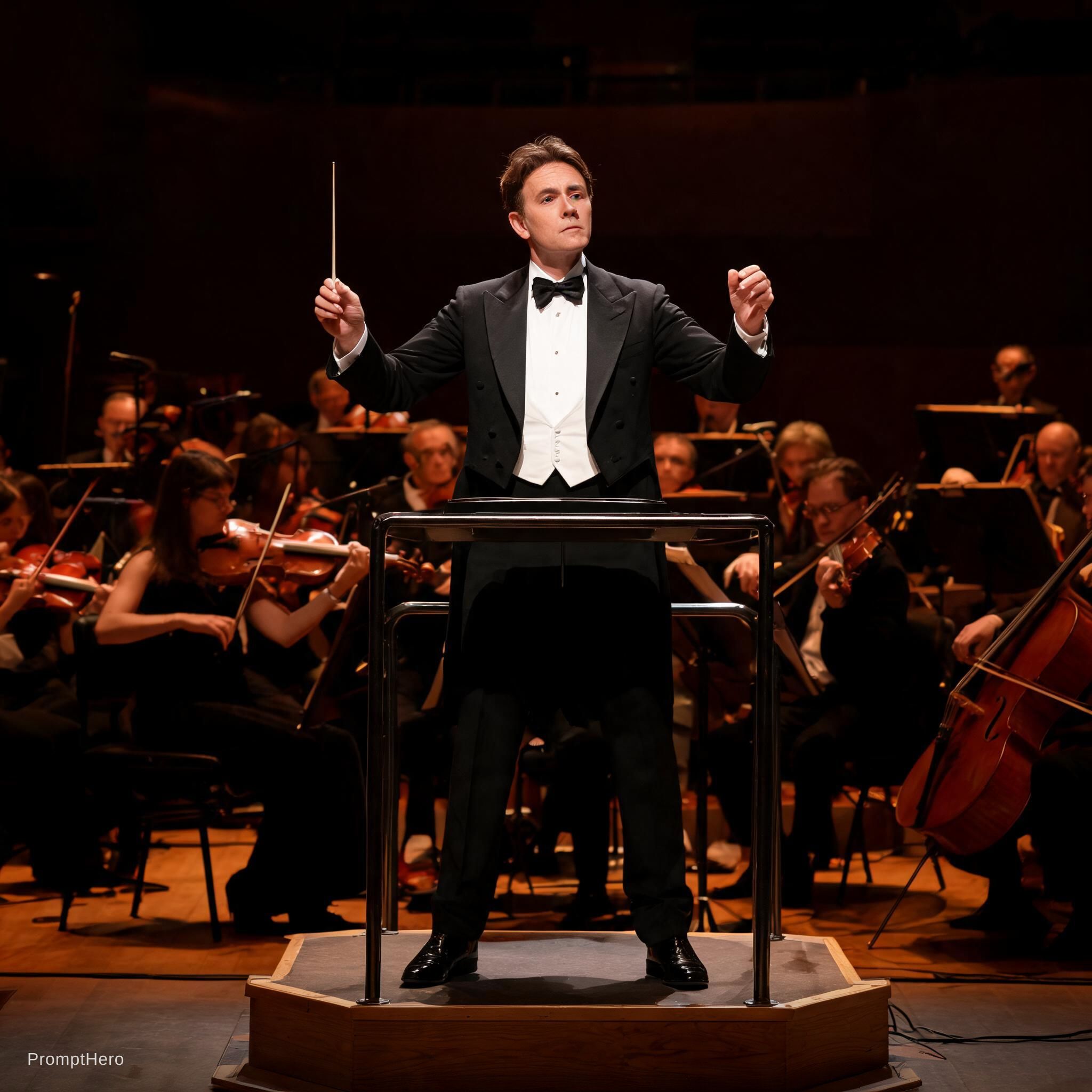
Seedream 5 prompt: Conductor Non précisé v2

Run ce prompt avec le API

le request below sends ce prompt, avec its default values filled in, to le first modèle it runs on. Swap le modèle name pour any other modèle listed above.

Documentation de l’API prompt
/api/v1/gpt_image_2/text_to_image
curl -X POST https://runapi.ai/api/v1/gpt_image_2/text_to_image \
  -H "Authorization: Bearer $RUNAPI_API_KEY" \
  -H "Content-Type: application/json" \
  --data-binary @- <<'JSON'
{
  "model": "gpt-image-2",
  "prompt": "Goal: Create a vertical side-by-side comparison poster showing two AI-generated aerial city renderings, one above the other, for a visual model comparison between Banana pro and GPT image 2.\n\nCanvas: Portrait 3:4 image, approximately 768×1024 px. Split the canvas into exactly 2 equal horizontal panels with no border or margin between them.\n\nLayout: The top panel fills the upper half and the bottom panel fills the lower half. Each panel shows a similar futuristic waterfront business district at blue-hour dusk from a high oblique aerial view. Place exactly 2 large text labels: the top label in the upper-left corner reading “Banana pro”, and the bottom label in the upper-left area of the lower panel reading “GPT image 2”. Use a tall, blocky, condensed white display font with a dark shadow or outline, similar to retro stencil/gaming typography.\n\nTop panel scene: A polished architectural visualization of a modern urban development beside a river or bay. Include approximately 12 prominent glass office towers and mid-rise blocks arranged on a gridded campus, with glowing rooftop edges, landscaped green roofs, tree-lined roads, and warm street lighting. Show water along the top edge and lower-right edge, with distant city buildings beyond the water. Roads have orange and white light trails, creating a lively night-city effect.\n\nBottom panel scene: A second version of the same waterfront district, slightly darker and more dramatic, with approximately 14 prominent glass towers and mid-rise buildings. Use cooler blue glass reflections, brighter illuminated windows, stronger road-light trails, green rooftop gardens, and a river or bay curving along the top and lower-right edges. Make the composition visibly similar to the top panel but not identical, so it feels like two different AI model outputs from the same prompt.\n\nVisual style: Hyper-detailed aerial architectural rendering, realistic but slightly idealized, cinematic dusk lighting, blue and teal shadows, warm golden streetlights, crisp glass facades, dense urban planning, marina/waterfront atmosphere, high contrast, sharp perspective, no people visible.\n\nConstraints: Use exactly 2 stacked comparison panels and exactly 2 visible text labels. Keep the labels large, readable, and white with dark outline/shadow. Do not add logos, UI elements, watermarks, captions, or extra text."
}
JSON

Essayer a prompt

Estimé : $0.04 / image

Connectez-vous pour générer avec RunAPI.

Connectez-vous pour générer

Connectez-vous pour commencer à générer avec vos modèles de langage disponibles.