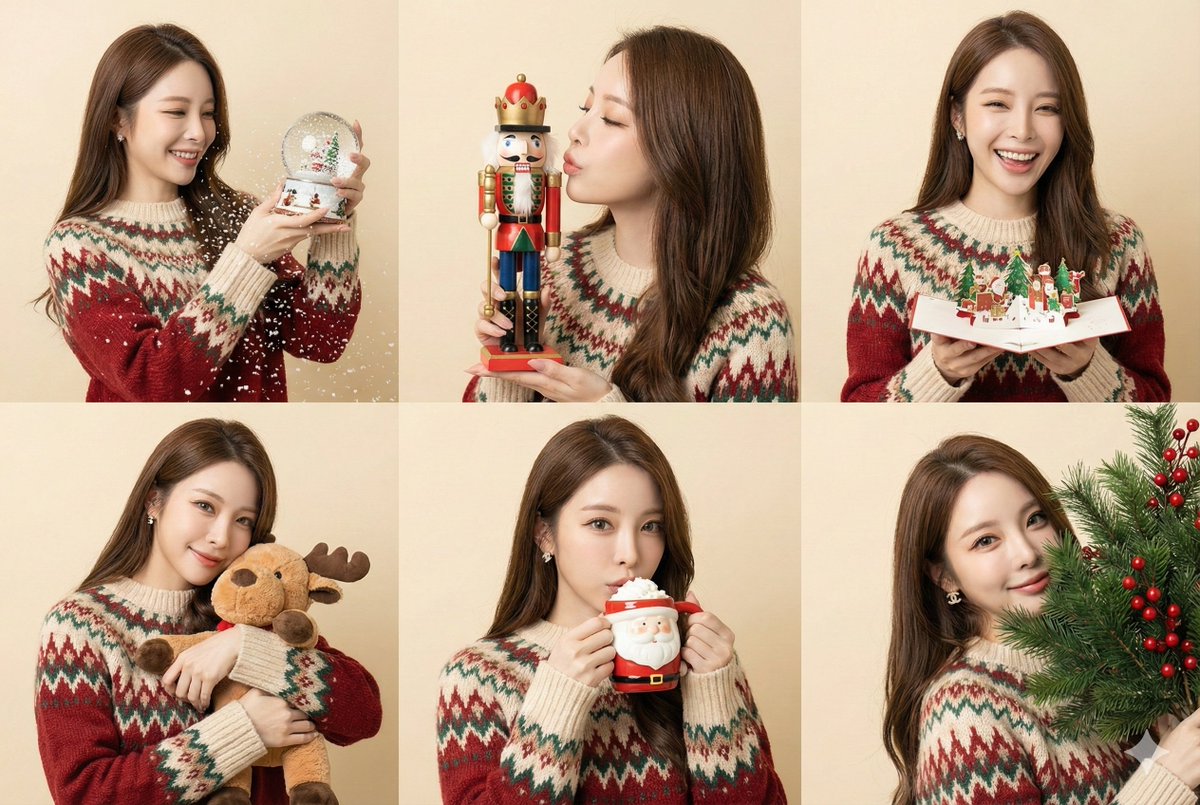
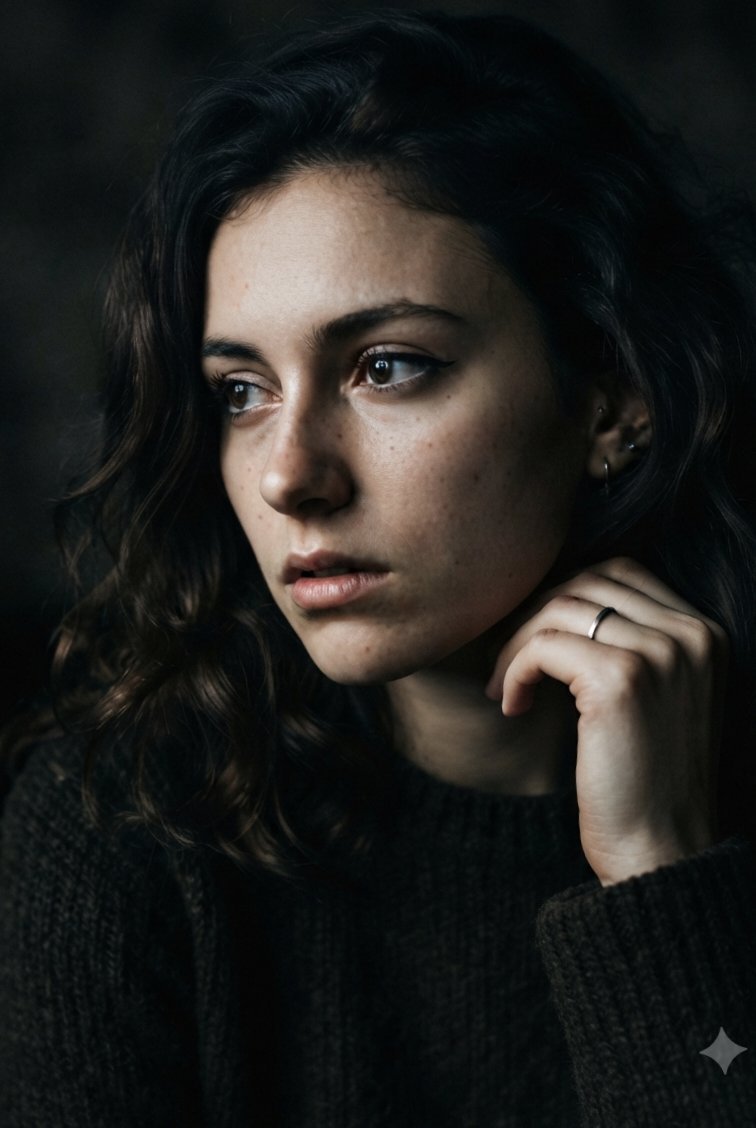
Photoreal Character Design Sheet

Creates a production-ready photoreal character sheet from a portrait reference with consistent multi-view poses, expressions, gear details, and notes.
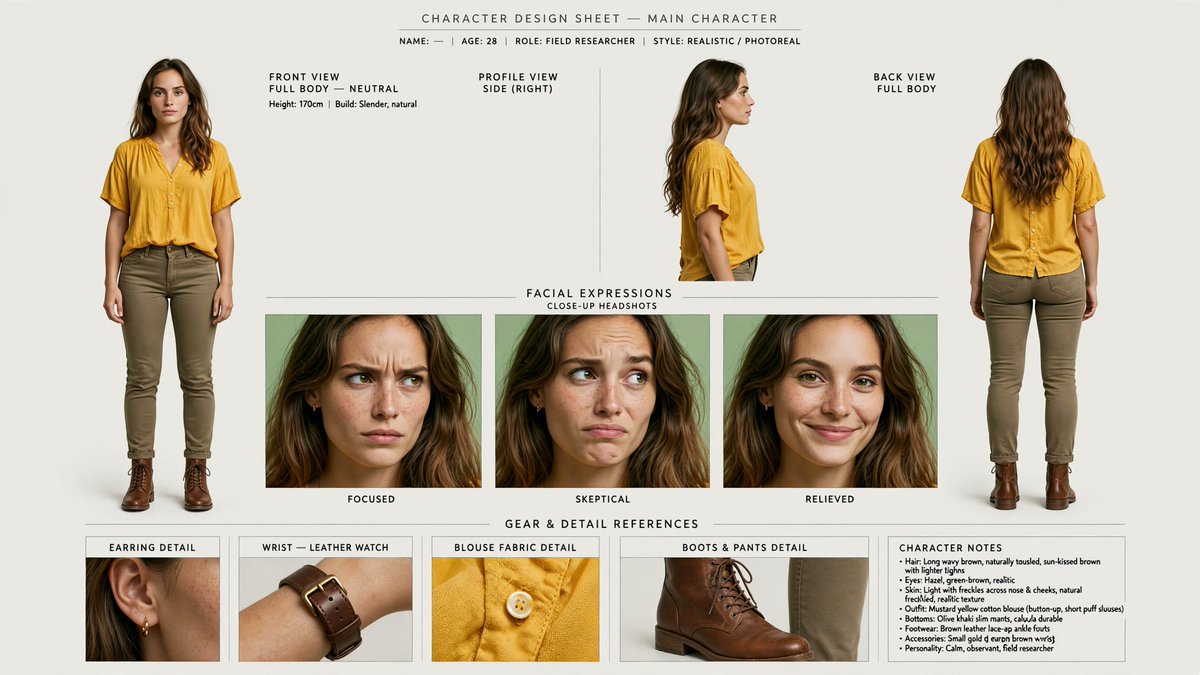
Photoreal Character Design Sheet

즉각적인

Using REFERENCE_0 as the identity base, turn the portrait into a clean photorealistic character design sheet for main character. Preserve the woman’s facial identity, freckles, hair, yellow blouse, and realistic photo look, but expand her into full-body reference poses and production details. Canvas and style: Wide horizontal character sheet on an off-white studio background, minimal editorial layout, thin divider lines, small uppercase technical labels, realistic lighting, high-resolution photoreal consistency across every panel. Top header: Add the title “CHARACTER DESIGN SHEET — MAIN CHARACTER” and a small metadata line: “NAME: — | AGE: 28 | ROLE: FIELD RESEARCHER | STYLE: REALISTIC / PHOTOREAL”. Main body layout: Create exactly 3 character view panels across the top: 1) front view, full body, neutral stance; 2) right-side profile view; 3) back view, full body. For the newly visible full-body styling, add olive/khaki slim pants and brown leather lace-up boots while keeping the blouse consistent with the reference. Expression section: Add a centered section titled “FACIAL EXPRESSIONS” with subtitle “CLOSE-UP HEADSHOTS”. Include exactly 3 close-up expression panels labeled: “FOCUSED”, “SKEPTICAL”, and “RELIEVED”. Keep the same character identity in all three. Gear and detail section: Add a lower section titled “GEAR & DETAIL REFERENCES”. Include exactly 4 detail panels labeled: 1) “EARRING DETAIL” showing a small gold hoop earring, 2) “WRIST — LEATHER WATCH” showing a brown leather wristwatch, 3) “BLOUSE FABRIC DETAIL” showing the yellow blouse texture and button, 4) “BOOTS & PANTS DETAIL” showing the brown boot and olive pant cuff. Character notes: Add a compact notes box on the lower right titled “CHARACTER NOTES” with short bullet points summarizing hair, eyes, skin, outfit, bottoms, footwear, accessories, and personality. Use the personality line: Calm, observant, field researcher. Constraints: Keep all views and headshots visually consistent with REFERENCE_0, avoid changing the face into a different person, do not add extra panels beyond the 3 views, 3 expressions, 4 detail references, and 1 notes box, and keep all text clean and legible.

20 모델에서 실행됩니다.

  • Flux
  • Flux 2
  • Flux Kontext
  • GPT-4o Image
  • GPT Image
  • GPT Image 2
  • GPT Image 2.5
  • GPT Image 2.6
  • Grok Imagine
  • Ideogram V3
  • Imagen 4
  • Kling
  • +8 이상

이 프롬프트의 출력

Split-Page Coffee Shop Travel Journal 지정되지 않음 gpt-image-2
Cute Chibi Characters in a Sweet Playful Moment 지정되지 않음 gpt-image-2
Underground Train Yard Clash Anime Development Board 지정되지 않음 gpt-image-2
Realistic Group Selfie with Smartphone Flash Effect 지정되지 않음 nano-banana-pro
Exploded-View Structural Cutaway for Food Photography 지정되지 않음 nano-banana-pro
Four Seasons Portrait Collage 지정되지 않음 nano-banana-pro

API를 사용하여 이 프롬프트를 실행하세요.

아래 요청은 기본값이 채워진 이 프롬프트를 실행되는 첫 번째 모델로 보냅니다. 위에 나열된 다른 모델의 모델 이름을 바꾸십시오.

프롬프트 API 문서
/api/v1/gpt_image_2/text_to_image
curl -X POST https://runapi.ai/api/v1/gpt_image_2/text_to_image \
  -H "Authorization: Bearer $RUNAPI_API_KEY" \
  -H "Content-Type: application/json" \
  --data-binary @- <<'JSON'
{
  "model": "gpt-image-2",
  "prompt": "Using REFERENCE_0 as the identity base, turn the portrait into a clean photorealistic character design sheet for main character. Preserve the woman’s facial identity, freckles, hair, yellow blouse, and realistic photo look, but expand her into full-body reference poses and production details.\n\nCanvas and style: Wide horizontal character sheet on an off-white studio background, minimal editorial layout, thin divider lines, small uppercase technical labels, realistic lighting, high-resolution photoreal consistency across every panel.\n\nTop header: Add the title “CHARACTER DESIGN SHEET — MAIN CHARACTER” and a small metadata line: “NAME: — | AGE: 28 | ROLE: FIELD RESEARCHER | STYLE: REALISTIC / PHOTOREAL”.\n\nMain body layout: Create exactly 3 character view panels across the top: 1) front view, full body, neutral stance; 2) right-side profile view; 3) back view, full body. For the newly visible full-body styling, add olive/khaki slim pants and brown leather lace-up boots while keeping the blouse consistent with the reference.\n\nExpression section: Add a centered section titled “FACIAL EXPRESSIONS” with subtitle “CLOSE-UP HEADSHOTS”. Include exactly 3 close-up expression panels labeled: “FOCUSED”, “SKEPTICAL”, and “RELIEVED”. Keep the same character identity in all three.\n\nGear and detail section: Add a lower section titled “GEAR & DETAIL REFERENCES”. Include exactly 4 detail panels labeled: 1) “EARRING DETAIL” showing a small gold hoop earring, 2) “WRIST — LEATHER WATCH” showing a brown leather wristwatch, 3) “BLOUSE FABRIC DETAIL” showing the yellow blouse texture and button, 4) “BOOTS & PANTS DETAIL” showing the brown boot and olive pant cuff.\n\nCharacter notes: Add a compact notes box on the lower right titled “CHARACTER NOTES” with short bullet points summarizing hair, eyes, skin, outfit, bottoms, footwear, accessories, and personality. Use the personality line: Calm, observant, field researcher.\n\nConstraints: Keep all views and headshots visually consistent with REFERENCE_0, avoid changing the face into a different person, do not add extra panels beyond the 3 views, 3 expressions, 4 detail references, and 1 notes box, and keep all text clean and legible."
}
JSON

메시지를 보내보세요

예상 금액: $0.04 / 이미지

RunAPI로 생성하려면 로그인하세요.

로그인 후 생성

로그인하여 사용 가능한 언어 모델로 생성을 시작하세요.