Rainy Japanese Visual Novel Title Screen
Rainy Japanese Visual Novel Title Screen

즉각적인

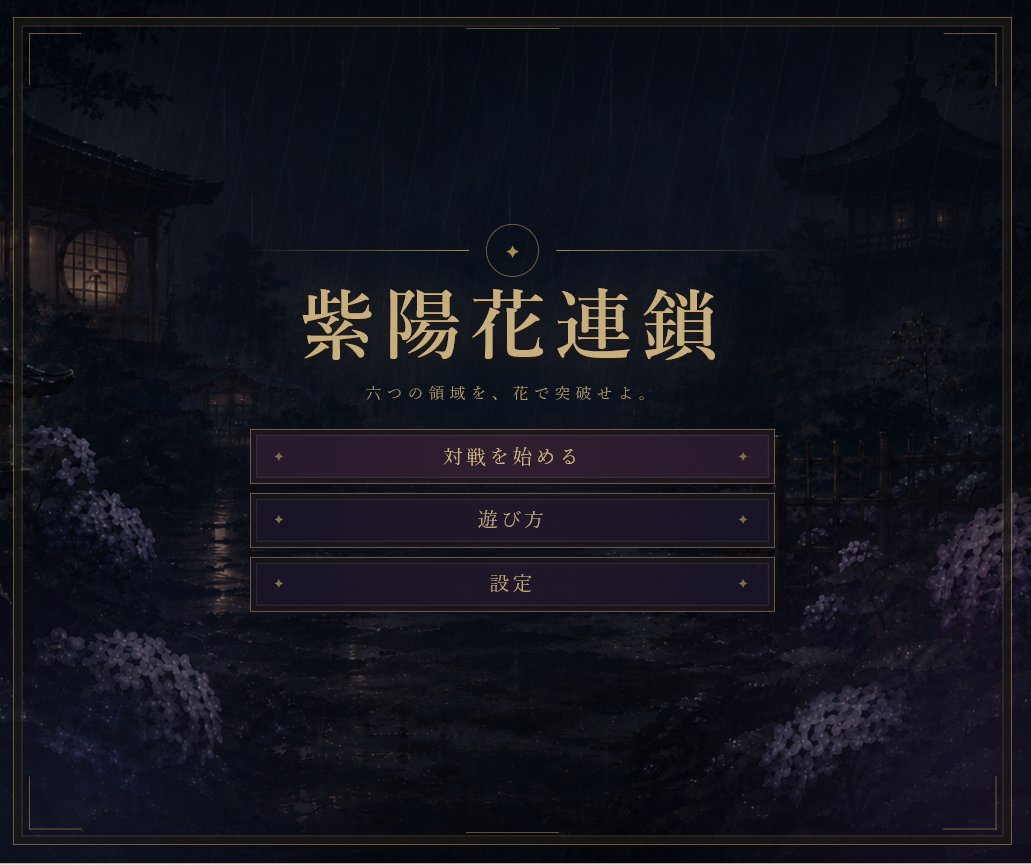
Goal: Create a moody Japanese visual-novel title screen for a dark fantasy strategy game named 紫陽花連鎖. Canvas: 4:3 landscape game menu screen, approximately 920×768, with a dark cinematic vignette and refined antique framing. Background: A rainy midnight Japanese garden scene. Show heavy diagonal rain streaks over a shadowy stone path and wet reflective ground. On the left, place a traditional wooden building with a warm glowing round window; on the right, a dark pagoda-like pavilion with faint warm window lights. Add silhouettes of trees, fences, shrubs, lantern-like structures, and clusters of pale purple hydrangeas in the lower left and lower right foreground. Keep the scenery atmospheric, low-contrast, and mostly obscured by darkness and mist. Layout: Center the title area in the upper-middle of the screen. Above the title, add a thin gold horizontal divider line split by a small circular emblem containing a simple four-point sparkle/star. Use elegant metallic gold typography for the large Japanese title. Beneath it, add the small subtitle text 六つの領域を、花で突破せよ。. Below the subtitle, place exactly 3 horizontal menu buttons stacked vertically and centered. Menu buttons: Use exactly 3 rectangular dark purple buttons with thin gold borders, subtle inner glow, and small gold diamond ornaments near both left and right edges. The visible button labels, from top to bottom, must be: 対戦を始める, 遊び方, 設定. The first button should be slightly lighter/brighter purple than the other two, as if selected. Frame and style: Add a thin double-line gold border around the entire screen with small decorative corner breaks and short accent line segments near the corners. Use a refined Japanese gothic aesthetic, muted indigo/black/purple palette, antique gold UI accents, painterly background art, and crisp game UI typography. Avoid modern icons, extra buttons, logos, watermarks, or characters.

21 모델에서 실행됩니다.

  • Flux
  • Flux 2
  • Flux Kontext
  • GPT-4o Image
  • GPT Image
  • GPT Image 2
  • GPT Image 2.5
  • GPT Image 2.6
  • Grok Imagine
  • Ideogram V3
  • Imagen 4
  • Kling
  • +9 이상

이 프롬프트의 출력

Seedream 5 prompt: f smiling middle aged woman in nice home wrapped i... 지정되지 않음 v2
Create an extreme close-up underwater portrait, ca... 지정되지 않음 지정되지 않음
Using the face from the attached photograph, recre... 지정되지 않음 지정되지 않음
Using the face from the attached photo, recreate a... 지정되지 않음 지정되지 않음
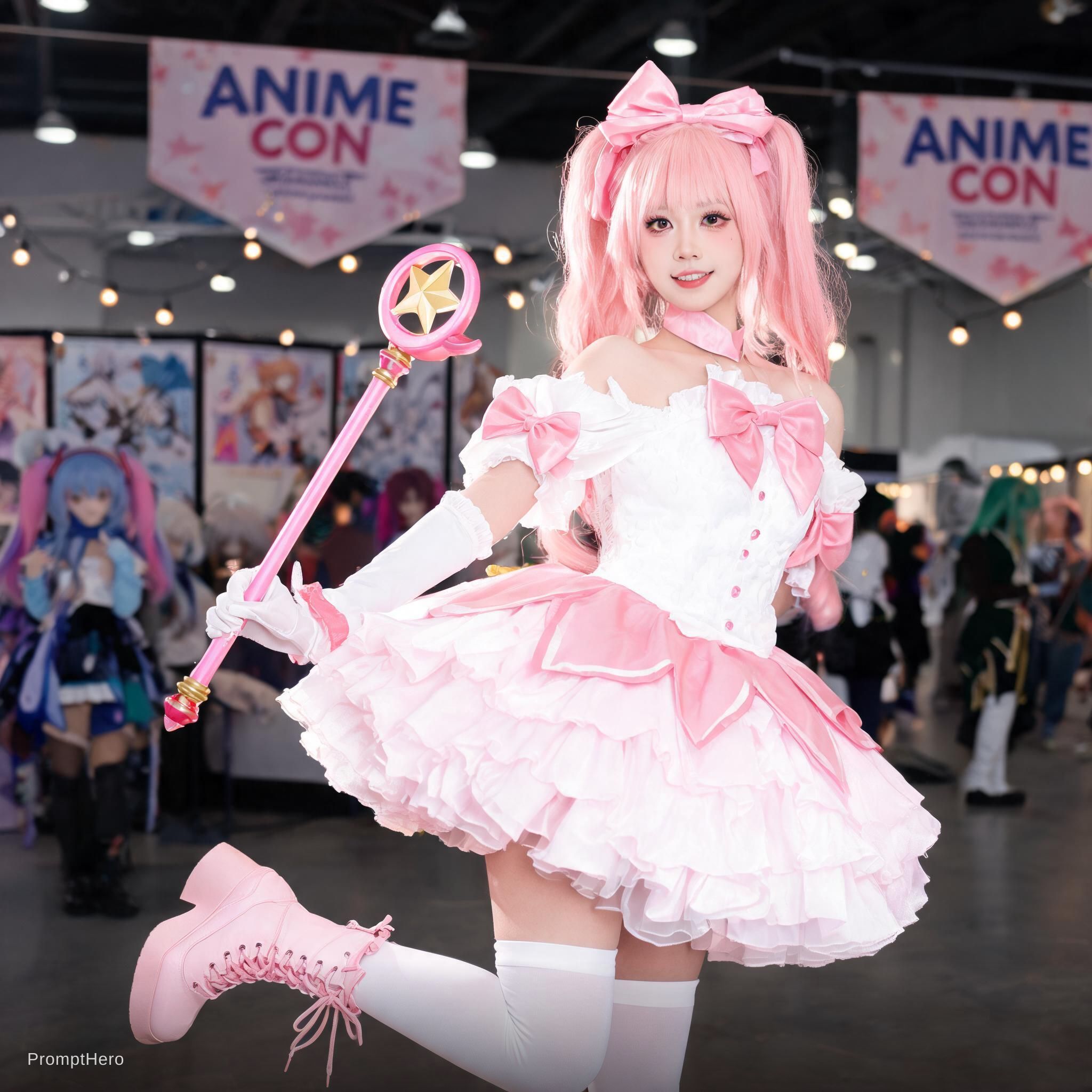
Seedream 5 prompt: cosplay 지정되지 않음 v2
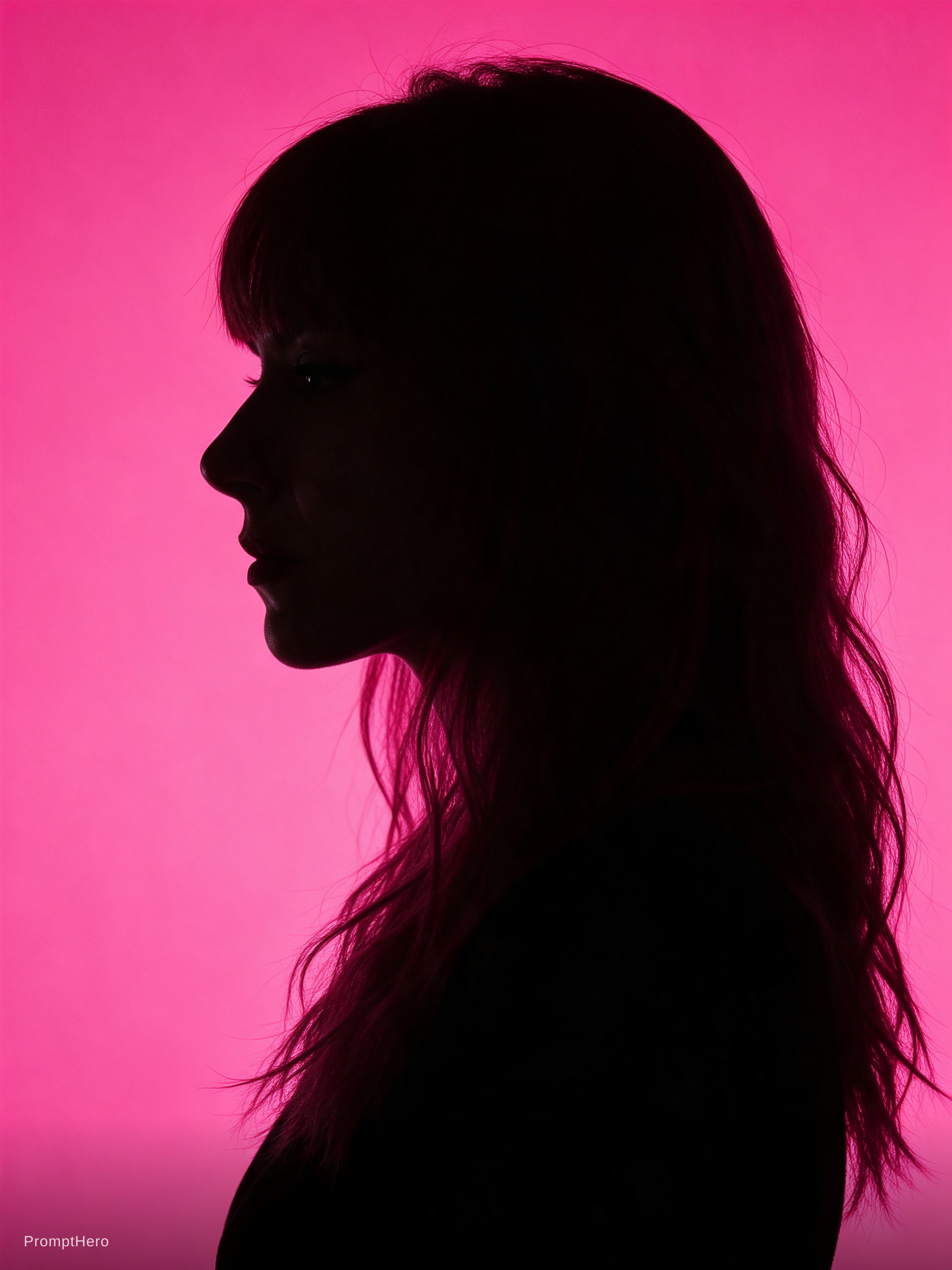
Seedream 5 prompt: photography, portrait of contrast, profile silhoue... 지정되지 않음 seedream-5-pro

API를 사용하여 이 프롬프트를 실행하세요.

아래 요청은 기본값이 채워진 이 프롬프트를 실행되는 첫 번째 모델로 보냅니다. 위에 나열된 다른 모델의 모델 이름을 바꾸십시오.

프롬프트 API 문서
/api/v1/gpt_image_2/text_to_image
curl -X POST https://runapi.ai/api/v1/gpt_image_2/text_to_image \
  -H "Authorization: Bearer $RUNAPI_API_KEY" \
  -H "Content-Type: application/json" \
  --data-binary @- <<'JSON'
{
  "model": "gpt-image-2",
  "prompt": "Goal: Create a moody Japanese visual-novel title screen for a dark fantasy strategy game named 紫陽花連鎖.\n\nCanvas: 4:3 landscape game menu screen, approximately 920×768, with a dark cinematic vignette and refined antique framing.\n\nBackground: A rainy midnight Japanese garden scene. Show heavy diagonal rain streaks over a shadowy stone path and wet reflective ground. On the left, place a traditional wooden building with a warm glowing round window; on the right, a dark pagoda-like pavilion with faint warm window lights. Add silhouettes of trees, fences, shrubs, lantern-like structures, and clusters of pale purple hydrangeas in the lower left and lower right foreground. Keep the scenery atmospheric, low-contrast, and mostly obscured by darkness and mist.\n\nLayout: Center the title area in the upper-middle of the screen. Above the title, add a thin gold horizontal divider line split by a small circular emblem containing a simple four-point sparkle/star. Use elegant metallic gold typography for the large Japanese title. Beneath it, add the small subtitle text 六つの領域を、花で突破せよ。. Below the subtitle, place exactly 3 horizontal menu buttons stacked vertically and centered.\n\nMenu buttons: Use exactly 3 rectangular dark purple buttons with thin gold borders, subtle inner glow, and small gold diamond ornaments near both left and right edges. The visible button labels, from top to bottom, must be: 対戦を始める, 遊び方, 設定. The first button should be slightly lighter/brighter purple than the other two, as if selected.\n\nFrame and style: Add a thin double-line gold border around the entire screen with small decorative corner breaks and short accent line segments near the corners. Use a refined Japanese gothic aesthetic, muted indigo/black/purple palette, antique gold UI accents, painterly background art, and crisp game UI typography. Avoid modern icons, extra buttons, logos, watermarks, or characters."
}
JSON

메시지를 보내보세요