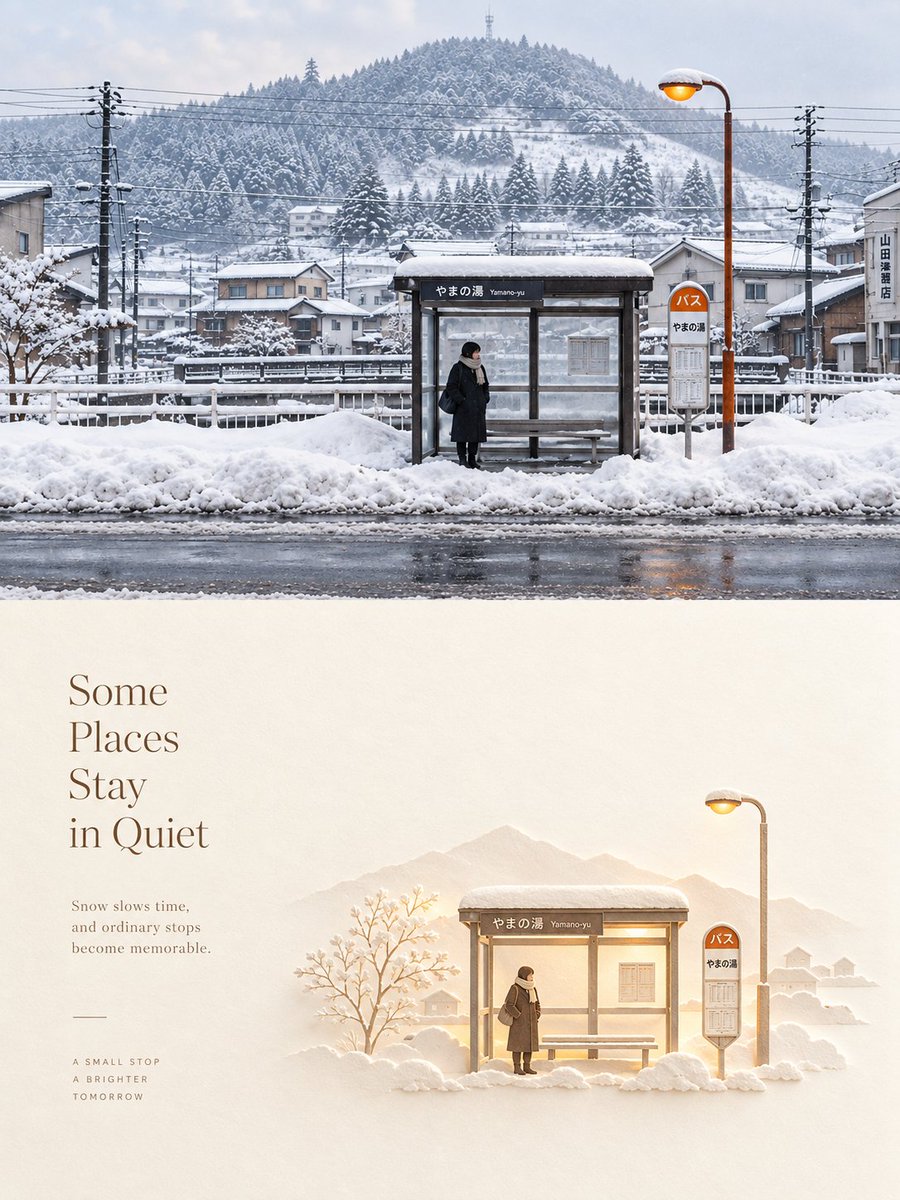
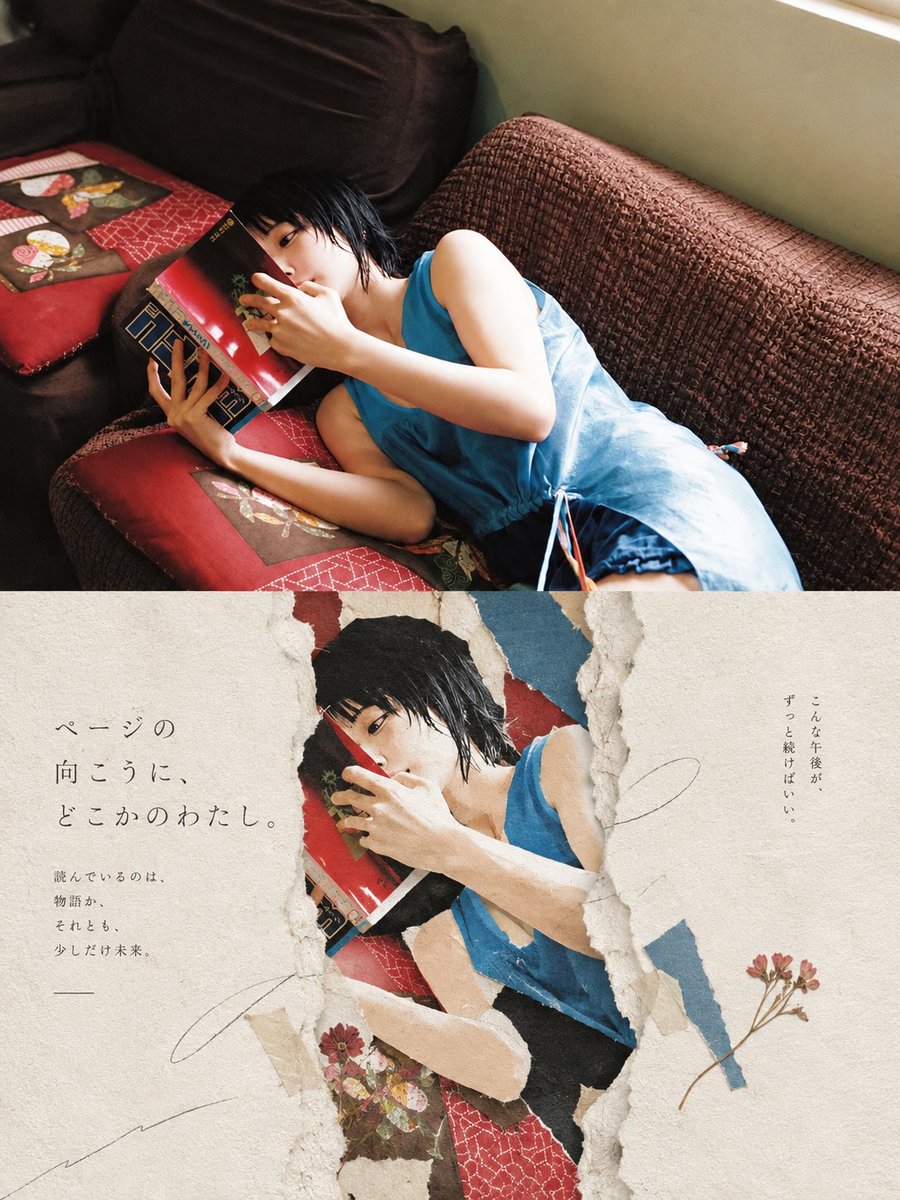
Brush-Painted Poster Illustration
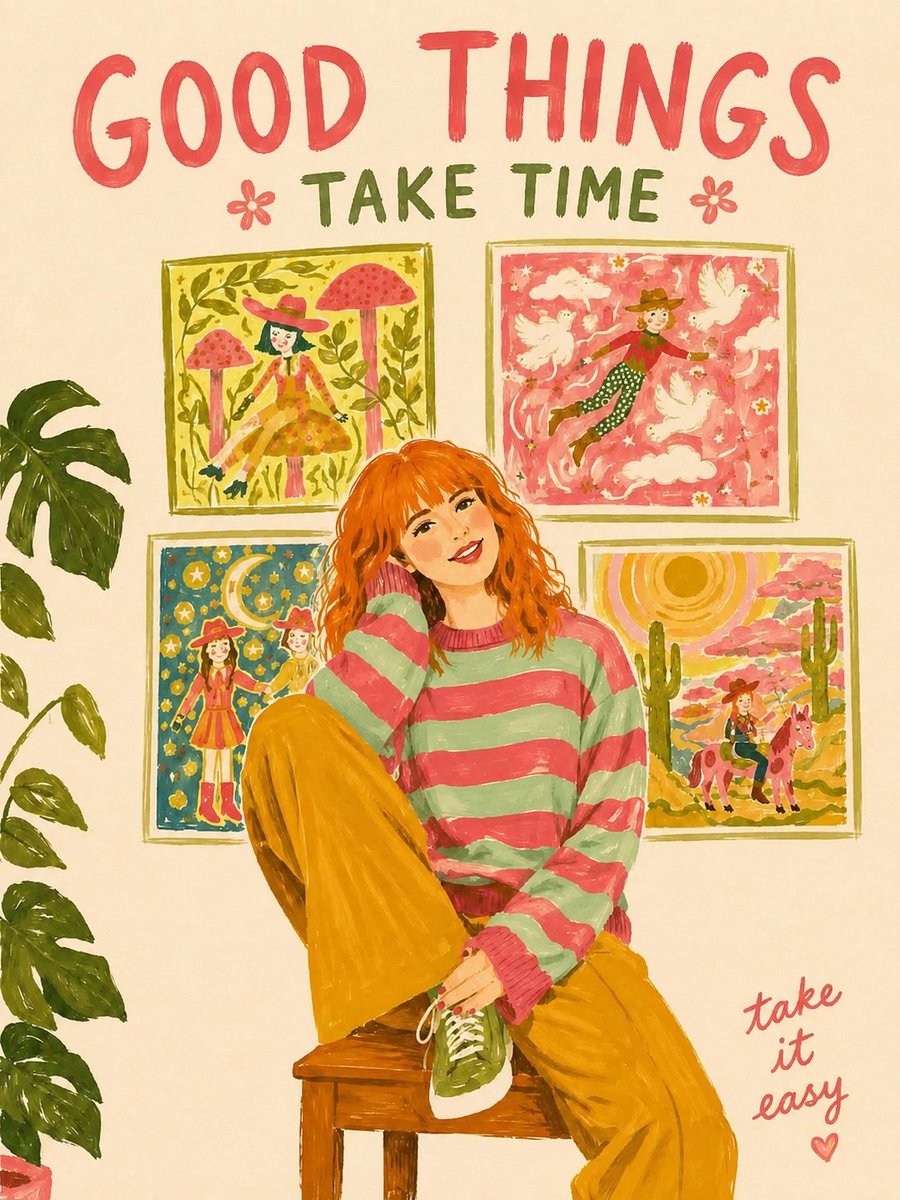
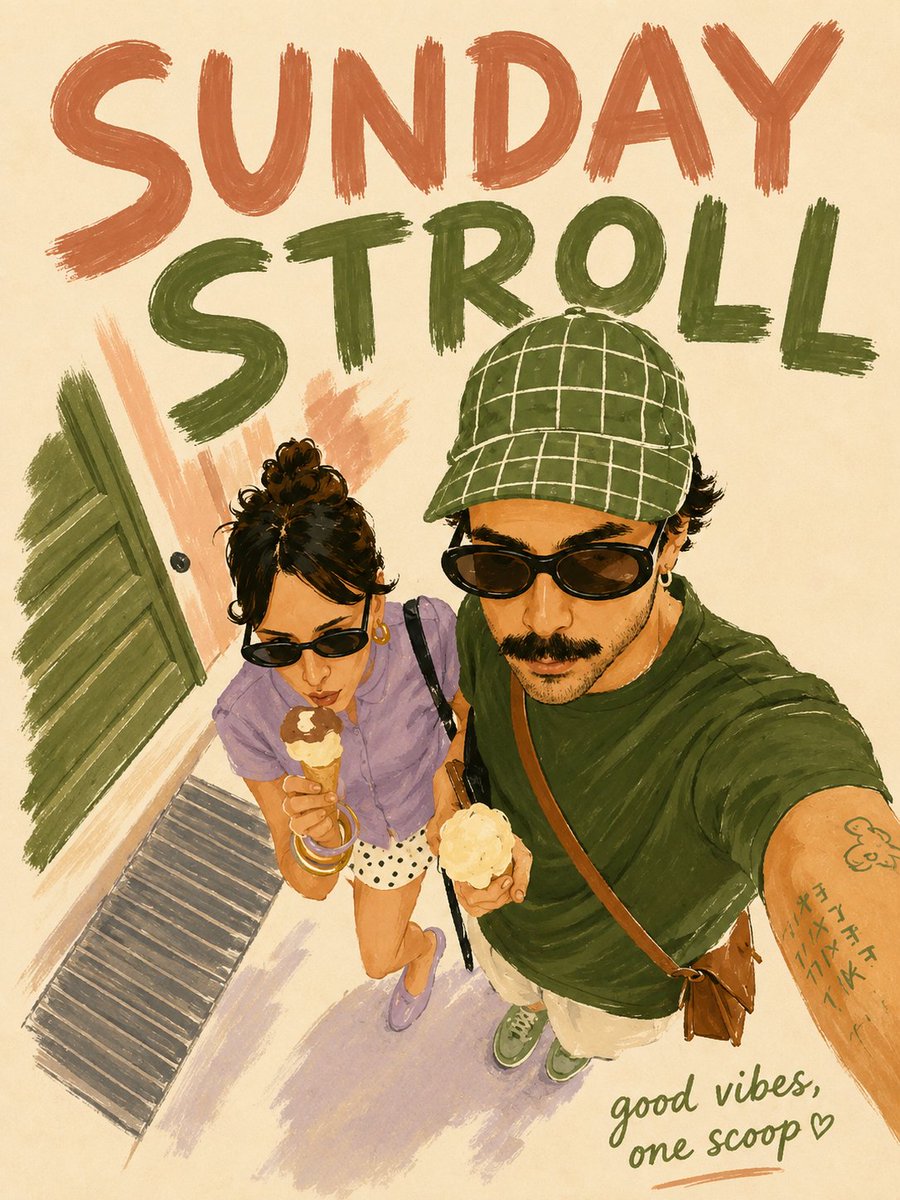
Brush-Painted Poster Illustration

즉각적인

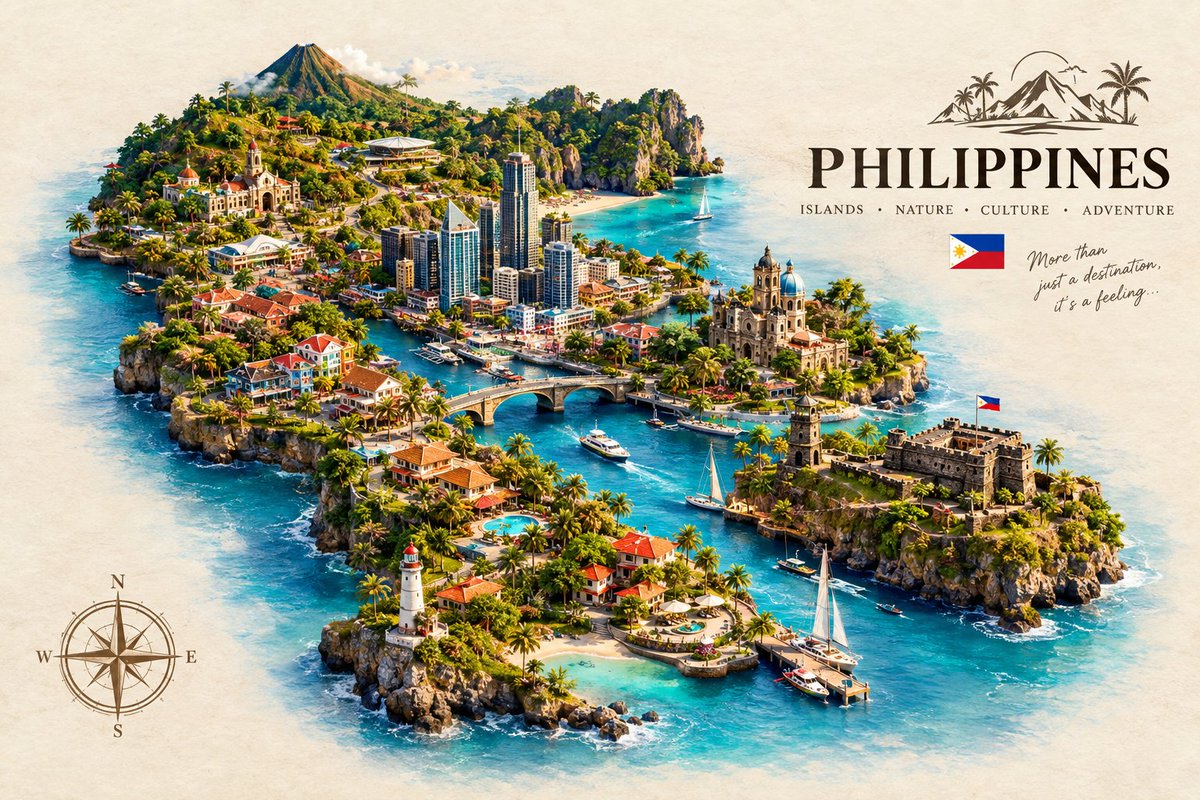
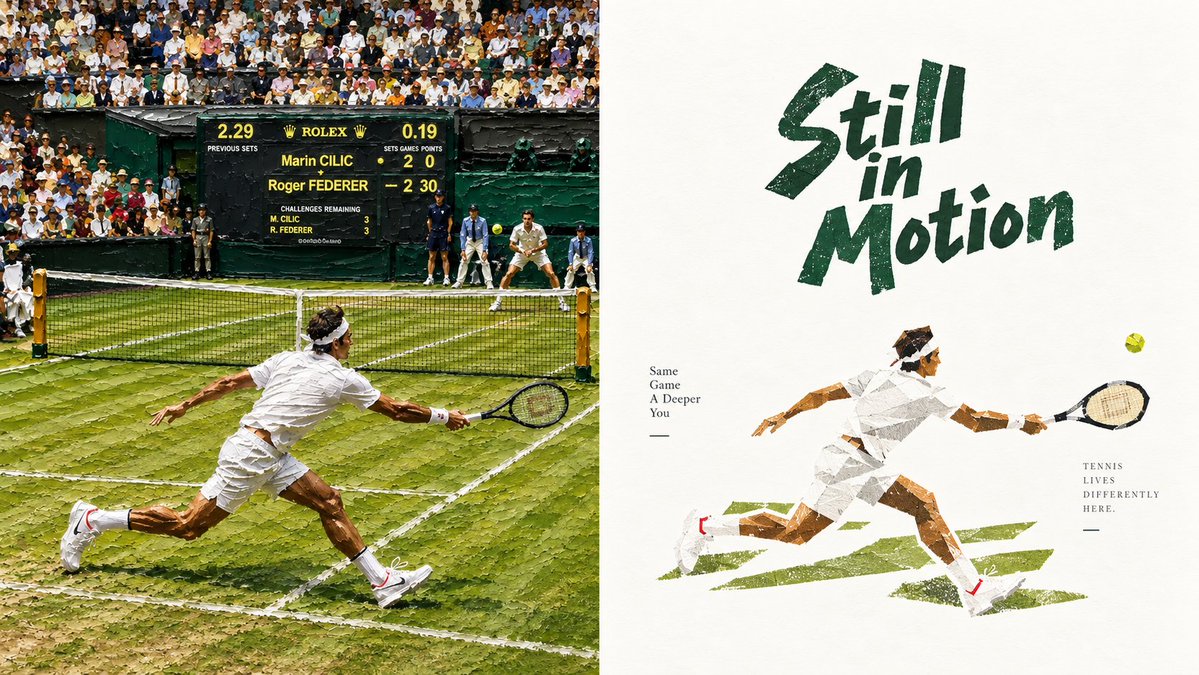
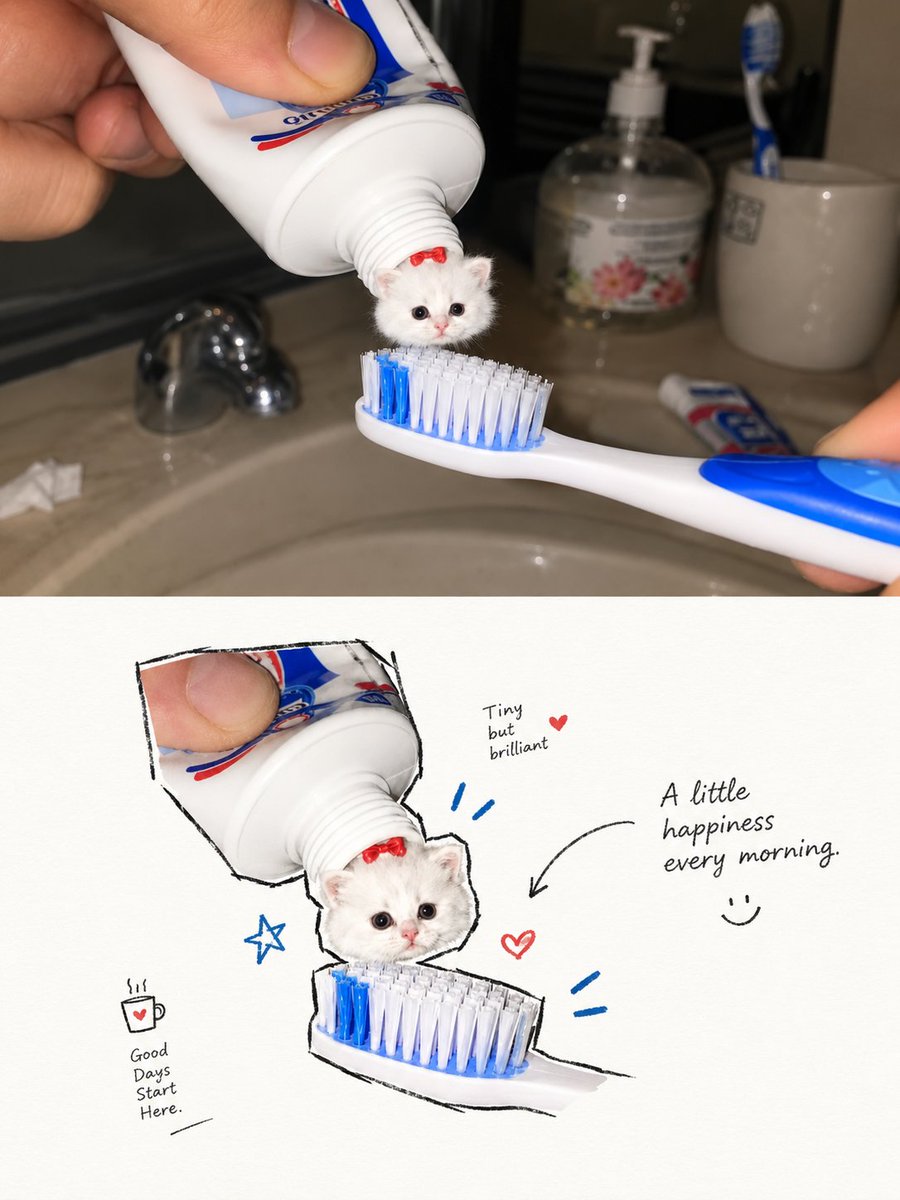
Transform the attached photo into a brush-painted illustration poster. The subject in the photo can be food, another product, a landscape, an animal, a person, or any object you want to feature as the main subject. [Aspect Ratio] Vertical 3:4 [Style] Digital painting / brush-painted effect. Visible brush strokes, uneven edges, slightly stretched paint marks. Hand-painted appearance that feels untouched and authentic. Interpret the image as a flat illustration with a simple arrangement of shapes rather than a realistic depiction. No gradients, shadows, 3D rendering, or detailed textures. Keep everything completely flat. Use a thin, irregular brush-painted outline that varies slightly from the painted areas. [Color] Background should be cream / off-white paper. Use only 3–4 colors taken from the attached photo: 1 dark primary color 1 bright primary color 1–2 supporting colors Slightly desaturated vintage tone. Never increase the number of colors. [Composition] The subject should be large and centered, occupying approximately 50–55% of the canvas. Extend the composition vertically with more space above and below, while also increasing the left and right margins. At the top: place 1–2 English uppercase words describing the subject, in very large hand-painted brush lettering. Use very wide letter spacing; the text may wrap around the illustration or extend toward the right/downward. At the bottom right: add a short handwritten English phrase of 3–5 words in an accent color. [Text] Look at the photo and choose suitable top and bottom phrases. Do not use the actual subject name as the top text. Choose words based on the atmosphere, location, season, time of day, or emotion shown in the photo. The bottom phrase should feel casual, lighthearted, and slightly playful—not overly serious or explanatory. [Forbidden] Realistic rendering 3D Shadows Reflections Logos Watermarks Border frames Excessive enlargement of the subject

21 모델에서 실행됩니다.

  • Flux
  • Flux 2
  • Flux Kontext
  • GPT-4o Image
  • GPT Image
  • GPT Image 2
  • GPT Image 2.5
  • GPT Image 2.6
  • Grok Imagine
  • Ideogram V3
  • Imagen 4
  • Kling
  • +9 이상

이 프롬프트의 출력

Seedream 5 prompt: male 지정되지 않음 v2
FLUX prompt: witch characher 지정되지 않음 flux-2-pro
FLUX prompt: comic 지정되지 않음 flux-2-pro
Hero prompt: woman with man in head lock 지정되지 않음 1.0
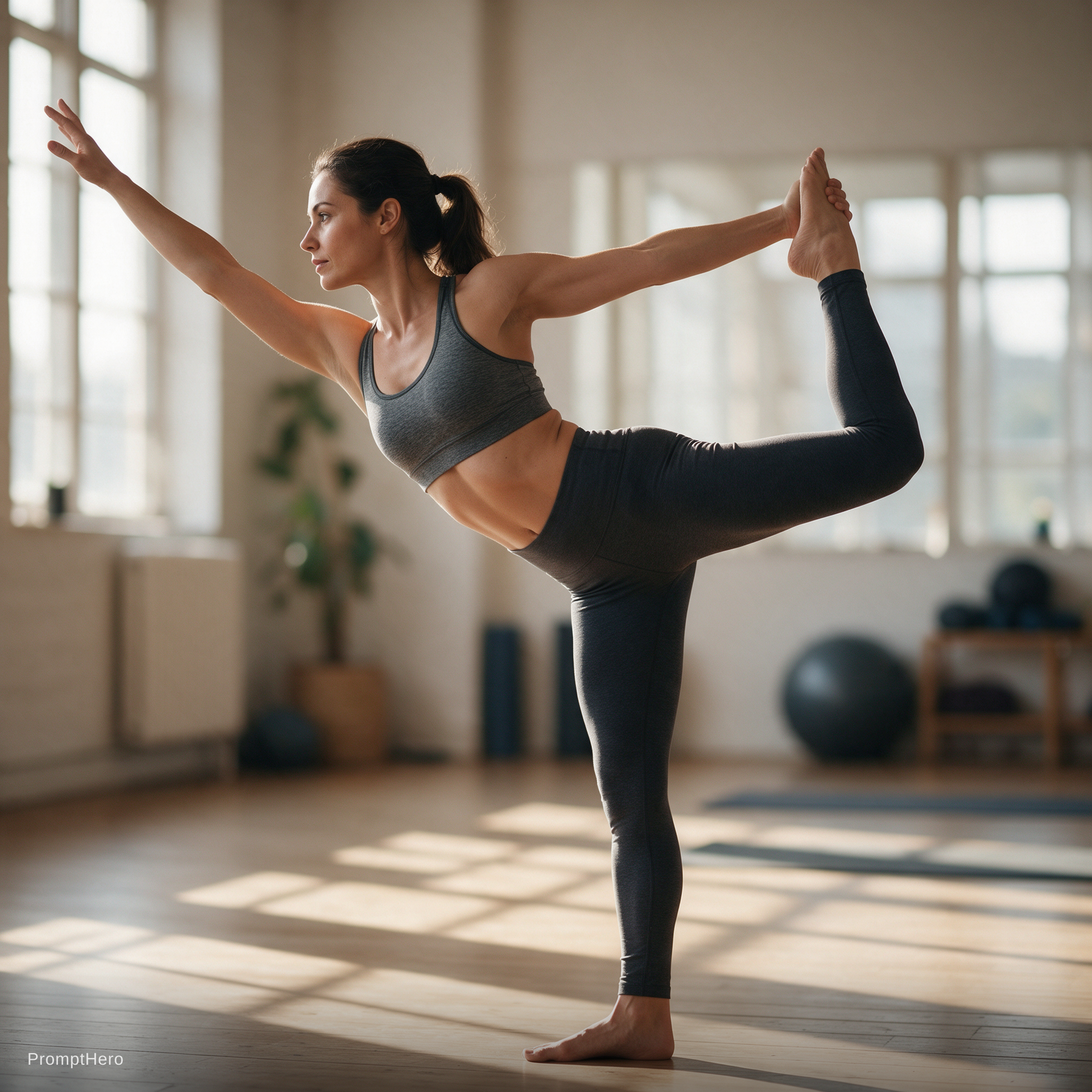
Seedream 5 prompt: Yoga in a sunlit studio, a woman in a sports bra a... 지정되지 않음 seedream-5-pro
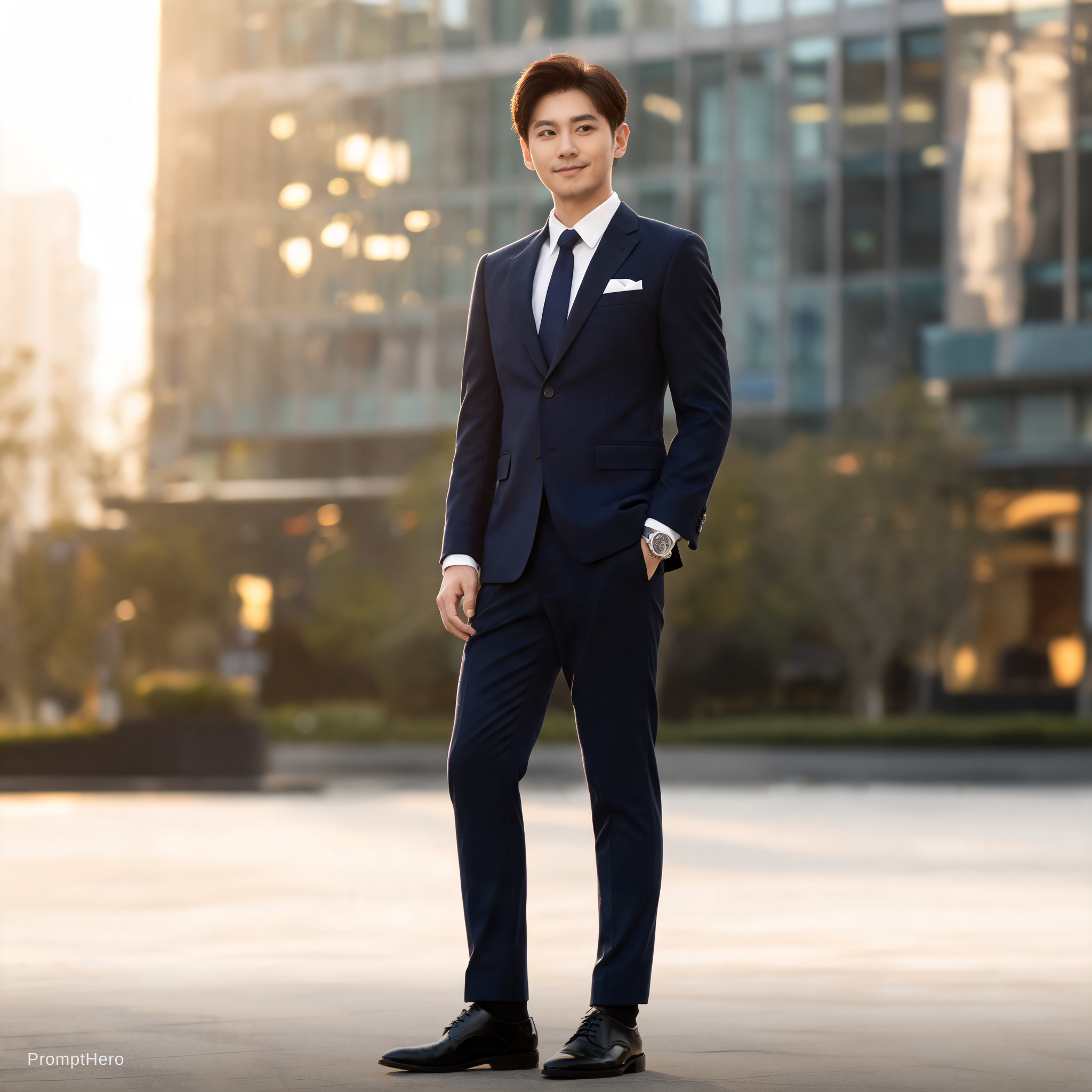
Seedream 5 prompt: master prompt for a man in suit 지정되지 않음 v2

API를 사용하여 이 프롬프트를 실행하세요.

아래 요청은 기본값이 채워진 이 프롬프트를 실행되는 첫 번째 모델로 보냅니다. 위에 나열된 다른 모델의 모델 이름을 바꾸십시오.

프롬프트 API 문서
/api/v1/gpt_image_2/text_to_image
curl -X POST https://runapi.ai/api/v1/gpt_image_2/text_to_image \
  -H "Authorization: Bearer $RUNAPI_API_KEY" \
  -H "Content-Type: application/json" \
  --data-binary @- <<'JSON'
{
  "model": "gpt-image-2",
  "prompt": "Transform the attached photo into a brush-painted illustration poster. The subject in the photo can be food, another product, a landscape, an animal, a person, or any object you want to feature as the main subject.\n[Aspect Ratio]\nVertical 3:4\n[Style]\nDigital painting / brush-painted effect.\nVisible brush strokes, uneven edges, slightly stretched paint marks.\nHand-painted appearance that feels untouched and authentic.\nInterpret the image as a flat illustration with a simple arrangement of shapes rather than a realistic depiction.\nNo gradients, shadows, 3D rendering, or detailed textures. Keep everything completely flat.\nUse a thin, irregular brush-painted outline that varies slightly from the painted areas.\n[Color]\nBackground should be cream / off-white paper.\nUse only 3–4 colors taken from the attached photo:\n1 dark primary color\n1 bright primary color\n1–2 supporting colors\nSlightly desaturated vintage tone.\nNever increase the number of colors.\n[Composition]\nThe subject should be large and centered, occupying approximately 50–55% of the canvas.\nExtend the composition vertically with more space above and below, while also increasing the left and right margins.\nAt the top: place 1–2 English uppercase words describing the subject, in very large hand-painted brush lettering. Use very wide letter spacing; the text may wrap around the illustration or extend toward the right/downward.\nAt the bottom right: add a short handwritten English phrase of 3–5 words in an accent color.\n[Text]\nLook at the photo and choose suitable top and bottom phrases.\nDo not use the actual subject name as the top text.\nChoose words based on the atmosphere, location, season, time of day, or emotion shown in the photo.\nThe bottom phrase should feel casual, lighthearted, and slightly playful—not overly serious or explanatory.\n[Forbidden]\nRealistic rendering\n3D\nShadows\nReflections\nLogos\nWatermarks\nBorder frames\nExcessive enlargement of the subject"
}
JSON

메시지를 보내보세요